The AI avatars market was valued at USD 6.3 billion in 2025 and is projected to reach USD 93.4 billion by 2035, but the best AI video generator with avatars still depends on the workflow you need. LunaBloom AI is the broadest fit for cinematic, localized, end-to-end production, while other platforms are stronger for enterprise training, interactive courses, APIs, social editing, or livestreaming.
The popular advice is to choose the platform with the biggest avatar library or the most realistic presenter. That's too narrow. A convincing face won't rescue a tool that can't handle your language requirements, export format, approval process, interactive course structure, API calls, or live audience.
This comparison evaluates ten platforms by the finished video they're designed to produce. The focus is on photo-real, animated, and 3D avatars, custom-avatar options, voice cloning, lip-sync, translation, editing depth, collaboration, API access, pricing structure, output quality, and practical limitations.
That matters because an AI presenter for a compliance module has different requirements from an avatar in a cinematic product ad. A developer building a real-time assistant needs a different stack from a social team assembling short clips with captions and B-roll.
The category is already commercially significant. Research cited by Emergen Research's virtual human market analysis estimates the global virtual human market at USD 4.26 billion in 2025, with a projected 22.8% CAGR from 2026 to 2035. The same research puts AI video generation platforms at USD 2.8 billion in 2025, or 44.3% of AI avatar revenue.
The practical question isn't “Which tool has the most features?” It's “Which tool can reliably produce the exact videos my audience, team, and distribution channels require?” This list gets to that answer quickly, starting with the broadest production workflow.
1. LunaBloom AI
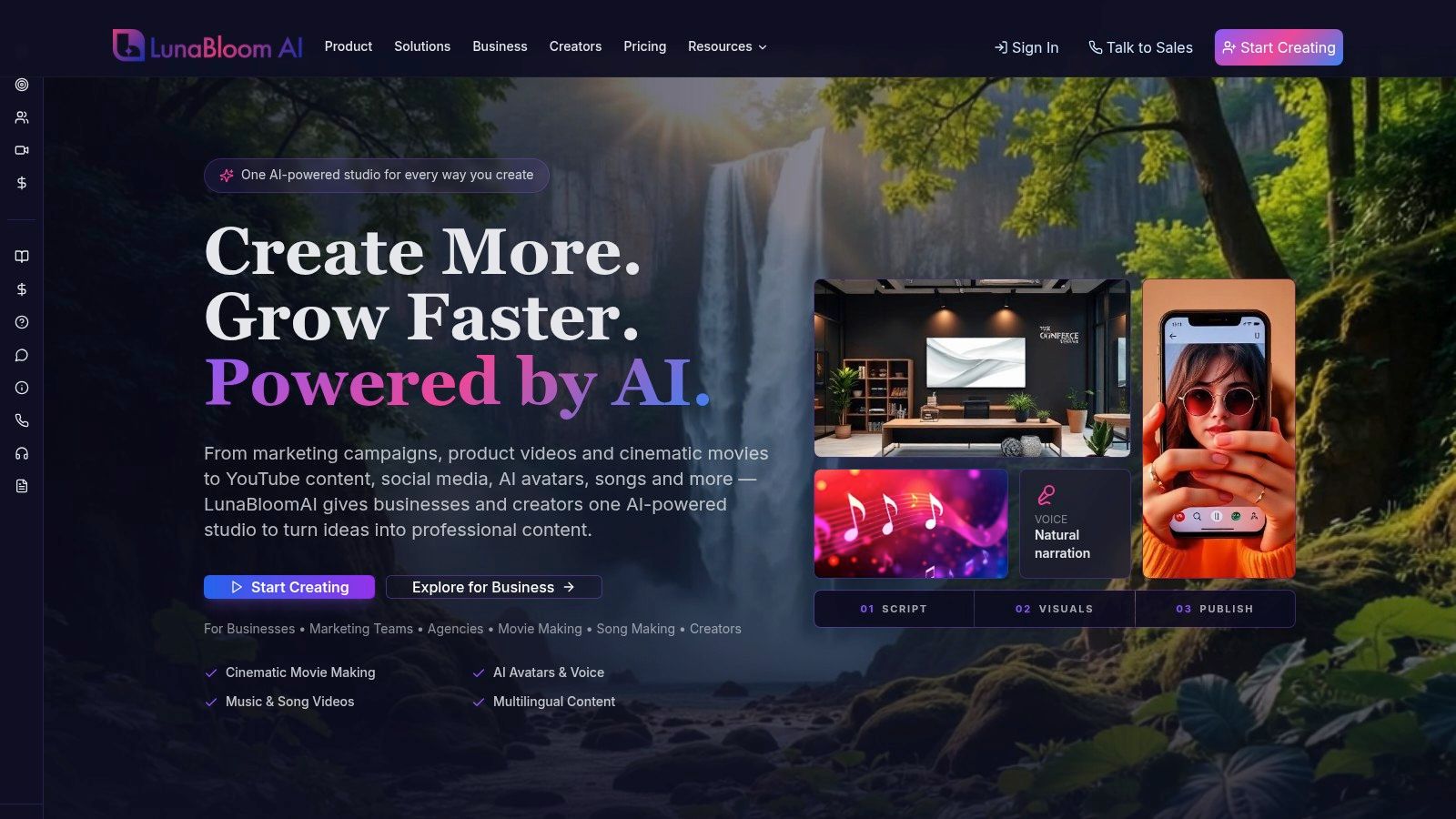
LunaBloom AI is the strongest all-round choice when the brief combines cinematic presentation, custom avatars, localization, editing, and social distribution. It turns scripts, text prompts, and images into edited videos, then brings together photo-real, animated, and 3D avatars, cloned voices, automated lip-sync, natural narration, and multi-character dialogue.
That combination makes it more suitable for a campaign pipeline than a simple talking-head generator. A marketing team can build a product demo, adapt it for multiple regions, add subtitles and translated narration, and prepare social publishing assets without moving between several specialized tools. The platform also supports music and song video creation, including lip-synced visuals for uploaded tracks.
Best fit for end-to-end production
LunaBloom is unusually broad in the scenarios it targets. It can support social ads, product demos, tutorials, onboarding, internal communications, training, and cinematic shorts. Storyboard and timeline editing, layered audio, HD and Full HD export, and premium templates give teams more control than a workflow built around script-to-presenter generation alone.
Localization is another major differentiator. The platform supports 50+ languages and regional accents, with automated subtitles, translations, and SEO-oriented thumbnails, titles, and metadata. That doesn't remove the need for human review. Names, technical terms, cultural references, and claims should still be checked in every language before publication.
For teams, collaboration, version control, analytics, and API integrations make LunaBloom a better candidate for repeatable production than a tool intended mainly for one-off clips. A free pay-as-you-go trial also gives buyers a way to test the workflow before committing to a subscription.
Pricing and limitations
LunaBloom uses monthly generation credits. Credit consumption varies with clip length, resolution, avatars, dialogue, and voice features, so a short single-avatar video won't have the same economics as a longer multi-character production.
Representative business tiers listed by the company include Business Launch at $999 per month with 10,000 credits, Business Growth at $1,999 per month with 25,000 credits, and Business Scale at $3,999 per month with 60,000 credits. Enterprise plans are custom, with listed starting levels of approximately $5,000 or more per month. Verify current pricing and credit rules before budgeting.
Buying decision: Choose LunaBloom when you need one system for cinematic avatar videos, localization, editing, metadata, and team production. If you only need short training presentations or a developer API, a narrower platform may be easier to cost and operate.
The main risks are credit complexity and governance. Voice cloning and realistic custom avatars require documented consent, rights management, disclosure policies, and careful review for sensitive communications. Buyers should test a representative script, check pronunciation and lip-sync, and confirm commercial usage terms before scaling.
2. Synthesia
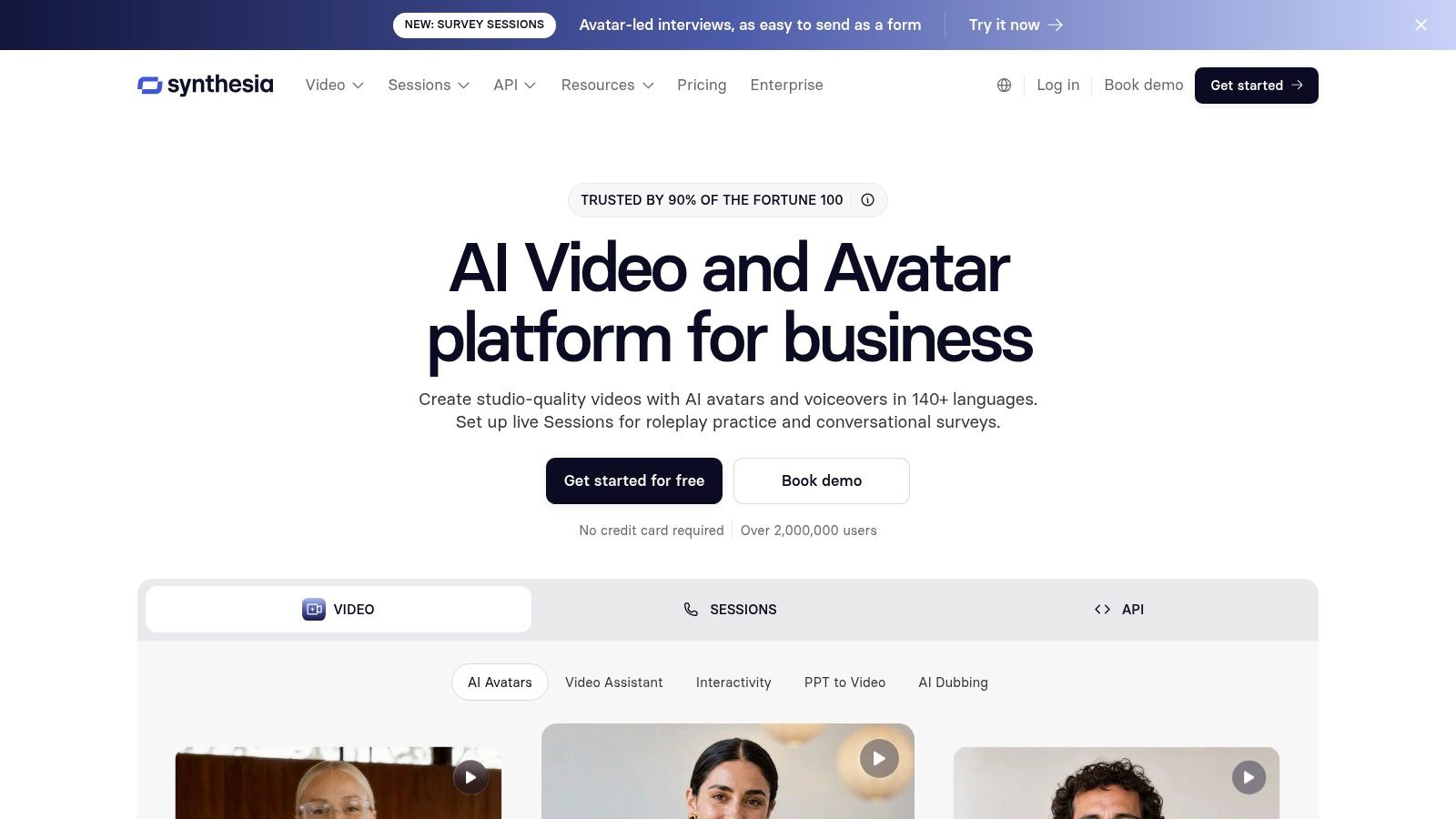
Synthesia is built for organizations that need structured presenter-led video, especially corporate training, enablement, onboarding, and internal communications. Its core strength isn't cinematic experimentation. It's repeatability, governance, and a controlled production experience for teams that need many consistent videos.
The platform offers 125 to 180+ stock photoreal avatars, depending on the current catalog and plan, along with custom-avatar and avatar-cloning options. Script-to-video workflows can include captions, screen layouts, brand kits, multilingual text-to-speech, dubbing, and localization.
Best fit for governed corporate video
Shared workspaces, roles, API access, and enterprise governance make Synthesia a natural fit when video production involves subject-matter experts, reviewers, brand managers, and learning teams. A company can standardize presenter style and visual identity instead of asking every department to produce videos independently.
Its emerging interactive avatar and survey capabilities may also suit organizations exploring more responsive learning experiences. Buyers should verify exactly which interactive functions are available on their plan, because advanced features can be usage-limited on lower tiers.
Synthesia's localization is valuable for global internal communications, but translated video still needs review by native speakers. Automated dubbing can preserve speed and consistency, yet it shouldn't be treated as a substitute for terminology management in regulated or technical content.
For a broader production workflow, teams may also compare its presenter-led approach with LunaBloom's production capabilities, particularly when the same team creates cinematic marketing assets alongside training videos.
What to verify
Synthesia is generally a stronger choice for enterprise consistency than for highly stylized social content. It can feel restrictive if your videos depend on music-led editing, multiple visual treatments, or highly customized cinematic scenes.
Pricing is positioned above many creator-focused tools, and advanced interactivity may require higher plans or additional usage. Before signing, test a real training module with screen content, brand elements, captions, and translated narration. The important question is whether reviewers can approve and update videos quickly, not whether the avatar looks impressive in a demo.
3. HeyGen
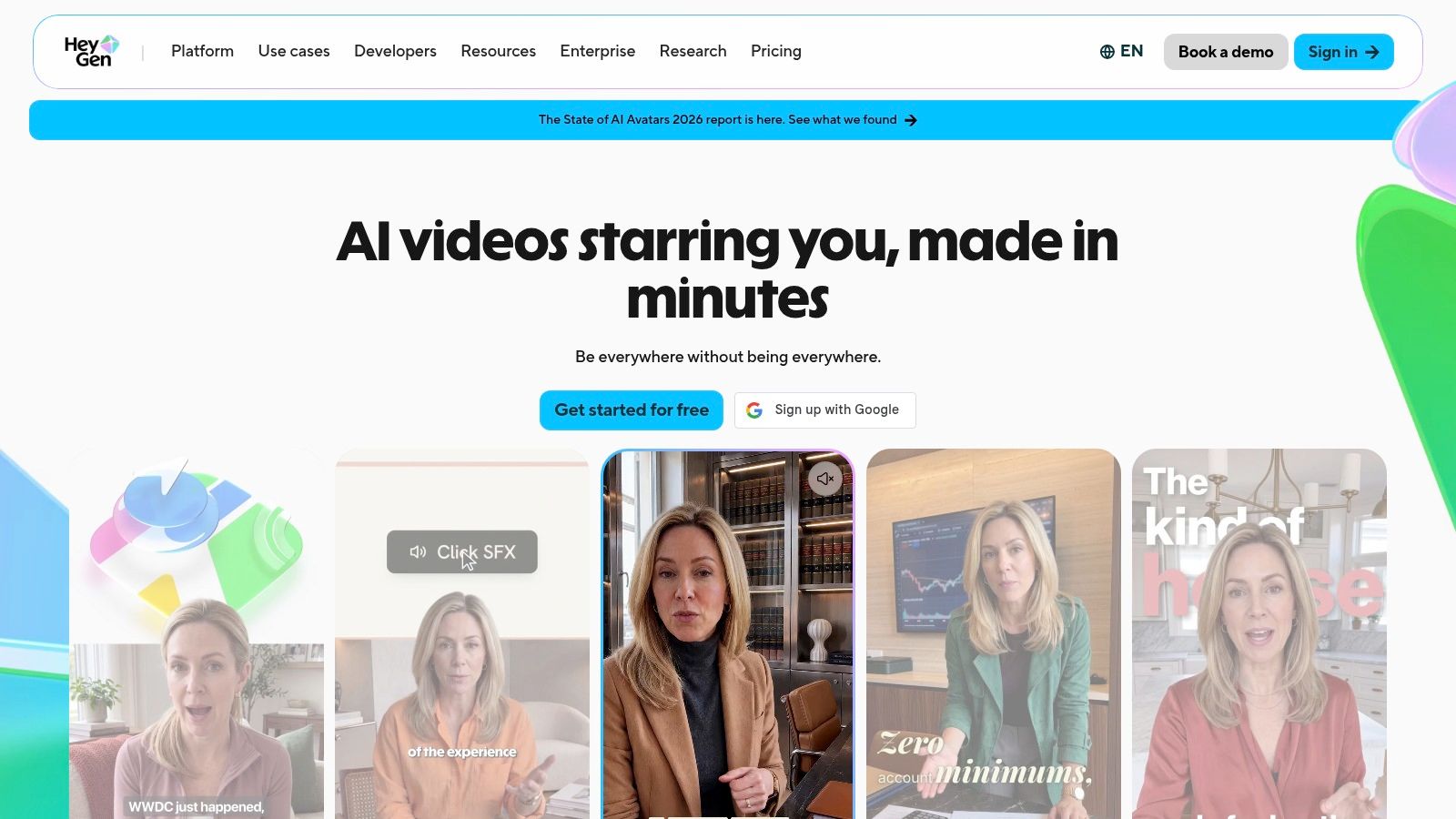
HeyGen suits teams that prioritize fast avatar creation, strong lip-sync, translation, and flexible presenter formats. It offers stock, photo, custom video, and live avatar options, making it useful for creators who want to move between conventional presenter videos and more personalized digital personas.
Its credit-based system supports different avatar model tiers, identified as III through V in the supplied product details. That structure gives buyers flexibility, but it also means output costs can vary with the model and generation settings. A free plan with limited monthly videos makes initial testing accessible.
Best fit for fast localization
HeyGen's built-in translation and lip-sync dubbing are the central buying reason. A creator can start with one presenter video and adapt it for multiple audiences while preserving the visible performance. That's useful for product announcements, sales outreach, creator education, and localized marketing.
The platform also includes templates and team collaboration features. Live Avatar options make it more flexible than a tool limited to pre-rendered clips, although buyers should distinguish carefully between recorded video generation and real-time interaction.
The supplied product information describes recent pricing and credit changes that have frustrated some users. That doesn't make the platform unsuitable, but it does make a usage simulation essential. Generate the same short script at the quality level you expect, then estimate the monthly volume using the current credit schedule.
Where it falls short
HeyGen is a strong candidate for speed, but credit rates and pricing can be difficult to predict for high-volume production. A workflow that looks inexpensive for occasional videos may become harder to manage when it includes custom avatars, premium models, translation, and repeated revisions.
Its customization depth should also be tested against your brand requirements. If you need complex multi-scene editing, layered audio, music-driven sequences, or detailed post-production, you may prefer a broader editor or a platform such as LunaBloom's avatar video workspace.
Choose HeyGen when quick, polished presenter videos and localization matter more than deep timeline control. Verify current credits, export terms, avatar ownership, and live-avatar availability before committing.
4. Colossyan
Colossyan is the most focused option in this list for learning and development teams that need interactive training content. It combines avatar-led video creation with quizzes, branching scenarios, SCORM exports, brand kits, team seats, and API access.
Its library includes 300+ stock avatars, alongside custom avatars and cloned voices. That breadth gives course designers room to assign different presenters to different audiences or modules, while custom options can support a consistent instructor identity.
Best fit for interactive courses
Colossyan becomes more compelling when a video needs to do more than present information. Quizzes and branching scenarios allow the viewer's response to influence the learning path, while SCORM exports support integration with learning management systems.
That makes it better suited to compliance training, onboarding, scenario-based learning, and enablement than a general social video editor. Migration support can also reduce friction for organizations moving from another avatar platform.
The workflow still depends on good instructional design. An avatar cannot make a poorly structured lesson interactive. Course teams should decide where learners need explanation, practice, feedback, or branching before generating scenes.
The right question for an L&D buyer isn't whether the avatar looks cinematic. It's whether the finished module can enter the learning system, support assessment, and remain maintainable when the policy changes.
Costs and constraints
Some advanced features and premium avatar models are plan-bound. Costs can increase with higher-minute requirements or premium presenters, so buyers should model the full course library rather than testing only one short lesson.
Colossyan's main limitation is specialization. It's an excellent candidate when interactive learning is central, but it may be less efficient for a brand campaign requiring music, social variants, cinematic visuals, or broad post-production control. Select it when SCORM, branching, and quizzes are buying requirements, not merely attractive extras.
5. Elai.io
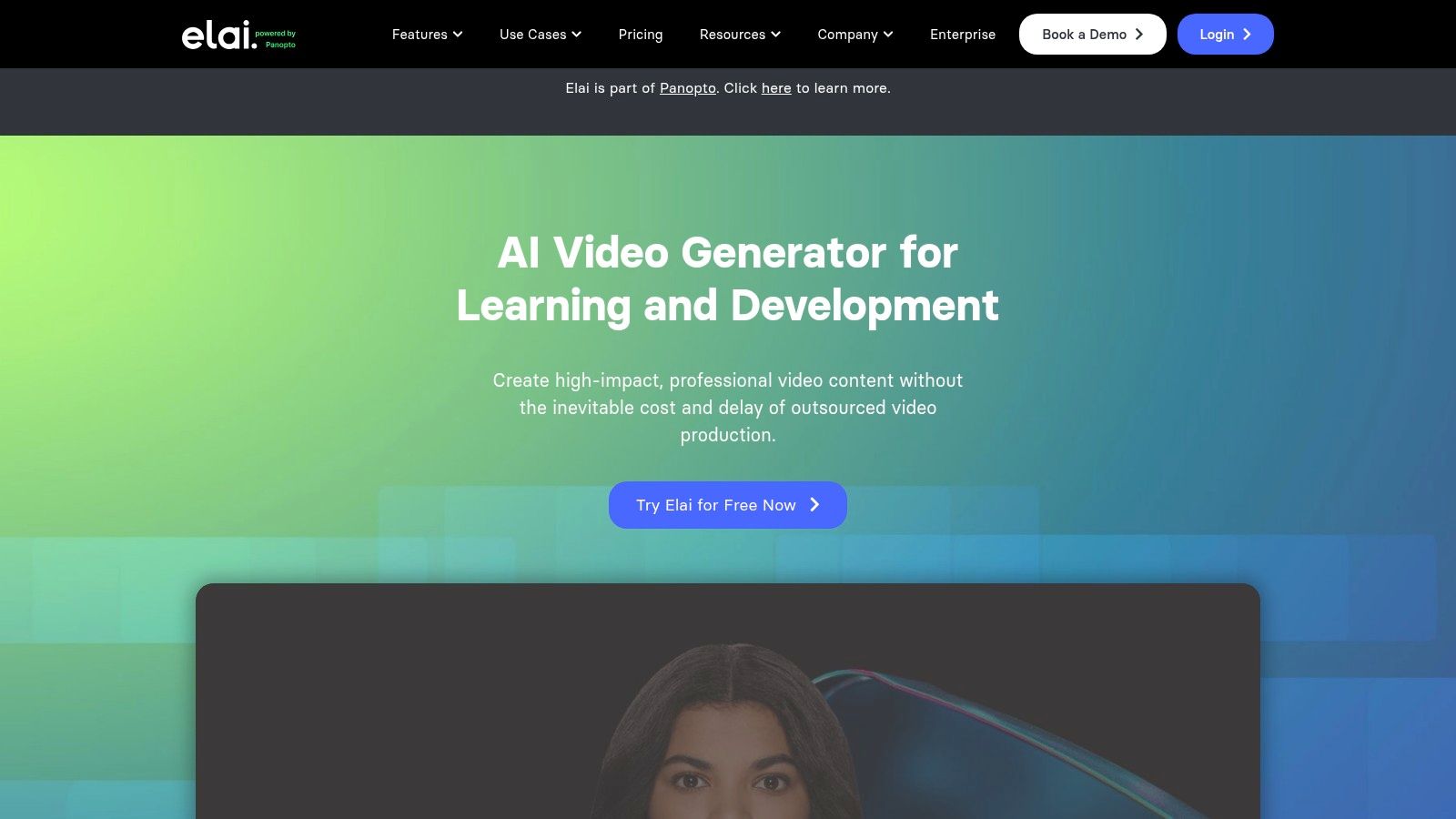
Elai.io is aimed at creators, small and medium-sized teams, educators, and training groups that want custom avatar production without a complicated capture process. Its Selfie Avatars let users create a personalized presenter from self-captured footage, while the broader platform also includes stock avatars, voice cloning, captions, subtitles, templates, and a storyboard-style editor.
The platform supports 70 to 80+ languages, according to the supplied product details, and includes SCORM-oriented course workflows and API access. That places it between a lightweight creator tool and a more structured training platform.
Best fit for accessible custom presenters
Elai's strongest scenario is a founder, educator, consultant, or SMB training team that wants a recognizable presenter without arranging repeated filming sessions. A Selfie Avatar can provide continuity across tutorials, onboarding modules, and internal updates.
Its storyboard editor and HD export support a practical production workflow, while captions and subtitles make the output easier to adapt for silent viewing and multilingual audiences. Buyers should still review pronunciation, pacing, and translated terminology, especially in technical lessons.
The platform also supports LunaBloom's starter workflow as a comparison point for buyers deciding whether they need a more cinematic, multi-format production environment or a focused custom-presenter tool.
Pricing and limitations
Extra minutes are metered, and heavy use can add up. The key calculation is not just the subscription price. Count the expected minutes, revisions, translated versions, and custom-avatar scenes in a typical month.
Elai's enterprise governance is less extensive than that of the largest incumbents in this comparison. It may be a good fit for a smaller team that values ease of use, but a larger organization should verify role controls, approval processes, security requirements, API limits, and data handling.
Choose Elai when accessible custom-avatar creation and training outputs matter most. Choose a more enterprise-oriented platform when governance and organization-wide control are more important than fast setup.
6. D-ID
D-ID is the clearest choice for developers building avatar functionality into products, prototypes, and real-time experiences. It offers a Studio web application, a developer-focused API, personal and custom avatars, image-to-talking-video generation, agent embedding, and WebRTC streaming options.
That API orientation changes the buying decision. D-ID isn't primarily competing as a complete marketing editor. It's useful when the avatar needs to become part of an application, assistant, demonstration, or programmatic content pipeline.
Best fit for developer pipelines
A developer can use an image or custom avatar as the visual layer for generated responses, then connect that experience to an application or agent. Real-time streaming and WebRTC support are particularly relevant when a prerecorded clip isn't enough.
An independent open-source avatar system demonstrates a related workflow in which a user supplies a face photo and voice sample, then receives lip-synced video responses in a real-time conversation. That system supports multilingual voice cloning in 23 languages from a 10-second sample, as described in its open-source AI avatar system documentation. The example illustrates the kind of pipeline developers should evaluate, but it isn't evidence that every D-ID workflow offers those exact capabilities.
D-ID's Studio can still support no-code creation, but its real advantage appears when the team has engineering resources and a clear integration requirement.
What to verify before building
D-ID has fewer built-in editing and layout capabilities than an all-in-one video editor. Teams may need a separate system for branding, B-roll, scene composition, subtitles, and final campaign variants.
Free tiers may include watermarking rules, while paid plans can involve commercial licensing. API pricing can also become significant at high usage, so calculate requests, response length, rendering time, streaming sessions, and retries.
If the goal is a polished training library, D-ID may be more infrastructure than you need. If the goal is a talking avatar inside a prototype or live assistant, its API and real-time focus make it a serious finalist. Use LunaBloom's contact page when comparing a managed production platform with a developer-led integration.
7. DeepBrain AI, AI Studios
DeepBrain AI's AI Studios is designed for corporate training, onboarding, explainers, and longer-form instructional video. Its feature set includes stock and custom avatars, voice cloning, dubbing, corporate templates, team collaboration, and higher-plan 4K export.
The platform's pricing structure is presented with creator, team, and enterprise tiers, which can make it easier for organizations to move from individual experimentation to managed production. Interactive avatar options are priced by slot and minutes, so the live or responsive layer should be evaluated separately from standard video generation.
Best fit for longer corporate content
AI Studios is a sensible choice when the organization produces substantial training or onboarding content and wants a presenter-led format across multiple modules. Its corporate templates and course-friendly outputs favor clear instruction over highly stylized creator content.
Voice cloning and dubbing can help maintain a consistent presenter identity across localized versions. Yet buyers should confirm consent procedures for cloned voices and avatars, especially when an employee, executive, or external speaker is represented.
The platform also supports SSO and team collaboration options on relevant plans. Those features matter when content must pass through reviewers, administrators, and subject-matter experts before release.
Trade-offs for buyers
The visual style and templates lean toward corporate and training use cases. That's helpful for instructional consistency, but it may feel limiting for entertainment, music-led social content, or cinematic brand storytelling.
Interactive features may require extra slots or usage fees. Buyers should compare the economics of standard rendered videos and interactive experiences instead of assuming one subscription covers both.
DeepBrain's privacy information is also a useful reference point when teams compare how avatar platforms describe data handling, consent, and enterprise deployment. Select AI Studios when longer training content and corporate workflow matter more than a creator-first aesthetic.
8. VEED
VEED is a broad online editor with an expanding AI avatar and presenter module. It's best for teams that want to combine avatar clips with subtitles, B-roll, effects, branding, resizing, and social templates in one editing environment.
The platform offers dozens of AI presenters and reported support for 120+ languages in the supplied product details. It also includes text-to-speech, dubbing, scripting tools, AI lip-sync, and avatar APIs, although some API capabilities may be waitlisted or still rolling out.
Best fit for avatar-led social editing
VEED makes sense when the avatar is one layer in a larger social production process. A marketing team can create a presenter intro, add supporting B-roll, apply captions, adapt the canvas for different social formats, and finish the edit without exporting to a separate non-linear editor.
That broader editor is its main advantage over specialist avatar platforms. If the final video needs visual rhythm, branded overlays, quick cuts, subtitles, and multiple aspect ratios, VEED may reduce tool switching.
The trade-off is avatar depth. Its realism and selection are improving, but specialist avatar leaders may offer more mature presenter controls or a stronger catalog. Buyers should test the exact avatar, voice, and language combination they intend to use rather than judging the entire category from a demo clip.
Pricing and rollout considerations
VEED is positioned competitively relative to pure-play avatar tools, but the practical cost depends on editing usage, AI generation, dubbing, exports, and team requirements. Some avatar or API functions may not be available immediately to every account.
Use VEED when editing is as important as the avatar. It's particularly suitable for social teams and marketers who need a complete publishing workflow. It's less compelling if your central requirement is enterprise training governance, deep interactive learning, or a real-time developer agent.
9. Kapwing
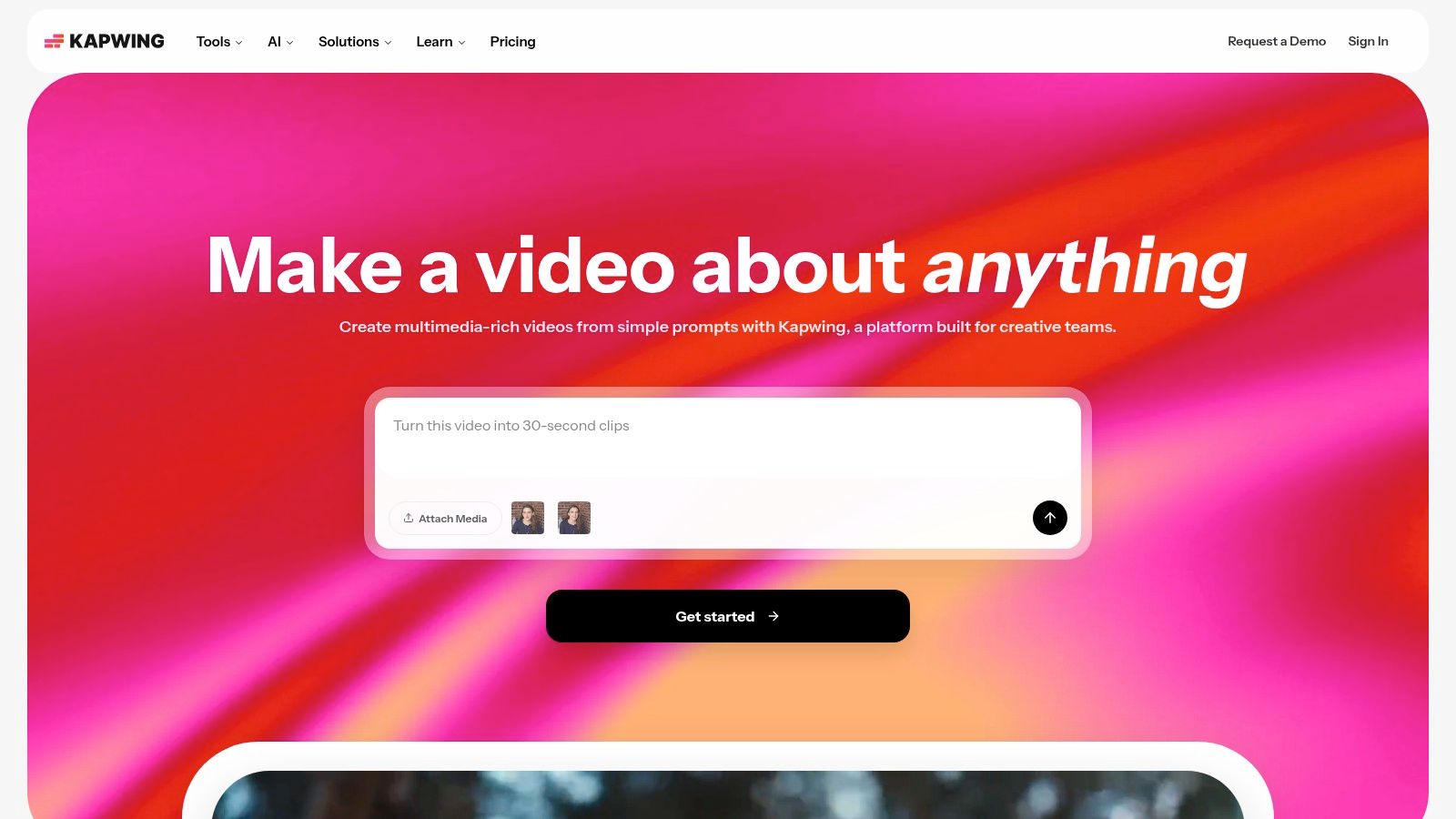
Kapwing takes a social-first approach by placing 50+ AI avatars inside an online timeline editor. The platform combines presenter clips with subtitles, B-roll, transitions, brand tools, canvas resizing, and voices powered by ElevenLabs, according to the supplied product details.
That makes it a practical option for creators and social teams that don't need a highly specialized avatar studio. The value comes from assembling a finished short quickly, not from maximizing avatar realism or building a complex enterprise training system.
Best fit for short-form content
Kapwing works well when a team has a repeatable social format. For example, a creator can place an avatar introduction at the start of a clip, add supporting footage, generate subtitles, resize the canvas, and apply brand styling in the same timeline.
The user experience is a stronger reason to choose Kapwing than the avatar module alone. Social teams often need rapid revisions, simple collaboration, and platform-specific formatting more than they need elaborate custom-presenter production.
Its credit system applies to AI features, while paid tiers provide larger file limits. High-volume users should calculate credits for generation, transcription, voice, and revisions rather than looking only at the base subscription.
Limitations
Kapwing's avatars are newer than those of dedicated avatar leaders. That means buyers should check facial movement, pronunciation, voice consistency, and the quality of longer scenes before using the output for a high-trust campaign.
It's also not the natural first choice for SCORM courses, real-time agents, or elaborate cinematic sequences. Choose Kapwing when the production problem is “make branded social clips with an avatar efficiently,” not “build a governed enterprise avatar system.”
10. Wondershare Virbo
Wondershare Virbo is a consumer-friendly option for creators, sellers, educators, and tutorial makers who want budget-conscious avatar videos with a live-streaming path. It offers 100+ royalty-free avatars, script writing, captions, templates, voice cloning, and 1080p exports.
Its most distinctive feature is Virbo Live, a separate product focused on avatar livestreaming. That gives Virbo a use case many rendered-video platforms don't prioritize, including live product presentation, tutorial delivery, and creator-led virtual hosting.
Best fit for livestreaming and accessible production
Virbo's app-oriented workflow can appeal to users who want to write a script, select an avatar, add captions, and publish without adopting a professional editing environment. Annual plans are described as offering low-cost entry and favorable minute economics, but current plan terms should be checked before purchase.
The platform also advertises broad live-translation language support. Translation claims should be tested with your actual product terms, names, and audience languages, because live delivery leaves less room for correction than prerecorded video.
Virbo can work well for sellers and educators who value speed and live-avatar functionality over detailed timeline control. It's also worth considering for smaller teams that don't need advanced collaboration or enterprise governance.
Where buyers should be cautious
Virbo's editing depth is lighter than that of professional non-linear editors. App-centric workflows can be convenient for simple videos, but they may become restrictive when a campaign requires complex compositing, layered sound, precise scene timing, or extensive versioning.
Some community complaints concern broader company policies, so larger buyers should test support, data handling, licensing, and workflow reliability before making a major commitment. Virbo is the clearest recommendation here for budget-conscious creators and livestreaming, not for teams seeking the deepest post-production environment.
Top 10 AI Avatar Video Generators, Comparison
| Platform | Core features | Quality (★) | Price & Value (💰) | Target Audience (👥) | Unique / Standout (✨) |
|---|---|---|---|---|---|
| 🏆 LunaBloom AI | Cinematic script→video studio; photo‑real/animated/3D avatars; voice cloning; 50+ language localization; auto subtitles & SEO metadata | ★★★★★ | 💰 Free PAYG; credit-based tiers, Business $999–$3,999+/mo; enterprise options | 👥 Creators, agencies, marketing teams, enterprises | 🏆✨ End‑to‑end studio: hyper‑real avatars, multi‑character dialogue, AI songs, APIs & enterprise workflows |
| Synthesia | Presenter-led studio; large photoreal avatar library; dubbing & brand kits; governance & API | ★★★★☆ | 💰 Enterprise pricing; higher cost for governance tiers | 👥 Enterprises, L&D, corporate comms | ✨ Large avatar catalog + strong enterprise governance |
| HeyGen | Stock/photo/custom video avatars; strong lip‑sync & dubbing; credit model; templates | ★★★★ | 💰 Free plan; credit‑based pricing (variable rates) | 👥 Creators → small teams | ✨ Strong lip‑sync, video/live avatar options |
| Colossyan | Avatar videos with quizzes, branching, SCORM exports; custom avatars & voices | ★★★★ | 💰 Tiered plans; premium avatars/minute can raise costs | 👥 L&D, training teams, course creators | ✨ Built‑in interactivity & SCORM/course exports |
| Elai.io | Selfie/custom avatars, 70–80+ languages, voice cloning, storyboard editor, SCORM | ★★★★ | 💰 Metered per‑minute; SMB‑friendly pricing | 👥 SMBs, training teams, creators | ✨ Easy selfie avatar capture + course workflows |
| D‑ID | Studio + developer API; image→talking‑video; agent embedding & WebRTC streaming | ★★★★ | 💰 API‑centric pricing; can be costly at scale | 👥 Developers, POCs, programmatic pipelines | ✨ Real‑time agents & robust developer API |
| DeepBrain AI, AI Studios | Stock/custom avatars, dubbing, 4K export, templates, collaboration & SSO | ★★★★ | 💰 Competitive minute pricing for long‑form training | 👥 Corporate training, enterprises | ✨ Cost‑effective long‑form training & slots for interactive avatars |
| VEED | Full NLE with avatars/presenters, subtitles, B‑roll, templates for social | ★★★★ | 💰 Competitive vs pure avatar tools; editor included | 👥 Social teams, marketers, creators | ✨ Integrated editor + avatar toolkit for social content |
| Kapwing | Timeline editor + 50+ AI avatars, ElevenLabs voices, resizing & subtitles | ★★★ | 💰 Credit system for AI features; paid tiers for large files | 👥 Social creators, small teams | ✨ Fast multi‑scene shorts, excellent social formatting UX |
| Wondershare Virbo | 100+ royalty‑free avatars, Virbo Live streaming, voice cloning, translations | ★★★ | 💰 Low‑cost entry; favorable minute economics on plans | 👥 Creators, livestreamers, sellers | ✨ Turnkey avatar livestreaming (Virbo Live) |
Choose the Avatar Workflow Before the Tool
The best AI video generator with avatars depends on the production problem behind the search. LunaBloom AI is the broadest recommendation for cinematic, multi-format, localized production because it combines custom avatars, voice cloning, multi-character dialogue, editing, subtitles, translations, metadata, and team workflows in one environment.
Choose Synthesia or DeepBrain AI when the priority is structured corporate video. Both are better aligned with training, onboarding, explainers, and internal communications than with highly stylized social campaigns. Synthesia is especially attractive for enterprise governance and collaboration, while DeepBrain AI, AI Studios, is a practical candidate for longer training content and corporate templates.
Choose Colossyan when interactivity is central. Quizzes, branching scenarios, and SCORM exports give it a clear advantage for learning teams that need more than a presenter reading a script. Elai.io is the more accessible custom-avatar option for educators, creators, SMB teams, and training groups that want a personalized presenter without a complex capture workflow.
For developers, D-ID is the most focused choice. Its API, agent embedding, and real-time streaming options make it more suitable for programmatic pipelines and interactive prototypes than for traditional campaign editing. HeyGen is a strong option when the main goal is fast avatar localization, translation, and lip-synced dubbing.
Social teams should compare VEED and Kapwing. VEED is the stronger fit when the avatar must sit inside a broader editing workflow with B-roll, effects, subtitles, and branding. Kapwing is well suited to fast short-form assembly, timeline editing, resizing, and caption-heavy social production. Virbo stands apart for budget-conscious creators and live-avatar livestreaming.
Before choosing, work through this practical checklist:
- Avatar ownership and consent: Confirm who owns the custom avatar, whether voice cloning requires documented consent, how likeness rights are handled, and what happens when a contributor leaves.
- Lip-sync and realism: Test a real script with names, pauses, numbers, and technical language. A 2026 comparative evaluation reported frame-level lip-sync accuracy of 94% for HeyGen, 92% for Tavus, 91% for Synthesia, and 87% for D-ID on a 30-second English conversational clip, while reviews still report recurring concerns about naturalness and customization. See the avatar video comparison benchmark for the cited evaluation.
- Emotional range: Don't assume a realistic face can deliver nuanced storytelling. Independent coverage notes ongoing difficulty with deep emotional delivery, longer clips, micro-expressions, and subtle eye movement in this review of AI avatar generators.
- Language and localization: Check voice quality, regional accents, translated on-screen text, captions, and terminology review. One platform describes translating both scripts and canvas elements while generating captions in the narration language, which is the level of workflow detail global teams should look for. The overview of AI lip-sync models describes that localization approach.
- Editing control: Verify whether you can adjust scenes, audio layers, captions, B-roll, timing, backgrounds, and aspect ratios without exporting to another editor.
- Output requirements: Confirm resolution, file type, watermark rules, commercial licensing, subtitle export, and whether your learning or publishing system accepts the final files.
- Collaboration and governance: Check roles, approvals, version history, SSO, analytics, audit needs, and API permissions if more than one person will produce or approve content.
- Usage economics: Model minutes, credits, avatar tiers, translation, revisions, interactive sessions, API calls, and live streaming separately. A low entry price can become less attractive when every change consumes usage.
- Disclosure and compliance: Synthetic media rules are changing. Legal coverage highlights EU AI Act Article 50 disclosure duties for certain synthetic media and AI systems that interact with people, alongside restrictions and enforcement activity involving deceptive synthetic endorsements and deepfake advertising. Review the current AI avatar marketing compliance guidance for the relevant markets, then obtain legal advice for sensitive use cases.
The market's growth shows that avatar-led video has moved into normal production workflows. One 2026 analysis of 1.5 million AI video projects found that 24.1% included AI avatars, based on 8,781 projects, with avatar use reaching 25.9% in finance and commerce and 34.8% in tech and innovation. A separate industry snapshot reported that 35% of corporate training videos produced in 2026 used AI avatars, compared with 8% in 2023, while 78% of marketing teams used AI-generated video in at least one campaign per quarter and 36% of brands had started using AI avatars to present scripts on camera. Those figures are reported in the AI avatar adoption analysis.
Still, adoption doesn't make every avatar suitable for every message. Human presenters may remain the better choice for apologies, emotional brand stories, sensitive health communications, or high-trust situations where subtle presence matters more than production speed.
Run the same short script, with the same avatar scenario, through your finalists. Test one product explanation, one localized version, one captioned social cut, and one longer training scene. Review the output with the people who'll write, approve, localize, and publish it. Finally, verify current pricing, feature availability, licensing, and usage limits before scaling production, since platform plans and capabilities can change.
LunaBloom AI combines photo-real, animated, and 3D custom avatars with voice cloning, automated lip-sync, multi-character dialogue, editing, subtitles, localization across 50+ languages, and social-ready outputs. Visit LunaBloom AI to test whether its end-to-end workflow fits your next cinematic, localized, training, or marketing video.