Great videos win before the camera rolls. The strongest results come from a connected system that starts with audience intent, earns attention quickly, communicates clearly, works without sound, fits the viewing platform, and gives the team useful evidence for the next production. Editing matters, but it can't rescue a vague promise, weak audio, inaccessible captions, or a thumbnail that misrepresents the video.
Video is now a standard business channel. 91% of businesses use video as a marketing tool, and 93% say it's an important part of their strategy, according to HubSpot's 2026 marketing data. That makes video best practices relevant to creators, marketers, educators, agencies, and internal communications teams alike.
This guide treats production as an end-to-end growth system. You'll learn how to:
- Win the opening: Make the first moments useful, specific, and difficult to ignore.
- Match the format: Adapt runtime, framing, audio, captions, and metadata to viewer intent.
- Improve comprehension: Use clear narration, readable subtitles, dialogue, and visual hierarchy.
- Protect the brand: Build repeatable templates without making every video feel identical.
- Grow from evidence: Measure meaningful behavior, repurpose strong material, and keep human judgment in the loop.
Tools such as LunaBloom AI can reduce the mechanical work. The platform can turn scripts, prompts, and images into edited videos with voiceovers, captions, localized versions, and publish-ready assets. Automation helps teams move faster, but people still need to decide what the audience should feel, understand, and do.
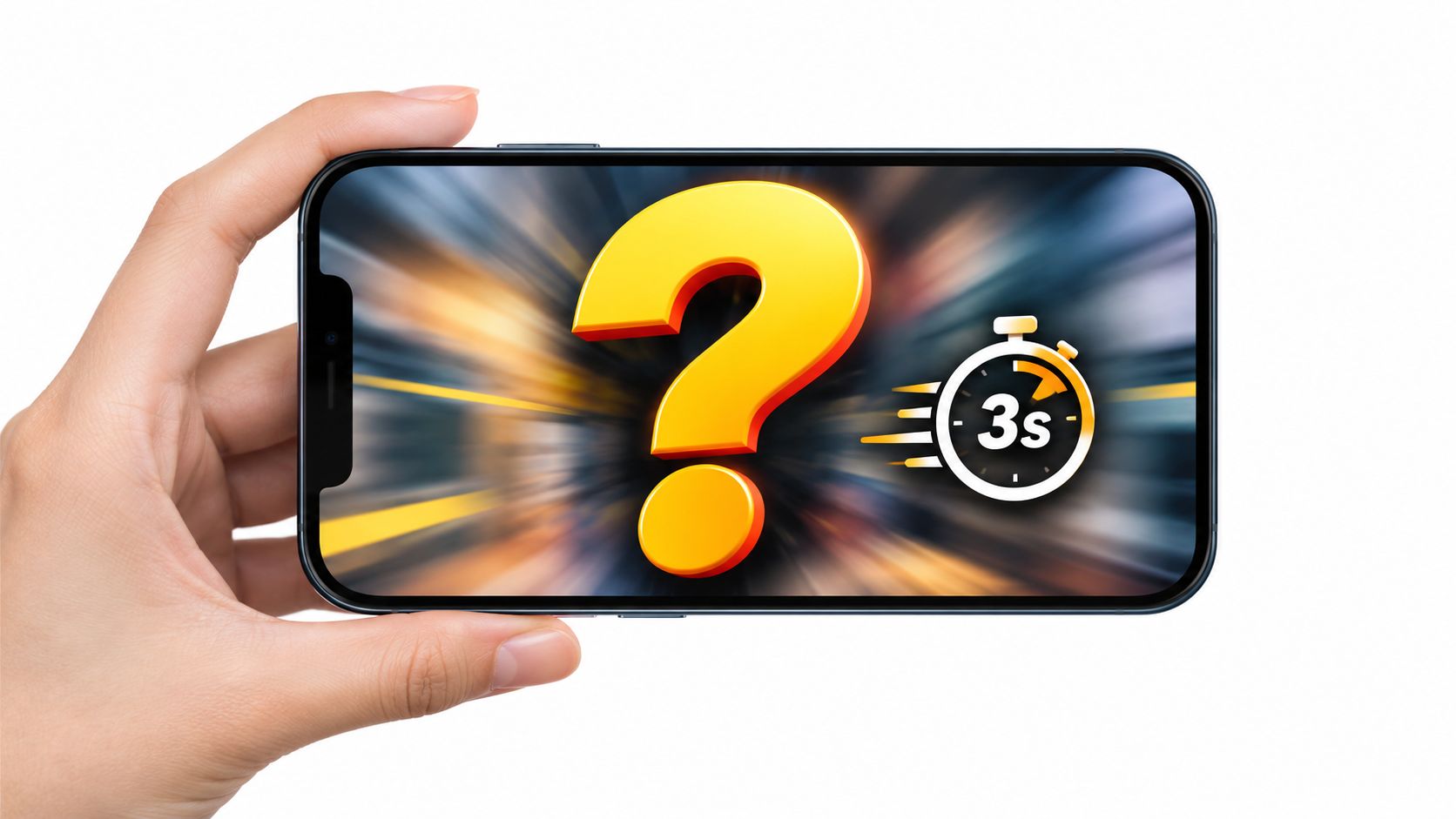
1. Hook Viewers in the First 3 Seconds
A viewer should understand the tension, promise, or visual idea almost immediately. The opening doesn't need to explain everything. It needs to create a clear reason to continue.
A strong hook usually takes one of three forms:
- A sharp question: Name the problem the viewer already has, such as “Why do your product videos lose attention before the demonstration begins?”
- A surprising visual: Start with an unexpected transformation, result, movement, or contrast rather than a logo animation.
- A clear promise: Tell viewers what they'll learn, fix, compare, or achieve if they keep watching.
A product demo can open with the finished result before showing the setup. A tutorial can show the mistake first, then explain how to avoid it. A creator might interrupt a familiar visual pattern with a sudden change in framing or action. The point isn't shock for its own sake. The hook must accurately preview the value that follows.
Match the hook to the audience's intent
A person searching for a software tutorial wants fast reassurance that the video answers the query. A casual social viewer may respond better to an unusual visual or a relatable problem. A training audience needs context, but it still doesn't need a long branded introduction before the lesson starts.
Write the opening as part of the script, not as an afterthought in the edit. Put the central question, result, or conflict near the beginning, then remove greetings and background information that can wait.
Practical rule: If the first scene could be removed without changing the viewer's understanding of the promise, it probably shouldn't be the first scene.
Create several opening options before production. Keep the body of the video stable while you compare different hooks, so you can learn whether the change in performance came from the opening rather than from a completely different edit. Thumbnails should also set the same expectation. A dramatic thumbnail paired with a slow, unrelated introduction creates a trust problem.
2. Optimize Video Length for Platform and Format
There isn't one ideal video length. The right runtime depends on viewer intent, content complexity, distribution channel, and the amount of proof the audience needs.
A short social cut should deliver one idea cleanly. A product education video may need room for context, demonstration, objections, and next steps. A classroom lesson can be longer when the material is structured into clear sections and supported by visuals. Cutting every video to the same length often removes useful explanation from complex topics while leaving simple topics padded with filler.
Research from a large Wistia-based dataset shows why runtime needs context. Videos under one minute averaged 16 seconds of watch time, while videos lasting 60 minutes or more averaged 16 minutes and 40 seconds. The same dataset found a 43% engagement rate for three- to five-minute videos, while how-to videos in that length range reached 74% engagement, as reported by HubSpot's video marketing statistics. These figures don't prove that a particular duration will work for every channel. They show that format and viewer intent change how length should be judged.
Build a versioning plan
Start with one complete editorial idea, then create platform-specific versions rather than forcing one export everywhere.
- Discovery cut: Lead with the strongest moment and remove setup that only makes sense in the full version.
- Teaching cut: Preserve enough explanation for the viewer to complete the task without searching for missing context.
- Sales cut: Show the problem, the product action, and the relevant outcome without burying the offer.
- Internal cut: Favor clarity, screen legibility, and searchable captions over trend-driven pacing.
Put the main message early even in a longer video. Use retention data to find where viewers lose interest, then decide whether the problem is duration, structure, unclear narration, or a mismatch between promise and delivery.
For teams that need rapid variants, LunaBloom's starter app can help turn a script or source asset into edited versions with voiceovers and captions. Automation is useful for creating options, but an editor should still choose the version that best serves the audience.
3. Use Natural Voiceovers and Clear Audio
A viewer may forgive an imperfect image, but distracting audio can make the entire video feel unreliable. Rushed delivery, distortion, flat intonation, and poor synchronization all compete with the message.
Write the script for speech, not the page. Use short sentences, concrete verbs, and deliberate pauses. Read it aloud before recording. If a phrase feels awkward in your mouth, revise it before it reaches the final cut.
Choose delivery based on the audience and format. A compliance tutorial may require careful wording and measured pronunciation. A social advert may need more energy. A founder story can benefit from warmth and brief pauses. A polished voice is useful only when its pacing and tone fit the message.
Voiceover should guide attention rather than describe every visible movement. In a product demo, explain why a button matters as it is selected, then match the spoken benefit to the moment the feature appears. In an educational video, pause before a new concept so viewers have time to shift their attention.
Mix for real viewing conditions
Check dialogue on a phone, laptop, television, and inexpensive headphones. Listen for music that masks key words, sound effects that arrive before the action, and edits that separate the narration from what viewers see.
Use this quick review:
- Can the viewer understand every important sentence?
- Does the voice remain consistent between scenes?
- Do music and effects support the message rather than compete with it?
- Do visual changes happen when the narration gives the viewer a reason to look?
A clean recording still needs a human quality check. AI voiceovers can speed up revisions and localization, especially when a team needs several language or format versions. Workflows using tools such as LunaBloom can reduce production friction, but people should review pronunciation of names, technical terms, emotional nuance, and claims that require precise wording.
The trade-off is control versus speed. AI can produce consistent alternatives quickly, while a human editor decides whether the voice sounds trustworthy, matches the brand, and gives each scene the right emphasis. The goal is clear, credible communication, not theatrical performance.
4. Master the Power of Captions and Subtitles
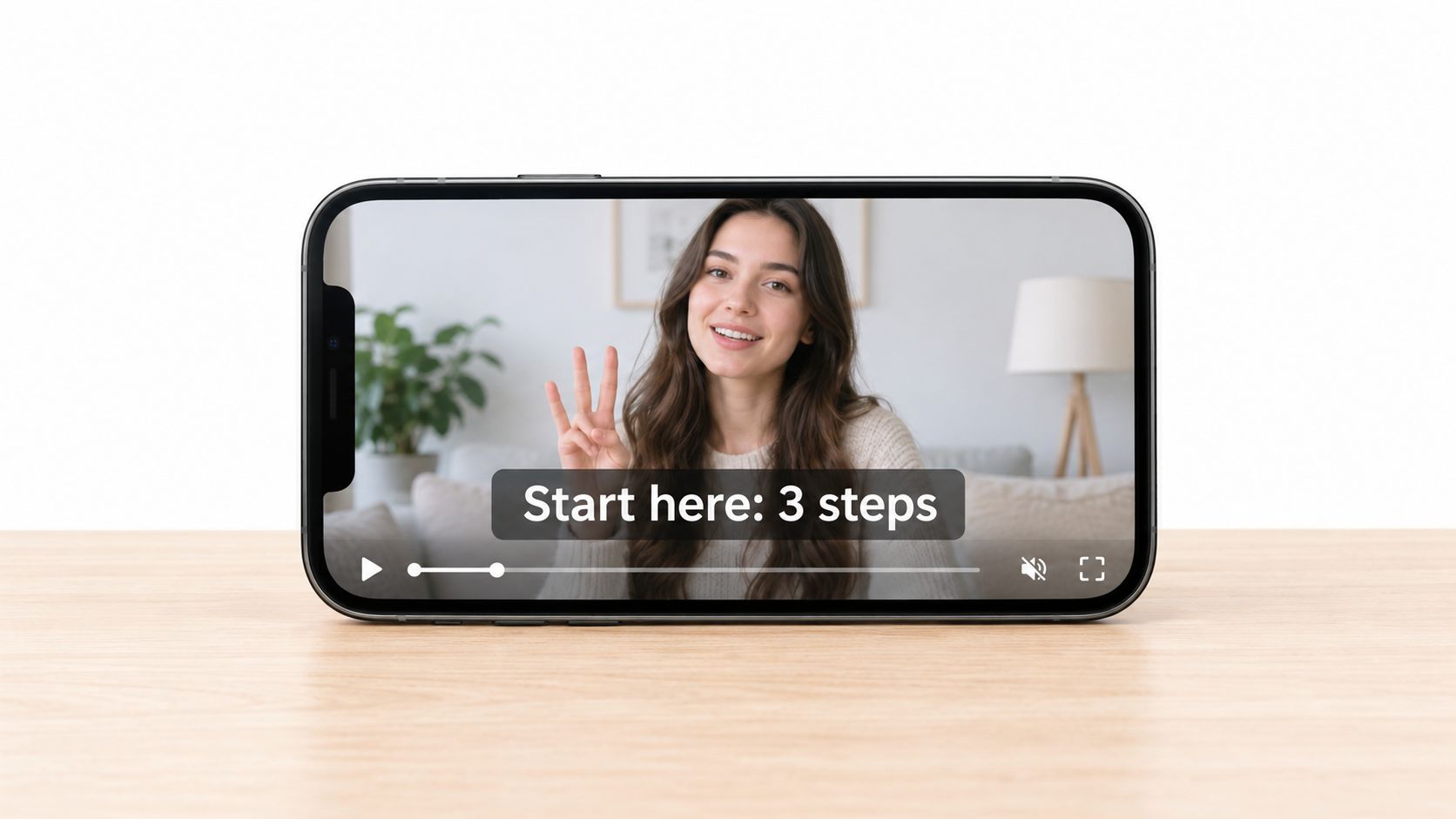
Captions are part of the viewing experience, not a decorative layer added at export. They support sound-off viewing, improve comprehension, help multilingual audiences, and provide an important accessibility path for people who can't hear the audio.
Caption use is already widespread. A multi-country survey found that 87% of Americans use captions at least sometimes, while 49% use them often or always. Usage was also high in Spain at 47% and France at 46%. The same research found that 61% of people aged 25 to 34 said captions and subtitles make them more likely to pay attention to ads, as reported by TV Technology's analysis of the study.
That behavior changes the production brief. Captions need to be accurate, timed to speech, readable on a small screen, and positioned so they don't cover faces, product details, or interface controls.
Treat accessibility as a production requirement
Use captions that identify meaningful non-speech information when it affects comprehension. Label speakers in conversations when the change isn't obvious. Check technical words, names, punctuation, and line breaks manually, because automated transcription can misunderstand context.
Keep a separate subtitle track when platforms support it, and use burned-in text when the distribution environment requires visible captions. A translated subtitle isn't the same as a full caption track. Captions may need speaker identification and relevant sound descriptions, while subtitles generally focus on spoken language translation.
Accessibility also extends beyond text. Recent research identified gaps in keyboard navigation, color contrast, screen reader support, and media alternatives across leading video platforms, with none of the examined services meeting all WCAG 2.1 AA criteria. A separate 2025 global report found that only 10% of television ads included accessibility features, and fewer than 1% of connected TV ads had captions or audio descriptions, according to Dropbox's video marketing trends overview.
5. Create Consistent Branding Across Videos
Brand consistency should make production easier and recognition stronger without turning every video into the same template. Viewers should be able to recognize your visual language, but they shouldn't feel trapped inside a repetitive intro, identical music bed, or fixed sequence of animations.
Define the elements that must remain stable:
- Visual identity: Set approved colors, fonts, logo treatments, lower thirds, and thumbnail conventions.
- Narrative identity: Decide whether the brand sounds direct, warm, technical, playful, or authoritative.
- Audio identity: Document music style, voice characteristics, sound effects, and silence guidelines.
- Editorial identity: Clarify how quickly videos should move, how claims are supported, and how calls to action should sound.
A minimalist product demonstration may benefit from the restrained visual system associated with Apple. An explainer series from Slack can use a more conversational visual rhythm while keeping the brand recognizable. These examples work because the brand system supports the content rather than replacing it.
Separate the fixed elements from the flexible ones
A reusable template should handle repetitive work such as scene dimensions, caption styles, logo placement, and export settings. The hook, examples, visual evidence, and pacing should remain flexible. If a template dictates too much, viewers notice the formula and the content loses credibility.
Create a short approval process before publishing. One person should own factual accuracy, another can check brand fit, and the production owner can verify technical delivery. Clear ownership prevents teams from making late edits that solve one problem while introducing another.
AI workflows can preserve consistency across many variations when teams define approved assets and review rules first. LunaBloom's company information describes a workflow built around AI video creation, which can support repeatable production for social content, product demos, tutorials, training, and communications. Human reviewers should still check whether the visual treatment fits the message, audience, and current campaign.
6. Optimize Thumbnails and Metadata for Maximum Discoverability
A thumbnail earns the click. The title and description explain whether the click was justified. Together, they create a promise that the video must fulfill.
Use one dominant idea in the thumbnail. A clear face, product detail, transformation, or visual contrast can work, but combining several competing messages makes the asset difficult to understand at a glance. Thumbnail text should support the title rather than repeat it word for word.
Your metadata should answer three questions:
- What is this video about?
- Who is it for?
- What will the viewer gain?
Google Search Central says each video should have unique information in its thumbnailUrl, name, and description fields. The Google video structured data guidance makes the practical requirement clear: don't reuse boilerplate metadata across multiple videos when each asset covers a different topic.
Write for searchers and machines
Ohio State University's content optimization guidance recommends identifying 10 to 20 relevant keywords, placing the title within 70 characters including spaces, and keeping the visible description around 200 to 300 characters for the key takeaway. It also recommends putting important keyword phrases near the front of the title and using focus keywords across the meta title, meta description, headings, body copy, and image alt text, as explained in Ohio State's SEO content guidance.
Use those limits as working constraints, not as a reason to write unnatural copy. “Video best practices for accessible product demos” is more useful than a vague title stuffed with repeated terms. The description should state the outcome, not merely list topics.
Search Engine Land also notes that keywords can appear in titles, descriptions, hashtags, captions, and spoken script or voice-over. Its guide to winning video-driven search results supports a broader principle: align the visible metadata, caption text, and narration around the same search intent.
LunaBloom AI can help teams generate SEO-oriented thumbnails, titles, and metadata during production. Review every suggestion for accuracy. A keyword is useful only when it describes what the video delivers.
7. Use Multi-Character Dialogue and Storytelling for Engagement
A beginner asks, “Why did this step fail?” A product specialist shows the fix. That exchange gives a tutorial momentum that a single explanation may lack. Dialogue can introduce a question, challenge an assumption, demonstrate an objection, or reveal how different users experience the same product.
Give every speaker a clear job. In a software tutorial, one person can voice the beginner's confusion while another demonstrates the answer. In a sales video, a customer can raise a concern and a product specialist can address it. For internal training, a manager and employee can model a difficult conversation more naturally than a list of instructions.
The script should sound like people exchanging useful information, not actors reciting opposing positions. Give each character a distinct point of view, and avoid making one speaker foolish just to make another appear intelligent.
A strong exchange also needs room to breathe. Change speakers when the shift adds information or energy. Use a pause, reaction, screen recording, or visual example to let an important point register. Rapid turn-taking can tire viewers, while a long uninterrupted monologue may feel static.
Viewers should identify each speaker immediately. Use differences in voice, framing, costume, animation style, or on-screen labels. Exaggerated accents and cartoon behavior are unnecessary. The character's role should explain why that person is in the scene.
AI avatars and workflows such as LunaBloom AI can reduce the production work behind dialogue formats, including onboarding, language variants, and recurring educational series. Human review still determines whether the result works. Check pronunciation, timing, turn-taking, emotional tone, and brand consistency. Listen for two disconnected narration blocks rather than a useful conversation.
Build the story around a visible change:
- Set the situation: Establish a recognizable problem or goal.
- Introduce friction: Show the question, objection, mistake, or competing viewpoint.
- Demonstrate the change: Let viewers see the solution in action.
- Resolve the issue: Show the result and clarify what happens next.
This structure keeps the conversation tied to a practical outcome. Story gives viewers a reason to remember the information, while dialogue gives that information a human shape.
8. Implement Clear Calls to Action at Strategic Points
A video earns attention for a reason. It may teach a skill, build trust, generate a lead, support a purchase, or move an employee to the next training module. Choose the CTA that serves that purpose, then make it the viewer's clearest next step.
One request usually works better than a list of demands. “Subscribe, comment, share, visit the site, download the guide, and book a call” forces viewers to choose instead of act. Select the action that follows naturally from the value the video provides.
Match the CTA to the moment. An early prompt can invite viewers to continue when the benefit is already clear. A mid-video CTA can point to a related resource after the explanation answers a real question. The closing prompt can restate the next step for viewers who stay to the end.
Use specific language:
- For education: “Download the exercise and apply this process to your next script.”
- For a product: “Create the first version from your existing brief.”
- For a newsletter: “Get the next tutorial in your inbox.”
- For community content: “Share the specific obstacle you're trying to solve.”
The destination must be easy to find where the video appears. Repeat the link in the description when appropriate, and use distinct campaign links so the team can identify which distribution path produced the response. Confirm that the landing page keeps the same promise as the video.
CTA timing also depends on intent. A viewer learning from a sensitive story may need context before any sales request. A tutorial about a downloadable resource can name that resource directly instead of ending with a vague “learn more.”
AI workflows such as LunaBloom AI can reduce production friction by helping teams create CTA variants for different audiences, formats, or campaign paths. Human judgment still decides which request fits the message, whether the wording matches the brand, and whether the landing experience fulfills the promise. For a production workflow or campaign use case, contact LunaBloom.
9. Optimize for Mobile-First Viewing and Vertical Video Formats
A mobile crop can change the meaning of a video. Interface controls cover the frame, captions hide product details, and a wide composition may become unreadable in vertical format. Plan for the viewing context before the edit is locked.
Choose the primary layout based on where viewers discover the video. Vertical framing usually gives social content more usable screen space. Square or horizontal versions may suit feeds, embedded pages, presentations, or connected-TV viewing. Treat each format as a composition, not a simple export. Reframe the subject, text, and supporting visuals for the available space.
Keep the face, product, on-screen text, and main action inside a central safe area. Leave clearance for platform controls, captions, and calls to action. Use large type and strong contrast for viewers watching on a small screen, in motion, or under bright light.
Run a phone review before publishing. Confirm that the opening is understandable without sound, the text can be read without zooming, and the subject remains visible after platform overlays appear. Also check that captions do not cover hands, demonstrations, or interface controls and that the CTA remains visible long enough to act on.
Sound-optional storytelling still benefits from good audio. The visual sequence and captions should orient viewers before sound is available, while voice and music can add clarity once they are listening.
Build separate crops from the edit when composition carries the story. A presenter positioned for vertical video may need a different arrangement on a wide screen. A screen recording may require zoomed callouts instead of shrinking the full interface until its labels disappear.
AI workflows can reduce the production load. The LunaBloom app can help teams create versions from a central script or source asset, including resizing, caption placement, and format variants. Human review remains necessary for brand consistency, accessibility, hook clarity, and evidence placement. A file can meet platform specifications and still fail if the crop hides what viewers need to understand.
10. Analyze Performance Metrics, Iterate Strategically, and Repurpose Content
Performance data should change what you make next. Start with the viewer action that matters, then choose metrics that reveal whether the video supports it. Creators may track sustained viewing and returning subscribers. Marketers may prioritize qualified clicks or leads. Educators may focus on lesson completion and follow-up questions.
Views provide a useful starting point, but they need context. HubSpot's reporting shows that 67% of video marketers list views as their top KPI, followed by engagement at 63% and leads or clicks at 52%, according to the 2026 video marketing data. Pair those measures with a testable hypothesis: “A result-first opening will keep more viewers through the explanation.” The hypothesis connects a production decision to a measurable outcome.
Vidyard's benchmark report, based on more than 1.3 million videos, found that 65% of viewers stayed engaged through the end when a video was under one minute. It also reported 38% higher win rates, 27% higher overall engagement, and a 3.4x higher click-through rate for video email sequences compared with text-only emails. Review Vidyard's business video benchmarks for the full context, and treat these findings as directional evidence rather than a promise about your audience.
Change one meaningful variable
Compare videos with similar audiences, formats, and offers. Changing the hook, thumbnail, length, CTA, and audience together makes the result difficult to interpret. Test one major variable, record the outcome, and decide whether the learning applies to the next format.
Read beyond the headline metric. A high view count with weak completion can point to a misleading opening. Strong completion with few clicks may indicate that the CTA or offer does not match viewer intent. Good watch time alongside negative comments can expose a clarity, accuracy, or brand problem.
AI workflows can reduce the time required to produce and compare variations. LunaBloom can help teams adapt a central script or source asset into different versions, while human review protects hook clarity, brand consistency, accessibility, and the accuracy of performance decisions.
Repurposing starts with editorial judgment. A long interview can become a focused teaching clip, a quote-led social asset, a sales enablement excerpt, a written summary, and a captioned internal resource. Give each derivative its own audience, promise, opening, and CTA instead of cutting the source footage at random.
Personalization can guide those choices. A 2025 consumer study found that 78% of consumers want brands to use video more, while 44% said they had never received video from a brand they do business with. The research also reported that consumers were 58% more likely to buy from businesses using next-generation video, and personalized video was 3.5 times more likely than generic video to make someone become or remain a customer, as discussed in the study published in the Journal of Technology in Human Services. Use that finding to test relevant variations, not to replace audience research or human judgment.
10-Point Video Best Practices Comparison
| Technique | Implementation complexity 🔄 | Resource requirements ⚡ | Expected outcomes ⭐📊 | Ideal use cases 💡 | Key advantages |
|---|---|---|---|---|---|
| Hook Viewers in the First 3 Seconds | Moderate 🔄🔄 | Low–Medium ⚡⚡ | High ⭐⭐⭐; improves retention & watch time 📊 | Short-form discovery, social clips, video intros | Immediate relevance; reduces bounce |
| Optimize Video Length for Platform and Format | Moderate 🔄🔄 | Medium ⚡⚡ | High ⭐⭐⭐; better completion rates & monetization 📊 | Multi-platform distribution; tutorials; monetized channels | Platform-aligned durations; efficient resource use |
| Leverage Natural Voiceovers and Clear Audio | Moderate–High 🔄🔄🔄 | Medium–High ⚡⚡⚡ | High ⭐⭐⭐; increases trust and message retention 📊 | Explainers, tutorials, product demos, courses | Professional perception; improves accessibility |
| Master the Power of Captions and Subtitles | Low–Medium 🔄🔄 | Low–Medium ⚡⚡ | High ⭐⭐⭐; improves accessibility and SEO 📊 | Sound-off environments, global audiences, social feeds | Better comprehension; wider discoverability |
| Create Consistent Branding Across Videos | Moderate 🔄🔄 | Medium ⚡⚡ | Medium–High ⭐⭐⭐; increases recognition & efficiency 📊 | Series, corporate channels, long-term brand growth | Faster production via templates; stronger recall |
| Optimize Thumbnails and Metadata for Discoverability | Moderate 🔄🔄 | Medium ⚡⚡ | High ⭐⭐⭐; higher CTR and search visibility 📊 | YouTube, discovery-driven content, tutorials | Boosts clicks; better pre-filtering of viewers |
| Use Multi-Character Dialogue & Storytelling | High 🔄🔄🔄 | High ⚡⚡⚡ | High ⭐⭐⭐; higher engagement and watch time 📊 | Educational series, interviews, narrative content | Dynamic pacing; increased shareability |
| Implement Clear Call-to-Actions (CTAs) | Low–Medium 🔄🔄 | Low ⚡ | High ⭐⭐⭐; increases conversions & subscriptions 📊 | Marketing videos, demos, lead-gen content | Drives measurable actions when timed well |
| Optimize for Mobile-First & Vertical Formats | Moderate 🔄🔄 | Low–Medium ⚡⚡ | High ⭐⭐⭐; improved mobile completion & engagement 📊 | TikTok/Reels/Shorts, Stories, social-first campaigns | Better mobile reach; fills user screens natively |
| Analyze Metrics, Iterate, & Repurpose Content | High 🔄🔄🔄 | High ⚡⚡⚡ | Very high ⭐⭐⭐⭐; improves ROI and long-term growth 📊 | Scaling channels, agencies, data-driven teams | Data-led improvements; extends content lifespan |
Turn Every Video Into a Repeatable Growth System
The ten practices work best as one publishing loop, not as isolated tricks. Start by defining the audience's intent. What problem brought the viewer to this video? What would make the answer useful now? That decision controls the hook, examples, pacing, level of detail, and CTA.
Write the promise before writing the introduction. Build the first moments around a question, result, conflict, or visual proof. Then make sure the rest of the video fulfills that opening. A strong hook with a weak explanation may earn an initial view, but it won't create trust or useful action.
Production quality comes from a group of small decisions. Record or generate clear audio. Keep narration synchronized with the visual evidence. Use captions that are accurate and readable. Establish a recognizable brand system, but leave enough flexibility for each story and platform. Review the video on the device where the intended audience will watch it.
Platform adaptation should happen before the final export, not after publication. Decide whether the content needs a vertical, square, or horizontal composition. Protect essential information from interface overlays. Create captions and metadata for the specific destination. A video can be excellent in one context and ineffective in another because the crop, pace, title, or CTA no longer matches the viewer's situation.
Localization also requires more than translation. Review names, idioms, screen text, pronunciation, cultural references, captions, and visual sequences. A translated sentence may be accurate but too long for the original layout. A voiceover may use the wrong regional pronunciation. A human reviewer should confirm that each localized version still sounds natural and preserves the original meaning.
Accessibility belongs in the same workflow. Caption accuracy, contrast, keyboard access, screen reader compatibility, audio description, and meaningful media alternatives all affect who can use the content. Recent accessibility research shows why this can't be treated as a final checkbox. When platforms and advertisers leave these issues unresolved, teams lose reach and create unnecessary barriers for viewers with disabilities.
Measurement closes the loop. Select a primary outcome, then inspect supporting signals such as retention, engagement, clicks, conversions, comments, and traffic sources. Don't chase every metric at once. A useful report explains what happened, what the team believes caused it, and what will change in the next production.
Repurposing turns one editorial decision into a connected set of assets. The strongest source video can supply short clips, platform-native posts, a written article, an onboarding segment, a sales follow-up, or a localized version. Each derivative needs a clear purpose. More outputs aren't automatically better if they repeat the same message without adapting it to a new audience or context.
AI tools can remove repetitive production friction. LunaBloom AI can help transform scripts, prompts, and images into edited videos with natural voiceovers, captions, localized versions, avatars, multi-character dialogue, and social publishing workflows. It can also support teams with collaboration, version control, analytics, and API-based production. Those capabilities are most valuable when the team has already defined the brief, audience, approved brand assets, review owner, and delivery requirements.
Human judgment remains central. People should approve the hook, verify claims, correct captions, assess accessibility, check brand consistency, review localized language, and decide whether performance data justifies a change. Automation can produce more options, but it shouldn't decide what is accurate, ethical, relevant, or genuinely useful.
Choose one variable to test in the next video. It might be the opening promise, thumbnail concept, caption treatment, crop, CTA, or level of personalization. Record the decision and the outcome. Over time, that disciplined process becomes a practical library of video best practices for your audience rather than a collection of generic rules.
LunaBloom AI helps creators and teams turn scripts, prompts, and images into edited videos with voiceovers, captions, localization, avatars, and publish-ready social versions. Use it to reduce repetitive production work while keeping human review focused on the hook, accuracy, accessibility, brand fit, and performance decisions that matter. Visit LunaBloom AI to explore a faster workflow for your next video.