
The most realistic AI voice isn't automatically the best choice. A voice can sound convincing and still fail when it mispronounces a product name, ignores the intended pacing, drifts out of sync with the edit, or becomes too expensive to regenerate at scale. The right video narration software depends on the production job: creating a polished avatar video, replacing a voice track in an existing edit, localizing a training library, or finishing a social clip directly on a timeline.
This comparison covers ten tools across those workflows. You'll find dedicated AI voice platforms such as ElevenLabs, Murf, WellSaid Labs, and PlayHT, avatar-video systems such as Synthesia, and timeline editors including Descript, VEED, CapCut, and Filmora. LunaBloom AI sits across several categories, combining narration, avatars, editing, captions, localization, and publishing in one studio.
The market context matters. The global captioning and subtitling solutions market was estimated at US$6.7 billion in 2025 and is projected to reach US$16.3 billion by 2035, with software solutions representing 62.7% of the market and cloud-based systems generating US$4.5 billion in 2025. Research and Markets provides useful context for why narration tools increasingly include transcription, captions, dubbing, and localization.
For another perspective on AI tools for businesses, see HDM's review of top AI tools for Ohio small businesses.
1. LunaBloom AI
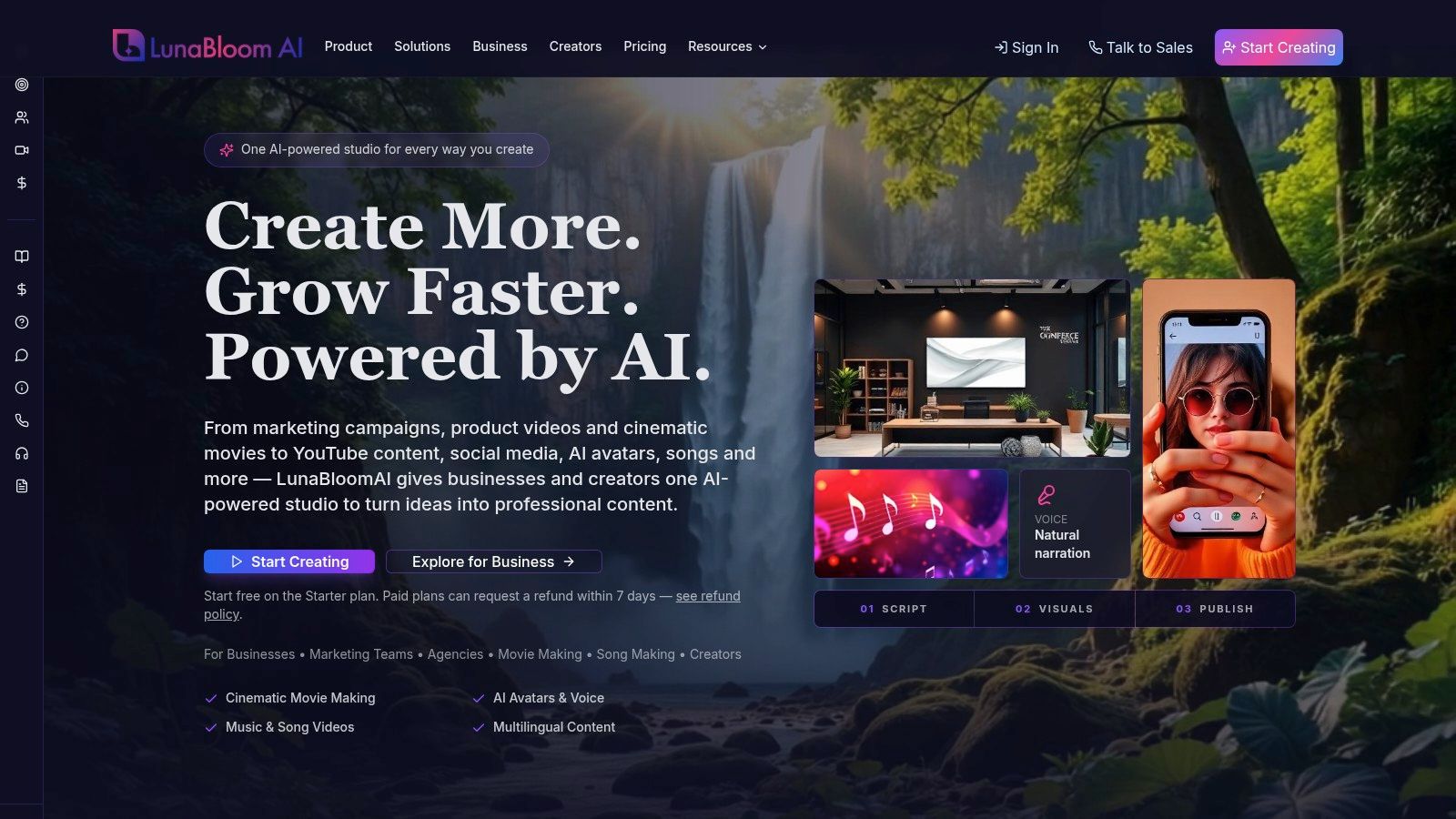
LunaBloom AI suits teams that need narration inside a broader video production workflow. It can turn scripts, prompts, and images into edited videos, then add voice narration, avatars, lip-sync, captions, translations, thumbnails, and metadata in one studio. That reduces handoffs between a voice generator, video editor, captioning tool, and localization platform.
Its main advantage is synchronization across formats. LunaBloom supports photo-real, animated, and 3D avatars, multi-character dialogue, voice cloning, image-to-video creation, AI-generated songs, and synchronized music videos. The platform also supports 50+ languages and regional accents, allowing teams to create audience-specific versions rather than adding translated subtitles to a single master video. Human review is still needed for pronunciation, brand terminology, translation quality, and avatar lip-sync.
Best production job
LunaBloom is designed for recurring social ads, product demos, tutorials, training and onboarding videos, internal communications, and AI-avatar explainers. Collaboration, version control, analytics, API access, and managed AI content services support repeatable team production. This makes it more practical for scaling and localization than a voice-first tool that exports audio and leaves editing, captions, and timing to another application.
The trade-off is credit-based budgeting. Generation credits vary with clip length, resolution, avatar use, voice usage, and advanced outputs. The free pay-as-you-go trial includes 2 short trial videos. Listed creator plans include $29.99 per month, $79.99 per month, and $119.99 per month options. Business plans offer $999, $1,999, and $3,999 monthly generation-credit bundles, while custom enterprise tiers start at $5,000 or more per month. Check LunaBloom's product information before purchase because limits and included credits can change.
Practical rule: Include the pre-generation credit estimate in the production brief. Repeated revisions and high-volume localization can raise costs quickly.
Paid plans include commercial use rights, and purchases qualify for a 7-day refund. The previewed credit cost makes small tests easier, but teams should still measure a representative workflow before scaling.
2. Descript
Descript solves a specific problem well: editing spoken video by editing its transcript. It combines transcription, screen recording, captions, audio cleanup, video editing, and AI narration in the same workspace, so a creator can revise a sentence in text rather than search through a traditional timeline.
Its Overdub feature supports voice cloning and stock voices, while Studio Sound can clean up recorded speech. That combination works particularly well for tutorials, podcasts, product walkthroughs, and screen recordings where the narration needs frequent revisions. You can remove a phrase from the transcript, adjust the script, regenerate the affected narration, and finish the export without moving between a voice platform and an editor.
The limitation appears when AI narration becomes a major production cost. Descript uses credit and minute accounting, and heavy text-to-speech workflows can make consumption difficult to predict. Users have also reported higher TTS credit usage after pricing changes, so teams should test a representative script rather than assuming that a short video will always use a small amount of capacity.
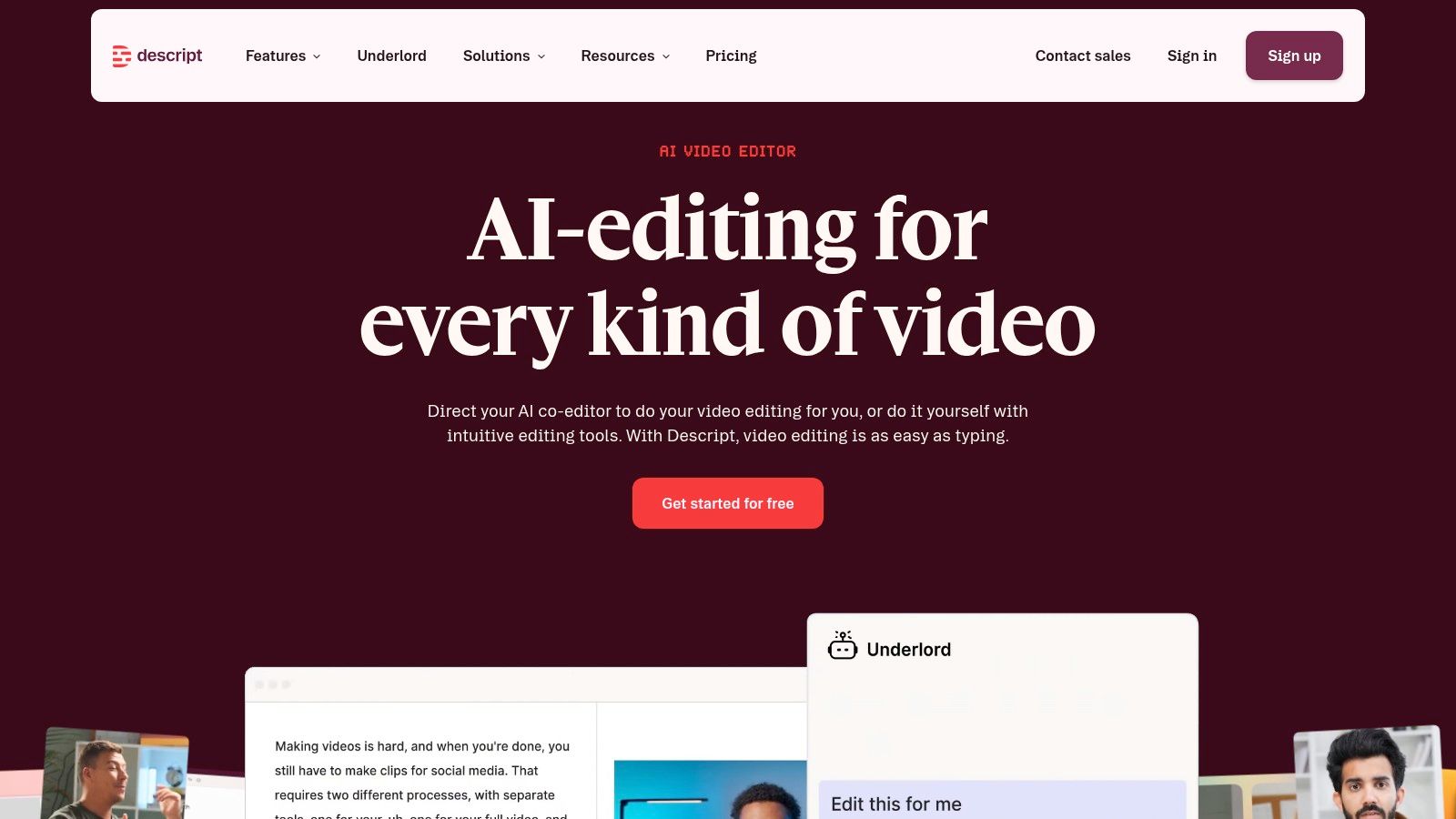
Descript is a better choice than a voice-first tool when the edit itself is the bottleneck. It's less compelling when you need extensive dubbing, a large multilingual voice library, complex character dialogue, or a high degree of audio engineering control.
For teams comparing an editor-led workflow with an end-to-end studio, the LunaBloom AI workspace shows the alternative approach. Descript starts with the recording and transcript, while LunaBloom starts with scripts, prompts, or images and can generate more of the visual production around the narration.
3. Synthesia
Synthesia is designed for presenter-led video. You write a script, select an avatar, arrange scenes, add captions, and generate a narrated presentation without filming a speaker. That makes it a natural choice for employee training, onboarding, internal announcements, compliance communication, and explainer videos where a visible presenter helps organize the message.
The platform offers 125+ AI avatars, multilingual AI voiceovers, scene templates, a script editor, captions, team collaboration, brand controls, and enterprise options. Its main advantage isn't only voice quality. It's consistency. A company can create a series of presenter-led lessons without scheduling a shoot or asking every subject-matter expert to record multiple language versions.
The visual format also creates the central limitation. An avatar may look polished but still feel wrong for a brand that depends on a real founder, customer, specialist, or documentary style. Synthesia is most useful when the audience benefits from a clear presenter and structured delivery. It's less suitable when the viewer needs to see detailed software interaction, nuanced physical demonstrations, or a highly distinctive human performance.
Pricing and quotas vary by region and plan, and volume can increase the total cost. Teams should check how much video generation, collaboration, localization, and brand management each tier includes before adopting it for a large training library. A pilot should include the longest and most terminology-heavy scripts, not just a short welcome video.
If you're deciding between an avatar platform and a broader production system, LunaBloom AI's contact page is a useful starting point for discussing managed services and enterprise workflows. The choice comes down to whether you mainly need a reliable synthetic presenter or a system that also builds scenes, edits visuals, and manages multiple output formats.
4. Murf
Murf is a voice-first studio for teams that want to audition voices, shape delivery, and export narration for videos, ads, e-learning, and product demos. Its catalog includes 200+ voices across many languages, and the platform also supports text-to-speech, translation, basic AI dubbing, voice changing, and API access.
Murf's appeal is granular control over usage. Its API uses per-1,000-character pricing and offers low-latency options, which can make consumption easier to model for developers and automated content workflows. Integrations such as the Canva add-on reduce friction for marketers who already build visual assets there. Commercial rights are available, but teams should verify the rights attached to the specific plan and output type.
The production workflow is straightforward. Write or paste the script, audition several voices, adjust pacing and emphasis, review pronunciation, then export the audio or send it into an editor. That's efficient when the visual track already exists. It doesn't replace the visual editing process, so someone still needs to synchronize narration with cuts, captions, screen actions, and music.
Voice-first insight: The best audition isn't the most dramatic sample. It's a complete paragraph containing your product names, abbreviations, numbers, and unusual terms.
Murf's studio limits and included minutes may require an upgrade for heavy output. Voice character varies considerably, so a voice that sounds excellent in a short demo may not fit a long training course or a high-energy advertisement. Test the intended format before committing to a house voice.
Murf makes sense for marketers and developers who need a broad voice selection, controllable usage, and an API. Choose another category if you want avatars, automatic visual scenes, or timeline-based synchronization in the same place.
5. WellSaid Labs
WellSaid Labs takes a quality and governance-oriented approach to AI narration. Its studio uses curated US-English voices created from licensed talent, making it a strong match for corporate communications, learning and development, agencies, and training teams that need a consistent brand voice.
The platform emphasizes pronunciation control, polished studio output, commercial usage rights on paid plans, and business integrations such as Adobe. Those details matter when a voice becomes part of a repeatable corporate library. A training department may care less about having the largest possible voice catalog than about ensuring that every module uses an approved, stable voice with predictable delivery.
WellSaid Labs is intentionally narrower than many newer voice platforms. It's English-first, and multilingual support or instant cloning may be limited by design. That can be a benefit for teams that prioritize licensed talent and brand safety, but it's a drawback for global campaigns that need many regional variants or fast custom voice replication.
Pricing is less oriented toward casual pay-as-you-go experimentation than developer-centric rivals. Buyers should examine seat access, usage allowances, commercial rights, integrations, and enterprise controls together rather than comparing a monthly subscription in isolation.
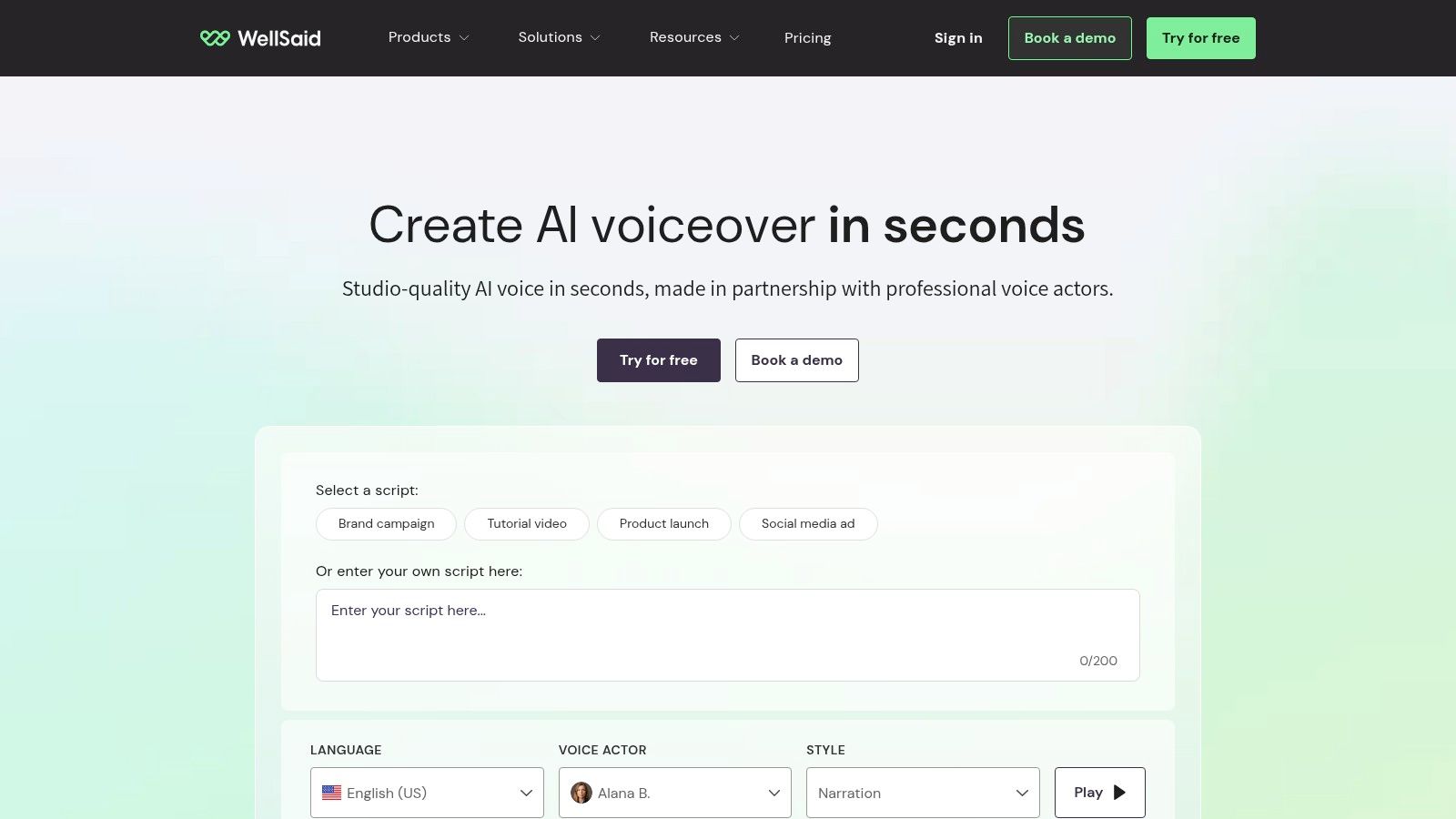
The platform is a sensible choice when narration must sound professional, remain consistent, and pass internal review. It's less suitable when the project depends on regional accents, expressive character dialogue, or a cloned executive voice.
For a broader view of how an end-to-end AI video company approaches production and content workflows, see LunaBloom's company information. The distinction is important. WellSaid focuses on a controlled voice layer, while LunaBloom combines narration with avatars, scenes, editing, captions, and localization.
6. ElevenLabs
ElevenLabs fits production teams that prioritize natural-sounding narration and detailed voice control. Its text-to-speech and voice-cloning tools support multiple languages, while automatic dubbing and Dubbing Studio handle projects with several speakers. Speech-to-text and sound-effects tools extend its credit system beyond voice generation, so budgeting should cover the full workflow rather than narration alone.
The platform suits creators, publishers, agencies, and enterprises producing localized video. A team can generate a high-fidelity master track, create alternate language versions, and manage different speakers without rebuilding every voiceover manually. Published credit costs also give buyers a starting point for estimating larger batches.
Credit usage is the main financial variable. Dubbing, long-form narration, script revisions, and additional language versions can consume credits quickly, especially when one source video produces several deliverables. A short test may confirm voice quality, but it will not reveal the final cost of repeated generation, localization, and approval cycles. Long videos also deserve a timing review because speaker changes and translated pacing can require manual correction.
Quality control starts after generation: Check pronunciation, speaker changes, pauses, emotional continuity, and alignment with the visual action.
ElevenLabs produces the voice layer, not the complete edited video. Exported audio still needs to be synchronized with scenes, captions, music, and cuts in an editor or production platform. That separation gives audio specialists greater control over the track. It creates extra assembly work for teams that also need avatars, scene creation, thumbnails, publishing, or other video tasks in one workspace.
Choose ElevenLabs when voice realism and localization justify a dedicated audio workflow. Compare its current credit policy with LunaBloom AI pricing when assessing a voice-first subscription against an end-to-end credit bundle. These plans may count different production units, so compare the cost of finished, approved video minutes rather than monthly labels alone.
7. PlayHT
PlayHT targets high-fidelity text-to-speech, voice cloning, podcasts, video narration, and character voices. Its SSML-style controls let users manage pacing, pauses, and emphasis, while batch generation supports projects that contain many scripts or repeated voiceover variants.
That makes PlayHT useful for production teams that have already standardized their visuals and need to generate audio systematically. An agency could prepare multiple product scripts, create voice variants in batches, download MP3 or WAV files, and send them to an editor or automated pipeline. API access also supports applications where narration is generated dynamically rather than manually exported.
The main consideration is pricing stability. PlayHT's pricing structure has shifted, so buyers should verify current character and credit rates before planning a large library. Free-plan quotas can also be tight for power users. A small test may prove that the voice sounds right, but it won't show whether the workflow remains economical once scripts are revised, localized, or regenerated.
PlayHT offers more delivery control than a basic text-to-speech button. You can shape pauses and emphasis, which helps prevent a technically accurate voice track from sounding flat or poorly timed. Even so, the exported audio still needs synchronization with the video, caption timing, background music, and scene changes.
Choose PlayHT if your team values batch generation, downloadable audio, and programmable access. Choose a timeline editor if you want narration placed directly against the video. Choose an end-to-end studio if you want the system to create the visual structure as well as the voice.
8. VEED
VEED is built for a fast, browser-based workflow. Its AI voice generator, AI dubbing, captions, translation, templates, brand kits, and social exports sit inside a video editor, so users can write a script, generate narration, place it on the timeline, add subtitles, and export without installing a separate audio application.
That structure suits social videos, short explainers, promotional clips, and lightweight marketing content. VEED's advantage is less about offering the deepest voice controls and more about reducing the number of handoffs. A marketer can keep the narration, captions, visual cuts, brand styling, and export settings in one workspace.
AI features consume credits, and heavy dubbing or avatar use can hit plan limits. Teams producing occasional short clips may find that manageable. Teams localizing a large video catalog should calculate total credit use across voice generation, dubbing, subtitles, and revisions before selecting a plan.
VEED also has fewer granular audio-engineering tools than a professional non-linear editor or dedicated digital audio workstation. You'll get a practical production environment, not a specialist mixing suite. That distinction matters when a finished video requires detailed noise reduction, complex automation, precise loudness work, or extensive multitrack sound design.
If your team loses time moving narration between applications, VEED's integrated timeline may be worth more than a marginal difference in voice realism.
For a more generation-led workflow, compare VEED with the LunaBloom starter app. VEED starts with browser editing and adds AI narration, while LunaBloom can begin from a script or image and build more of the video around the generated voice.
9. CapCut
CapCut is the practical option for short-form, social-first narration. It runs across web, desktop, and mobile, and includes text-to-speech, AI Voice Reader options, templates, auto-captions, sound and music libraries, simple voice recording, basic mixing, and cloud projects.
The workflow is quick. Start with a template or vertical edit, paste the script into the built-in voice tool, place the generated speech against the clips, add captions, and export. That's useful for creators, UGC ads, social teams, and small businesses that need a narrated clip without building a formal audio pipeline.
CapCut's accessibility is also its trade-off. Feature availability can vary by app version and region. Premium voices and AI features may move between free and paid access, and some capabilities may require Pro or credits. Teams should avoid designing a repeatable campaign around a voice or feature until they've confirmed it exists in the account and region where production will happen.
The editor offers enough control for basic mixing and quick revisions, but it isn't a substitute for a dedicated voice studio when pronunciation, character direction, or multilingual consistency matters. It's also less appropriate for long training programs where voice continuity and formal review are central.
Use CapCut when the video already lives in a social workflow and speed matters more than advanced audio control. It's especially effective for creators who want captions, music, templates, narration, and export in one lightweight environment. For larger teams, confirm cloud collaboration behavior and rights for every voice and music element before publishing commercially.
10. Wondershare Filmora
Wondershare Filmora sits between a traditional desktop editor and an AI-assisted content tool. It includes AI text-to-speech, basic voice cloning, script-to-video helpers, captioning, stock media, effects, templates, and cloud project options across Windows and Mac.
Filmora is a good fit for small businesses, educators, and creators who want a familiar timeline. You can import footage, adjust cuts, place AI narration, add captions, combine stock assets, and finish the video without learning the complexity of a professional non-linear editor. The built-in narration tools keep the workflow compact.
AI features may depend on AI credits, so confirm the current allotment before planning a high-volume series. The platform also offers less precise audio mixing than a dedicated digital audio workstation. That may not matter for a product tutorial with a single narrator and background track, but it becomes relevant when you need detailed dialogue editing, multiple music layers, complex sound effects, or careful mastering.
Filmora's strongest advantage is direct synchronization. The narration is generated inside the same editing environment where you trim clips, move scenes, add transitions, and place captions. That can be more valuable than an exceptionally realistic voice if the production team needs to make frequent visual changes.
Choose Filmora when you want desktop editing with a lower learning curve and built-in AI narration. Choose CapCut for faster social production across mobile and web. Choose Descript when transcript-based editing is central. Choose a dedicated voice platform when the audio itself requires the most control.
Top 10 Video Narration Software Comparison
| Product | Core features | Quality (★) | Price / Value (💰) | Target (👥) | Unique selling points (✨/🏆) |
|---|---|---|---|---|---|
| 🏆 LunaBloom AI | Script-to-video, hyper-realistic avatars, voice cloning, lip-sync, automated editing & captions, localization | ★★★★★ Studio-grade outputs | 💰 Free trial; creator $29.99–$119.99/mo; business $999+/mo; enterprise $5k+/mo (credit-based) | 👥 Creators, agencies, marketing teams, enterprises | ✨ Hyper-realistic photo/3D avatars, multi-character dialogue, AI songs, 50+ languages, API & managed services |
| Descript | Text-based editing, transcription, Overdub, screen recording | ★★★★ Tight script→video workflow | 💰 Subscription + TTS credits | 👥 Podcasters, creators, educators | ✨ Edit video like a doc; integrated Studio Sound |
| Synthesia | Avatar videos, script editor, captions, team & brand controls | ★★★★ Consistent presenter-style | 💰 Paid plans; enterprise pricing | 👥 L&D, training, marketing teams | ✨ 125+ avatars, multilingual voiceovers, professional templates |
| Murf | TTS, voice changer, translations, API & integrations | ★★★★ Clear studio TTS | 💰 Granular per-1k-char pricing & plans | 👥 Video producers, e‑learning, developers | ✨ 200+ voices, API, low-latency options |
| WellSaid Labs | Curated licensed voices, pronunciation control, studio tools | ★★★★★ Broadcast-quality narration | 💰 Enterprise-focused pricing | 👥 L&D, corporate comms, agencies | ✨ Brand-safe licensed talent voices, strong enterprise integrations |
| ElevenLabs | High-fidelity TTS, voice cloning, dubbing studio, multi-speaker workflows | ★★★★★ Very natural synthetic voices | 💰 Credit-based billing (TTS/STT/dubbing) | 👥 Creators & enterprises needing localization | ✨ Industry-leading voice realism, dubbing workflows |
| PlayHT | Natural TTS, instant voice cloning, SSML-like controls, batch generation | ★★★★ Realistic voice options | 💰 Credit model; scalable plans | 👥 Podcasters, creators, video producers | ✨ SSML-style controls, batch exports, API |
| VEED | Browser editor, AI voice generator, dubbing, captions, templates | ★★★ Fast social-first exports | 💰 Freemium + credits/subscriptions | 👥 Social creators, small teams | ✨ Web-native timeline VO, one-click social publishing |
| CapCut | Built-in TTS/voice reader, templates, auto-captions, cloud projects | ★★★ Quick short-form workflow | 💰 Mostly free; Pro/credit features | 👥 UGC creators, short-form marketers | ✨ Free TTS across web/mobile, rapid social templates |
| Wondershare Filmora | Desktop timeline editor, script-to-video, TTS, templates & stock media | ★★★ Easy timeline editing for beginners | 💰 One-time or subscription (affordable) | 👥 Small businesses, educators, beginners | ✨ Native editing + built-in narration tools |
Choose the Narration Workflow You Can Sustain
There isn't one universal winner among video narration software tools because the production bottleneck changes from project to project. A voice-first platform is strongest when the team already has footage and needs a convincing, controllable narration layer. A timeline editor is strongest when the team needs to place that narration against scenes, captions, music, and visual actions immediately. An avatar or end-to-end platform is strongest when the video format itself still needs to be created.
Choose a voice-first platform when realism, cloning, pronunciation, or localization determines quality. ElevenLabs is a natural candidate when the voice must sound highly natural across languages or speakers. Murf is useful when teams want a broad catalog, API access, and granular usage accounting. PlayHT fits batch generation and pacing controls, while WellSaid Labs is better aligned with licensed, controlled corporate narration.
Choose an avatar-video platform when a presenter helps the audience understand the content. Synthesia works well for training, onboarding, internal communications, and structured explainers where a consistent synthetic presenter is acceptable. The format is less useful when viewers need to inspect a real interface or see a specific person whose credibility is part of the message.
Choose a timeline editor when synchronization and speed matter more than maximum voice specialization. Descript is particularly useful for transcript-led editing and screen recordings. VEED keeps narration, captions, dubbing, and social export in a browser workflow. CapCut is practical for fast social clips, while Filmora gives small teams a more conventional desktop timeline with AI features built in.
Consider LunaBloom AI when the workflow must cover more than the voice track. Its combination of script and image inputs, scene creation, AI narration, voice cloning, avatars, lip-sync, captions, translations, SEO-ready thumbnails and metadata, collaboration, analytics, and API access is suited to teams that need repeatable production at scale. Its credit model requires careful forecasting, but it can reduce the number of separate tools involved in turning an idea into a publishable video.
Accessibility should also shape the decision. The W3C explains that caption quality depends on accuracy, rate, speaker identification, punctuation, capitalization, and timing, and that captions need to correspond with the visual track for viewers who rely on them. A large NIH-hosted review found that more than 100 empirical studies reported improvements in comprehension, attention, and memory when captions were used, with particular benefits for non-native-language viewers, children learning to read, and people who are Deaf or hard of hearing. The NIH review supports treating captions as part of the communication design, not merely as a last-minute export.
Narration and captions also need different localization decisions. Same-language transcription is generally treated as captioning, while translation into another language is treated as subtitling. Multilingual captioning research notes that multilingual media may require platform support for selecting multiple languages or displaying more than one caption language when the video switches languages.
Before committing, test every candidate with representative material:
- Use real scripts: Include product names, acronyms, numbers, technical terms, regional names, and the emotional tone the final video requires.
- Inspect synchronization: Check pauses against cuts, captions against speech, and avatar lip movements against the generated audio.
- Calculate finished minutes: Estimate credits after revisions, alternate languages, higher resolutions, and regenerated scenes, not only the first draft.
- Verify usage rights: Confirm commercial rights for voices, cloned voices, stock media, music, avatars, and exported videos.
- Review plan limits: Check current quotas for narration, dubbing, avatars, API access, collaboration, storage, and exports.
- Run a workflow pilot: Produce one complete asset from script to final export before rolling the tool across a content library.
The best tool is the one your team can use consistently without creating a hidden review, synchronization, or budgeting problem. A beautiful voice that needs extensive repair isn't efficient. A cheap editor that can't preserve pronunciation or brand tone won't scale. Start with the production job, measure the cost of an approved finished video, and select the platform that keeps that workflow manageable as output grows.
LunaBloom AI combines expressive narration, voice cloning, avatars, lip-sync, captions, translation, editing, and publishing in one production workflow. If you need scalable video narration with multilingual versions and team-ready controls, visit LunaBloom AI and test it with a representative script.