You've recorded the introduction, added your logo, chosen background music, and watched the draft several times. It still doesn't feel right. The video looks polished, but viewers may not understand who you are, why they should care, or what to do next before they leave.
To make an introduction video that works, start with relevance rather than decoration. The strongest introductions balance human presence, clear value, purposeful visuals, retention-aware editing, accessibility, and honest disclosure. Production quality matters, but polish can't rescue an unclear opening or a message that feels manufactured.
Why Your First 30 Seconds Define Success
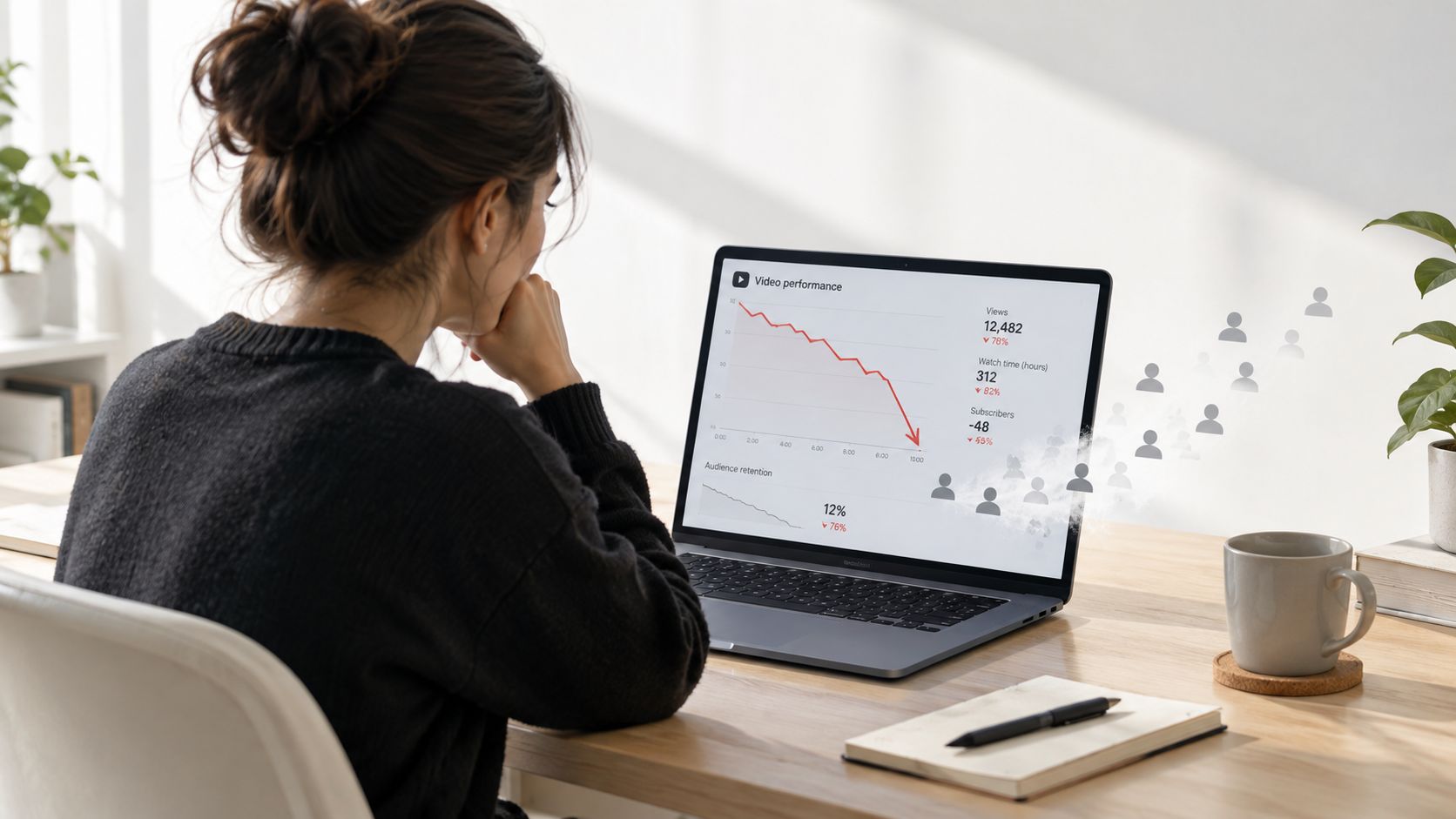
A creator can spend days filming a warm welcome, animating a logo, and explaining their credentials, only to discover that the audience leaves before the useful content begins. That problem usually isn't caused by a weak camera. It comes from asking viewers to wait for the reason they should stay.
Audience-retention research makes the opening especially important. Analysis of 124 STEM videos found that shorter videos, particularly those under eight minutes, performed better, while a repeated fixed channel introduction reduced attention because it added no educational value. The lesson applies beyond education: an introduction should earn attention by delivering relevance immediately, not by requiring patience.
Start with the viewer's situation
Open with the problem, desired outcome, or decision the viewer already has in mind. A business consultant might say, “If your sales team loses leads during follow-up, this video shows the first process to fix.” A fitness educator could begin, “If your first workout always feels overwhelming, start with this simple sequence.”
Only then identify yourself or the brand. “I'm Maya, a customer-success strategist,” is more effective after the viewer understands the video's relevance. The order creates a useful exchange: the audience gives you attention, and you quickly show what that attention will produce.
A dependable opening sequence is:
- Name the problem or desired result.
- Identify the presenter, company, or channel.
- Preview the specific value.
- Move into proof, a demonstration, or the first useful point.
Avoid opening with an animated logo, generic “welcome back,” music without narration, or a long list of credentials. A short lower-third can establish identity without interrupting the message. Your company story and identity should support the introduction, not delay its value.
Practical rule: If removing the first few seconds makes the video clearer, the opening was probably carrying decoration instead of meaning.
Authenticity doesn't require visible imperfections in every frame. It means the voice, presenter, claims, and visual style feel consistent with the experience viewers will have after they respond. A calm founder speaking plainly can build more trust than a cinematic montage that never explains the offer.
Scripting Your Introduction for Maximum Impact
A strong introduction script is short enough to deliver cleanly and specific enough to guide every visual choice. Before writing dialogue, define one outcome. The viewer should know what they'll understand, decide, or accomplish by the end.
For most introduction videos, build the opening around a 15 to 30-second sequence. This gives you enough space to establish relevance without turning the introduction into a separate speech.
Use a four-part opening
Write the first draft in four lines:
- Problem or outcome: “If you need to onboard new hires without repeating the same explanation…”
- Identity: “I'm Jordan, and I lead training at Northstar.”
- Value preview: “You'll see the three-part welcome process our team uses.”
- Proof or first point: “It starts with one short role-specific overview.”
A flexible template is:
“If you need [outcome], this video shows [specific method]. I'm [role], and in the next [duration] you'll see [proof or result].”
The wording should sound like a person speaking, not a search phrase inserted into a script. Read it aloud. If you run out of breath, stumble over a clause, or sound unlike yourself, simplify it.
Match every claim with a visual
Storyboard narration, on-screen text, and visuals in separate columns. When the script says “reduce handoff confusion,” show the workflow, a before-and-after screen, or the decision point where confusion occurs. Don't cover a spoken explanation with decorative footage that has no relationship to the claim.
Use interaction before the conclusion. Ask the viewer to predict an outcome, choose between two options, or notice a specific detail. Educational video research reports that embedded questions improve learning, especially when active engagement is combined with enhanced visuals. A question such as “Which step do new employees miss first?” gives the viewer a reason to process what follows.
Avoid dense slides read word for word. Keep captions focused on names, key terms, and essential phrases instead of duplicating every sentence with equal visual weight. End with a concrete action or recall prompt, rather than waiting until the final seconds to ask for engagement.
Choosing the Right Visual Style for Your Brand
Your visual style should reflect the trust you need to establish, the complexity of the explanation, and the resources available for production. Live action, animation, and AI-generated visuals can all work, but they solve different problems.
| Visual Style | Pros | Cons | Best For |
|---|---|---|---|
| Live action | Human presence, natural expressions, direct credibility | Requires filming, lighting, sound, and retakes | Founders, consultants, educators, local services |
| Animated graphics | Clear abstraction, controlled branding, strong explanations | Can feel generic if motion has no purpose | Explainers, processes, products, internal training |
| AI-generated visuals | Fast iteration, flexible presenters, easy localization | Requires careful review for realism, consent, and disclosure | Scalable campaigns, presenter-led explainers, localized content |
Choose the style by communication task
Use live action when the viewer needs to assess your personality or physical environment. A local service provider may benefit from showing the team, workspace, or customer-facing process. Guidance on marketing visuals for local service businesses can help connect visual decisions to the setting where trust is formed.
Animation works when the idea is invisible, procedural, or difficult to film. A simple diagram can explain a software workflow more effectively than a presenter describing an unseen process. Motion should clarify sequence, hierarchy, or cause and effect. If it only adds energy, remove it.
AI-generated visuals can support rapid variations, synthetic presenters, dialogue scenes, voiceovers, captions, and localized versions. LunaBloom AI, for example, turns scripts, topics, or images into edited videos with voice, music, captions, avatars, and an integrated editor. The tool can speed production, but it doesn't decide whether a synthetic presenter is appropriate for a sensitive testimonial or founder message.
Keep the brand system stable across formats:
- Color: Use a restrained palette that remains legible behind captions.
- Typography: Choose a typeface that works on mobile screens and in lower-thirds.
- Framing: Keep faces, products, and interface demonstrations in predictable positions.
- Voice: Match pacing and vocabulary to the audience, not to the tool's default style.
The right production choice is the one that makes the message easier to believe and understand. Start with the LunaBloom AI app or another workflow only after deciding what the viewer needs to see.
Branding, Thumbnails, and Distribution Strategies
A good introduction video can disappear if its packaging creates the wrong expectation. Your thumbnail, title, opening frame, and description should make the same promise. If the thumbnail suggests a practical tutorial but the video begins with a corporate greeting, viewers experience a mismatch before they reach the useful content.
Google recommends a descriptive, concise HTML title for every page and warns against vague, repeated boilerplate. Apply the same discipline to video titles. “How to Make an Introduction Video: Script, Shots, and Editing Steps” communicates intent more clearly than “Video Tips.”
Build a consistent publishing system
Your logo doesn't need to dominate the thumbnail. A recognizable face, product image, or specific visual outcome usually gives the viewer more information. Keep overlay text brief and readable, use strong contrast, and avoid shrinking a full sentence into a small corner.
Adapt the same core introduction for its destination:
- YouTube: Use a searchable title, a clear thumbnail, chapters where useful, and a description that explains the audience and outcome.
- Instagram: Design for silent viewing, faster visual changes, and a caption that carries context.
- LinkedIn: Lead with the professional problem, evidence, or lesson rather than a broad brand statement.
- Email: Place the video beside a specific reason to watch, such as a product walkthrough or onboarding explanation.
Distribution should also match the viewer's stage. A founder introduction may belong on an About page and in recruiting materials, while a product introduction may perform better on a landing page, sales sequence, and support portal.
Track more than total views. Review click-through rate, average view duration, completion rate, rewatch peaks, and timestamped drop-offs. If viewers leave during the logo animation, shorten or relocate it. If they rewatch a demonstration, make that evidence more prominent in the next cut.
For paid distribution, studying how Alpha Omega Digital runs campaigns can provide useful context for connecting creative, audience selection, and campaign testing. Keep the same discipline in organic publishing, and use LunaBloom AI pricing to assess whether an automated workflow fits your production volume and review requirements.
Accessibility and Transparency in Modern Intros
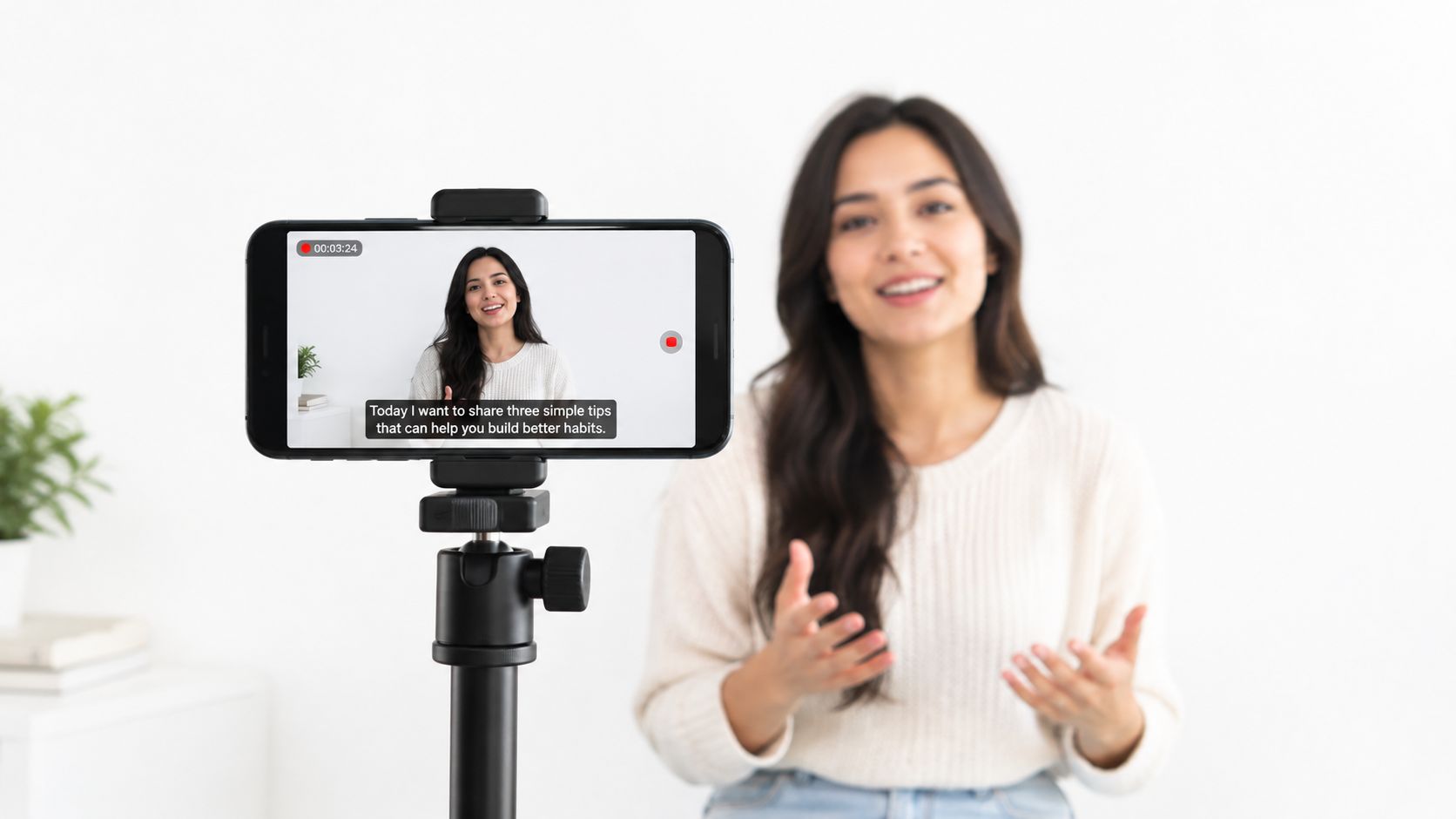
Captions aren't a finishing touch. They determine whether people can follow an introduction in silent autoplay, noisy environments, or with different hearing needs. WCAG Success Criterion 1.2.2 requires captions for prerecorded audio in synchronized media, except when the video is clearly labeled as an alternative presentation of text. The W3C guidance on prerecorded captions also distinguishes synchronized captions from a separate transcript.
Review captions as part of editing
Automatic captions save time, but they can misidentify names, products, accents, punctuation, and technical terms. They may also omit information that spoken words alone don't convey.
An accessibility QA pass should check:
- Timing: Captions appear with the speech and don't disappear before the viewer can read them.
- Identity: Speaker changes are clear when more than one person appears.
- Sound: Meaningful music, alerts, laughter, or sound effects are identified.
- Visual meaning: Important on-screen text and demonstrations have an equivalent explanation.
- Delivery: Provide a transcript, and consider a sign-language version when the audience or context requires it.
Research combining 1,276 papers, a survey of 168 Deaf and hard-of-hearing participants, and interviews with 15 participants found persistent gaps in non-speech-information captioning and a need for greater user control, as reported in the review of accessibility practices published through NJIT. “Captioned” does not automatically mean accessible.
Disclose AI without making the message confusing
Transparency requires judgment. Ipsos's 2025 AI Monitor reports that 79% of respondents agree companies using AI should disclose that use (Ipsos report). At the same time, a 2025 peer-reviewed study found that AI disclosures increased viewers' conceptual AI knowledge and persuasion knowledge, which reduced trust in the advertisement and organization. Other 2025 research summarized in an industry report found that 59.5% preferred an in-video AI label.
The practical answer isn't to hide AI or add a conspicuous warning to every production step. Explain the relevant use in plain language, especially when a synthetic presenter, voice, or likeness represents a person. Obtain consent for voice and likeness cloning, distinguish production assistance from a fictional avatar, and test disclosure placement for recruiting, customer support, testimonials, and training.
An honest disclosure can be brief: “This presenter and voice were generated with AI.” The statement should help viewers understand what they're seeing without turning the introduction into a technical explanation.
Putting It All Together – Your Action Plan
Authenticity and polish aren't opposites. Authenticity gives the viewer a credible person, voice, or point of view. Polish removes distractions, improves comprehension, and makes the message easier to act on. The mistake is using polish to conceal uncertainty, synthetic identity, weak evidence, or a message that hasn't been tested.
Google's people-first guidance says content should serve an existing audience, demonstrate experience or depth of knowledge, and leave visitors informed enough to accomplish their goal. The same standard applies to a video. A stylish introduction that doesn't answer the viewer's immediate question is still incomplete.
Use this production sequence:
- Define one viewer outcome. Write what the audience should understand or do.
- Draft the first 15 to 30 seconds. Lead with the problem, identity, value, and proof.
- Storyboard the evidence. Pair every important claim with a purposeful visual.
- Choose the presenter format. Use live action, animation, or AI according to the trust and explanation task.
- Record multiple openings. Compare product-led and presenter-led versions in analytics.
- Run an accessibility review. Correct captions, identify meaningful sounds, and prepare a transcript.
- Add proportionate disclosure. State synthetic voice, likeness, or presenter use where it affects interpretation.
- Export for each channel. Adapt framing, pacing, captions, title, thumbnail, and call to action.
- Review retention by timestamp. Improve the exact moment where attention drops rather than changing everything at once.
AI can accelerate drafting, editing, voice production, and localization, but it can't replace editorial responsibility. Google's guidance on AI-generated content and search emphasizes original, high-quality, people-first content and human review. Use LunaBloom AI's starter app if you want to test a script-to-video workflow, then inspect every claim, caption, visual, and disclosure before publishing.
Frequently Asked Questions About Introduction Videos
| Question | Answer |
|---|---|
| What should an introduction video include? | State the viewer's problem or desired outcome, identify the speaker or brand, explain the value, and move quickly to evidence or the first useful point. |
| How long should the opening be? | Build the opening around 15 to 30 seconds. Keep the full video focused on one audience outcome rather than adding unrelated information. |
| Should I use live action or an AI avatar? | Use live action when personal presence is central to trust. Choose animation or an AI avatar when you need scalable explanations, variations, or localization, and disclose synthetic elements when they affect interpretation. |
| Are automatic captions enough? | No. Review timing, names, terminology, speaker changes, music, and meaningful sound effects. Offer a transcript when appropriate. |
| How do I improve a weak introduction? | Check the first timestamp where viewers leave. Remove generic greetings, long logos, dense slides, and unsupported claims, then test a more direct opening. |
| Where can I get help with a video project? | You can contact LunaBloom AI to discuss a suitable creation workflow and production requirements. |
LunaBloom AI helps creators and businesses turn scripts, topics, and images into edited introduction videos with voiceovers, captions, avatars, localization, and social-ready versions. Visit LunaBloom AI to create a focused first draft, review it for authenticity and accessibility, and prepare the version your audience is most likely to understand and trust.