
It's 9 p.m., the party is tomorrow, and you've just realized a text that says "HBD!!" isn't going to cut it. You've got a few phone photos, one group chat, and zero time to learn editing software. That's exactly where a good birthday video idea saves you.
You don't need a camera crew. You need one clear format, a short list of assets, and a script you can paste in and personalize. The eight ideas below work for kids, best friends, grandparents, teammates, and customers. Each one includes a copy-paste LunaBloom prompt, a quick edit recipe, voice tips, and localization notes so you can share it as a Reel, Short, TikTok, or private file.
Birthdays give you endless material because they're always happening. The 2021 Farmer's Almanac estimate of about 17.7 million birthdays worldwide on an average day, including about 814,000 in the United States, shows why this isn't seasonal content. Candles, cake, music, and milestone ages are symbols everyone already understands.
If you're planning a milestone, pair your video with unique 50th birthday party ideas for the in-person moment, then let the video do the emotional reveal. Pick the format that matches your person, swap in a name and two specific details, and export. Specificity beats polish every time.
1. Movie Trailer Birthday Reveal
Turn the guest of honor into the star of a blockbuster. Open on a dramatic beat, cut fast through favorite moments, then let a confident narrator announce the premiere of their next year. It works because the trailer structure promises a payoff, so people stay for the final title card.

Copy-Paste Prompt and 60-Second Recipe
LunaBloom prompt: Create a 45-second cinematic movie trailer for [Name], turning [Age]. Style, epic blockbuster. Scenes, childhood photo, proud achievement, funny habit. Narrator says, "This year, [Name] returns." End title, "[Name], The Sequel Starts Now."
Start in LunaBloom AI, paste the prompt, drop in three to five photos, choose a deep narrator voice, and generate. Keep the total length between 30 and 60 seconds so it doesn't drag. A three-line script is enough, setup, twist, and punchline.
Best for: A coworker's 40th with a fake sequel about retirement plans, or a grandparent framed as "the event of the decade."
- Assets needed: Three favorite photos, one funny clip, name, age, and one running joke
- Voice tip: Deep and slow sells the joke, cheerful and fast works better for kids
- Localization tip: Keep the title card text short so it translates cleanly, then generate a second voiceover version for family abroad
Export vertical first for social sharing, then make a widescreen version if you'll play it on a TV at the party. Don't crop one version into the other or you'll lose the name on the title card.
2. Multilingual Friends Greeting
A distributed team sending "happy birthday" in eight languages hits differently than eight separate texts. Each person records one short line in their own language, and you stitch the clips into one warm, global greeting. For a family across three countries celebrating a grandmother's 80th, hearing every grandchild in sequence is the gift.
The trap is chaos. Different volumes, different lighting, and late clips can turn a sweet idea into an editing weekend. Send contributors a deadline and a simple template, "Say your name, say happy birthday to [Name], add one wish, stop." Ask for vertical video and a quiet room.
Make Every Greeting Understandable
Put the birthday person's name on screen in each language's script, then add translated captions in the language they read best. Accessibility should never be an afterthought. WCAG 2.2 guidance that captions must be provided for all prerecorded audio content in synchronized media means every greeting, toast, and joke needs synchronized text, not just the intro.
Caption the emotion, not just the words. Label each speaker, keep lines short, and check names by hand.
Copy-paste LunaBloom prompt: "Stitch these greeting clips into a 60-second birthday video for [Name]. Add speaker labels, translate all captions to [Language], level the audio, and end with all names on one title card."
- Assets needed: One short clip per contributor, correct spelling of every name, preferred caption language
- Voice tip: Use cleanup for noisy phone audio, but don't over-process older relatives' voices until they sound robotic
- Localization tip: Generate one captioned master, then swap caption language instead of rebuilding the edit
Offer a downloadable private file too, not just a social link. Some relatives don't use Instagram, and they shouldn't miss out.
3. AI Sing-Along Birthday Song
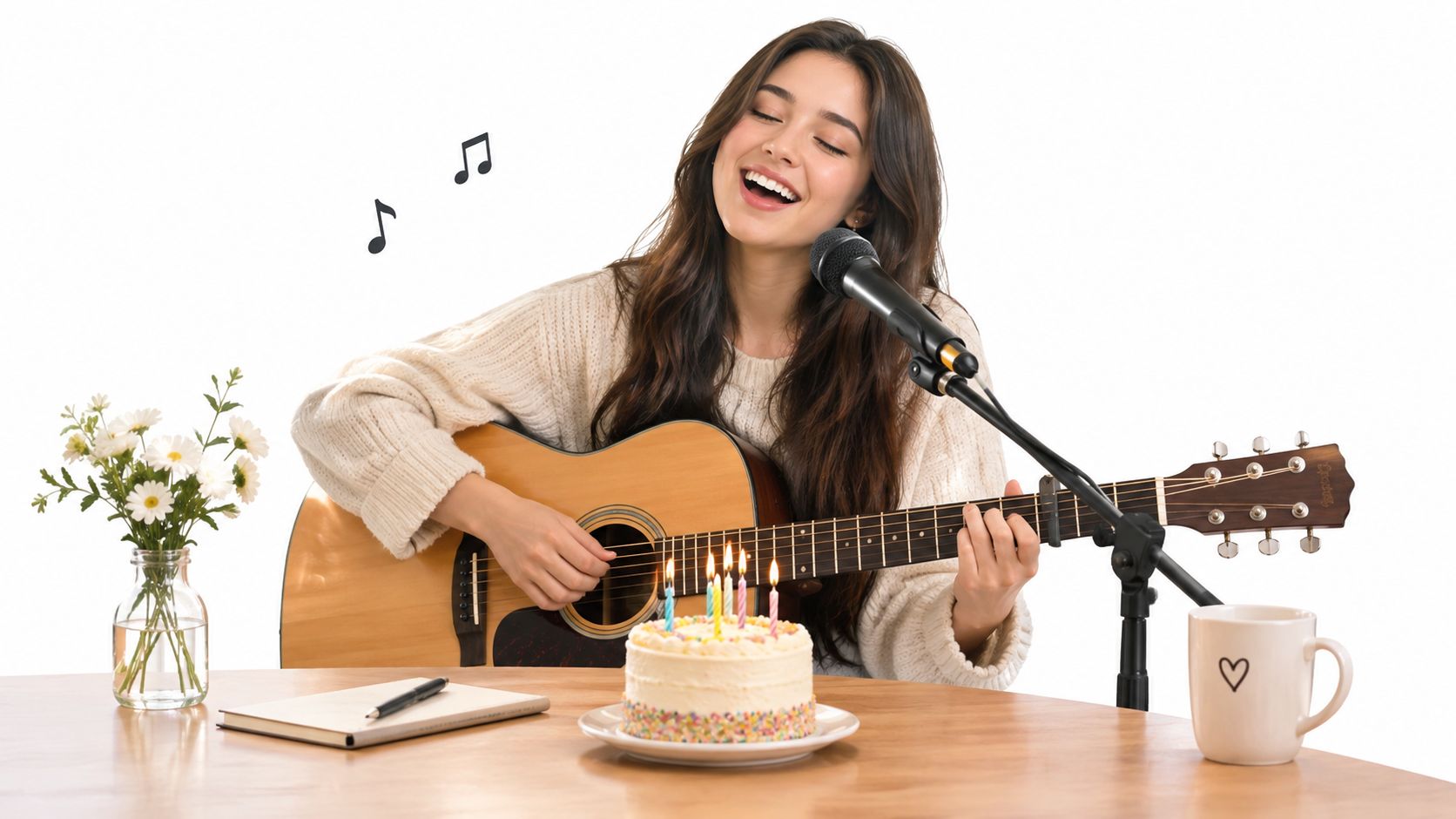
A custom song beats the standard tune when it mentions real life. Reference the office coffee machine, a dog's obsession with socks, or a friend's terrible karaoke song, and you've got a music video nobody else could receive. Keep it under 60 seconds and build it around two or three specific details.
The original melody has serious staying power. Euronews reporting on the history of "Happy Birthday to You," from its 1893 origin as "Good Morning to All" to translation into almost 20 languages, shows how a simple ritual plus adaptable audio travels. Your version just adds personal lyrics.
Copy-Paste Prompt and Edit Recipe
LunaBloom prompt: "Create a cheerful 45-second birthday song for [Name], a dog lover who [Detail 1] and [Detail 2]. Upbeat pop style, animated singer, lyric captions on screen, final line, 'Happy birthday, [Name]!'"
Start from LunaBloom's starter app, paste the prompt, pick an animated or photo-real performer, and turn on lip sync. Add lyric captions so a room full of people can sing along on the second play.
- Assets needed: Name, two hobbies or jokes, preferred music style, one optional photo for the performer
- Voice tip: Choose a bright, clear vocal for kids, a warmer vocal for parents and grandparents
- Localization tip: Short chorus lines translate best, keep verses in the recipient's main language
Trade-off to know, a funny song needs commitment. If the lyrics are generic, it'll feel like a novelty filter. Rewrite one line until it could only be about your person.
4. Animated Avatar Birthday Host
When you can't be there, send a host who can. A custom avatar, photo-real, animated, or 3D, delivers the message by name and looks straight at the camera. A school can send greetings from an animated teacher character. A small business can send a mascot host to each customer without recording hundreds of takes.
This birthday video idea lives or dies on personalization. "[Name], we hope you have a great day" is forgettable. "[Name], thanks for bringing your book club to us every month" feels one-to-one. Use one name field and one specific detail field, then keep the script under 45 seconds for completion.
Copy-Paste Prompt and Production Notes
LunaBloom prompt: "Animated host [Character] says, 'Hi [Name], happy birthday from [Brand or Family]. We loved [Specific detail] this year. Here's to [Wish].' Friendly tone, captions on, logo at end."
Build it in the LunaBloom app, choose your avatar style, add your personalization fields, and preview the name pronunciation before you batch anything. That preview matters more than any background choice.
Get written consent before cloning anyone's voice or face. That's not optional, even for a fun family joke. Use a chosen voice if consent is unclear.
Captions need the same care as the avatar. Convince & Convert's summary that 39% of consumers were more likely to finish videos with subtitles and 85% watched video on mobile devices is a reminder to design for muted, small-screen viewing first. Large text, high contrast, speaker clarity.
- Assets needed: Avatar choice, script, name list, one detail per recipient, logo if it's for customers
- Voice tip: Test names with accents and unusual spellings out loud before exporting
- Localization tip: Localize the wish, not just the words, some cultures prefer family and health wishes over age jokes
5. Year-in-Review Memory Reel
Fifteen good photos with honest captions will make someone cry faster than a hundred random clips. This reel looks back at one year, or a whole life, through milestones set to music. A couple's year of travel, a baby's first year, or a retirement timeline all share the same structure, then, now, what's next.
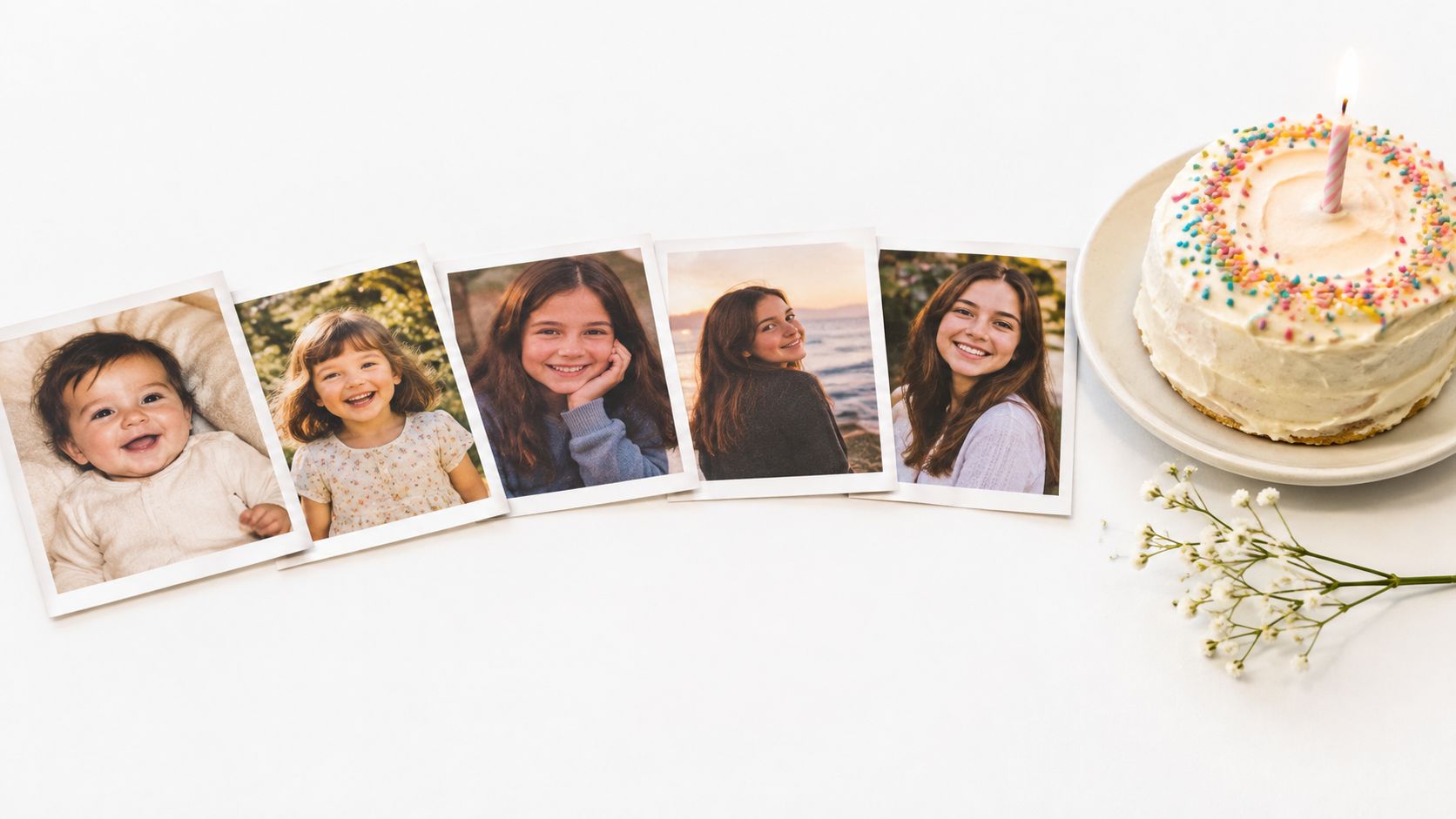
Choose 15 to 25 images to keep the pace lively. Write one caption per memory, no more than ten words each. "First apartment. No furniture, great pizza" tells a story. "Summer 2023 memories" doesn't.
Copy-Paste Prompt and 60-Second Recipe
LunaBloom prompt: "Create a 60-second memory reel for [Name]'s [Age] birthday. Use these photos in chronological order, upbeat music, one short caption per photo, end on a hopeful group shot with text, 'Best chapter yet.'"
You can learn more about the team approach on LunaBloom's about page if you're choosing tools for repeat family or client projects. For this edit, sort photos first, generate, then only fix order and captions. Don't spend an hour nudging transitions.
If you'll publish it on a page, add proper metadata. Google's video guidance on using VideoObject structured data with name, thumbnail, upload date, description, and duration helps people find sections like "Childhood Photos" or "Final Birthday Toast." Use a representative thumbnail with the person's face, not a blank title slide.
- Assets needed: Sorted photos, one caption per memory, one favorite song style, final group photo
- Voice tip: Skip voiceover if the photos are emotional, add a short spoken ending if it's for a milestone toast
- Localization tip: Keep captions to short phrases so translated versions don't cover faces
End on a hopeful or funny shot. A sad ending makes a birthday reel feel like a memorial, and that's a common, avoidable mistake.
6. Multi-Character Dialogue Sketch
Two animated pets arguing over who gets the cake will get replayed. A desk plant interviewing a team mascot about the birthday person's snack habits will get shared in the work chat. Dialogue gives you jokes, timing, and a hero, and the birthday person doesn't have to perform at all.
Keep it tight. Limit the sketch to two or three characters, give each one a distinct voice, and save your best joke for the final line. Most sketches fail because they explain the premise for too long. Start mid-argument.
Copy-Paste Prompt and Edit Recipe
LunaBloom prompt: "Create a 50-second comedy sketch. Character 1, [Pet], confident voice. Character 2, [Pet or Object], dry voice. They argue about who [Name] loves more, then agree [Name] deserves cake. End line, 'Happy birthday, [Name], you raised us well.' Captions with speaker names."
For social sharing, aim for a 60 to 90-second mobile-first format at most, and shorter often works better for comedy. A birthday video guide citing a 2025 SocialInsider analysis that identified 60 to 90 seconds as producing the highest engagement, with more than 75% of online video views on mobile supports building vertical first. Open with the name in the first few seconds.
Caption sound, not just speech. W3C captioning guidance that timed text can include dialogue, sound effects, musical cues, and other relevant audio information means "[laughter]" or "[crowd sings Happy Birthday]" helps muted viewers follow the joke.
- Assets needed: Two character ideas, three jokes, one final punchline, name and age
- Voice tip: Contrast pace as well as pitch, one fast talker and one slow talker reads clearly without sound
- Localization tip: Slang-heavy jokes need rewriting per language, don't rely on literal translation for punchlines
7. Birthday Wish Choose-Your-Adventure
Kids and gamers don't want to just watch. They want to choose. This format pauses at key moments and offers options like "Open the red door" or "Take the stairs," then plays the matching clip. Each choice can reveal a clue to a real gift, a party theme, or a surprise guest.
Map the branches on paper before you produce anything. Two choices, then two more, then one shared ending is plenty. If every path doesn't end with a satisfying reveal, viewers who pick the "wrong" route will feel shortchanged.
Watch how a simple branching birthday story can be paced before you build your own version.
Copy-Paste Prompt and Branch Recipe
LunaBloom prompt: "Create a birthday treasure hunt for [Name], age [Age]. Scene 1, host offers red door or blue door. Each door reveals a clue about [Gift or Party]. Final scene, both paths meet for cake reveal and text, 'Check [Real Location] for your surprise.'"
Generate each branch as a short clip, label files clearly, and test every path on your phone. Keep each branch short so the story doesn't stall while someone decides.
Think about who's left out by a single-platform plan. Pippit's Instagram birthday story ideas page reflects the usual focus on Stories, polls, collages, and captions, but a private downloadable version helps grandparents and classmates who aren't on that platform. Add larger text and slower pacing for older viewers.
- Assets needed: Branch map, one clue per scene, final reveal location, simple choice text
- Voice tip: Use the same host voice across branches so the story feels continuous
- Localization tip: Keep choices to two or three words per option for easy translation and big tap-friendly text
8. Behind-the-Scenes Birthday Production
Treat the party like a film set and the preparation becomes the entertainment. Film the cake order, the balloon disaster, guests hiding behind a sofa, then add a mock director's commentary and a crew credit list. A team's "making of" for a surprise office party works because effort is visible, and visible effort reads as love.
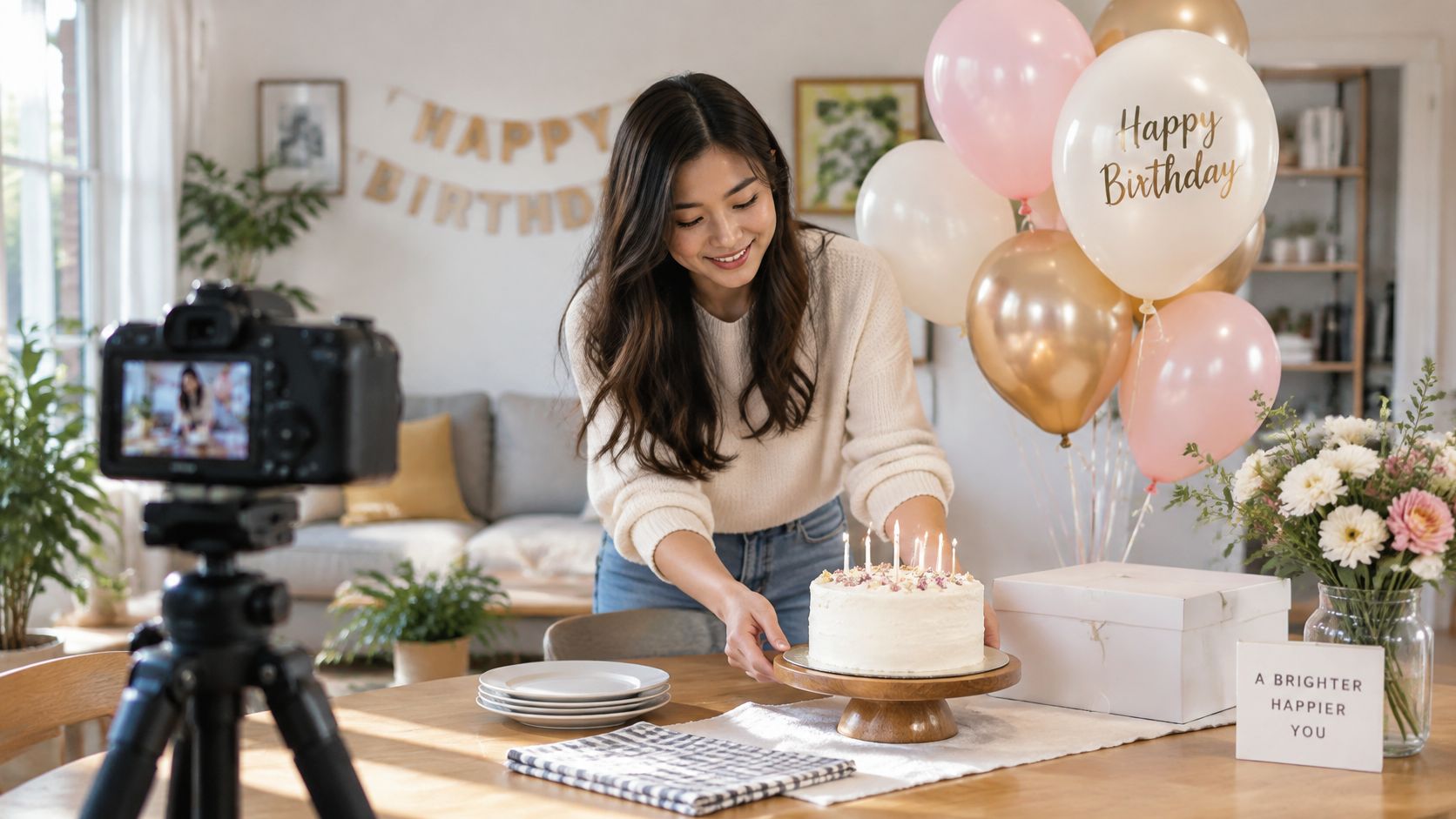
Start filming during preparation, not just at the party. Creators can turn this into a follower recap, and small businesses can show the care behind an event without a hard sell. If your celebration includes games, Chronos One Escape Rooms Eltham's party guide is a useful companion for planning the live side while you capture it.
Copy-Paste Prompt and Edit Recipe
LunaBloom prompt: "Edit these behind-the-scenes clips into a 60-second mock film production for [Name]'s birthday. Add director commentary voiceover, chapter titles, short bloopers, and end credits thanking [Names]. Playful tone, captions on."
Check current options on LunaBloom pricing if you'll repeat this format for clients or a content series. For a one-off family video, keep bloopers short and kind. Tease the planner, not the guest of honor, unless you know they'll love it.
Practical rule: If a blooper needs context to be funny, cut it. The best behind-the-scenes moments explain themselves in two seconds.
- Assets needed: Prep clips, one arrival moment, bloopers, credit list, final group shot
- Voice tip: A dry director voiceover makes ordinary decorating feel cinematic
- Localization tip: Credits and chapter titles are easy wins for translation, keep names spelled consistently across languages
8 Birthday Video Ideas: Side-by-Side Comparison
| Birthday Video Idea | 🔄 Implementation Complexity | 📦 Resource Requirements | 📊 Expected Outcome | 🎯 Ideal Use Cases | ⭐ Key Advantage |
|---|---|---|---|---|---|
| Movie Trailer Birthday Reveal | Medium: needs a concise script and cinematic editing | Photos or clips, soundtrack, narration, editing or AI video tool | Dramatic, funny, shareable reveal | Movie fans, milestone birthdays, social posts | ⚡ Creates a big-event feel with a short video |
| Multilingual Friends Greeting | Low–medium: straightforward editing, but coordination takes time | Short clips from contributors, subtitles, basic editing | Personal greeting that brings distant friends and family together | International families, remote teams, multilingual recipients | 💡 Highlights connections across languages and locations |
| AI Sing-Along Birthday Song | Medium: custom lyrics and music need refinement | Personal details, song-generation tool, optional avatar or lip-sync | Memorable, personalized music-video greeting | Friend groups, families, teams, playful recipients | ⭐ Combines personal references with an original song |
| Animated Avatar Birthday Host | Medium: avatar setup and personalization required | Avatar and voice tools, script, recipient details; consent for likeness or voice cloning | Consistent, personalized presenter message | Large recipient lists, branded greetings, remote celebrations | ⚡ Scales easily using a reusable template |
| Year-in-Review Memory Reel | Low–medium: gathering and arranging media takes time | 15–25 photos or clips, captions, music, editing tool | Emotional recap of shared memories or milestones | Any age or relationship; anniversaries and milestone birthdays | ⭐ Turns existing photos into a meaningful keepsake |
| Multi-Character Dialogue Sketch | Medium–high: requires scripting and distinct character voices | Script, two or three characters, voice or animation tools | Funny, story-driven greeting built around a punchline | Groups with inside jokes, families, teams, comedy fans | 💡 Gives the message personality through playful dialogue |
| Birthday Wish Choose-Your-Adventure | High: branching scenes and outcomes require planning | Branch map, multiple clips, interactive video platform | Engaging, replayable experience with a reveal | Kids, gamers, themed parties, puzzle lovers | ⭐ Lets viewers shape the story |
| Behind-the-Scenes Birthday Production | Low–medium: simple if footage is captured during preparations | Phone footage, party setup clips, optional voiceover and credits | Relatable, playful look at the celebration's preparation | Surprise parties, creators, teams, small businesses | ⚡ Easy to make with casual phone footage |
Pick One Idea and Create It in Minutes
You don't need all eight formats. You need the one that matches your person and your deadline. Match by audience first, then by assets you already have on your phone.
For kids, start with the AI Sing-Along Birthday Song or the Birthday Wish Choose-Your-Adventure. Both invite participation, and kids will ask to replay them. Keep lyrics and choices big on screen, and test sound-on and sound-off before the party.
For close friends and family, the Year-in-Review Memory Reel and Multilingual Friends Greeting carry the most emotion. They take a little more gathering, but the payoff is a keepsake people save. If you're short on clips, the Movie Trailer Birthday Reveal turns three photos and a joke into an event, and the Multi-Character Dialogue Sketch works when nobody wants to be on camera.
For teams, schools, creators, and customers, choose repeatability. The Animated Avatar Birthday Host lets you personalize name and detail at scale, while the Behind-the-Scenes Birthday Production shows your work and your culture. That's the same reason families reuse formats across hobbies, much like parents save game moments after reading a parent's guide to soccer videos, birthday videos become archives, not posts you forget.
Start with one template and one copy-paste prompt from above. Replace the brackets with a name, an age, and two details only that person would recognize. Generate a vertical master, check captions and name pronunciation, then export a shareable file for anyone who isn't on social platforms. If you need another language, localize captions and voiceover from that same master instead of starting over.
LunaBloom AI is one option for this workflow because it combines prompts, avatars, voiceovers, captions, songs, and multi-character dialogue in one place. That matters when you're working the night before a party. You can focus on the joke, the memory, and the wish instead of timeline software.
Make it specific, keep it short, and send it while the candles are still lit. A perfect generic video is forgettable. A slightly imperfect video that says, "We know you, we remember this, and we made this for you," gets watched again next year.
Ready to turn your favorite birthday video idea into a finished mini movie without filming or complex editing? Visit LunaBloom AI to paste a prompt, add a name and personal details, generate voiceover, captions, music, and visuals, then localize and share your birthday video today.





