Most videos fail at the script stage, not the edit. A polished cut can't rescue a rambling hook, visuals that don't match the narration, or a runtime swollen with points the audience doesn't need.
A good video script template catches those problems before they become production problems. It gives each line a job, pairs what viewers hear with what they see, and helps the writer, editor, narrator, and client agree on the plan before anyone records.
The ten free script templates below cover explainers, ads, tutorials, YouTube, social video, and audiovisual production. I've judged them by practical concerns: how much friction it takes to access them, which projects they suit, how well they support review and handoffs, and where they need adapting. Some are simple documents; others offer an online workflow. The best choice is the one that gives your actual production enough structure without making a quick video feel like a paperwork exercise.
1. Moonb Free Video Script Template
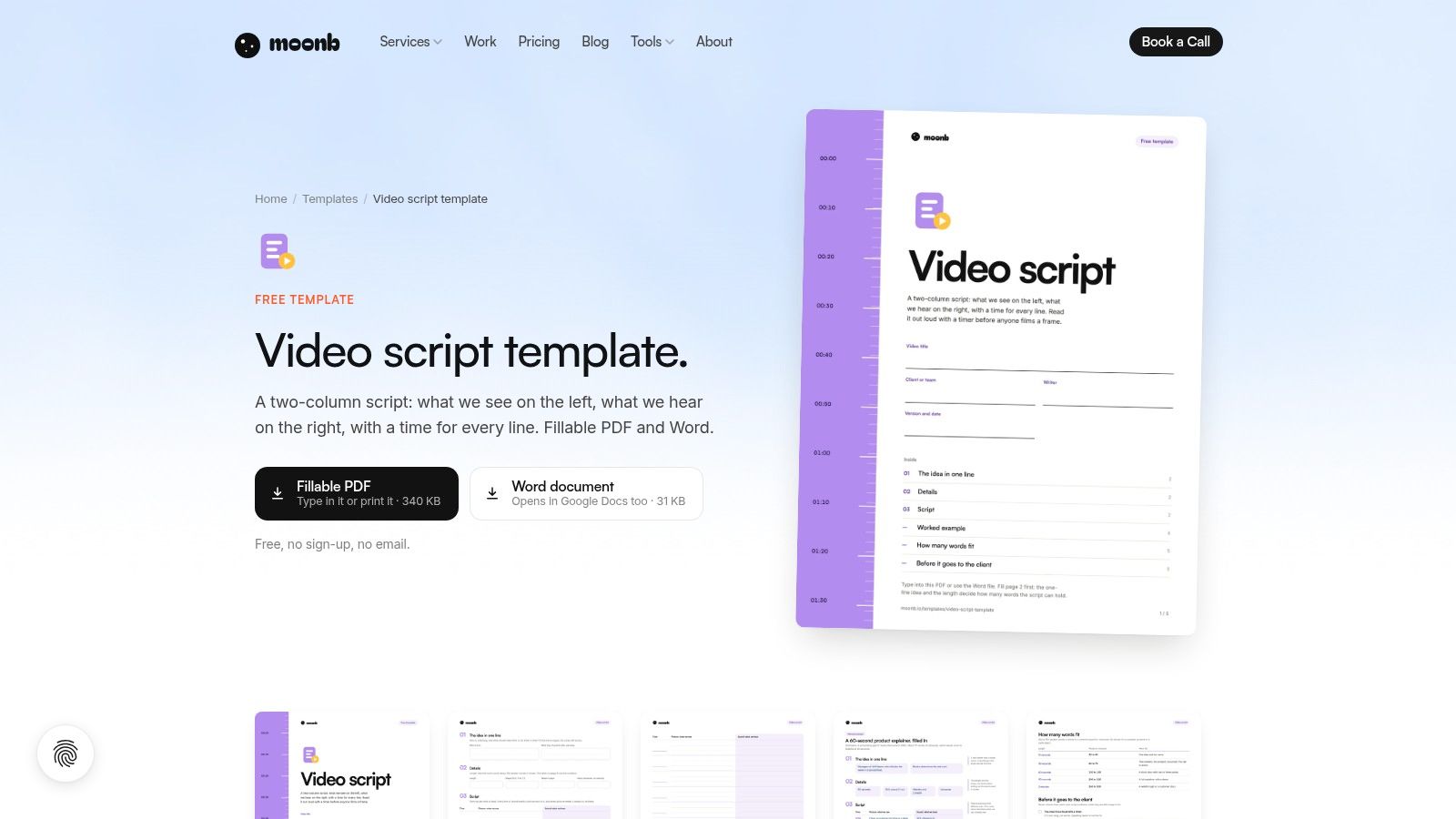
Moonb's template is a straightforward two-column production document: spoken audio on one side, visuals on the other. That format is useful when a writer needs to show an editor or client exactly how a line of narration connects to a shot, screen recording, or product detail.
The template includes timing fields for individual lines and total runtime, plus a completed product-explainer example and a words-per-length reference. It comes as a fillable PDF and an editable Word file that also opens in Google Docs. You can download it without providing an email address or creating an account.
Where it fits in production
For an explainer, demo, or ad, the side-by-side layout helps prevent a common handoff problem: a script says something important, but nobody has planned what the audience will see at that moment. Timing fields make it easier to spot lines that need more screen time than the edit can give them.
The limitation is that this is a static document, not a shared writing and review space. It may also feel awkward for a voice-led video that doesn't need a shot-by-shot plan. I'd adapt the columns for the job rather than fill every field by default. If your team needs a companion workflow for turning content into video, LunaBloom AI's blog is another place to explore.
2. StudioBinder Free AV Script Generator
StudioBinder is a browser-based workspace for building and reviewing an AV script. It arranges narration and visual directions in rows, tracks word count and estimated runtime, and lets you attach image references such as storyboard frames or screenshots. Review statuses and comments keep feedback alongside the draft.
That context can help when a script passes between a writer, reviewer, and editor. PDF export provides a portable copy for people who do not need to work in the browser.
Useful workflow, with setup attached
The generator can suit YouTube, promotional, and educational videos. Its workspace setup takes more effort than drafting a one-off script in a document, and the free plan has limits. For a single short ad, comments and visual references may be more setup than the job calls for.
For a continuing production workflow, those tools can clarify handoffs: attach a visual reference where a shot choice needs review, and keep comments beside the relevant script row. Start with the basic structure, then add only the references and review steps that help the team make production decisions.
3. Canva Docs Video Script Templates
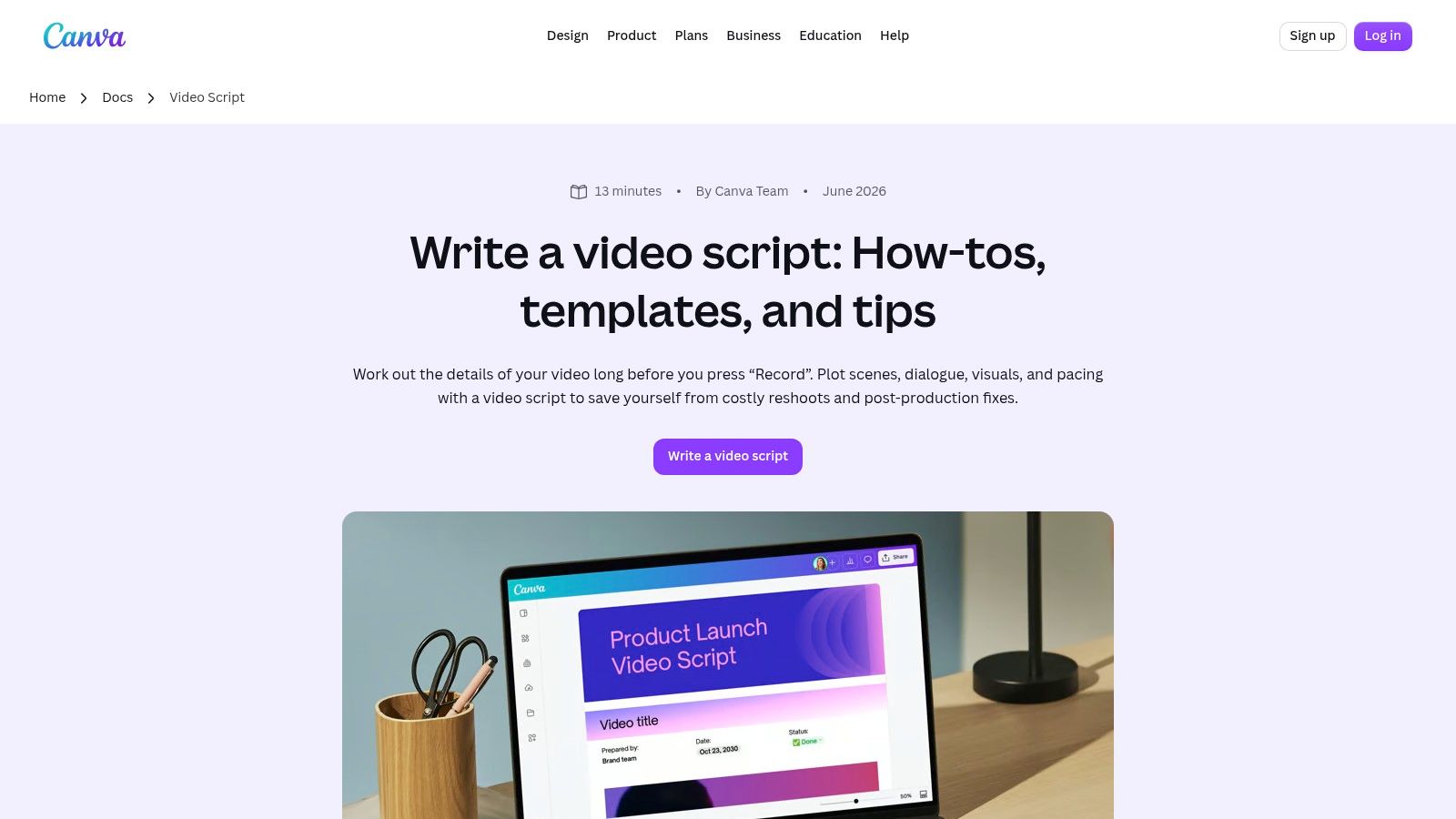
Canva Docs suits teams that already use Canva for creative work and want a script that can sit near design materials. Its video script options include single-column and two-column layouts, with ready-made headings, tables, and places for production cues. Inline comments support review, and you can link related materials such as a storyboard or shot list.
The visual interface is familiar to many creators and marketing teams. That makes it an approachable place to share a draft with people who aren't scriptwriters.
A document, not a dedicated script system
Canva Docs is a useful starting point for organizing a script and collecting feedback. It isn't a specialist writing environment built around production scripting, so teams with complex revisions or detailed shooting needs may outgrow the document format.
The free plan is available, but some templates, assets, and features may require a paid plan. Before building a team process around a particular layout or asset, confirm that everyone who needs it can access it. For a simple explainer, keep the document lean: message, visuals, and notes that affect the edit.
4. TechSmith Free Video Script Template
A tutorial script has to keep each spoken instruction in sync with what appears on screen. TechSmith's template makes that relationship visible by separating on-screen action from spoken words. It also records the topic, purpose, and author, giving reviewers enough context to judge whether the steps serve the lesson.
The accompanying guide explains script structure, hooks, calls to action, B-roll cues, and reading a draft aloud. That guidance can help a first-time writer turn a blank form into a usable draft, though the template itself stays straightforward.
Strong for instruction, simple by design
For screen recordings, plan the action and narration side by side. If an interface changes, update the spoken line and the corresponding screen direction together. The simple format is also easy to share with a subject-matter expert for a step-by-step review.
The trade-off is limited production detail. Multi-speaker videos or shoots with camera, graphics, and sound cues may need extra columns or fields. Add only directions that change what gets recorded or edited; too many minor notes can make the script harder to use. For a different format, LunaBloom AI's birthday video resource offers ideas for shaping a birthday video.
5. Later Free YouTube Script Template
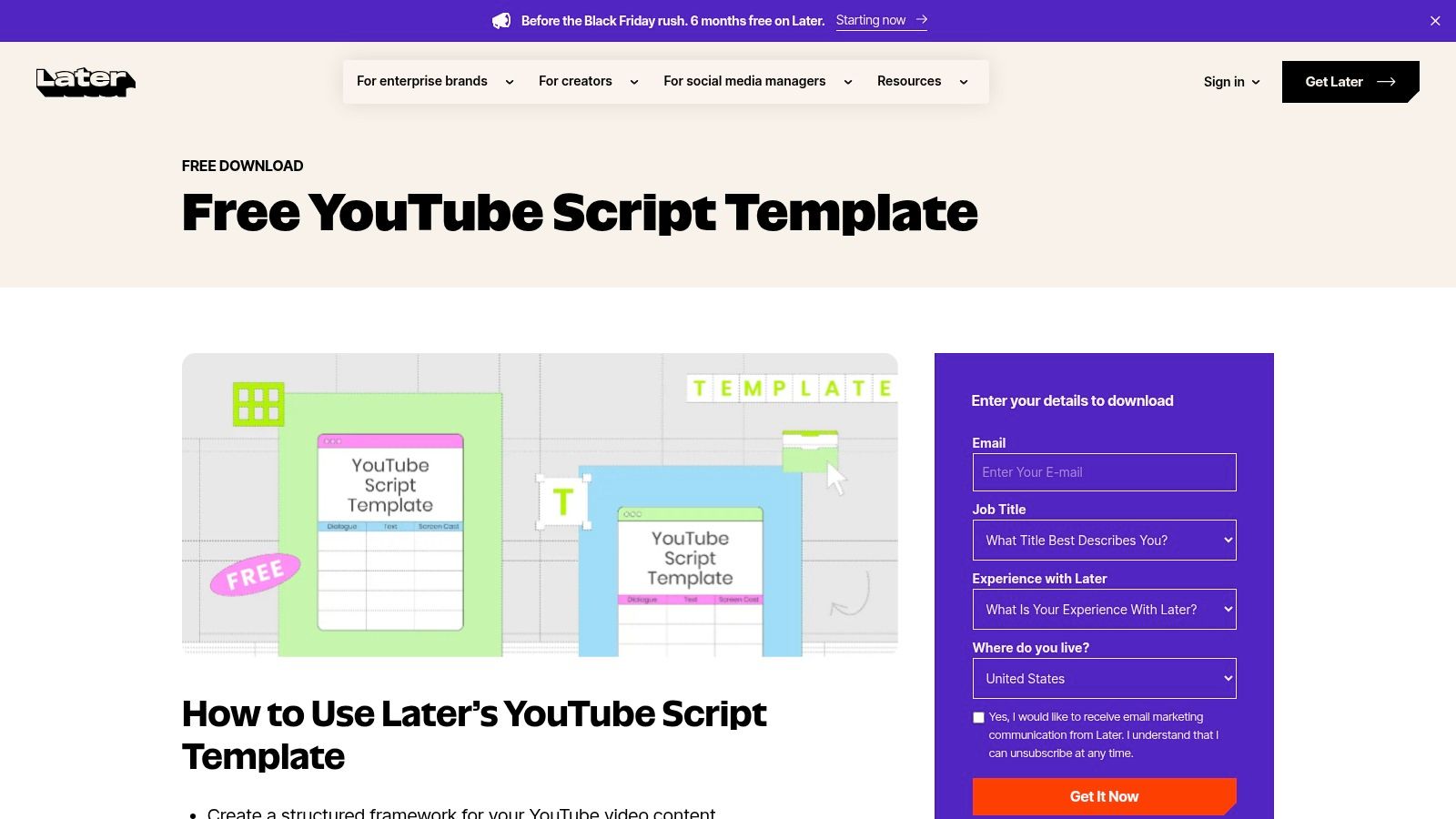
Later's template is built around a familiar creator workflow: plan the hook, organize the video into segments, and decide where the call to action belongs. That structure can also help an on-camera presenter stay focused without reading every line verbatim. Sharing the draft with a manager or team makes it useful for approval and brand-voice review.
For creators who publish recurring YouTube videos, a consistent framework can make planning less improvised. It also gives reviewers a chance to flag a weak opening or a missing takeaway before filming.
Adapt it for shorter social video
The template is YouTube-focused, so a short-form creator may find its sections too roomy. For a quick social video, keep the hook, one useful idea, a visual demonstration, and a single next step. Remove any segment that doesn't earn its place.
Later offers a free download, with an immediate download option after signup. That access flow may involve providing contact information, so it's less frictionless than a template you can copy straight from a page. It's a reasonable trade if the YouTube structure fits your publishing routine; otherwise, strip it down before writing.
6. Vidyard Video Marketing Template Library
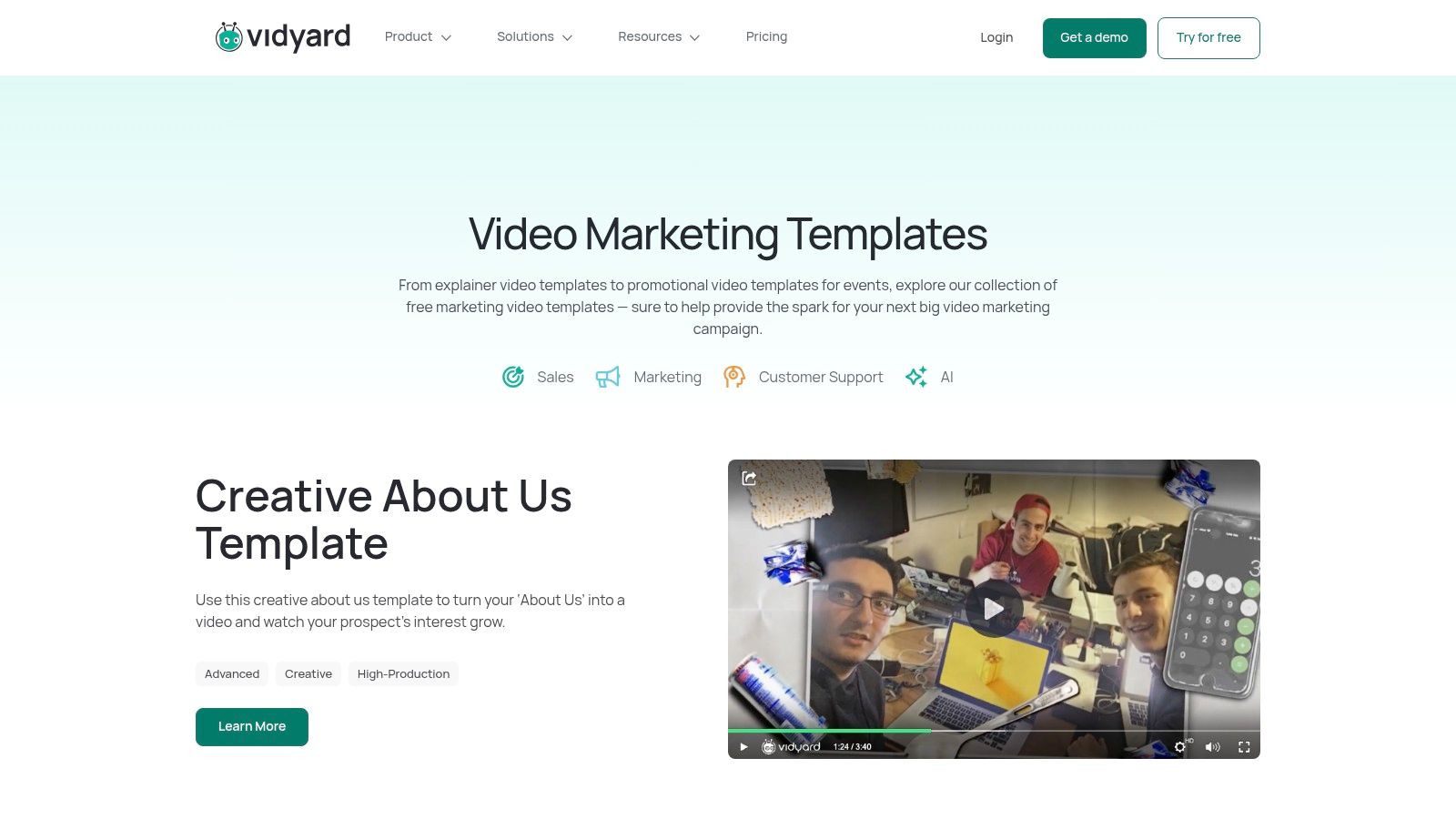
Vidyard's library is more of a set of examples and reusable guidance than one universal blank script. It covers business uses such as product features, FAQs, case studies, company announcements, and event promotions. Seeing example videos can help a team understand how a format might work on screen before writing its own version.
The library also includes recording notes and guidance, and Vidyard supports creating and sharing custom templates within a team. That makes it more relevant to business video messaging than to traditional script drafting.
Learn from the example, then write your own
Vidyard is useful when you need to choose a format for a sales, support, or company communication video. The examples give the team a concrete starting point, while custom templates can help keep repeated messages consistent. Template functionality is available to Free and Starter users according to Vidyard's help information.
The trade-off is that this library is better suited to recording and video messaging than to downloading a script document for a separate production workflow. Using templates inside Vidyard requires an account, and some examples are specialized for sales or corporate communications. If your team is collecting company announcements and other resources, LunaBloom AI's media room may also be useful.
7. HubSpot Free Video Script Template
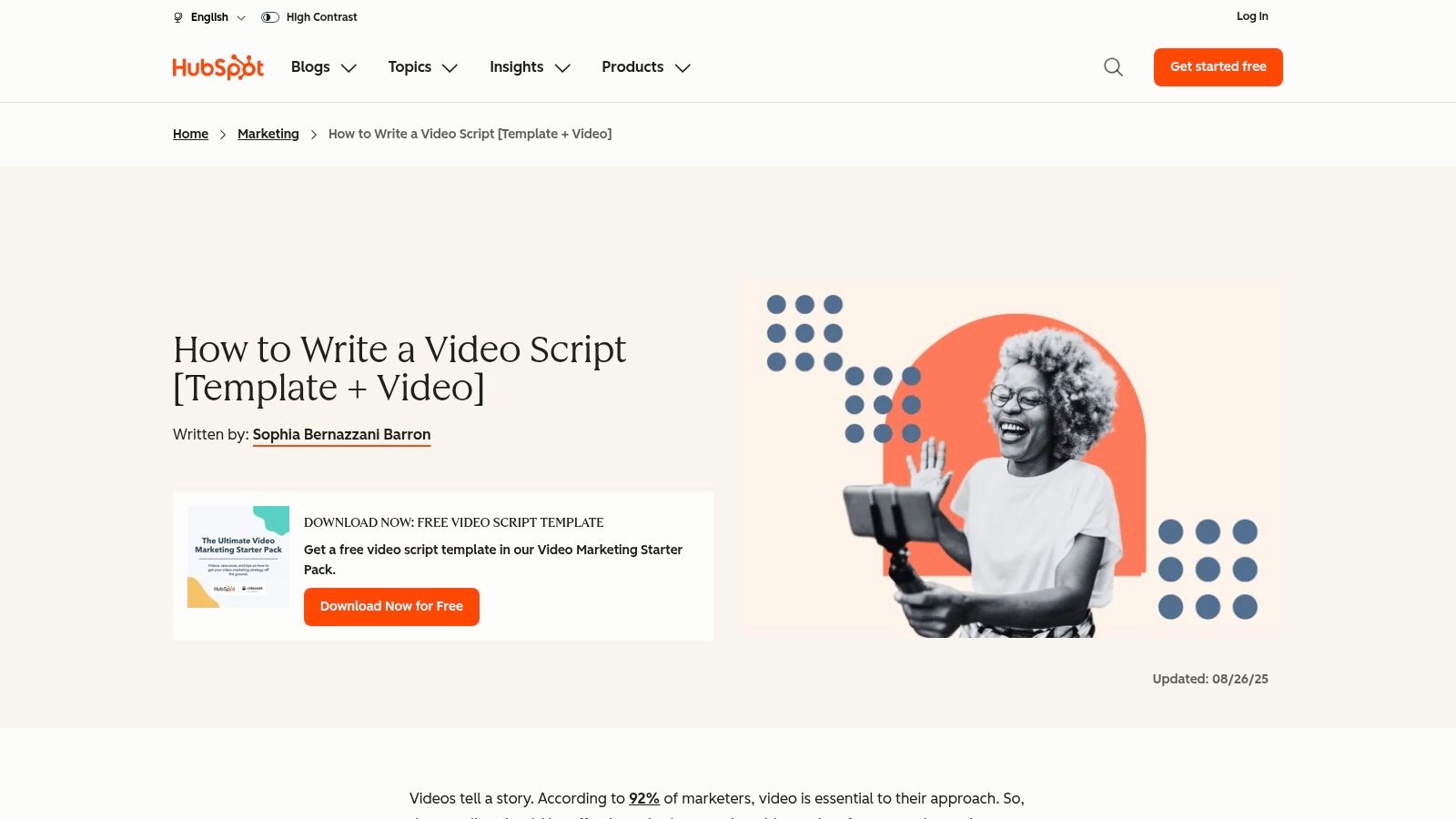
HubSpot provides a video script template through its Video Marketing Starter Pack, alongside guidance on coordinating dialogue, actions, and production cues. That broader context is helpful for businesses and product marketers who want to plan a video before filming or editing, rather than treat the script as isolated copy.
The resource is designed to support video marketing planning. It can help a writer think through what people say and do, and what needs to happen on screen.
Helpful context, with a form in the way
The main advantage is the guidance that comes with the template. A new writer can use it to connect dialogue with planned actions, then pass the draft along before production starts. It's a broad marketing resource, though, not a specialized screenplay or production tool.
Access requires submitting contact information through a form, and the download flow may affect how easily your team can get the file. If you want a lightweight document you can open and adapt immediately, that extra step may be inconvenient. For a marketing team already building its resource library, the added context may make the form worthwhile. LunaBloom AI also supports moving from script material toward video production.
8. Krafto AI Free Two-Column Video Script Template
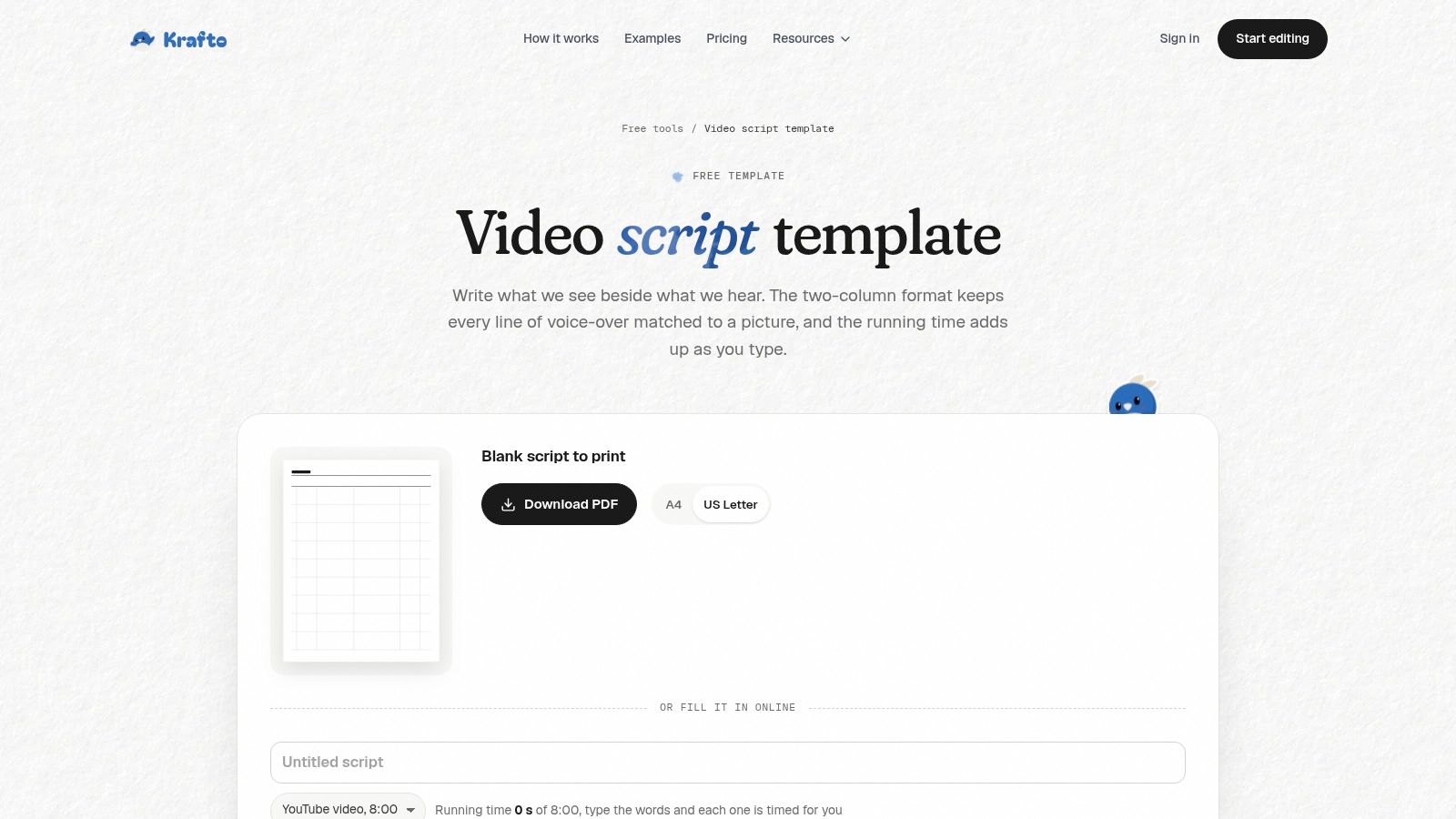
Krafto's browser-based template pairs what viewers hear with what they see. Add scene rows, then use optional fields for shots and on-screen text. A running-time estimate offers a drafting aid, while PDF and spreadsheet downloads let you move the script into another editing workflow.
The two-column layout adds production structure to a basic document without requiring a full production platform. No-signup access makes it practical for quickly assessing whether the format suits the project.
Check the timing and export fit
Use the running-time estimate to guide drafting, then read the script aloud and account for how long each visual needs to stay on screen. The estimate is only a starting point; actual pacing depends on delivery and the planned shots.
The free script template is separate from Krafto's video-making product. Its workflow is specific to Krafto, and downloaded files may need adjustments to match your team's editing habits. If you're comparing production options, LunaBloom AI's pricing page outlines its plans.
9. ContentIQ Free Video Script Template
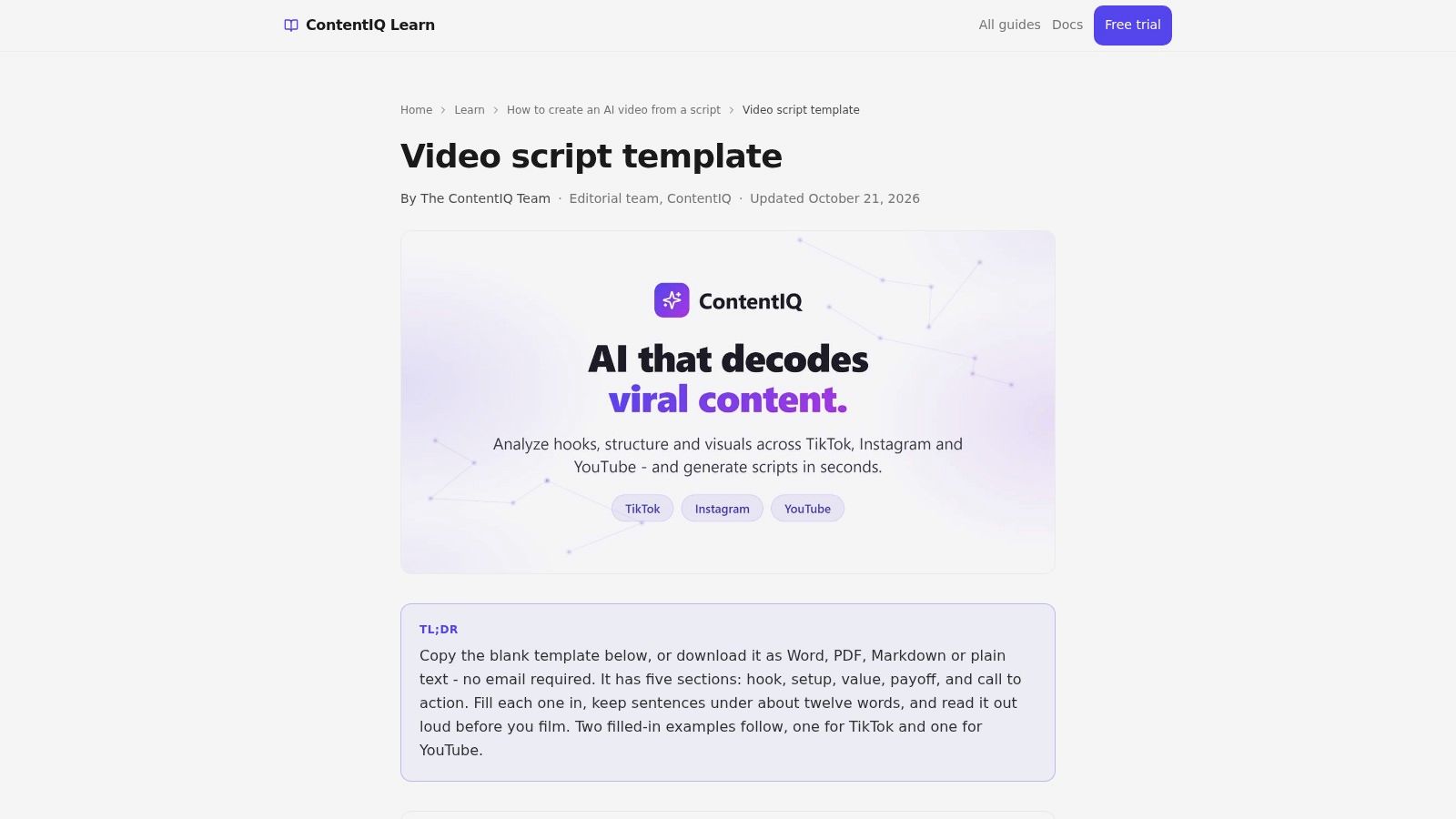
ContentIQ's template gives short-form writing a clear path: hook, setup, value, payoff, and call to action. It includes TikTok and YouTube examples, and you can copy the template from the page or download it as Word, PDF, Markdown, or plain text. There's no signup or email requirement.
That makes it easy to start a social script without committing to a new editor or account. The five-part structure also helps a creator check that a clip delivers something after the opening grabs attention.
Good for a clip, light on production detail
For a short social video, the simple structure is a strength. Write one hook, develop one useful idea, show the payoff, and finish with a clear action. If the draft starts accumulating extra points, the format makes it easier to see what can be cut.
It won't provide a collaborative production workflow, and complex scenes may need fields for shots, on-screen text, or timing. Add those when an editor or presenter needs them; don't turn a fast social script into a detailed shooting document without a reason. ContentIQ's paid services are separate from this free template.
10. ScriptLix Free Screenplay and AV Templates
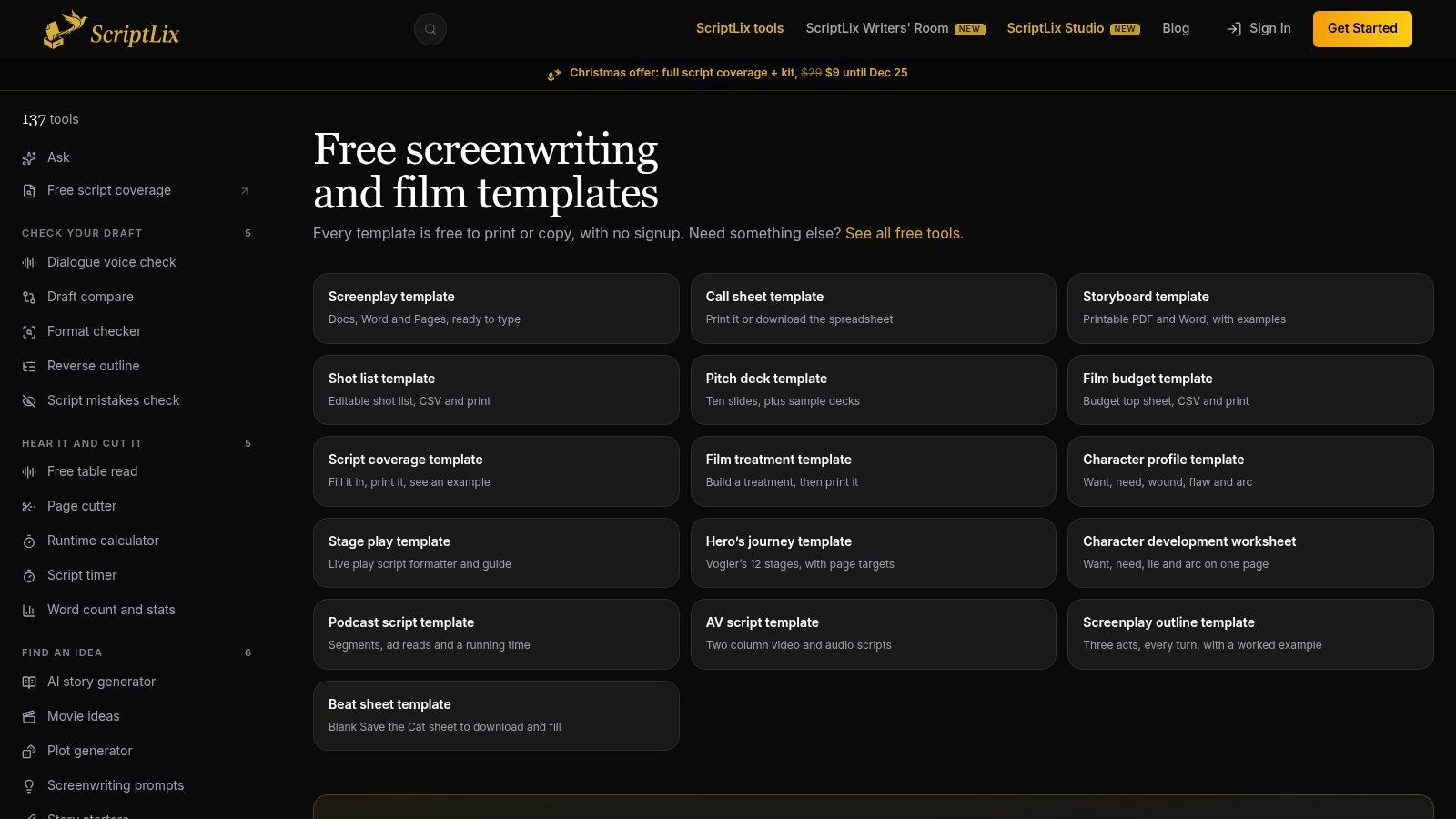
ScriptLix offers more than a video script. Its collection includes a two-column audiovisual template as well as storyboard, shot-list, call-sheet, podcast-script, and film-treatment templates. You can copy or print the templates without signing up.
That breadth is useful when a project needs several related pre-production documents. The AV format helps align what the audience hears with what appears on screen, while the other templates can support planning beyond the script.
Useful collection, not writing software
A film project may benefit from a script, storyboard, and shot list that all describe the same production. A casual social creator probably doesn't need that much paperwork. Start with the AV template, then use the additional resources only if the video's production calls for them.
The templates are starting points rather than full-featured writing software, and you should check that the format is editable in your team's preferred tools. The podcast template may also be useful when a production includes audio segments that need a running order. Keep the documents working together, but avoid duplicating the same notes in every file.
Free Script Templates at a Glance
| Template | Best For | Format | Signup Required | Collaboration Features |
|---|---|---|---|---|
| Moonb, Free Video Script Template | Product explainers, demos, and ads | Fillable PDF, editable Word | No | Static document; no built-in collaboration |
| StudioBinder, Free AV Script Generator | YouTube, promotional, and educational videos | Browser-based workspace; PDF export | Yes | Sharing for comments, review statuses, and collaboration |
| Canva Docs, Video Script Templates | Creator and marketing teams | Single- or two-column document | Canva account required | Inline comments, sharing, and linked materials |
| TechSmith, Free Video Script Template | Tutorials and screen-recorded explainers | Editable template | Not stated | Easy to share; no dedicated collaboration tools noted |
| Later, Free YouTube Script Template | YouTube videos and recurring creator content | Downloadable template | Yes | Can be shared with a manager or team for approval |
| Vidyard, Video Marketing Template Library | Business, sales, support, and company videos | Template library with example videos | Yes to use templates in Vidyard | Create and share custom templates with a team |
| HubSpot, Free Video Script Template | Business and product marketing videos | Downloadable template in a resource pack | Yes; contact form required | No specific collaboration features noted |
| Krafto AI, Free Two-Column Video Script Template | Planning visuals alongside spoken words | Browser-based template; PDF and spreadsheet downloads | No | No specific collaboration features noted |
| ContentIQ, Free Video Script Template | Short-form social videos for TikTok and YouTube | Word, PDF, Markdown, plain text | No | No collaborative production workflow |
| ScriptLix, Free Screenplay and AV Templates | Film projects and related pre-production | Printable or copyable templates | No | No built-in collaboration features noted |
From Blank Page to Finished Video Picking and Adapting Your Template
Choose a template by the work the video needs to do. For an explainer, product demo, or ad, a two-column AV layout helps connect each spoken line to a visual. For short-form social, a five-part structure gives you a quick route from hook to payoff without encouraging a long setup. For YouTube, a section-based framework helps organize the opening, main segments, and call to action.
The tool matters less than the handoff. Ask what the next person needs to know to record, edit, approve, or generate the video. If a field doesn't help anyone make one of those decisions, remove it. If the editor needs a detail the template doesn't capture, add it.
Customize the template before you draft
Trim fields that don't apply to the format. A talking-head video may need a clean narration column and a few delivery notes, while a screen-recorded tutorial needs the on-screen action beside each instruction. A product demo may need a place to note interface actions and text overlays. A social clip may need only a hook, one idea, a visual beat, and a next step.
Add timing columns when pacing matters, but don't treat a written estimate as a finished runtime. Read the draft aloud at the intended pace, leave room for pauses and transitions, and check that the visuals have time to register. Rehearsing also catches phrases that look fine on the page but sound stiff when spoken.
A script is ready for production when the message, visuals, and next action make sense together, not when every blank is filled.
The templates in this list range from quick copy-and-edit documents to browser-based workspaces with comments and visual references. Use the simplest format that supports the actual job. A downloadable file is easy to start and share; a collaborative tool can help when several people need to review the same draft. Neither will fix a script that tries to make too many points.
A finished script should lead directly into production. Our creator workflow moves through Idea, Script, Visuals, Voice, Video, Music/SFX, Captions and Publish, and our text-to-video feature creates scenes directly from your words. LunaBloom AI's Starter plan is free to start, with no monthly commitment. Try the free Starter trial when you're ready to take a script beyond the page.
LunaBloom AI turns scripts, text prompts, and images into edited videos with voiceovers and captions, so a finished script can become a production starting point. Try the free Starter trial and explore LunaBloom AI.