You've got a wedding montage, a romantic ad or a short story nearly finished, and you need a kissing video clip that feels affectionate rather than intrusive. The creative decision seems simple until you ask whose faces will appear, what they agreed to and whether the finished clip will be mistaken for something that really happened.
Treat a kissing clip as sensitive personal media, not ordinary b-roll. A tasteful result comes from restrained framing and editing, but a usable result also needs separate permission to use someone's likeness, depict the intimate action and publish the finished scene.
Choose Between Shooting, Sourcing and Generating
Sourcing routes compared
| Route | Best for | Typical turnaround | Main risk |
|---|---|---|---|
| Shoot with consenting performers | Brand campaigns and scripted stories | 1 to 3 weeks including casting and rehearsal | Consent tracking and set control |
| License stock footage | Quick social posts and b-roll | Same day | Model release and usage limits |
| Generate with AI from your own images or consenting models | Concept videos and ads with cleared people | Minutes to a few hours | Likeness rights and labeling duties |
| Generate from photos of people without consent | Not suitable for any public use | Stop before generation | Likeness misuse, takedowns and legal exposure |
Use those turnaround windows as planning estimates, not delivery promises. Casting availability, licence review and rejected renders can change your schedule.
A tasteful kissing video clip suggests affection through expressions, lighting and cuts rather than detailed contact. You don't need a prolonged close-up to communicate that the characters are in love.
Choose by the constraint you can't change
Shooting gives you control over performance, wardrobe and blocking. Eliminate that route if you can't provide rehearsal time, a responsible scene lead and a closed set.
Stock works when the kiss is supporting atmosphere rather than a specific character moment. Reject a clip if its licence or model-release status doesn't cover your intended use, especially advertising.
Generation suits fictional concepts and cleared performers, but it isn't a workaround for unavailable permission. When evaluating LunaBloom AI, bring an approved scene description and cleared source material rather than experimenting with someone else's face.
For a wedding montage, it may be more appropriate to collect guest photos through Wedding Studio and request permission for selected contributions than to fabricate a romantic moment. Permission to submit a photograph still isn't permission to animate its subjects kissing.
Route test: Will real faces appear, can every depicted person consent in writing, and where will the finished clip run?
Mixed workflows need the same scrutiny. A filmed performance with a generated background still has separate performer, location, asset and publication decisions. Choose the primary route before paying for production.
Get Permissions Before Anyone Steps in Front of a Camera
The common mistake is treating a single yes as blanket permission. Someone might approve their portrait for a private anniversary video without agreeing to an AI-generated kiss or a public advertising campaign.
Likeness permission, scene permission and publication permission are separate approvals. Keep them distinct in the paperwork and in your conversations with performers.
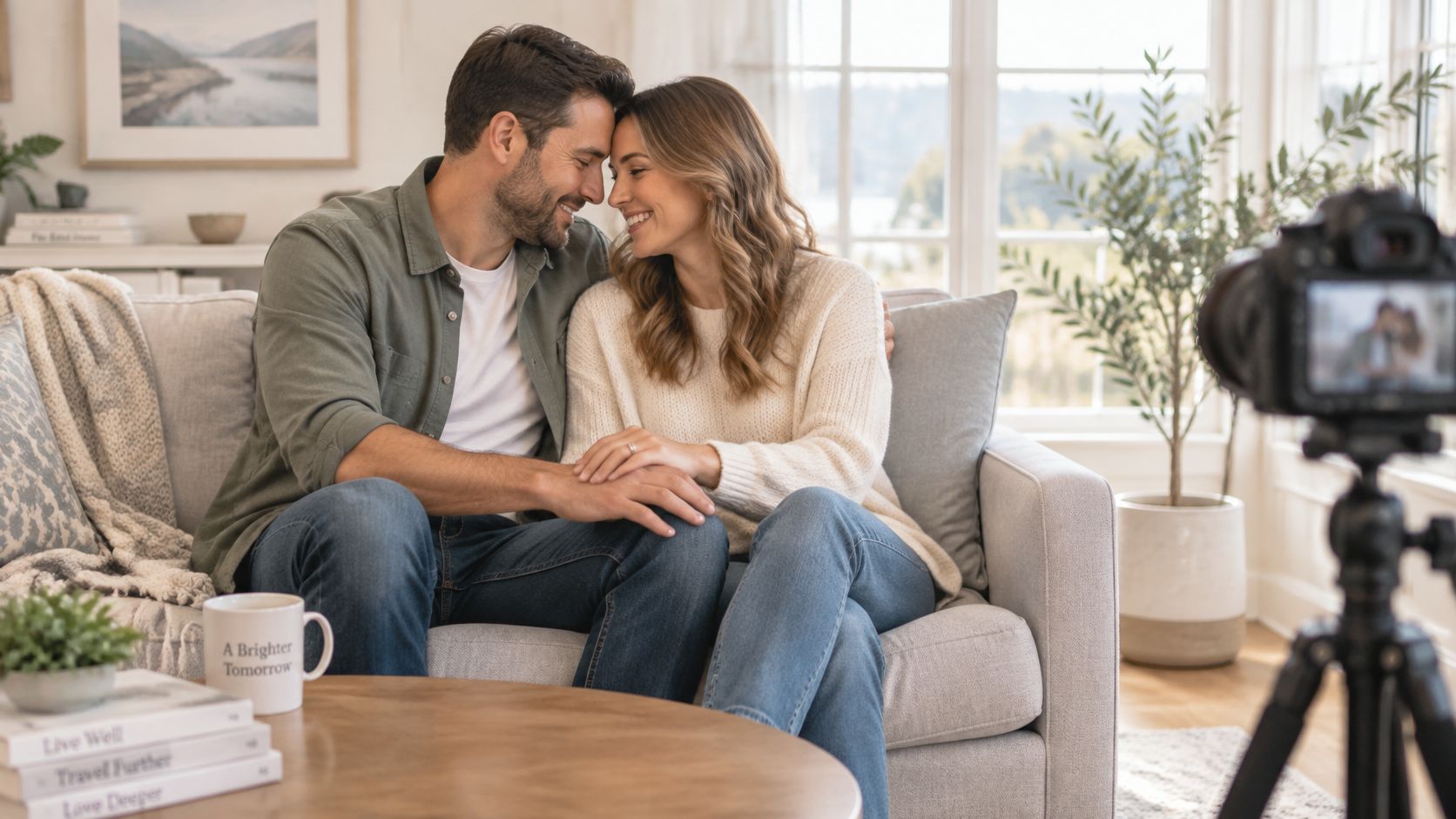
Build a consent ladder
- Verify adulthood and capacity. Use consenting adults who can legally enter the agreement. Don't use minors for this workflow, and keep unsigned bystanders out of identifiable footage.
- Clear identity rights. Obtain written approval for the relevant image, likeness and voice uses. In an AI workflow, explicitly identify which assets will be uploaded and manipulated.
- Describe the action. Record the staging, contact, wardrobe, framing, duration and start and cut points. A storyboard helps explain the shot, but it isn't consent.
- Name the audience and channels. Separate private delivery from public posting, organic social content and paid advertising. Agreement to a private clip doesn't automatically cover TikTok or WhatsApp distribution.
- Set retention limits. Establish a storage deadline, deletion procedure and access permissions for portraits, raw footage, continuity photographs and generated variations.
- Assign a contact. Name the person who can stop production, receive withdrawal requests and coordinate removal from channels you control.
The FIA intimacy-scene guidelines support explicit, informed, voluntary and specific consent, supervised rehearsal and closed-set procedures. Designate an intimacy coordinator or another clearly responsible professional, and stage kisses without tongue unless everyone explicitly agrees otherwise.
Make changes a conversation
Confirm the agreed action immediately before filming. If you change the camera angle, shorten or extend the contact, or generate a different variation, return to the performers rather than assuming the original approval carries over.
Consent remains revocable during production and must remain part of post-production review. Don't promise that you can erase every third-party repost, but do explain what your team can remove and how it will respond.
For planning references, Texas Old Town engagement photo ideas can help couples discuss setting and pose before agreeing to contact. Inspiration should make boundaries easier to describe, not pressure someone to imitate an image.
Avoid using celebrities, ex-partners or coworkers as convenient source material. Before uploading personal assets, review our privacy policy against the retention and access commitments you've made.
Frame and Light the Kiss So It Reads as Tender
Shot types for a tender kiss
| Shot | What it shows | Best use | Watch for |
|---|---|---|---|
| Two-shot, waist up | Both faces and body language | Story-driven ads | Busy backgrounds that pull focus |
| Over-the-shoulder | One face and the other partner's profile | Dialogue-led scenes | Unclear who is kissing whom |
| Close-up of hands or hair | Touch without facial detail | Discreet fashion or product ads | Can look incomplete without context |
| Silhouette against window light | Outline only, no identifiable detail | Romantic tone with privacy | Underexposed faces |
| Side profile on a 50mm lens | Shape of the kiss with a neutral expression | Editorial or poster style | Lip contact that is hard to read |
Set the camera for expressions, not exposure
Start at eye level and compose around heads, shoulders and comfortable body language. Leave enough room for the approach and separation, because those movements often communicate more tenderness than the contact itself.
As a practical starting setup, try a 50mm lens for a two-shot or 35mm when the setting matters, adjusting for sensor size and working distance. An aperture around f/2.8 can soften the background, but stop down if a performer's eyes drift out of focus during the lean.
For example, build a test with a frame rate of 24 fps for a cinematic treatment or 30 fps for a social-first delivery. These are production choices, not platform requirements, and you should settle them before recording rather than converting casually afterward.
Shape soft light and useful coverage
Use a soft window or a large diffused key, positioned so both performers receive flattering light. Match white balance to the actual source; a warm 3200 to 4000K test can suit compatible warm lighting, but applying that setting to daylight won't automatically create warm skin.
Check the shot on a monitor, not just through the viewfinder. Look for a distracting lamp between faces, a hard shadow across someone's eyes or a background object that appears to emerge from a head.
A practical coverage plan might include three to five takes from two agreed angles, plus a reaction and a hand detail. Don't collect extra takes just because the crew wants options, particularly if the performers are uncomfortable.
Hold the feeling in the frame, not the contact for longer.
For AI generation, describe observable action: consenting adult characters turn toward each other, share a brief closed-mouth kiss, separate and smile, with a static camera and soft side light. Avoid contradictory instructions such as a tight facial close-up combined with a full-body moving shot.
Inspect generated profiles closely. Fused mouths, shifting identities, wandering hands and unnatural head turns are reasons to reject a render, not defects to conceal with an aggressive crop.
Edit, Cut and Mix the Clip Step by Step
The approved performance sets the edit's boundaries. A technically smooth cut can still be wrong if it changes the apparent action or uses an unapproved expression.
Use the disclosure reminder alongside your edit checklist, not as a substitute for reviewing the footage.
Build the sequence in a controlled order
- Log the usable takes. In Premiere Pro, DaVinci Resolve or your editing system, attach notes for approved framing, action and cut points. Flag restricted takes so another editor doesn't accidentally retrieve them.
- Assemble the agreed moment. Build around the approved approach and separation. Don't repeat contact to make a short source clip fill a longer timeline.
- Cut on movement. A head tilt or an approved hand movement can conceal the transition between angles. Check that the join doesn't imply an additional kiss.
- Match colour from a reference frame. Balance exposure and skin tone before adding a creative grade. A heavy warm look won't fix mismatched lighting.
- Mix for tenderness. Start with room tone and a restrained music bed, then shape a short fade around the cut. Remove unwanted microphone noise without adding suggestive effects or altering a performer's voice character.
- Add captions and disclosure. Check readability against the actual background. Keep text clear of faces and likely interface overlays.
- Export and compare versions. Review the master and each platform crop against the approved composition and duration. Don't assume an automated vertical reframing preserves the intended boundaries.
- Archive the decisions. Save the edit decision list, approval record and selected thumbnail with the exported file. A later editor should be able to identify the authorised version without guessing.
Review what the audience actually receives
Play the export muted to check whether the action remains clear and restrained. Then listen with headphones for abrupt fades, unintended breath emphasis or dialogue edits that change the meaning.
For AI variants, compare mouth alignment, identity, hands and permitted contact across the whole event. Automated retrieval can help locate candidate moments, but a human should approve the final scene.
Check our pricing information before budgeting repeated generation passes. Leave room in the production schedule for rejecting flawed output rather than publishing the closest available render.
Label It Honestly and Know Where the Law Draws the Line
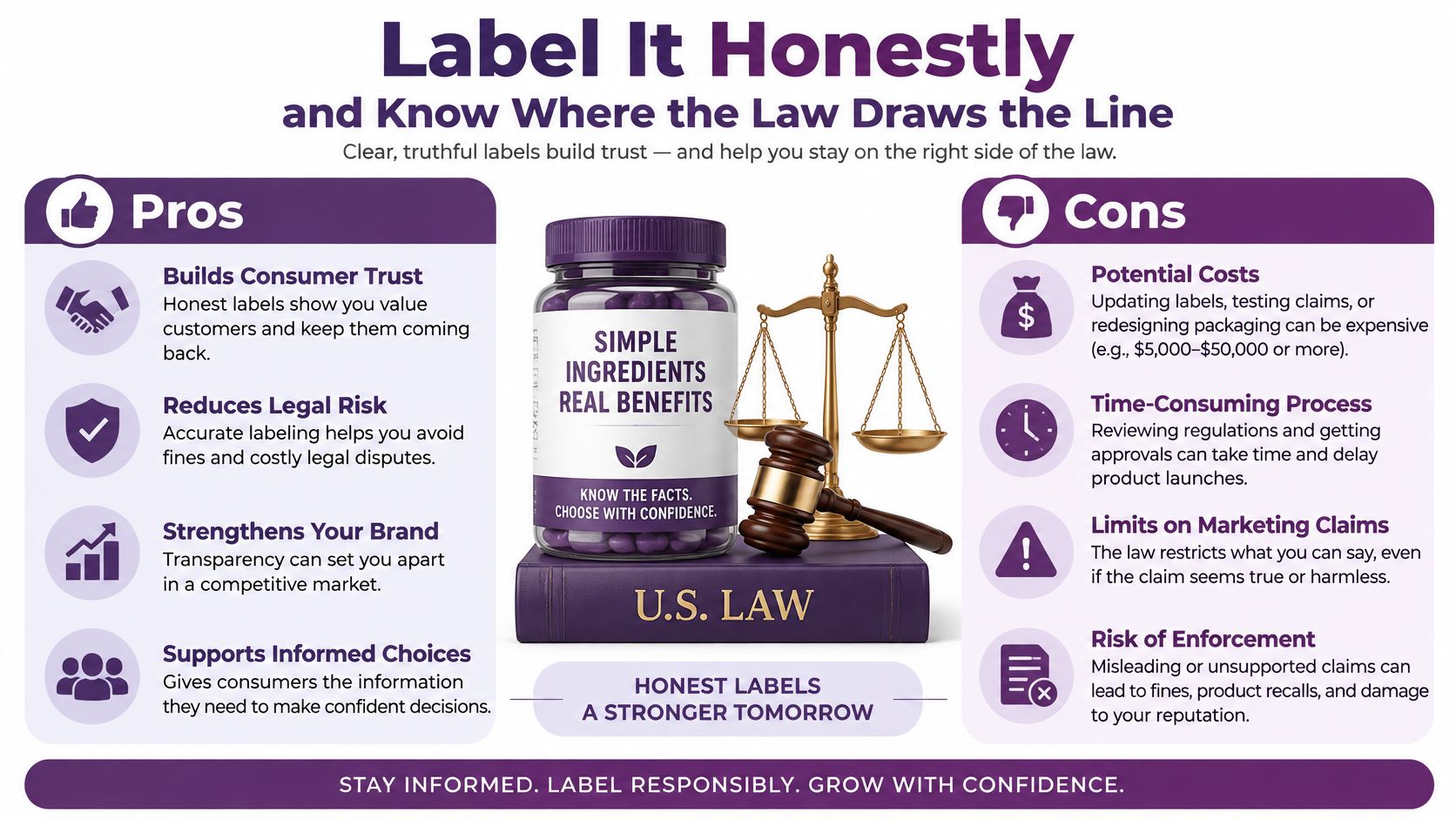
On YouTube, realistic synthetic footage that makes an identifiable person appear to kiss generally needs disclosure through the upload controls. The YouTube altered-content policy distinguishes that material from clearly unrealistic animation, minor edits and AI assistance limited to tasks such as scripts or captions.
A label explains how the clip was made. It doesn't establish that you had permission to make it.
Check the platform and regional obligations
Labeling rules to check before publishing
| Rule | Applies to | Date or trigger | Action |
|---|---|---|---|
| YouTube Altered Content | Realistic synthetic video on YouTube | At upload | Select Altered Content in YouTube Studio |
| EU AI Act transparency | Realistic deepfakes shown to EU audiences | From 2 August 2026, according to the European Commission transparency fact page | Add a clear, perceivable disclosure; providers must also supply machine-readable marks |
| EU prohibitions on non-consensual sexual deepfakes | Systems that generate such content | From 2 December 2026, according to the Commission implementation timeline | Don't create intimate deepfakes without each person's consent |
The European transparency framework distinguishes deployer disclosure from provider-level technical marking. Don't assume that typing a caption supplies machine-readable provenance, or that embedded metadata alone gives viewers a clear explanation.
For publication, place a plain AI-generated scene disclosure early in the video and preserve it in captions, thumbnails and localised versions. Test likely crops and repost formats, because a label outside the visible frame won't help the next viewer.
Separate disclosure from permission
The European Commission's Article 50 implementation guidance explains that disclosure doesn't make otherwise unlawful material acceptable. Not every kissing clip is legally classified as sexual content, but privacy, likeness, advertising and other restrictions can still matter.
Marketers working across formats can also browse real estate marketing guides from Pinnacle Property Media for an adjacent discussion of AI-image risks. The practical distinction is useful: showing viewers an attractive fabrication and presenting it as evidence are different editorial choices.
Review our terms alongside the destination platform's rules. When an identifiable person's rights remain unresolved, hold the clip rather than trying to solve the problem with stronger labeling.
Confirm Licensing and Publish Only After the Checklist Passes
No complete rights record, no publication. That rule prevents a polished export from becoming an accidental approval, especially when an agency hands files to a client or social team.
Licensing needs by source
| Source | Rights you need | Usage check | Keep on file |
|---|---|---|---|
| Your own footage with an adult cast | Signed release per performer covering likeness and channels | Paid ads versus organic posts | Signed release and approved cut |
| Licensed stock clip | Licence that matches the use | Editorial-only tags versus commercial use | Licence receipt and clip ID |
| Hired actors | Performer agreement with intimacy terms | Territory and term limits | Contract and consent log |
| AI generated from your own images | Consent covering image, voice and intimate action | Label shown and kept after reposting | Prompt log and consent forms |
| AI generated from photos of others | Not cleared for public use without their permission | Don't publish uncleared material | Don't retain unauthorised source files; preserve any required incident record |
Owning the camera file doesn't mean you hold every right needed to exploit it. Likewise, a stock purchase receipt doesn't replace the licence terms, and a generation service's commercial-use permission doesn't clear someone else's likeness.
Run the publication gate
- Licence check. Confirm the actual destination, territory and campaign use. If the client later boosts an organic post, verify that paid promotion is covered before activating it.
- Label check. Open the exported file and publication preview, not just the editing timeline. Verify that disclosure survives the final crop and thumbnail treatment.
- Match check. Compare the delivered cut with the recorded performer approval. Inspect transitions and any generated replacement frames.
- Caption check. Review every language version for accuracy, timing and preserved disclosure. Automatic transcription still needs editorial checking.
- Contact check. Put a working takedown contact in the description and assign someone to monitor it.
Keep the completed gate beside the master file, with a version name that distinguishes it from drafts. If an approval is missing, leave the clip unpublished until the responsible person supplies it.
For a cleared test, our Starter plan is free to start and includes 2 free videos of up to 10 seconds each, with no monthly commitment. All our business plans include commercial use rights, text and image to video, dialogue videos, avatar videos, and AI voice and narration, but those plan rights don't replace performer or asset permissions.
Release standard: Approve the exact file the audience will see, not merely the idea behind it.
LunaBloom AI offers text-to-video and image-to-video creation for turning a cleared romantic concept into a short visual scene. Visit LunaBloom AI with your approved assets and shot description, then review the finished kissing video clip for performance, framing and disclosure before you share it.