Your edit's done. It's late afternoon, the client wants the video tonight, and there's no budget left for a voice actor. You've got a finished script, a rough timeline, and a quiet room that isn't quiet enough for recording.
That's where an AI voice over generator free tier can save the job. It can also waste an hour. Some tools cap you by characters per day, some by monthly credits, and some by minutes per clip. A limit that looks generous on the homepage can run out halfway through a tutorial.
Adoption isn't the question anymore. In 2025, 21% of creators surveyed in Radio Ink's report on AI audio use regularly used AI audio tools. The question is which free tier fits your actual script, your language, and your right to publish.
This list separates standalone voice generators from video editors with narration built in. For each one, check the free limit first, then the voice quality, language support, watermark, and commercial terms. If you're mapping a month of posts around these limits, content calendar options for 2026 can help you spread short scripts across tools instead of burning one allowance in a day.
The right pick depends on your output. You might need a clean MP3, narration sitting on a timeline with captions, or one consistent voice you can reuse across a series.
1. LunaBloomAI
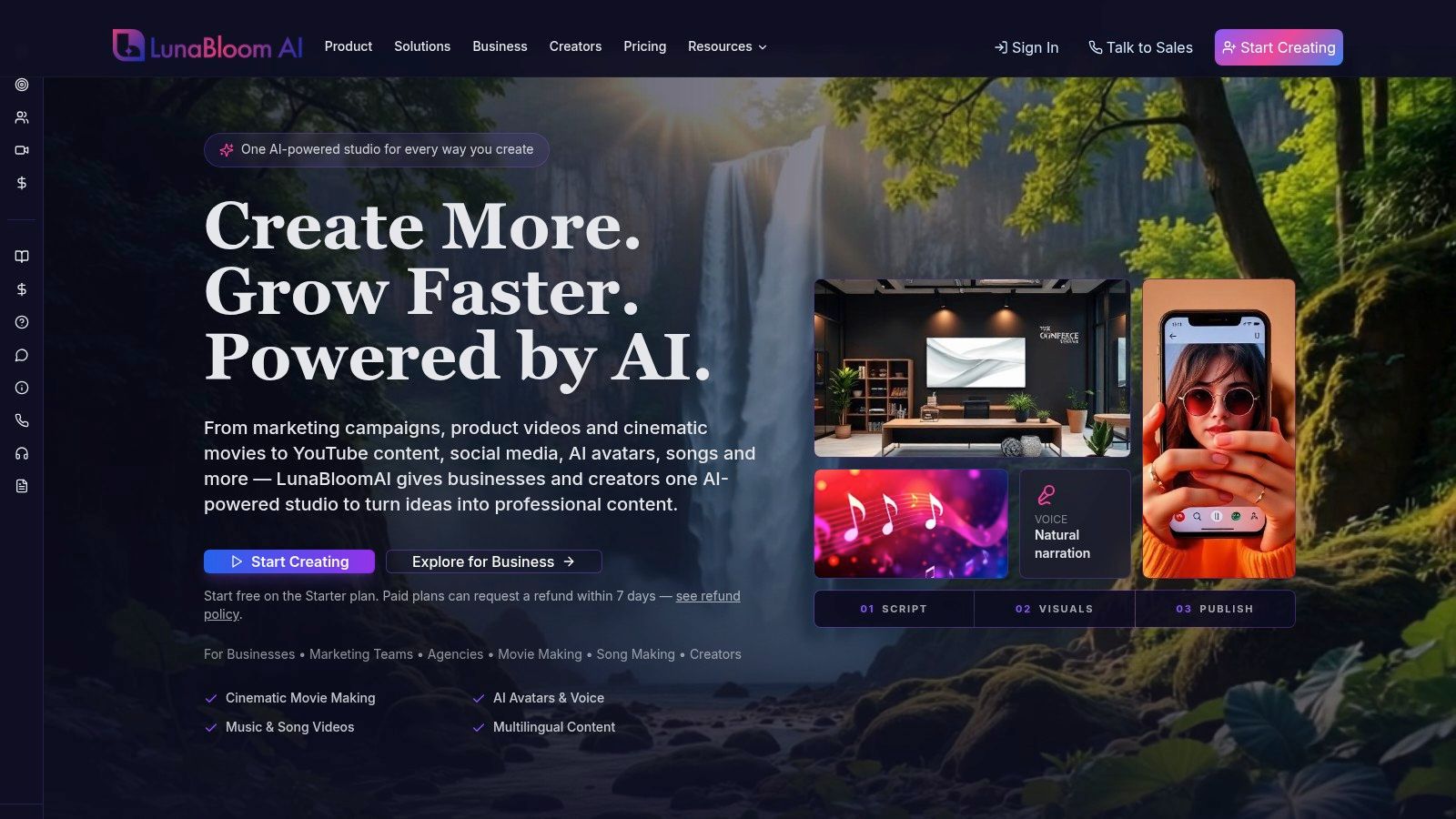
LunaBloomAI is a video studio with narration built in. It turns text and images into clips with multilingual voiceovers, background music, customizable visuals, and captions. You do not need specialist editing skills for that first cut.
The free limit is counted in finished videos, not characters or a daily minute pool. The Starter plan is free to start and includes two videos of up to 10 seconds each, with 720p export and no monthly commitment. Ten seconds will not carry a tutorial. It will tell you whether the voice, captions, and picture belong together.
The LunaBloomAI about page describes a creator path that runs Idea, Script, Visuals, Voice, Video, Music/SFX, Captions, then Publish. You bring the idea. The studio handles the production steps.
What the free tier actually covers
Starter includes text-to-video, image-to-video, dialogue videos, custom music upload, AI song and dance clips, and basic templates and backgrounds. Automatic captions keep the clip readable. An AI presenter can sit in frame when the message needs a face, not only a voice track.
Longer work leaves that free pair of clips. On paid plans, length, resolution, avatar, dialogue, and voice all draw from one monthly credit balance. The app shows the exact credit cost before you generate, and you pay only when the video finishes. Commercial use rights come with business plans, so do not treat a free test clip as cleared for a client. Voice cloning, for one consistent custom voice, sits on paid plans too.
- Best fit: Script, voiceover, captions, and picture in one short video, not a loose MP3.
- Watch out: The Starter plan is free to start and includes two free videos of up to 10 seconds each with 720p export, so test with a short clip before committing to a longer project.
- Language: Multilingual voiceover is part of the studio. Spend one free clip on your target language before you write a series around it.
Practical rule: Use both free videos on your real wording, including product names. A demo sentence hides a bad read.
I would open a project here when the file you must deliver is a finished short video. If the edit is already locked and you only need audio, a standalone generator with a character cap is the faster check.
2. ElevenLabs
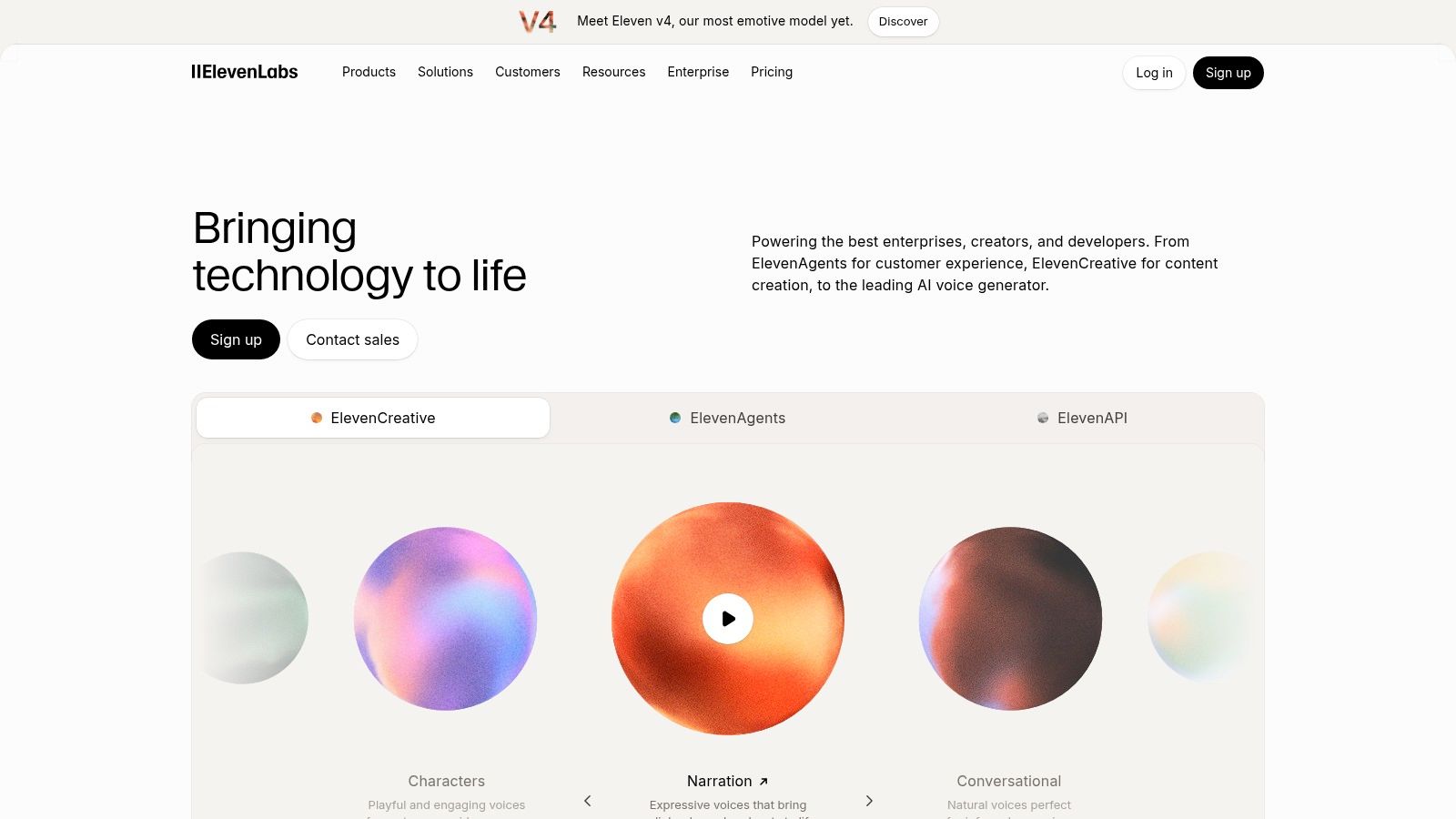
Pick ElevenLabs when expressive delivery matters most. Its premade voices handle emphasis and pacing better than most free options, and multilingual generation makes it useful for testing tone across markets.
Quality claims need a test, though. Use Mean Opinion Score thinking, even informally. The TTSDS benchmark of 35 systems from 2008 to 2024 found correlations of 0.60 to 0.83 between its score and period-specific human evaluations. Automated scores help, but they don't replace listening with your own script.
Run proper names, numbers, and abbreviations through it. A voice that sounds great on a demo line can stumble on your product name. That's where free credits should go.
The free tier trade-off
- Free allowance: 10,000 credits per month, which disappears fast if you regenerate often.
- Use restriction: Free audio is for personal, non-commercial use and requires attribution.
- Paid step: Commercial rights and voice cloning sit behind paid plans.
That makes ElevenLabs an excellent audition tool and a risky production choice on free. Before you publish a monetized video, compare the commercial terms with options like those on the LunaBloomAI pricing page so you know what upgrading buys you.
Don't build a client ad on the free tier. Use it to find a voice style, then pay for the rights or switch tools.
3. Clipchamp
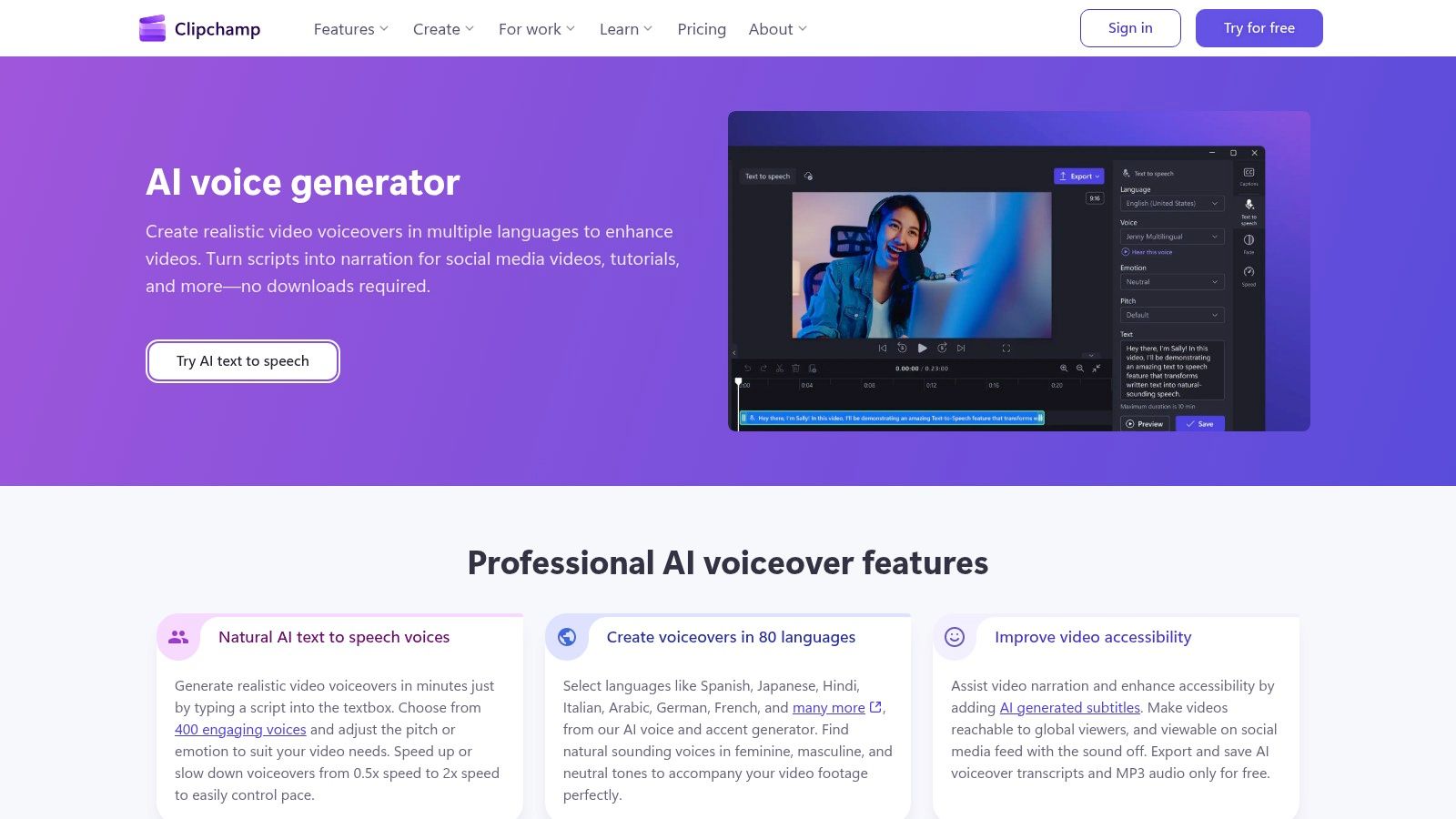
Clipchamp's AI voice over generator makes sense when you're already editing the video. You generate narration inside the editor, drop it on the timeline, add captions, and export. No file shuffling between apps.
It's generous for a free editor. You get 400 voices, support for 80 languages, adjustable pitch and speed, and MP3 export. Free video exports go up to 1080p without a watermark, which puts it ahead of several editor-based rivals.
Captions matter here too. For prerecorded video with audio, the W3C guidance for WCAG 2.2 Success Criterion 1.2.2 requires captions at Level A, except when media is clearly labeled as an alternative for text. An editor that handles narration and captions together saves a separate accessibility pass.
Where it falls short
Clipchamp is video-editor-first, not a dedicated audio studio. You won't get deep pronunciation libraries or fine performance controls. You may also need a Microsoft account to start.
For a tutorial, explainer, or social clip that needs decent narration today, it's hard to beat on convenience. For an audiobook or a brand voice you'll reuse for a year, look at a dedicated speech platform instead.
4. CapCut
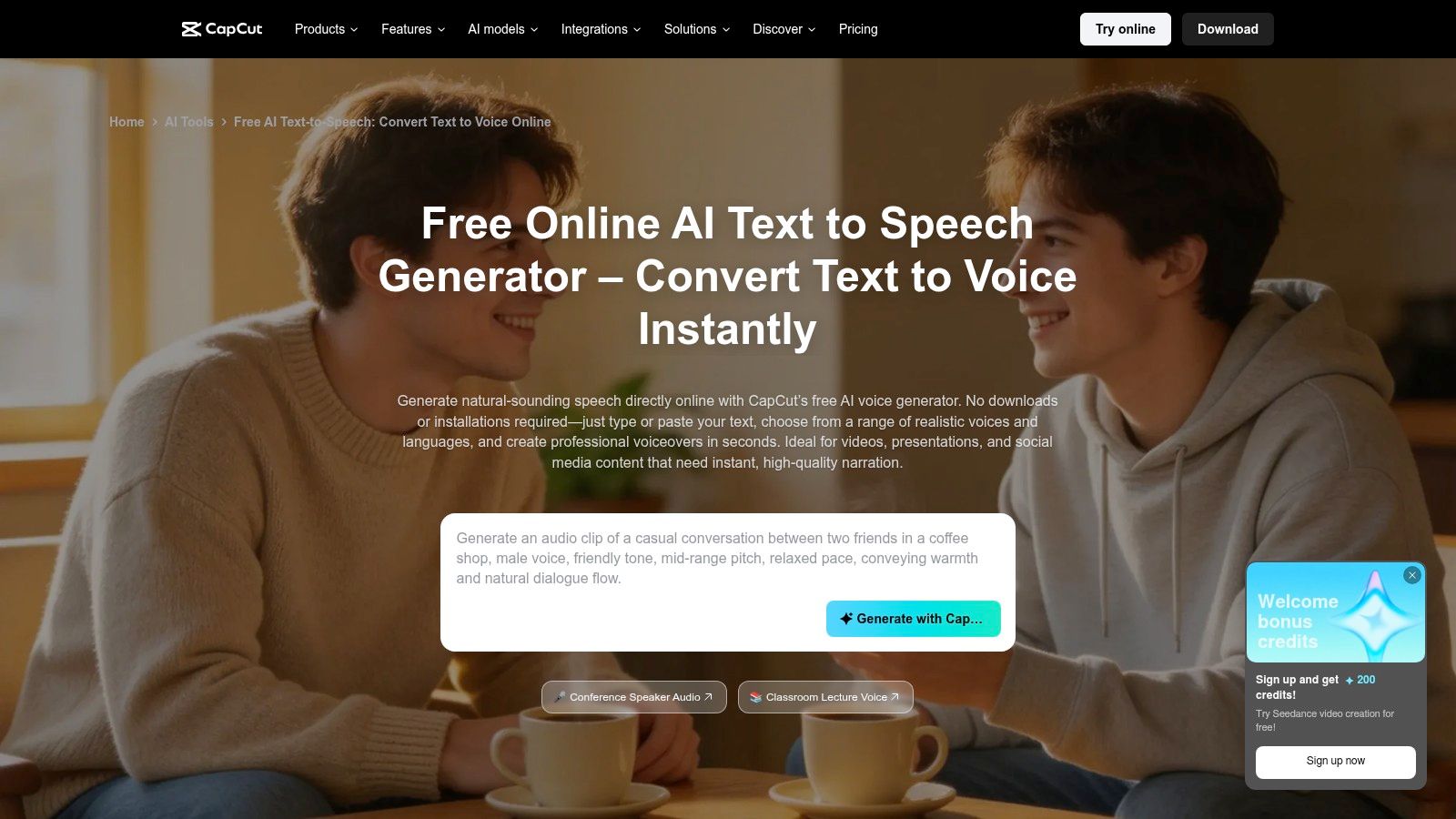
A short hook stalls when you leave the editor to fetch a voice file. CapCut's text to speech tool stays inside the cut. Type the line, pick a voice, set speed, pitch, and volume, and the narration lands on the timeline. It runs on web, desktop, and mobile.
Start a Reel on your phone and finish it at your desk. Core text to speech is free to start, which covers short hooks, captions read aloud, and quick product clips. CapCut is a video editor that includes narration, not a standalone speech tool. The free side is not a tidy credit, character, or minute pool. Some voices and editor assets require Pro, and what you can use shifts by platform and region.
A voice on mobile may not appear the same way on desktop. Check that your chosen voice is free in your region before you batch a series, or the second device forces a swap and the series no longer sounds like one voice. Speed, pitch, and volume are the controls you get. That is enough when the picture carries the post. It is thin for a long script or a delivery you need to match line by line.
Tool sets move fast, as the April Editingtools update shows for editing software generally. Before you use any generated or cloned voice on a paid post, read CapCut's current terms of use. Those terms govern CapCut. A separate video platform that bundles narration has its own rules, set out in the LunaBloomAI terms.
5. ttsMP3
The cut is finished. The script is a short product intro. You need an MP3, then you are done.
Free use on ttsMP3, a browser tool with no account and US English voices, is capped at 3,000 characters per day. That covers a short explainer, a product intro, or a presentation voice note. A long tutorial will not fit in one sitting. I would not start a non-English series here either. The voices on the page are US English, so language fit is a yes or no before you write.
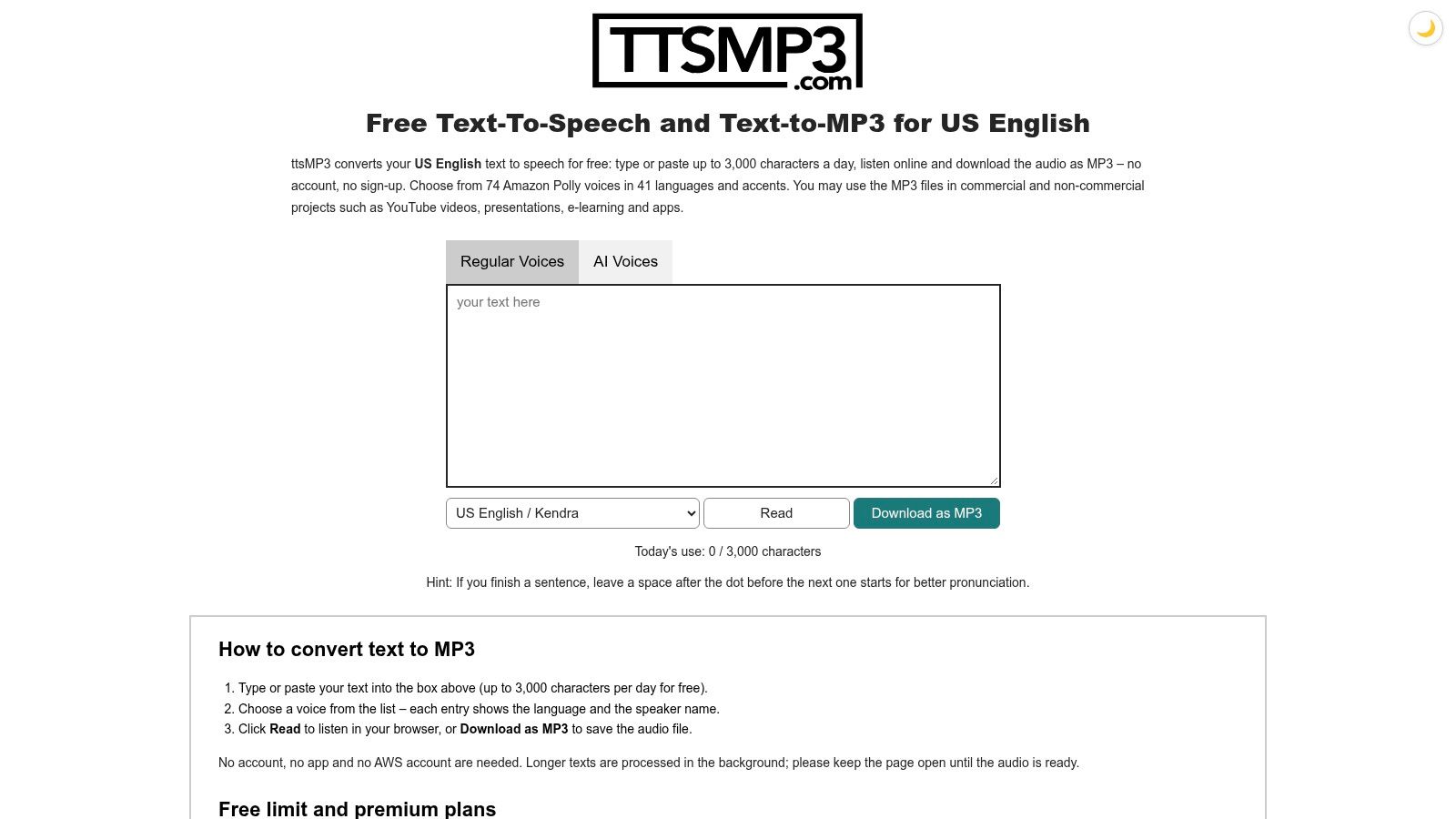
SSML support lets you add pauses and emphasis if you know the markup. Skip the tags and punctuation still does most of the work. Script commas and full stops where you want breaths, generate once, and check the read before you spend the rest of the daily cap.
A clear daily character limit beats a vague credit system. You know exactly where you stand before you paste a script.
The site says generated MP3s may be used in commercial projects without attribution. Still save a copy of those terms with your project files. If you are comparing how natural different engines sound, guides that help you find natural sounding AI voices are worth a listen before you commit.
This is a standalone voice file, not an editor that includes narration. It will not supply visuals, music, or captions. For a video workflow that includes multilingual voiceover, use the LunaBloomAI contact page.
6. Canva AI Voice Generator
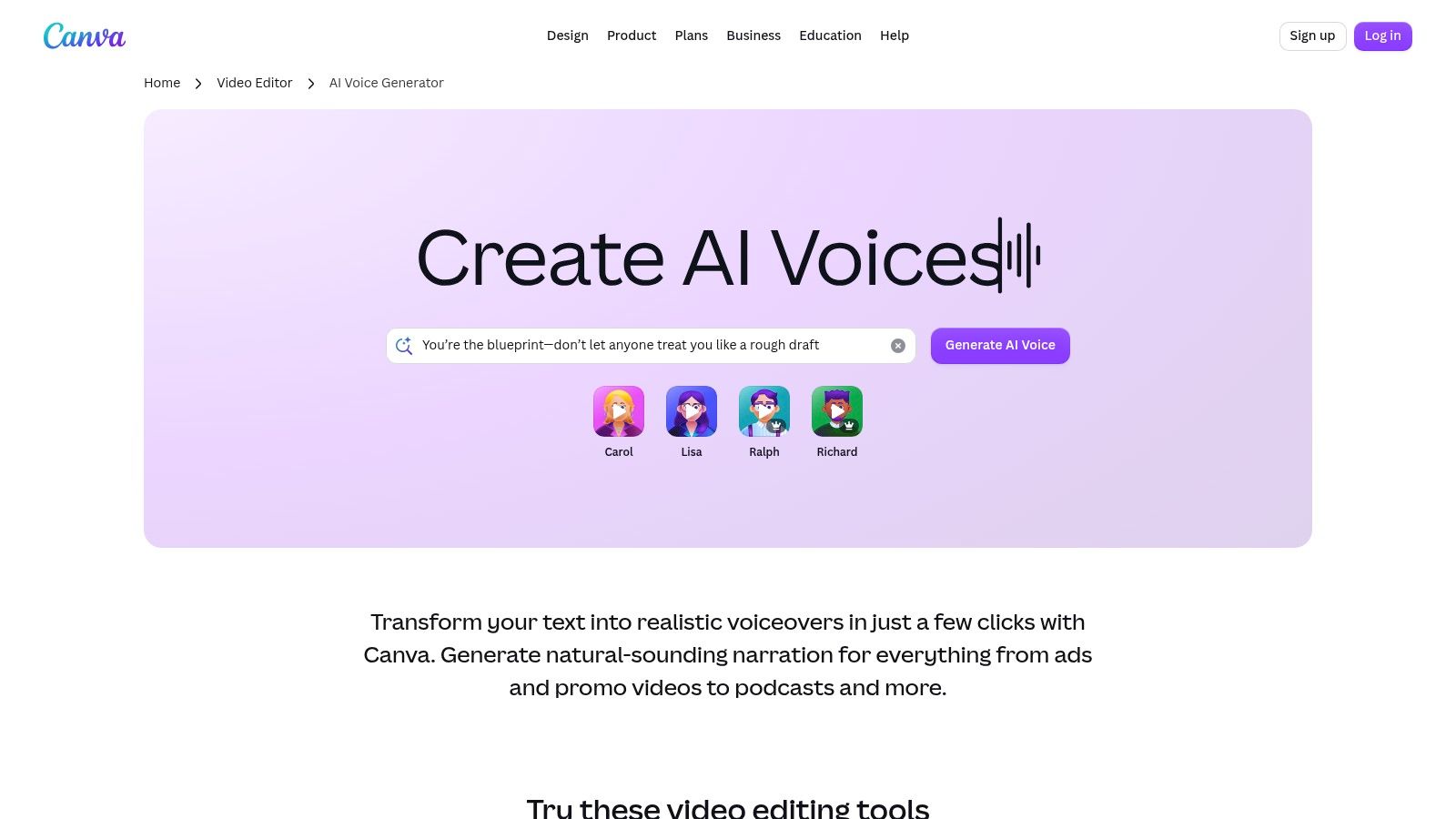
If your video already lives in Canva, Canva's AI voice generator keeps you there. Enter a script, choose and preview a voice and language, and download an MP3 or place narration alongside your design.
That convenience suits presentations, simple ads, and social posts. You can pair narration with captions and visual edits without learning another editor. For teachers and small teams already building slides in Canva, the learning curve is close to zero.
The character ceiling
Each conversion is limited to 1,000 characters. You'll split longer scripts into chunks, generate them separately, and join them up. That's manageable for a two-minute explainer. It's tedious for a ten-minute lesson.
The free voice selection is limited compared with paid options, so audition early. Don't write a whole series around a voice you can't keep using.
- Best fit: Canva users making presentations and short videos.
- Main friction: Chunking long scripts into 1,000-character pieces.
- Practical move: Number your chunks and keep the same voice settings, so joins don't sound like different recordings.
I see Canva as a convenience pick, not a voice-first pick. Use it when the design workflow matters more than vocal range.
7. PlayHT
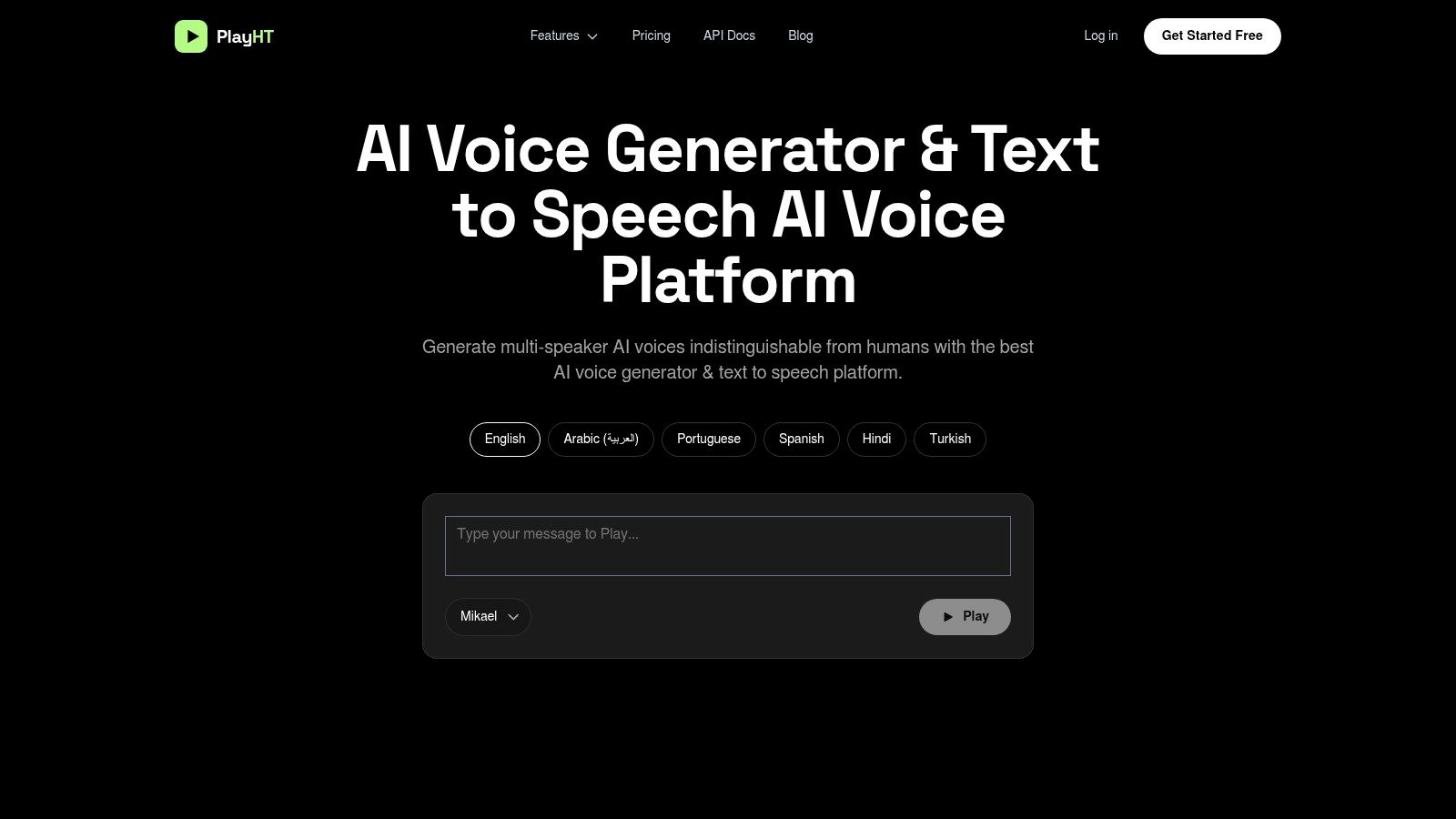
A short test script can reveal whether PlayHT's voices suit your project before you spend credits on a longer narration. PlayHT offers a free Starter plan with 10,000 credits per month, MP3 output, and no credit card requirement to start.
Credits make script length harder to judge than a character limit. Generate one paragraph first, then check pronunciation and pacing. If a name is wrong, fix it before generating the rest. Repeating the whole script can use up your monthly allowance.
Paid tiers add higher usage, API access, and team features. The free plan has fewer features and less support, so treat it as a way to assess voice fit rather than a complete production setup.
A note on cloned voices
If you clone someone's voice, get that person's permission. Review how a service handles personal data before uploading voice recordings, and read its privacy policy.
PlayHT generates voiceovers, but you'll need another tool to edit them into a finished video.
8. Murf AI
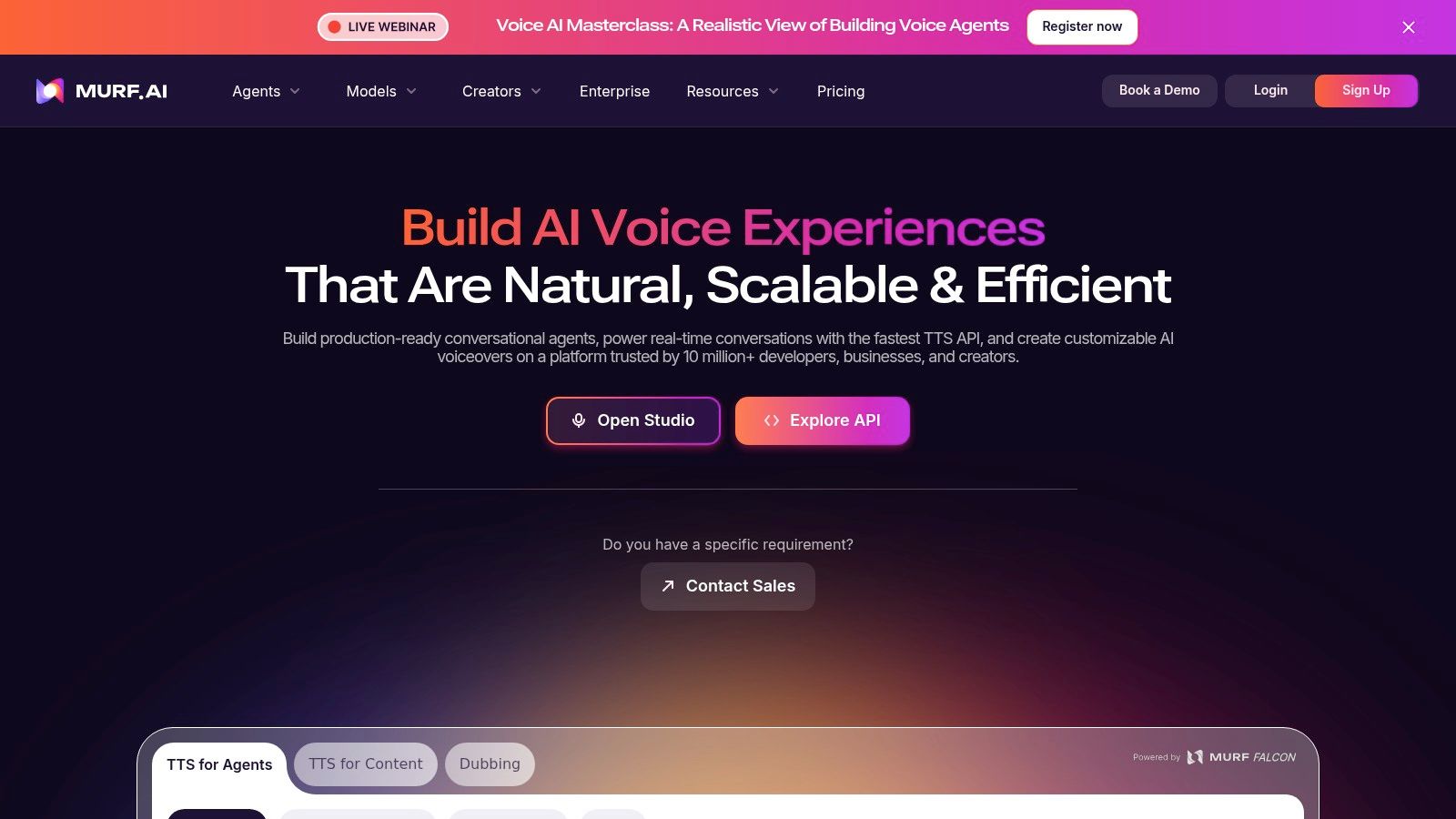
Murf AI is built as a voiceover studio, not a side feature. You write in a project editor, choose style and language, adjust delivery, and shape narration for presentations, explainers, and training content.
That project structure helps with longer work. You can return to a script, change a line, and regenerate that section instead of starting again. Sharing and embed links also make review easier when a manager or client needs to approve the voice.
Read the trial limits closely
- Generation: Free trial allows up to 10 minutes.
- Downloads: Project downloads aren't included in the free trial.
- Rights: Commercial rights aren't included either.
No credit card is required, so exploring voices costs nothing. But you can't finish and publish a commercial project on the trial. That's the catch people miss.
Voice buyers still plan around this kind of work. In 2025, 52% of voice buyers surveyed in the Voices 2025 trends report anticipated needing voice services for branding and marketing. If that's your use case, budget for a paid Murf tier from the start and use the trial purely to cast the voice.
9. VEED
A short social ad often needs narration, captions, and a cut in the same browser tab. VEED's voice over generator does that on a video timeline: generate a clip, trim it against footage, add captions, and export without installing software. VEED is a video editor that includes narration, not a standalone voice generator you export as audio and finish somewhere else.
Language coverage is broad. Text to speech covers more than 50 languages, with voice options, voice cloning, and a preview before you generate. Use that preview. Free generation length can be very short, so a full script can spend the allowance before the edit is finished.
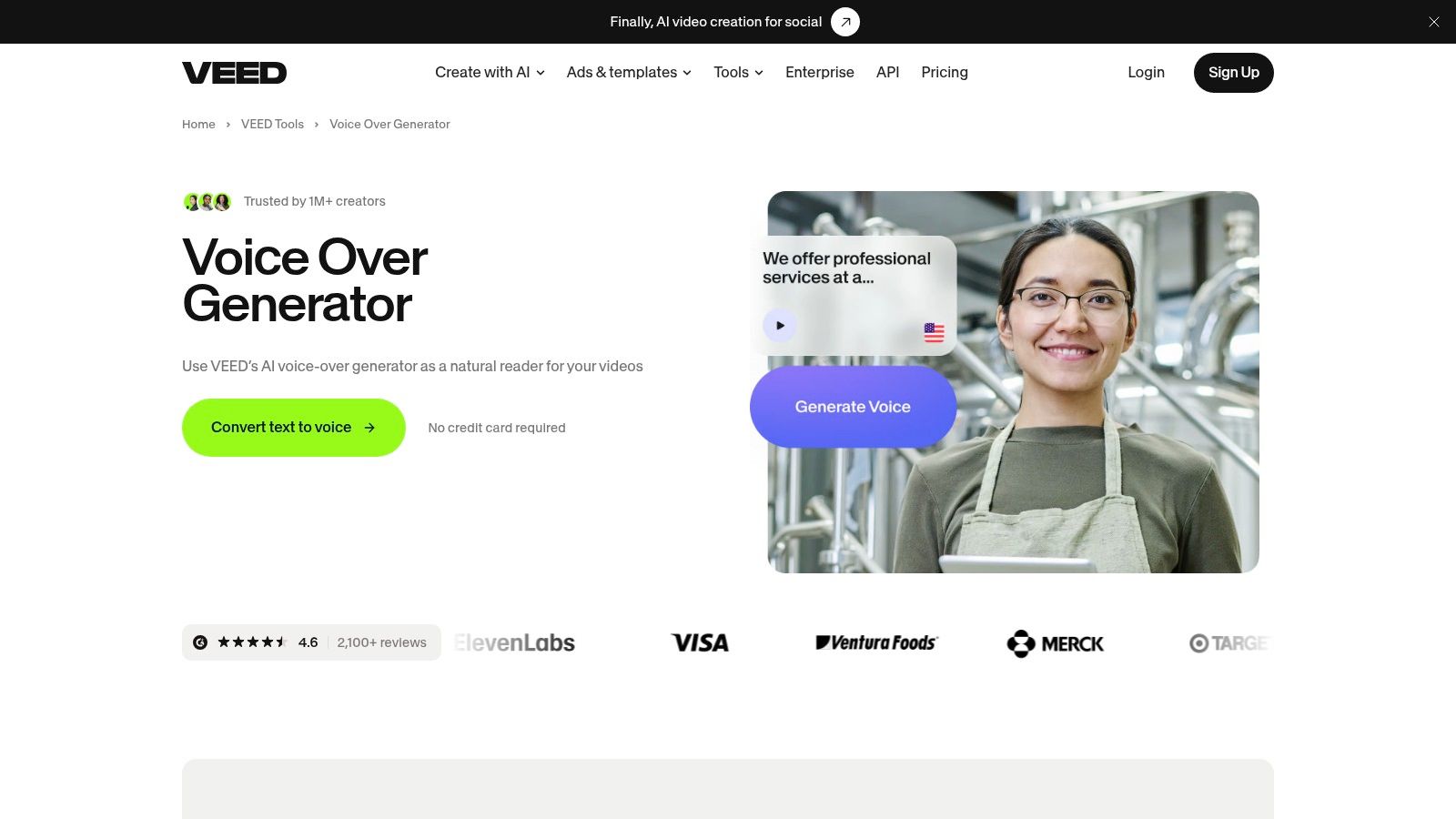
Free AI credits depend on region and may not be available on every free account. Free video exports may carry a watermark. Those two limits decide whether the free tier can ship a marketing clip. Check both on your account before you cut a full project.
Captions need the same check. For prerecorded video with audio, the W3C guidance on captions for prerecorded media expects speaker identification and meaningful sound effects. Confirm VEED's output covers both before you export, and label speakers clearly in multi-voice projects.
I recommend VEED when the job is a fast, captioned social video. I would not treat the free tier as a client export until credits and watermark rules are confirmed on that account.
10. Descript
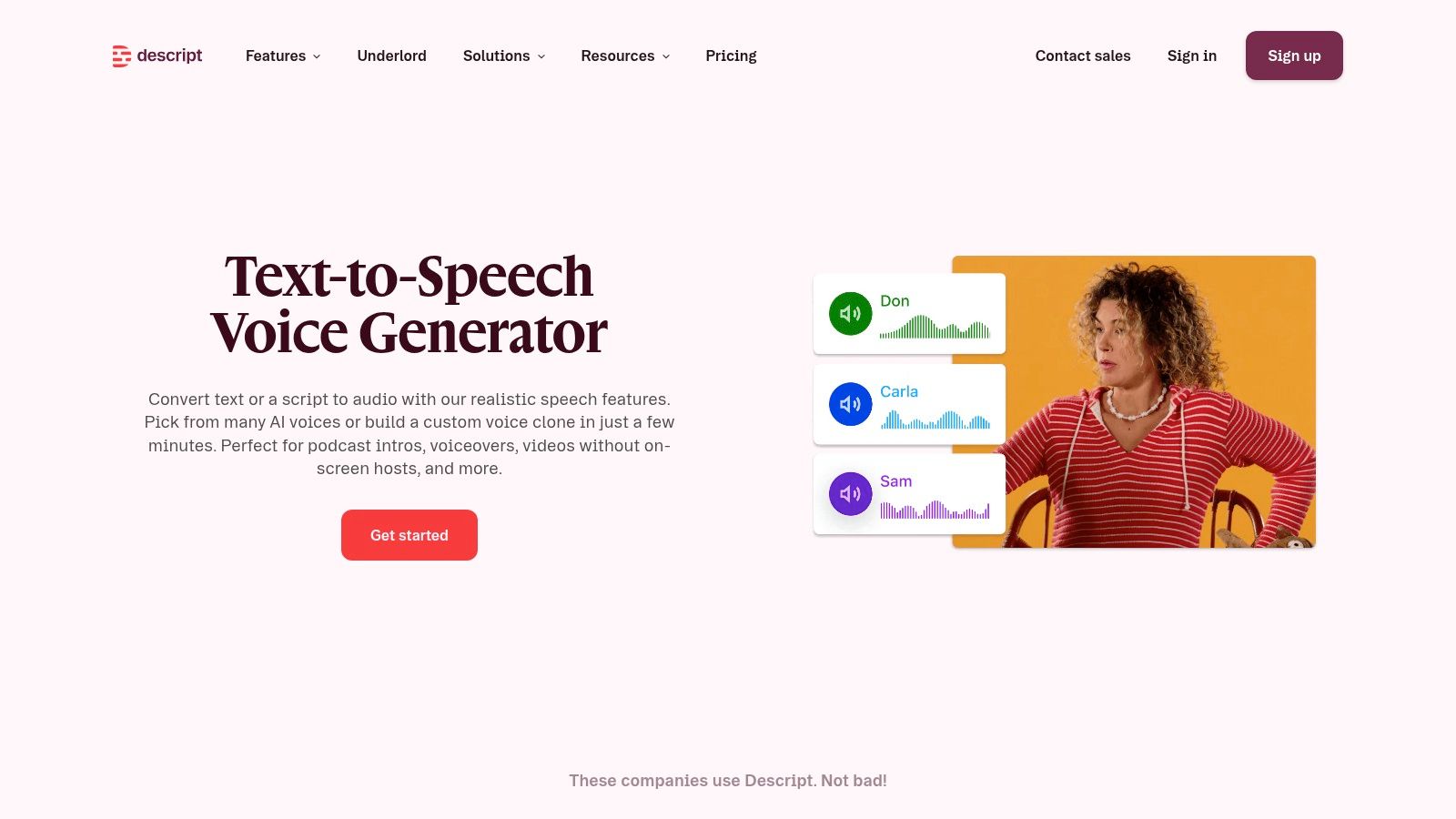
You botch one sentence in a recording that is otherwise fine. Re-tracking the whole piece wastes the good audio around the mistake. Descript is built for that repair. Edit the transcript, generate the replacement with a stock AI speaker, and keep the project moving.
Podcasters and educators use it to patch narration inside a file they already recorded. Narration stays inside the same audio and video editor, on the timeline with the cut. Custom voice cloning is on the platform. Higher usage and some features need a paid plan.
A very small free allowance
Free text to speech is a short allowance, and regenerations are capped. It covers a fluffed line or a quick test of a stock voice. A course module will run past it.
Those caps matter because a bad read is rarely one click. Pronunciation, pacing, and emphasis each take another pass. Spend the free regenerations fixing one name and you are stuck with the first take. Read the current limits on Descript's text to speech tool before you start, because they change.
I would use the free tier to learn text-based editing. Pay when you need room to revise a full script.
Free AI voice over generators compared by free allowance, commercial use, language support, and best use case
A 10-second clip, a daily character cap, and five minutes of speech are not the same free plan. Match the unit to your script, then check download, watermark, commercial rights, and whether you get an MP3 or a video timeline. I would not build a client deliverable on a tier that lets you generate and then blocks the file.
| Item | Free allowance | Commercial use | Languages | Best for |
|---|---|---|---|---|
| LunaBloomAI | Free to start: 2 videos, up to 10 seconds each, no monthly commitment. Paid plans draw credits from one monthly balance by length, resolution, avatar, dialogue, and voice. | Commercial use rights are on business plans, not the free starter. | Multilingual voiceovers | Short AI videos with voice, music, and visuals |
| ElevenLabs | 10,000 credits per month | Free audio is non-commercial; attribution required | Multilingual | Realistic, expressive narration |
| Clipchamp | Free voice generation; video exports up to 1080p without watermark | Watermark-free export is not a commercial-voice grant. Read the license before ads. | 80 languages | Adding narration while editing videos |
| CapCut | Core text-to-speech is free | In-app free TTS. Read the license before monetized posts. | Multiple languages | Social video narration across devices |
| ttsMP3 | 3,000 characters per day | Commercial projects permitted without attribution, according to the site | US English voices | Quick MP3 voiceovers for short scripts |
| Canva AI Voice Generator | Free to try; 1,000 characters per conversion | Design-tool trial. Read the license before client work. | Selectable voices and languages | Narration for Canva designs and videos |
| PlayHT | 10,000 credits per month on the Starter plan | Starter credits are for tests. Read the license before paid use. | Starter-plan text-to-speech voices | Testing text-to-speech and short scripts |
| Murf AI | Up to 10 minutes; no downloads | Commercial rights not included in free trial | Selectable voices and languages | Voiceover drafts for presentations and training |
| VEED | Free credits for browser edits; generation stops when that balance is used | Browser editing access. Read the license before client delivery. | 50+ languages | Combining voiceovers with browser-based video editing |
| Descript | Up to 5 minutes of text-to-speech and 5 regenerate actions | Enough to patch a line, not to ship a course. Read the license before paid use. | Stock AI speakers | Editing narration alongside audio or video |
Pick the Free Tier That Fits Your Actual Script Length
Start with the file you need to deliver. If it's a standalone MP3, use a standalone generator and keep your editor out of it. If narration has to sit on a timeline with captions and cuts, use an editor-based tool. If you're building repeatable training or presentation content, use a dedicated studio with projects you can revisit.
Then measure your script against the limit. Count the characters before you paste. A 3,000-character daily cap, a 1,000-character conversion limit, 10,000 monthly credits, and five free minutes are completely different offers wearing the same word, free. Your longest script decides which one works.
Check the export next. Does the free tier let you download? Does the video carry a watermark? Can you export at a resolution your platform won't punish? Several tools on this list let you generate freely and restrict the download, which is the worst surprise to get at deadline.
Commercial safety is a separate question
Free access doesn't answer whether you can monetize the result. The U.S. Copyright Office AI policy page addressed copyrightability of AI outputs in its 2025 generative AI report. Separately, publicity and consent risks apply when a voice resembles an identifiable performer. Royalty-free isn't the same as risk-free.
Keep simple records. Save the tool's terms on the day you export, the export receipt or project link, and any consent for a cloned voice. Note which voice you used and where it ran. That folder takes two minutes to make and settles most questions later.
Before you publish: Confirm three things for the exact voice you used. Monetized export, advertising or client use, and permission if it resembles a real person.
Disclosure deserves the same care. A narrated ad, an internal training video, and an outbound sales call shouldn't get identical treatment. A plain line such as "Narration generated with AI" in a video description costs nothing, and it protects trust when a synthetic voice could be mistaken for a real spokesperson. Translate that disclosure when you localize the video.
Run one short sample through two tools before you commit. Use the same paragraph, include your hardest product name, and listen for pronunciation, pauses, and consistency. The better voice on your script beats the better voice on a demo page every time.
If you produce video end to end and want narration, music, captions, and export in one workflow, LunaBloomAI's free starting option is worth a look alongside the dedicated generators here. Start with the tool whose free limit fits tonight's script. Upgrade only when the limit, not the curiosity, forces you to.
Ready to turn a script into a finished, narrated video without stitching together separate voice, caption, and editing tools? Visit LunaBloom AI to create videos with AI voiceovers, captions, avatars, and localization across languages in one workflow. Start free, test it with your longest real script, and publish only when the voice and export fit your project.