You've got a finished vocal track and no video. Or you're a marketer who needs a presenter tomorrow, or a team with solid footage in one language and launch deadlines in five others. Those are three different jobs, and they don't point to the same tool.
A lip sync video maker can generate a talking performance from a script, regenerate mouth movements on recorded footage, or dub a speaker into another language. The underlying method is old. Animators in the sound-cartoon era mapped speech sounds to visible mouth shapes, and modern systems still rely on that logic, since English's 44 phonemes are commonly represented with roughly 7 to 12 visemes in traditional phoneme to viseme animation practice.
The audience for the output is overwhelmingly mobile. Video applications accounted for more than 111 exabytes per month of smartphone-attributable traffic against a total close to 147 exabytes per month, roughly 76%, in DataReportal's Digital 2025 Global Overview Report citing Ericsson measurements. You're publishing into that feed, not into a niche.
So judge these 10 options by source material, visual style, language needs, editing control, export quality, and total production cost. No single winner fits every brief. There's a best fit for your deliverable.
1. LunaBloom AI
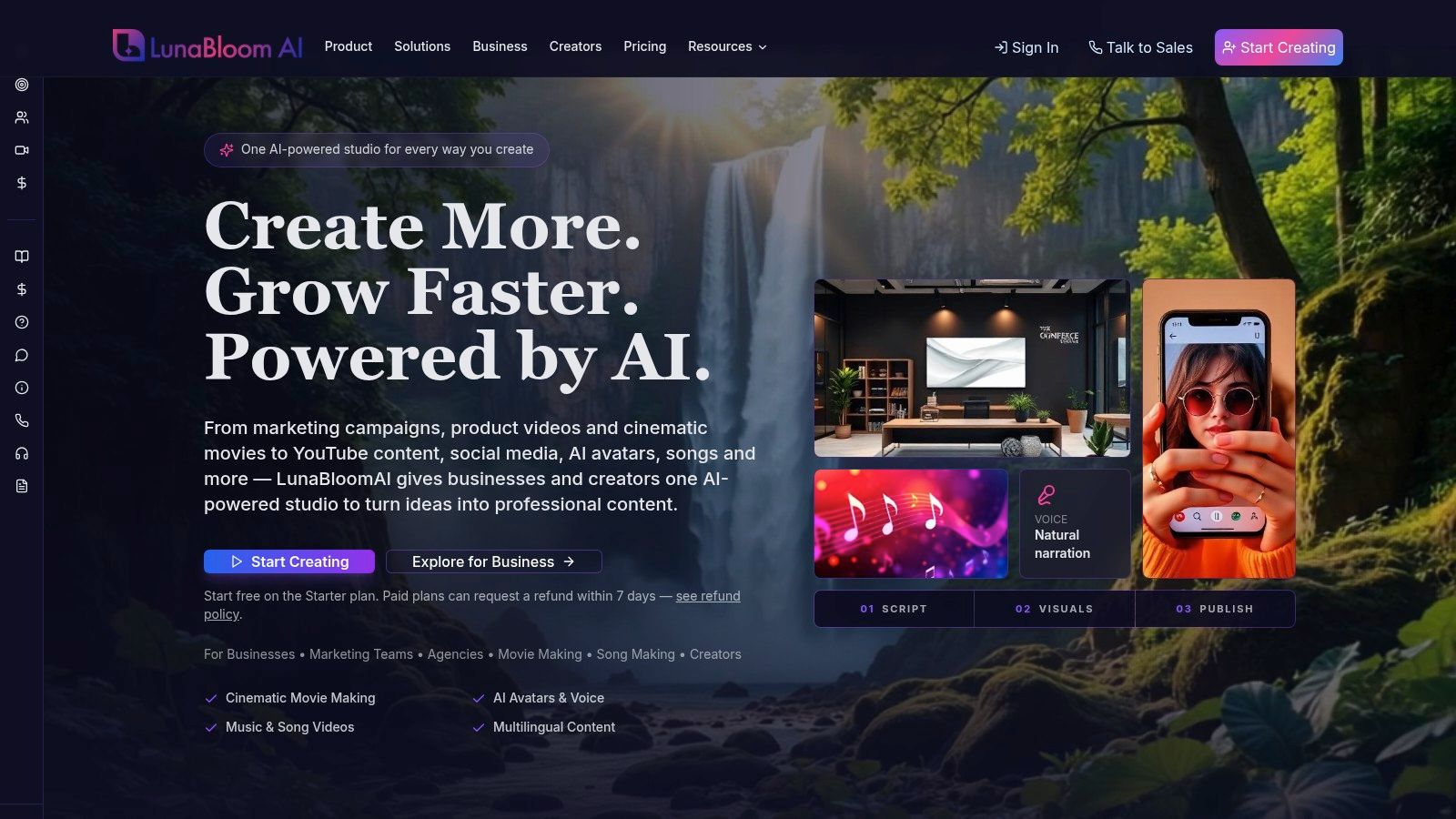
LunaBloom AI is the broadest end-to-end option here, built as a full studio instead of a single-purpose converter. You start from a prompt, script, or image and get edited video with AI visuals, voiceovers, captions, and publishing tools in one workflow. The practical appeal is consolidation: you are not exporting to three other apps to finish a clip.
Where LunaBloom stands out
The differentiators are custom avatars, voice cloning, multi-character dialogue, and lip-synced visuals for uploaded tracks. That last one matters for music and sing-and-dance videos, where many avatar platforms stop. Multilingual tools cover 50+ languages and regional accents, and storyboards, timeline editing, thumbnails, and analytics support repeat production.
- Full workflow: Create videos from text or images with visuals, narration, captions, editing, and publishing together.
- Performance range: Build dialogue scenes, music videos, social ads, explainers, training, and YouTube content without a crew.
- Team scaling: Use collaboration, brand kits, analytics, and API access on larger plans.
Practical rule: Pick an all-in-one studio when lip sync is one step in a finished, publishable video, not the whole job.
The published pricing tiers start with two free videos of up to 10 seconds each, then $29.99/month for Basic, $79.99/month for Fundamental, and $119.99/month for Professional, with business plans from $999/month and enterprise from $5,000/month. Paid plans include commercial-use rights, and eligible purchases can be refunded within seven days.
The trade-off is usage economics. Monthly video limits and shared generation credits can restrict heavy production, and credit consumption varies with length, resolution, and features. Advanced team capabilities also get expensive quickly. Test your real volume on the free Starter videos before committing.
2. HeyGen
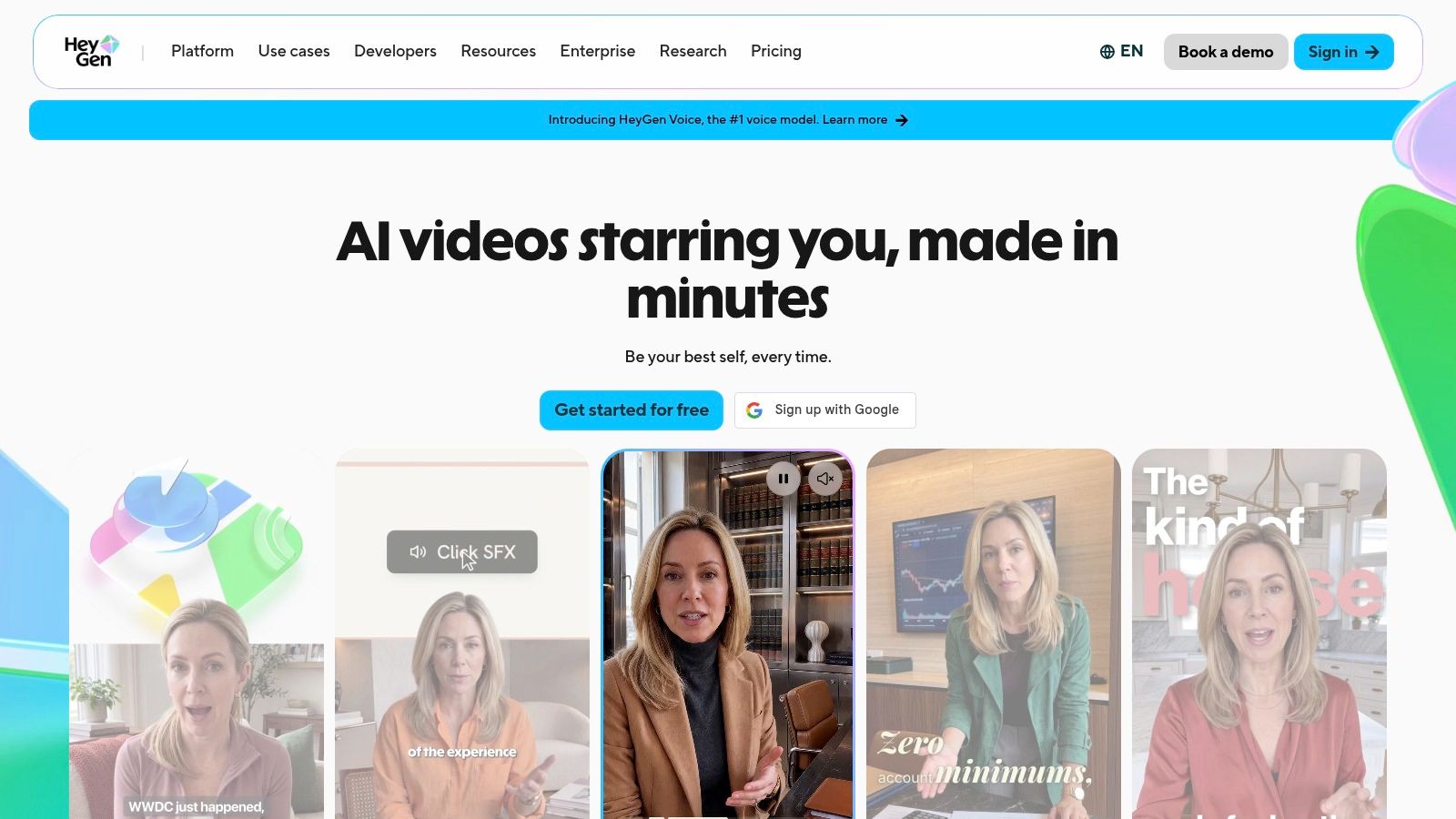
A marketing team records one spokesperson clip in English, then needs the same message in German, Portuguese, and Japanese by the end of the week. HeyGen is built for exactly that situation. It combines avatar generation with video translation, so you can create a presenter-led video from a script or upload existing footage and sync the lips to the new audio.
Where it earns its place
The avatar side offers stock presenters and custom avatars built from your own likeness and voice. The localization side is the bigger draw. Its Creator plan supports 175+ languages and dialects, according to HeyGen's plan details, the widest language coverage in this list.
That breadth changes how you should test it. Run your actual scripts through the free plan, check mouth movement on a non-English language you speak, and judge whether the presenter reads as credible to native viewers. Free videos are limited and watermarked, so treat them as evaluation material only.
Paid plans run on credits. Your real output depends on which features you use and how long each video runs, so a team localizing a content library should model credit burn on a representative batch rather than a 15-second demo.
Choose HeyGen when the job is a credible presenter speaking many languages. Teams focused on music performance, multi-character scenes, or a full editing and publishing pipeline around the avatar will hit its edges quickly. For a broader studio workflow on the same test script, see the LunaBloom AI app workspace.
3. Synthesia
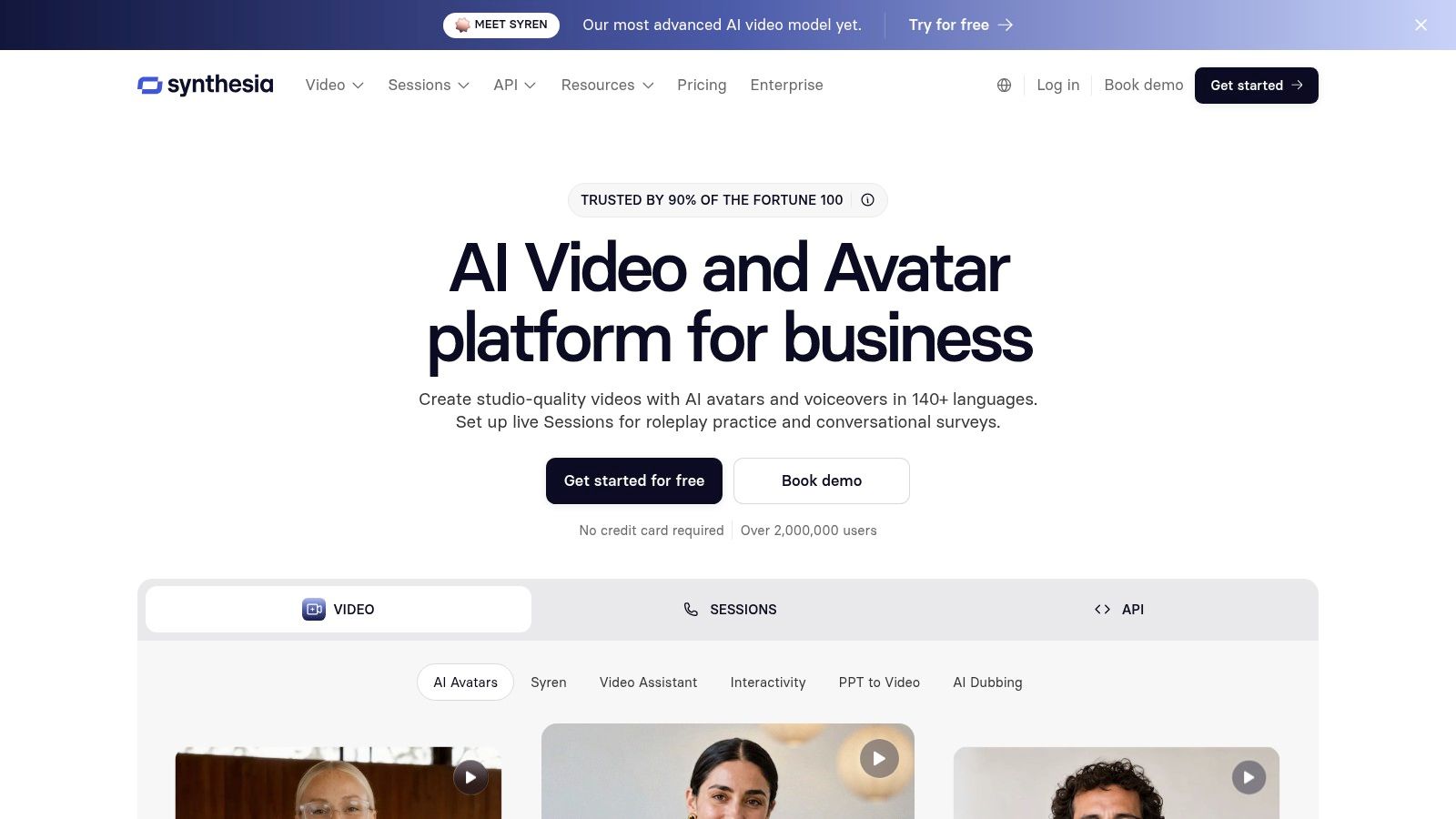
A training manager needs forty onboarding videos that look identical, get revised quarterly, and never depend on a presenter's availability. Synthesia is built for exactly that kind of work. You write a script, pick an AI presenter, and get a clean, predictable video where consistency matters more than creative flair.
Its dubbing feature applies the same logic to footage you already have. The platform can translate uploaded videos, including videos created outside it, with or without lip sync. That option to skip lip sync deserves respect. Results are strongest with a single, front-facing speaker and can degrade with multiple speakers, non-frontal angles, or translated speech running on different timing, as described in research on lip-sync limitations in real localization workflows. For panel interviews, subtitles or voiceover often serve viewers better.
Fit and limits
- Repeatable business video: Well suited to training libraries and internal updates you revise often.
- External footage: Dubbing accepts videos from other sources, not only Synthesia creations.
- API options: Business and enterprise tiers support larger rollouts.
Lip-synced dubbing is unavailable on the free Basic plan, and pricing and included credits vary by region and tier, per Synthesia's plan details. Check your region before budgeting.
Choose Synthesia when the deliverable is a professional presenter video for employees or customers, with entertainment and music-driven content off the table. It stays deliberately narrow, which is the point. A creator-led alternative with a lower entry point is the LunaBloom AI starter app.
4. D-ID
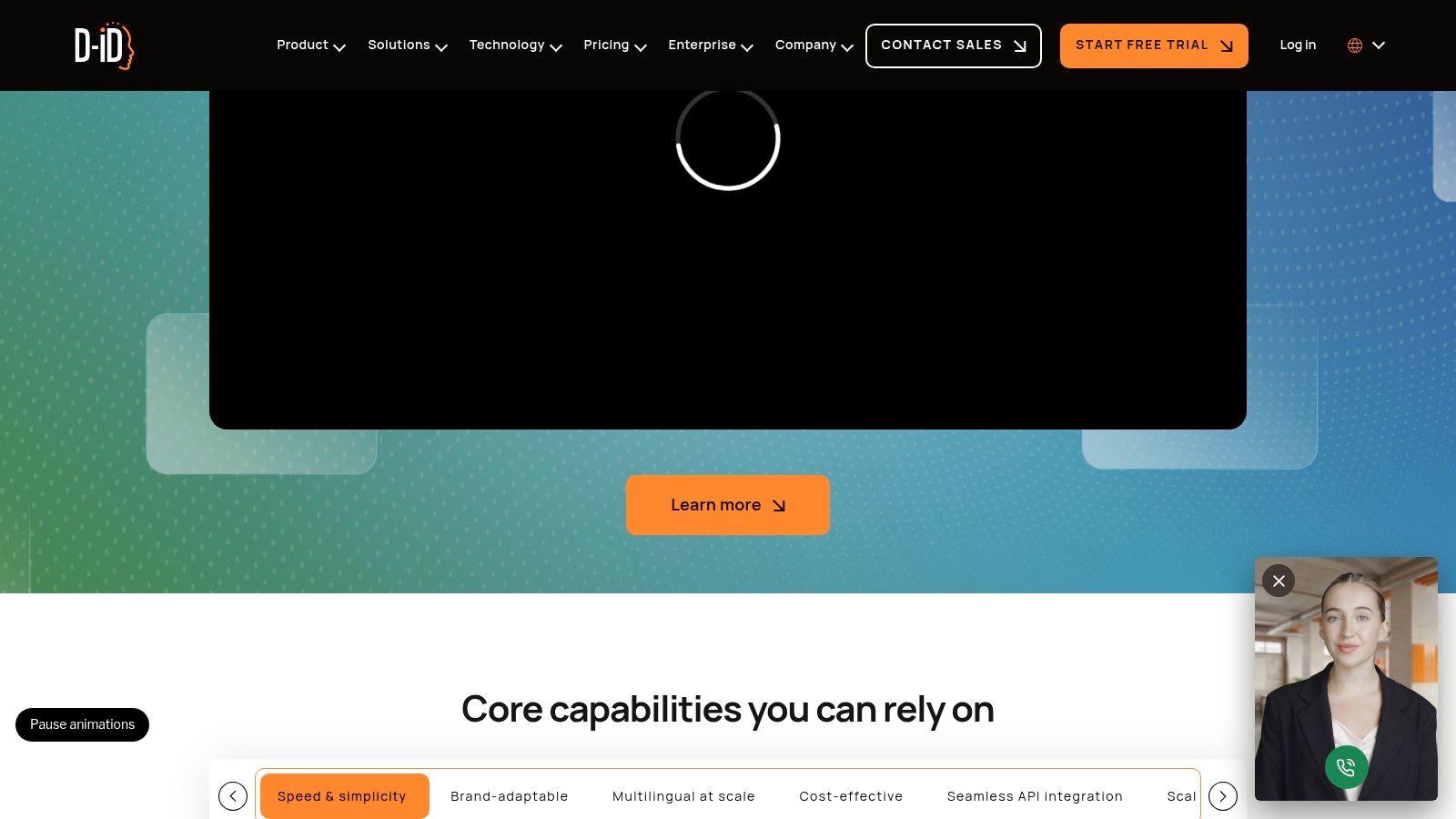
A training team localizing a catalog of presenter clips has a different problem from a creator starting with only a headshot. D-ID covers both through one production path: images, scripts, and audio can become talking-avatar videos, while Video Translate can translate speech, clone the speaker's voice, and adapt lip movement to the translated audio.
That combination works best when the source gives the system a clear target. Keep the speaker front-facing, visible, and cleanly recorded. Profile angles, occlusions, and noisy audio are where the output can lose credibility fast. A single presenter in controlled footage is a safer use than a busy panel.
D-ID also gives teams two ways to work. The browser studio suits hands-on production, while developer tools and bulk translation support recurring localization jobs across education, marketing, or training libraries. That makes it a stronger fit for catalog work than for a one-off experiment.
The main limitation is ensemble content. Videos with multiple speakers may use one cloned voice across the video, which can flatten an interview or panel. Editing and review capabilities also depend on the plan, so check the workflow details before committing. For multi-character pricing context, see LunaBloom AI pricing.
Pick D-ID when photos, custom avatars, or a single well-lit speaker define the job. If distinct voices and several on-screen participants carry the content, prioritize a tool built for that format instead.
5. Magic Hour
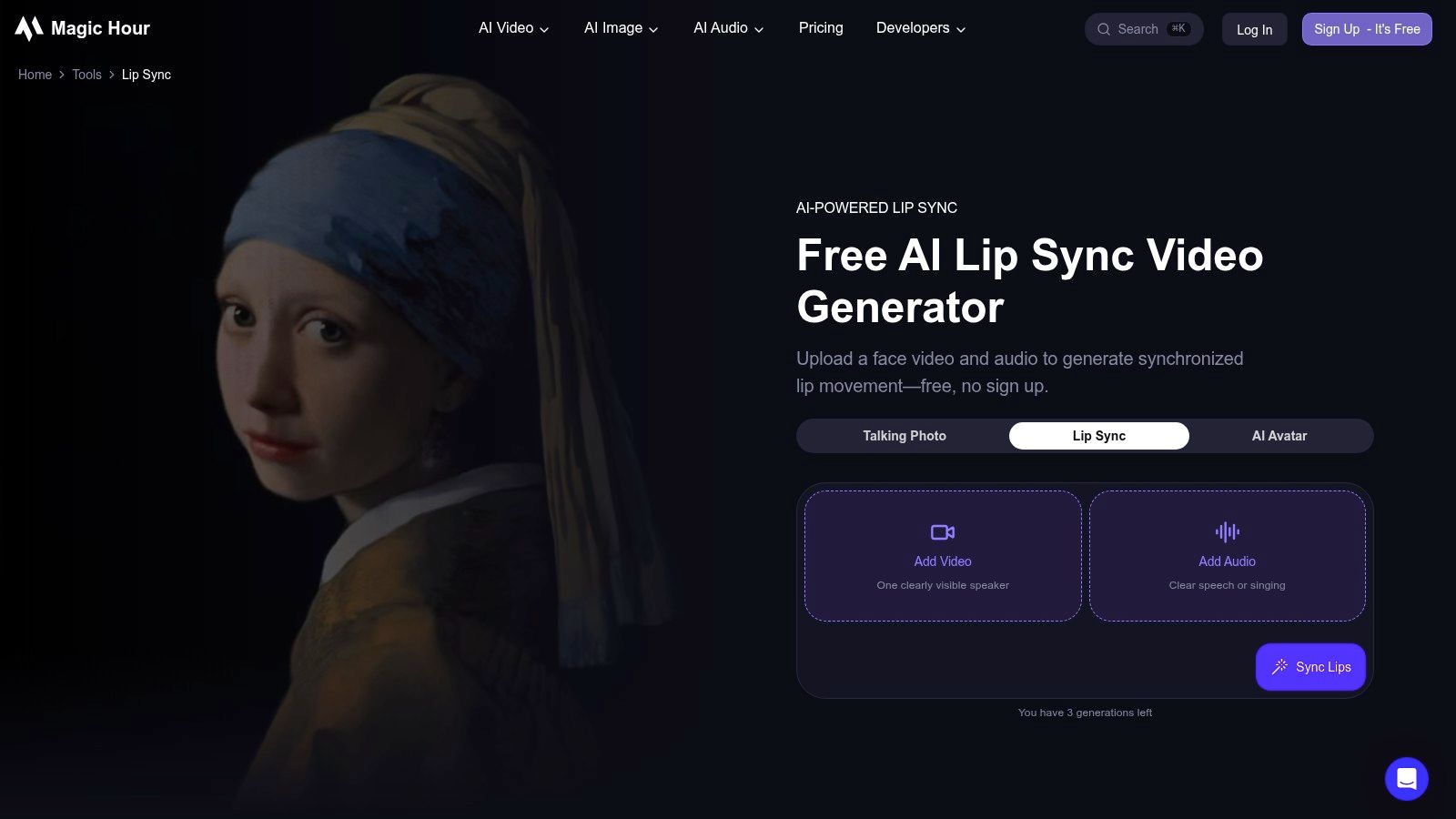
An editor holds a finished cut and a separate voice track, and the deadline is tonight. Magic Hour is built for exactly that handoff: upload the video, upload the audio, generate a synchronized version, download it. For teams that already produce their own assets, that directness is the product.
The tool runs in the browser, and according to Magic Hour's lip sync product page, some generations are available without signing up. A real clip can therefore be tested in minutes rather than after a procurement cycle, which tells you more than any feature matrix. Multiple generation modes let you trade quality against speed and credit cost.
Short clips. Fast answers.
Magic Hour is also a wider AI media platform spanning video, image, and audio tools, plus an API for recurring or automated jobs. It works as a bridge between manual experimentation and programmatic production, and teams weighing that modular setup against an integrated studio can find the alternative described in the background on LunaBloom AI.
There are limits. Free outputs may be watermarked, generation caps apply, and API usage is credit-based, with per-minute cost shifting according to your chosen mode and clip duration. The practical advice is to price a representative clip before committing to a volume workflow.
Choose Magic Hour when you have finished footage and finished audio and need them matched. Don't choose it expecting script-to-video creation, avatar libraries, or a publishing pipeline. It does one job with minimal friction, and it should be judged on that job.
6. Hedra
A mascot that sings your product demo. An illustrated storyteller narrating a kids' series. A virtual performer delivering a track you mixed in a studio. None of these projects need a camera, and a photorealistic presenter would actively hurt them.
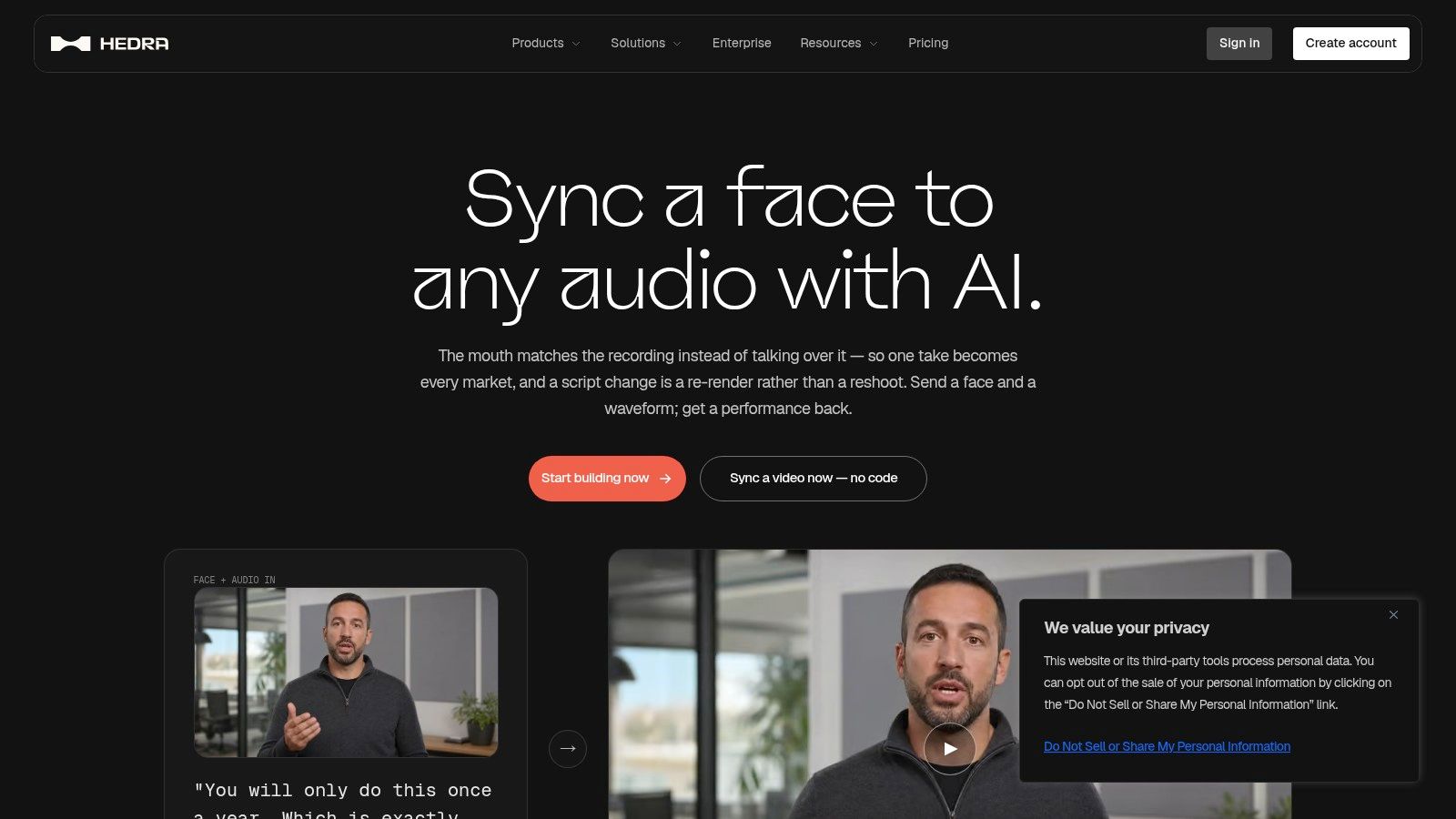
Hedra builds for exactly that case. Feed it a character and an audio track, and it generates an audio-driven performance where the character speaks or sings along. Lip sync follows the supplied audio across languages, so the quality of your recording and delivery carries the result.
Where it earns its spot:
- Character images and generated characters both work as input, so you are not limited to recorded footage.
- Paid plans include commercial use, per Hedra's published plan terms.
- Platform models and tools serve developers as well as individual creators, with an enterprise tier for teams that need it.
A stylized character that moves convincingly beats a photorealistic face that almost does. Audiences forgive illustration. They don't forgive near-human.
The trade-off is scope. Hedra puts its effort into generating performances rather than correcting mouth movements in live-action clips, so it is the wrong tool for syncing a recorded executive interview to new audio. Generation credits and speeds also vary by plan, which sets the pace at which you can iterate on takes.
Character consistency across episodes is what you are really buying here. Run your hardest audio through it first, including expressive or sung passages, and judge whether the character holds up when the delivery gets demanding.
7. Captions
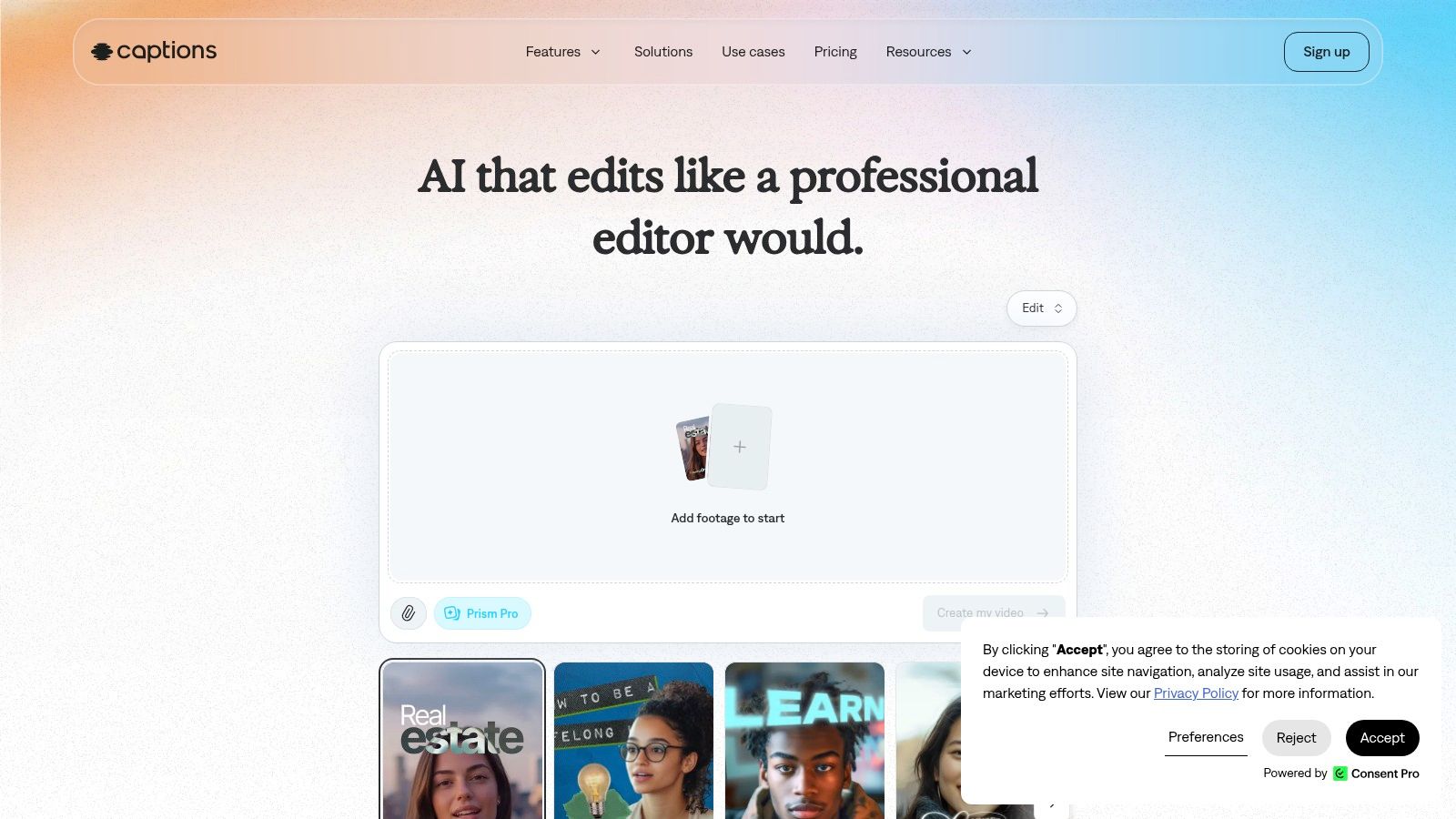
A creator shoots one talking-head video in English, then needs Spanish, Portuguese, and Japanese versions by Friday. Re-filming isn't realistic, and pasted-on subtitles leave the mouth out of sync with what viewers hear. Captions handles that inside the same app the creator already edits in. Its Lipdub feature dubs the speaker into another language while adjusting mouth movements to match the new audio.
The multilingual pitch holds up under scrutiny. Lipdub can preserve the speaker's voice and delivery through voice cloning and supports dubbing into 30+ languages, according to the Captions feature page. For someone repurposing one recording across markets, that collapses a job that would otherwise take a dubbing service and a separate editing pass into a single run through a familiar tool.
The captioning layer matters beyond convenience. Captions are a baseline accessibility requirement for prerecorded synchronized media under WCAG Success Criterion 1.2.2, a Level A requirement described in the W3C guidance on captions for prerecorded content. Convincing lip sync still fails viewers who watch muted, and muted autoplay covers a large share of social feeds.
Two constraints shape the fit:
- Lipdub is listed as a premium feature on the iOS Max and Scale plans, so confirm the plan tier on your own platform before subscribing.
- The product is built for social formats and solo workflows. Localization programs that need review chains, glossaries, and version control will outgrow it.
Solo creators and small teams shooting talking-head content make up the audience. If multilingual reach means shipping the same clip in five languages without hiring anyone, few tools on this list close that loop as cleanly.
8. Sync Labs
A localization crew sitting on hundreds of finished clips doesn't need script generation, avatars, or a timeline editor. It needs the sync step itself to run reliably on footage that already exists. That is the job Sync Labs builds around: a dedicated video-and-audio synchronization workflow delivered through a browser Studio and an API, with multiple models offering different quality, speed, and price trade-offs and cost estimation before you scale. Python and TypeScript SDKs plus batch processing make it practical for teams automating high clip volumes.
That production focus demands input discipline. Public datasets such as GRID, TCD-TIMIT, and Lip2Wav can contain audio-video offset, so verify alignment on your sources before you render, as noted in ICCV research on audio-visual synchronization for lip-to-speech synthesis. Normalize sampling rates and check source offset rather than assuming a matched pair is synchronized.
Where the economics bite
Access runs two ways: a no-code Studio for editors, and the API and SDKs for developers. Free accounts include a limited number of monthly generations, enough to test output quality on your own footage before committing budget.
The pricing model is the part to project carefully. Paid use carries per-generation charges on top of the subscription, and maximum video length, concurrency, and watermark removal all sit behind plan tiers. Run the math at your real clip count, not the demo volume.
Sync Labs fits teams whose bottleneck is synchronization quality on existing footage and who may automate the work through the API later. If you need avatars, scripts, or editing wrapped around the sync, other entries on this list cover that better.
9. Wav2Lip
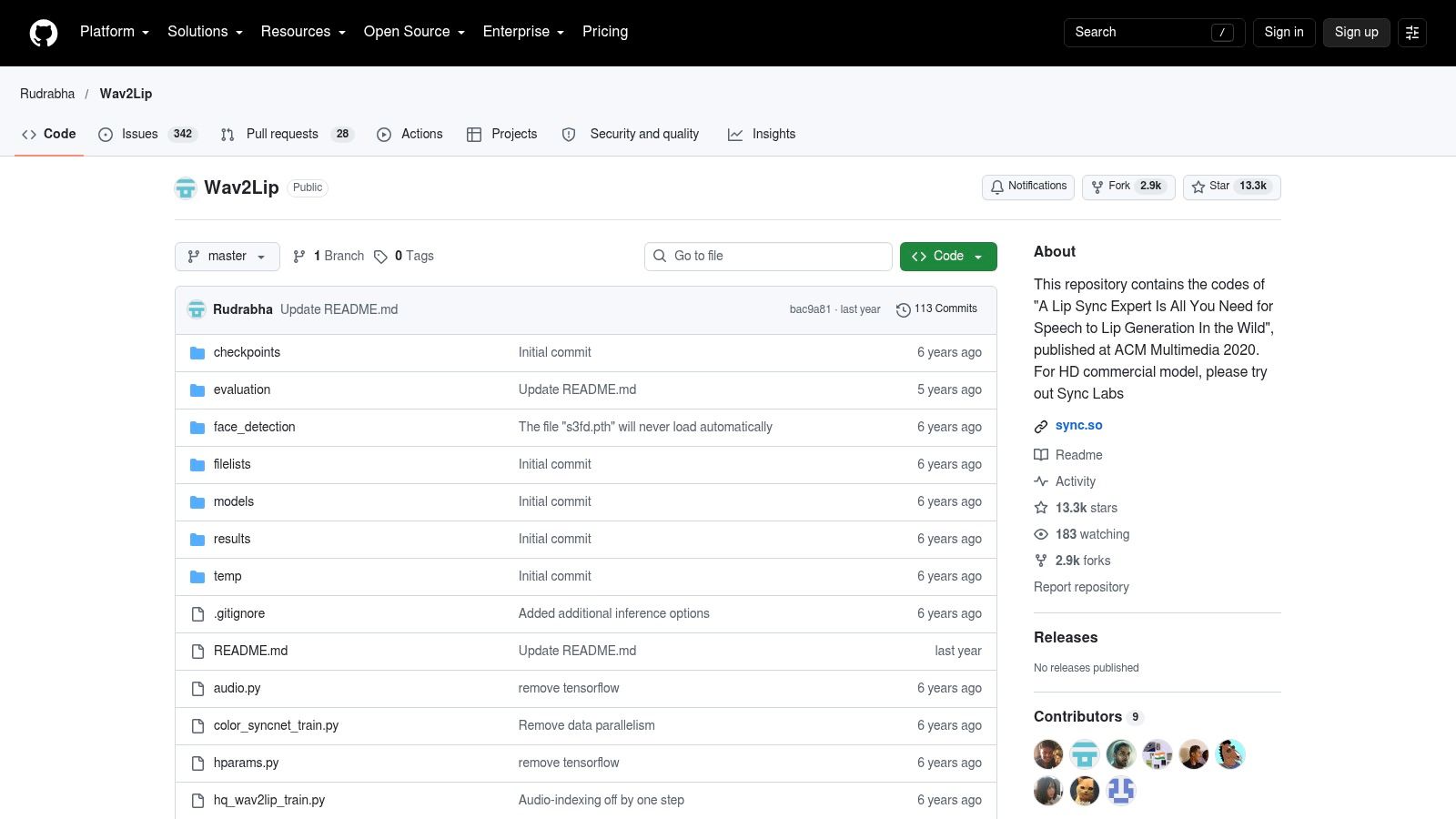
Wav2Lip is an open-source research project, and its repository doubles as the licensing record worth reading before you build anything on it. The code synchronizes a face in a video to supplied speech, and it remains the baseline much of this category measures itself against.
The original Wav2Lip research paper reports evaluation on unconstrained talking-face videos, with lip-sync accuracy close to natural synchronization in human tests. Apply the same mindset to your own footage: measure alignment across diverse speakers, and track where the sync fails on head turns, occlusions, and fast speech rather than judging a single clean demo clip.
Self-hosting gives you three things hosted tools don't: full control over inference, pretrained models you can adapt into custom pipelines, and research artifacts that make model behavior easier to study than a closed system. There is no standard subscription fee, either.
What you pay instead is time and hardware. Setup requires technical skill and suitable GPU resources. There is no polished editor, no conventional interface, and no support contract. You become your own support team.
One caveat catches teams late. The open-source code is labeled non-commercial, so business use requires a separate license, and some teams discover that only after prototyping.
Wav2Lip suits developers prototyping custom workflows and researchers who need a reproducible baseline. Creators who want a finished video this afternoon should pick a hosted tool and spend their hours on content instead.
10. Vidnoz AI
A distributed marketing team shipping weekly product walkthroughs does not need a render farm or an editing suite. It needs a script box, an avatar picker, and a generate button. That is the job Vidnoz AI was built for: browser-based presenter videos where you supply the script, choose an AI presenter, and get lip-synced speech back without installing anything.
The browser-only model matters more than it sounds. Any team member can produce a draft, onboarding a new contributor takes minutes, and there is no software to maintain. Marketing explainers, product walkthroughs, and training clips all fit this workflow when turnaround speed outweighs frame-level control.
The trade-off appears when footage already exists.
Vidnoz generates avatar presentations from scripts, so it will not lip-sync a recorded interview or dub your founder's keynote. If your source material is a recording rather than a script, your answer sits earlier in this list. Commercial-use terms and export limits also deserve a careful read before business adoption, since those details decide whether a plan survives procurement.
Cost check before you commit: Render one full-length video on the free plan and record the credit cost per minute. Multiply that figure by your intended monthly output before choosing a paid tier.
Choose Vidnoz for steady volume of straightforward presenter videos produced by a team, not a single editor.
Top 10 Lip Sync Video Makers Compared
| Platform | Core capabilities | Experience & quality | Best for | Standout value & pricing |
|---|---|---|---|---|
| 🏆 LunaBloom AI | Text/image-to-video, avatars, voice cloning, music videos, 50+ languages, publishing | ★ End-to-end creation with automated editing; no editing skills required | 👥 Creators, marketers, educators, and teams | ✨ Broad production toolkit in one platform; 💰 2 free videos, then $29.99–$119.99/month; business from $999/month |
| HeyGen | Avatar videos, voice generation, video translation and lip sync; 175+ languages and dialects | ★ Combines avatar creation with localization | 👥 Creators and businesses producing multilingual presenter videos | ✨ Translates existing footage with lip sync; 💰 Free tier and paid plans; credits and limits apply |
| Synthesia | Script-based AI presenter videos, dubbing, API | ★ Suited to consistent business communications | 👥 Training, onboarding, and internal communications teams | ✨ Can dub videos made elsewhere; 💰 Free Basic and paid plans; features vary |
| D-ID | Talking avatars, photo presenters, video translation, voice cloning, API | ★ Browser studio plus developer workflows | 👥 Education, marketing, training, and localization teams | ✨ Bulk translation and API options; 💰 Plan-based; results depend on clear footage and audio |
| Magic Hour | Upload-based video and audio lip sync; other AI media tools | ★ Simple browser workflow | 👥 Creators and teams automating recurring lip-sync jobs | ✨ Free tool and API; 💰 Free generations available, with limits and possible watermarks |
| Hedra | Audio-driven character performances and lip sync | ★ Strong fit for animated or generated characters | 👥 Creators making stylized character content | ✨ Works with character images or generated characters; 💰 Individual and enterprise plans |
| Captions | Video editing, captions, translation, and Lipdub voice dubbing | ★ Localization integrated with editing tools | 👥 Social creators who edit and caption videos | ✨ Voice-preserving dubbing; 💰 Free plan; Lipdub is premium and availability varies |
| Sync Labs | Dedicated audio-to-video lip sync, Studio, API, SDKs, batch processing | ★ Model choices balance speed, quality, and cost | 👥 Developers and production teams handling multiple clips | ✨ No-code and API workflows; 💰 Limited free generations; paid usage includes per-generation charges |
| Wav2Lip | Open-source speech-to-video face synchronization | ★ Flexible for custom technical workflows | 👥 Technical creators and researchers | ✨ Self-hostable; 💰 No standard subscription fee, but setup resources and commercial licensing may be required |
| Vidnoz AI | Browser-based script-to-avatar videos | ★ Straightforward presenter-video workflow | 👥 Marketing, explainer, and training video creators | ✨ Avatar selection and generation in one browser workflow; 💰 Free and paid options; check credits and usage terms |
Make the Right Choice Before You Generate
Start with your source material, because it eliminates half this list immediately. If you've got a script and no footage, you're choosing among avatar and character generators. If you've got footage and new audio, you're choosing among synchronization and dubbing tools. Buying the wrong category is the most expensive mistake here, and it's avoidable in five minutes.
For the broadest end-to-end studio, pick LunaBloom AI. It combines voice cloning, multi-character dialogue, uploaded-track lip sync, custom avatars, and localization with editing, captions, and publishing. Creators making music videos, dialogue scenes, ads, and explainers in one place will get the most from that consolidation.
When multilingual presenter dubbing dominates, compare HeyGen, Synthesia, D-ID, and Captions. HeyGen leads on language breadth for avatar and translated video. Synthesia fits repeatable corporate training and communications. D-ID adds talking photos and voice-cloned translation. Captions bundles Lipdub with the caption and editing workflow social creators already use.
For direct video-and-audio synchronization on existing clips, use Magic Hour for a simple upload-and-generate flow or Sync Labs when you need model choice, SDKs, and batch processing. Choose Hedra for stylized character performances driven by supplied audio. Take Wav2Lip only if you're a developer who wants self-hosted control and accepts its non-commercial open-source licensing. Pick Vidnoz AI for straightforward browser-based avatar presentations from scripts.
Whatever you choose, handle consent and disclosure as production steps, not afterthoughts. Independent research identifies digital watermarking and traceability through metadata-based or cryptographic identifiers as important safeguards, as discussed in research on watermarking and multimedia authenticity. An imperfect but clearly disclosed video is safer for a brand than a flawless one with no audit trail.
Platforms enforce this. YouTube requires disclosure through the Altered content setting when realistic content makes a real person appear to say something they didn't say, under YouTube's altered content disclosure guidance. TikTok states creators must label AI-generated content containing realistic images, audio, or video, using the label that reads "creator labeled as AI-generated," per TikTok's AI-generated content guidance. Keep consent records for every face and voice you use.
Run one representative test before committing. Use your hardest realistic clip, with head movement, expressive delivery, or translated timing, and watch the mouth rather than the demo reel. Review commercial rights, watermark rules, and export limits in writing. Then calculate the total cost of the plan you'd need, including credits and per-generation charges, at your expected monthly volume.
The right lip sync video maker isn't the most realistic one in a showcase. It's the one that fits your footage, your languages, your approval process, and your budget. Test narrowly, disclose clearly, and scale only what survives a real production week.
Ready to turn a script, an image, or an uploaded track into a finished, lip-synced video with voice cloning, multi-character dialogue, captions, and multilingual localization in one workflow? Start with the free Starter videos at LunaBloom AI and judge the output on your own hardest clip before you commit to a larger production.