You've cut a strong video, but it ends before the idea feels complete. The obvious fix is to slow the footage, repeat the introduction, or leave a longer pause between sentences. Those tricks increase the runtime, but they also give viewers a reason to leave. The better question is how to make a video longer without making it feel longer. That means adding context, demonstrations, examples, objections, accessibility layers, or a clearer narrative progression, then checking whether viewers stay for the expansion.
Why Length Matters More Than You Think
A short video can create a surprisingly difficult editing problem. You may have a useful tutorial, product explanation, or travel story, but the finished cut feels too slight for the audience or publishing destination. Adding decorative B-roll and longer pauses seems harmless until the pacing loses energy.
The central trade-off is simple: more minutes only help when the added material earns attention. Wistia's engagement benchmarks show average engagement of 50% for videos under one minute, 46% for videos lasting one to three minutes, 45% for videos lasting three to five minutes, and 38% for videos between five and 30 minutes in data discussed by Goldcast's video marketing statistics guide. Runtime alone doesn't create value.

That doesn't mean every longer video is a mistake. The same Wistia analysis found that videos longer than five minutes can still produce an average 9% click-through rate, which suggests that extended content can work when it gives viewers a useful next step. A detailed product demonstration, onboarding lesson, interview, or training video has a stronger reason to continue than a short clip padded with a repeated claim.
The opening decides whether added runtime matters
Historical viewing data makes the opening problem clear. A 2010 Ad Age finding reported that 33% of viewers stopped watching after 30 seconds, 45% stopped by one minute, and 60% stopped by two minutes, as summarized by Passive Secrets' video statistics overview. Earlier Facebook findings from 2016 showed that, among people who watched the first three seconds of a Facebook video, 65% continued to at least 10 seconds, but only 45% continued to 30 seconds.
These figures aren't a license to treat historical benchmarks as a prediction for your channel. They do establish a practical editing rule: show the promise immediately. Don't spend the opening on a logo, a long greeting, or background viewers can understand later. Lead with the problem, result, question, or visual proof, then build depth around it.
A useful expansion might add:
- Context: Why the problem matters and who encounters it.
- Demonstration: The process, screen recording, physical action, or product use.
- Proof: An example, comparison, result, or real objection.
- Progression: A second step that naturally follows the first.
- Resolution: A recap and a clear next action.
If your source cut can't support those beats, a series may be better than one stretched asset. Use LunaBloom AI when you need to turn a script into structured video variations, but judge the result by viewer value, not by its duration.
Editing Techniques to Extend Runtime Naturally
Start with the footage you already have. The safest way to make a video longer is to expose information that the fast cut compressed, then use visual structure to give each addition a purpose.
Audit the cut before changing playback speed
Write down the target duration, then watch the current edit without touching the timeline. Mark places where the viewer may need context, a closer view, an example, or a transition. A useful structure is an opening promise, three to five information or story blocks, transitions, and a conclusion.
That audit usually reveals better additions than slow motion. A cooking tutorial may need a close-up of texture, a travel video may need a map or route explanation, and a software demonstration may need a short explanation of why a setting matters. Add those missing pieces before stretching existing shots.
Use slow motion only when the action supports it
Frame-rate conversion can extend footage, but calculate the result first. A 10-second clip at 30 fps contains 300 frames. Interpreting those frames at 24 fps produces 12.5 seconds, while slowing playback to 50% requires generating or repeating frames to reach 20 seconds, as described in the frame interpolation research paper.
Use controlled slow motion for gestures, product reveals, scenery, athletic movement, or atmospheric shots. It works poorly for speech, screen recordings, typing, and any action where viewers expect normal cadence. Simple frame duplication can create judder. Motion-compensated interpolation can look smoother, but inspect fast movement, hair, hands, text, and occlusion boundaries for ghosting or warped details.
The same benchmark reports the strongest overall correlation for FloLPIPS at PLCC=0.58 and SRCC=0.58, with RMSE=14.98. For 540p 30-to-60-fps conversion, a temporal-spatial metric reached PLCC=0.54. These are evaluation benchmarks, not guarantees of viewer satisfaction. Render short tests, compare optical-flow and frame-blending modes, and process each shot separately rather than interpolating across a hard cut.
Add rhythm instead of dead air
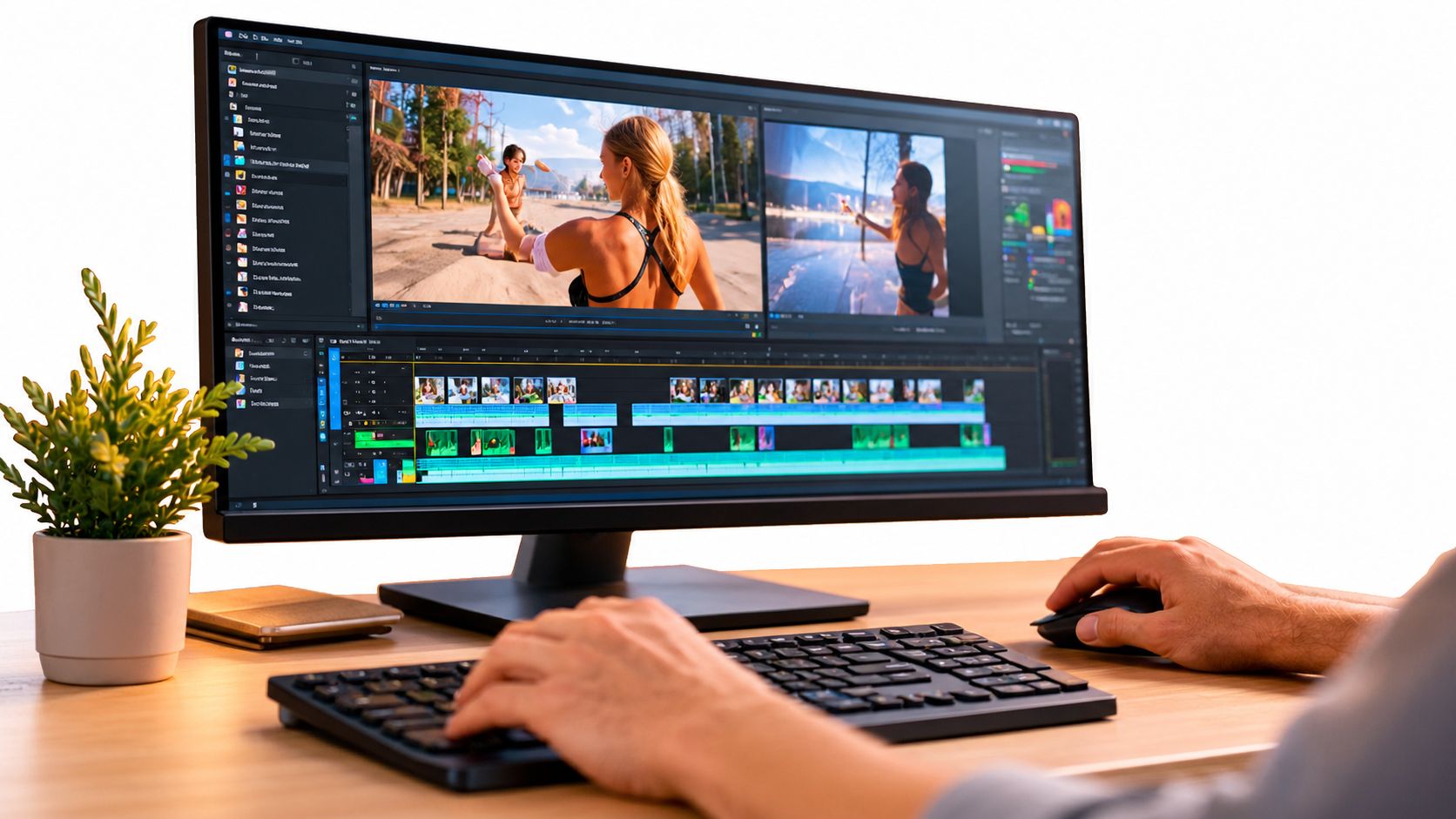
B-roll can carry explanatory voiceover while giving the viewer visual evidence. Hold a meaningful frame only when the viewer needs time to inspect it. J/L-cuts also help: let incoming audio begin before the visual change, or allow the current audio to continue over the next shot.
Chapter cards, questions, graphics, and angle changes make longer material easier to follow. For long-form work, a meaningful pattern interrupt roughly every 60 to 90 seconds can refresh attention, provided it supports the argument rather than acting as decoration. If the edit requires extensive reconstruction, reviewing professional video editing services can help you compare a polished expansion with a quick internal cut.
Keep dialogue at a natural pitch. Time-stretching speech often exposes the manipulation immediately, so use separately edited narration and ambience when necessary. The goal isn't to make every shot last longer. It's to make the explanation feel complete.
Using AI-Generated Content to Add Substance
Manual editing reaches its limit when the original footage contains no material for the missing explanation. In that situation, AI-generated scenes can provide new information, provided they serve the same narrative and visual language as the source.
Start with the core script and identify unanswered questions. A product video may need an additional use case. A training video may need a simulated conversation. A tutorial may need a troubleshooting scene. These are useful extensions because they introduce new information rather than repeating the opening.
Build additions as self-contained beats
A practical AI expansion workflow looks like this:
- Keep the original promise. Preserve the strongest opening and avoid replacing it with a generic introduction.
- Add explanatory voiceover. Use narration to answer why a step matters, not to describe what the viewer can already see.
- Insert supporting visuals. Add B-roll, diagrams, demonstrations, or a simulated screen sequence where the script needs evidence.
- Use dialogue selectively. A two-person exchange can surface an objection and answer it more naturally than a long monologue.
- End with a recap. Summarize the new material and connect it to the viewer's next action.
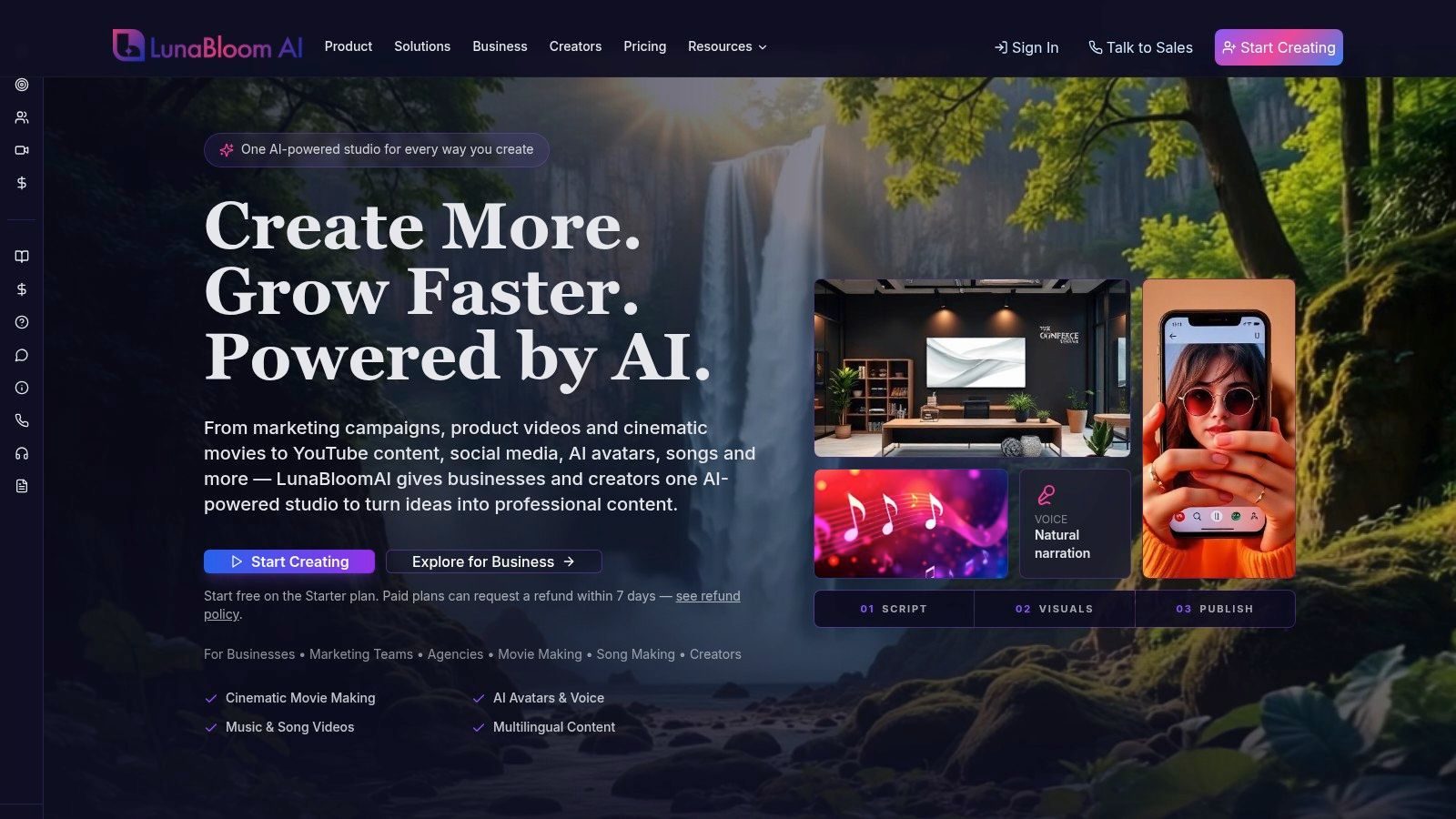
Tools such as LunaBloom's video creation app can turn scripts and prompts into edited scenes with voiceovers, captions, avatars, and localized versions. That makes it practical to produce an explanatory insert without arranging a new shoot. It doesn't remove editorial judgment. Generated footage still needs review for continuity, pronunciation, timing, visual accuracy, and tone.
The most convincing use of AI is usually modular. Keep the original footage as the anchor, then add a short avatar explanation, a custom B-roll sequence, or a voiceover bridge where the viewer needs more context. Don't generate an entirely different visual style halfway through a serious instructional video unless the contrast is intentional.
A creator working on a software tutorial might expand a concise screen recording with a narrated explanation of the decision behind each setting, a simulated beginner question, and a troubleshooting example. The runtime grows, but so does the learner's ability to repeat the process independently.
AI also helps teams create alternate cuts from one master script. A long educational version can generate shorter social openings, translated subtitles, alternate hooks, and platform-specific exports. Treat each output as a deliberate editorial version, not an automatic trim.
Platform Limits and Retention Strategies
A longer video still has to fit its destination. Instagram's official Reels description says creators can record and edit videos up to 3 minutes, including one or multiple clips that add up to that duration, according to Instagram's Reels feature page. If the idea needs more time, split it into parts rather than slowing the entire edit to fit an arbitrary target.
TikTok's developer documentation says all creators can post 3-minute videos, while some accounts can post 5-minute or 10-minute videos. Uploads through TikTok's developer endpoint can be up to 10 minutes, with a maximum file size of 4 GB and supported frame rates from 23 to 60 FPS, as specified in the TikTok Content Posting API media guide. Account eligibility still matters, and users may need to trim inside the app.
| Platform | Max Duration | Key Constraint |
|---|---|---|
| Instagram Reels | 3 minutes | Combine purposeful segments or publish a series |
| TikTok | 3, 5, or 10 minutes, depending on account | Check account access, file settings, and in-app trimming |
| YouTube | No hard duration limit stated here | Retention, structure, and viewer value determine viability |
Match structure to the publishing goal
For Instagram, use a compact sequence such as hook, demonstration, explanation, and conclusion. For TikTok, make every part independently understandable because viewers may encounter a later installment first. YouTube supports deeper material, but chapters, captions, concise transitions, and a visible progression help viewers move through the extra length. Guidance on video editing for social media can help when the same source material needs different platform cuts.
Longer isn't automatically better on any of these platforms. A 2025 medical-education study found that videos under five minutes produced higher audience retention, stronger responses to embedded questions, and higher cumulative viewing than longer videos, as reported in the published study. The same evidence base reports that, across nearly 5.7 million videos and more than 582,000 accounts, the average TikTok video was 41 seconds, while viewers watched 3.75 seconds on average and only 4% watched to completion.
Those figures point to a clear editorial choice. Expand a video when education, onboarding, demonstration, interview, or storytelling justifies depth. Split it when the added material introduces a separate promise. Review LunaBloom's terms before building a production workflow around any tool, especially when teams publish multiple versions.
Pros and Cons of Editing vs. AI Expansion
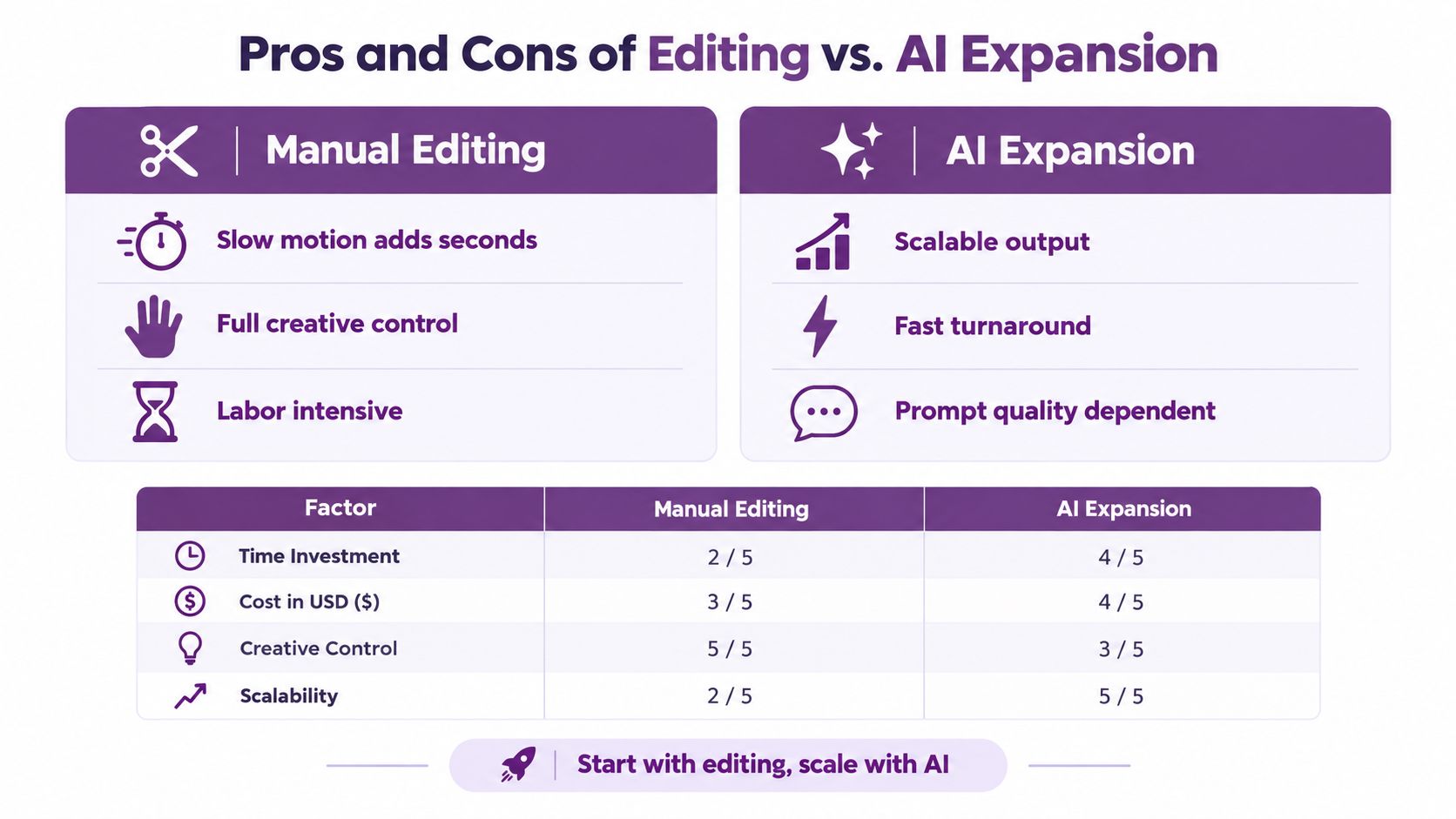
Manual editing and AI generation solve different problems. Editing is strongest when the missing material already exists in your footage or can be represented with B-roll, graphics, and a carefully written voiceover. AI expansion is strongest when you need new scenes, alternate presenters, localization, or repeatable production at scale.
| Method | Advantages | Limitations | Best use |
|---|---|---|---|
| Manual editing | Precise pacing, strong continuity, full creative control | Labor intensive, limited by available footage | Important brand films, demonstrations, and footage-led stories |
| AI expansion | Fast scene creation, scalable variations, efficient localization | Prompt quality dependent, can miss subtle human performance | Tutorials, training, product explainers, and repeatable social content |
| Hybrid workflow | Keeps authentic footage while filling narrative gaps efficiently | Requires review across both source and generated material | Most practical expansion projects |
Choose based on the missing value
If the video needs a closer crop, a pause to inspect a screen, or a visual transition, manual editing is usually the cleanest answer. You control every frame and can preserve the original performance. The cost is time, especially when you need several language versions or multiple platform edits.
If the video needs a new explanation, simulated customer question, or localized presenter, AI can reduce production overhead. It can also create a consistent format across a library of training or onboarding videos. The risk is not only visual artifacts. An avatar may deliver technically correct words without the emphasis, hesitation, or warmth that makes a human explanation persuasive.
Editorial rule: Use AI to create missing substance, not to conceal missing substance.
A hybrid workflow often gives the best balance. Keep the authentic opening, product footage, or interview answer. Add a generated explanation where the narrative has a genuine gap, then have an editor match the color, pacing, audio bed, captions, and terminology. If you're assessing subscription options or production capacity, review LunaBloom's pricing information, but make the method choice on editorial requirements first.
The useful decision matrix is straightforward:
- Choose manual editing when authenticity and frame-level control matter most.
- Choose AI expansion when you need new scenes or versions quickly.
- Choose both when the original footage carries trust and generated material can supply missing context.
Testing and Optimizing Your Longer Video
Never publish an expanded cut without checking whether the new material helps. YouTube's Audience Retention report shows retention at specific moments, including dips where viewers leave, and lets creators compare a video with other videos of similar length. The report can also compare the latest 10 videos of similar length, which helps separate a weak script from a length problem, according to YouTube's Audience Retention documentation.
Dip details require a video to be at least 60 seconds long and have at least 100 views, while retention data typically takes 1 to 2 days to process, according to the same YouTube documentation. Don't react to an early data point as if it were a final verdict. Look for patterns around the opening, transitions, explanations, and final section.
Use a controlled comparison
Export two versions of the same project:
- Base cut: The original version with no new material.
- Expanded cut: The version containing the added explanation, example, scene, or accessibility layer.
Keep the title, thumbnail, audience, and publishing conditions as consistent as practical. Compare first-30-second retention, average percentage viewed, and average view duration. These measures answer different questions. The opening metric shows whether the promise works, average percentage viewed shows how much of the video people consume proportionally, and average view duration shows the actual time watched.
If a newly added segment causes a disproportionate dip, don't defend it because it took time to produce. Replace it with a demonstration, question, visual change, or tighter explanation. If the added material holds attention and improves the viewer's understanding, keep it even if it doesn't produce a dramatic spike.
Improve usefulness without extending the master cut
Accessibility can increase a video's reach without forcing every viewer through a longer timeline. Research on captioned video finds benefits for vocabulary identification and overall comprehension, while a review of more than 100 empirical studies reports that captions improve attention, memory, and comprehension, as described in the captioning research review.
W3C defines captions as text for spoken words, speaker identification when needed, and important sounds such as music, laughter, and other noises. Captions support deaf and hard-of-hearing viewers, people watching in loud environments, viewers with muted audio, and people who understand information better by reading and hearing it. W3C also notes that caption files and transcripts can be indexed by search engines in its captions guidance.
Add synchronized captions, translated subtitles, audio description, chapter markers, and downloadable transcripts as optional layers. That approach makes the content more complete for more people without padding the primary edit.
Building a Sustainable Expansion Workflow
A reliable process starts before you open the editor. Write the core promise in one sentence, then list the questions a viewer still has after watching the current cut. Those unanswered questions become your expansion map.
Build around modular information
Organize the longer version into self-contained beats:
- Promise: State the problem or outcome quickly.
- Context: Explain why the issue matters.
- Demonstration: Show the process or product in use.
- Objection: Address the mistake, limitation, or question that could stop the viewer.
- Proof: Add an example, comparison, or visual confirmation.
- Next step: Recap the lesson and tell viewers what to do.
Not every video needs every beat. The point is to add a new unit of meaning, not another pause between existing sentences. If one beat grows into a separate promise, turn it into a chapter, a standalone video, or a platform-specific cut.
Make the workflow repeatable
Use this production sequence:
- Audit the current cut for missing context.
- Decide whether existing footage, AI-generated material, or both can supply it.
- Record or generate the additions.
- Match audio, color, captions, terminology, and pacing.
- Export the long-form master and shorter derivatives.
- Review retention and remove weak additions.
- Localize the useful version with subtitles, transcripts, or alternate narration.
AI can make repetitive steps faster, but the editor still owns the final judgment. A generated voiceover won't fix a confused argument, and a polished avatar won't make an irrelevant scene useful. The strongest workflow treats AI as a production assistant while the human creator controls the promise, sequence, and standards.
For teams, LunaBloom's starter app can be part of an experiment-led workflow for turning one script into multiple structured versions. Start with one video, test the expansion, document what viewers respond to, and reuse the successful pattern rather than lengthening every asset by default.
LunaBloom AI turns scripts, prompts, and images into edited videos with natural voiceovers, captions, avatars, localized versions, and social-ready exports. Visit LunaBloom AI to create a substantive longer cut, then test whether each added scene gives viewers a better reason to keep watching.