Your launch is next week, and the brief has become five briefs. The product video needs different languages, formats, hooks, and calls to action, but the studio booking, casting, location work, recording, and editing schedule still assume one carefully controlled production.
Cinematic AI video changes that equation. It can turn a script, prompt, or image into a structured video workflow with generated scenes, voices, avatars, music, captions, and edits. The useful question isn't whether AI can make one impressive clip. It's whether your team can produce a family of on-brand videos quickly, review them properly, disclose synthetic elements, and keep every version coherent.
The New Reality of Video Production
A marketing team preparing a product launch used to make a choice between speed and finish. Booking actors and a studio protected quality but consumed time. Cutting the production down usually meant accepting stock footage, a generic presenter, or a rushed edit.
With cinematic AI video, the same team can develop a visual concept, test a presenter, localize dialogue, and create multiple cutdowns inside one production workflow. That doesn't eliminate creative direction. It moves creative direction earlier, into the script, visual references, character rules, voice specifications, and approval process.
The shift is already visible in adoption. A 2026 Wyzowl survey found that 63% of video marketers had used AI tools to create or edit marketing video, up from 51% the previous year, as reported in this AI video generation statistics compilation. The figures describe marketing use, not necessarily fully synthetic films, but they show that AI video is becoming part of ordinary production rather than a laboratory experiment.
What changes for production teams
Traditional production still matters when a project depends on physical performances, specific locations, practical effects, or tightly controlled cinematography. AI is strongest when a team needs variations, localization, frequent updates, or a finished draft before committing to a larger shoot.
A practical workflow might look like this:
- Concept development: Turn a campaign idea into several visual directions before commissioning a full production.
- Version creation: Adapt the same message for different audiences, products, or channels.
- Content maintenance: Update a tutorial when an interface, feature, or claim changes.
- Creative testing: Compare different openings, presenters, pacing, and calls to action.
Platforms such as LunaBloom AI fit this production model by handling generation, voice sync, captions, editing, and publishing tasks in one environment. The value isn't just that a clip appears quickly. The value is that a team can build a repeatable system around it.
Practical rule: Treat AI video as a production pipeline, not a magic rendering button.
How Cinematic AI Video Works
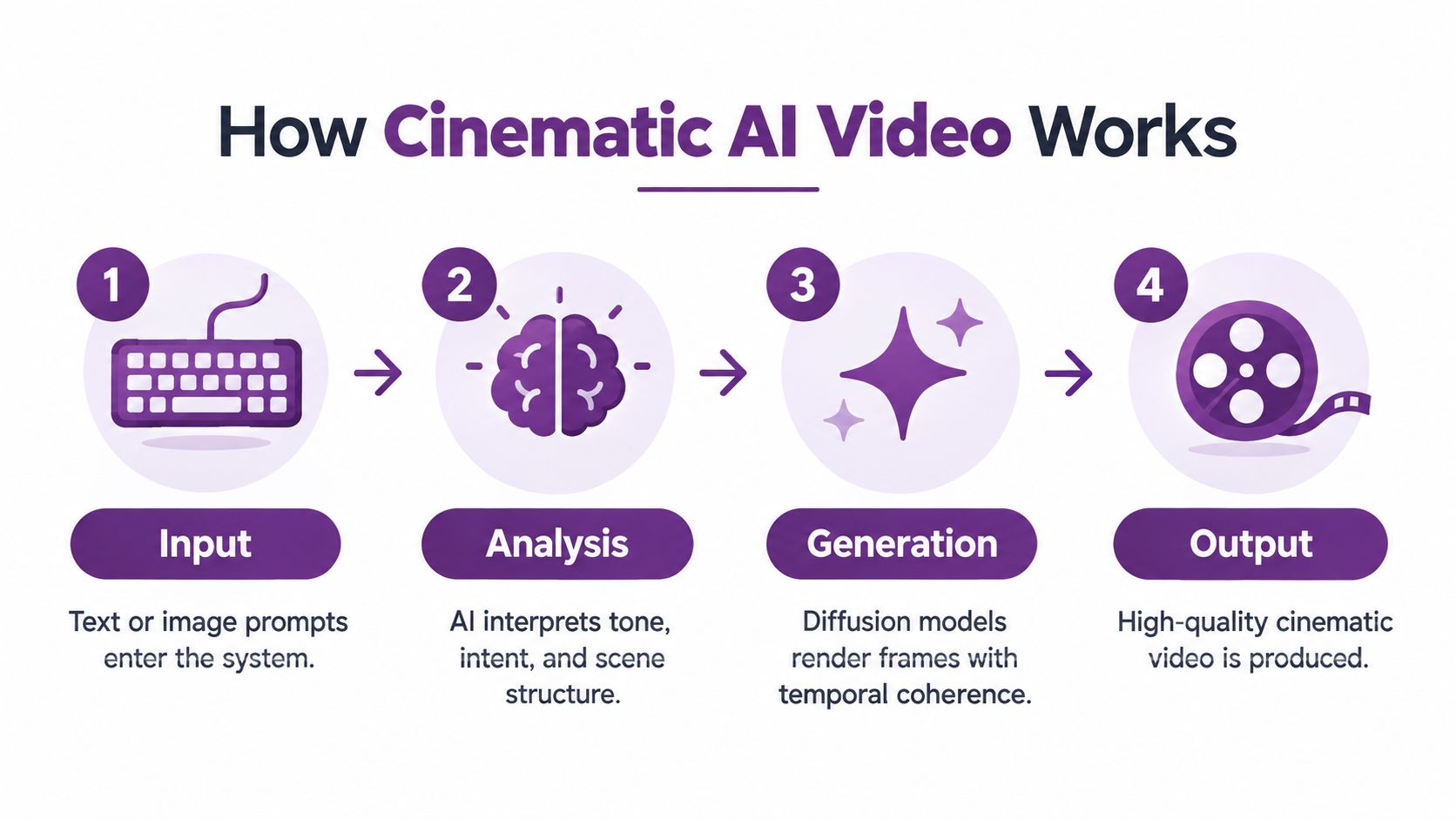
Cinematic AI video combines language understanding, image generation, motion modeling, and editing logic. A prompt describes the subject, setting, action, mood, and camera behavior. The system then converts those instructions into visual frames while attempting to preserve the subject and scene as the sequence develops.
A useful analogy is a digital director working alongside an editor. It reads the brief, interprets the intended tone, selects visual relationships, animates characters and objects, and assembles the result. It isn't reasoning like a human director, though. It predicts what should appear next, so vague instructions and conflicting requirements can produce unstable results.
From GANs to diffusion
The field developed through several technical milestones. In 2016, Reed and colleagues demonstrated GAN-based generation of natural images from text, establishing an important route from language to visual content. In 2018, Li and colleagues extended that direction with “Video Generation from Text,” applying GAN techniques to the harder problem of creating moving images with temporally coherent frames.
A major change arrived in 2022 with the Video Diffusion Model. Diffusion architectures had already proved effective for image synthesis, and adapting them to video helped address quality and realism limitations in earlier systems. In February 2024, OpenAI's Sora public technical preview demonstrated text-to-video generation capable of producing up to one minute of high-fidelity footage, helping popularize the idea that models could represent persistent, simulated worlds. These milestones are documented in this bibliometric review of AI-based video generation.
The research field reached a pronounced peak of 145 publications in 2024, according to the same review. That doesn't guarantee that every commercial tool is reliable, but it explains why current systems can support scripted scenes, avatars, dialogue, localization, and automated editing.
Why detection still matters
Realistic output creates a second requirement: viewers and teams need to understand whether footage is synthetic or manipulated. For a practical introduction to visual signals and risks, the AI Video Detector deepfake analysis is a useful reference before publishing realistic generated footage.
You can explore an end-to-end workflow in the LunaBloom AI video app, but keep the human decisions visible in your process. The system can generate options. Your team still owns the brief, approval, disclosure, and claims.
From Script to Screen in Minutes
The fastest route to a usable result starts before generation. Write the script as a production document, not as a loose paragraph. Define the audience, action, voice, visual style, product claims, intended duration, aspect ratio, and call to action.
1. Start with a controlled input
You can begin with a text prompt, a finished script, or an image that establishes the visual direction. The input should identify what must remain stable, such as a product shape, avatar identity, pronunciation, color palette, or scene location.
Weak prompt: “Create a cinematic product video.”
Stronger prompt: “Show a presenter introducing the product on a softly lit studio set. Keep the product label facing the camera, use restrained hand movement, maintain a calm instructional tone, and finish with the supplied call to action.”
The second prompt gives the system fewer opportunities to invent important details.
2. Build the visual and audio assets
Choose or generate the presenter, background, props, voice, music, and supporting shots. If the video includes a real person's face or voice, confirm that you have permission to use the likeness and recording. For fictional characters, create a short specification that records appearance, wardrobe, age range, mannerisms, pronunciation, and emotional range.
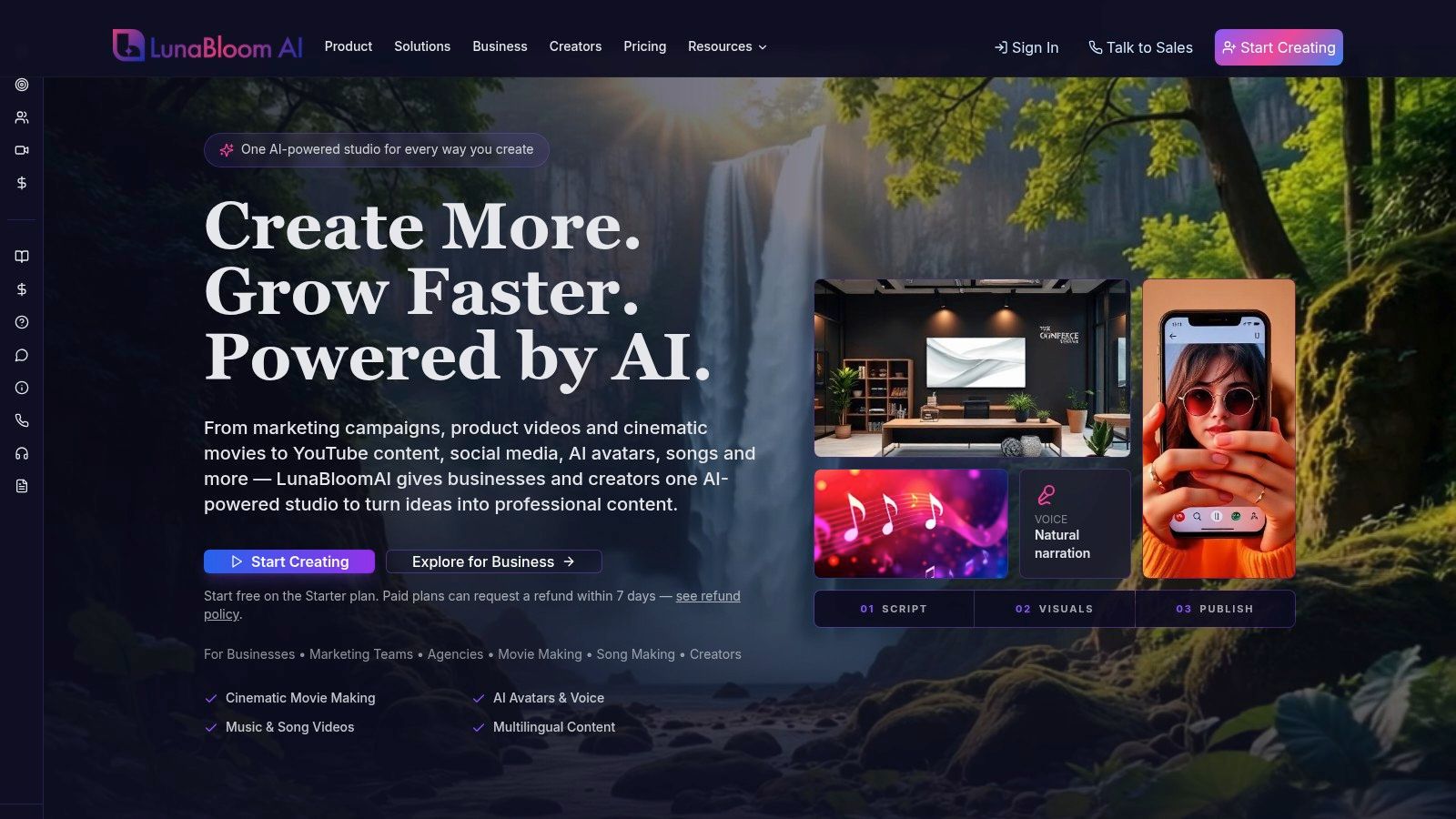
LunaBloom supports multi-character dialogue videos, AI-generated songs and sing-and-dance music videos, and lip-synced visuals for uploaded tracks, while handling animation, voice sync, and editing automatically. That combination is useful for formats that are awkward to assemble manually, especially dialogue-led explainers and music-driven social content.
3. Assemble, review, and export
The platform can compose shots, add transitions, synchronize speech and lip movement, generate subtitles, and prepare exports. Don't approve the first complete render automatically. Review it as an editor would review rushes.
Check these points:
- Message: Does the first scene establish the problem quickly?
- Continuity: Do objects, faces, lighting, and movement remain stable?
- Audio: Are pronunciation, pauses, speaker changes, and music levels natural?
- Accessibility: Are captions timed correctly and do they identify meaningful sound cues?
- Brand: Do colors, claims, terminology, and calls to action match the approved brief?
For a lightweight starting workflow, the LunaBloom starter app can help a team move from script to a reviewable draft without requiring specialist editing software. The important production habit is to separate generation from approval. Automation accelerates the first task. It shouldn't replace the second.
Traditional vs AI Video Production
The right comparison isn't “old video versus new video.” It's controlled physical production versus a software-led generation workflow, each with different strengths.
| Aspect | Traditional Production | Cinematic AI Video |
|---|---|---|
| Time to first draft | Requires planning, casting or crew coordination, recording, and an edit | Can move from a prepared script or prompt to a reviewable draft quickly |
| Total production cost | Includes crew, equipment, location, talent, post-production, and reshoots | Concentrates cost in software access, generation, review, and creative supervision |
| Required technical skills | Usually needs production, camera, sound, lighting, and editing specialists | Reduces the need for hands-on technical operation, but still requires scripting and editorial judgment |
| Localization capabilities | Often requires new recordings, translations, and versioned edits | Supports generated voices, translated scripts, captions, and localized versions within a repeatable workflow |
| Iteration speed | Changes may require reshoots or additional edit rounds | Allows rapid changes to scripts, scenes, voices, and layouts, subject to consistency checks |
AI is especially practical when the campaign needs many variations or frequent updates. A product tutorial can be revised when the interface changes. A social campaign can test different openings without rebuilding an entire shoot. A training team can adapt the same lesson for different departments.
Traditional production remains the safer choice when a director must capture a specific performer, physical interaction, real location, or practical effect. It also offers predictable control over lighting and blocking that generated systems may not reproduce consistently.
The best decision is often hybrid. Use AI for concepting, localized versions, explainers, and routine updates. Reserve physical shoots for the moments where real performance, place, texture, or risk management carries the creative value.
Solving the Consistency and Quality Challenge
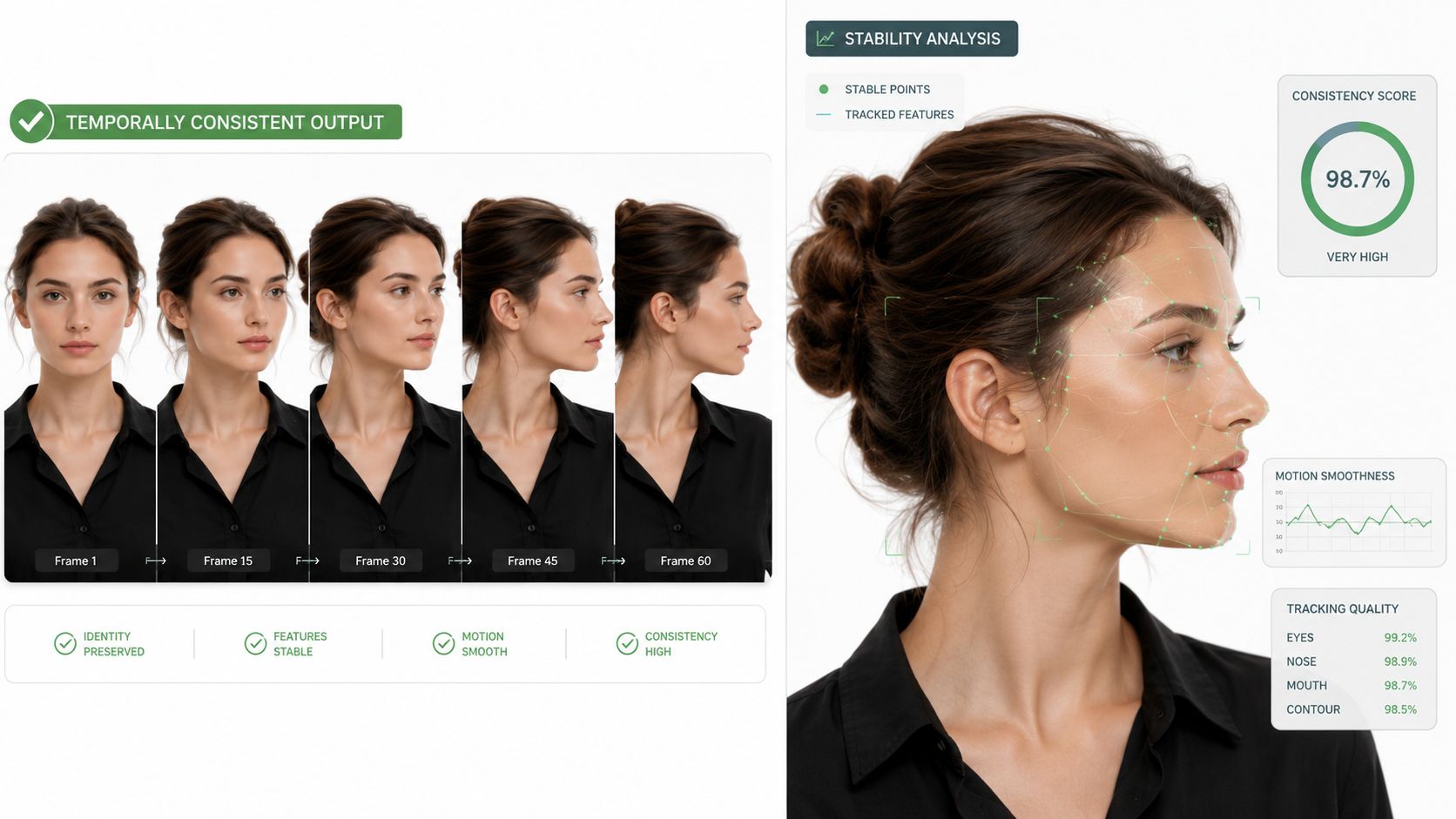
A polished frame can hide a broken sequence. The presenter may look convincing in the opening shot, then change facial structure when turning. A product logo may distort during movement. A room's lighting may flicker even though each individual frame appears realistic.
The core technical problem is temporal consistency. A generated system must preserve object state, position, appearance, and motion across time. Complex actions, fast movement, multiple characters, and interactions make that harder.
Measure more than realism
The VBench benchmark separates video quality from video-condition consistency. Its dimensions include frame-wise quality, temporal quality, subject consistency, background consistency, motion smoothness, dynamic degree, and text-video alignment.
That approach gives producers a better review model than asking whether a clip “looks cinematic.” A practical quality pass should test:
- Subject identity: Does the avatar, actor, or product retain its defining features?
- Scene stability: Do the background, lighting, and objects remain coherent?
- Motion continuity: Do gestures, camera moves, and transitions follow a believable path?
- Prompt adherence: Did the system follow the requested action, composition, and tone?
For automated quality assurance, a platform can flag falling subject-embedding similarity, unusual frame-difference statistics, or weakening prompt alignment. The corrective action might be shorter shots, reference images, steadier camera instructions, reduced motion, or a new generation.
Brand control is the business test
Technical stability is only half the problem. A video can pass a visual check and still weaken a brand if the presenter changes between scenes, the product claim drifts, or every variation adopts the same generic aesthetic.
Create a locked production layer:
- Brand bible: Record approved colors, typography, composition, language, claims, and prohibited treatments.
- Character specification: Define the avatar's appearance, wardrobe, delivery style, and emotional boundaries.
- Voice rules: Store approved voices, pronunciation notes, consent records, and usage limits.
- Approval gates: Require human review for claims, likeness, disclosure, localization, and final exports.
- Version control: Keep the script, prompt, generated assets, edit history, and approved output connected.
Generate short, controllable shots instead of asking for an entire commercial in one unconstrained prompt. Validate those shots individually, then edit them together. That method reduces the impact of one temporal failure and gives the editor more control over pacing.
High-Impact Use Cases for Businesses
The strongest business applications share one trait: they need repeated, controlled output rather than a single showcase film.
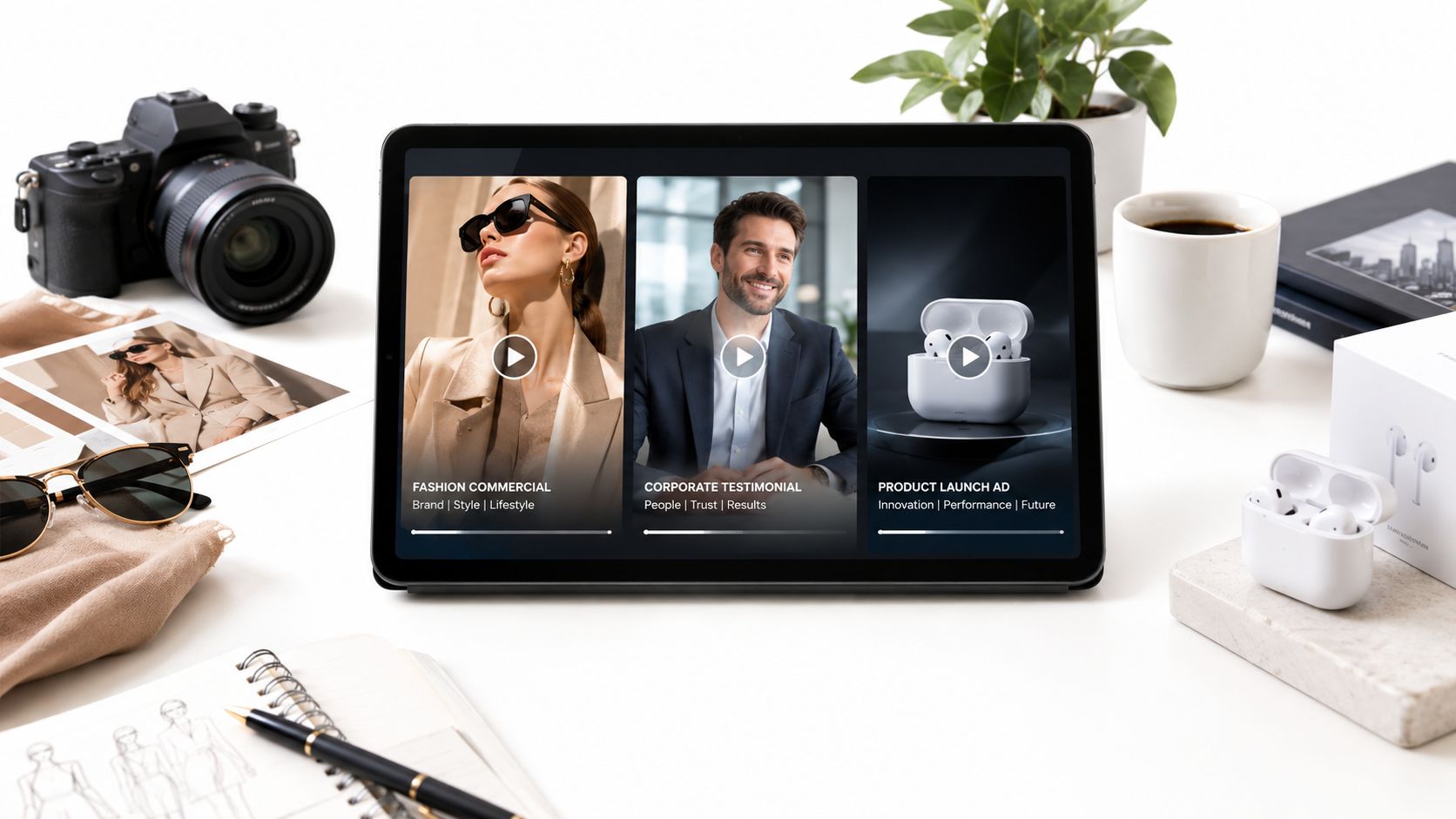
Social advertising
A social team can create variants around different openings, product benefits, presenters, or visual treatments. The production advantage is not guaranteed performance. It's the ability to test a clear hypothesis without rebuilding every asset from scratch.
Keep the variables intentional. Change one major element at a time, preserve the approved product claim, and track the result against a business metric rather than judging the most polished clip as the winner.
Tutorials and training
An avatar-led tutorial can be updated when a product interface changes. That makes AI useful for onboarding, internal communications, support content, and product education, where information becomes outdated faster than a traditional shoot can justify.
The editorial risk is false confidence. Review every screen description, instruction, caption, and voiceover against the current product. A beautiful tutorial that teaches an old workflow creates support problems.
A campaign or content library should also make disclosure and consent visible in its records. Keep the model or tool used, prompt, voice license, avatar consent, edit history, and approver attached to each version. For guidance on broader marketing implications, teams can contact LunaBloom while designing their production process.
International content
Generated voices, translated scripts, captions, and regional adaptations can help a company serve audiences beyond its original recording language. Human reviewers still need to check pronunciation, idioms, product terminology, cultural references, and whether the visual example makes sense locally.
For discoverability, publish videos as navigable assets rather than opaque files. Google's video SEO documentation describes Clip structured data, which identifies exact start and end times with labels, and SeekToAction, which defines timestamp URL patterns. A product demo can expose moments such as problem, solution, setup, or pricing so viewers and search systems can reach the relevant passage.
Captions are part of the production, not an afterthought. WCAG 2.1 guidance on prerecorded captions requires captions for synchronized media unless it is clearly labeled as an equivalent text alternative. Captions need spoken dialogue, speaker identification where necessary, and meaningful non-speech audio.
Getting Started with LunaBloom
Start with one repeatable format, not an ambitious content universe. A product explainer, onboarding lesson, or paid-social template gives your team a defined script structure, visual system, approval path, and measurement plan.
Set the controls before generating:
- Creative controls: Approved opening, tone, colors, presenter, product references, and call to action.
- Production controls: Voice consent, avatar permissions, caption review, localization checks, and disclosure requirements.
- Measurement controls: A clear business objective, version naming, approval status, and reporting destination.
LunaBloom AI supports text, scripts, and images as inputs, with generated voiceovers, captions, editing, custom avatars, voice cloning, localization, and social publishing. It also supports collaboration, version control, analytics, API integrations, and formats such as dialogue videos, generated songs, sing-and-dance music videos, and lip-synced visuals.
Pricing should match the workflow you need, so review the current LunaBloom pricing options and begin with a controlled pilot. For broader ideas on creating and distributing AI-assisted content, ViralBrain offers another resource to explore alongside your production planning.
Compliance belongs in the same workflow. The EU AI Act transparency rules address machine-readable marking and detectability for generated or manipulated audio, image, video, and text, while deepfake deployers have separate disclosure duties. Legal guidance on the Commission's framework states that the relevant deepfake disclosure obligation is scheduled to apply from 2 August 2026 for relevant systems placed on the market after that date, so European campaigns should preserve provenance and prepare clear labeling rather than treating disclosure as a last-minute caption.
Cinematic AI video is becoming a practical production capability, but human creative control remains the differentiator. Build a small, documented workflow, test short shots, protect consent and provenance, and scale only after the brand system survives review.
LunaBloom AI turns scripts, prompts, and images into edited videos with avatars, voice, music, captions, localization, and automated voice sync. Visit LunaBloom AI to test a controlled cinematic video workflow and start building faster, more consistent content for your next campaign.