Ever watched a video where the visuals were great, but something just felt… off? Chances are, the narration wasn't doing its job. A truly effective voice over video isn’t about flashy graphics; it's built on a clear message and a script written to be heard, not just read. Get that right, and your video has a real chance to connect with its audience.
This guide will walk you through the entire process, from scripting your story to the final audio mix, giving you the steps to create a voice over that truly elevates your content.
Crafting the Narrative Foundation for Your Voice Over
Every great voice over video begins with a solid plan, long before you think about a microphone. The real magic happens upfront when you build a story that resonates. Honestly, if you nail the planning phase, the rest of the production becomes much, much easier.
This isn’t just about scribbling down a few notes. It’s about being deliberate with your message, understanding who you're talking to, and writing a script that flows naturally.
Pinpoint Your Core Message
First, ask yourself this simple question: What is the single most important thing I want my audience to remember? If you try to cover too much ground, you'll dilute your message and leave viewers confused.
Imagine you're making a demo video for a new app. Your core message might be, "This app saves you five hours of work every week." Every point in your script should support this one central idea. It’s tempting to get sidetracked by cool features, but always bring it back to that core benefit.
Understand Your Audience Deeply
Who are you talking to? Knowing their needs, their pain points, and their level of expertise is crucial. A voice over for tech industry veterans will sound completely different from one aimed at absolute beginners.
- For a technical audience: You can use industry-specific language and get straight to the data. They appreciate efficiency and expertise.
- For a general audience: Your goal is to make complex ideas simple. Use analogies, relatable examples, and clear, straightforward language.
Think of it like a one-on-one conversation. Using your audience's language builds trust and keeps them engaged from start to finish.
Structure Your Script for a Narrator
Here’s a common mistake: writing a script that looks good on paper but sounds unnatural when spoken. Writing for the ear is a unique skill. Your script needs a conversational rhythm, with natural pauses built right in.
The diagram below shows how these foundational elements work together, starting with your big idea and ending with a production-ready script.
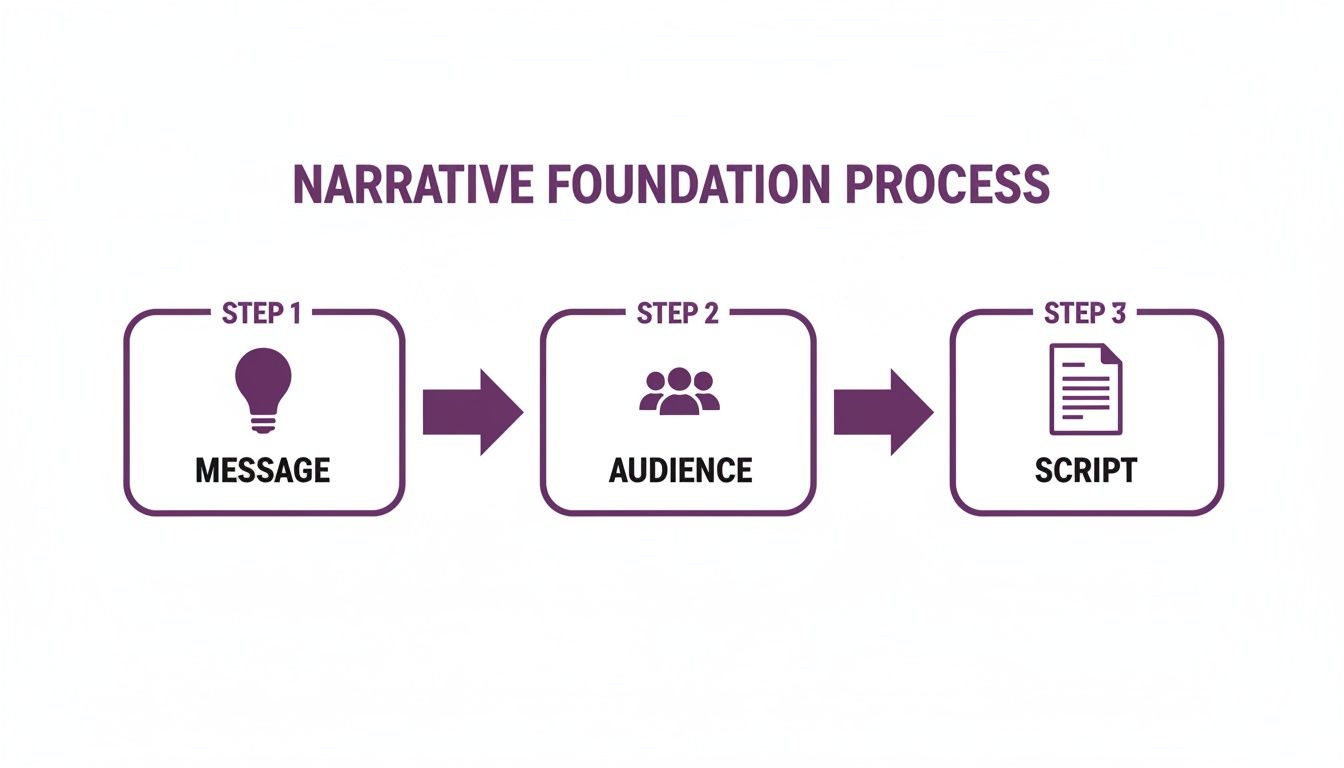
As you can see, each step logically follows the last, ensuring you have a strong narrative before production begins. For more tips on content strategy, check out the LunaBloom AI blog.
Choosing Your Narrator: Human Talent vs. AI Voice
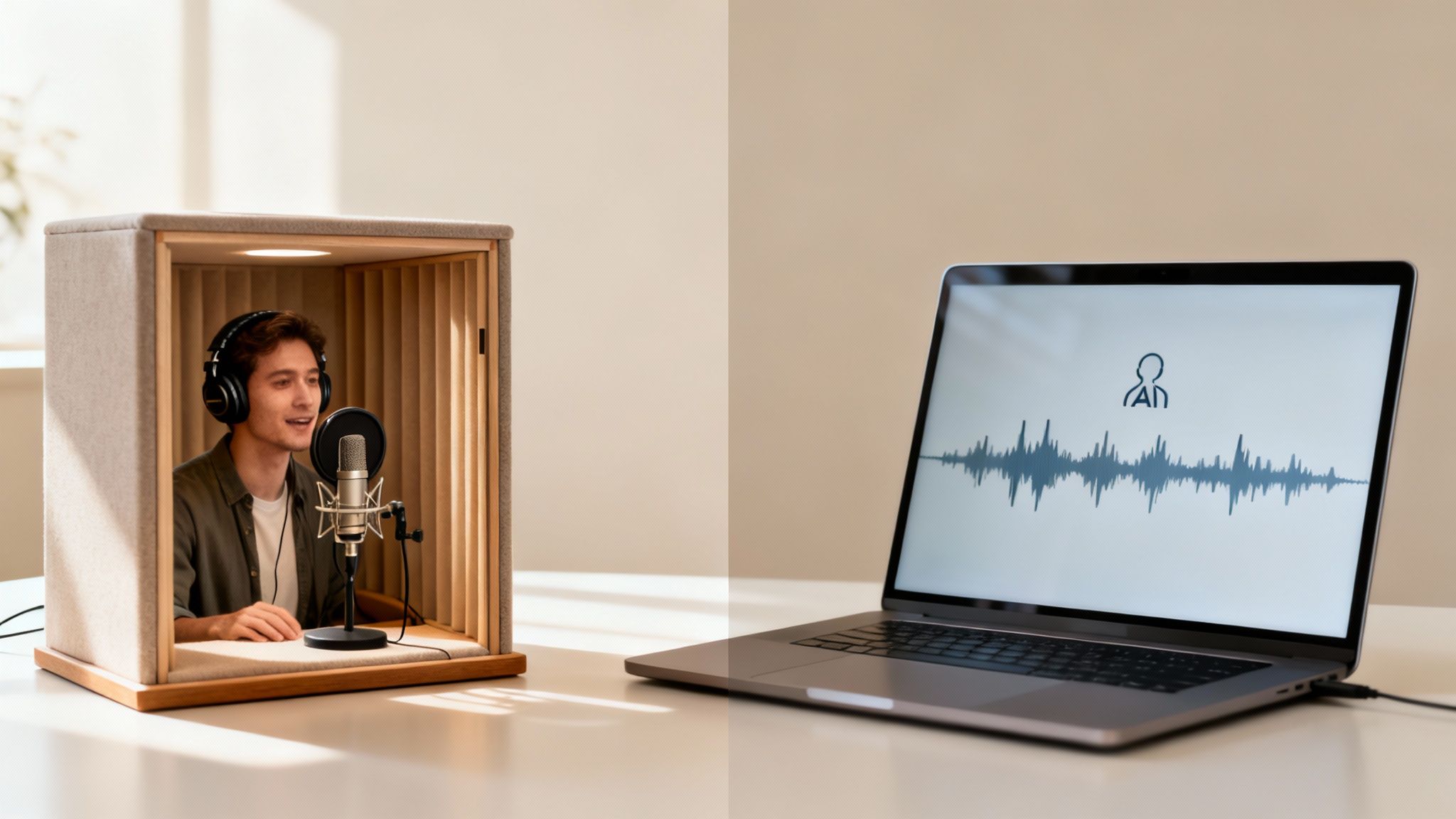
The voice of your video is its personality. It sets the tone and builds a connection with your viewer. Today, you have two great options for your voice over video project: hiring a human voice actor or using a high-quality AI voice.
One isn't automatically better than the other. The right choice depends entirely on your project's goals, budget, and timeline.
The Case for Human Voice Actors
There's an undeniable warmth and nuance that a professional voice actor brings to a script. It’s not just about reading words; it's about performance. They deliver subtle inflections and emotional depth that can make a brand feel incredibly human.
When should you choose a human narrator?
- Brand Commercials: When the goal is to create an emotional connection and build brand identity.
- Character-Driven Stories: For animations or narratives where distinct personalities are key.
- High-Stakes Presentations: When you need a trusted, authoritative voice to convey credibility.
The main downsides are time and cost. The process of finding, auditioning, and recording with professional talent takes longer and is more expensive.
The Rise of AI Voice Generation
Let's be clear: modern AI voices are light-years away from the robotic sounds of the past. Platforms like our LunaBloom AI voice generator can produce lifelike, consistent audio in minutes, not days. This is a game-changer for creators needing speed and scalability.
AI is the clear winner when efficiency and consistency are your top priorities:
- E-Learning Modules: AI provides a clear, uniform voice across dozens of lessons. Need to update a module? Just edit the text and regenerate the audio instantly.
- Explainer Videos: For straightforward, informative content, AI delivers a professional sound quickly and cost-effectively.
- Content Needing Localization: Imagine creating voice overs in multiple languages with just a few clicks. AI makes global distribution incredibly simple.
The global dubbing and voice-over market was valued at USD 4.2 billion and is projected to hit USD 8.6 billion by 2034. This growth is fueled by the need for scalable, multi-language solutions—a sweet spot for AI. Learn more from the growing voice-over market on market.us.
So, how do they stack up head-to-head?
Human Voice vs AI Voice: A Quick Comparison
| Factor | Human Voice Actor | AI Voice Generation (e.g., LunaBloom AI) |
|---|---|---|
| Emotional Nuance | Unmatched for complex emotional delivery and subtle inflections. | Excellent for clear narration, but can lack genuine human emotional depth. |
| Cost | Higher upfront costs, including hiring fees and studio time. | Far more affordable, typically with a subscription-based model. |
| Speed & Turnaround | Can take days or weeks for auditions, recording, and revisions. | Get finished audio in minutes. Revisions are nearly instant. |
| Consistency | Can have slight variations between recording sessions. | Perfectly consistent every single time, ideal for series content. |
| Scalability | Limited by one actor's availability and schedule. | Infinitely scalable. Generate hundreds of voice overs at once. |
| Localization | Requires hiring a new actor for every language. | Generate audio in dozens of languages from a single script. |
Ultimately, your choice depends on your objective. If your video’s success hinges on a uniquely emotional, human performance, an actor is a worthy investment. But for projects that demand speed, consistency, and scalability for your voice over video content, AI provides an unbeatable advantage.
How to Get Crystal Clear Audio
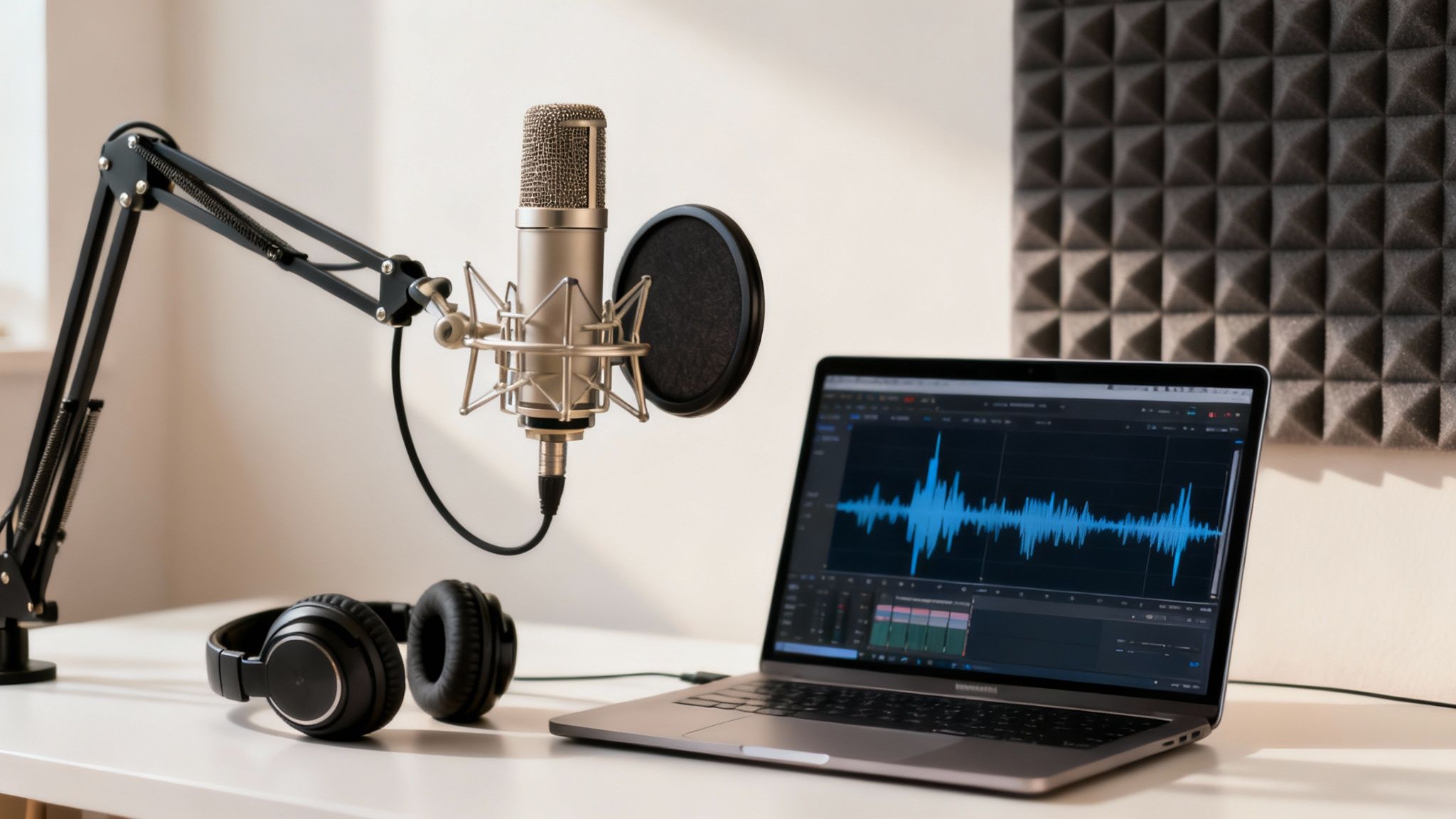
Here's a simple truth about video production: audiences might forgive grainy visuals, but they will not forgive bad audio. Any hiss, echo, or background noise can make your voice over video feel unprofessional, no matter how good it looks.
Getting clean, crisp sound is non-negotiable.
Whether you're recording a human narrator or using an AI voice, the goal is the same: professional-grade clarity. The good news? You don't need a fancy studio to achieve it.
Setting Up Your Recording Space
If you are recording a human voice, your environment is everything. You don't need a soundproof booth, but you do need a quiet space with minimal echo.
A small room with soft surfaces works best. Think of a walk-in closet filled with clothes or a bedroom with heavy curtains. Hard surfaces like bare walls and windows are your enemy because they reflect sound, creating unwanted reverb.
- Soften the space: Use blankets, pillows, or even a mattress propped against a wall to absorb sound.
- Use a decent mic: A quality USB condenser microphone is an affordable and excellent starting point for most projects.
- Always use a pop filter: This simple screen goes in front of the mic and dramatically reduces harsh "p" and "b" sounds that can ruin a recording.
Taking a few minutes to prepare your space is the single best thing you can do for your audio quality. To dive deeper, you can learn how to build a professional voice over studio for truly distraction-free sound.
Refining an AI-Generated Voice
When you use an AI voice, the audio is already technically clean, but you can still refine it. This is where you elevate a good AI track into a great one by fine-tuning the delivery to sound more natural and engaging.
Pay close attention to pronunciation, especially for unique brand names or industry jargon. Most platforms, including LunaBloom AI, let you correct these phonetically. You should also experiment with adding pauses to create a more conversational rhythm and adjust the pacing to match your visuals. You can learn more about our commitment to quality on the LunaBloom AI about page.
The secret to a great AI voice over is to direct it. Think like a vocal coach: tell the AI where to add emphasis, when to pause, and how to pronounce difficult words.
Basic Audio Cleanup
Finally, a little post-production cleanup in your video editor can make a huge difference. You don't need to be an audio engineer to do this.
- Noise Reduction: Use this tool to remove any consistent background hiss or hum from a computer fan.
- Normalization: This brings your entire audio track to a consistent volume level, so your viewer isn't reaching for the volume control.
- Equalization (EQ): A simple EQ adjustment can make a voice sound richer and clearer by boosting or cutting specific frequencies.
These finishing touches ensure your audio track is polished and ready to be the foundation of your voice over video.
Syncing Your Voice and Visuals Like a Pro
This is where your project really comes to life. After scripting, choosing a voice, and cleaning your audio, it's time to merge it with your visuals. The goal isn't just to place an audio track over a video; it's to weave them together so they tell one seamless story.
Getting the timing right is what makes a video feel professional and polished.
Aligning Your Tracks
First, bring your final audio file into your video editing software. Programs like Adobe Premiere Pro, Final Cut Pro, or DaVinci Resolve make this easy. You'll see separate tracks for video, narration, music, and sound effects.
Drag your polished voice over file onto its own dedicated audio track. The key is to align the start of the narration with the perfect moment on screen. For example, if your video opens with a title card, you might have the voice start a half-second after the title appears, giving the viewer a moment to register it.
A pro tip is to use the audio waveform as your visual guide. The peaks and valleys show you exactly where words begin and end, making it much easier to time specific phrases with on-screen actions or text.
Letting the Narration Drive the Pace
Once your audio is in place, let the narration dictate the rhythm of your visuals. This means your video cuts, animations, and text overlays should all be timed to the voice.
For example, if the narrator says, "…leading to a 35% increase in efficiency…," the number "35%" should pop up on the screen the moment it's spoken. This creates a powerful connection for the viewer and reinforces your key points.
Advanced Creative Techniques
To give your video a more cinematic feel, you can use two classic editing techniques: J-cuts and L-cuts.
J-Cuts: This is when the audio from the next scene starts before the video cuts to it. Imagine you hear a new person begin speaking, and then a moment later, the video reveals who it is. This builds anticipation and creates a smooth transition.
L-Cuts: This is the opposite. The audio from the current scene continues playing after the video has cut to the next shot. A common example is when a character finishes a sentence while the camera is already showing the listener's reaction. It makes the conversation feel more natural and dynamic.
Mastering these techniques can transform a simple voice over video into a truly engaging viewing experience. If you create a lot of content and want to streamline this process, you can get started with our app for a more automated workflow.
The Final Polish: Mixing Music and Adding Captions
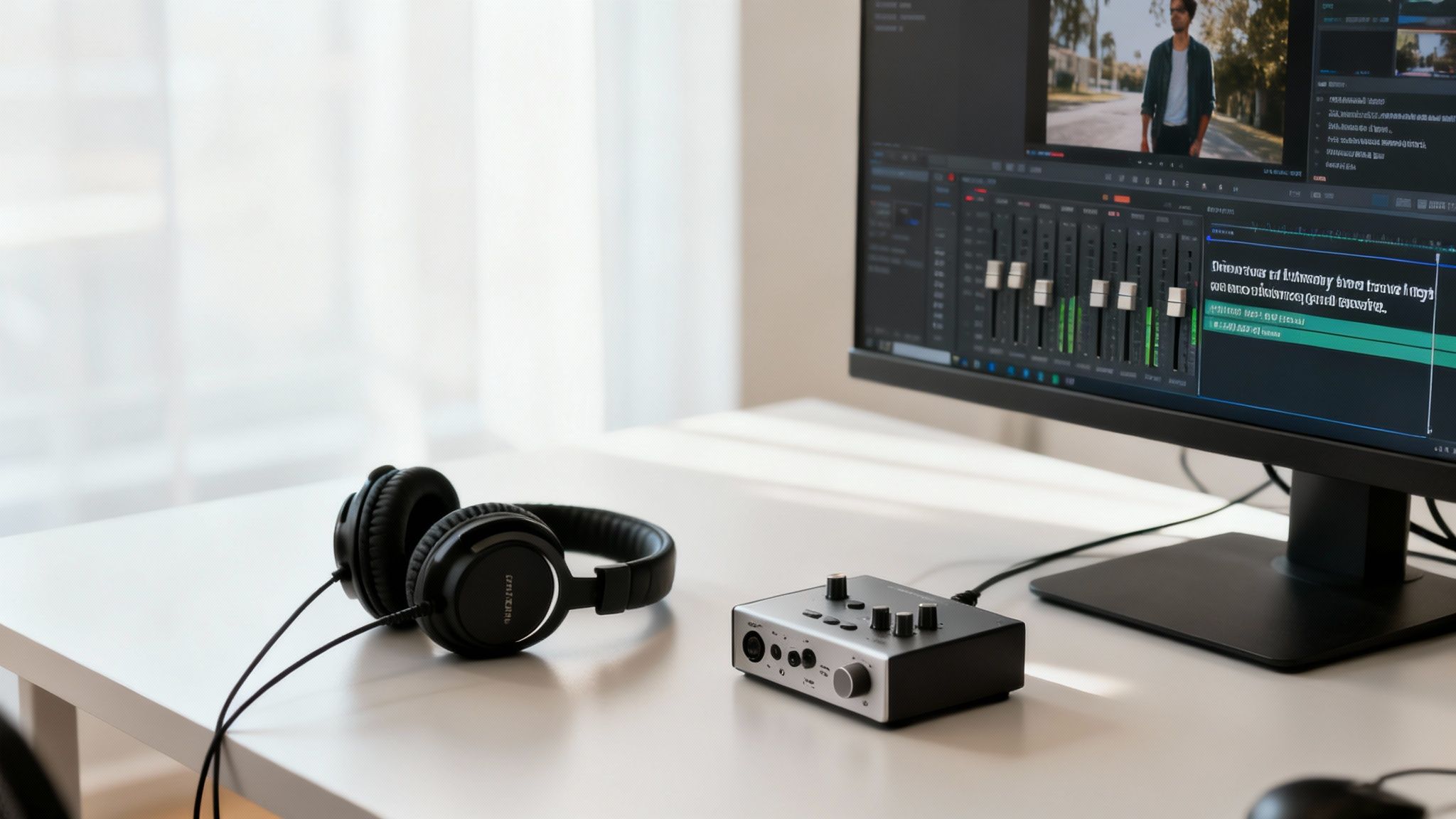
The final touches are what separate a good voice over video from a great one. You've done the heavy lifting of scripting, recording, and syncing. Now it's time to add the layers of sound and accessibility that make your content shine and connect with the widest possible audience.
It all starts with getting the audio balance right.
Mastering Your Audio Mix
Mixing is the art of blending your voice over with background music and sound effects. The golden rule is simple: the narration is always the star. Music should support the voice, never compete with it.
A professional technique called "ducking" is perfect for this. It means the music volume automatically lowers whenever the narrator speaks and rises back up during pauses. Most video editing software has built-in tools to automate this.
Here’s a simple process to follow:
- Set Your Voice Volume First: Adjust your narration to a clear, consistent level, typically targeting between -6dB and -12dB on your audio meter.
- Bring in the Music: Add your music track and set its volume much lower to start, around -20dB to -25dB.
- Listen and Tweak: Play the tracks together. Does the music add to the mood without being distracting? Adjust as needed until the balance feels right.
When the audio mix is perfect, viewers don't even notice it. They just feel it. A well-balanced track creates a subconscious sense of quality and professionalism.
The Critical Role of Captions and Subtitles
In today's digital landscape, captions are essential. They make your video accessible to viewers who are deaf or hard of hearing, but their benefit goes far beyond that. A huge number of people—over 85% on platforms like Facebook—watch videos with the sound off.
Captions make your content more inclusive and significantly boost engagement. To learn the nuts and bolts, see this guide on how to caption videos.
Fortunately, you no longer have to transcribe videos manually. Tools like LunaBloom AI can automatically generate accurate, time-coded captions in minutes. You can quickly review, make any minor edits, and add them directly to your video.
Expanding Your Reach with Localization
Why limit your audience to just one language? The final step in polishing your voice over video is localization. This means creating versions of your video for different global markets with translated voice overs.
This used to be an expensive and time-consuming process. AI has changed everything. You can now use your original script to generate high-quality, natural-sounding voice overs in dozens of languages, effectively cloning your video for a worldwide audience. As one report on voice-over industry trends on outspokenvoices.com notes, 52% of companies plan to use voice talent for marketing, especially on global digital platforms. This shows how a multi-language voice strategy can dramatically expand your reach.
Your Top Voice Over Video Questions Answered
Here are quick, direct answers to the most common questions that come up when creating a voice over video.
How Long Should My Voice Over Script Be?
A good rule of thumb is to aim for about 150 words per minute of video. This means a three-minute video would have a script of roughly 450 words.
However, the best way to be sure is to read your script out loud at a natural, conversational pace and time yourself. This simple rehearsal not only checks your timing but also helps you catch any awkward phrasing before you record.
What Are the Biggest Mistakes to Avoid in a Voice Over Video?
Three common mistakes can undermine an otherwise great video. Avoid these, and you'll be ahead of the curve.
- Bad Audio Quality: Hiss, echo, and background noise are the fastest way to make your video feel amateurish. Clean audio is non-negotiable.
- A Flat Delivery: A robotic, monotone narration will cause viewers to tune out immediately. The voice needs energy and personality to hold an audience's attention.
- An Overly Dense Script: Don't try to cram too much jargon or complex information into your video. Viewers will get lost and click away. Focus on one clear, simple message.
Is an AI Voice Good Enough for a Professional Video?
Yes, absolutely. For a wide range of projects, modern AI voices are not just "good enough"—they are often the smartest choice. Today's AI can generate incredibly realistic audio that is perfect for explainer videos, e-learning content, and corporate narration where clarity and consistency are key.
While a human actor might still be preferred for roles requiring deep emotional nuance, AI has become a powerful and efficient tool for a massive amount of professional video production.
How Do I Choose the Right Background Music?
The key is to find music that sets the right tone without competing with the narration. Always use instrumental tracks from a royalty-free library to avoid copyright issues.
When mixing, make sure the voice over remains the main focus. A great technique is "ducking," where the music's volume automatically dips when the narrator is speaking and rises during pauses. This creates a polished, professional sound and ensures your message is heard loud and clear.
Creating a professional voice over video is about combining a strong narrative with clean audio and thoughtful editing. By following these steps, you can craft compelling content that not only looks great but sounds incredible, too, ensuring your message connects with every viewer.
Ready to create stunning, professional-grade videos with ease? LunaBloom AI empowers you to turn text into high-quality videos in over 50 languages, complete with customizable AI avatars and voice cloning. Learn more about how LunaBloom AI can transform your video creation process.