Looking for a solid voice over script example that truly connects? A great script does more than just list words on a page; it crafts an experience for the listener. The secret lies in a natural, conversational flow, precise timing, and clear directions for the voice talent. Think of it as writing for the ear, not the eye.
The Anatomy of a Winning Voice Over Script

Before you type a single word, it’s crucial to understand what makes a voice over script effective. The biggest mental shift is moving from writing for a reader to writing for a listener. It’s a common trap—what looks perfect on paper can often sound clunky, overly formal, or just plain unnatural when spoken aloud.
A powerful script is built on two core principles: clarity and brevity. Every word must earn its place. If a sentence is too long or a word is overly complex, you risk losing your listener’s attention. The best approach is to imagine you’re having a direct, one-on-one conversation with your audience.
Mastering Pacing and Timing
In the world of voice overs, timing is everything. The average speaking rate is about 150 words per minute (WPM), but this is just a baseline. A high-energy promotional video might need a faster pace, while a guided meditation script will be much slower to create a calm, relaxing effect.
Knowing your video’s final length from the start is a huge advantage. It allows you to estimate a target word count before you begin writing, saving you from the painful process of cutting down a script you’ve already perfected.
Here’s a quick reference guide to help keep your scripts on track.
Voice Over Script Timing at a Glance
| Target Duration | Approximate Word Count |
|---|---|
| 15 seconds | 35 – 40 words |
| 30 seconds | 75 words |
| 60 seconds | 150 words |
| 90 seconds | 225 words |
| 2 minutes | 300 words |
| 5 minutes | 750 words |
Remember, these are just estimates for an average speaking pace. Always read your script aloud with a timer to get a true feel for its length.
A classic mistake is trying to cram too much information into a short timeframe. Less is almost always more. Giving your words room to breathe allows the message to sink in and make a greater impact.
Simple Formatting for Maximum Impact
How you format your script is just as important as the words you choose. Good formatting isn’t just for Hollywood screenwriters; it’s a practical roadmap that helps both human voice actors and AI tools like LunaBloom AI deliver a pitch-perfect performance.
A few simple formatting tips can make a world of difference:
- Use Clear Headings: Easily distinguish between character names, dialogue, and on-screen actions.
- Add Directional Notes: Use parentheses for cues like (upbeat), (thoughtful), or (slight pause). These are invaluable for guiding the delivery and emotional tone.
- Write Out Numbers: To avoid any confusion, spell out numbers. For instance, write “one thousand” instead of “1,000” to ensure a smooth, error-free read.
A Practical Guide to Writing Your Script
Okay, let’s get to the core of writing. Before you start, do one thing: identify your single core message.
Seriously. What is the one key takeaway you want your audience to remember? This one sentence will be your North Star, guiding every decision you make throughout the writing process.
With your core message defined, think about your listener. Who are they? Are they industry experts who understand technical jargon, or are they beginners who need things explained simply? Your choice of words and tone must resonate with them.
Crafting a Compelling Narrative
Even a 30-second promo needs a story. Every good script follows a clear beginning, middle, and end. This simple structure is the key to keeping your audience engaged.
- The Hook: Your first sentence is critical. It must grab the listener’s attention immediately. Ask a compelling question, state a surprising fact, or address a common problem your audience faces.
- The Middle: This is where you deliver on the promise of your hook. Present your main points, explain your concept, and provide necessary details. Keep sentences short and use conversational language. Write like you talk.
- The Conclusion: End on a strong, memorable note. Reiterate your core message and give your audience a clear next step with an effective call to action.
The Power of Reading Aloud
Here is my single most important, non-negotiable tip: read your script out loud. This is the ultimate test. You’ll be amazed at how many awkward phrases and clunky sentences sound perfectly fine in your head but fall apart the moment they are spoken.
Reading your script aloud isn’t just for catching errors; it’s about feeling the rhythm. If you find yourself stumbling or running out of breath, your sentences are too long. Trim them down.
Using tools like dictation software for writers can also be a game-changer. It helps you capture a natural, spoken cadence from the very first draft, making the entire process feel more organic.
Embedding Directions for a Flawless Delivery
Remember, your script is a blueprint for the performance. You need to provide clear directions for the voice artist or AI. Use simple parenthetical notes to guide the tone, speed, and emotion.
Notes like (warm and friendly), (slight pause for effect), or (upbeat and energetic) provide crucial context. If you want a specific word to have more impact, bold it or underline it. For example: “This is the only solution you’ll ever need.” This tells the performer exactly where to place the emphasis.
This level of detail is especially important in growing sectors like e-learning, where corporate training relies on clear narration. Scripts for these modules often fall in the 30-second to 1-minute range. Industry data suggests about 103 words is the sweet spot for a 30-second training segment. You can find more insights on voice over industry trends on outspokenvoices.com.
Voice Over Script Examples for Common Scenarios
Theory is great, but seeing a real voice over script example in action is what makes it all click. Here are four distinct scripts for some of the most common projects. Use these as a launchpad for your own creative ideas.
Each example includes the script, target word count, and directorial notes. Pay close attention to the “Why It Works” section, where I break down the strategic thinking behind the tone, pacing, and word choices.
Before we dive in, keep this universal structure in mind. It’s the backbone of every effective script.

This fundamental flow—hooking the listener, delivering the core message, and providing a clear takeaway—is what separates a forgettable video from one that drives results.
30-Second Promotional Video Script
This script is all about speed and energy, perfect for a product launch or a major announcement. The goal is to grab attention instantly and leave a lasting impression.
Target Word Count: 75 words
Tone: Energetic, confident, inspiring
(Upbeat, driving music begins)
VO: Are you tired of great ideas getting lost in the noise? What if you could turn your vision into a reality… in minutes?
(Quick cuts of people collaborating, creating, and succeeding)
VO: Introducing Spark—the platform that brings your team’s best ideas to life. From brainstorm to breakthrough, Spark clears the path to innovation.
(Upbeat music swells)
VO: Stop waiting. Start creating. Get your free trial at SparkToday.com.
Why It Works: It starts with relatable questions to hook the audience immediately. The script uses strong, action-oriented verbs like “turn,” “brings,” and “clears” to build momentum. The call to action is short, direct, and memorable—essential for a fast-paced ad.
60-Second Explainer Video Script
Explainer videos must simplify complex ideas. This script breaks down a fictional software service by focusing on user benefits, not just features.
Target Word Count: 150 words
Tone: Friendly, clear, reassuring
(Bright, friendly animation style. A character looks overwhelmed by paperwork.)
VO: Managing project expenses can feel like total chaos. Receipts pile up, spreadsheets get messy, and tracking it all becomes a full-time job. It’s frustrating, and it pulls you away from the work that really matters.
VO: (gentle shift in tone) But what if it could be simple?
(Animation shows the software interface, easily organizing expenses.)
VO: Meet FinFlow. With FinFlow, you can track spending, categorize expenses, and generate reports with a single click. Just snap a photo of a receipt, and our smart technology handles the rest. Your finances are organized, accurate, and always up-to-date.
(The character is now relaxed, smiling.)
VO: Spend less time on paperwork and more time on progress. Take control of your business finances. Try FinFlow free for 30 days and see the difference for yourself.
Why It Works: The script immediately addresses a common pain point, making the viewer feel understood. It uses a simple transition (“But what if…”) to smoothly guide the listener from problem to solution. The focus remains on the user’s benefits—saving time and reducing frustration—rather than a dry list of features.
15-Second Social Media Ad Script
On social media, you only have seconds to make an impact. This example is punchy and direct, designed for platforms like TikTok or Instagram Reels where attention is scarce.
Target Word Count: 35 words
Tone: Fun, punchy, urgent
(Fast-paced visuals, trending audio underneath)
VO: Don’t just follow trends. Create them.
(Quick cuts of stylish outfits)
VO: Our new collection just dropped.
(Text on screen: LIMITED STOCK)
VO: Get yours before it’s gone. Tap the link to shop now!
Why It Works: Every word serves a purpose. It opens with a bold, aspirational statement and creates urgency with phrases like “just dropped” and “before it’s gone.” The call to action is a direct command (“Tap the link”), which is perfect for platforms built for immediate interaction.
Corporate Training Video Script
Clarity is paramount in corporate training. This script delivers instructional content in a professional yet approachable way, ensuring the information is easy to digest and retain.
Target Word Count: 130 words
Tone: Professional, clear, encouraging
(Clean graphics and on-screen text highlight key points)
VO: Welcome to our module on Client Data Security. At our company, protecting client information is one of our most important responsibilities. In this session, we will cover three core principles for safeguarding sensitive data.
VO: First, we’ll review the ‘Recognize and Report’ protocol for identifying potential phishing attempts. It’s crucial to be vigilant.
(Slight pause for emphasis)
VO: Next, we will demonstrate the proper procedure for encrypting files before sharing them externally. This step is mandatory for all documents containing personal client details.
VO: Finally, we’ll discuss our password management policy to ensure your accounts remain secure. By following these guidelines, you help protect our clients and our company. Let’s begin.
Why It Works: The script sets clear expectations upfront, telling the viewer exactly what they will learn. It uses signposting words like “First,” “Next,” and “Finally” to create a logical, easy-to-follow structure. The tone is authoritative but encouraging, fostering a positive learning environment.
How to Adapt Scripts for AI Voice Generators
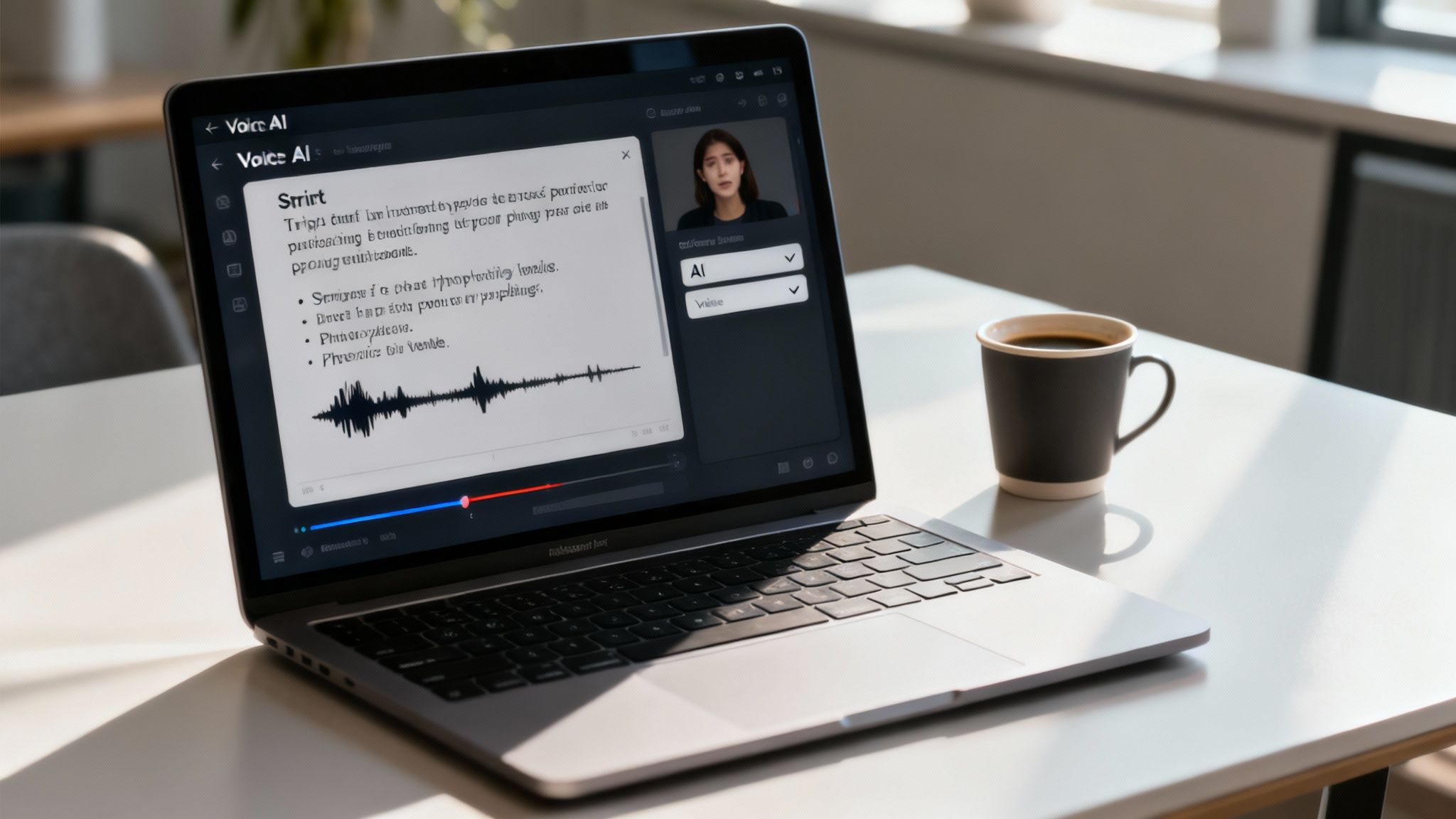
Writing for an AI voice is different from writing for a human actor. While humans can interpret nuance, AI voices require explicit instructions. Think of yourself as a director, using text and punctuation to guide the performance.
The good news is that modern AI tools are incredibly responsive. With a few small tweaks to your voice over script example, you can transform a robotic delivery into a voice that sounds genuinely human.
Mastering Punctuation for Pacing
When working with a synthetic voice, punctuation is your most powerful tool. It allows you to control the rhythm and flow of the narration, avoiding the monotonous, rapid-fire delivery that often signals an AI voice.
Here’s how to use punctuation to your advantage:
- Commas: Use commas to create short, natural pauses within a sentence. This breaks up longer ideas and gives the listener a moment to process the information.
- Ellipses (…): Want to build suspense or create a thoughtful pause? An ellipsis adds a longer, more dramatic break, mimicking human hesitation.
- Hyphens: Use hyphens for phone numbers (e.g., 555-123-4567). This instructs the AI to read the digits individually rather than as one large number.
Your goal is to make the script look like natural speech on the page. If a sentence appears as a dense block of text, the AI will read it that way. Use punctuation to create breathing room.
Fine-Tuning Pronunciation and Tone
AI can sometimes stumble over brand names, jargon, or complex words. A few simple tricks can help you get the perfect take.
One of the most effective methods is to spell out difficult words phonetically directly in the script. For example, for a company named “Aetheria,” you could write “Aetheria (Ee-theer-ee-uh)” to guide the AI’s pronunciation.
Sentence structure also plays a key role in setting the tone. Short, punchy sentences often convey confidence and energy, while longer, more complex sentences can create a more serious or informative mood.
Tools like LunaBloom AI are advancing this field, allowing you to select specific voice styles or even clone your own. For those who want to master this, you can learn prompt engineering to craft the perfect instructions for AI systems.
Common Scriptwriting Mistakes to Avoid
Sometimes, the fastest way to a great script is knowing what pitfalls to avoid. A brilliant idea can be undermined by a few common, easily fixable mistakes. Addressing these early on saves time in production and leads to a much stronger final product.
A frequent error is using overly complex language or corporate jargon. Your script should sound like a real conversation, not a technical manual. If you wouldn’t say a phrase to a friend over coffee, it probably doesn’t belong in your script.
Another classic mistake is writing long, rambling sentences. Remember, the voice artist needs to breathe! If you find yourself running out of breath when reading a sentence aloud, it’s a clear sign that it needs to be broken into shorter, more digestible thoughts.
Ignoring Script Timing and Pacing
Forgetting to time your script is like building a house without a blueprint. Miscalculating the length can force the voice talent to rush their delivery or lead to difficult cuts during editing, both of which weaken your message.
As a rule of thumb, the speaking pace directly impacts script length. A slow, deliberate delivery is around 100 WPM, a conversational pace is 150 WPM, and a fast, energetic read is 200 WPM. This means a 300-word script will run about two minutes. For a deeper dive into these benchmarks, you can learn more about script word counts on The Voice Realm.
Providing Zero Direction for Talent
A script without context is a recipe for a reshoot. Whether you’re working with a human actor or an AI voice, directional notes are essential. Without them, the talent is left guessing the tone, emotion, and emphasis you intend.
The most valuable tool you have is reading your script out loud. This simple step is non-negotiable. It instantly reveals awkward phrasing, unnatural rhythms, and sentences that are just too complicated to work.
Simple notes in parentheses can make all the difference. Think of them as a performance guide:
- (Upbeat and energetic)
- (Slight pause for effect)
- (Warm and reassuring)
These small cues transform a flat voice over script example into a dynamic blueprint for the performance, ensuring the final recording matches your vision.
Frequently Asked Questions About Voice Over Scripts
As you begin writing for the ear, a few common questions are likely to arise. Here are direct answers to help you finalize your script with confidence.
How Long Should My Voice Over Script Be?
Your script’s length is determined by your video’s runtime. The industry standard for a natural, conversational pace is about 150 words per minute (WPM).
Using this benchmark, the math is simple:
- A 30-second video needs approximately 75 words.
- A 60-second video requires about 150 words.
- A 2-minute video should be around 300 words.
However, this is just a guideline. The best way to confirm the timing is to read your script aloud with a stopwatch. If it feels rushed, it is. Trim it down until the pacing feels natural and comfortable.
What Is the Best Format for a Voice Over Script?
The best and most professional format is a two-column table. This industry standard keeps the voice actor, video editor, and director perfectly synchronized.
Here’s how to structure it:
- Left Column (Visuals): Describe what appears on screen. Be concise but specific (e.g., “Close-up on product interface,” “Animation shows graph trending upward”).
- Right Column (Narration): This contains the exact text the voice talent will read, including any directional notes like (upbeat) or (pause).
This clear separation ensures that the audio and visuals align perfectly throughout the production process.
Can I Really Write My Own Script?
Absolutely. In fact, you are often the best person for the job because no one understands your message, brand, or product better than you do. Don’t be intimidated by the term “scriptwriting.” The key is to simply write like you talk.
The single most important thing you can do is read your script out loud. If a sentence feels clunky or awkward coming out of your own mouth, it will sound ten times worse when someone else records it. This is your best quality-control check.
Focus on using simple words and short sentences. Your goal is to create a genuine connection, not to write an academic paper.
How Much Detail Should I Put in the Director’s Notes?
Aim for a balance: provide enough detail to guide the performance without micromanaging the talent. Think of your notes as helpful guardrails, not a rigid set of rules.
Focus on the big picture. Specify the overall tone (e.g., confident, empathetic, energetic), the desired pacing (e.g., fast-paced, calm), and highlight any specific words that require extra emphasis. This gives the voice artist the direction they need while allowing them to bring their professional expertise to the performance.
Ready to bring your scripts to life with stunning visuals and realistic AI voices? LunaBloom AI makes it easy to turn text into professional-quality videos in minutes. Create engaging content with customizable avatars, voice cloning, and automatic subtitles. Start creating for free with LunaBloom AI today