Ever wondered how lifelike characters in games and virtual worlds are made? The secret is a realistic character creator—a powerful tool, often powered by AI, that lets you build stunning digital people from scratch or by using your own photos. Platforms like LunaBloom AI are revolutionizing this space, making advanced technology accessible to everyone, not just professional 3D artists.
This guide will walk you through everything you need to know, from picking the right photo to exporting your final avatar for any project.
The Rise of Digital Humans
We live in an age where our digital identities are just as important as our real-world ones. From immersive gaming and virtual reality meetings to innovative marketing campaigns, the demand for believable digital characters is surging. Simple, cartoonish avatars no longer cut it; people want to interact with characters that look and feel real.
This is where AI makes a huge difference. Modern tools can act as an intuitive realistic character creator, analyzing a single photograph to understand its unique facial structure, skin texture, and subtle expressions. This technology transforms the complex process of 3D modeling into a simple, user-friendly experience that anyone can master.
Why Is Creating Realistic Characters a Big Deal?
The ability to craft a convincing digital person is quickly becoming an essential skill for marketers, content creators, and developers. It opens up a universe of creative opportunities.
- Personalized Marketing: Imagine creating a unique brand ambassador for every demographic you want to reach. Or a digital version of your CEO for internal training videos that feels personal and engaging.
- Immersive Gaming: Game developers can now allow players to put themselves directly into the game, creating a deeper, more personal connection to the story.
- Virtual Reality & The Metaverse: In VR, realistic avatars are the key to feeling present and making digital interactions feel genuinely human.
The market data supports this shift. The 3D avatar creator market was valued at around $170 million and is projected to soar to nearly $450 million by 2033. This isn’t just a fleeting trend; it’s a fundamental change in how we interact with digital content. You can read more about the expanding 3D avatar market to understand the scale of this growth.
Ready to learn how it’s done? In this guide, we’ll get hands-on with LunaBloom AI. It’s a powerful yet accessible tool that puts this capability right at your fingertips. I’ll walk you through the entire process, step-by-step, to turn a simple photo into a stunning digital character you can use anywhere.
Your First Steps in LunaBloom AI
Diving into new software can feel a bit intimidating, but getting started with LunaBloom AI is surprisingly straightforward. Your first step is to head over to the official LunaBloom AI website and create an account. It only takes a minute.
Once you’re logged in, you’ll land on the main dashboard. This is your creative command center. Take a moment to look around. You’ll see your project gallery, a prominent “New Character” button, and your account settings. The interface is designed to be clean and minimal, helping you focus on creating instead of navigating complex menus.
Selecting the Perfect Source Photos
Here’s the most important rule: the quality of your final avatar depends entirely on the quality of your source photos. The AI uses these images as a blueprint, so what you put in directly determines what you get out. It’s the classic “garbage in, garbage out” principle.
Think of it like commissioning a portrait from an artist. A blurry, poorly lit selfie will result in a vague, undefined sketch. But a sharp, clear photograph allows the artist to capture every detail perfectly. The AI operates on the same logic.
To give the AI the best material to work with, follow these essential guidelines for your source photos.
- High Resolution: Don’t compromise here. Use photos that are at least 1024×1024 pixels. This resolution provides enough detail for the AI to analyze things like skin pores and fine lines.
- Good, Even Lighting: Harsh shadows and overexposed highlights are the enemy. Soft, natural light from the front is ideal, as it illuminates the face evenly and clearly.
- Clear View of the Face: Ensure the person is looking directly at the camera. Hair, hands, and sunglasses should not obstruct the face.
- Neutral Expression: A calm, neutral expression is the best foundation. You can add smiles and other emotions later, but starting neutral gives the AI a clean slate.
The best practice is to upload a diverse set of photos that all meet these criteria. Aim for a collection of 10-15 high-quality images showing the face from slightly different angles. This gives the model a comprehensive, 3D understanding of the person’s facial structure.
If you’re curious about how these tools are built, you might find a guide to creating an AI avatar generator insightful. Investing a little extra time in this foundational step will make the rest of the process smoother and lead to far more believable results.
Generating Your Character From a Photo
Alright, you have your account set up and a collection of high-quality photos ready to go. Now for the exciting part: bringing your digital human to life. The character creator in LunaBloom AI is designed to be straightforward, but understanding what happens behind the scenes will help you achieve better results.
When you upload your photos, the AI doesn’t just stretch an image over a generic 3D model. It performs a deep analysis of facial geometry, measuring everything from the distance between the eyes to the precise curve of the jawline. It also examines skin textures and lighting to construct a custom 3D mesh from scratch.
This graphic illustrates the simple workflow within the platform.
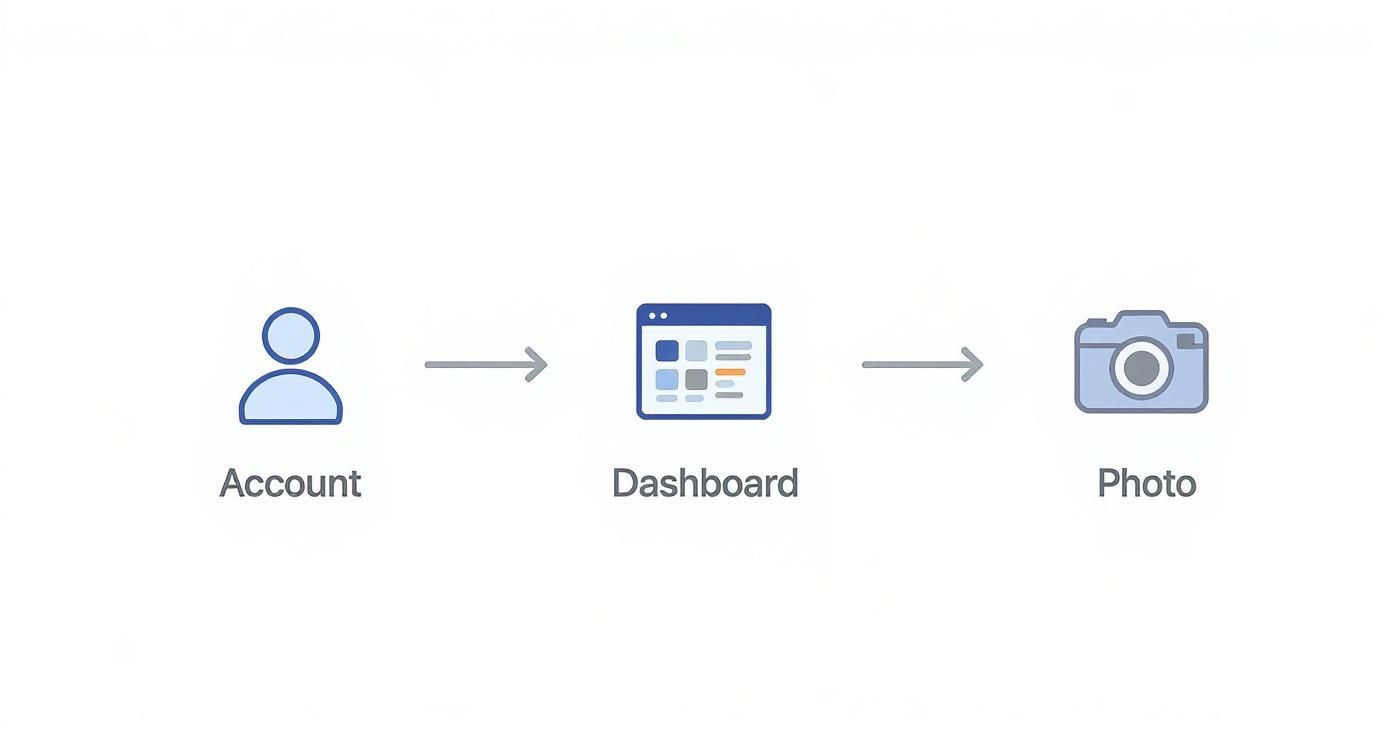
As you can see, the path from your dashboard to the photo upload is direct, getting you to the creative stage as quickly as possible.
Turning a Headshot Into a Digital Double
Let’s walk through a practical example. Imagine you want to create a digital double from a professional corporate headshot for use in training videos. You would start by uploading the primary headshot, followed by an additional 10-15 high-quality images to give the AI a full 360-degree understanding of the person’s face.
After you click “Generate,” the AI gets to work. This process can take a few minutes as it crunches a massive amount of data. The first output will be a neutral, unposed 3D model that captures the fundamental likeness from your photos.
Don’t worry if it doesn’t look perfect immediately. Think of this initial generation as your digital clay—it’s a sophisticated starting point that you’re meant to refine. Here’s what to check:
- Core Likeness: Does the basic facial structure look correct? Pay close attention to the placement of the eyes, nose, and mouth.
- Initial Texture: How does the skin texture look? The AI makes an initial guess, but you will fine-tune this later.
- Identify Anomalies: Do you notice any strange artifacts or asymmetries? Sometimes, unusual lighting in source photos can create minor glitches that are easy to correct.
The Power Behind the Process
The technology powering these tools is advancing at an incredible pace, fueling a massive new market. The AI avatar market, which is directly connected to any realistic character creator, was valued at $7.41 billion and is projected to skyrocket to over $118.55 billion by 2034. This explosive growth highlights the immense demand for believable digital people. You can find out more about the AI avatar market’s growth to see what’s driving this trend.
This constant investment means platforms like LunaBloom AI are continuously improving their algorithms and features.
Remember, your first generation is about capturing the essence of the person. Focus on the big picture—the overall facial structure and proportions. The micro-details like freckles, specific eye colors, and hairstyles come in the refinement stage.
Adding Lifelike Details and Refinements
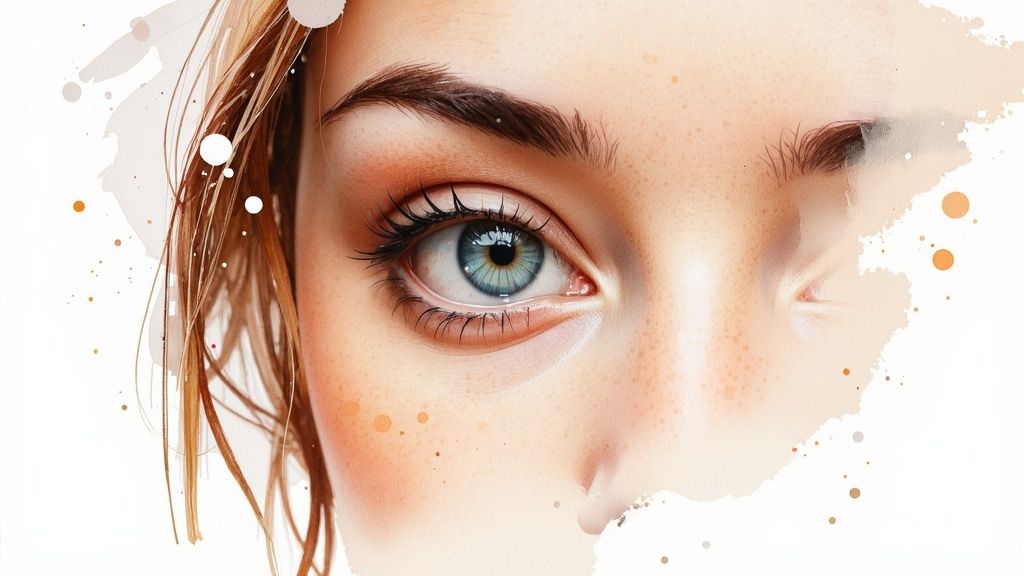
Think of the first AI-generated model as a block of marble. The basic form is there, but the true artistry lies in the refinements you make. This is the stage where you transform a good likeness into a digital person who feels genuinely alive.
While an AI can replicate facial structure with stunning accuracy, it can’t guess the subtle nuances that give a person their personality. Now it’s your turn to be the digital sculptor, adding those crucial, humanizing touches with LunaBloom AI’s refinement toolkit.
Fine-Tuning Skin and Facial Features
The first area to focus on is skin texture. Nothing says “computer-generated” more than perfectly smooth, flawless skin. Realism is found in imperfection.
LunaBloom AI provides a suite of sliders that let you add the subtle details needed to cross the “uncanny valley.” You can add a light sprinkle of freckles across the bridge of the nose or adjust the skin’s glossiness to mimic natural oils.
For those looking to push realism to the absolute limit, specialized AI-powered skin enhancements can offer an extra layer of granular detail that truly makes your creation stand out.
Here are a few small adjustments that make a massive difference:
- Pore Detail: Gently increase the visibility of skin pores, focusing on the T-zone (forehead, nose, and chin) where they are naturally more prominent.
- Subtle Blemishes: Add a tiny, almost-unnoticeable scar or a few beauty marks. These imperfections hint at a backstory and make the character feel more grounded in reality.
- Eye Realism: Don’t just pick an eye color. Adjust the sclera (the white part of the eye) to have a slight hint of redness and a few visible veins. It’s a tiny detail that adds a surprising amount of life.
The goal is believability, not perfection. The most compelling digital humans are the ones that feel real, complete with the minor flaws we all have.
Shaping Personality with Micro-Expressions
A character’s personality is often conveyed through their resting expression. A completely neutral face can feel cold and robotic. This is where micro-expression sliders become invaluable. You can introduce subtle emotional cues that define who this person is.
For example, slightly raising the inner corners of the eyebrows can create a look of curiosity or mild concern. A tiny lift at the corners of the mouth can suggest a friendly, optimistic nature without a full smile. These small tweaks are what separate a static 3D model from a digital person with a rich inner world.
Mastering these refinement tools in a realistic character creator allows you to do more than just make a model—you’re crafting a personality.
Exporting Your Avatar for Any Project
Creating your digital human is a significant achievement, but it’s only half the journey. The next step is bringing your character out of LunaBloom AI and into your chosen environment, whether that’s a game engine, an animation project, or a virtual reality platform.
LunaBloom AI simplifies this process by offering several standard export formats. The key is to know which one to choose to ensure your avatar functions perfectly in other software.
Choosing the Right File Format
Think of file formats as different types of containers, each designed to hold specific kinds of 3D data. Some are perfect for static models, while others are built to carry complex animation data. Selecting the right format from the start will save you a lot of headaches later.
Here’s a quick guide to the most common formats you’ll find in LunaBloom AI:
- FBX (Filmbox): This is the industry standard. If you plan to use your avatar in game engines like Unreal Engine or Unity, or for animation work in software like Blender or Maya, FBX is almost always the best choice. It conveniently bundles the 3D model, textures, and rigging (the character’s skeleton) into a single file.
- OBJ (Object): This is one of the oldest and most widely supported formats, but it’s more basic. An OBJ file primarily stores the model’s geometry and texture coordinates but doesn’t typically include rigging or animation data. Use this format if you only need the static 3D model for applications like 3D printing or rendering a still image.
- VRM: This format is specifically designed for VR and metaverse applications. If your goal is to use your avatar on platforms like VRChat or other compatible virtual spaces, VRM is the format you need. It contains all the necessary data for real-time expression tracking and movement in a virtual environment.
A good rule of thumb: when in doubt, start with FBX. Its versatility makes it the most reliable choice for the vast majority of projects, especially those involving animation.
Understanding Rigging for Animation
When you export your avatar from LunaBloom AI, it comes pre-rigged. A rig is the digital skeleton inside your 3D model that defines how it can move and articulate. Without a proper rig, your character would be just a static, lifeless statue.
This rig is what allows an animator to create realistic movements, from a simple wave to a complex walk cycle. LunaBloom’s auto-rigging feature provides a solid foundation that is compatible with most animation software right out of the box, bridging the gap between a static model and a dynamic, action-ready character.
Common Questions About Realistic Character Creators
Diving into a realistic character creator for the first time can bring up a few questions. This technology is incredibly powerful, and understanding the basics from the start will help you get better results and avoid common pitfalls.
Here are clear, straightforward answers to some of the most frequently asked questions about tools like LunaBloom AI.
What Kind of Photo Works Best for the AI?
This is, by far, the most critical question. To achieve the best results, you must start with a high-resolution, well-lit photo where the subject is looking directly at the camera.
Think of the AI as a sketch artist and the photo as its only reference. The better the reference, the more accurate the final portrait.
- No Obstructions: Heavy shadows, sunglasses, or a low-brimmed hat will confuse the AI. It needs a clear view of key facial features.
- Keep a Neutral Expression: A calm, neutral face provides the software with a clean, unbiased starting point to build from.
- Clarity is King: The sharper and more detailed your photo, the more accurate the initial 3D model will be.
A great input photo is 90% of the battle. A blurry, poorly lit image will always produce a generic-looking avatar, no matter how much you refine it later. The AI can only work with the data you provide.
Can I Use My Avatars for Commercial Projects?
This is a crucial question for business owners and content creators. The short answer is: it typically depends on the platform and your subscription plan. With LunaBloom AI, for example, avatars created under a professional plan are generally cleared for commercial use.
However, it is vital to always read the licensing agreement for any realistic character creator you use. Additionally, ensure you have the rights to the original photograph, especially if it’s of someone else. Following these steps will help you avoid any potential legal issues.
How Much Technical Skill Do I Need?
You might be surprised by the answer. Modern AI character creators are designed to be incredibly user-friendly. While a background in 3D modeling is beneficial for advanced edits, it is by no means a prerequisite to get started.
The core process of generating a character from a photo is almost entirely automated. Platforms like LunaBloom provide simple sliders and intuitive tools that make the entire process accessible to everyone, from complete beginners to experienced artists and developers.
Conclusion: Your Journey into Digital Creation
You now have a complete roadmap for using a realistic character creator to bring your own digital humans to life. We’ve covered everything from selecting the perfect source photos and generating the initial model to adding lifelike details and exporting your creation for any project.
The world of digital identity is expanding rapidly, and tools like LunaBloom AI put you at the forefront of this creative revolution. Whether you’re a marketer, a developer, a content creator, or simply curious, the power to create believable, engaging digital characters is now at your fingertips.
Ready to create your own digital human? With LunaBloom AI, you have a powerful and intuitive platform at your fingertips. Transform your photos into stunning, realistic avatars in minutes. Start your first project with LunaBloom AI today