Are you creating social media content that feels like it disappears into a digital void? Crafting posts that actually stop the scroll, spark real conversations, and drive results is more challenging than ever. The secret isn't just about working harder—it's about working smarter with the right set of tools. In a world dominated by short-form video and eye-catching visuals, an outdated workflow can quickly hold you back.
This guide cuts straight to the chase. We’re not just listing apps; we're providing a strategic toolkit to upgrade your entire content process. We have carefully reviewed and categorized the most powerful content creation tools for social media available today. From AI video generators that turn text into polished clips to design platforms that make anyone look like a pro, we've got you covered.
This resource will help you:
- Find the right tool for any task, whether it's video editing, graphic design, or finding assets.
- Understand key features, pros, cons, and pricing to make smart decisions.
- Optimize your workflow to produce top-tier content faster and more efficiently.
Let's dive in and find the perfect tools to level up your social media game.
1. LunaBloom AI
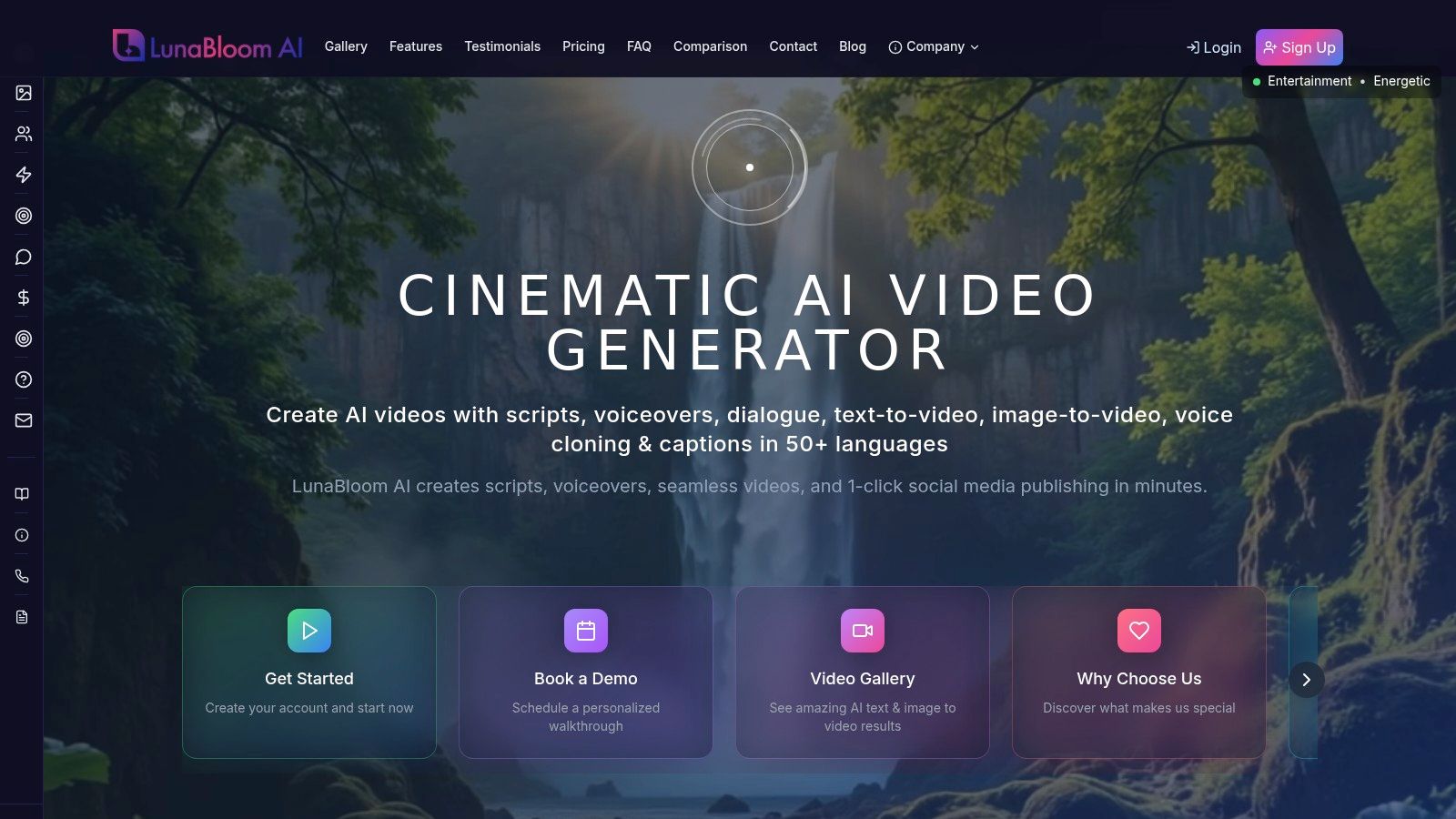
LunaBloom AI is a leading all-in-one platform among content creation tools for social media, built to automate and scale the production of studio-quality videos. Its main strength is its ability to turn simple text prompts or static images into professional videos in minutes. This effectively removes the need for complex editing software or deep technical skills, making it a huge asset for marketers and creators who need to produce engaging content quickly and affordably.
Key Features and Use Cases
What makes LunaBloom AI stand out is its focus on global reach and brand personalization. The platform supports over 50 languages with regional accents and automatic translations, empowering brands to create localized content that connects with international audiences. This is a game-changer for global marketing campaigns.
Its custom AI avatar and voice cloning features also offer incredible brand consistency. Imagine having the same brand presenter for all your social media videos or cloning a CEO's voice for announcements without needing them in front of a camera. The one-click publishing, which includes auto-generated subtitles and SEO-ready descriptions, streamlines the entire process. You can learn more about LunaBloom AI on their official website.
Pricing and Limitations
LunaBloom AI offers flexible pricing, starting with a free trial and a pay-as-you-go option, which is great for testing. Paid plans include Starter (~$29.99), Growth ($79.99), and Professional ($119.99), which provide more minutes and advanced features.
However, keep in mind that the most powerful features, like advanced voice cloning and high-resolution exports, are reserved for the higher-tier plans. The credit system can also be a bit confusing at first. Additionally, using voice cloning and avatars requires careful ethical consideration and clear consent, especially for commercial use.
2. Canva
Canva has become the go-to design platform for social media, transforming from a simple graphic design tool into a full-blown content creation suite. It empowers people who aren't professional designers to produce high-quality visuals, from Instagram posts and YouTube thumbnails to animated Stories and simple videos. Its massive library of templates is its biggest strength, speeding up the creative process immensely.
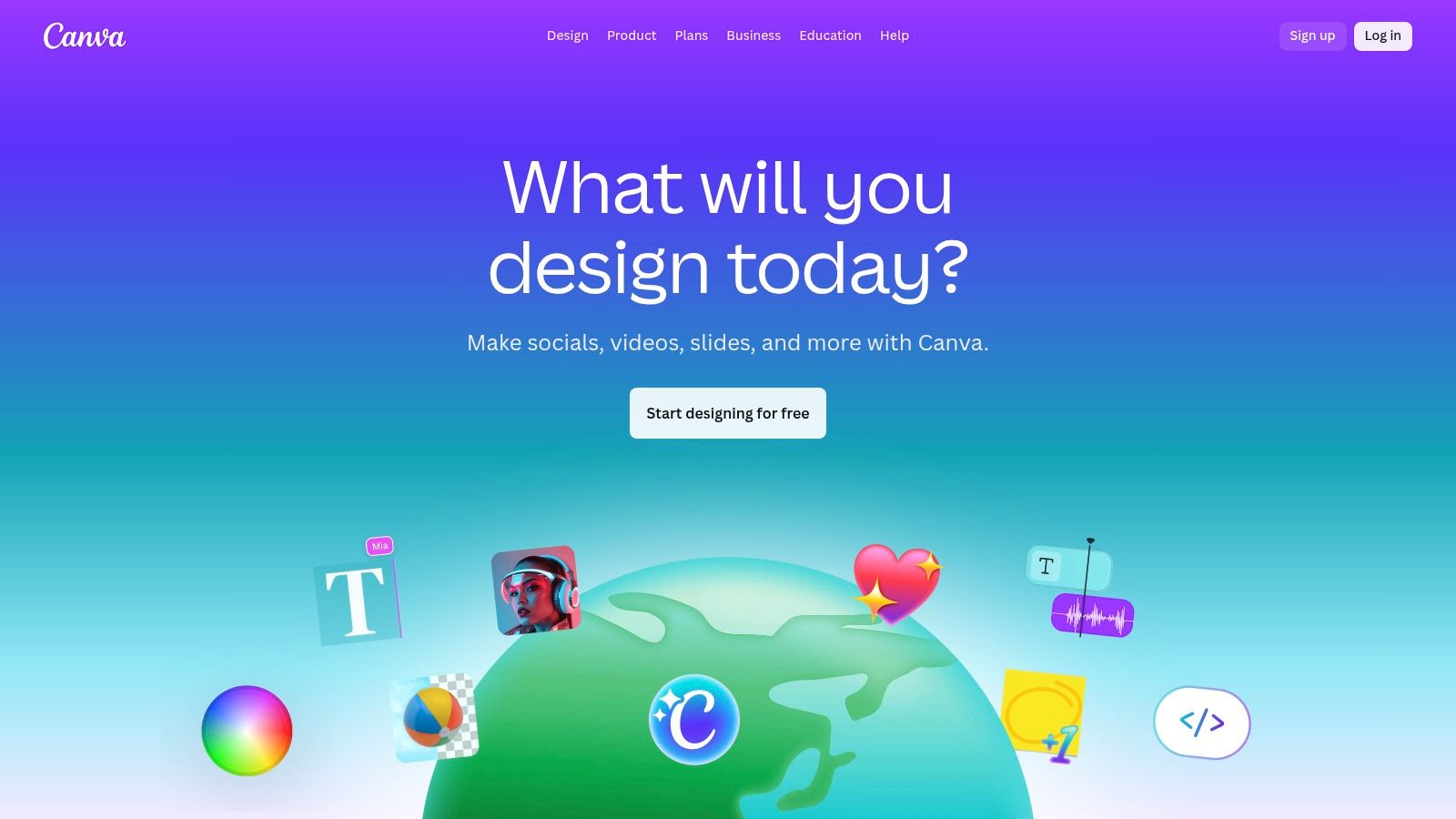
The platform is perfect for teams that need brand consistency. With the Brand Kit feature, you can store logos, colors, and fonts to ensure every post stays on-brand. The new "Magic Studio" adds powerful AI features like background removal, Magic Write for generating text, and Magic Switch for instantly resizing a design for different social platforms.
Key Features & Use Cases
- Best For: Social media managers, small business owners, and marketing teams who need to create lots of quality visual content quickly.
- Primary Use Case: Quickly designing a branded Instagram carousel. Start with a template, apply your brand colors, drag-and-drop images, and use Magic Write for caption ideas.
- AI Integration: The Magic Studio toolset is a game-changer. Use it to generate images from text, clean up audio in videos, or turn a static design into an animation with one click.
Pricing and Platform
- Free Plan: Offers access to over 250,000 templates and a good library of free photos and graphics.
- Canva Pro: Starts at $14.99/month for one person, unlocking premium templates, the full asset library, Brand Kits, and advanced AI features.
- Canva for Teams: Begins at $29.99/month for the first 5 people, adding collaboration tools and brand controls.
Website: https://www.canva.com
3. Adobe Express
Adobe Express is Adobe's answer to the all-in-one content creation tool, bringing the power of its legendary software into a user-friendly, web-based platform. It’s designed for speed, allowing users to quickly create social media posts, stories, and short videos using high-quality templates. Its biggest advantage is its seamless integration with other Adobe products, like Adobe Stock and Adobe Fonts.
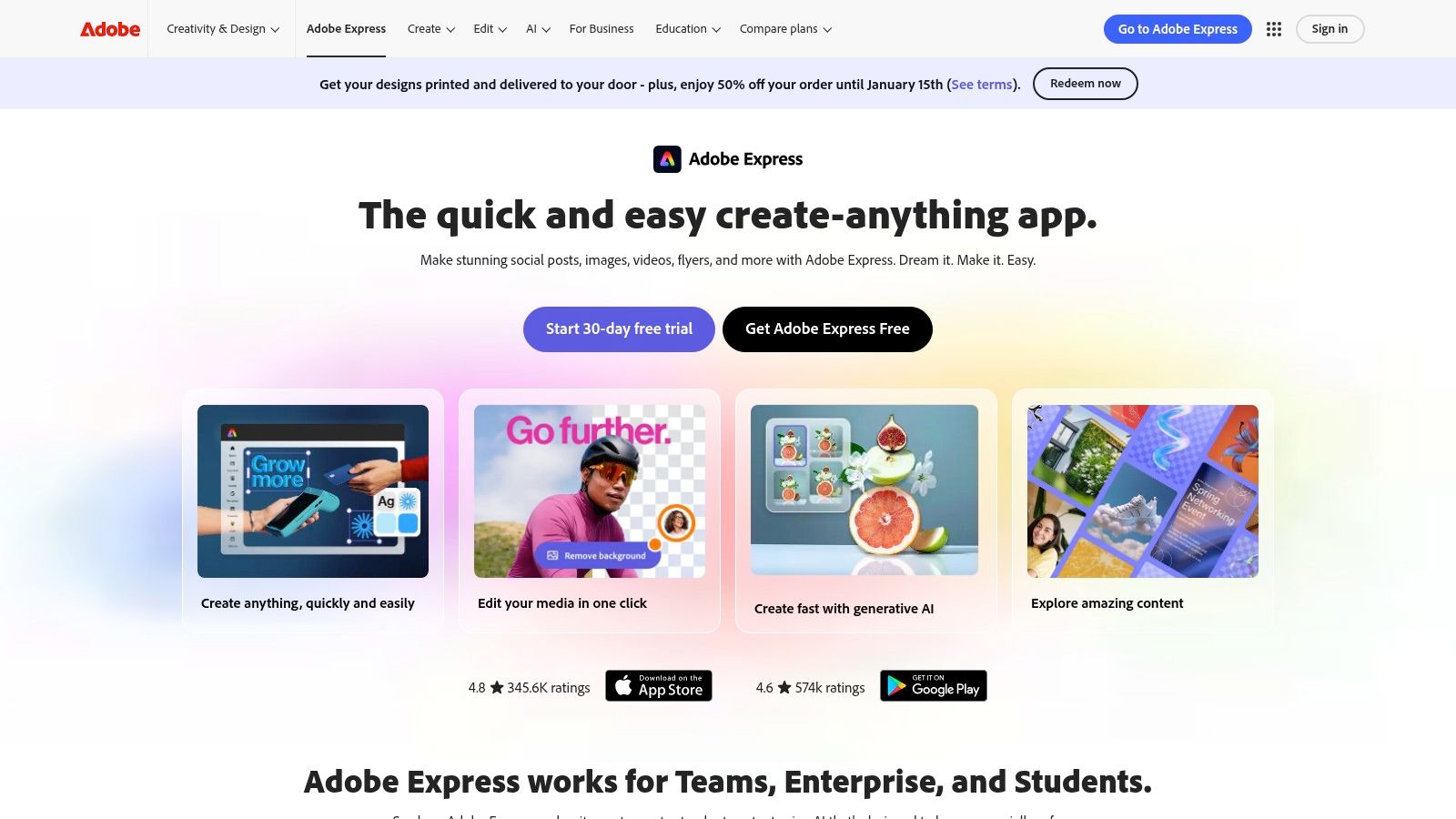
The platform stands out by including Adobe’s powerful and commercially safe generative AI, Firefly. This lets creators generate images and text effects with confidence. For professionals, the ability to send a project to Photoshop or Illustrator for more advanced edits is a huge plus, bridging the gap between quick content and high-end design.
Key Features & Use Cases
- Best For: Marketers and creative professionals already using Adobe products who need a fast tool for daily social content.
- Primary Use Case: Creating a set of on-brand LinkedIn posts. You can start with a template, use Firefly to generate a unique background image, and then schedule the post directly from the Express interface.
- AI Integration: Firefly powers text-to-image generation and text effects. It's a core feature that makes Express one of the best content creation tools for social media that prioritizes brand-safe AI.
Pricing and Platform
- Free Plan: Includes standard templates, a limited collection of Adobe Stock photos, and basic editing tools, with 25 generative credits per month.
- Premium Plan: Starts at $9.99/month, unlocking all premium templates, the full Adobe Stock collection, and 250 generative credits per month.
- Creative Cloud All Apps: Adobe Express Premium is included in the Creative Cloud All Apps plan, which starts at $59.99/month.
Website: https://www.adobe.com/express
4. CapCut
CapCut has quickly become a dominant force in content creation tools for social media, especially for short-form video. It started as a mobile app but now offers powerful desktop and web versions, making it a great choice for creating content for TikTok, Instagram Reels, and YouTube Shorts. Its intuitive interface and trendy features allow for quick, professional-looking edits without a steep learning curve.
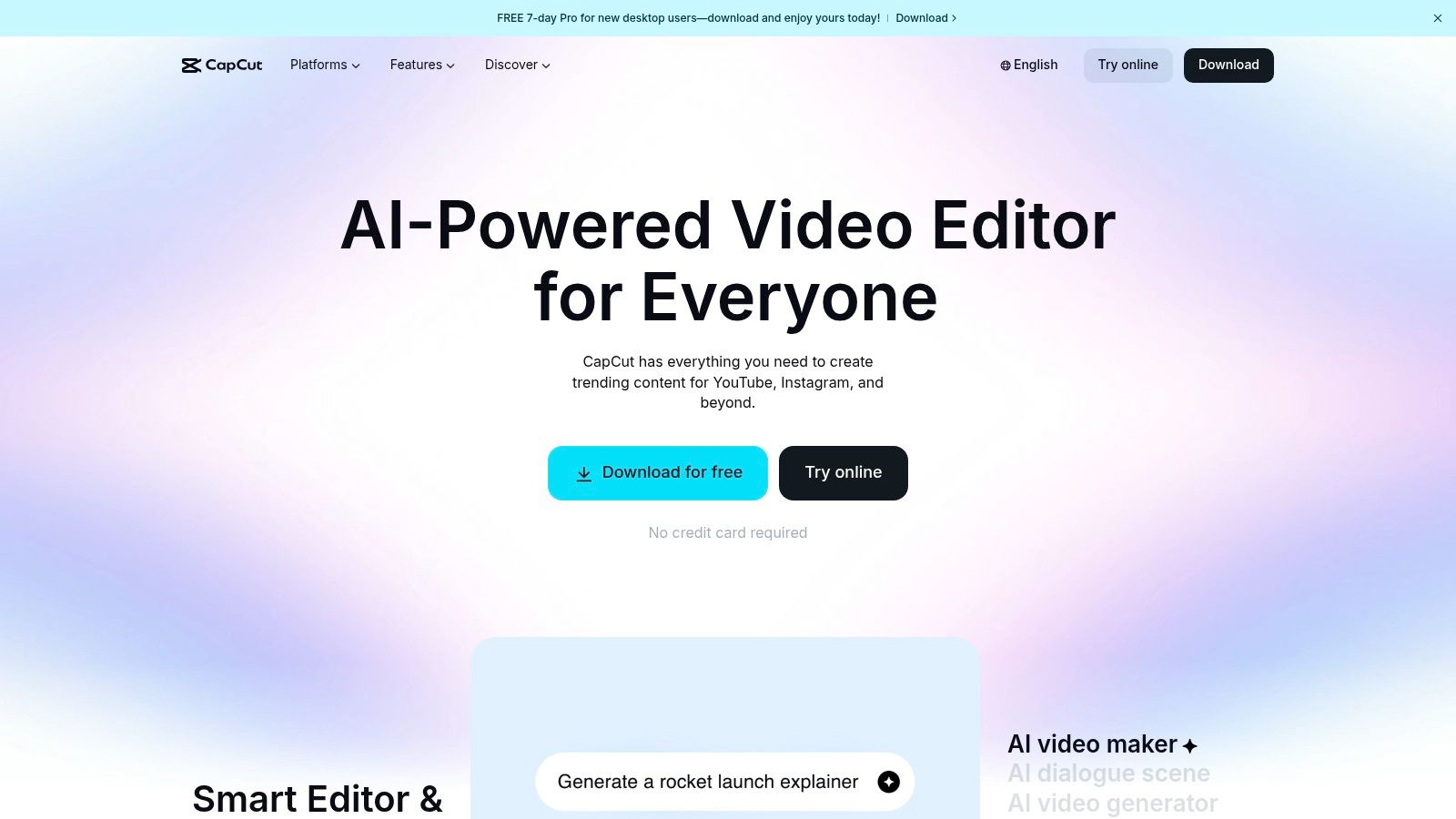
The platform makes complex editing tasks simple. Features like one-click background removal and automatic beat detection are easy to use. Its standout feature, however, is its industry-leading auto-captioning, which generates animated subtitles that are essential for engagement on social media today. While CapCut is a top choice, exploring alternatives to CapCut can reveal tools with different strengths for longer content or advanced audio work.
Key Features & Use Cases
- Best For: Social media creators and marketers focused on short-form video who need to produce trendy content quickly.
- Primary Use Case: Editing a 30-second Instagram Reel. A creator can upload clips, use the AutoCut feature to sync them to a trending song, add animated captions, and export directly to social media.
- AI Integration: AI is key to its workflow. The AI video maker can create short videos from text, while AI-powered effects can stylize footage or remove backgrounds without a green screen.
Pricing and Platform
- Free Plan: The free version is very generous, offering most core editing tools, many templates and effects, and watermark-free exports.
- CapCut Pro: Unlocks premium effects and advanced AI features. Pricing is around $7.99/month.
- Business Plan: Offers team collaboration features and centralized asset management for brands.
Website: https://www.capcut.com
5. Descript
Descript revolutionizes video and audio editing by turning your media into a text document. Instead of dealing with complicated timelines, you just edit the transcript, and the video or audio cuts are made for you. This "edit-by-text" approach makes it one of the most intuitive and efficient content creation tools for social media, especially for repurposing long-form content like podcasts into short clips.
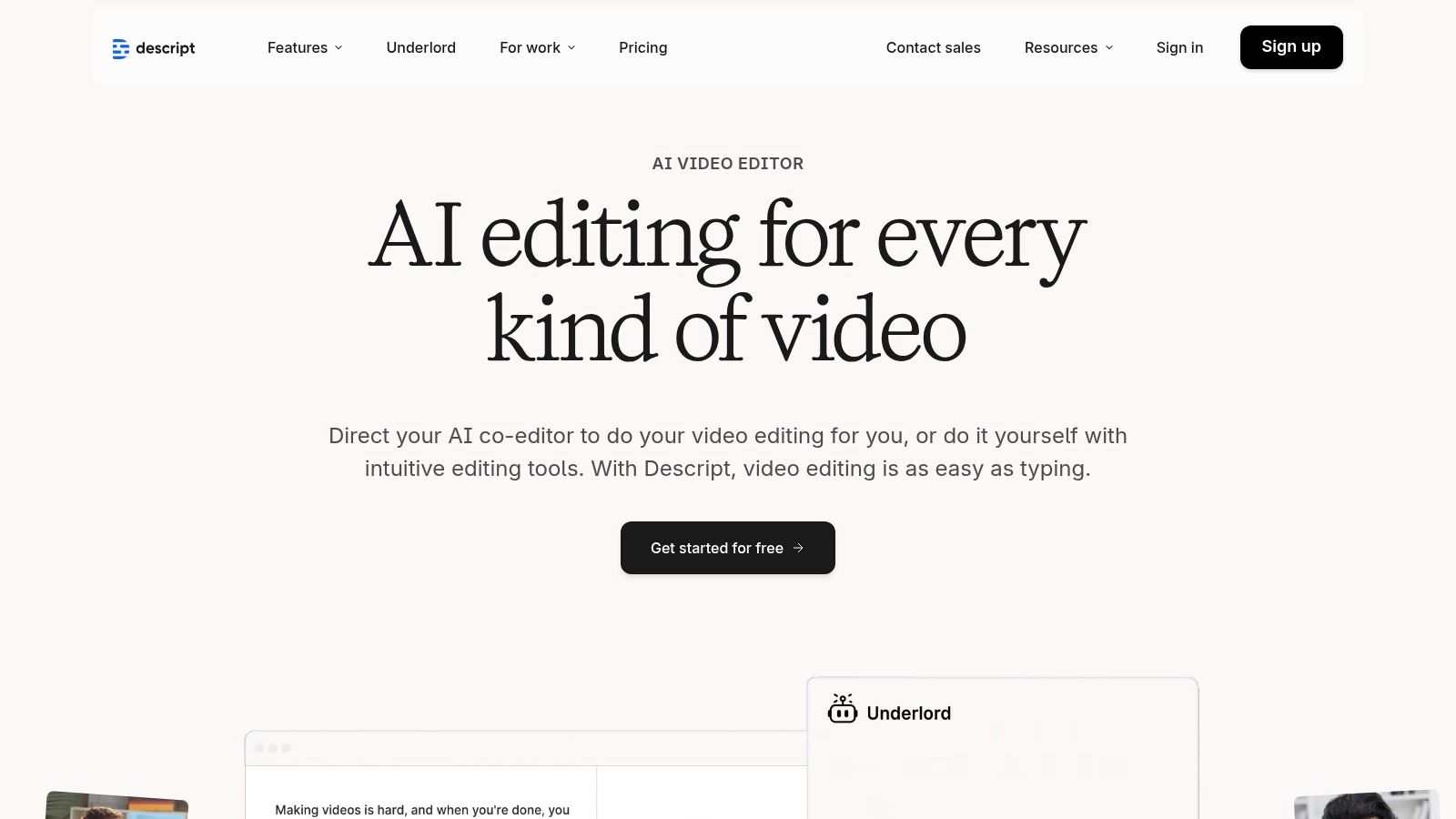
The platform is an all-in-one solution for anyone producing dialogue-heavy content. You can record your screen and camera, get an instant transcript, and remove filler words like "um" with a single click. AI features like Studio Sound improve audio quality, while Eye Contact corrects your gaze to look at the camera, adding a professional touch to your videos.
Key Features & Use Cases
- Best For: Podcasters, YouTubers, and course creators who need to efficiently edit and repurpose dialogue-driven content.
- Primary Use Case: Turning a 30-minute podcast into five shareable, captioned video clips for Instagram. Just highlight key quotes in the transcript, create new clips, and export them with stylized captions.
- AI Integration: The AI co-editor is a powerful assistant. It can find the best moments in a long recording, create a highlight reel automatically, or clean up the transcript, saving hours of manual work.
Pricing and Platform
- Free Plan: Includes 1 hour of transcription and basic video editing.
- Creator: Starts at $15/month per user, offering 10 hours of transcription and watermark-free exports.
- Pro: Begins at $30/month per user, providing 30 hours of transcription and unlocking advanced AI features like Eye Contact and Studio Sound.
Website: https://www.descript.com
6. VEED
VEED is a powerful, browser-based video editor designed for the fast-paced demands of social media. It eliminates the need for complex software, offering a full suite of tools from basic trimming to advanced AI features. Its main advantage is its accessibility and focus on tasks that matter most to creators, like generating subtitles, cleaning audio, and repurposing content.
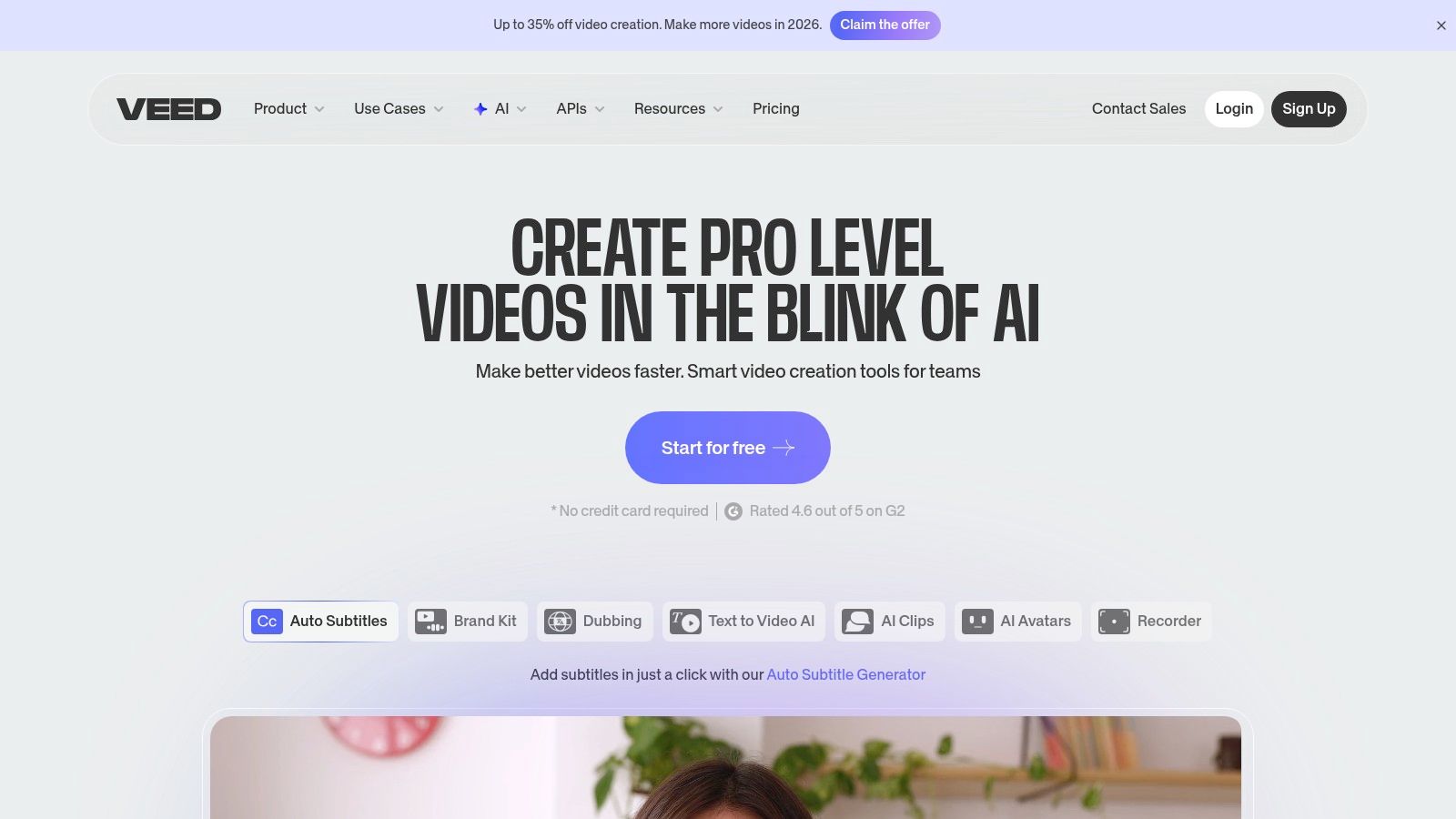
The platform is a complete toolkit for producing polished video content without a steep learning curve. Features like one-click background removal, automatic subtitle generation, and audio cleanup are built right into the workflow. For teams, VEED offers Brand Kit features for maintaining consistency and collaborative project spaces, making it a versatile online video tool.
Key Features & Use Cases
- Best For: Social media managers and marketing teams who need to edit, subtitle, and repurpose videos for multiple platforms without heavyweight desktop software.
- Primary Use Case: Quickly adding accurate, stylized captions to a podcast clip for Instagram Reels. Upload the video, let the AI generate subtitles, make minor corrections, apply a branded template, and export.
- AI Integration: VEED's AI toolset includes an AI video generator for creating content from text, AI avatars for faceless content, and the popular "Clean Audio" feature to remove background noise instantly.
Pricing and Platform
- Free Plan: Allows users to create projects up to 10 minutes long with a watermark and 720p exports.
- Basic: Starts at $18/month per user, removing the watermark and increasing export length.
- Pro: Begins at $30/month per user, adding Brand Kit features and auto-subtitling.
- Business: Starts at $59/month per user, unlocking 4K exports and full AI features.
Website: https://www.veed.io
7. Kapwing
Kapwing is an all-in-one, browser-based video editor that excels at repurposing content for social media. It simplifies tasks like subtitling, clipping, and translating, making it one of the most accessible yet powerful content creation tools for social media teams. Its primary strength is turning long-form videos, like webinars, into engaging, short-form social posts with minimal effort.
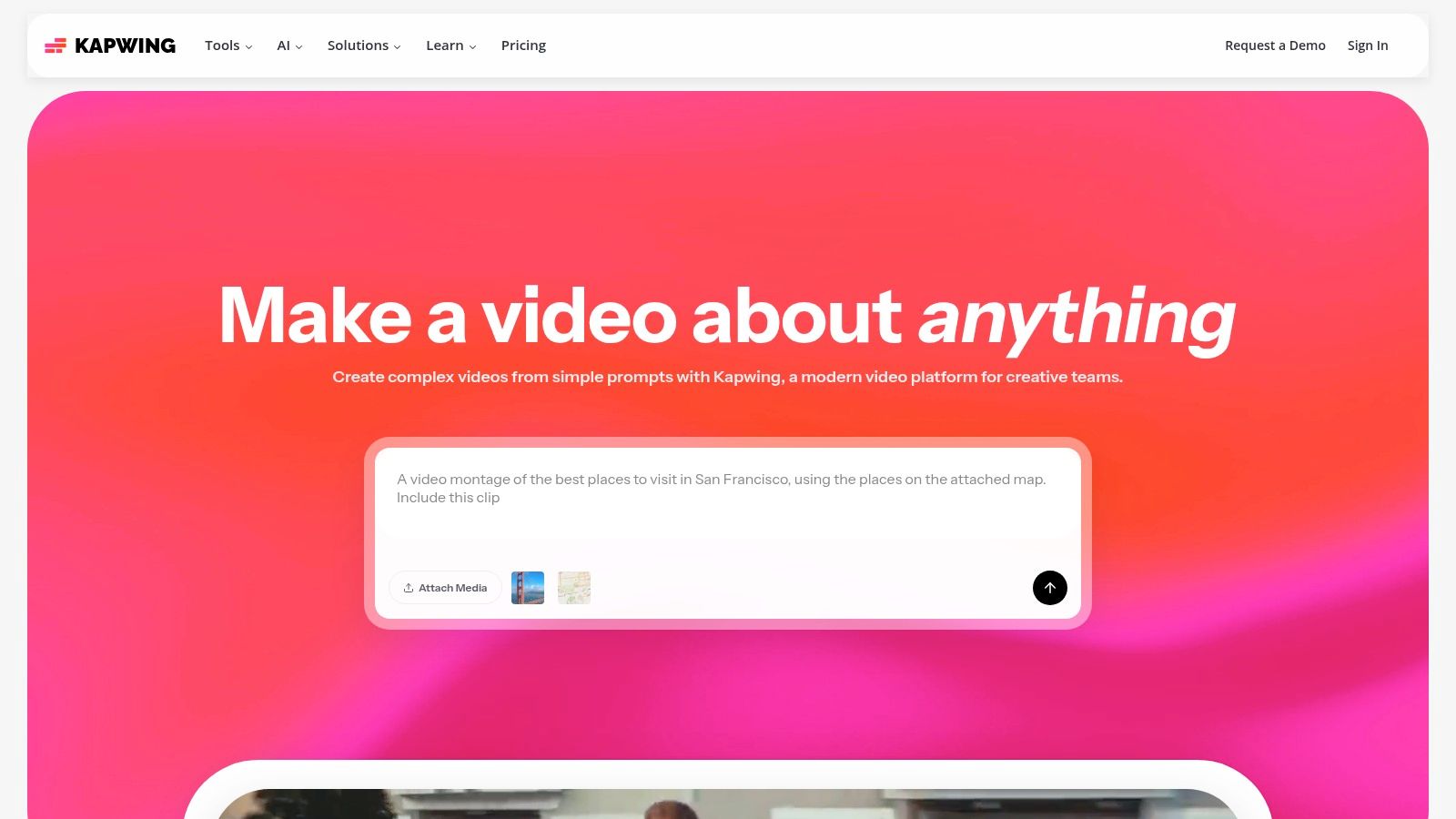
The platform is built for speed and collaboration. With features like Smart Cut, which automatically removes silences, and a shared workspace, teams can produce high-quality videos faster. The Brand Kit ensures every clip and subtitle adheres to brand guidelines. Kapwing's credit-based system for AI features also offers flexibility, letting you pay for exactly what you need.
Key Features & Use Cases
- Best For: Marketing teams and content creators who need to repurpose long-form video into multiple short-form clips.
- Primary Use Case: Turning a 30-minute interview into five viral clips. Upload the video, use the AI-powered Repurpose Studio to generate potential clips, add auto-generated subtitles, apply the Brand Kit, and export.
- AI Integration: Kapwing uses AI extensively for its fast and accurate auto-subtitling. Its AI dubbing and translation features can instantly adapt content for global audiences.
Pricing and Platform
- Free Plan: Allows users to export up to 3 projects with a watermark, limited to 720p resolution and 4 minutes.
- Pro: Starts at $24/month per user, removing the watermark, enabling 4K exports, and providing access to all AI tools.
- For Business: Starts at $64/month per user, adding centralized billing and shared Brand Kits for larger teams.
Website: https://www.kapwing.com
8. InVideo
InVideo is a browser-based video creation platform designed to simplify the production of social media ads and promotional videos. It stands out with its massive library of pre-made templates tailored for formats like Instagram Reels and TikToks. This template-driven approach allows users to create professional-looking videos quickly, even with no editing experience.
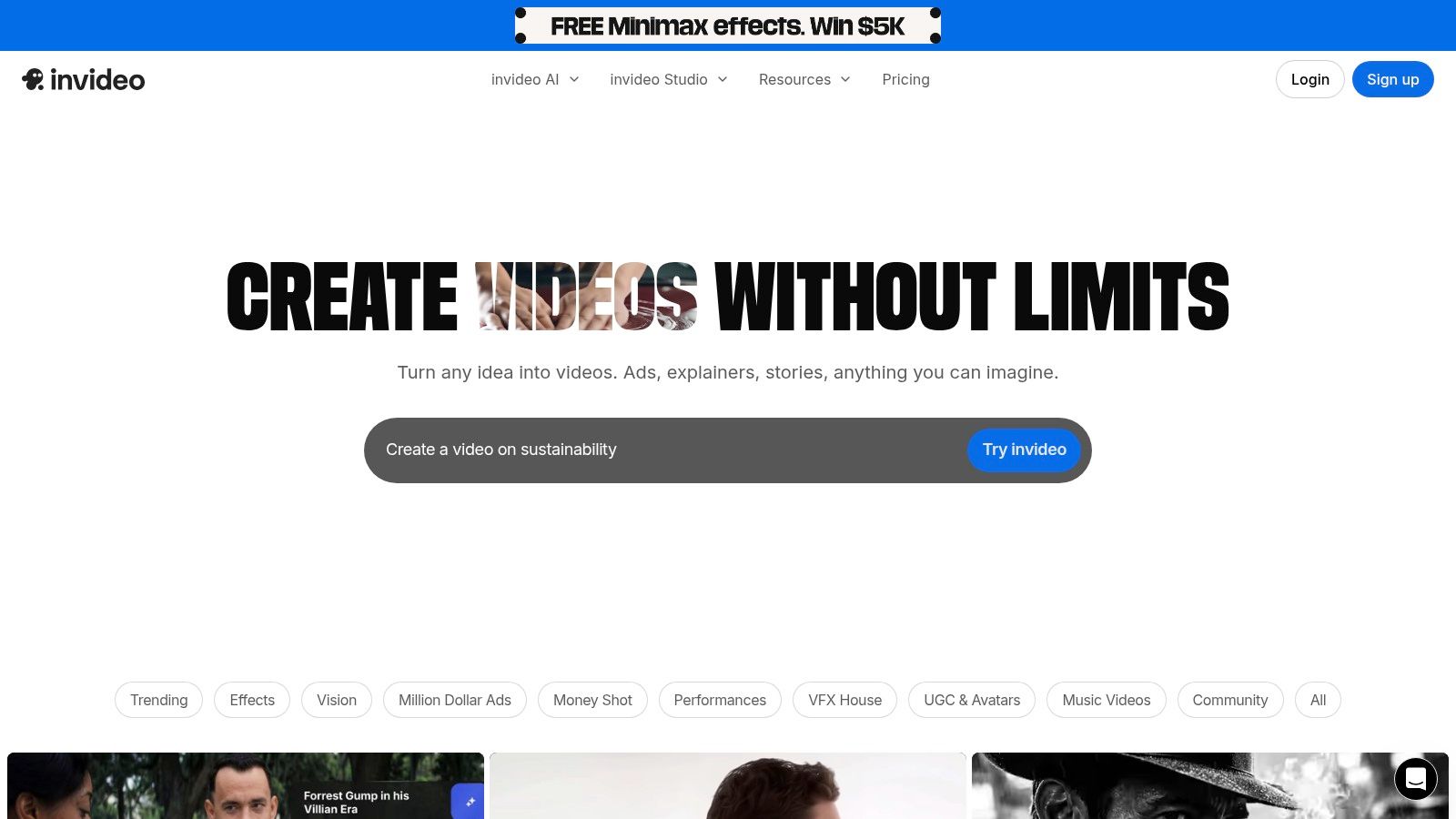
The platform operates on a unique credit-based system, a key differentiator among content creation tools for social media. This model combines AI tool usage, premium stock media, and video export minutes into a single monthly allowance. This helps teams manage their content creation budget effectively, preventing unexpected costs.
Key Features & Use Cases
- Best For: Marketers and small businesses focused on creating high-quality video ads and promotional content.
- Primary Use Case: Generating a product promo video for an Instagram ad. Start with a template, use the AI script generator for the copy, add product clips, and select premium stock footage to complete the video.
- AI Integration: InVideo's AI text-to-video feature is central to its workflow. It can turn a simple text prompt into a video storyboard with relevant stock footage and text overlays, dramatically speeding up the creation process.
Pricing and Platform
- Free Plan: Includes a watermark on exports and limited access to AI and stock media.
- Plus Plan: Starts at $25/month, removes the watermark, and provides a monthly allowance of credits.
- Max Plan: Starts at $60/month, offering significantly more credits and over 120 iStock clips per month.
Website: https://www.invideo.io
9. Synthesia
Synthesia transforms video production by letting you create high-quality, AI-generated spokesperson videos without cameras or microphones. It's a powerful tool for generating polished talking-head content for social media, like explainers or announcements. The platform's main advantage is its ability to produce consistent, on-brand videos at scale in over 140 languages, just by typing a script.
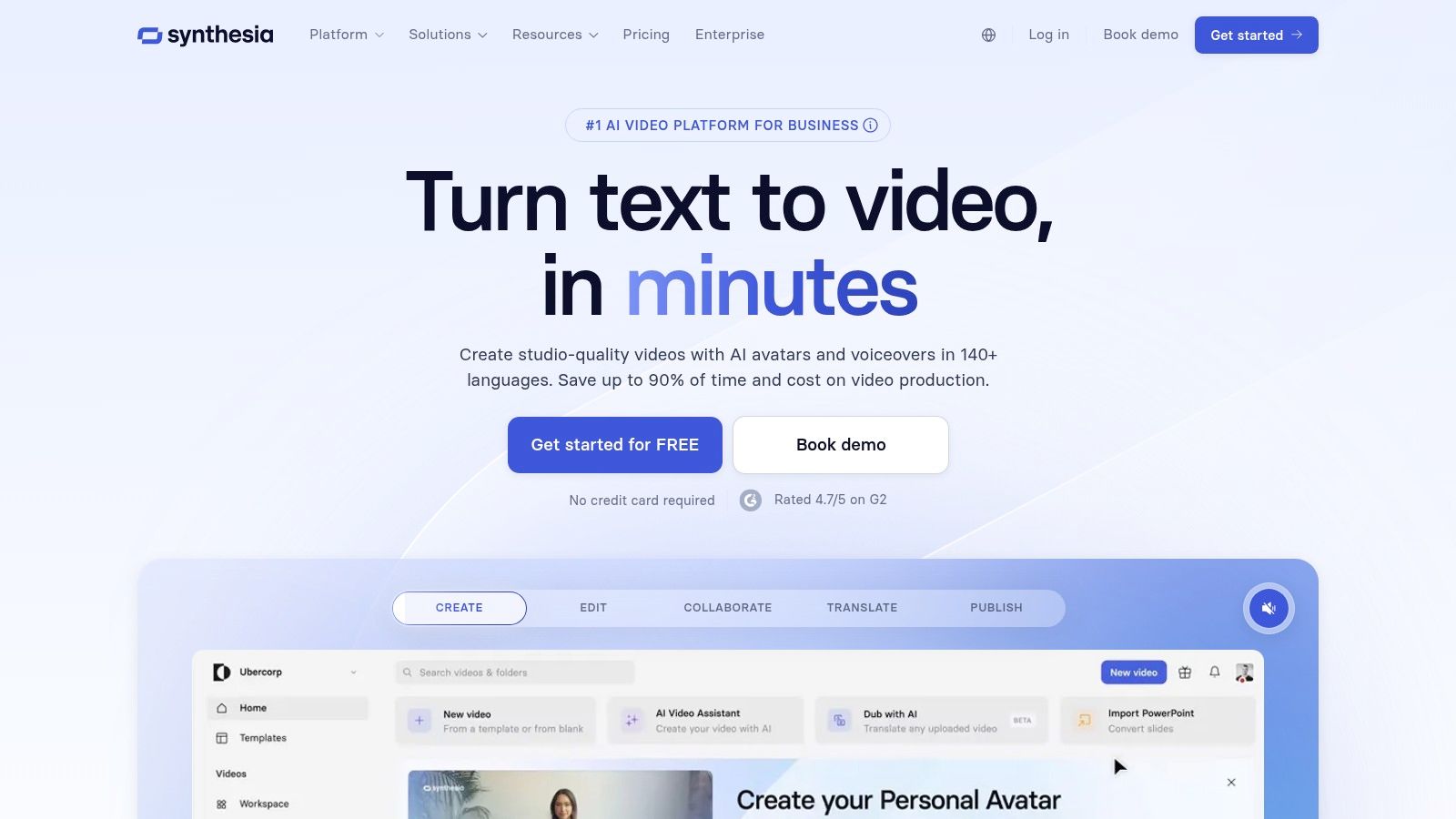
This platform excels at localization, making it one of the most efficient content creation tools for social media strategies targeting global audiences. With built-in translation and dubbing, you can take a single script and instantly generate versions for different regions with accurate lip-syncing. For brands wanting a human touch without the cost of filming, Synthesia offers a streamlined solution.
Key Features & Use Cases
- Best For: Corporate marketing and training teams who need to produce scalable, multilingual presenter-led video content.
- Primary Use Case: Creating a short, branded explainer video for a new product. Select an AI avatar, upload your brand assets, paste your script, and generate the video in multiple languages for a global launch.
- AI Integration: The core technology is AI-driven, from the lip-synced avatar generation to its voice cloning and script-to-video engine.
Pricing and Platform
- Starter Plan: Begins at $22/month, providing 10 minutes of video per month and access to 90+ avatars.
- Creator Plan: Starts at $67/month for 30 minutes of video per month.
- Enterprise Plan: Custom pricing for organizations needing features like custom avatars and API access.
Website: https://www.synthesia.io
10. Envato Elements
Envato Elements is a powerhouse subscription service for creators who need a constant supply of high-quality assets. Instead of buying items one by one, a single subscription gives you unlimited downloads from a huge library of stock video, motion graphics templates, photos, music, and fonts. This is a game-changer for agencies and social media managers producing diverse content daily.
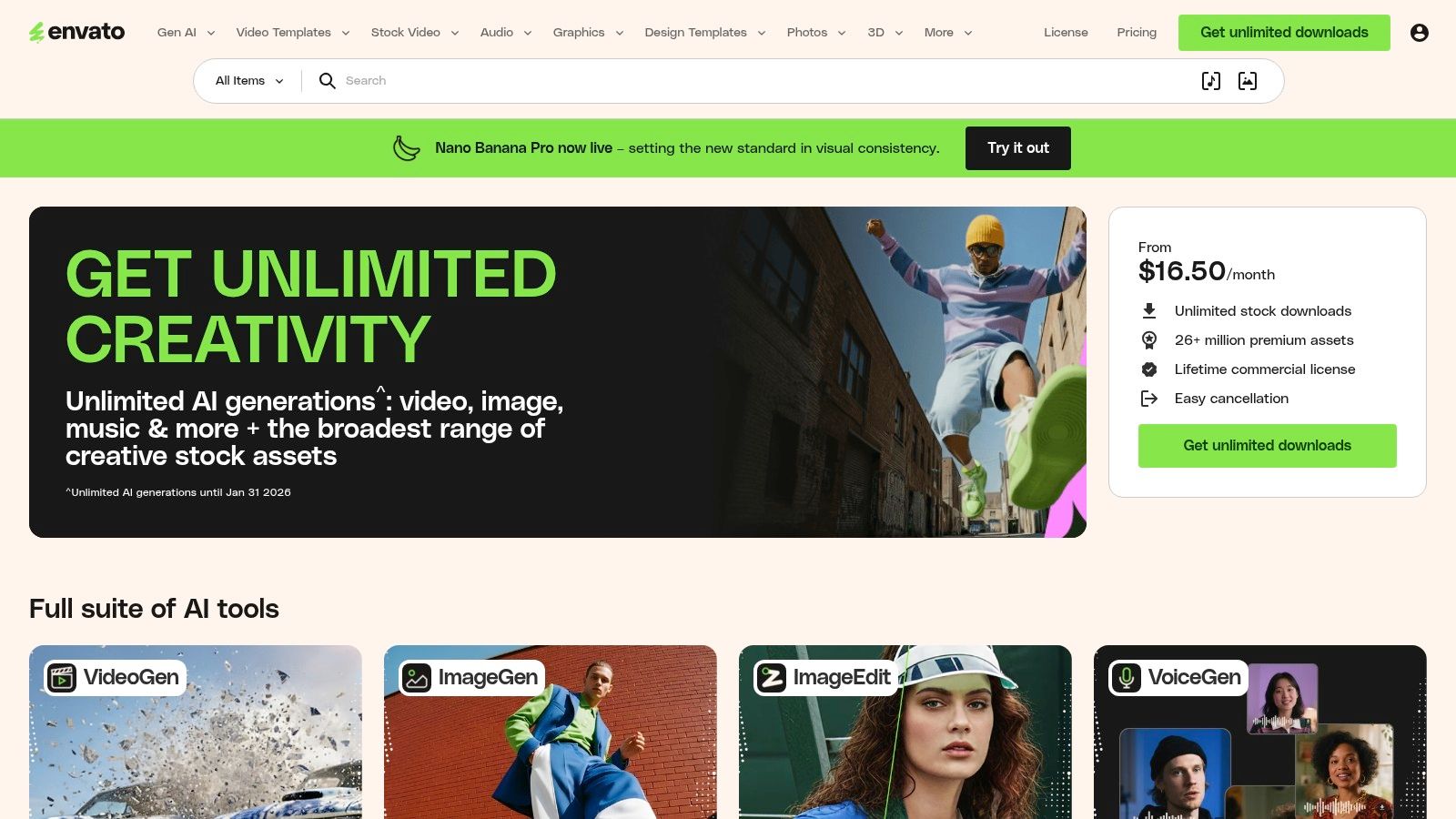
The platform's greatest strength is its value for high-volume creators. Access to millions of assets, all covered by a simple commercial license, removes the friction of sourcing and budgeting for every new project. It's an essential resource among content creation tools for social media, especially for creating polished videos using its extensive collection of templates.
Key Features & Use Cases
- Best For: Video creators and marketing agencies that require a wide variety of assets and want to streamline their budget.
- Primary Use Case: Sourcing all assets for a promotional Instagram Reel. Find a trendy motion graphics template, select a matching royalty-free music track, and grab high-quality stock video clips, all under one subscription.
- Asset Variety: The sheer breadth of the library is a key differentiator. It includes everything from sound effects to presentation templates, centralizing all your asset needs.
Pricing and Platform
- Individual Plan: Starts at $16.50/month (billed annually) for unlimited downloads.
- Teams Plan: Begins at $29.00/month per member, with savings for larger teams.
- Enterprise: Custom pricing is available for large organizations.
Website: https://elements.envato.com
11. Creative Market
Sometimes you need a specific, high-quality asset without committing to another monthly subscription. Creative Market is perfect for this, acting as a huge online marketplace where independent designers sell premium digital goods. It’s the ideal place to find unique social media templates, custom fonts, and realistic mockups that make your content stand out.
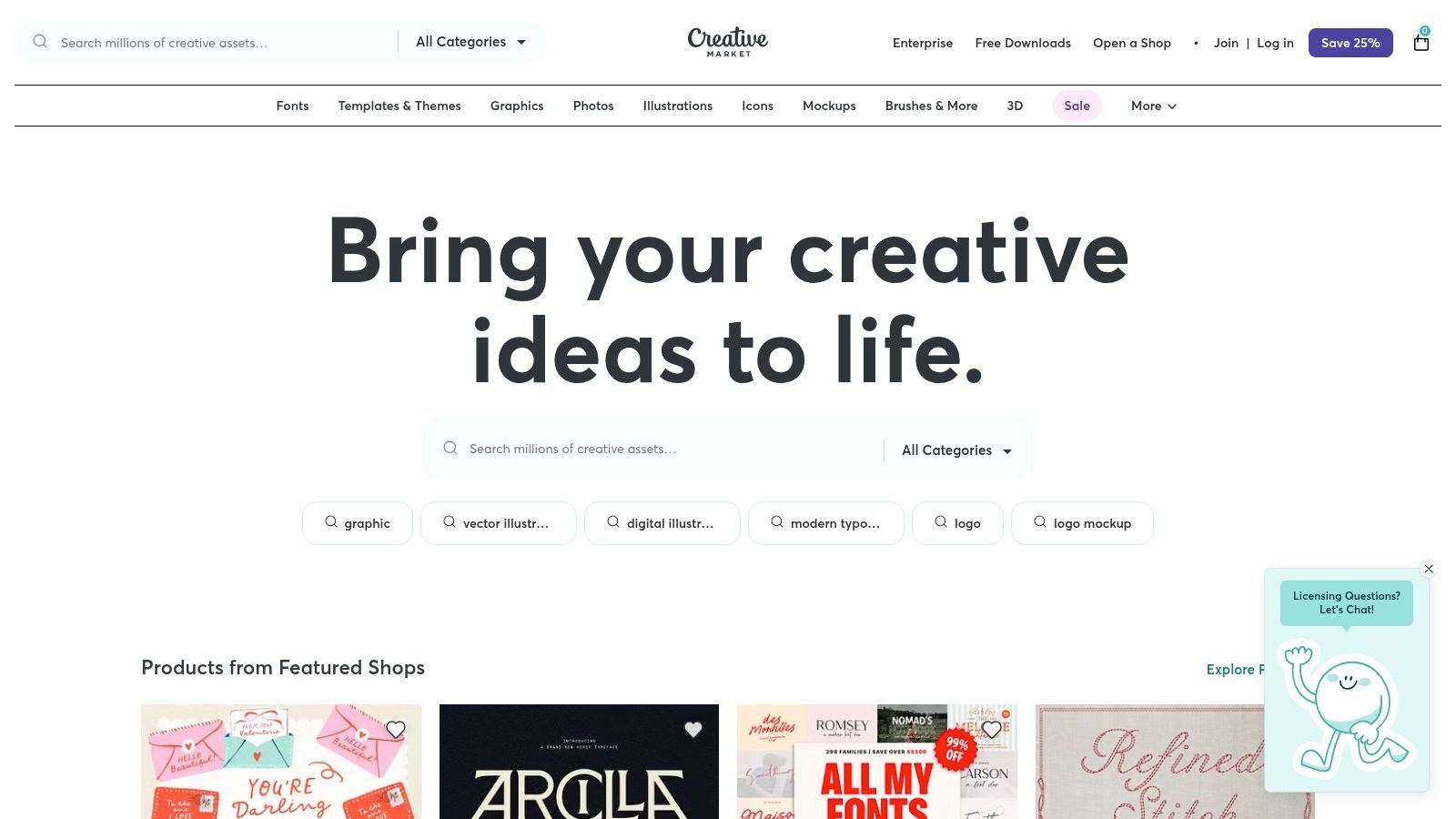
This platform connects you with over 25 million assets from individual creators. Instead of generic templates, you can buy professionally designed Instagram carousel packs or animated Story kits that give your brand a custom-designed feel. The quality is consistently high, and the direct-purchase model provides flexibility for one-off projects.
Key Features & Use Cases
- Best For: Freelancers and social media managers looking for unique, high-quality assets for specific projects.
- Primary Use Case: Buying a comprehensive social media template pack for a new product launch. You can find packs with matching graphics for Instagram posts, Stories, and Facebook ads.
- Unique Offerings: The vast collection of custom fonts and photo/video LUTs is a major draw, helping creators establish a signature visual identity.
Pricing and Platform
- A La Carte: Assets are purchased individually. Prices vary, and a platform fee is added at checkout.
- Membership: Starts at $19.95/month, offering a 20% discount on most assets, plus free goods and credits.
Website: https://creativemarket.com
12. Amazon
While not a software tool, Amazon is an essential marketplace for the physical hardware behind all high-quality social media content. It's the ultimate one-stop shop for creator gear, from ring lights and microphones to webcams and tripods. Its vast selection and competitive pricing make professional-grade equipment accessible to everyone.
The platform's key advantage is its massive amount of user-generated data. Extensive reviews, customer photos, and detailed Q&A sections provide real-world insights, helping you decide which microphone or ring light is the best value. This community feedback is one of the most powerful content creation tools for social media professionals looking to make smart hardware investments.
Key Features & Use Cases
- Best For: Content creators of all levels, from beginners building their first setup to pros upgrading their gear.
- Primary Use Case: Assembling a complete "creator kit." A new TikTok creator could source a smartphone tripod, a clip-on microphone, and a portable ring light, all with fast shipping.
- Community Validation: The review system is crucial. Before buying a webcam, filter reviews for keywords like "streaming" to see how it performs for use cases like yours.
Pricing and Platform
- Free Plan: Browsing and purchasing are free; an account is needed to buy.
- Amazon Prime: A subscription provides benefits like free, fast shipping, which is a major advantage for creators needing gear quickly.
- Product Selection: The platform features everything from Amazon's own brands to major industry names, offering an unparalleled range of choices.
Website: https://www.amazon.com
12 Social Media Content Creation Tools Compared
| Product | Key features | Quality (★) | Price/Value (💰) | Best for (👥) | Standout (✨) |
|---|---|---|---|---|---|
| 🏆 LunaBloom AI | Text→video, image→video, photo-real & animated AI avatars, voice cloning, auto-subtitles, 50+ languages | ★★★★★ | 💰 Free trial; from ~$29.99/mo (pay-as-you-go option) | 👥 Marketers, agencies, creators, educators, teams | ✨ Multilingual reach, high-fidelity avatars, one-click publishing, API |
| Canva | Template-driven video & design, huge asset library, Magic Studio AI | ★★★★☆ | 💰 Free + Pro (affordable team tiers) | 👥 Social creators, marketers, small teams | ✨ Massive templates & assets, brand kits |
| Adobe Express | Firefly generative tools, templates, stock/Fonts, direct scheduling | ★★★★☆ | 💰 Free + paid tiers (Creative Cloud add-ons) | 👥 Designers, enterprise teams, marketers | ✨ Adobe Stock/PS handoff, brand-safe Firefly |
| CapCut | Social-first editor, auto captions, cut detection, motion effects | ★★★★☆ | 💰 Mostly free; some region/platform costs | 👥 Short-form creators, TikTok/Reels editors | ✨ Fast social workflows, mobile-first features |
| Descript | Transcript-first editing, overdub voice, eye-contact, all-in-one record/edit | ★★★★☆ | 💰 Free tier; paid plans for more minutes/features | 👥 Podcasters, talking-head creators, educators | ✨ Edit-by-text, powerful overdub & repurposing |
| VEED | Browser-based editor, subtitling/translation, AI avatars & voice, 4K exports | ★★★☆☆ | 💰 Free + paid (AI credit complexity) | 👥 Teams needing web collaboration & speed | ✨ Web AI playground + easy collaboration |
| Kapwing | Repurpose Studio, Smart Cut, auto-subtitles & dubbing, brand tools | ★★★★☆ | 💰 Free w/ watermark; paid plans remove limits | 👥 Social managers, repurposers, small teams | ✨ Fast repurposing, clear credit model |
| InVideo | Script→video templates, credit-based model, stock integrations | ★★★☆☆ | 💰 Credit-based plans for predictable budgeting | 👥 Ad creators, marketers, small agencies | ✨ Credit system combining AI/stock/minutes |
| Synthesia | High-quality lip-synced AI avatars, 140+ language dubbing, API/SSO | ★★★★☆ | 💰 Paid plans; enterprise options | 👥 Training teams, enterprises, e-learning | ✨ Extensive avatar library & enterprise features |
| Envato Elements | Unlimited asset downloads: templates, motion, stock, music, fonts | ★★★★☆ | 💰 Subscription (unlimited downloads) | 👥 High-volume teams, agencies | ✨ Simple commercial license, huge asset pool |
| Creative Market | Marketplace for templates, fonts, LUTs—buy a la carte from creators | ★★★★☆ | 💰 Pay-per-item; membership discounts | 👥 Designers seeking unique assets, indie buyers | ✨ Curated indie assets, one-off purchases |
| Amazon | Marketplace for creator hardware (lights, mics, capture gear) | ★★★★☆ | 💰 Wide price range; competitive deals | 👥 Creators buying hardware & accessories | ✨ Vast selection, fast shipping & reviews |
How to Build Your Ultimate Social Content Stack
Navigating the world of content creation tools for social media can feel like a lot. We've looked at powerful platforms, from AI video generators like LunaBloom AI to design suites like Canva. The key takeaway is this: there’s no single "best" tool, only the best tool for your specific needs.
Your goal isn't to subscribe to every platform. It's to build a custom content creation "stack." Think of it as your personal workflow, guiding ideas from concept to polished social media posts. The right tools turn a series of separate tasks into an efficient, creative process.
Crafting Your Personalized Toolkit
So, how do you choose? Your ideal stack depends on your content format, team size, and budget. Here’s how different creators might build their toolkit.
-
The Solopreneur or Small Business Owner: For you, efficiency and value are key. A great starting combination would be LunaBloom AI for fast, scalable video creation, Canva for all-purpose graphic design, and CapCut for quick, trendy mobile video edits. This trio covers video, images, and on-the-go editing without breaking the bank.
-
The Marketing Agency: Agencies need collaboration, versatility, and professional results. Their stack might include Descript for its text-based video editing and team features, Adobe Express for its integration with the Creative Cloud, and a subscription to Envato Elements for a vast library of assets for client projects.
Key Factors to Consider Before Choosing
Before you commit, evaluate each tool against these key factors:
- Core Functionality: Does it excel at the one thing you need most? Don't get distracted by a dozen features you'll never use.
- Workflow Integration: Does this tool work well with others? A disconnected workflow wastes time.
- Scalability: Will this tool grow with you? Look for plans that support teams as your needs evolve.
- Learning Curve: How easy is it to use? Balance power with usability to ensure you can get started quickly.
Ultimately, the best content creation tools for social media are the ones that help you move faster, create more consistently, and focus on strategy. For a deeper look at selecting platforms, check out this guide to social media content creation tools.
Building your perfect content stack is a journey of experimentation. Use free trials, test different workflows, and don't be afraid to switch if a tool isn't working for you. By making smart choices, you can build a powerful engine to drive your brand’s voice across every social channel.
Ready to supercharge your video creation and dominate social media with high-impact content at scale? LunaBloom AI uses advanced technology to help you generate engaging videos in minutes, not hours, freeing you up to focus on what matters most. Start your free trial today and experience the future of content creation with LunaBloom AI.