A great business idea is just the beginning. To secure funding, align your team, and map a clear path to success, you need a solid business plan. But where do you start? A high-quality business plan template free of charge provides the essential framework, saving you time and ensuring you cover all the critical components without staring at a blank page.
This guide cuts through the noise, reviewing the 12 best free templates available online. We’ve analyzed each one—from comprehensive, government-backed documents to agile one-page canvases—to help you find the perfect fit.
Whether you’re a first-time entrepreneur seeking an SBA loan or an e-commerce store owner needing a quick strategic outline, there’s a template here for you. To further aid in selecting the right tool for your venture, explore this comprehensive review of the best startup business plan template options available. Now, let’s find the perfect template to bring your vision to life.
1. U.S. Small Business Administration (SBA)
When you need a business plan that lenders will take seriously, the U.S. Small Business Administration (SBA) is your gold standard. As an official government source, its free templates and guides are designed to meet the exact expectations of banks, credit unions, and SBA-backed lenders.
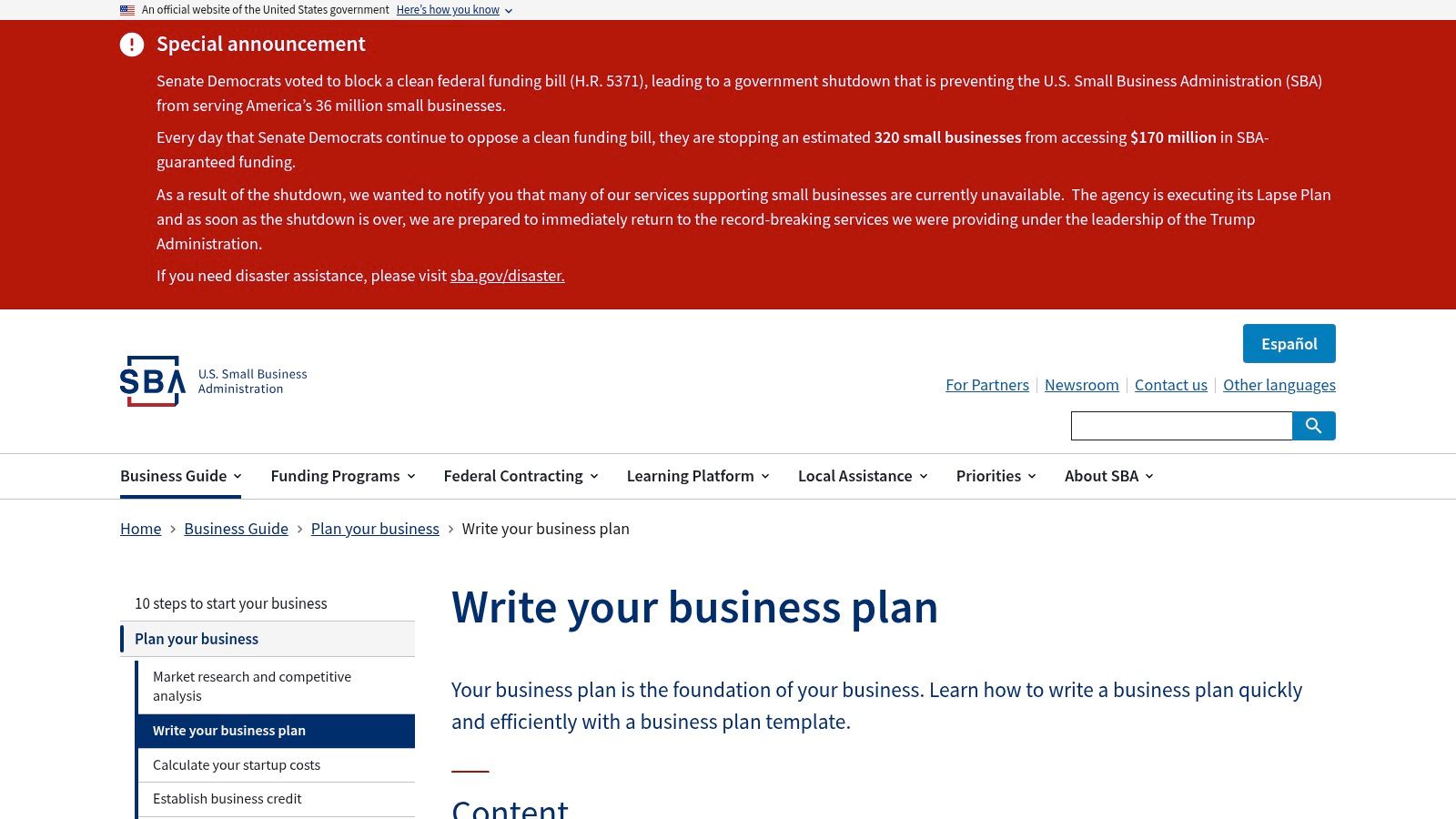
The SBA focuses on substance over style. You’ll find comprehensive, section-by-section instructions for both traditional and lean startup plans. The site also provides downloadable example plans that serve as excellent frameworks you can adapt to your specific venture. This approach ensures your final document is robust, credible, and ready for scrutiny. The process of using these resources aligns with many of the strategic planning concepts you might find while exploring tools on platforms like LunaBloomAI.
Key Features and Considerations
- Access: Completely free. No registration or sign-up required.
- Formats: Offers guidance and downloadable examples for traditional and lean business plans.
- Best For: U.S. entrepreneurs preparing for SBA loans, bank financing, or seeking a highly credible plan structure.
- Pros: Authoritative, lender-focused content from an official source. It also connects users to free business counseling.
- Cons: These are structured guides, not fill-in-the-blank documents, so they require more manual effort.
Website: SBA Write Your Business Plan
2. SCORE (SBA partner)
SCORE, a nonprofit partner of the SBA, offers a unique advantage: free templates combined with free expert advice. Their resources are designed for both new startups and established businesses, providing a clear path from initial concept to a polished, actionable document.
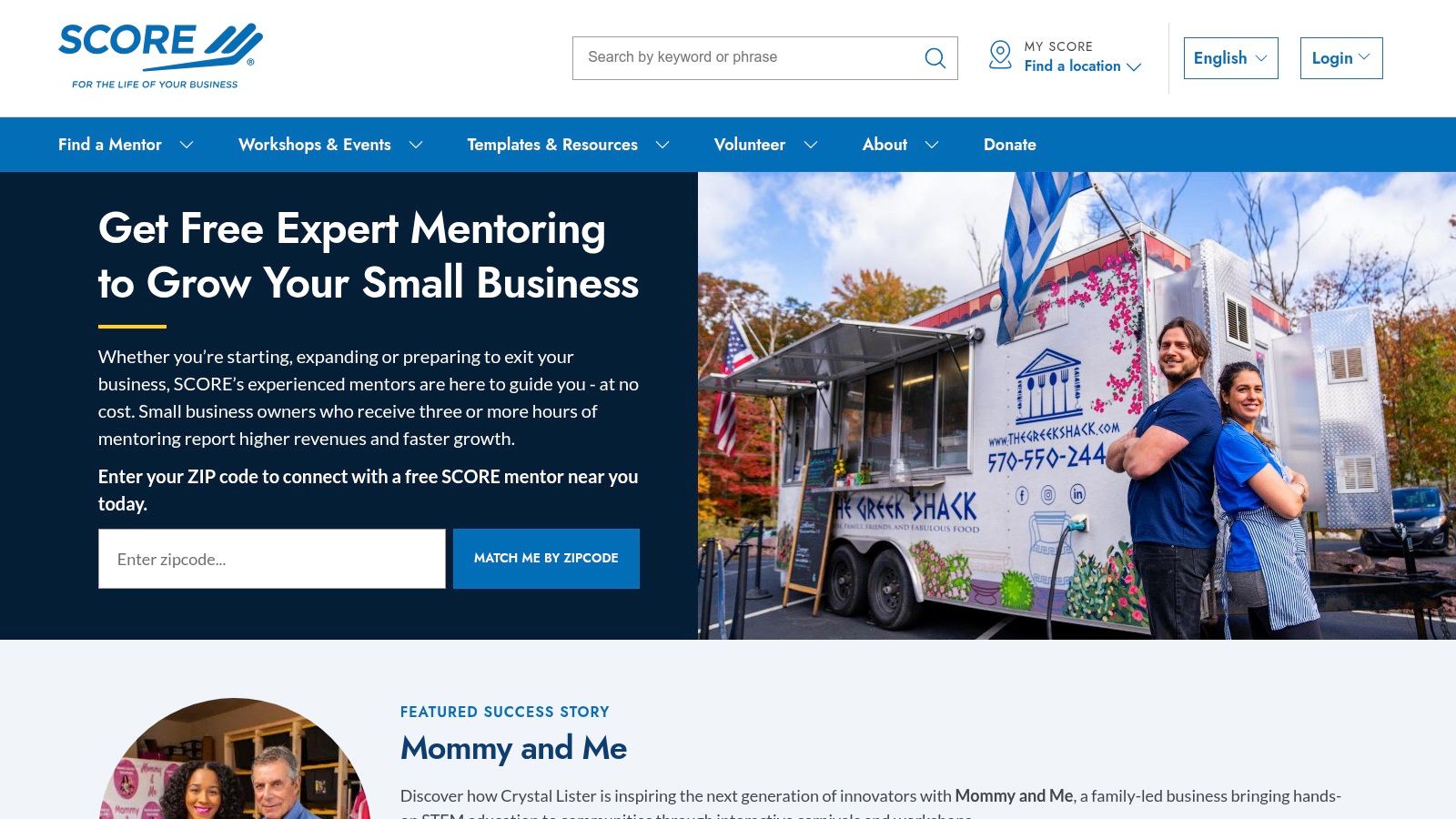
What truly sets SCORE apart is its direct integration with a nationwide network of volunteer mentors. This means you can download a template, draft your plan, and then connect with an experienced business professional who can review your work and offer feedback. SCORE provides fillable templates complemented by detailed financial worksheets, covering everything from cash flow projections to competitive analysis.
Key Features and Considerations
- Access: Completely free, with an optional sign-up for mentoring and workshops.
- Formats: Downloadable templates in Word and PDF, plus complementary financial worksheets.
- Best For: Entrepreneurs who want both a structured template and personalized, one-on-one feedback from an experienced mentor.
- Pros: The combination of practical templates with free expert human mentoring is invaluable. Resources are aligned with SBA expectations.
- Cons: The website navigation can sometimes be repetitive, with multiple local chapters linking to the same national template.
Website: SCORE Business Plan Template for a Startup Business
3. Bplans (by Palo Alto Software)
Bplans, from the creators of the popular LivePlan software, is a fantastic resource if you want to see what a successful business plan looks like in your industry. Its main strength is a massive library of over 500 complete sample business plans across nearly every sector imaginable.
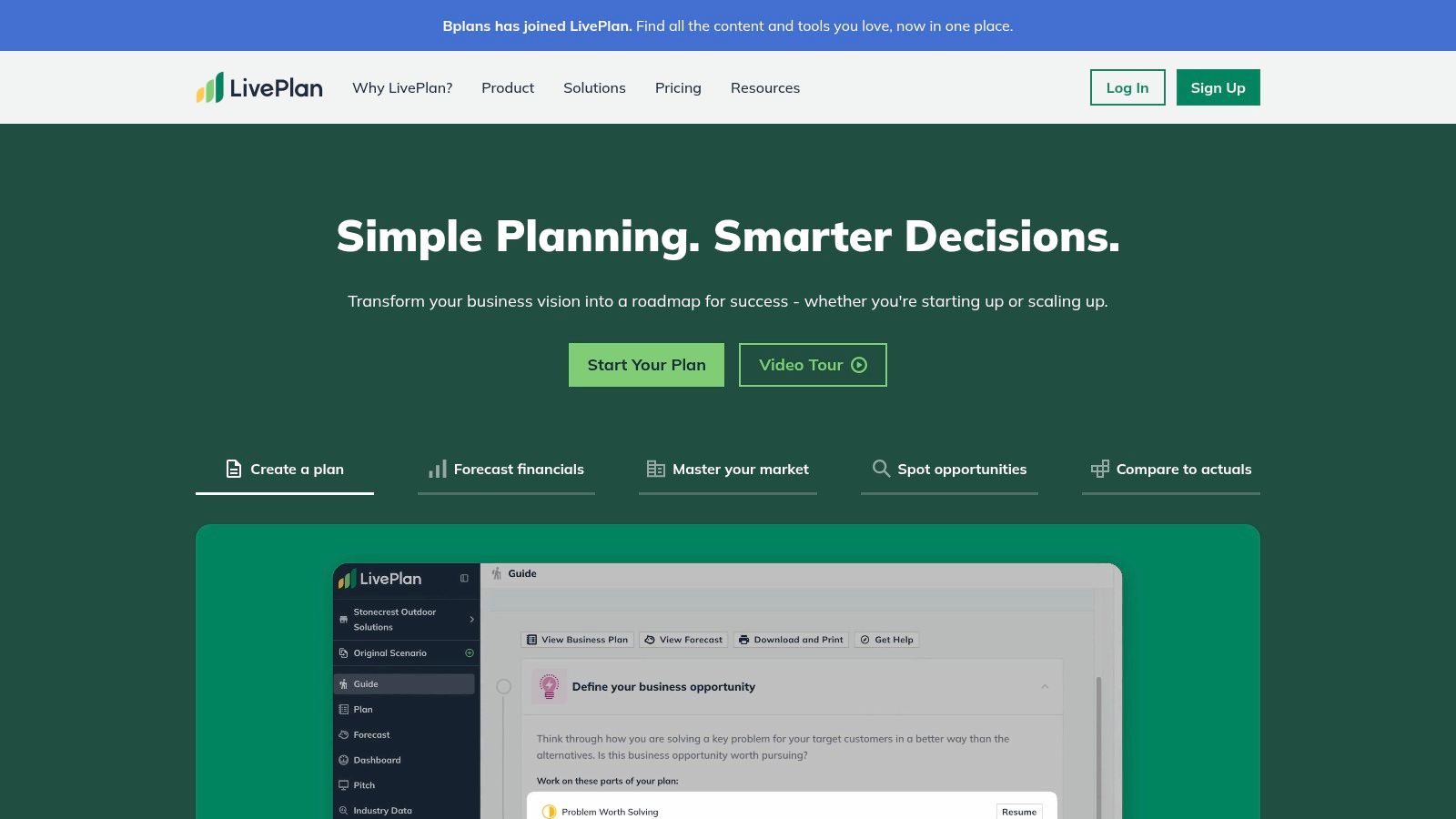
This allows you to see how other companies have structured their financials, marketing strategies, and operational plans before you start your own. The downloadable template itself is a robust Word document that follows the traditional structure favored by banks. It comes with helpful tips embedded in each section, guiding you through the writing process. The resources here can provide foundational knowledge that complements the advanced AI-powered tools available on platforms like LunaBloomAI.
Key Features and Considerations
- Access: The template download is gated behind an email sign-up.
- Formats: A comprehensive, traditional business plan template as a downloadable Word document.
- Best For: Entrepreneurs who want to study real-world examples from their specific industry before writing their own plan.
- Pros: Access to a huge library of 500+ sample plans. The template is well-structured and aligns with SBA standards.
- Cons: Requires an email address to download. The site actively promotes its paid LivePlan software.
Website: Bplans Free Business Plan Template
4. HubSpot
HubSpot, a leader in marketing and sales software, offers a polished and user-friendly business plan template free for entrepreneurs at any stage. HubSpot’s templates are designed for clarity and impact, making them ideal for founders who want a professional-looking document without hiring a designer.

The download includes several variations, like a one-page plan for quick pitches and a more detailed version for internal strategy or funding discussions. HubSpot’s templates are fillable documents with step-by-step prompts embedded directly into each section. This guided approach helps streamline the writing process, ensuring you cover everything from your executive summary to your financial projections.
Key Features and Considerations
- Access: Free, but requires providing an email address to receive the downloadable files.
- Formats: Available as easily editable Word documents and shareable PDFs, including one-page and startup plan variants.
- Best For: Startups and small business owners looking for a well-designed, easy-to-complete template for internal planning or investor conversations.
- Pros: Professionally designed, clean layouts that are simple to follow. Multiple template options are included in a single download.
- Cons: Accessing the templates requires an email submission, which leads to follow-up marketing communications.
Website: HubSpot Simple Business Plan Template
5. Shopify (Lightweight Business Plan)
Shopify offers a streamlined “lightweight” business plan template free for early-stage founders, especially those in the e-commerce space. This template focuses on concise strategy and practical planning, helping you organize your core business model quickly.
It’s an excellent first step before committing to a more exhaustive plan. This resource strips the planning process down to its essentials: strategy, resources, and action steps. It’s part of a broader suite of free Shopify tools that includes templates for cash flow and customer personas. The goal is to provide a practical framework to validate an idea quickly. While it’s a great starting point, founders may need to graduate to more comprehensive tools, such as the AI-powered strategic planners at LunaBloomAI, as their venture matures.
Key Features and Considerations
- Access: Free to download after providing an email address.
- Formats: Available as a downloadable Word document or PDF.
- Best For: E-commerce entrepreneurs, product-focused startups, and founders needing a quick, high-level strategic outline.
- Pros: Very fast to complete and helps clarify early-stage ideas. Perfectly suited for those launching an online venture.
- Cons: Not a comprehensive, lender-ready business plan. Requires an email opt-in.
Website: Shopify Lightweight Business Plan
6. Smartsheet
Smartsheet is a go-to hub for entrepreneurs who value choice and flexibility. It offers a massive gallery of business plan template free downloads in multiple formats, including Microsoft Word, Excel, PDF, and Google Docs. This versatility allows you to work in the environment you’re most comfortable with.
The collection includes everything from comprehensive startup plans to simple one-page outlines. Each template is designed for direct download, offering immediate access so you can start planning right away. While the landing pages promote Smartsheet’s paid software, the core templates are genuinely free and serve as excellent standalone resources for structuring your strategic goals.
Key Features and Considerations
- Access: Most templates are free to download directly without an account.
- Formats: Extensive selection available in Word, PDF, Excel, and Google Docs.
- Best For: Founders who want a wide variety of template options and formats to choose from in one convenient location.
- Pros: Huge library covering many business plan types and file formats. Guidance notes are often included within the templates.
- Cons: The templates are static documents. The download pages contain significant marketing for their core product.
Website: Smartsheet Simple Business Plan Templates
7. Canva
Need a business plan that looks as good as it reads? Canva is your answer. While traditional templates focus on substance, Canva excels at presentation, offering hundreds of professionally designed documents and pitch decks that command attention. Its intuitive drag-and-drop editor makes it simple to create a polished plan that looks investor-ready.
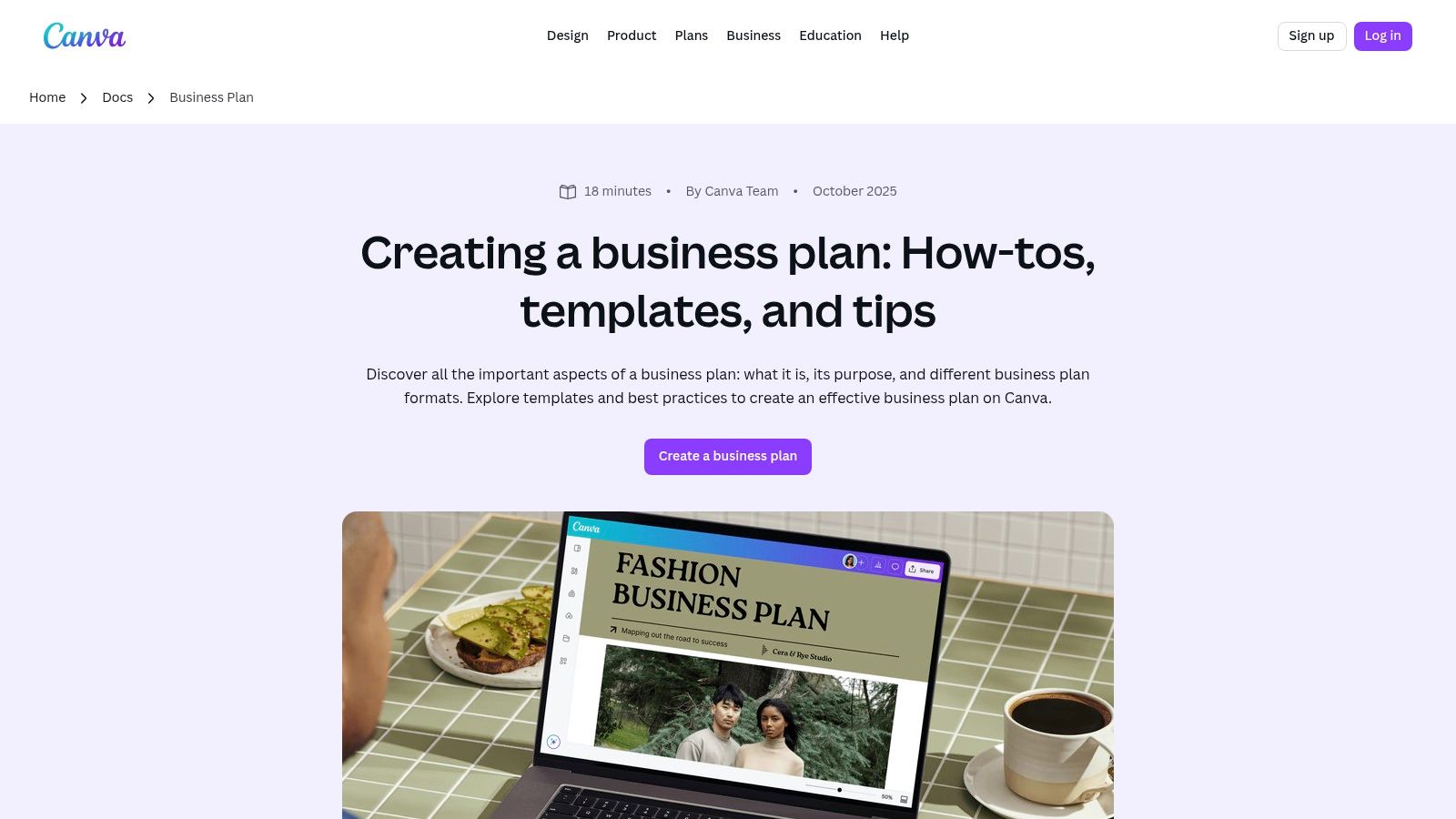
Canva transforms planning into a creative exercise. You can easily add charts, infographics, and custom branding to bring your data to life. This design-first approach is ideal for pitch decks and executive summaries where first impressions are critical. While Canva provides the visual framework, you’ll still need to bring well-researched content, a process that can be streamlined with strategic planning tools on platforms like LunaBloomAI.
Key Features and Considerations
- Access: A vast library of free templates is available with a free Canva account.
- Formats: Offers editable business plan documents, one-page plans, and complete presentation pitch decks with multiple export options.
- Best For: Startups, creatives, and businesses that need a visually compelling plan for presentations or investor pitches.
- Pros: Unmatched design flexibility and easy customization. Real-time collaboration allows teams to work together seamlessly.
- Cons: The platform’s strength is design, not content generation. The user is responsible for providing all the substantive information.
Website: Canva Business Plan Templates
8. Microsoft Create (Office Templates)
For those deeply integrated into the Microsoft ecosystem, Microsoft Create offers a straightforward and highly accessible business plan template free of charge. This official hub provides professionally designed templates directly for Microsoft Word, eliminating the need to learn a new platform or deal with incompatible files.
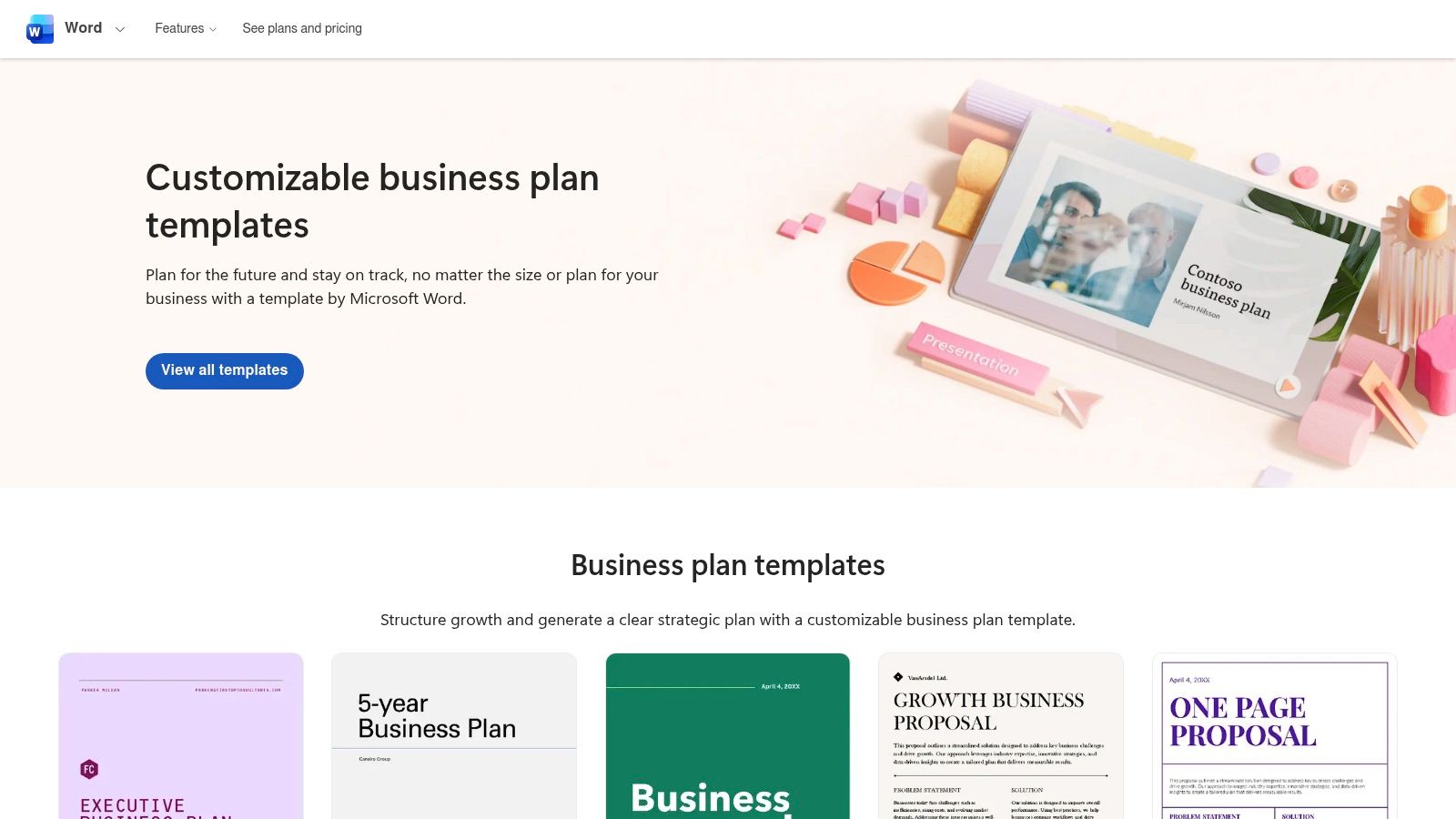
Its biggest advantage is seamless integration with Microsoft 365. You can edit your plan on a desktop via the Word app, collaborate with partners online, or make quick updates on your phone. In addition to the main business plan document, the platform offers complementary templates for financial projections in Excel and presentation slides in PowerPoint, helping you create a cohesive set of business documents.
Key Features and Considerations
- Access: Free to download and use; a Microsoft account may be required to save and edit online.
- Formats: Primarily downloadable Microsoft Word (.docx) files, with related templates for Excel and PowerPoint.
- Best For: Users who are highly proficient with Microsoft Office and want a simple, ready-to-use template.
- Pros: Familiar editing environment within Word. Templates work seamlessly across desktop, web, and mobile versions of Office.
- Cons: Less guidance and fewer industry-specific variations compared to dedicated business planning platforms.
Website: Microsoft Create Business Plans
9. PandaDoc
PandaDoc offers a business plan template free of charge that is part of a broader document workflow system. It excels in creating, sharing, and tracking proposals, making it ideal for founders who are actively pitching investors or partners. The platform provides a suite of templates, including options for startups, e-commerce ventures, and SBA-style plans.
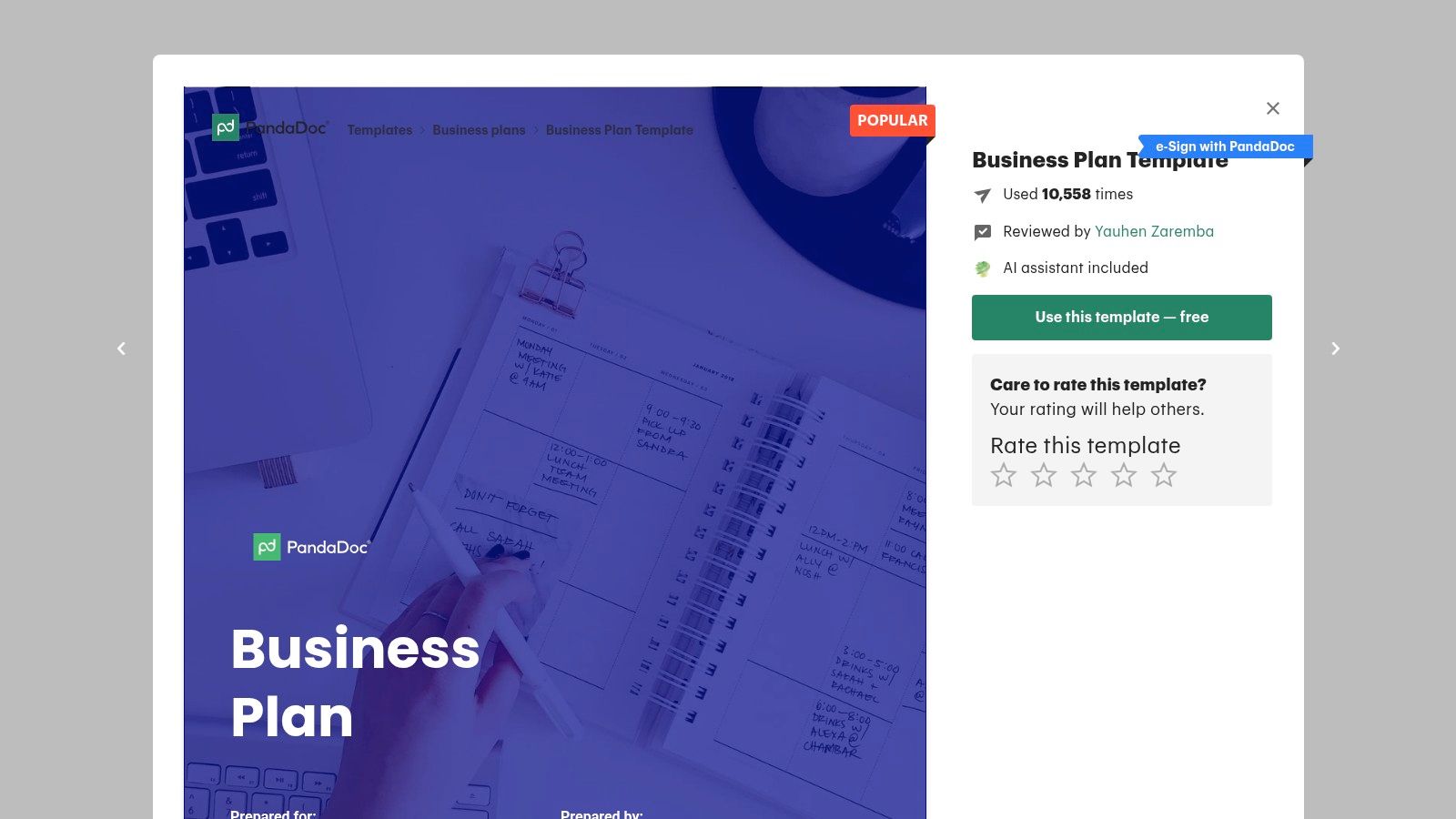
Unlike simple downloadable files, PandaDoc templates are used within an online editor that facilitates real-time collaboration. This allows multiple stakeholders to contribute to and comment on the plan seamlessly. Once finalized, the business plan can be exported or sent directly from the platform, with optional e-signature capabilities to formalize agreements.
Key Features and Considerations
- Access: Free to use, but requires creating a PandaDoc account.
- Formats: Multiple online templates (general, startup, e-commerce) within a collaborative editor.
- Best For: Teams needing to collaborate on a business plan and manage it as part of a larger document workflow.
- Pros: Excellent for team collaboration and creating polished, shareable documents. The integrated e-signature feature is a major benefit.
- Cons: Requires account sign-up. The most powerful workflow and tracking features are locked behind paid subscriptions.
Website: PandaDoc Free Business Plan Template
10. ClickUp Templates
ClickUp takes a unique approach by integrating your business plan directly into its powerful project management ecosystem. Instead of a static document, ClickUp transforms your plan into an actionable project. This is perfect for teams who want to not only create a plan but also track its execution, assign tasks, and monitor progress against milestones in real-time.
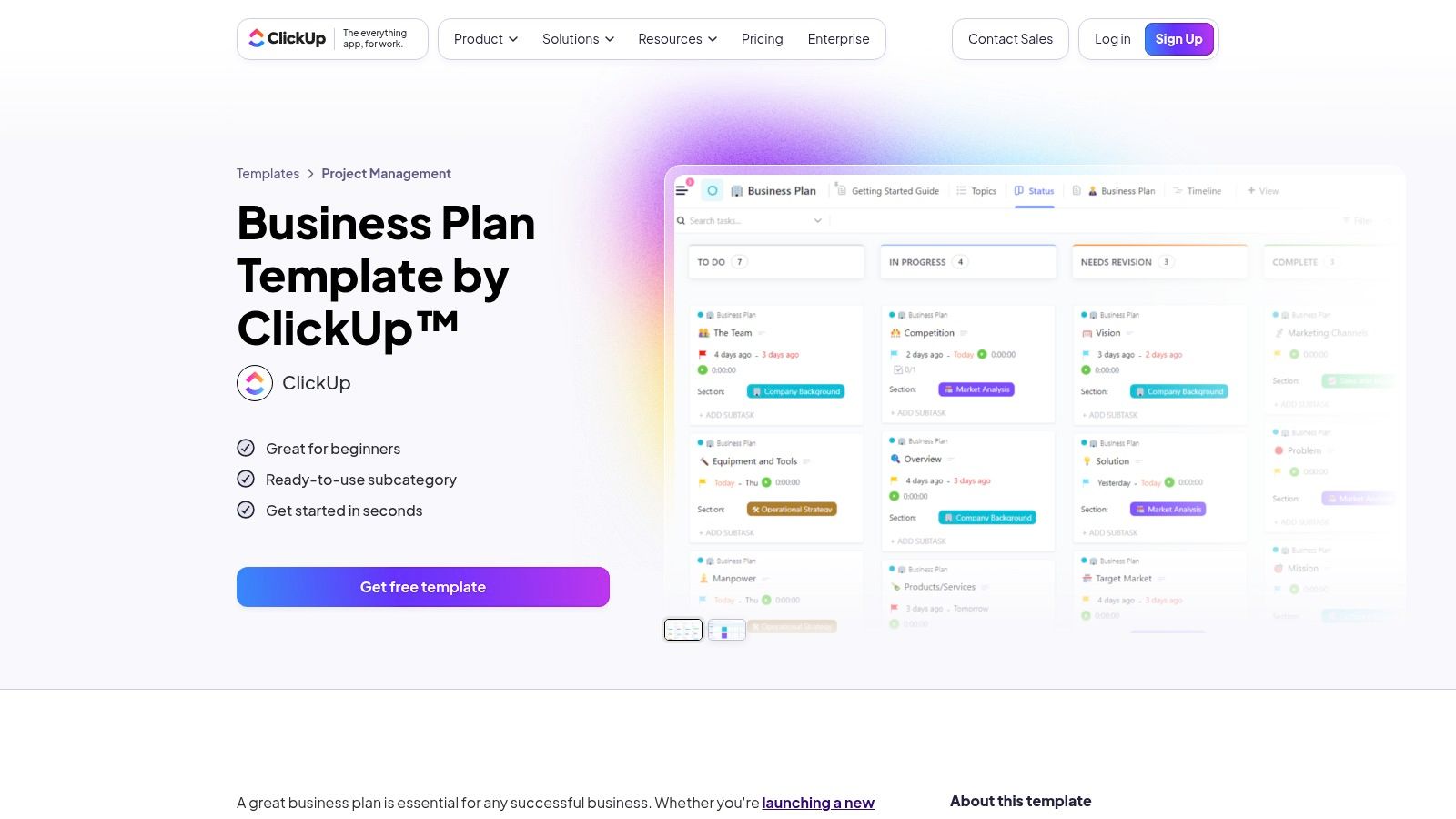
The platform provides various templates, including list-based plans, detailed documents, and proposal formats. By connecting your plan to tasks, timelines, and goals, ClickUp bridges the gap between planning and doing, ensuring your strategy remains a living part of your daily operations. This makes it a dynamic tool for managing your strategic vision from start to finish.
Key Features and Considerations
- Access: Templates are available with a free ClickUp account.
- Formats: Offers multiple template types, from task-based lists to comprehensive Docs for narrative-style planning.
- Best For: Teams who want an interactive, actionable business plan integrated with their project management workflow.
- Pros: Excellent for tracking execution and keeping the plan relevant post-launch. Collaborative features make team alignment seamless.
- Cons: Has a steeper learning curve than a simple document editor. The full potential is unlocked on paid tiers.
Website: ClickUp Business Plan Templates
11. Miro (Lean/Business Model Canvas templates)
For teams focused on visual collaboration and early-stage ideas, Miro is an excellent choice. Its vast library contains numerous Lean Canvas and Business Model Canvas templates, which are powerful one-page strategic tools. These aren’t traditional, text-heavy documents but dynamic digital whiteboards designed for brainstorming and rapid iteration.
The platform is built for collaborative workshops, allowing multiple users to add sticky notes, draw connections, and refine concepts simultaneously. This visual approach is perfect for aligning team members on core business components before committing to a lengthy narrative. While these canvases aren’t lender-ready documents on their own, the strategic clarity they help build can inform more advanced planning tools, including those available through platforms like LunaBloomAI.
Key Features and Considerations
- Access: Templates are free to use with a basic Miro account.
- Formats: A wide variety of community-created Lean Canvas and Business Model Canvas templates.
- Best For: Startups in the ideation phase, agile teams, and anyone needing a visual tool for strategic planning workshops.
- Pros: Excellent for rapid brainstorming and pivoting. The real-time collaboration features are best-in-class for remote or hybrid teams.
- Cons: These templates do not replace a full, narrative business plan for investors or lenders. They are a starting point, not the final document.
Website: Miro Lean Canvas Template
12. Vertex42
Vertex42 offers a highly practical and no-frills business plan template free for users who prefer working directly in Microsoft Word and Excel. Its core offering is a downloadable Word template paired with a powerful Excel workbook. This combination is ideal for entrepreneurs who want to handle their own financial modeling and paste the results directly into their plan.
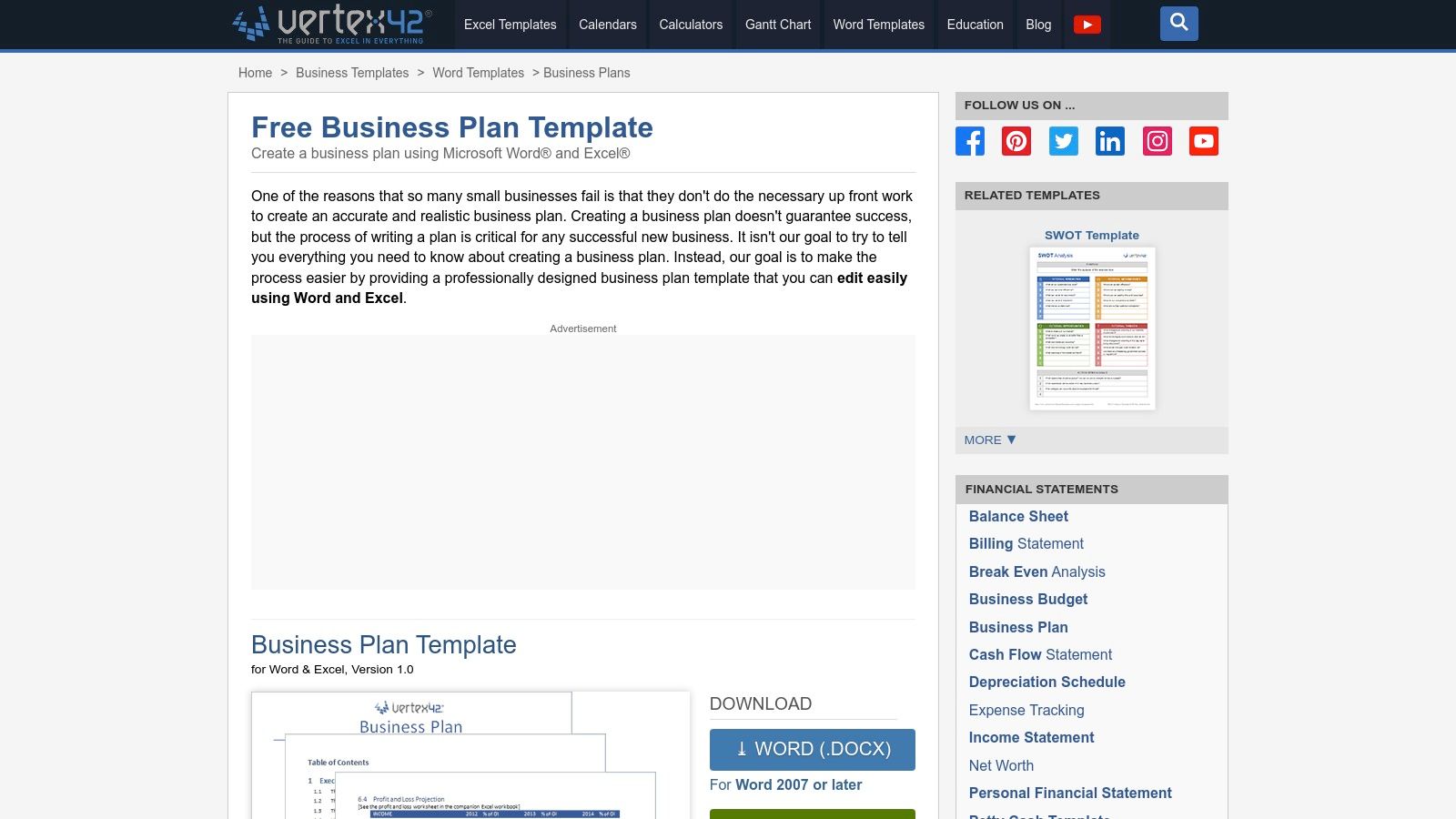
The platform’s strength lies in its financial worksheets, which include templates for an income statement, balance sheet, cash flow projections, and break-even analysis. These are compatible with both Excel and Google Sheets. Vertex42 gives you complete control over your financial data, making it a great resource for hands-on founders who want to deeply understand their numbers.
Key Features and Considerations
- Access: Completely free downloads with no registration required.
- Formats: Provides an integrated DOCX business plan template and an XLSX workbook for financial statements.
- Best For: Entrepreneurs who are comfortable with Excel and want to build their financial projections from the ground up.
- Pros: The companion financial workbook is excellent for DIY financial modeling. It offers lightweight, practical tools without needing a sign-up.
- Cons: The templates have a basic design and lack the polished visual appeal found on other platforms.
Website: Vertex42 Business Plan Template
Top 12 Free Business Plan Template Comparison
| Provider | Key features | Quality (★) | Price / Value (💰) | Best for (👥) | Standout (✨/🏆) |
|---|---|---|---|---|---|
| U.S. Small Business Administration (SBA) | Lender-aligned templates, step-by-step guidance, examples | ★★★★☆ | 💰 Free | 👥 Founders seeking bank/SBA funding | 🏆 Authoritative lender guidance ✨ |
| SCORE (SBA partner) | Fillable templates, financial worksheets, 1:1 mentoring | ★★★★☆ | 💰 Free + mentorship | 👥 Entrepreneurs wanting mentor feedback | ✨ Free local mentor reviews 🏆 |
| Bplans (Palo Alto Software) | Downloadable template + 500+ sample plans | ★★★★☆ | 💰 Free (email gated) / LivePlan upsell | 👥 Users needing industry examples | ✨ Large sample library |
| HubSpot | One-page, simple & startup variants with prompts | ★★★★☆ | 💰 Free (email) | 👥 Marketers & early-stage founders | ✨ Polished, easy layouts |
| Shopify (Lightweight Plan) | Concise strategic plan for early-stage founders | ★★★☆☆ | 💰 Free (email) | 👥 E‑commerce/product founders | ✨ Fast, practical framework |
| Smartsheet | Many formats (Word/Excel/Sheets), one-page & lean | ★★★★☆ | 💰 Free downloads (promotes paid product) | 👥 Users wanting variety of file types | ✨ Broad template gallery |
| Canva | Design-forward docs, pitch decks, collaboration | ★★★★★ | 💰 Free + Pro assets | 👥 Founders needing investor-ready visuals | 🏆 Best for polished visuals ✨ AI writing & branding |
| Microsoft Create | Word templates + checklists integrated with 365 | ★★★★☆ | 💰 Free (may require sign-in) | 👥 Microsoft 365 users | ✨ Familiar Office workflow |
| PandaDoc | Multiple plan types, online editor, e-sign workflows | ★★★★☆ | 💰 Freemium (account required) | 👥 Teams needing collaboration & workflows | ✨ Docs + signature workflows |
| ClickUp Templates | Plan templates integrated with task tracking | ★★★☆☆ | 💰 Free account (paid tiers for advanced) | 👥 Teams executing plans & milestones | ✨ Combines plan + project tracking |
| Miro (Lean/Canvas) | Lean Canvas & Business Model Canvas, visual board | ★★★☆☆ | 💰 Free templates (paid for larger teams) | 👥 Early-stage teams & workshops | ✨ Visual ideation & collaboration |
| Vertex42 | Word plan + Excel financials and break-even model | ★★★☆☆ | 💰 Free | 👥 DIY founders needing robust financials | ✨ Practical financial templates |
From Template to Triumph: Your Next Steps
You now have a curated list of the best free business plan templates available. We’ve covered everything from the robust, lender-ready formats from the SBA and SCORE to the sleek, user-friendly options from HubSpot and the design-focused layouts from Canva.
Remember, a business plan is more than a document—it’s your strategic roadmap. It clarifies your vision, guides your decisions, and communicates your goals to investors, partners, and your team. The right business plan template free of charge is the perfect starting point for the deep, critical thinking your venture deserves.
How to Choose the Right Template
Your immediate goal should determine your choice. Don’t just grab the first one you see.
- Seeking a Loan? Go with the comprehensive templates from the SBA or SCORE. Their structure is exactly what lenders expect.
- Validating an Idea? A Lean Canvas from Miro or a one-page plan from Shopify is perfect for testing assumptions quickly.
- Internal Planning? Tools like ClickUp integrate your plan into your workflow, turning strategy into actionable tasks.
- Pitching to Investors? For a plan that needs to impress visually, Canva is your best bet for creating a stunning pitch deck.
From Plan to Action
Once your plan is drafted, the real work begins. Your focus will shift to implementation, from formalizing your business structure to executing your marketing strategy. For example, entrepreneurs in Canada will need to explore topics like understanding the choice between federal and provincial incorporation in Canada as a critical next step.
Your chosen template is a powerful first step, but the value comes from the research and analysis you pour into it. Be realistic with your financials, be thorough with your market research, and be crystal clear about what makes your business unique. This document will become your north star—build it with the diligence it deserves.
Feeling stuck staring at that blank template? Let LunaBloom AI help you get started. Our intelligent platform generates foundational text for any section of your business plan, from market analysis to your executive summary. Turn your ideas into polished, professional prose in minutes. Visit LunaBloom AI to build your winning plan faster.