You've got a script due today, a rough idea of the visuals, and no crew, no editor, and no time to stitch together stock clips by hand. That's exactly where text-to-video tools stopped being a novelty and became useful software. The web has been moving toward video for years. Cisco's historical Visual Networking Index forecast projected global internet video traffic rising from 25 exabytes per month in 2014 to 105 exabytes per month in 2019, with video reaching 77% of all global internet traffic by 2019, a reminder that video demand is structural, not a passing format swing (Cisco Visual Networking Index forecast).
That demand changed what buyers should ask from the best text to video maker. The question isn't just “Can it generate a clip?” It's “Can it make the right kind of video for my job?” Cinematic product shots, AI spokesperson videos, and multilingual training modules are different workloads.
This roundup compares tools on the same five dimensions every time: output quality, avatars, voice cloning, localization, and pricing. The goal is simple. Pick the tool that fits the work, not the one with the flashiest demo. If you want a broader look at the category first, this guide to best text to video AI tools is a useful companion.
1. LunaBloom AI
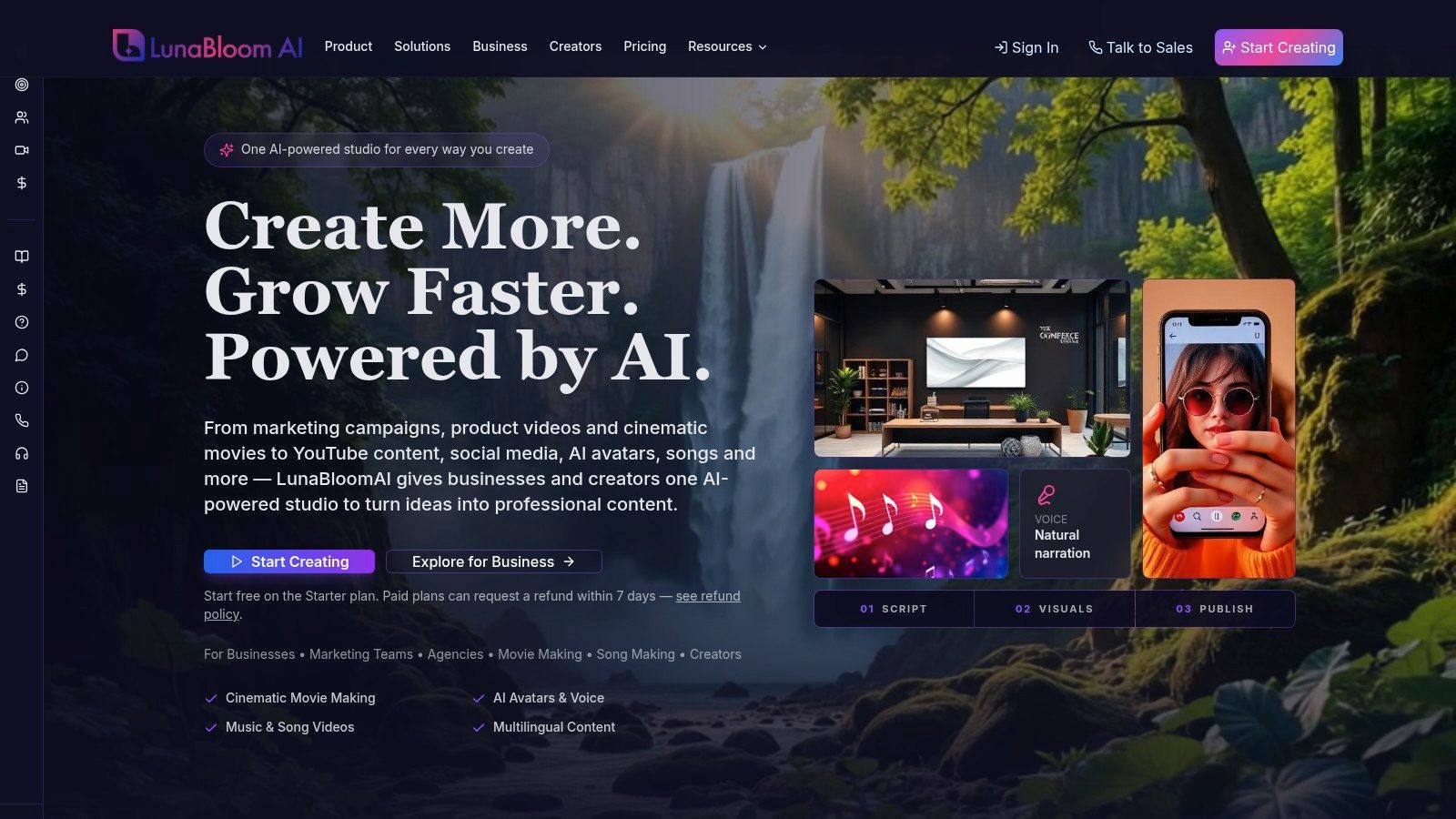
LunaBloom AI is the strongest all-round pick here because it doesn't force you to choose between cinematic generation and business-ready production. It turns text, scripts, and images into finished videos, then layers in the operational pieces teams usually end up patching together elsewhere, avatars, voice, captions, localization, metadata, collaboration, and export control. For buyers who need one platform rather than a chain of tools, that matters more than a flashy single render.
Its fit with the market is clear. Video is already mainstream in marketing, with 91% of businesses reporting they use it as a marketing tool, 93% of video marketers calling it important to their overall strategy, and 82% reporting a positive ROI in the surveyed group (Wyzowl video marketing statistics). That pushes the evaluation toward throughput and repeatability, not experimentation.
Where LunaBloom AI pulls ahead
LunaBloom's product design lines up with that reality. You can generate studio-quality videos in minutes, use text-to-video or image-to-video, build hyper-realistic custom avatars in photo-real, animated, or 3D styles, and add voice cloning, automatic lip-sync, and multi-character dialogue. It also supports 50+ languages and regional accents, plus automated captions, translations, and SEO-oriented thumbnails, titles, and metadata.
A quick way to test it is through the LunaBloom AI app, which reflects the platform's end-to-end positioning better than a static pricing page ever could.
- Output quality: Strong for both cinematic and presenter-led work, with HD and Full HD exports, layered audio, and premium templates.
- Avatars: One of the most flexible options in this list because it spans custom photo-real, animated, and 3D avatars.
- Voice cloning: Built in, with higher tiers expanding multi-voice capabilities.
- Localization: A standout strength. Multilingual voiceovers, translated captions, and regional accents are built into the workflow.
- Pricing: Flexible but credit-based. That gives transparency, yet heavy avatar or HD output can add up if your volume spikes.
Practical rule: If your team produces social clips one day, onboarding videos the next, and localized explainers after that, an end-to-end platform is usually cheaper operationally than a “best model plus separate editor” stack.
Best for teams that need scale, not just clips
LunaBloom AI's pricing is unusually clear for this category. There's a free Starter trial with 2 free videos up to 10 seconds in 720p, creator plans at $29.99 per month, $79.99 per month, and $119.99 per month, and business plans starting at $999 per month for 10,000 credits, with custom enterprise scaling. The platform shows the exact credit cost before each render, paid plans include commercial rights, and paid purchases are refundable within 7 days.
The trade-off is straightforward. Credit systems are fair when they're visible, but they reward teams that monitor usage carefully. If you generate lots of long, avatar-heavy, high-resolution videos, you'll want a process for watching credit burn and approval cycles. Still, for creators, agencies, and enterprise teams that want one production system instead of five disconnected subscriptions, LunaBloom AI is the best text to video maker in this list for breadth and control.
2. Runway
Runway is the pick for people who care most about visual range. If your idea of a good output is mood, motion, stylization, and shot variation, Runway earns its place near the top. It supports text-to-video, image-to-video, and video-to-video, and it gives creators more visual steering than most web-first tools.
That matters because AI video has matured through a real research timeline rather than appearing all at once. A 2025 bibliometric review traces the field from Reed and colleagues' 2016 text-conditioned image generation, to Li and colleagues' 2018 Video Generation from Text, then to diffusion-based milestones like the 2022 Video Diffusion Model, and identifies 2024 as another defining year with Sora's arrival (Springer bibliometric review of text-to-video research). Runway sits in that lineage. It feels like a tool built for creators who want access to the model layer, not just templated assembly.
Best for cinematic scenes and creative control
Runway's strengths are easy to recognize once you're inside the editor. You get reference images, keyframes, stylization controls, storyboarding tools, effects, common export formats, and API access for teams automating workflows. That mix makes it more than a prompt box.
Its weak point is just as clear. Runway asks more from the user. You'll usually get the best results when you're comfortable nudging shots, trying references, and thinking in sequences rather than expecting a polished business explainer in one pass.
- Output quality: Excellent when your goal is cinematic or stylized footage.
- Avatars: Not the core use case here.
- Voice cloning: Less central than in avatar-first tools.
- Localization: Possible in a broader workflow, but not the main reason to choose it.
- Pricing: Credit-based and sensible at entry, though longer clips can get expensive fast.
Runway is the tool you choose when visuals lead and the rest of the workflow follows.
For filmmakers, ad creatives, and brand teams producing high-impact scenes, Runway is still one of the strongest creative-first options in the market. For straightforward spokesperson content, it's often more tool than you need.
3. Pika
A creator testing five hooks for the same product can produce variations in Pika without building a full sequence for each one. That speed defines the platform. Its lightweight interface and quick generations suit short-form social content, where the value of a clip often depends on how quickly a team can test and revise it.
The case is stronger for small teams with limited production capacity. Wistia's 2025 report found that AI video adoption among brands rose from 18% in 2024 to 41% in 2025. It also found that 58% cited company size and resources as the biggest barrier to making more video, while cost affected 38% and technical capability 25% (Wistia 2025 State of Video report announcement). Pika addresses that production bottleneck by making a usable draft quick to produce.
Pika combines text-to-video, image-to-video, and video-to-video generation with style presets in an accessible web app. Its community and remix features support a repeatable testing cycle: create a concept, adjust the visual direction, and make another version. That workflow fits social hooks, platform-specific edits, and frequent posting.
The trade-off becomes clearer beside LunaBloom AI. Pika prioritizes rapid creative iteration, while LunaBloom AI covers broader production and localization workflows.
- Output quality: Good for punchy, stylized short clips.
- Avatars: Not a core differentiator.
- Voice cloning: Not its main strength.
- Localization: More limited than business-oriented platforms.
- Pricing: Attractive for casual and mid-frequency creators.
Pika fits solo creators, meme marketers, and brands focused on short-form publishing. Teams that need approvals, multilingual rollouts, or polished presenter content should choose a broader production system.
4. Luma AI
For a product teaser that needs movement, atmosphere, and a fast visual test, Luma AI, including Dream Machine, offers a focused route from prompt to clip. It sits between simple consumer apps and heavier production suites, with web and iOS access for creators working across devices.
Its strongest case is visual exploration. Prompt-to-video and image-to-video generation suit concept visuals, launch teasers, product mood pieces, and social assets where the visual direction matters more than a presenter-led script. The results often have more cinematic motion than stock-based assemblers, while commercial-use and licensing options make Luma more practical for business projects than a purely experimental tool.
Luma is less complete as an end-to-end video system. Users may encounter Dream Machine and the wider Luma ecosystem as overlapping products, so checking the current workflow before committing can prevent confusion. Plan terms, credits, and product packaging may also change, which makes current tier details worth verifying.
The comparison with LunaBloom AI's broader production workflow clarifies the choice. Luma emphasizes generation quality and access. LunaBloom AI is positioned around a wider production and localization process.
Rather than treating Luma as a general-purpose replacement for every video tool, judge it against five practical criteria:
- Output quality: Strong motion and a cinematic feel, particularly for visual concepts and atmospheric clips.
- Avatars: Not a major focus.
- Voice cloning: Limited compared with avatar-first platforms.
- Localization: Not a headline capability.
- Pricing: Credit-based. Verify current tiers and usage terms before buying.
That profile makes Luma AI a good match for previsualization, social visuals, and aesthetic promotional content. Avatar-based training and multilingual explainers require capabilities Luma does not emphasize, so those projects fit a broader production platform more naturally.
5. Synthesia
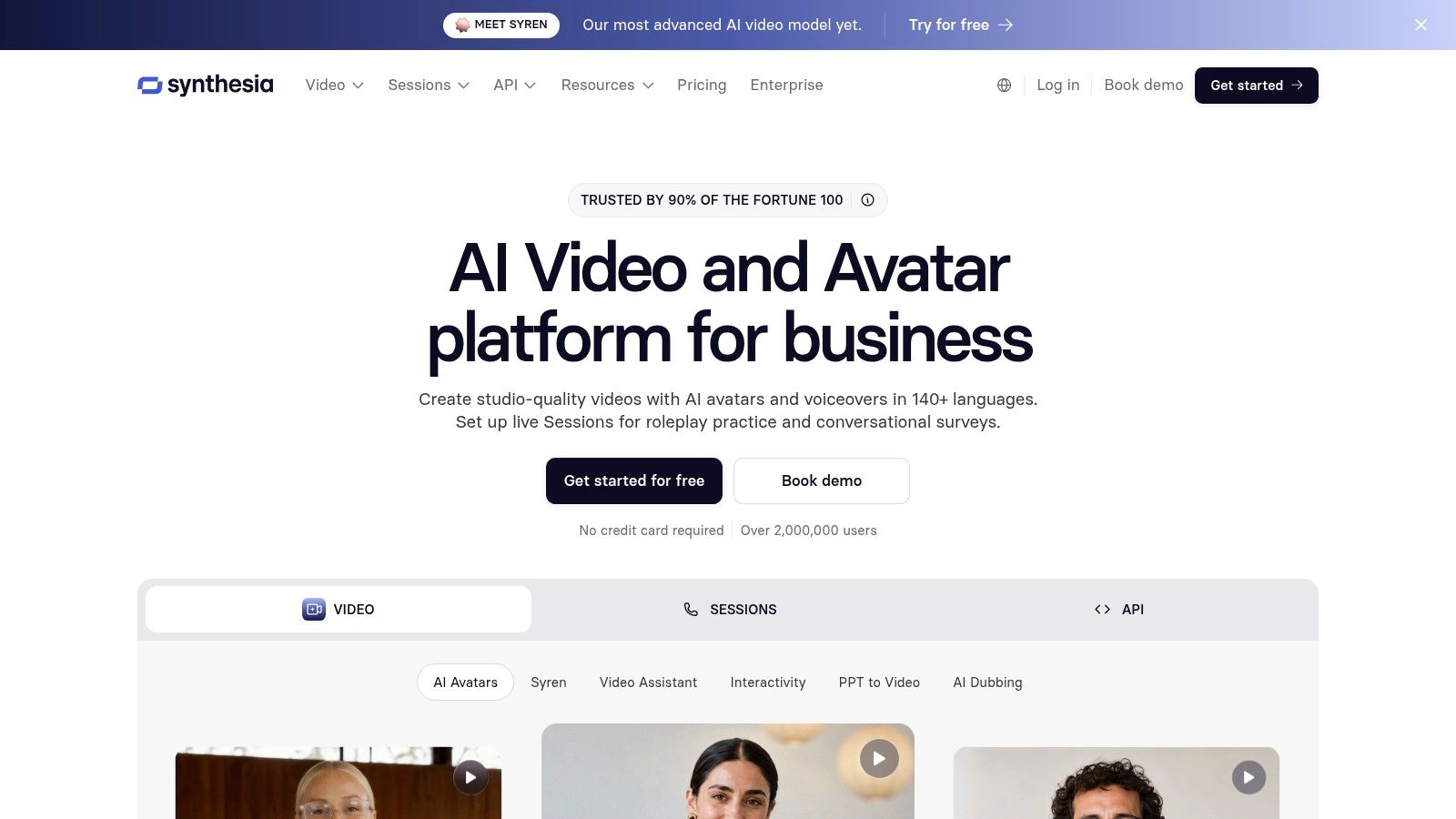
A training manager with a finished script can turn it into a presenter-led video without building scenes from scratch. That is Synthesia's role in this comparison. It prioritizes consistent business communication over cinematic experimentation, which makes its value easier to judge by repeatability than visual novelty.
The product also reflects a practical publishing principle. Google recommends helpful, reliable, people-first content that serves a clear audience and helps readers reach a goal, rather than text expanded to meet an arbitrary length (Google people-first content guidance). Synthesia applies a similar idea to video production: provide a script, select a presenter and format, then produce a consistent result for a defined audience.
Its strongest use cases are training, onboarding, customer education, and internal communications. 100+ AI avatars and voices, custom avatar options, templates, collaboration tools, SSO, and brand controls support libraries of videos that need a shared visual and editorial standard. Enterprise teams also gain administrative controls that matter when many contributors create or update content.
Synthesia suits multilingual presenter videos more than abstract visual storytelling. Surreal scenes, complex action, and cinematic world-building belong to tools built around generative imagery. A scripted presenter explaining a process, policy, or product is a better match here.
The five-dimension assessment is straightforward:
- Output quality: Consistent and polished in presenter-led formats.
- Avatars: A major strength.
- Voice cloning: Useful, though the platform is broader than a clone-first tool.
- Localization: Strong and mature.
- Pricing: An accessible entry point, while lower tiers may limit features or add watermarks.
Choose Synthesia when governance, clarity, and repeatable production carry more weight than visual experimentation. HR teams, customer education managers, and enterprise communications groups can evaluate it at Synthesia.
6. HeyGen
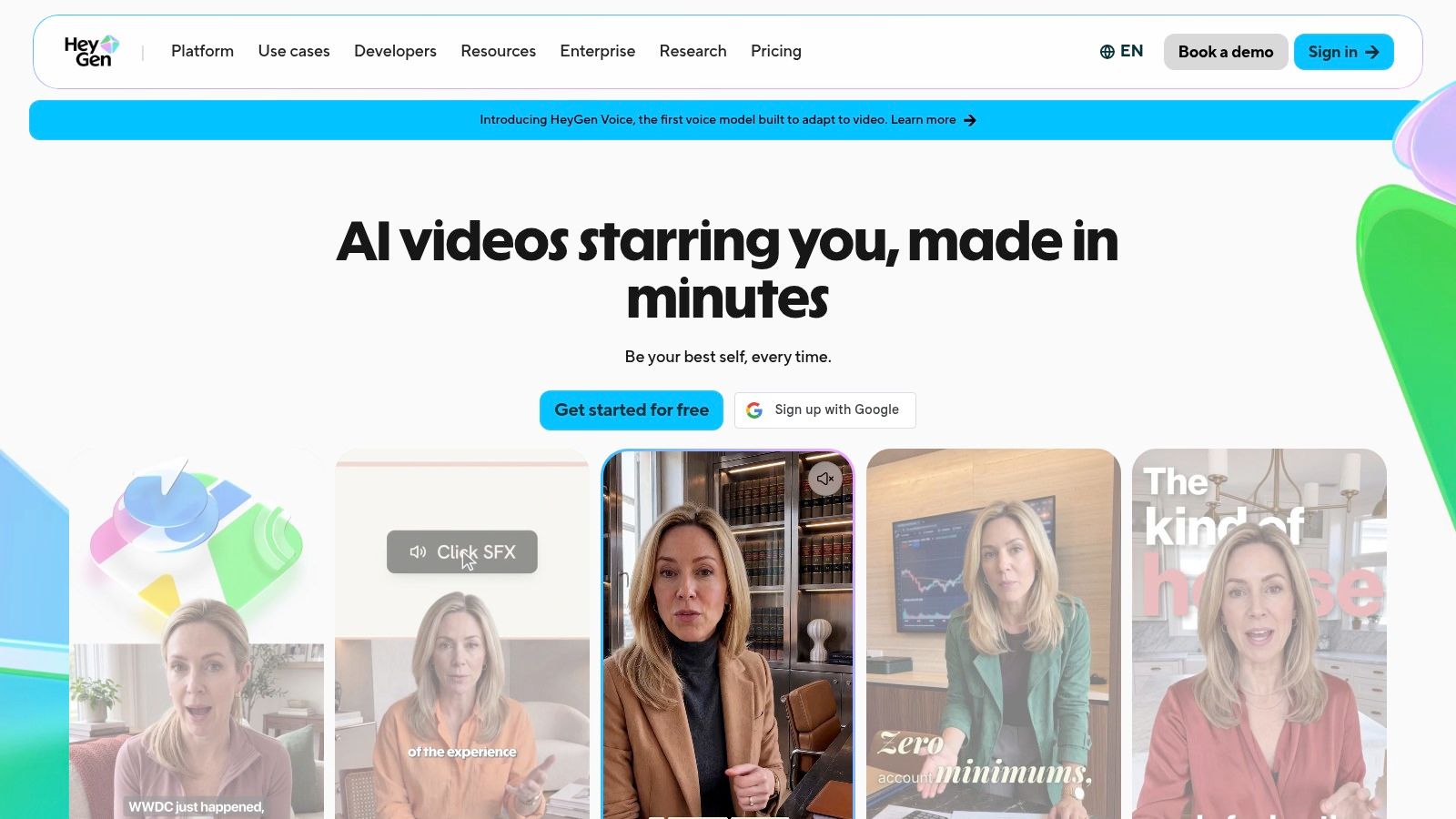
A marketing team that needs the same presenter video in several languages will usually feel HeyGen's strengths quickly. It is built for spokesperson, product explainer, and localized outreach videos, so the workflow stays focused on repeatable output rather than experimental visuals.
That matters because AI-assisted creation is now a regular part of video work. One market summary reports that 63% of video marketers said they use AI tools to create or edit content, up from 51% in the prior year, which puts more weight on reliability, controllability, and the cost of revisions than on novelty (AI video generation adoption summary). HeyGen fits that need well.
Best for localized spokesperson videos
HeyGen combines photo-real and stylized avatars, voice cloning, dubbing, translation, lip-sync, collaboration, and brand templates. For campaigns that need one script turned into many localized versions, that mix is practical. Non-editors can usually get started without much friction.
The platform stays avatar-first. That is useful for product intros, update videos, and customer-facing explainers, where clarity matters more than visual invention. It is less suited to complex scene direction or cinematic world-building, areas where Runway or Luma have more room to move.
Pricing is another part of the decision. If you are comparing plans, look at LunaBloom AI pricing alongside HeyGen's own tiers, especially if your stack needs both localization and broader generative formats.
- Output quality: Strong for presenter-led videos.
- Avatars: One of the category leaders.
- Voice cloning: A core strength.
- Localization: Excellent for translation and dubbed variants.
- Pricing: Can require upgrades as team usage and seats expand.
For marketing teams that need spokesperson-style content quickly, often, and in multiple languages, HeyGen is a practical fit.
7. invideo AI
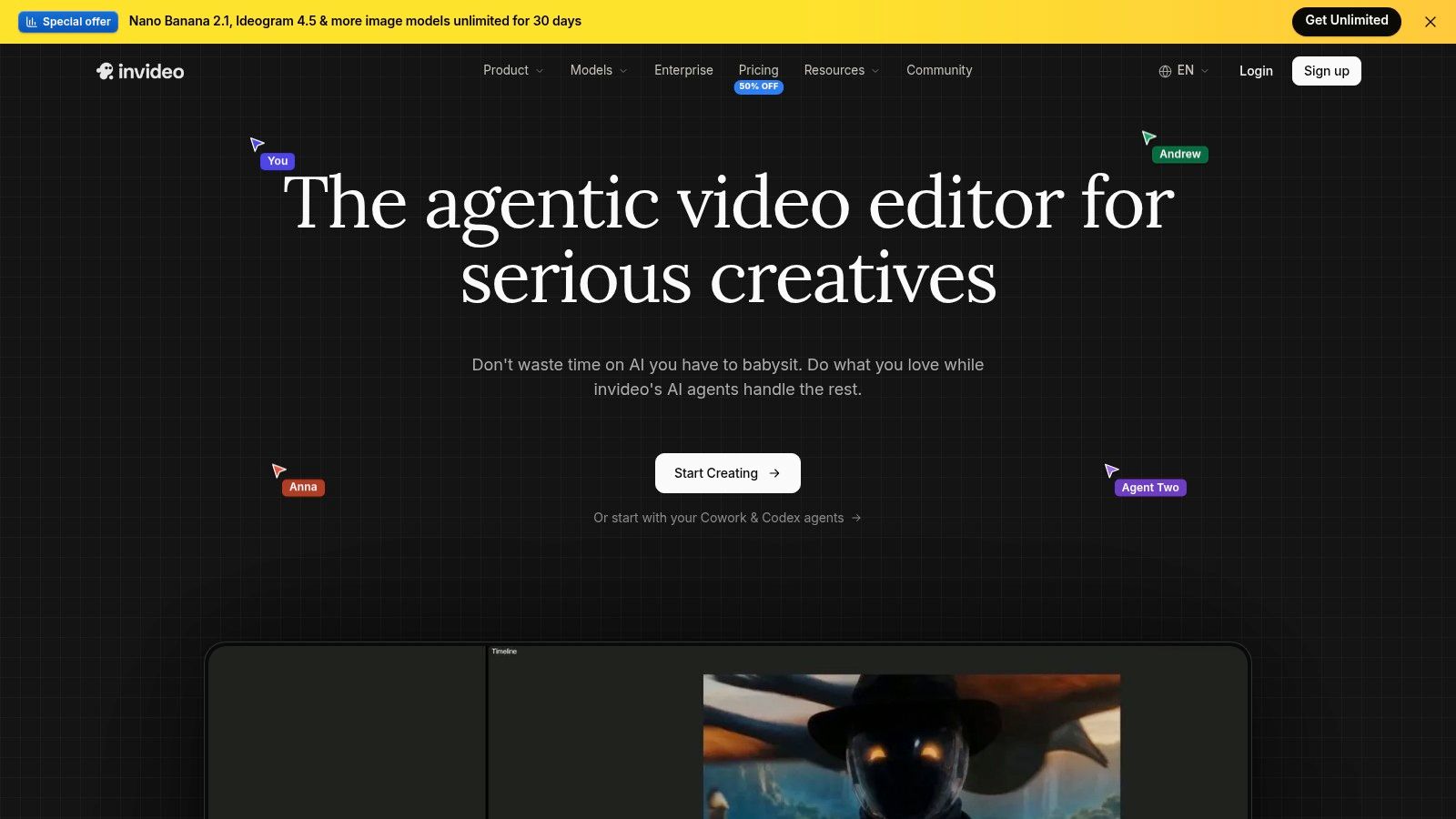
A marketer with a script and a deadline can get useful output from invideo AI quickly. It turns prompts or scripts into edited videos with stock media, AI voiceover, captions, and social-ready formats. That makes it a practical fit for faceless content, fast promos, and steady channel output.
Speed matters, but publishing still has to support discovery. Google's video SEO documentation points to a public page, accurate metadata, VideoObject structured data, video sitemaps, matching descriptions, and a valid thumbnail as part of indexing workflow (Google video SEO documentation). A tool like invideo AI helps produce volume, yet the draft still needs to move through a publishing process that makes the video findable.
Best for fast social drafts and stock-led explainers
The strongest use case is simple. You enter a prompt, it assembles clips, adds text overlays, inserts a voiceover, and exports in channel-friendly ratios. That lowers friction for non-editors and small teams that need to publish often.
Its tradeoff is clear. Because it relies heavily on stock-style visuals, the result can look less original than model-first generators. For many marketing jobs that is acceptable. It is a weaker fit when brand identity depends on motion that feels custom or cinematic.
There is a second comparison worth making. If you want a stock-led workflow and a more cinematic starter path, the starter video app offers a useful contrast for early-stage teams testing formats.
- Output quality: Good for drafts and routine marketing videos, less distinctive for premium storytelling.
- Avatars: Available in the broader product set, but not the main reason to choose it.
- Voice cloning: Present, though not as central as in avatar-first tools.
- Localization: Useful for variant production, but not the core pitch.
- Pricing: Public and accessible, with AI credit use changing by plan.
For social managers, solo marketers, and lean teams that publish frequently, invideo AI is an easy place to start.
Top 7 Text-to-Video Makers, Feature Comparison
| Product | Implementation complexity 🔄 | Resource requirements ⚡ | Expected outcomes ⭐ / 📊 | Ideal use cases 💡 | Key advantages ⭐ |
|---|---|---|---|---|---|
| LunaBloom AI | Medium, end-to-end studio UI with advanced avatar/voice controls; some setup for teams | Credit-based (pay-as-you-go → enterprise); higher tiers for HD/voice-clone; managed services available | Studio-quality, fast turnaround; consistent polished exports (HD/Full HD) 📊 | Scaled content production, multilingual marketing, creator teams | Hyper-realistic avatars, full workflow (localization, analytics, API) ⭐ |
| Runway | High, granular controls (keyframes, reference images) require learning | Per-second credit pricing; web editor + API for automation | Strong visual fidelity and fluid motion; good for custom generative shots 📊 | Creators needing fine control, VFX-like generative workflows, programmatic pipelines | Precise control + editor and API integration for complex projects ⭐ |
| Pika | Low, lightweight UX optimized for rapid iteration and social clips | Affordable entry tiers; optimized for short-form (lower credit/compute) ⚡ | Fast, stylistic short videos ideal for social; lower-duration defaults 📊 | Quick social posts, fast creative experimentation, frequent iterations | Very fast generation and approachable interface; good value ⭐ |
| Luma AI | Medium, prompt-driven with web/iOS workflows; some tier/feature differences | Credit-based plans; web and iOS access; verify current licensing terms | Cinematic previsualization and high-quality motion; strong visual output 📊 | Cinematic previews, mobile workflows, creators seeking polished generative results | High-quality motion and multi-platform access for creators ⭐ |
| Synthesia | Low, template/script-driven; simple UI for non-editors | Subscription/enterprise plans; many avatars and custom-avatar options | Rapid, consistent script-to-video outputs suited for training and comms 📊 | Corporate training, onboarding, localized explainers, marketing videos | Mature enterprise features, large avatar/voice library, fast production ⭐ |
| HeyGen | Low, avatar-focused workflow with simple editor for spokesperson videos | Seat/credit limits on plans; voice-clone and localization available | Quick, localized spokesperson/explainer videos with accurate lip-sync 📊 | Marketing & communications teams doing recurring updates and localized content | Competitive avatar quality, strong lip-sync and localization ⭐ |
| invideo AI | Low, templated auto-editing with prompts; minimal editing skill needed | Workspace + credit system; heavy use of stock media reduces bespoke compute ⚡ | Fast templated marketing/social videos; stock-driven visuals rather than bespoke motion 📊 | Marketers and creators needing quick drafts and social-ready formats | Rapid draft creation, templates and captioning for easy publishing ⭐ |
Matching the Right Text to Video Maker to Your Work
The best text to video maker depends less on brand hype and more on the kind of production problem you're solving. If you need visual range, tools like Runway and Luma AI make the most sense. They're better when the shot itself carries the message. If you need presenter-led clarity, Synthesia and HeyGen are usually better bets because avatars, lip-sync, and multilingual delivery are central to the product. If you need speed over originality, Pika and invideo AI are the practical choices for short-form and volume publishing.
There's another layer most rankings miss. Governance and accessibility matter after generation, not before. Adobe's 2025 creator survey found that 69% of creators were concerned about their content being used to train AI without permission, while other barriers included high cost, unreliable output quality, and uncertainty about training methods (Adobe Creator Toolkit Report PDF). At the same time, captions aren't optional polish. The W3C notes that captions are required under WCAG for prerecorded synchronized media at Level A, and they must include dialogue plus relevant non-speech audio and speaker identification where needed (W3C captions guidance). That's why localization, editable subtitles, auditability, and review controls deserve equal weight beside visual quality.
A practical next step is to test every shortlist candidate on a real script, not a toy prompt. Use the same brief, the same target channel, and the same approval standard. Then compare what matters in your workflow:
- For creators: Test how fast you can move from prompt to publishable short clip.
- For marketers: Compare caption editing, localization quality, and how easily you can create multiple channel variants.
- For agencies and enterprises: Check collaboration, version control, approvals, and whether you can document rights and review history.
Stanford's web-writing guidance notes that people skim online and read more slowly on screens, which is exactly why your video workflow should reduce friction, not add another editing bottleneck (Stanford web writing best practices). Pick the tool that shortens your path from script to usable asset. That's the one you'll keep using.
If you want one platform that covers cinematic generation, avatars, voice cloning, captions, localization, and scalable team workflows in the same place, LunaBloom AI is the strongest place to start. It's built for the job behind this search, turning text, scripts, and images into finished videos you can publish, localize, and manage without building a patchwork stack first.