
AI video creation tools are gaining tremendous popularity due to their ability to produce professional-quality videos with minimal effort. Synthesia has been one of the leaders in this space, allowing users to create realistic AI avatars and videos from text.
However, many creators, marketers, and small businesses are starting to look for cheaper, better alternatives to Synthesia due to its high pricing or limited customization.
In this blog, we’ll explore the best Synthesia alternatives for 2026, some of which can provide the same high-quality results at a more affordable price.
Whether you’re a content creator, marketer, educator, or small business owner, you’ll find valuable tools here to enhance your video production process.
Why Many Look Beyond Synthesia?
While Synthesia is widely recognized for its realistic AI avatars, text-to-video capabilities, and wide language support, it can be pretty expensive. With plans that can reach hundreds of dollars per month, small businesses and independent creators may struggle to fit this tool into their budget.
Furthermore, while Synthesia offers powerful features, its design and customization options can sometimes feel limited, especially for those who want more control over their video output.
As video creation has become an essential part of marketing, training, and education, many are searching for alternatives that offer the same quality with greater flexibility and affordability. The market is now flooded with Synthesia competitors, offering powerful AI video tools that cater to different needs and budgets.
Top Cheaper & Better Synthesia Alternatives
1. LunabloomAI
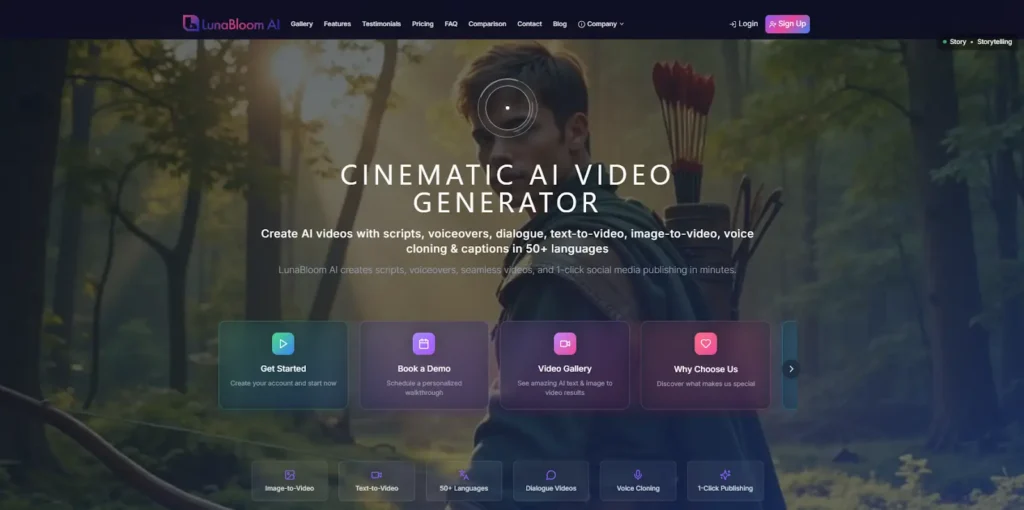
LunabloomAI is an all-in-one AI video creation platform that offers a comprehensive range of features for content creators, marketers, and businesses. It combines image-to-video, text-to-video, and custom AI avatars with multilingual support, making it a powerful alternative to Synthesia. It’s an excellent choice for users looking for flexibility and affordability.
Top Key Features:
If you’re looking for a comprehensive and affordable Synthesia alternative, LunabloomAI stands out due to its all-in-one capabilities.
Here’s why:
- Image-to-Video: LunabloomAI allows you to transform static images (like product photos or infographics) into engaging videos. This feature is ideal for creating product showcases, brand videos, and social media content.
- Text-to-Video: Don’t have a script or filming resources? No problem! LunabloomAI’s text-to-video feature lets you convert any text (blog posts, scripts, or articles) into professional videos within minutes. It’s perfect for creators who want to save time and effort.
- 50+ Languages: With over 50 languages supported, LunabloomAI enables users to create videos that can reach a global audience. This is a game-changer for businesses expanding into international markets or targeting multilingual communities.
- 1-Click Publishing: Once your video is ready, you can publish it directly to your YouTube Channel with just one click. This feature streamlines your video distribution process, saving valuable time.
- Realistic Custom AI Avatars: LunabloomAI lets you create lifelike avatars that can present your content in a natural and engaging manner. These avatars can speak your scripts, adding a personal touch to your videos.
- SEO-Optimized Thumbnails & Metadata: LunabloomAI automatically generates SEO-optimized thumbnails and metadata for your videos, helping them rank higher on platforms like YouTube and improving discoverability.

Pros:
- Affordable pricing compared to Synthesia.
- Wide language support (50+ languages) for global reach.
- Realistic AI avatars that can speak your scripts with natural lip-sync and movements.
- SEO optimization for video thumbnails and metadata, boosting discoverability on platforms like YouTube.
Cons:
- While feature-rich, advanced editing capabilities (e.g., B-rolls, overlays) might not be as robust as some competitors like VEED.io.
- Some users may find the interface slightly overwhelming at first, but it’s user-friendly once you get the hang of it.
2. HeyGen
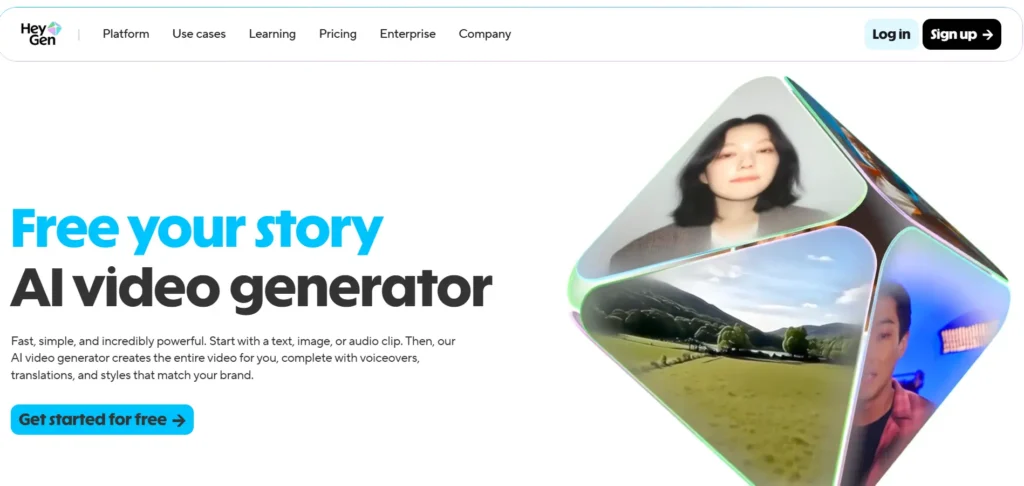
HeyGen (formerly Movio) is an AI video tool that specializes in creating videos with realistic avatars, making it a strong Synthesia competitor. It allows users to create videos by typing out text, and the AI avatars perform the scripts with high accuracy and lifelike movements.
Top 3 Key Features:
- Realistic AI Avatars: Create highly realistic avatars that deliver your message effectively.
- Lip-sync technology: Ensures your avatars speak naturally and in sync with your script.
- Multiple Templates: Offers a range of video templates for easy customization.
Pros:
- Highly realistic avatars that stand out for their lifelike appearance and gestures.
- Great for users needing personalized video messaging or corporate communications.
- Affordable pricing with different tiers to fit various budgets.
Cons:
- Limited editing flexibility: Unlike tools like VEED.io, HeyGen is focused primarily on avatar-based videos, offering fewer options for traditional video editing.
- No image-to-video functionality, making it less versatile compared to LunabloomAI.
3. VEED.io
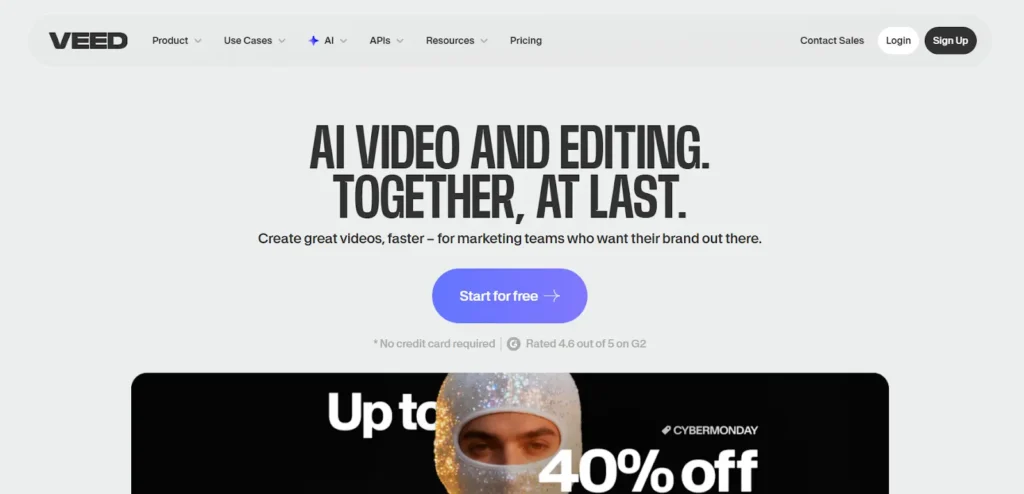
VEED.io is a versatile video editing platform that also incorporates AI-powered video generation features, making it a powerful alternative to Synthesia for creators who want more control over their video projects. It combines text-to-video, video editing, and AI avatars on a single platform.
Top 3 Key Features:
- AI Avatars & Text-to-Video: Generate AI avatars or turn text into videos.
- Complete Video Editing Suite: Includes editing tools for B-rolls, captions, overlays, and more.
- Automatic Subtitles: Automatically generate subtitles and captions for your videos.
Pros:
- Editing flexibility: Offers full-fledged video editing features that are perfect for creating more customized content.
- Affordable pricing: Flexible pricing tiers, with a free plan to get started.
- Great for social media content creators, as it integrates easily with platforms like Instagram, TikTok, and YouTube.
Cons:
- AI avatars might not be as realistic as HeyGen or Synthesia, making it less suitable for professional-grade corporate communications or e-learning.
- Learning curve: The video editing tools may take a little longer to master compared to more simplified alternatives.
How to Choose the Right Synthesia Alternative for Your Needs?
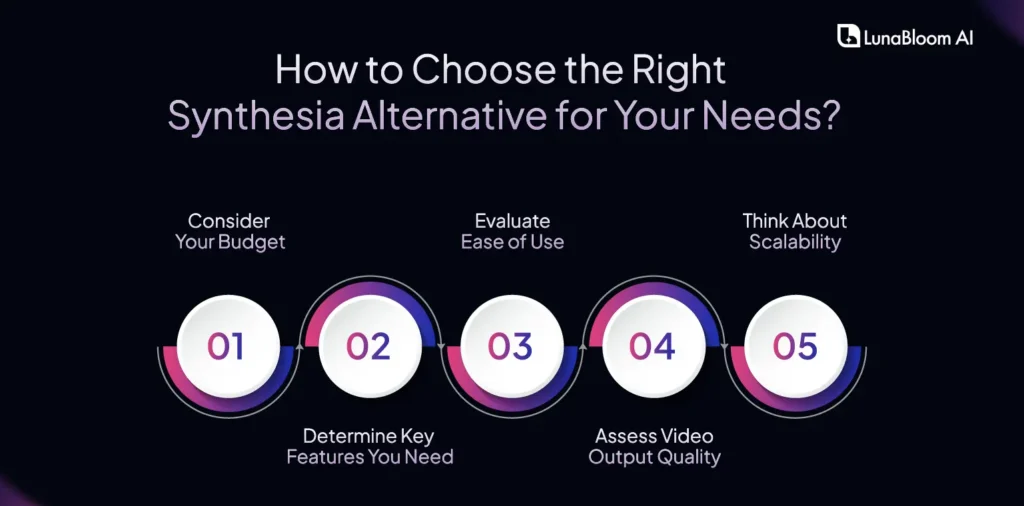
Choosing the right Synthesia alternative depends on several factors, including:
1. Consider Your Budget
Select an alternative that aligns with your budget. Look for a tool that offers essential features at a price point you can afford, ensuring you get value without overspending. Be sure to check if the platform offers a free trial or a flexible pricing structure that suits your needs.
2. Determine Key Features You Need
Identify the features most important for your projects, such as text-to-video, avatar customization, or language support. Make sure the alternative meets these core needs to maximize efficiency. A good match will save you time and effort in content creation.
3. Evaluate Ease of Use
Choose a platform that’s easy to navigate and requires minimal training. A user-friendly interface ensures you can create videos quickly without a steep learning curve. Look for tutorials or customer support options to help you get started faster.
4. Assess Video Output Quality
Consider the quality of videos produced by the alternative. Pay attention to aspects like video resolution, realism of avatars, and smoothness of animations for professional-looking results. Check if the tool supports different output formats or customizations for a polished end product.
5. Think About Scalability
Think long-term: can the tool handle increased demands as your business or content grows? Look for features that allow for bulk video creation or easy integration with other tools for future expansion. Scalability ensures the platform remains useful as your needs evolve.
Final Words!
In conclusion, while Synthesia is an excellent tool for AI video creation, there are many cheaper and better alternatives available. LunabloomAI stands out as an all-in-one, affordable option offering powerful features such as image-to-video, text-to-video, and realistic AI avatars. By exploring these Synthesia alternatives, you can find the perfect tool that fits your needs and budget.
Frequently Asked Questions (FAQ)
Q1: What are the best affordable Synthesia alternatives?
If you’re looking for affordable Synthesia alternatives, LunabloomAI is a top choice due to its image-to-video, text-to-video, and realistic custom AI avatars. Other options include Pictory AI, VEED.io, and Colossyan Creator, all of which offer great functionality at lower price points compared to Synthesia.
Q2: What are the top Synthesia competitors for 2025?
The top Synthesia competitors for 2025 include LunabloomAI, HeyGen, VEED.io, Colossyan Creator, and Pictory AI. These tools are gaining popularity due to their advanced features like realistic AI avatars, easy-to-use editing, multilingual support, and affordable pricing.
Q3: Which is the best alternative to Synthesia for creators and marketers?
For creators and marketers, LunabloomAI stands out as the best alternative to Synthesia due to its combination of text-to-video, image-to-video, and custom AI avatars. It’s great for creating marketing videos quickly and affordably.
Q4: How do I choose the right Synthesia alternative for my business?
To choose the right Synthesia alternative, consider your budget, required features (e.g., avatars, editing flexibility, multilingual support), and the type of content you’re creating. LunabloomAI is perfect for an all-in-one solution.