
The landscape of video creation is undergoing a radical transformation, driven by the rapid rise of artificial intelligence. Gone are the days when high-quality video production was the exclusive domain of studios with big budgets and technical teams. Today, the best AI video generators empower marketers, educators, and creators to transform simple text prompts into compelling visual narratives in minutes.
This shift isn’t just about speed; it’s about accessibility, allowing anyone to produce professional-grade content for marketing campaigns, training modules, or social media. But with a crowded market of powerful tools, choosing the right platform can be overwhelming. This guide cuts through the noise, providing a detailed breakdown of the top 12 AI video generators available today.
We’ll analyze their unique strengths, practical limitations, and ideal use cases to help you find the perfect fit for your creative and business goals. Each entry includes screenshots and direct links, ensuring your investment delivers real-world results. Our goal is to equip you with the insights needed to select a platform that truly matches your project’s demands, budget, and skill level.
1. LunaBloom AI: Best for Global Content & Ease of Use
LunaBloom AI establishes itself as a powerful, well-rounded solution in the landscape of the best AI video generators. It masterfully balances a rich feature set with an exceptionally intuitive user interface, making professional-grade video creation accessible to everyone from individual creators to large-scale enterprises. The platform’s core strength lies in its global-first approach, effectively removing language barriers for content creators.
This tool is engineered for speed and simplicity. Users can transform scripts, blog posts, or simple text prompts into polished, presenter-led videos in minutes. The platform automates complex tasks like subtitle generation and translation, streamlining the production workflow significantly.
Key Features & Analysis
Multilingual Capabilities: What truly sets LunaBloom AI apart is its extensive language support. With over 50 languages and a library of 100+ natural-sounding AI voices, it is the definitive choice for creating localized marketing materials, global corporate training modules, or multilingual social media content.
Customizable AI Avatars: The platform offers a diverse selection of avatars, including photo-realistic, animated, and 3D styles. This allows for strong brand alignment, enabling businesses to create a consistent and recognizable digital spokesperson without the costs of traditional filming.
Effortless Text-to-Video Workflow: The user experience is designed for efficiency. Simply input your text, select an avatar and voice, and the platform synthesizes a high-quality video, complete with dynamic animations and accurate lip-syncing.
Built-in Accessibility Tools: Automatic subtitle generation and one-click translation are seamlessly integrated. This not only broadens audience reach but also ensures content is accessible and compliant with modern web standards.
Ideal Use Cases & Implementation
LunaBloom AI excels in scenarios where both speed and global reach are critical. Marketing teams can rapidly produce localized ad variants for different regions, while HR departments can deploy multilingual onboarding and training videos. Educators and course creators can leverage the platform to make their content accessible to an international student base, translating complex lessons into various languages with minimal effort.
Pricing & Access
The platform offers a flexible pricing structure, including a free tier for basic projects and affordable subscription plans that scale with usage. Higher-tier plans unlock premium features like voice cloning, full HD exports, and unlimited access to all AI voices and avatars. A pay-as-you-go option provides an excellent entry point for freelancers or small businesses with fluctuating video production needs.
Pros:
Exceptional multilingual support enhances global content strategy.
Highly intuitive interface requires no prior video editing experience.
Diverse and customizable avatars support strong brand identity.
Integrated automatic subtitles and translation tools boost accessibility.
Cons:
Advanced features like voice cloning are restricted to premium plans.
Video length and voice options are limited on free and basic tiers.
Website: Lunabloomai
2. Runway
Runway has cemented its position as a creative powerhouse in the AI video space, offering a comprehensive suite of tools that go far beyond simple text-to-video generation. It is recognized as one of the best AI video generators due to its state-of-the-art models like Gen-3, which produce incredibly realistic and coherent motion. The platform is designed for creators who need an all-in-one workflow, combining generation with a robust in-browser video editor.

Runway excels at offering granular control through various modes, including text-to-video, image-to-video, and video-to-video transformations. This makes it ideal for professional workflows, from creating short cinematic clips to enhancing existing footage with AI.
Key Features & User Experience
The platform’s strength lies in its integrated ecosystem. You can generate a clip and immediately bring it into the editor to add effects, use the green screen tool, or upscale the resolution up to 4K. Runway’s credit system is transparent, with clear tables showing how many credits each generation will cost per second depending on the model used. While the monthly credits on paid plans do not roll over, the Unlimited Plan’s “Explore Mode” offers a great solution for experimentation, providing endless relaxed-rate generations without depleting your primary credits. This makes it a flexible choice for both rapid prototyping and high-quality final outputs.
Website: Runwayml.com
3. Pika
Pika has rapidly emerged as a major player in the AI video landscape, carving out a niche with its focus on creative, stylized, and high-energy video generation. It is celebrated as one of the best AI video generators for creators who prioritize artistic control and rapid experimentation. The platform allows users to generate dynamic videos from text, images, or even existing video clips, making it highly versatile for social media content, music videos, and animated shorts.
Pika stands out by offering a suite of powerful in-generation controls, such as modifying regions, expanding the canvas, and applying specific styles or “lenses.” This level of direct manipulation gives creators the ability to fine-tune their outputs without starting from scratch, streamlining the creative workflow.
Key Features & User Experience
Pika’s user experience is built around an accessible, credit-based system. The interface clearly outlines the credit cost for different actions, such as generating in Fast vs. Turbo mode or upgrading to 1080p resolution. Paid plans offer a generous number of credits, and the platform’s API access provides a transparent, per-second pricing model for developers. While many advanced features require extra credits, the entry-level pricing is highly competitive, making it a great starting point. This balance between powerful features and a clear cost structure makes Pika ideal for both hobbyists and professionals who need to produce unique, eye-catching video content efficiently.
Website: Pika.art
4. Synthesia
Synthesia has carved out a distinct niche as a leader in enterprise-grade AI video generation, focusing on creating professional, avatar-led videos for corporate training, communications, and marketing. Instead of cinematic or creative generation, Synthesia excels at producing polished, script-based content with realistic digital presenters. Its platform is one of the best AI video generators for businesses needing to scale video production efficiently across multiple languages.
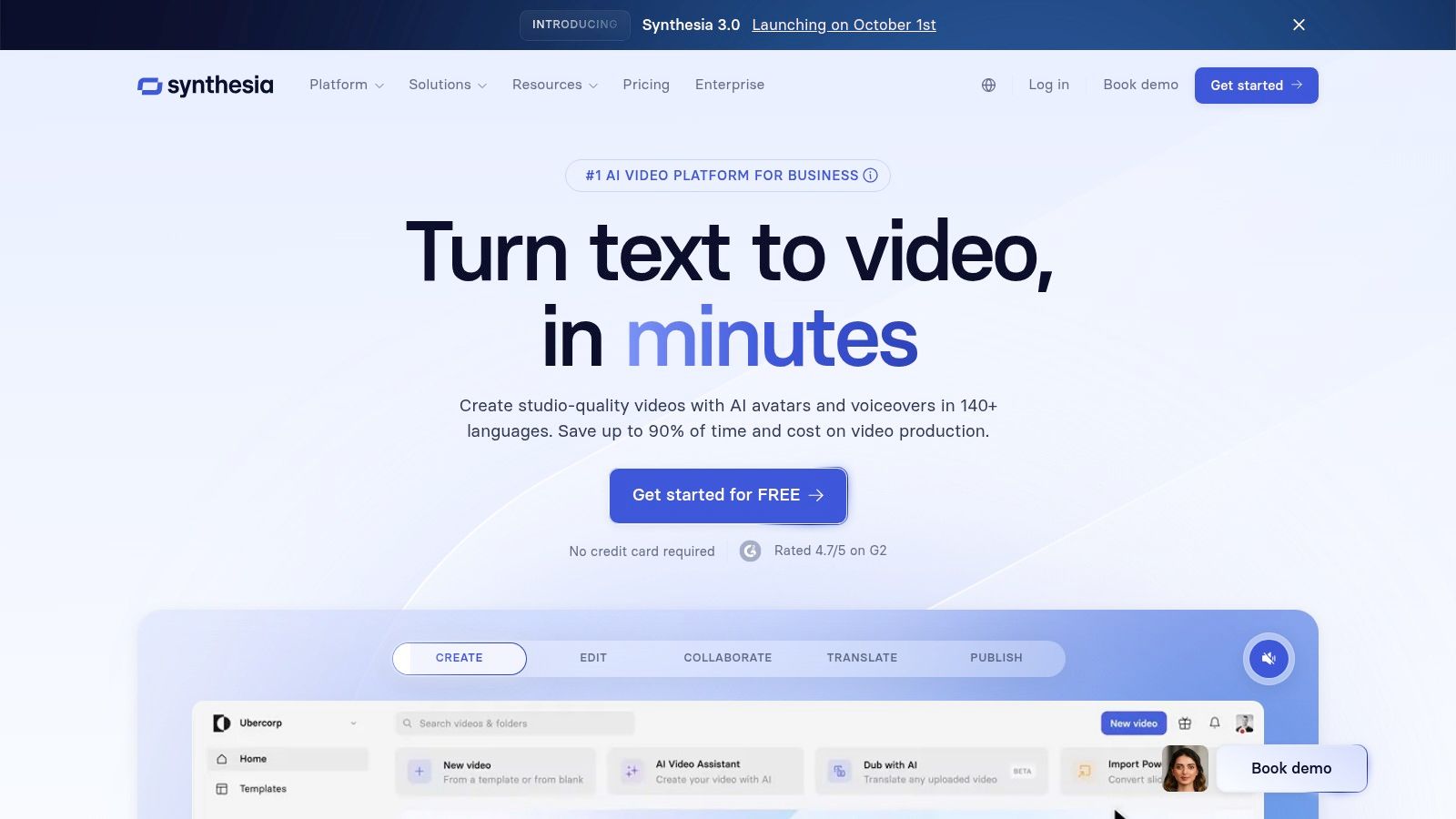
The platform is designed for ease of use, enabling users without any video editing experience to produce high-quality videos in minutes. By simply typing a script, choosing an avatar, and selecting a language, teams can create consistent and professional-looking training modules, product explainers, and internal updates.
Key Features & User Experience
Synthesia’s core strength is its robust, template-driven editor and extensive localization capabilities, supporting over 140 languages and a library of 180+ diverse stock avatars. For corporate environments, features like AI-powered script assistance, multi-avatar scenes, and seamless screen recordings are invaluable. The platform also offers SCORM exports for direct integration into Learning Management Systems (LMS), making it a top choice for L&D departments. Enterprise-level security, including SSO/SAML, and mature support underscore its focus on business users. While lower-tier plans have minute limits and custom “Studio” avatars are a paid add-on, the platform provides a scalable solution for corporate video needs.
Website: Synthesia.io
5. HeyGen
HeyGen specializes in creating professional, avatar-driven videos with remarkable ease, making it one of the best AI video generators for corporate communications, marketing, and educational content. Its core strength is a vast library of stock avatars and realistic voice options, combined with powerful features like AI-powered translation and dubbing. This focus on character-led video makes it a go-to platform for producing scalable, personalized content without the need for cameras or actors.
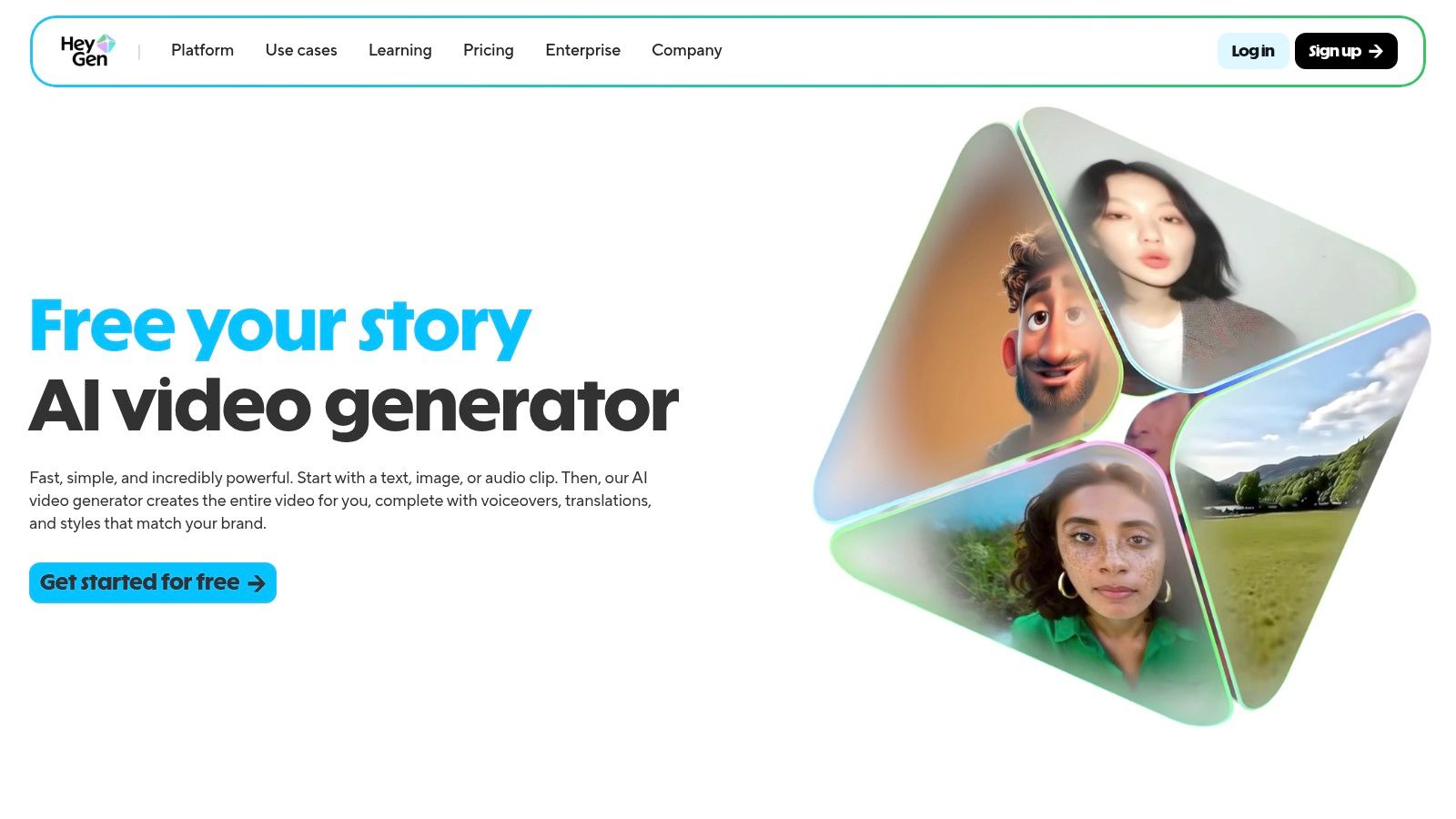
The platform is designed for streamlined workflows, enabling users to quickly generate polished videos for presentations, social media, or training modules. Its ability to create custom avatars and apply brand kits ensures that content remains consistent and on-brand, which is a major advantage for businesses.
Key Features & User Experience
HeyGen’s user experience is incredibly intuitive, allowing you to select an avatar, input a script, and generate a video in minutes. Key features include team collaboration tools with shared workspaces and commenting, making it ideal for agency and enterprise use. The platform offers a clear free tier to get started, with competitive monthly pricing for solo creators and teams. While base plans are affordable, more advanced features like 4K exports and instant avatar creation may require higher-tier plans or the purchase of add-on Generative Credit Packs, which can increase the overall cost. This model allows for flexibility but requires users to manage their credit usage for specialized tasks.
Website: Heygen.com
6. D‑ID
D‑ID specializes in creating high-quality, AI-powered talking head videos, making it a standout choice for personalized communication at scale. Instead of focusing on full-scene generation, the platform excels at animating still images of avatars or real people with text or audio inputs. This makes it one of the best AI video generators for creating engaging training content, corporate communications, and AI-driven customer support agents without the need for cameras or actors.
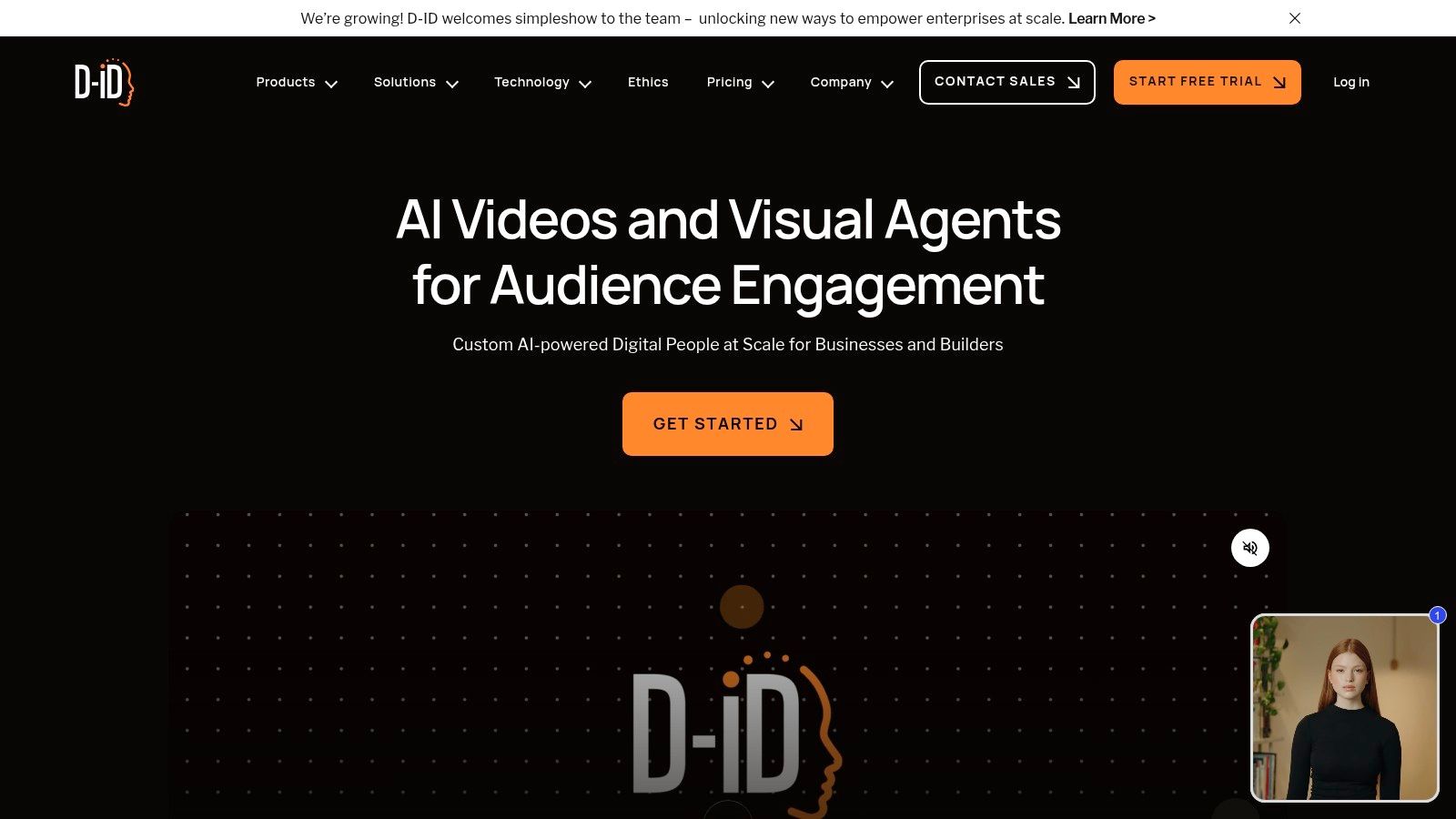
The platform offers both a user-friendly Creative Reality™ Studio for no-code creation and a powerful API for developers to integrate real-time video streaming into their applications. This dual approach serves a wide audience, from marketers building explainer videos to developers creating interactive digital humans. Its focus on photorealistic avatars and seamless lip-syncing sets it apart for dialogue-heavy use cases.
Key Features & User Experience
D‑ID’s platform is straightforward, with a clear credit-based system where each credit typically equals up to 15 seconds of video. Users can choose from a library of stock avatars or upload their own images, then pair them with text-to-speech voices in numerous languages or upload their own audio. For more advanced needs, the API allows for real-time streaming with precise control over expressions and voice. While lower-tier plans include a watermark and credits do not roll over, the granular pricing structure offers accessible entry points for individuals and scalable solutions for enterprise clients.
Website: d-id.com
7. VEED
VEED positions itself as a comprehensive browser-based video editor first, integrating a powerful suite of AI tools to streamline the entire creation process. It stands out by merging a familiar, intuitive editing interface with advanced generative AI capabilities, making it one of the best AI video generators for users who need an all-in-one solution. The platform is designed for a broad audience, from solo creators to large enterprise teams, offering scalable features for various production needs.
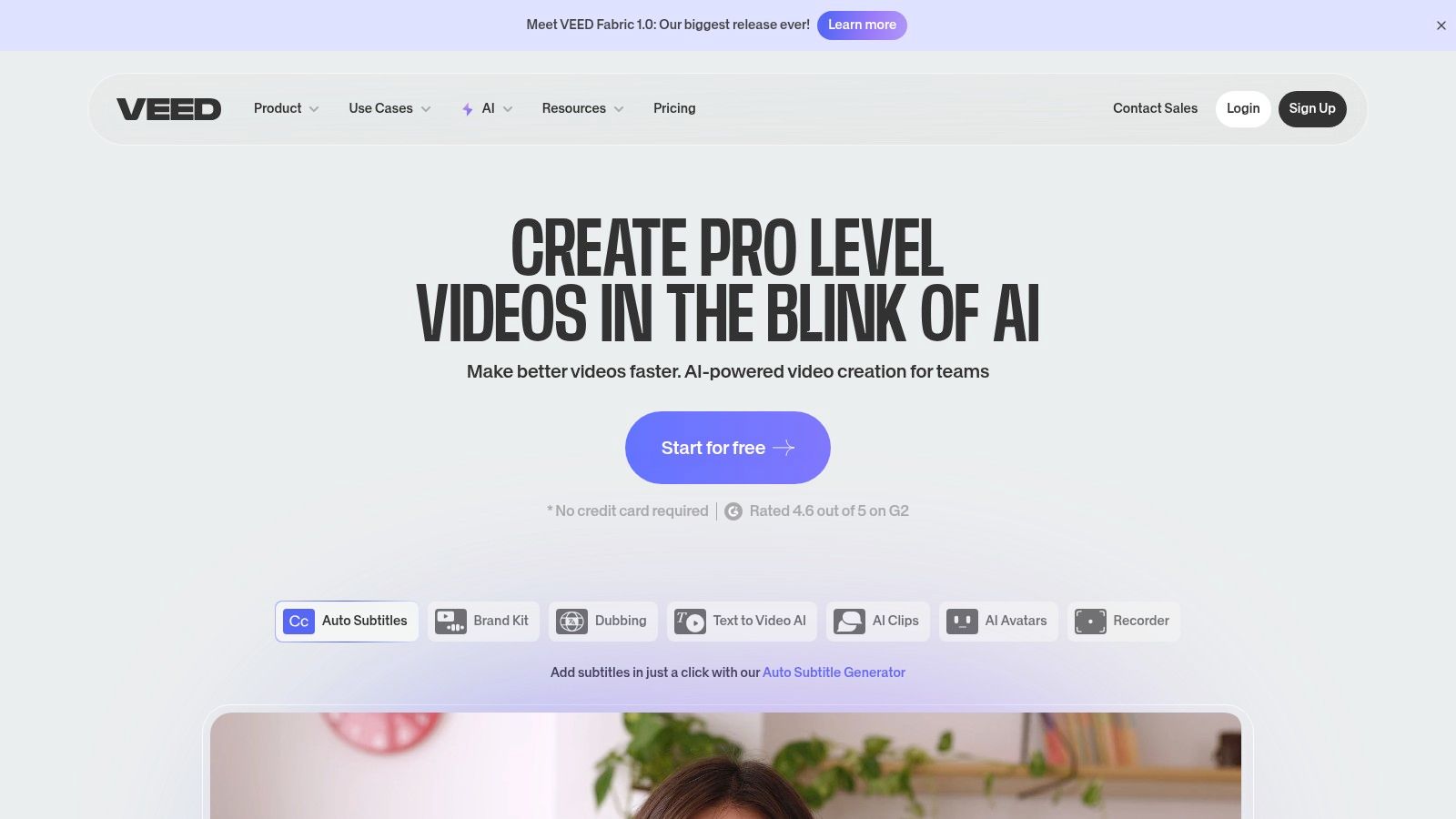
Its core AI offering is the Gen-AI Studio for text-to-video, but its real strength lies in the complementary AI tools. These include AI avatars, automatic text-to-speech with translation, eye contact correction, and background removal, which together create a robust production environment without needing multiple applications.
Key Features & User Experience
VEED’s user experience is one of its strongest assets. The platform feels like a traditional video editor, which lowers the learning curve for new users. Features are tiered across different subscription plans, with 4K exports and AI avatars reserved for Pro and Business tiers. Collaboration tools, brand kits, and analytics are available on the higher-end Business+ plan, catering to professional teams. While the feature set is rich, users should carefully review the usage limits and inclusions for each tier before committing, as caps on AI features and export lengths vary. This makes it a highly practical choice for content creators and marketers who value both generative AI and post-production control.
Website: Veed.io
8. Kapwing
Kapwing carves out its niche not as a pure text-to-video generator but as a comprehensive, AI-enhanced online video editor perfect for social media and marketing teams. It excels at streamlining the editing process with smart tools designed for speed and collaboration. While it may not generate entire videos from a prompt, its strength lies in augmenting existing footage with powerful AI features, making it one of the best AI video generators for creators focused on editing and post-production.
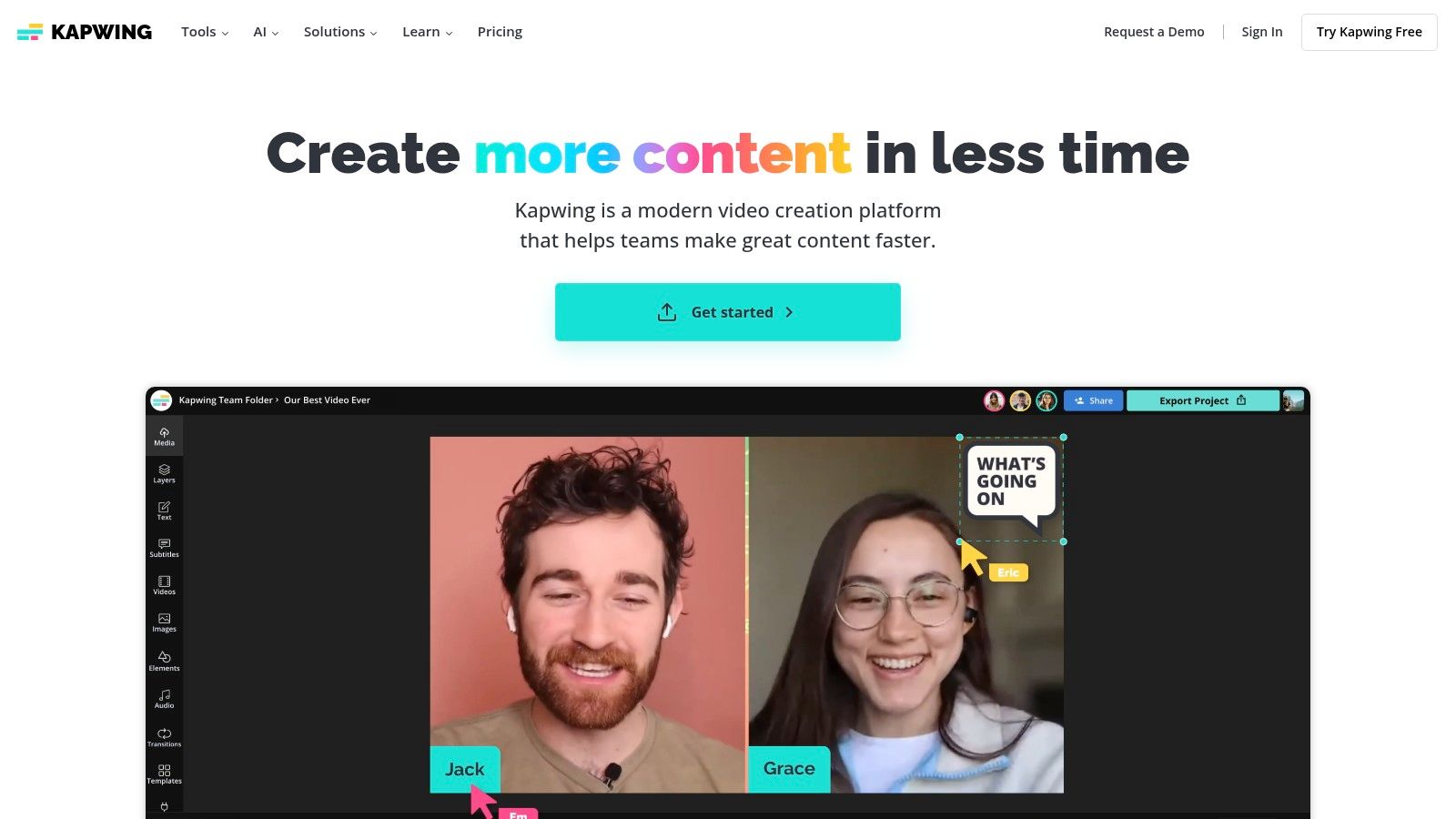
The platform is built around a user-friendly, browser-based workflow that simplifies tasks like adding subtitles, translating audio, and cleaning up sound. Its collaborative workspaces make it a go-to choice for teams needing to produce content quickly and efficiently without complex software.
Key Features & User Experience
Kapwing’s interface is intuitive, making advanced editing accessible to non-professionals. The AI-powered features are seamlessly integrated, allowing users to automatically generate and animate subtitles, translate video content into multiple languages, and use an AI script generator to kickstart ideas. The platform’s billing is transparent, with clear per-member pricing for teams and excellent documentation for managing subscriptions. While the free tier includes a watermark, the Pro plan unlocks the full suite of tools and removes branding. This positions Kapwing as a practical, all-in-one solution for content creators who prioritize a fast and collaborative editing experience over generative AI.
Website: Kapwing
9. InVideo
InVideo positions itself as an accessible, prompt-based video creation platform, ideal for users who need to produce social media and marketing content quickly. It splits its offering into two core products: InVideo Studio, a traditional template-based editor, and InVideo AI, a copilot that handles scripting, scene creation, and voiceovers. This dual approach makes it one of the best AI video generators for teams with varying technical skills, allowing for both rapid AI-driven production and detailed template customization.
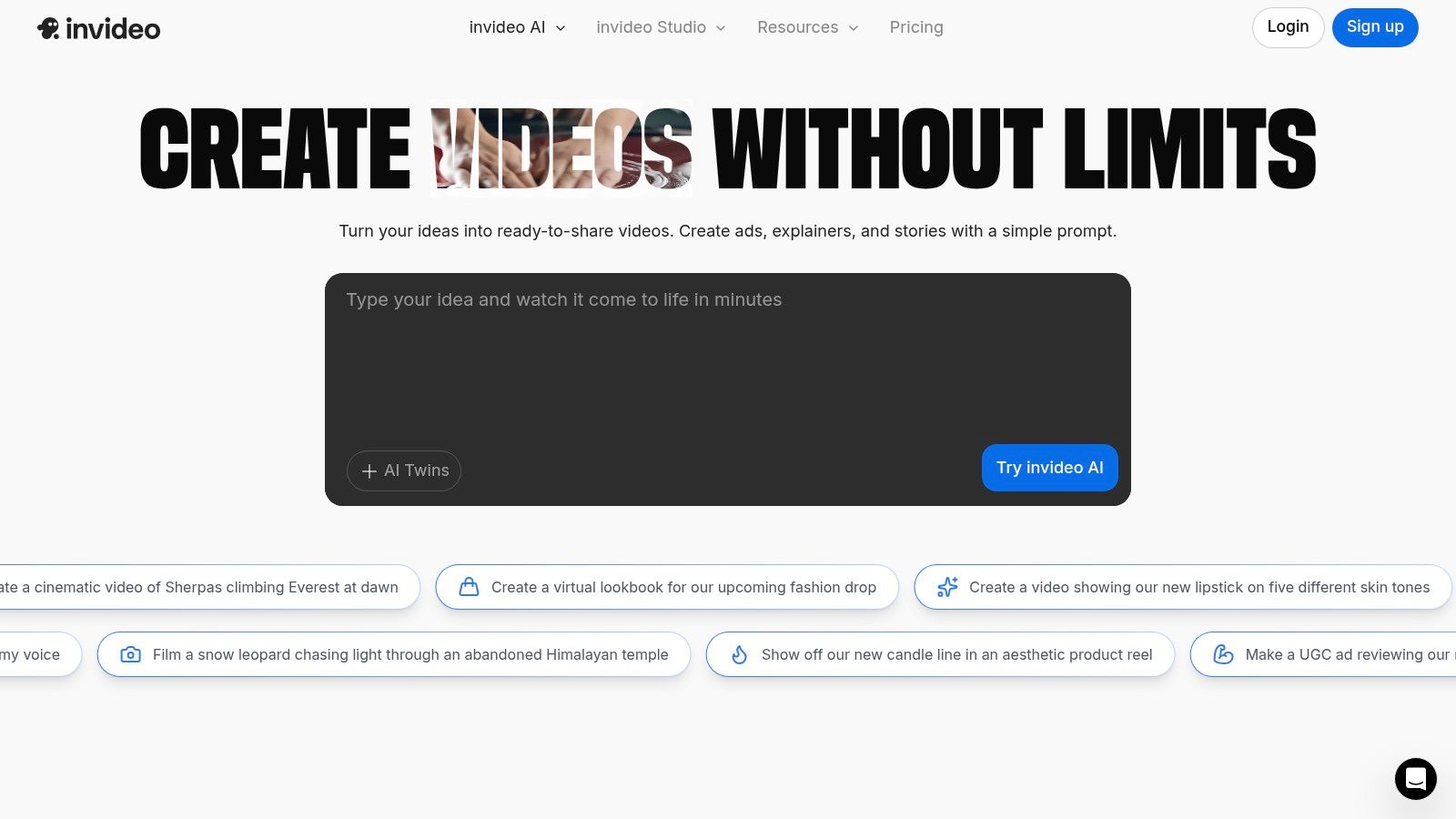
The platform streamlines the creation of explainer videos, ads, and social clips by generating a complete video from a single prompt. It leverages an extensive stock media library, including a generous iStock quota on paid plans, ensuring high-quality visuals without extra licensing costs.
Key Features & User Experience
InVideo AI is the standout feature, translating a simple idea into a fully scripted and voiced video in minutes. Paid plans unlock 1080p exports, more AI generation minutes, and advanced features like voice cloning on the Max tier. The user experience is generally straightforward, though some users report occasional stability issues, so testing the platform with a trial before committing is a good idea. Its strength lies in its speed, making it a powerful tool for marketers and creators who prioritize a fast turnaround from concept to a shareable, polished final product.
Website: Invideo
10. Lumen5
Lumen5 has carved out a niche as a specialized AI video generator for content repurposing, transforming blog posts and text-based content into engaging social videos. Instead of focusing on cinematic generation from text prompts, its strength lies in an AI-assisted workflow that pairs existing content with relevant stock media, text overlays, and music. This makes it a go-to tool for marketing teams and content creators looking to quickly convert articles into shareable video assets.
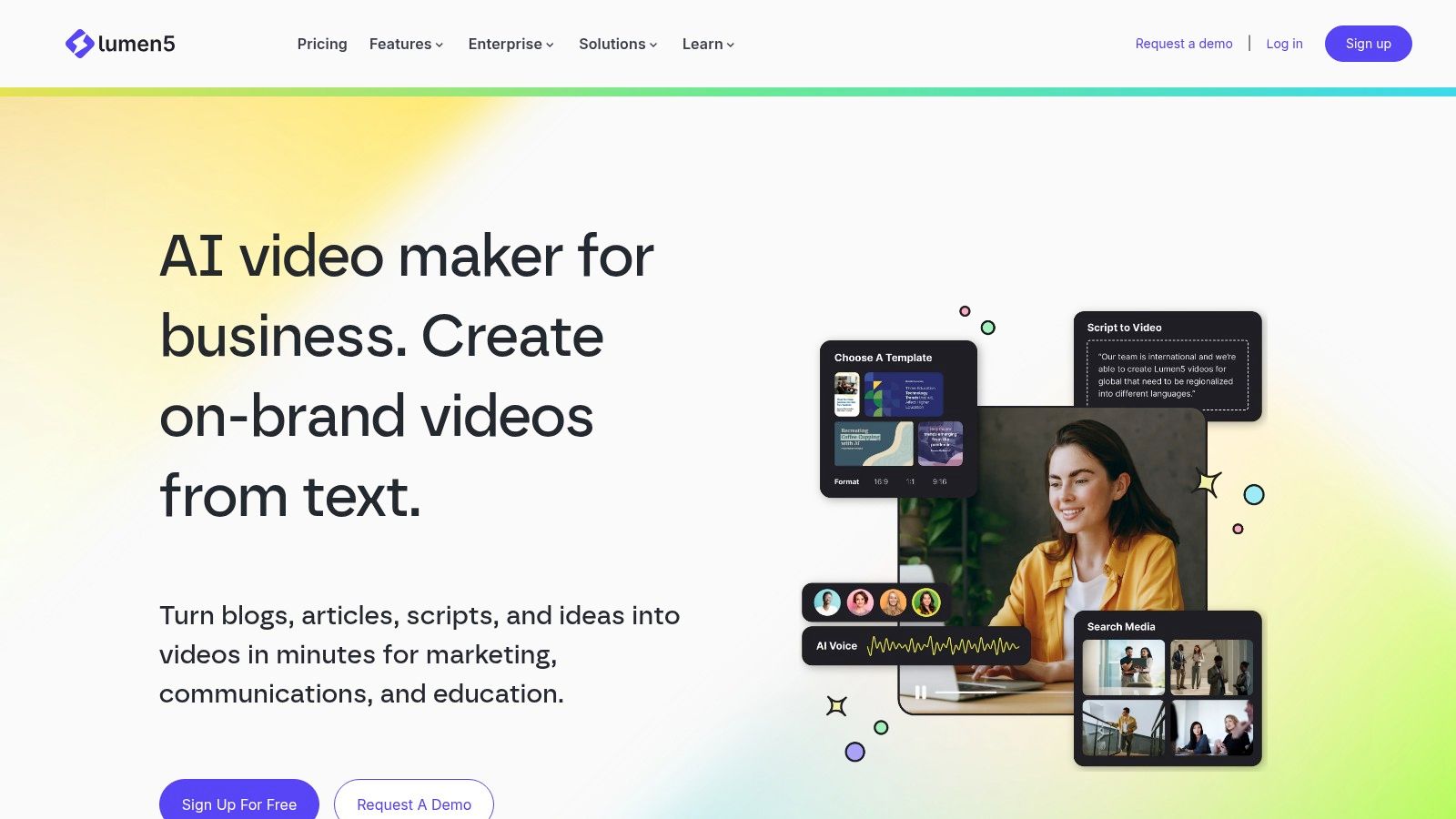
The platform is designed for efficiency and ease of use, making it one of the best AI video generators for users without technical video editing skills. Its storyboard-style interface allows you to paste a URL or script, and the AI automatically creates scenes, highlights keywords, and suggests visuals, streamlining the creation process from start to finish.
Key Features & User Experience
Lumen5’s user experience is built around a simple, template-driven process. After inputting text, the AI summarizes it into a storyboard, where you can easily swap out stock photos and video clips from its extensive library. The platform offers robust branding options on its paid plans, allowing teams to upload custom fonts, watermarks, and color palettes to maintain brand consistency across all videos. While the free plan is a great starting point, higher-tier plans unlock 1080p resolution and access to premium stock media from Shutterstock, making it a scalable solution for growing businesses.
Website: Lumen5
11. Descript
Descript carves out a unique niche in the AI video landscape by focusing on a text-first editing workflow rather than pure generation. It’s an AI-powered video and audio editor that treats your recordings like a document, allowing you to edit media by simply editing the transcribed text. This makes it one of the best AI video generators for creators focused on podcasts, tutorials, and narrated content, where precise control over speech is paramount.
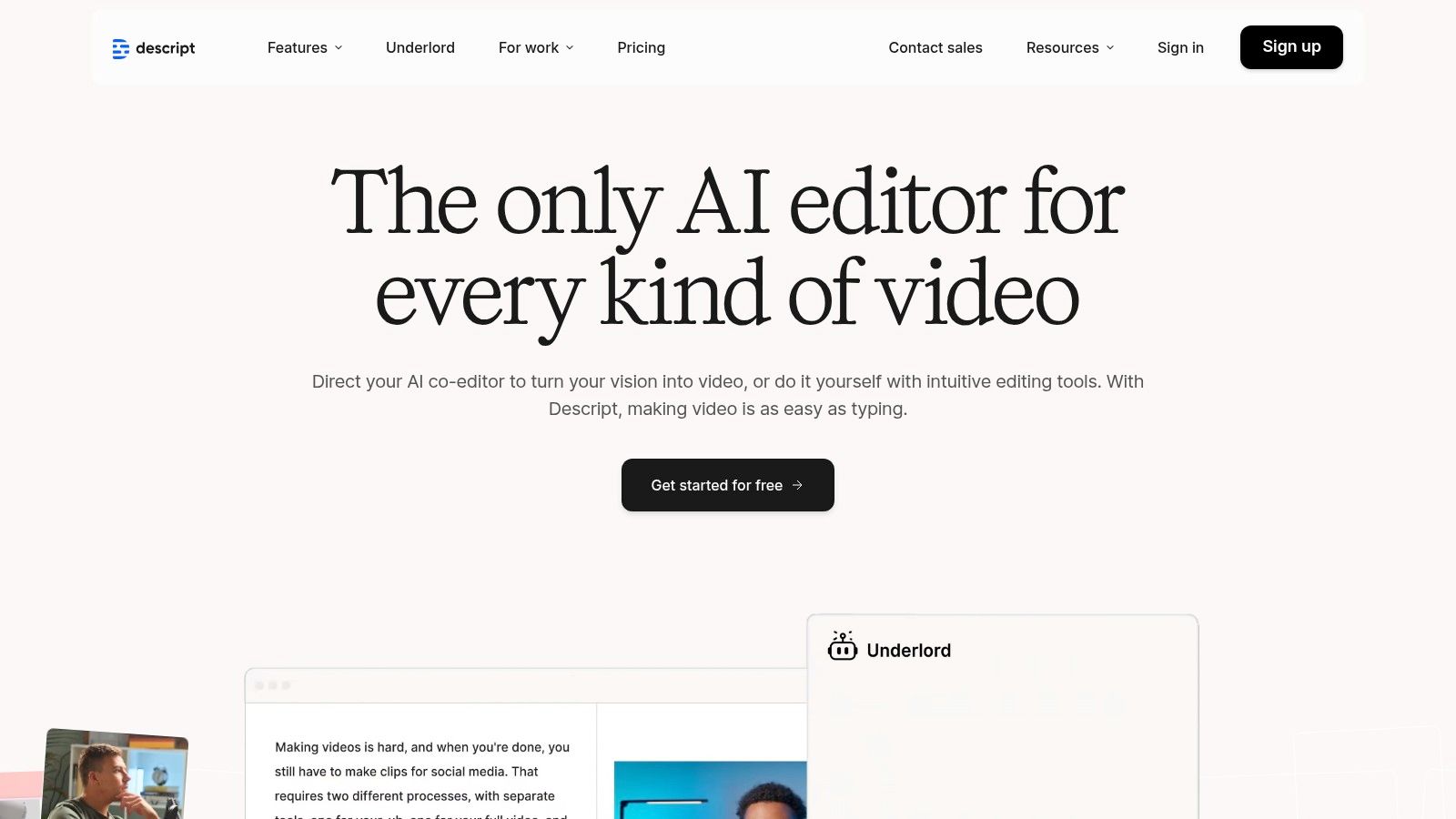
While not a text-to-video synthesizer in the cinematic sense, Descript’s power lies in its AI features like Overdub (voice cloning), Studio Sound for audio enhancement, and automatic filler word removal. It excels at streamlining the post-production process for dialogue-heavy videos.
Key Features & User Experience
The user experience is incredibly intuitive for anyone comfortable with a word processor. Deleting a word from the transcript automatically cuts the corresponding video and audio clip, creating a seamless editing flow. The platform’s Overdub feature is a standout, allowing you to generate new audio in your own cloned voice to correct mistakes or add new lines without re-recording. Paid plans offer generous transcription hours and 4K video export, providing high value for content creators. While it’s not built for generating video from a prompt, its AI-driven editing tools are indispensable for refining existing footage.
Website: Descript
12. Canva
Canva has evolved from a simple graphic design tool into a comprehensive creative suite, integrating AI video generation directly into its widely used platform. Its Magic Media feature allows users to generate short video clips from text prompts, making it one of the most accessible AI video generators for a broad audience. The platform’s strength lies in its all-in-one ecosystem, where users can create AI clips and immediately incorporate them into larger video projects using an extensive library of templates and stock assets.
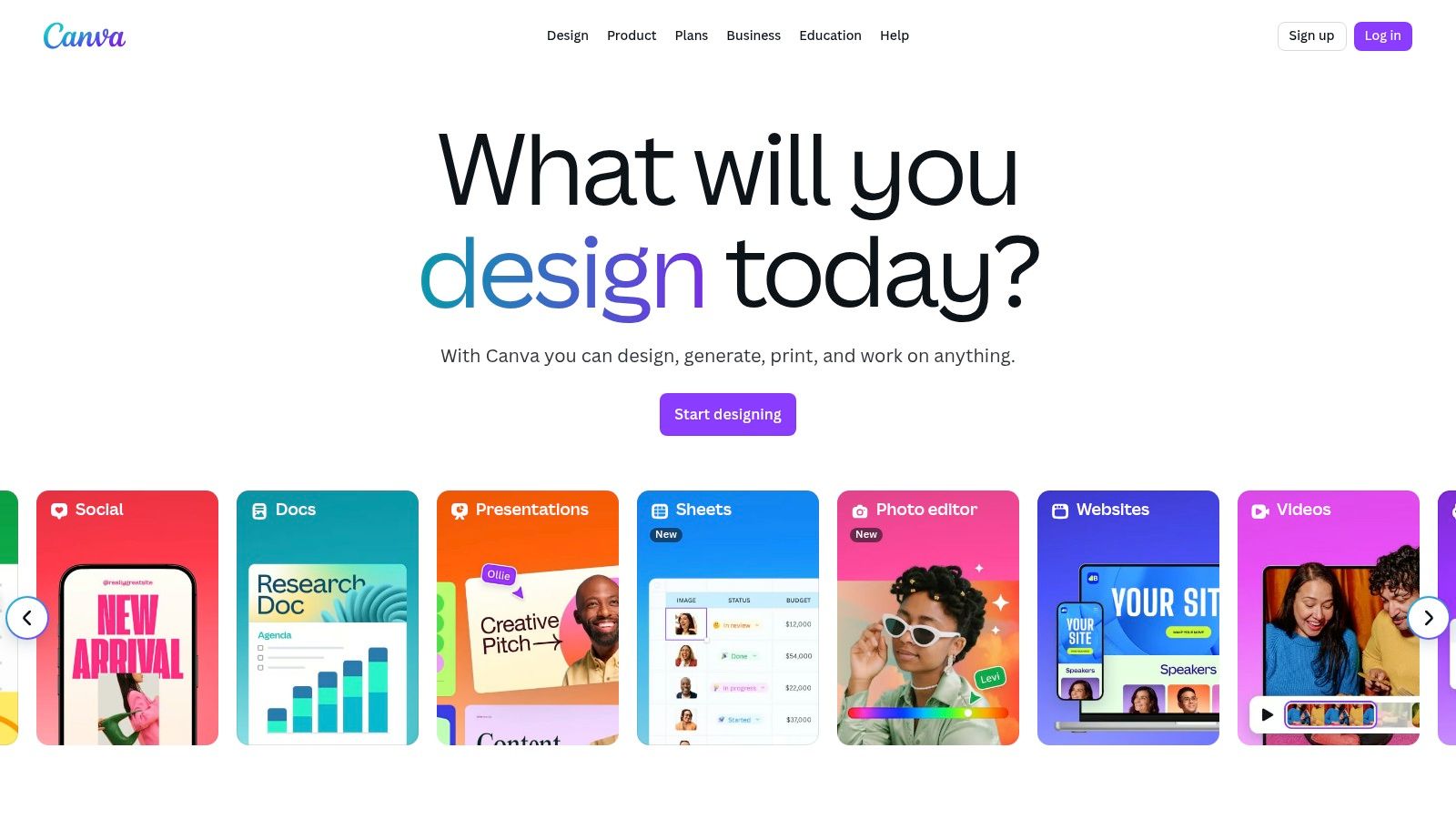
This integration is ideal for marketers, small business owners, and content creators who need to produce professional-looking videos quickly without a steep learning curve. The ability to combine AI-generated content with brand kits, text animations, and a user-friendly timeline editor streamlines the entire creative workflow.
Key Features & User Experience
Canva’s user experience is famously intuitive, making AI video creation straightforward even for beginners. The Magic Media tool is embedded within the video editor, allowing for a seamless transition from generation to editing. While the AI generation itself is more basic than specialized tools, its value comes from being part of a larger design ecosystem. Teams can collaborate in real-time, maintain brand consistency with shared kits, and produce a wide range of marketing assets, not just videos. However, it’s important to note that pricing structures have seen changes, so teams should verify current costs before committing.
Website: Canva
Top 12 AI Video Generators Feature Comparison
|
Platform |
Core Features/Characteristics |
User Experience/Quality Metrics |
Value Proposition & Pricing 💰 |
Target Audience 👥 |
Unique Selling Points ✨ |
|---|---|---|---|---|---|
|
LunaBloom AI 🏆 |
50+ languages, 100+ AI voices, 3D avatars, subtitles |
★★★★✩ Intuitive UI, exceptional clarity |
Flexible, affordable plans with pay-as-you-go |
Content creators, marketers, educators |
Customizable AI avatars, voice cloning, SEO tools |
|
Runway |
Gen-3/4 video models, 4K export, editing toolkit |
★★★★☆ Clear credits, broad toolset |
Credit-based pricing; free tier with credits |
Creators, teams, production workflows |
Multi-model generation, green screen, upscaling |
|
Pika |
Text/image/video input, API access, credit system |
★★★☆☆ Fast iterations, competitive |
Credit plans, 720p/1080p tiers |
Creative professionals, developers |
Rapid experiment features, detailed credits |
|
Synthesia |
140+ languages, 180+ avatars, enterprise security |
★★★★☆ Corporate-grade UX |
Enterprise pricing, add-ons for avatars |
Business communications, training teams |
Multi-avatar scenes, SCORM export, strong security |
|
HeyGen |
Large avatar library, voice options, collaboration |
★★★★☆ Clear entry tier, mobile support |
Monthly pricing; credit packs for advanced |
Solo creators, teams |
Brand kits, 4K export, collaboration tools |
|
D‑ID |
Talking-head videos, API & studio plans, real-time |
★★★☆☆ Fine plans, UI/API access |
Credit-based, free trial |
Educators, explainers, developers |
Real-time streaming, expression/voice controls |
|
VEED |
Text-to-video, AI avatars, collaboration, 4K exports |
★★★★☆ Familiar editor, scalable plans |
Subscription tiers with AI localization |
Solo to enterprise teams |
Eye contact correction, brand kits, analytics |
|
Kapwing |
Online editor, script assist, automatic subtitles |
★★★☆☆ Simple workflow, watermark on free |
Paid plans remove watermark |
Social content creators, teams |
AI captions, team billing, quick edits |
|
InVideo |
Template editor, AI copilot, stock media integrations |
★★★☆☆ Fast output, mixed UX |
Tiered plans with voice cloning |
Marketers, social video creators |
AI script/voice generation, large template library |
|
Lumen5 |
Text-to-video, storyboard workflow, stock libraries |
★★★☆☆ Easy to use, marketing focus |
Scalable pricing from free to enterprise |
Marketing teams, communicators |
AI Script Composer, branded video creation |
|
Descript |
Text-based editing, voice cloning, transcription |
★★★★☆ Text-centric, seamless narration |
Pro plan with unlimited Overdub voice |
Educators, podcasters, tutorial creators |
Overdub cloning, filler-word removal |
|
Canva |
Design suite + AI video, templates, collaboration |
★★★★☆ Large template library, ease |
Subscription tiers, recent price increases |
Designers, marketers, teams |
Magic Media AI, brand kits, enterprise controls |
Choosing the Right AI Tool for Your Video Strategy
The landscape of AI video creation is no longer a distant future; it’s a vibrant, accessible reality available today. As we’ve explored, the market for the best AI video generators is diverse, with each platform catering to distinct needs and workflows. There is no single “best” tool, only the best tool for your specific goals.
Your choice hinges on a clear understanding of your primary objective. Are you a filmmaker or artist aiming to push creative boundaries? Text-to-video and video-to-video platforms like Runway and Pika offer the most advanced generative capabilities for truly unique visual storytelling. They are playgrounds for experimentation, perfect for those who prioritize artistic control over polished, corporate output.
Aligning Tools with Your Core Use Case
For businesses, marketing professionals, and educators, the decision-making process is different. Efficiency, scalability, and consistency often take precedence.
For Corporate Training & Communication: If your goal is to create professional, scalable training modules or internal communications, avatar-based platforms are unmatched. Synthesia and LunaBloom AI lead this category, providing sophisticated, multilingual avatars that can deliver consistent messaging across a global organization, saving immense resources on traditional video shoots.
For Social Media & Marketing Content: Content creators and marketers juggling multiple channels need speed and versatility. Integrated platforms like VEED, Kapwing, and InVideo shine here. They embed powerful AI features, such as subtitle generation, background removal, and text-to-video creation, directly into a familiar, comprehensive video editing suite, streamlining the entire content creation lifecycle.
For Repurposing Existing Content: If you need to transform articles, blog posts, or podcasts into engaging videos, tools like Lumen5 and Descript are purpose-built for the job. They excel at converting text-based or audio content into visually appealing videos with minimal effort, maximizing the reach of your existing assets.
Final Considerations Before You Commit
Before you subscribe to any service, consider these final factors. First, evaluate the learning curve. While some tools like Canva offer an intuitive entry point, others like Runway have more complex interfaces that require dedication to master. Second, scrutinize the output quality and style. Does the tool’s aesthetic align with your brand’s visual identity?
Most importantly, take advantage of the free trials and freemium plans offered by nearly every platform on this list. Experiment with the workflow, generate a few test videos, and assess the results firsthand. This hands-on experience is the most reliable way to find the perfect AI video generator that will not only streamline your production process but also unlock new creative potential for your projects. The right tool is out there, ready to transform your ideas into compelling visual narratives.
Ready to create professional-grade, AI-powered videos with lifelike avatars in minutes? LunaBloom AI is designed for businesses and creators who demand quality, scalability, and ease of use for their training and marketing content. Explore the platform that’s setting a new standard for AI video generation and start your free trial today at LunaBloom AI.