
Here’s an uncomfortable truth: Social media creators are drowning in the pressure to produce content at an ever-increasing pace.
With algorithms driving the need for daily content, creators are compelled to continually generate fresh ideas, edit videos, and manage multiple platforms. However, the problem lies in the fact that video creation is expensive, time-consuming, and requires advanced technical skills.
But what if the solution was already here? Enter AI-powered video generation tools.
AI has revolutionized the way creators approach video content. In 2026, AI video generators are reducing production times to minutes. This enables the creation of professional-quality content with no technical knowledge required.
Imagine turning a script into a fully edited video, complete with voiceovers, background music, and seamless transitions, in just a matter of minutes, all without opening any editing software.
So, in this blog, we’ll introduce the 8 best AI video generation tools for social media creators in 2026.
What Are the Top AI Video Generation Tools for 2026?
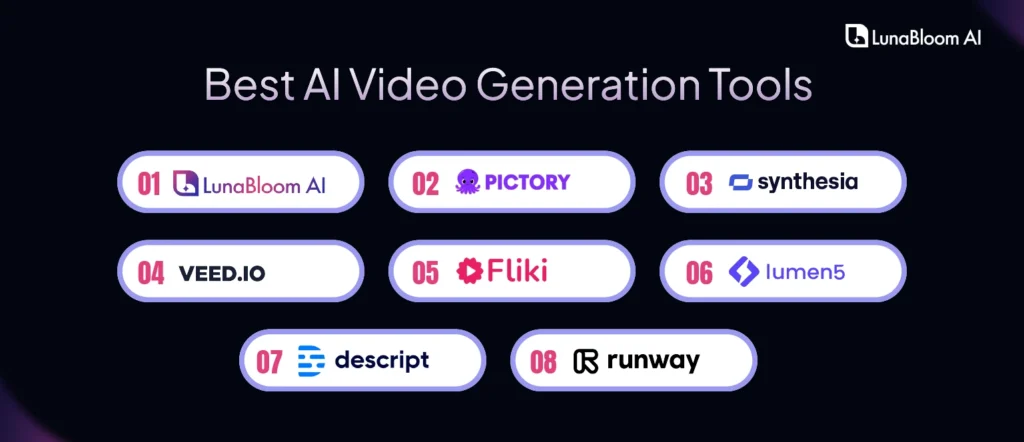
The top AI video generation tools for 2026 are:
1. LunaBloom AI
2. Pictory
3. Synthesia
4. Veed.io
5. Fliki
6. Lumen5
7. Descript
8. RunwayML
1. LunaBloom AI
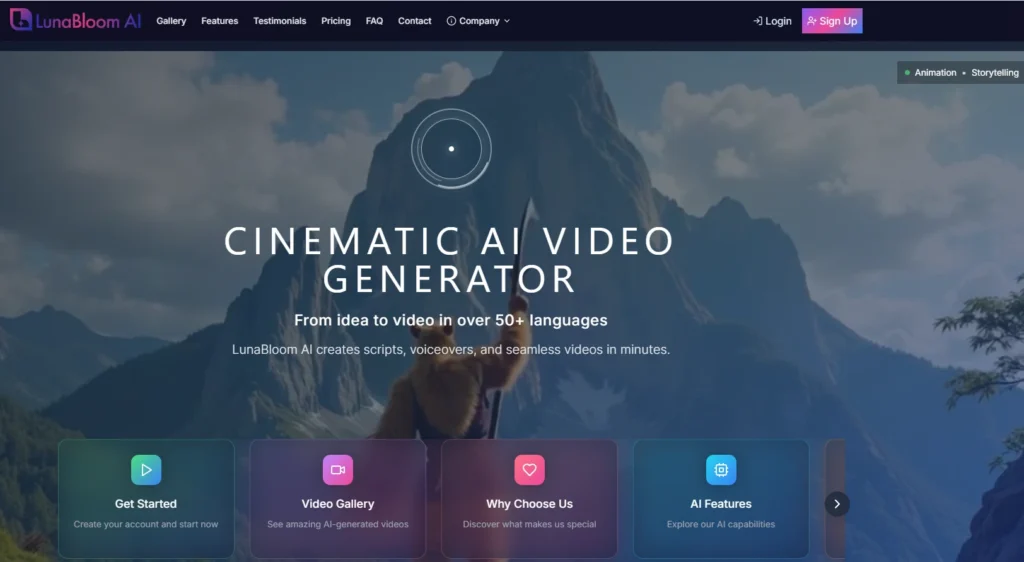
LunaBloom AI is a complete cinematic video generation tool designed to streamline video production for creators, businesses, and marketers.
With the ability to automatically create high-quality videos from scriptwriting to voiceovers and seamless video creation, it provides everything a creator needs to produce professional content quickly.
Key Features:
- Scriptwriting: LunaBloom AI helps you generate engaging, customized video scripts based on your input. Whether you’re creating educational videos, tutorials, product demos, or social media content, the AI can craft scripts that match your desired tone and messaging.
- Voiceovers: One of LunaBloom’s standout features is its multilingual voiceover support, which helps creators reach global audiences. With an extensive range of voice options and languages, the tool ensures that your videos sound natural and professional.
- Seamless Video Creation: The AI can automatically assemble your script into a polished video, incorporating visuals, background music, and transitions. This end-to-end service is a massive time-saver, eliminating the need for separate editing software.
Use Cases:
- Social Media Influencers: Influencers can quickly create high-quality Instagram or YouTube videos. Whether it’s an influencer in the beauty industry creating tutorials or a tech influencer creating product reviews, LunaBloom simplifies the entire video production process.
- Small Businesses: Small businesses can leverage LunaBloom for creating product demos, explainer videos, and promotional content. Its easy-to-use platform helps businesses compete with larger corporations by creating engaging, high-quality content without the need for expensive video production teams.
- Marketers: LunaBloom AI is also ideal for creating automated video ads, tailored to specific marketing campaigns with custom branding.
Pricing:
- Subscription-based with different tiers for individuals, businesses, and agencies.

2. Pictory
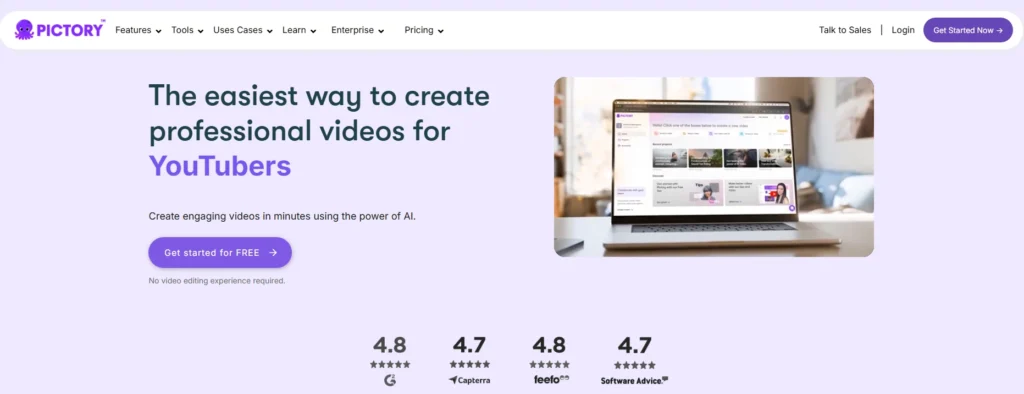
Pictory is a leading AI-powered video generation tool designed specifically for creating short-form content. It’s a perfect tool for creators producing videos for platforms like Instagram, TikTok, YouTube Shorts, and other short video formats.
Pictory leverages AI to quickly create polished videos that resonate with social media audiences, reducing the time spent on editing and enhancing productivity.
Key Features:
- Auto Scene Detection: Pictory’s AI automatically identifies the best scenes in your video clips, saving creators time by automatically selecting and arranging them in a way that enhances storytelling.
- Text-to-Video Conversion: Pictory can transform any written text into a short video, perfect for creating educational content, product showcases, or promotional snippets. It’s ideal for creators who may not have high-end editing skills but still want professional-quality results.
- Customizable Templates: Pictory offers a range of customizable templates optimized for various social media platforms. Whether you’re creating a fast-paced Instagram story or a TikTok challenge, Pictory’s templates make it easy to keep your videos aligned with platform best practices.
Use Cases:
- Social Media Creators: Pictory is perfect for influencers and creators who need to produce content quickly. With its focus on short-form video, it helps social media personalities keep their audiences engaged with fresh, high-quality content that’s ready to post in no time.
- Small Businesses: Small businesses seeking to enhance their social media presence can utilize Pictory to create engaging ad content, promotional videos, and product demos in a fraction of the time required by traditional editing tools.
- Content Marketers: For marketers constantly running campaigns across various channels, Pictory enables quick video creation and optimization, ensuring their videos stand out in crowded social media feeds.
Pricing:
- Offers a free trial and affordable subscription plans for businesses and creators.
3. Synthesia
Synthesia is one of the most advanced AI video generation tools for marketers looking to create professional, AI-driven video content without the need for cameras or actors.
It uses AI avatars and synthetic voices to deliver highly engaging video content that can be tailored for advertising, brand storytelling, and corporate communication.
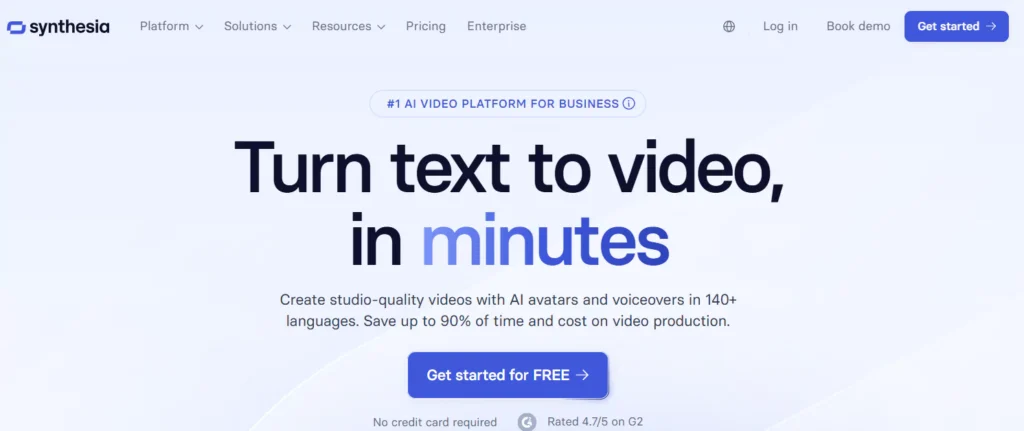
Key Features:
- AI Avatars: Synthesia’s AI avatars enable marketers to create virtual presenters that deliver messages in a professional and engaging manner. These avatars are ideal for explainer videos, tutorials, and advertisements.
- Multilingual Support: The platform supports over 60 languages, enabling global marketers to reach a diverse audience without the need for voice actors or translators.
- Text-to-Video: Synthesia can transform your written content into a polished video, complete with avatars reading your script, making it ideal for content-heavy campaigns such as corporate training or product demonstrations.
Use Cases:
- Marketers: For marketers needing to create scalable video content quickly, Synthesia is an invaluable tool. It’s particularly useful for training videos, explainer videos, and internal communications for businesses with a large, geographically dispersed workforce.
- Enterprises: Large corporations can leverage Synthesia to personalize their video ads for different regions or demographics, using AI avatars to deliver consistent messaging across global markets.
Pricing:
- Pricing is based on a pay-per-video or subscription model, depending on the scale of video production required.
4. Veed.io
Veed.io is an AI-powered video editing platform that is designed to make video editing accessible and easy for everyone, from beginners to seasoned professionals. With advanced editing capabilities and AI tools, Veed.io streamlines video production for social media creators, businesses, and marketers.
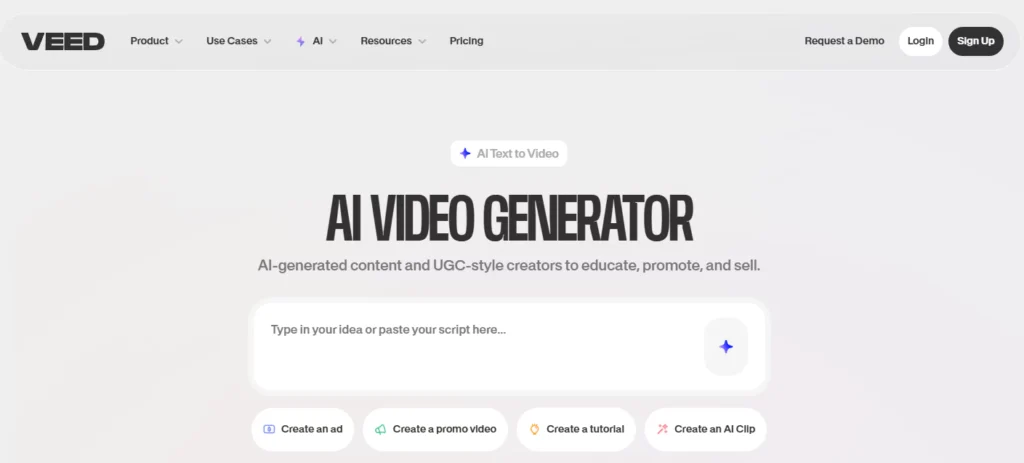
Key Features:
- Automated Editing: Veed.io’s AI automatically removes background noise, enhances lighting, and improves audio quality, making editing faster and more efficient.
- Text Overlays and Subtitles: The platform allows creators to easily add text overlays, subtitles, and captions to their videos, which is essential for engaging viewers across social media platforms.
- Cloud-Based Editing: As a cloud-based tool, Veed.io enables users to edit videos from anywhere, on any device, making it perfect for collaborative editing on the go.
Use Cases:
- Social Media Creators: With its easy-to-use interface, Veed.io is ideal for creators who need to produce quick edits for Instagram, TikTok, or YouTube. The ability to add captions and sound effects with a single click saves creators time and energy.
- Small Businesses: Small business owners can use Veed.io to create professional marketing videos without needing to hire an expert. Its affordable pricing makes it accessible for businesses of all sizes.
- Marketers: Marketers can use Veed.io to streamline the video editing process, producing content faster while maintaining a high level of quality. It’s also great for creating short-form videos and ads tailored to various social media platforms.
Pricing:
- Offers free plans and premium subscriptions with additional features for businesses.
5. Fliki
Fliki is an AI-powered video creation tool that effortlessly transforms written text and audio into professional-quality videos. It’s designed for content creators who need to produce high-quality videos quickly and efficiently. The platform streamlines the video creation process by combining text-to-video and multilingual voiceovers, allowing creators to effortlessly reach a global audience.
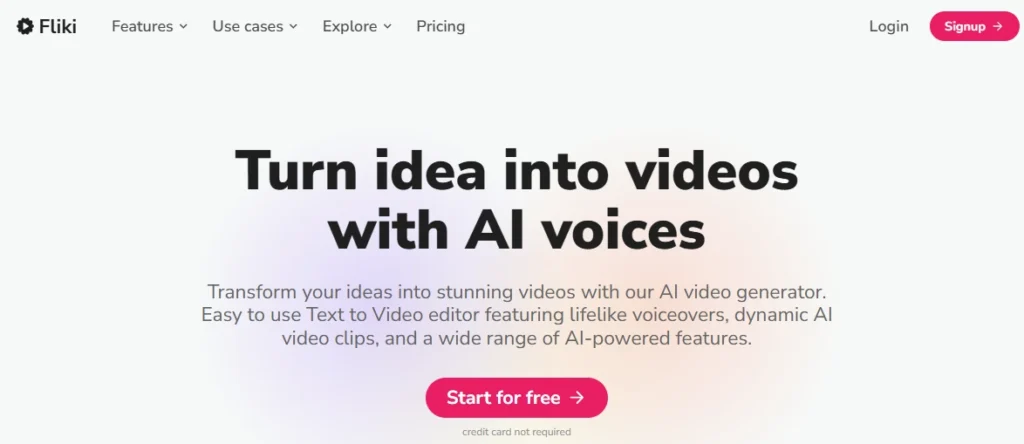
Key Features:
- Text-to-Video: Convert written scripts into engaging videos, with AI-generated voiceovers and visuals.
- Multilingual Voiceovers: Fliki supports multiple languages, allowing creators to produce content for diverse, global audiences without needing separate voiceover services.
- Audio Integration: Seamlessly combine audio, text, and video clips, making it ideal for those who require both voiceover narration and visual content.
Use Cases:
- Content Creators: Produce YouTube videos, Instagram stories, or TikTok clips by simply uploading a script, making content creation more accessible.
- Businesses: Create marketing videos, product demos, and explainer videos efficiently.
- Marketers: Ideal for creating advertising videos with multilingual support, helping businesses expand their reach in global markets.
Pricing:
- Free plan with limited features, and premium pricing based on video production volume.
6. Lumen5
Lumen5 is an intuitive AI-powered video creation platform that’s specifically designed for businesses and content marketers. It helps transform written content, such as blog posts, articles, and social media updates, into engaging, professional-quality videos with minimal effort.
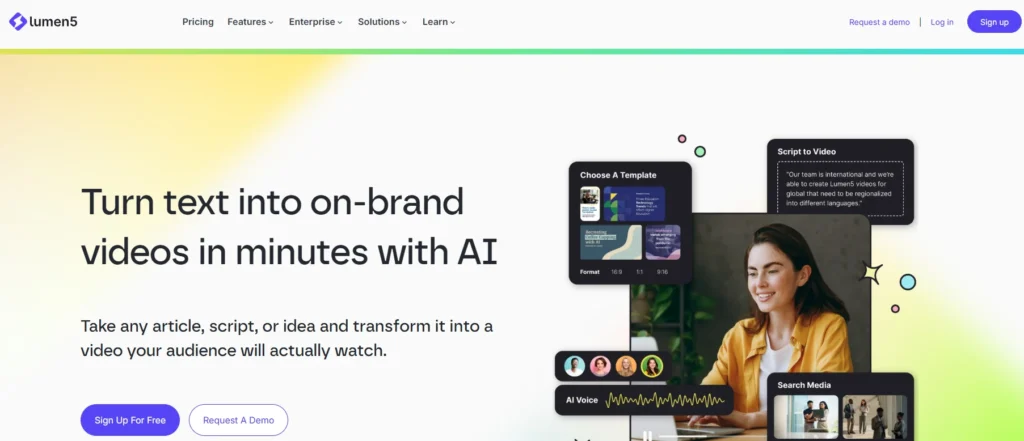
Key Features:
- Automatic Scene Selection: Lumen5’s AI scans your script and automatically selects the best visuals from its media library, ensuring the video aligns with your message.
- Text-to-Video: Convert articles, blog posts, or even social media updates into dynamic videos with ease, making content repurposing quick and efficient.
- Customizable Templates: Select from a diverse range of video templates specifically designed for social media platforms, including Instagram, YouTube, and LinkedIn.
Use Cases:
- Businesses: Perfect for creating explainer videos, product demos, and advertisements to promote services or products.
- Content Marketers: Ideal for repurposing blog posts or articles into engaging videos for social media or email marketing campaigns.
- Agencies: Agencies can use Lumen5 to quickly generate branded videos for clients, saving time while maintaining high quality.
Pricing:
- Offers both free and premium plans tailored to the user’s needs and the scale of their video production.
7. Descript
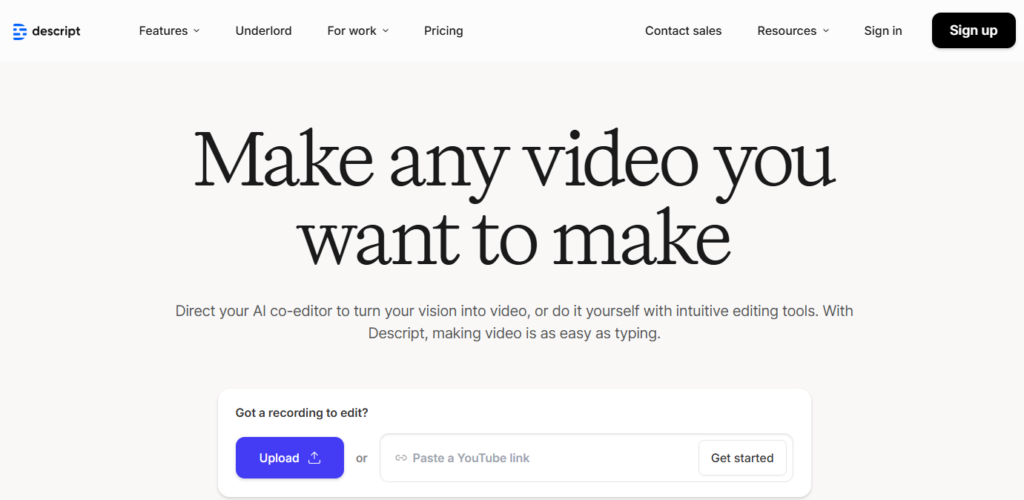
Descript is an all-in-one AI-powered platform that combines video editing, transcription, and podcast editing into one tool. It’s perfect for creators who need to work with both audio and video content simultaneously, such as podcasters, vloggers, or content marketers.
Key Features:
- Overdub: This unique AI feature enables you to edit video by simply editing the text transcript, making it incredibly easy to correct mistakes or add new content.
- Audio and Video Integration: Descript supports audio-to-video synchronization, meaning you can transcribe, edit, and generate videos without switching between multiple tools.
- Video Editing: Offers powerful editing tools for trimming, cutting, enhancing videos, and automatically adding subtitles or captions.
Use Cases:
- Podcasters and Vloggers: Perfect for video podcasts or vlogs, where both audio and video need to be edited simultaneously.
- Marketers: Create video ads and promotional content with integrated audio tracks and transcriptions for better viewer engagement.
- Social Media Creators: Efficiently edit and produce YouTube videos or Instagram content with easy-to-use tools for both audio and video.
Pricing:
- Offers a free trial and paid subscriptions for businesses and individual creators.
8. RunwayML
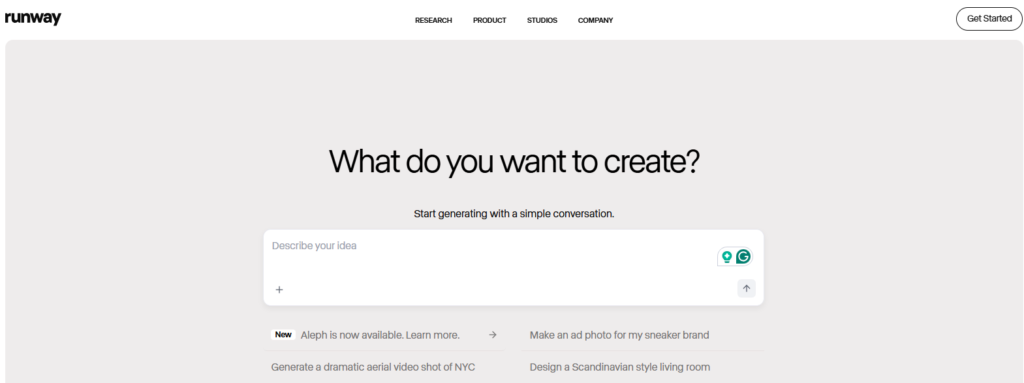
RunwayML is a creative platform that leverages AI technology to provide advanced video editing and special effects for creators, filmmakers, and animation professionals. It is an excellent choice for high-end video production, offering unique AI-driven tools for visual enhancements and motion graphics.
Key Features:
- AI Effects: RunwayML allows users to apply professional-grade special effects to their videos, enhancing creativity and production value.
- Custom Models: RunwayML allows you to utilize pre-trained AI models to incorporate motion graphics and advanced visuals into videos, making it ideal for experimental and creative projects.
- Collaboration Tools: The platform provides collaboration features, enabling teams to work together on video projects remotely.
Use Cases:
- Filmmakers: Enhance cinematic videos with AI-driven special effects and visual enhancements to achieve high-quality production standards.
- Animators: Ideal for animation studios looking to add motion graphics or AI-enhanced effects to their animations.
- Creative Professionals: Use RunwayML for advanced video editing and post-production tasks, particularly when high-end visual effects are needed.
Pricing:
- Subscription-based pricing with different tiers based on usage.

Final Thoughts
As demand for high-quality video content rises, AI-powered video generation tools are now essential for creators, businesses, and marketers. These eight tools transform the video creation process, offering speed, efficiency, and cost-effectiveness for professional results.
LunaBloom AI leads this new era, helping streamline video creation with professional, multilingual results. Whether you’re an influencer, business owner, or marketer, LunaBloom enables effortless video production without the need for costly teams or complex software.
Try LunaBloom today to create impactful videos and engage your audience with ease.
FAQs
A: The best AI video generator is a tool that quickly creates professional-quality videos using AI. It should offer features like script-to-video, voiceovers, animations, and customizable visuals, helping creators save time and produce consistent, high-quality content.
A: Look for ease of use, supported languages, social media compatibility, video quality, pricing, and automation features. Consider your content goals, platform requirements, and how well the tool integrates into your workflow.
A: No. Most AI video generators are designed for beginners and professionals alike. They simplify the process, allowing you to create videos without advanced editing skills or software expertise.
A: Yes. AI video generators can create videos optimized for platforms like YouTube, Instagram, TikTok, and Facebook. They offer aspect ratio options, captions, and templates suitable for social media engagement.
A: Many AI video generators offer free trials or limited versions. Full-feature access typically requires a subscription or pay-per-video plan, depending on the tool and features you need.
A: Most AI video generators provide royalty-free music, stock footage, and visuals. Always check each tool’s licensing terms to ensure your content is safe for commercial use and avoids copyright claims





