
The best AI avatar creator depends on your workflow, but LunaBloom AI is the broadest end-to-end option in this comparison. Specialized platforms may be stronger for enterprise training, interactive avatars, or low-cost testing.
The popular advice says to pick the tool with the most realistic digital presenter. That shortcut misses the expensive part of avatar production. A convincing face won't help much if voice cloning, multilingual delivery, editing, integrations, export quality, usage credits, or team review create bottlenecks.
The AI avatar category has also moved beyond niche experimentation. The market was valued at USD 6.3 billion in 2025, is projected to reach USD 8.4 billion in 2026, and is forecast to reach USD 93.4 billion by 2035, implying a 30.6% CAGR across the forecast period, according to Global Market Insights' AI avatars market analysis. That projected scale means buyers should compare tools as production systems, not just avatar generators.
The ranking below prioritizes workflow fit across photo-real presenters, animated and 3D avatars, training, localization, live interaction, API use, and budget production. Pricing, credits, output controls, collaboration, and consent requirements matter just as much as visual realism.
1. LunaBloom AI
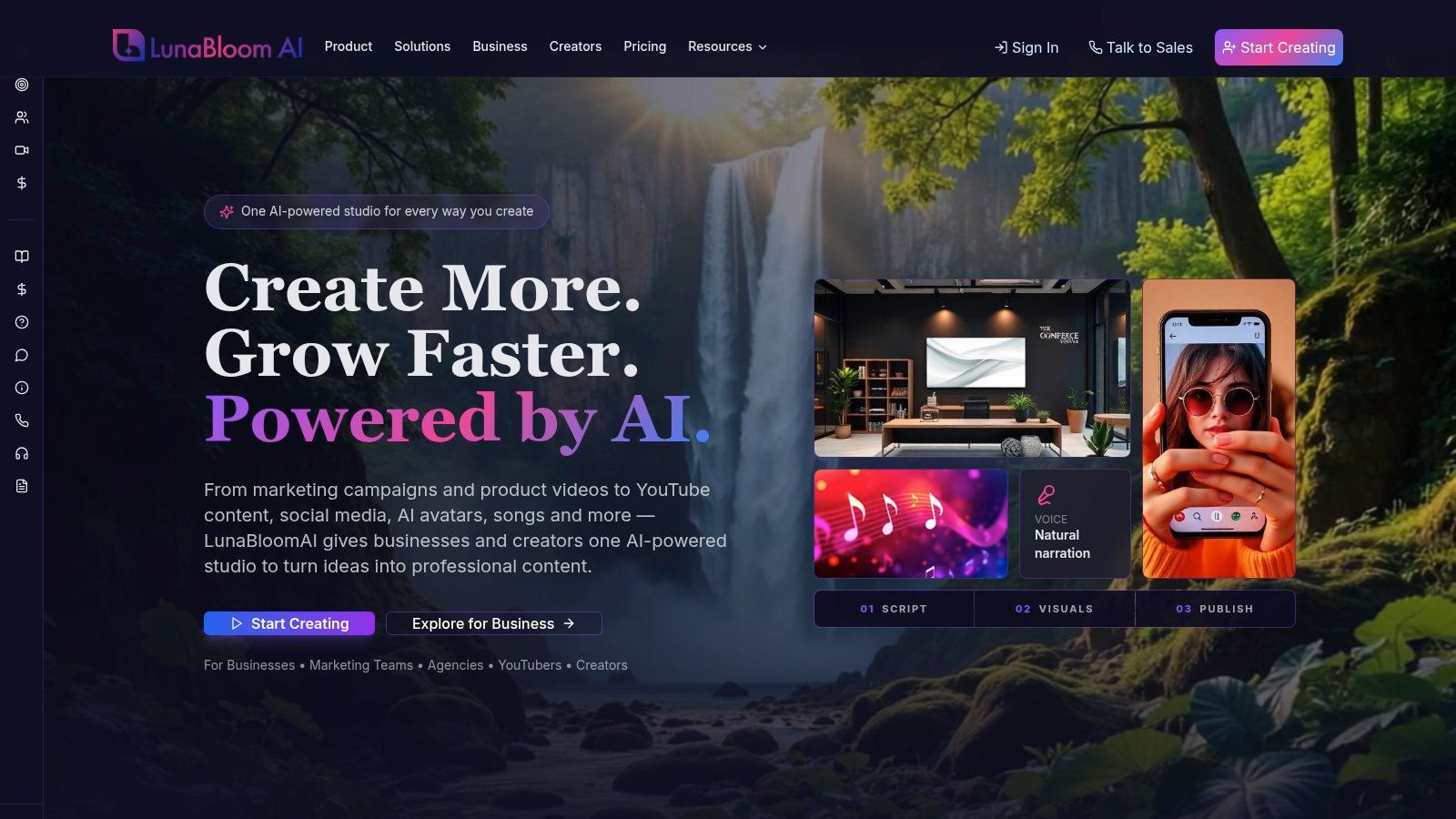
LunaBloom AI fits teams that need one production workspace for several avatar formats. It turns text, scripts, and images into edited videos, combining photo-real, animated, or 3D avatars with voiceovers, voice cloning, captions, translations, and multi-character dialogue. That range suits social ads, product demos, tutorials, onboarding, training, and YouTube production.
The workflow extends beyond avatar generation. Storyboards, timeline editing, layered audio, templates, analytics, collaboration, version control, API integrations, and social publishing are available in the same studio. Localization covers dozens of languages and regional accents, with automated subtitles and translations. Fewer handoffs can make a meaningful difference for marketing teams producing and adapting videos regularly.
Pricing and credit trade-offs
The free pay-as-you-go trial includes 2 free videos up to 10 seconds. Listed plans include Starter at approximately $29.99 per month, Growth at $79.99 per month, Professional at $119.99 per month, and business or enterprise packages from $999 per month to custom pricing, according to LunaBloom AI. Starter lists 720p exports. Growth adds Full HD and 20+ multilingual voices, while Professional lists 100+ voices with up to 5 custom voices.
Credits come from a shared pool. Clip length, avatar selection, resolution, and voice features can change consumption, so the subscription fee alone does not define production cost. Voice cloning, longer videos, higher-resolution exports, advanced localization, API access, and priority support may also require higher tiers.
Practical rule: Test a complete representative video, not only a short avatar sample. Track credits after adding the voice, captions, translations, and export quality required for the final workflow.
LunaBloom works best as a broad production option, rather than a specialized choice for one format. Realistic avatars and cloned voices require documented consent, copyright review, and brand governance. Its site does not list industry awards or formal certifications, so buyers should confirm their compliance requirements before scaling.
2. HeyGen
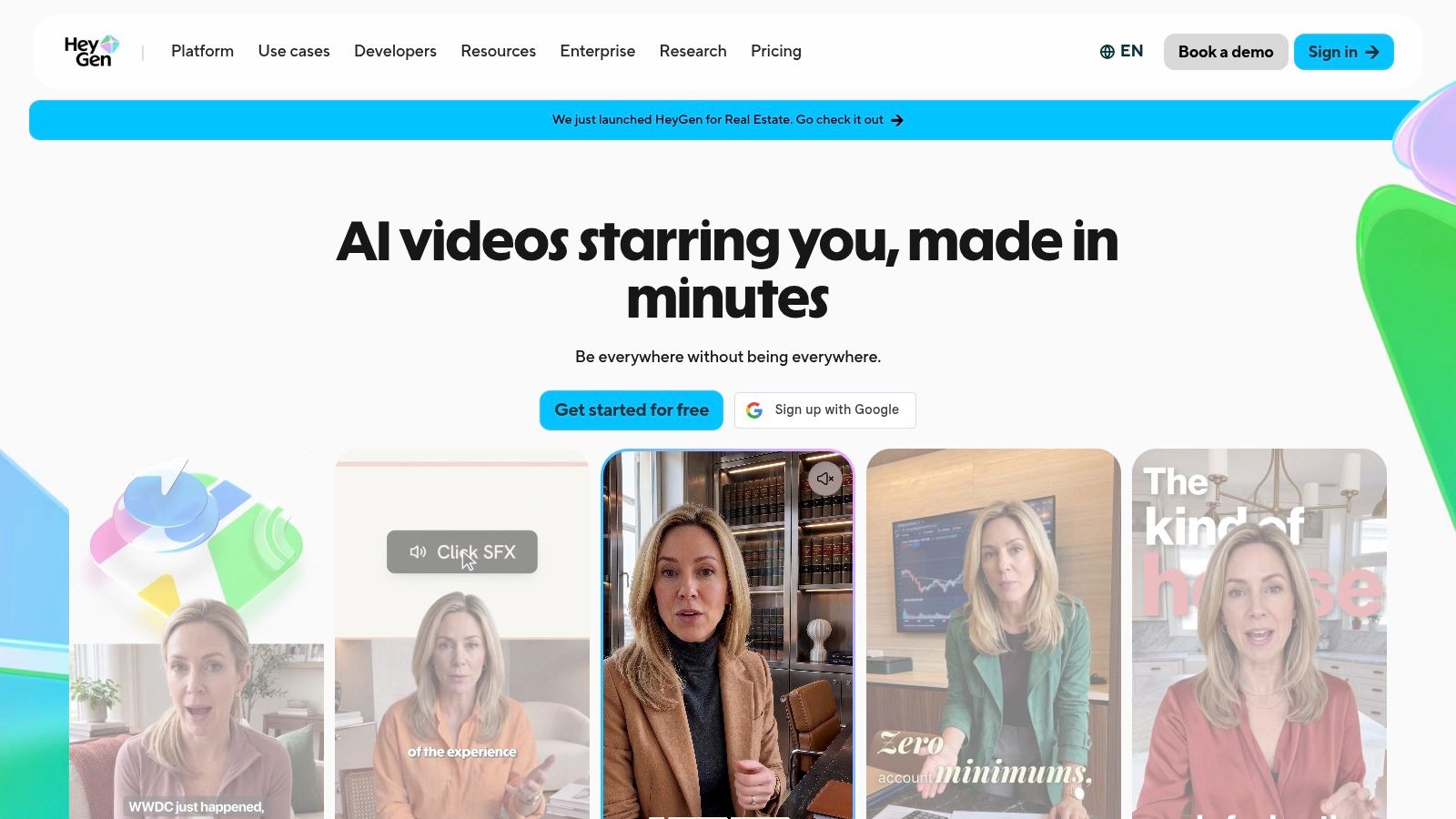
HeyGen fits marketing teams that need polished presenter videos without building a complex production pipeline. It combines 500+ stock video avatars, personal avatar cloning, expressive delivery through the Avatar IV model, and multilingual lip-sync translation. That mix works well for product explainers, paid-social creative, sales messages, and localized creator-style content.
The free plan does not require a credit card, while premium avatar features can be tested before a larger commitment. This gives solo creators and small marketing teams room to compare presenter styles. Team and enterprise workspaces support shared production when multiple people need to create and review videos.
Where the workflow gets complicated
HeyGen uses credits across video generation and avatar features. Costs become less predictable until a team knows how each engine and feature consumes credits. Its API uses per-minute pricing and is paid only, with no free API credits since February 2026, according to the platform's published product information.
That distinction matters for automated production. The web editor may suit a marketer, while a developer must model API minutes, output volume, retries, and localization versions separately.
For an end-to-end studio comparison, review LunaBloom's avatar creation app if your team wants generation alongside editing and publishing. HeyGen is the stronger workflow fit for a large stock-avatar catalog, personal avatar cloning, and localized marketing delivery. It is less suited to buyers seeking animated or 3D-first characters, live interaction, or a predictable budget without credit tracking.
3. Synthesia
Synthesia is the clearest specialist choice for enterprise learning and development. Its workflow is built around structured avatar-led communication, including training, internal communications, onboarding, and localization. The platform provides 240+ ready-made avatars, supports 160+ languages, and offers stock, personal, studio custom, and prompt-based Avatar Builder characters, according to the product details supplied for this comparison.
That range lets teams choose between a realistic presenter and a more stylized branded character. It also supports interactive and live avatar capabilities through an API, which expands the platform beyond pre-rendered training videos. However, interactive use is a different budget category from ordinary video production.
Best for governed training production
Synthesia's strongest differentiator is its enterprise orientation. Administrative controls, security options, collaboration, and API access matter when a learning team needs repeatable production across departments. SCORM, branching, and course-delivery features aren't the center of this platform's supplied profile, so teams should verify how it fits with their existing learning management system rather than assuming every training requirement is covered natively.
Custom studio avatars also change the economics. The supplied plan notes list a $1,000 studio custom avatar add-on, and interactive avatar capabilities are custom-priced. Those costs may make sense when a company needs a controlled presenter identity for a substantial internal or external training library, but they can be excessive for occasional social content.
See LunaBloom's company information if your priority is a broader content studio rather than a training-first system. Choose Synthesia when governance, repeatability, and L&D workflows matter more than animated experimentation or the lowest entry price.
4. D-ID
D-ID is particularly compelling for developers and teams testing talking-head experiences. Its Studio turns images into speaking presenters through a no-code interface, while its developer API supports programmatic image-to-video and talking-portrait generation. That makes it less dependent on a large stock-avatar library and more useful when a project starts with a specific image or digital character.
The platform also offers Visual AI Agents for real-time conversational avatars. This is an important distinction. A pre-rendered video answers a fixed script, while a conversational agent must respond dynamically, manage turn-taking, and operate inside a live product or support experience. Buyers should evaluate those as separate workflows even when they come from the same provider.
A practical API and watermark advantage
D-ID publishes API pricing and unit information, which helps developers estimate usage before building a prototype. The API and web Studio draw from a shared minutes pool, so teams should include both channels in their consumption model. Trial and Lite outputs retain a watermark, a limitation that matters if a prototype will be shown to customers or used in a public-facing test.
The supplied plan information describes D-ID as one of the least-costly API entry points for testing and volume. That doesn't automatically make it the cheapest overall platform, because final cost depends on minutes, revisions, output requirements, and whether the project needs live agents.
For a broader studio workflow, compare LunaBloom's starter app. D-ID is the more focused choice when image-to-video generation, a developer API, or real-time visual agents sits at the center of the project.
5. Colossyan
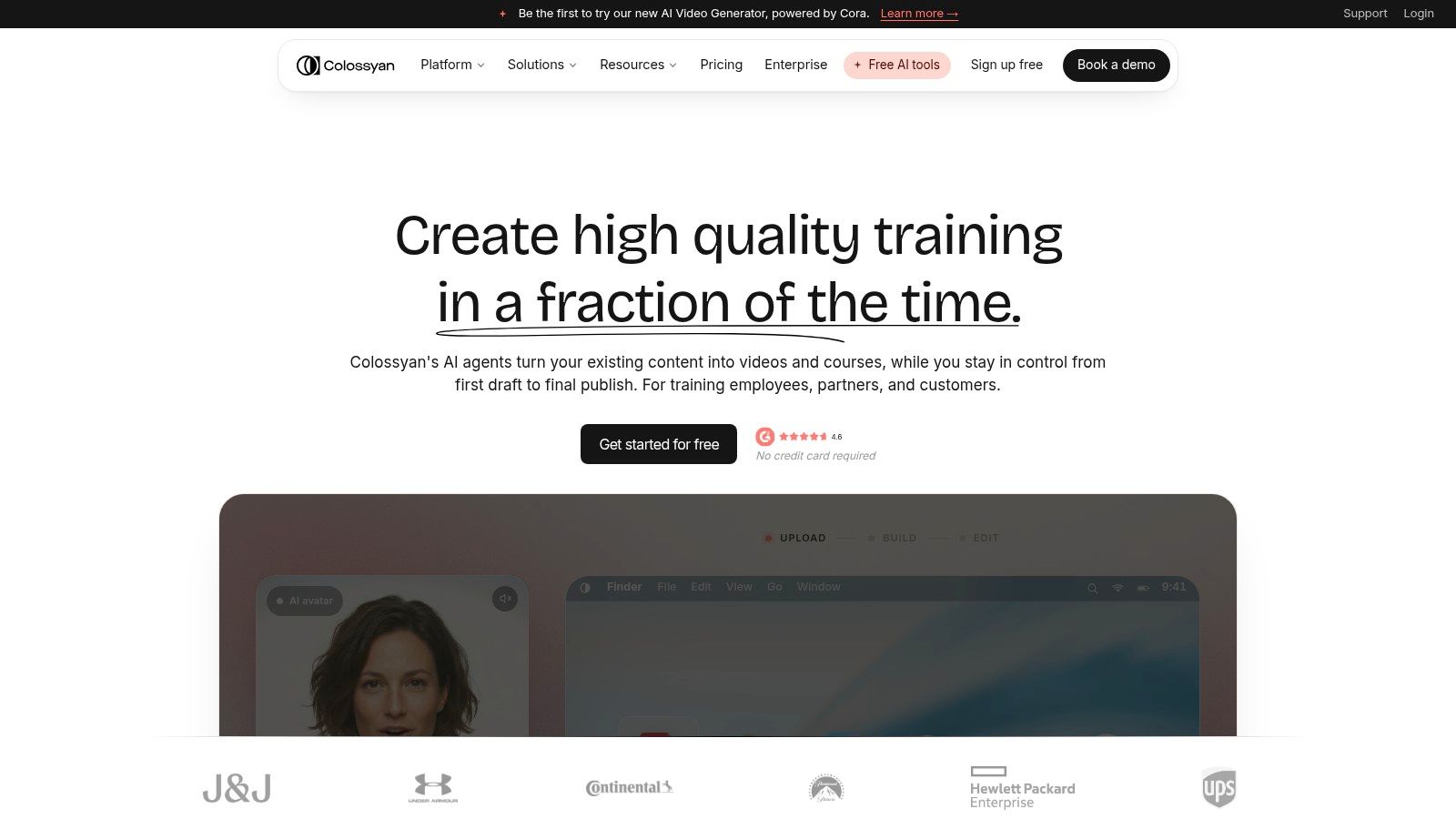
Colossyan earns its position through learning workflow depth rather than general-purpose avatar novelty. It combines a 300+ avatar library, instant custom avatars, multi-avatar dialogue, interactive videos, branching, SCORM export, and translations in 100+ languages. For an L&D team replacing slide-heavy courses with avatar-led modules, those features solve problems that a basic talking-presenter tool leaves to other software.
Interactive video is the key differentiator. Branching lets a learner follow different paths, while SCORM export supports delivery into compatible learning systems. Team collaboration, migration assistance, minute packs, and enterprise onboarding also point toward larger course libraries rather than isolated marketing clips.
The trade-off is learning-specific usage
Self-serve plans have minute limits, and the supplied notes identify lower NEO2 minute availability on Starter. SCORM access is also capped monthly on lower tiers. Those limits can matter more than the headline avatar count if a team is converting a substantial course catalog or producing multiple language versions.
Colossyan is therefore a better fit for structured education than for a creator who wants cinematic image-to-video, social publishing, or music-led avatar content. The platform should be assessed by asking how many finished learning minutes will be delivered, how much branching is required, and whether SCORM limits match the LMS rollout.
Review LunaBloom's privacy information alongside any avatar vendor's consent and data policies. Colossyan is the recommendation when learning delivery, interactive course design, and SCORM are central. If those features aren't needed, its specialized workflow may add complexity without improving the final marketing video.
6. Elai.io
Elai.io takes a practical middle position between stock-presenter platforms and fully custom production studios. It offers stock avatars, custom avatars, Selfie Avatars, voice cloning, multilingual narration, templates, and brand kits. That makes it useful for product walkthroughs, tutorials, marketing explainers, and personal presenter videos where the creator wants a recognizable face without recording every version manually.
The Selfie Avatar workflow is especially relevant to consultants, educators, founders, and small businesses. A personal presenter can make recurring content feel more consistent than selecting a different stock avatar for every project. It also creates a responsibility around permission and identity rights, so teams should keep clear records of who supplied the source footage or image and where the avatar may be used.
Simple editing, clearer overage planning
Elai's editor is template-driven and relatively direct. That helps users who want to move quickly from script to presenter video without adopting a large production suite. Multi-language text-to-speech and voice cloning support localization, but advanced LMS or interactive requirements may still require external tools.
Its per-minute overage pricing is described as transparent, which gives buyers a useful budgeting signal. Still, a transparent overage rate doesn't answer every cost question. Teams should calculate the effect of revisions, alternate languages, repeated exports, and voice-cloning usage before deciding whether a monthly plan is sufficient.
For a broader production partnership or feature comparison, teams can use LunaBloom's contact page. Elai.io is the better fit when a flexible personal presenter and a straightforward editor matter more than a large enterprise administration layer or a full learning platform.
7. DeepBrain AI, AI Studios
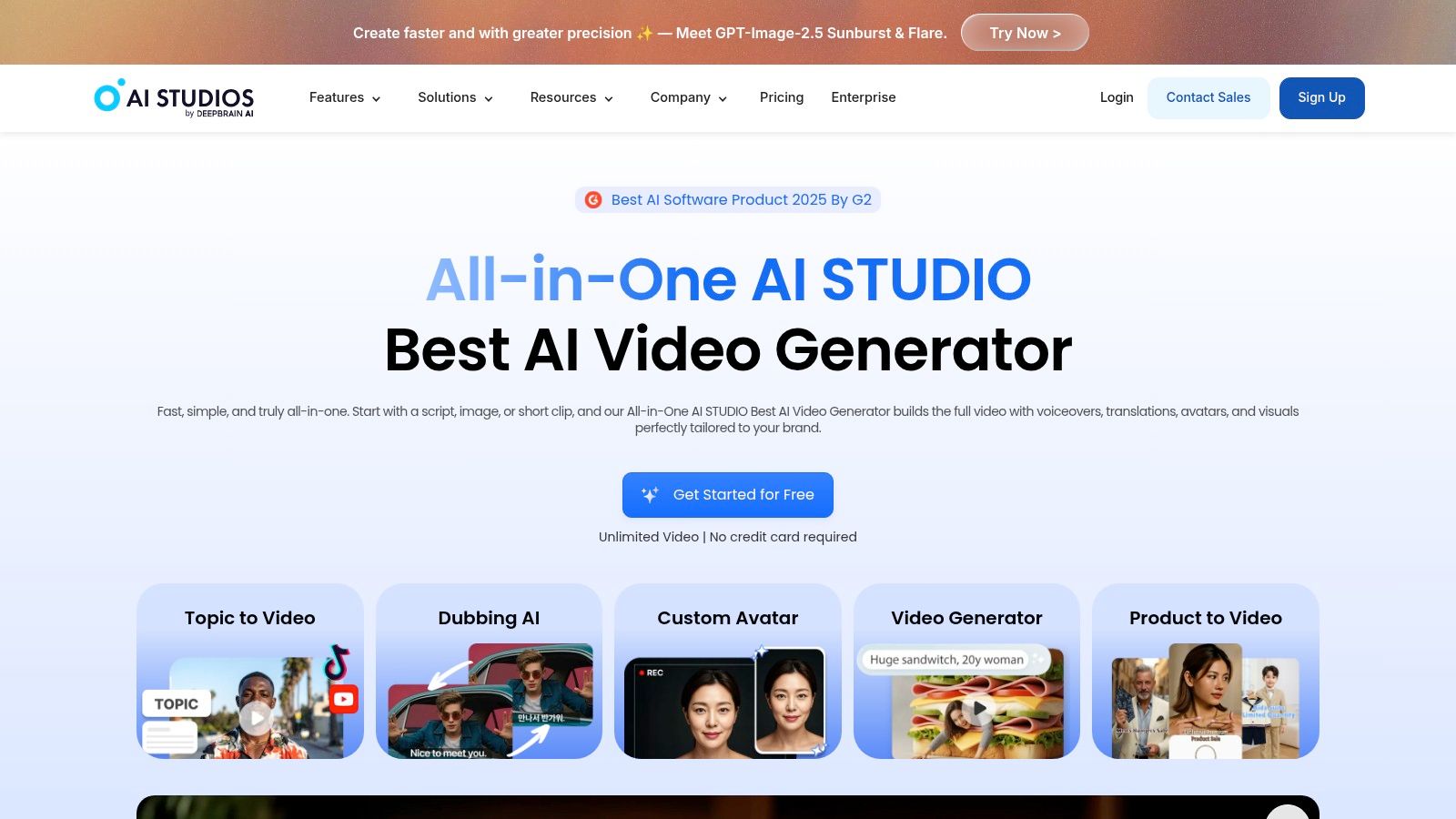
DeepBrain AI, AI Studios stands out because it combines ordinary avatar video production with a separate real-time product, LiveAvatar. AI Studios handles generated videos, dubbing, and avatar-led content, while LiveAvatar supports session-based conversational experiences through API access. That pairing makes the provider relevant to teams that may begin with scripted content and later add an interactive assistant or digital host.
The supplied plan details include 4K export on Team plans, free starter tiers for testing, and clear plan grids. These points make it easier to separate initial experimentation from production requirements. A team can test whether a presenter style works before deciding whether it needs higher-resolution output or a live implementation.
Live use requires a different cost model
DeepBrain uses generative credits for video and image models, alongside dubbing minutes. Those credits and minutes reset each billing cycle without rollover. LiveAvatar sessions also have duration and concurrency caps on non-enterprise plans, so a successful demo doesn't necessarily prove that the plan can support the intended traffic pattern.
A live avatar isn't just a video with a play button. Test session length, simultaneous users, response behavior, API limits, and fallback handling before treating a prototype as a deployable product.
DeepBrain is a strong choice for organizations that want pre-rendered and conversational avatars under one provider. It isn't automatically the best option for a marketing team that only needs short, edited social videos and doesn't need live interaction.
8. Vidnoz AI
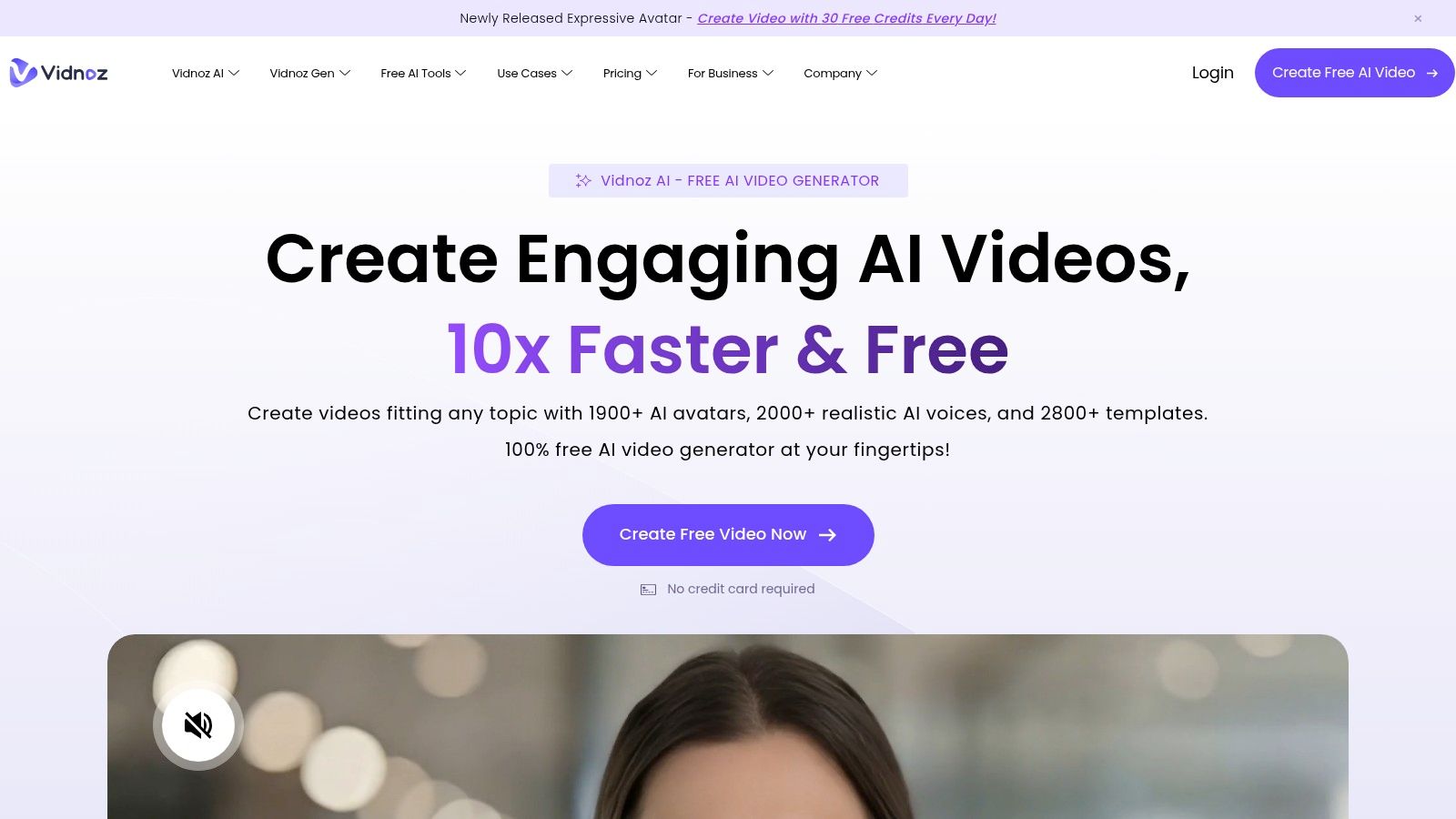
Vidnoz AI is the budget-volume option in this ranking. Its supplied product information claims approximately 1,800 to 1,900+ avatars and 2,600+ voices, alongside templates, translation, team collaboration, analytics, and optional API access. Higher tiers add features such as SCORM export and business controls including SAML or SSO.
The appeal is breadth at the entry level. A creator or small business can test multiple presenter styles without committing to a specialized enterprise platform, while inexpensive add-ons cover custom avatars and voice cloning. That makes Vidnoz useful for producing many routine videos where the cost of experimentation matters more than having the most controlled cinematic look.
Confirm the credit conversion before scaling
Vidnoz uses credits across many features. A large library doesn't tell you how many finished videos a plan will produce, because consumption may vary by avatar, voice, resolution, translation, and other generation features. Buyers should confirm how credits convert into their typical video length before comparing the subscription with a minute-based competitor.
Output resolution and realism can also vary by avatar and plan. For internal drafts, social experiments, or SMB explainers, that may be acceptable. For a high-stakes brand film, customer-facing training, or a consistent executive digital twin, test the exact avatar and export configuration rather than judging the platform from its catalog size.
Vidnoz is the right budget choice when volume, templates, and a broad library drive the decision. It's less persuasive when the project needs tightly governed identity consistency, advanced API orchestration, or premium presenter realism across every localized version.
9. Wondershare Virbo
Wondershare Virbo is the most convenient pick for creators who move between devices. It runs across web, desktop, and mobile, offers 300+ avatars, talking-photo features, broad language and voice support, AI translation, and beginner-friendly editing. That cross-platform setup is useful for solo creators and small teams that don't want production tied to one workstation.
Virbo's annual minute bundles are positioned as low-cost, which makes the tool attractive for recurring short-form production. A creator can prepare a script on one device, adjust a presenter video on another, and keep the workflow relatively simple. The platform also offers Virbo Live for avatar livestreaming, plus paid custom avatar and custom voice services.
Separate live production from ordinary video
Virbo Live is a separate product with different pricing. That separation is easy to miss if a buyer evaluates only the standard avatar-video editor. A team interested in livestreaming should price the live SKU independently and test its moderation, session behavior, and publishing workflow rather than assuming the ordinary plan includes the same capabilities.
Virbo's collaboration and enterprise controls are lighter than those of specialized L&D platforms. That's not necessarily a weakness for a solo creator, but it can become a limitation when several reviewers need permissions, version history, approvals, or structured course delivery.
Choose Virbo for affordable, accessible production across web, desktop, and mobile. Choose a more enterprise-oriented platform when governance and learning-system integration are more important than convenience and low-cost minute bundles.
10. Synthesys
Synthesys combines stock avatars, personal digital twins, dubbing, voice cloning, and an AI video agent workflow. Its intended uses span advertisements, social reels, training, video sales letters, and product demos. Website and widget overlays add another angle, allowing teams to use salesperson or user-generated-content personas on-site rather than only exporting a finished video.
The supplied product details describe avatar catalogs ranging from 200 to 1,000+, language and voice options from 140 to 175+, and tier-dependent exports from 1080p to 4K. Those ranges vary across product pages, so they should be treated as plan and page-dependent rather than as a single guaranteed catalog specification.
Validate model mix and credit use
Synthesys uses credits across video and voice. That can work well for teams producing multiple formats, but model selection and voice usage may consume credits quickly. Commercial rights are included on all plans according to the supplied comparison notes, yet buyers should still review the specific license terms for cloned voices, personal likenesses, music, and third-party assets.
The platform's marketing pages may describe different library sizes and model combinations. Use the trial to test the exact digital twin, language, resolution, and script style you intend to publish. Synthesys is a reasonable fit for teams that want broad use cases and website-based avatar personas, but it ranks below the other options when the deciding factor is a clearly differentiated training, live-agent, or cross-device workflow.
Top 10 AI Avatar Creators, Feature Comparison
| Product | Core features | Quality & UX | Pricing & Value | Target audience | Unique selling points |
|---|---|---|---|---|---|
| LunaBloom AI 🏆 | Text/image→video, photo‑real/3D avatars, voice cloning, multi‑character, songs, auto captions/translations, one‑click publish ✨ | ★★★★★, studio-quality editor, layered audio, analytics | 💰 Free pay‑as‑you‑go + Starter ~$29.99 / Growth ~$79.99 / Pro ~$119.99 / Enterprise $999+; credit model | 👥 Creators, marketers, agencies, enterprises | ✨ End-to-end AI studio, 50+ languages, SEO auto-optimization, API & collaboration |
| HeyGen | 500+ stock avatars, personal avatar cloning, multi‑lang lip‑sync, API | ★★★★, easy start, creator-friendly | 💰 Free plan + credit-based generation; paid API per-minute | 👥 Marketers, creators, localization teams | ✨ Large avatar library, expressive Avatar IV |
| Synthesia | 240+ avatars, Avatar Builder, 160+ languages, interactive/live API | ★★★★, mature, enterprise-ready | 💰 Free Basic; studio custom avatars add-on (≈$1,000); tiered pricing | 👥 L&D, enterprises, internal comms | ✨ Strong security/admin, Avatar Builder, interactive avatars |
| D‑ID | Image→talking-heads, Studio web app + API, real-time Visual AI Agents | ★★★★, developer-friendly, trial watermarked | 💰 Clear API unit pricing; watermark on free/lite tiers | 👥 Developers, conversational-avatar teams | ✨ Real-time agents, transparent minute accounting |
| Colossyan | Avatar-led text-to-video, branching interactive, SCORM export, 100+ languages | ★★★★, course-ready workflows | 💰 Minute packs + enterprise plans; lower-tier minute caps | 👥 L&D teams, training & enablement | ✨ Branching/SCORM & multi-avatar dialogue for e-learning |
| Elai.io | Selfie/custom avatars, voice cloning, multi-lang TTS, templates & brand kits | ★★★★, simple editor, quick turnaround | 💰 Transparent per-minute overage pricing; pay-as-you-go | 👥 Creators, marketers, product teams | ✨ Selfie avatars + clear overage rates |
| DeepBrain AI – AI Studios | AI Studios + LiveAvatar (real-time), dubbing, 4K export on Team | ★★★★, combined pre-render + live capabilities | 💰 Generative credits & dubbing minutes; no rollover | 👥 Teams needing live conversational avatars & dubbing | ✨ LiveAvatar sessions + 4K export options |
| Vidnoz AI | Very large avatar ( |
★★★, budget-friendly, variable realism | 💰 Free plan + low-cost add-ons & monthly credit bundles | 👥 SMBs, high-volume creators on budget | ✨ Massive libraries at entry-level pricing |
| Wondershare Virbo | 300+ avatars, cross-platform (web/desktop/mobile), Virbo Live, translation | ★★★★, beginner-friendly, multi-device | 💰 Affordable annual minute bundles; live as separate SKU | 👥 Solo creators, SMBs, livestreamers | ✨ Cross-platform + very low cost per minute |
| Synthesys | 200–1,000+ avatars, dubbing, voice cloning, 1080p–4K export | ★★★, competitive but variable claims | 💰 Credit-based pricing; commercial rights included on plans | 👥 Marketers, ad creators, training teams | ✨ Digital-twin avatars & on-site widget for sales UIs |
Choose the Avatar Workflow You Can Sustain
There isn't one universal winner for the best AI avatar creator. LunaBloom AI is the broadest end-to-end option in this comparison because it combines avatar styles with scripting, image-to-video, voice, captions, translations, multi-character dialogue, editing, publishing, collaboration, analytics, and API support. That breadth matters when a team wants one production environment for social content, product education, demos, onboarding, and localized campaigns.
The best choice changes when one workflow dominates:
- Choose LunaBloom AI if you need an end-to-end studio for avatar videos, cinematic content, multilingual delivery, social publishing, and team production.
- Choose Synthesia or Colossyan for enterprise learning. Synthesia leans toward governed training and enterprise administration, while Colossyan is especially strong when interactive video, branching, and SCORM export are central.
- Choose D-ID or DeepBrain AI for interactive avatar projects. D-ID is a focused option for image-to-video, developer workflows, and Visual AI Agents. DeepBrain AI is useful when you want generated videos and LiveAvatar capabilities from one provider.
- Choose Elai.io for flexible personal presenters. Selfie Avatars, custom avatars, voice cloning, and a direct editor suit founders, educators, consultants, and product teams.
- Choose Vidnoz AI or Virbo for budget production. Vidnoz emphasizes a large avatar and voice catalog with low-cost add-ons, while Virbo is appealing for simple production across web, desktop, and mobile.
- Choose HeyGen for polished marketing and localized creator-style content, particularly if a large stock-avatar library and personal avatar cloning are more important than a broader cinematic studio.
- Choose Synthesys when ads, social reels, product demos, dubbing, voice cloning, and website personas share the same brief.
Don't compare these tools only by the number of avatars they advertise. A benchmark dataset in recent research includes 50 videos from 5 commercial avatar-generation providers, while another paper describes a first large-scale benchmark for avatar fingerprinting, showing that consistency and provenance are becoming measurable concerns beyond marketing language, as documented in recent avatar benchmarking research.
Run the same representative script through your shortlist. Include a presenter introduction, a product explanation, a pronunciation-sensitive phrase, a localized version, captions, and the final export. Then record:
- Avatar consistency: Does the face, clothing, expression, and framing remain coherent across revisions and languages?
- Voice quality: Can the platform preserve pronunciation, pacing, emotion, and regional accent requirements?
- Credit consumption: How many credits or minutes does a finished, revised, localized video use?
- Editing handoff: Can reviewers change scenes, audio layers, captions, and brand elements without rebuilding the project?
- Integration fit: Does the API support your authentication, output, storage, publishing, and analytics needs?
- Governance: Can your team manage permissions, version control, consent records, takedowns, and brand approvals?
- Total cost: Include subscriptions, overages, custom avatars, cloned voices, higher-resolution exports, API use, live sessions, and unused credits.
Consent deserves its own approval step. The US TAKE IT DOWN Act, passed on April 28, 2025, criminalizes nonconsensual publication of intimate images, including AI-generated digital forgeries, and requires covered platforms to provide a notice-and-removal process. The criminal ban took effect immediately, while platforms had until May 19, 2026 to implement the removal workflow, according to the Congressional Research Service summary of the TAKE IT DOWN Act.
The UK threshold is also explicit. Section 138 of the UK Data, Use and Access Act 2025, in force from February 6, 2026, makes it a criminal offense to create or request AI-generated intimate images without the subject's consent, as explained by DLA Piper's analysis of AI deepfake law. Washington's AI likeness law, effective June 10, 2026, prohibits certain nonconsensual commercial, sexual, or deceptive replicas of a real person's voice, likeness, or identity. Its consent rules require written, context-specific, revocable permission for commercial uses, with remedies that include actual or statutory damages, according to Washington AI Policy Desk's compliance overview.
The sustainable choice is the platform your team can operate safely and repeatedly. Pick the tool that makes your real production process easier, not the one that wins a short demo.
LunaBloom AI combines photo-real, animated, and 3D avatars with voice cloning, multilingual captions and translations, editing, collaboration, analytics, and one-click publishing. Visit LunaBloom AI to test whether its end-to-end workflow fits your next marketing, training, onboarding, or creator video project.




