
Not long ago, training video software felt like a luxury. Now, it's a core part of how businesses operate, enabling them to create professional, scalable training content without needing a film crew or a degree in video editing. These powerful tools use AI to transform simple text into engaging videos, complete with presenters, voice-overs, and even multilingual support. It’s a direct solution to the classic training headaches of high costs and disengaged employees.
The Shift to Modern Training Video Software

Let’s be honest, businesses are tired of static, old-school training methods. We’re seeing a massive shift away from lengthy PDF guides, inconsistent live Zoom sessions, and shelling out big money for third-party video production. The underlying problem has always been the same: how do you deliver consistent, high-quality training that scales with the company without draining the budget?
This is precisely where modern training video software steps in. Tools like LunaBloom AI place the power of creation in the hands of the people who know the material best—from HR and L&D to product marketing. You no longer need to be a video expert to produce polished modules for onboarding, compliance training, or new skill development.
Overcoming Traditional Training Hurdles
Traditional training methods simply can't keep up anymore. They’re expensive, a nightmare to update, and often fail to connect with a diverse workforce that might be spread across the globe. The outcome? Inconsistent knowledge and learning experiences that vary from person to person.
AI-driven video tools are designed to solve these problems head-on:
- Cost and Complexity: Forget needing cameras, studios, or actors. If you can write a script, you can generate a professional video. This move can slash production costs by up to 80%.
- Scalability and Speed: Need to get a global team up to speed in five different languages? AI tools can create all the necessary versions in minutes, not weeks.
- Consistency: Every single employee receives the exact same clear, high-quality message. This is a game-changer for uniform onboarding and critical compliance training.
The real magic is in the agility. When a policy changes or a process is updated, you can edit the training video in minutes just by tweaking the text. Your learning materials are never out of date.
Switching to this kind of software isn't just about saving money; it’s a strategic move to build a smarter, more adaptable workforce. It's about ensuring your training can keep up with the speed of your business.
Your Essential Software Evaluation Framework
Choosing the right training video software goes beyond just ticking off feature boxes. You need a framework to identify which platform will truly deliver long-term value and integrate with your existing workflows. A slick interface is nice, but the real power lies in features that enable you to scale, maintain brand consistency, and reach a global team.
This framework breaks down the evaluation into key areas that distinguish a decent tool from a game-changing one. By assessing software against these points, you can make a smart, future-proof decision that aligns with your company's strategic goals. It’s all about finding a solution that solves today's challenges and grows with you tomorrow.
User Experience and Ease of Use
Let's be direct: the best software is the one your team will actually use. A clunky, confusing interface is a surefire way to kill adoption, rendering the entire investment pointless. Your team—from instructional designers to department heads—should be able to jump in and create content without needing constant IT support.
A smooth user experience translates to faster content creation and reduced internal training costs. If the platform is intuitive, your team can focus on making exceptional training materials instead of wrestling with the software. Look for a clean dashboard, logical workflows, and clear instructions.
Advanced AI and Multilingual Capabilities
Modern teams are global, and your training must reflect that reality. Today's platforms leverage AI for more than just video creation; they are breaking down language barriers. This capability is essential for maintaining consistent onboarding and compliance across international offices.
Look for tools that offer:
- AI Avatars and Presenters: These provide a consistent, professional face for your training and are incredibly easy to update.
- Realistic Voice Cloning: Maintain your brand's voice by using a familiar, trusted tone across all training modules.
- Automatic Subtitles and Translation: Effortlessly generate accurate captions and translate them into dozens of languages, ensuring every employee can understand the material.
A platform with robust multilingual support isn't just a nice-to-have; it’s a critical component of any inclusive and effective global training strategy. It guarantees every team member receives the same high-quality information, regardless of their location or language.
Deep Branding and Customization Options
Your training content is a direct extension of your brand. Generic, unbranded videos feel disconnected and unprofessional, which can seriously undermine your message. The right software will allow you to stamp your brand identity on every video you create.
This means you need the ability to:
- Upload your company logos and color palettes.
- Use custom fonts that align with your brand guidelines.
- Create branded templates to ensure consistency across departments, from sales to HR.
Consistent branding builds trust and professionalism. When training materials look and feel like they genuinely come from your company, employees are more likely to engage and retain the information. The huge shift to cloud-based video solutions highlights this importance; this market is projected to hit USD 42.29 billion by 2031. You can read the full research about these market trends to grasp the scale of this transformation.
Comparing The Leading Training Video Platforms
Choosing the right training video software isn't about finding the tool with the longest feature list. It’s about finding a partner that solves your biggest challenges. A platform designed for flashy, ten-second social media clips will likely fail when you need secure, in-depth corporate compliance training.
So, instead of a simple pros and cons list, let's explore how leading platforms, including LunaBloom AI and its competitors, handle real-world business scenarios. This approach helps you see how a feature translates into a tangible outcome, making your decision much clearer.
Scenario One: Scaling Global Onboarding
Imagine you've just hired 100 new employees across eight different countries. You need to provide them all with a consistent, high-quality onboarding experience. This is a significant test of a platform's ability to handle multiple languages, maintain brand consistency, and scale without compromising quality.
LunaBloom AI: This is precisely the kind of challenge LunaBloom AI is built for. Its text-to-video engine is a powerhouse, supporting over 50 languages. You can write one master script, and the platform generates localized versions with natural-sounding AI voices and auto-translated subtitles in minutes. The Brand Kit feature also ensures every video uses your company's colors, fonts, and logos for a cohesive experience.
Competitor A (Video Editing Focus): This tool offers powerful editing capabilities but lacks native AI translation. To achieve the same global reach, you would have to hire voice actors and translators for each language and then manually edit each version. It’s a slow, expensive process prone to inconsistencies.
Competitor B (LMS-Integrated Tool): This option integrates well with your Learning Management System, which is a plus. However, the trade-off is often rigid, cookie-cutter templates. You may not be able to fully customize the look and feel, resulting in a generic onboarding experience that doesn't reflect your company culture.
In this scenario, a platform with built-in, AI-powered localization and branding tools is the clear winner. The time and money saved by generating dozens of on-brand, multilingual videos from a single script is a game-changer.
Scenario Two: Creating Rapid Product Demos
Now, consider a different challenge. Your product team just launched a new feature, and the sales and support teams need to be trained on it immediately. Speed and clarity are paramount. You need a sharp, professional demo video that you can distribute within hours.
This decision tree provides a visual guide for determining what matters most.
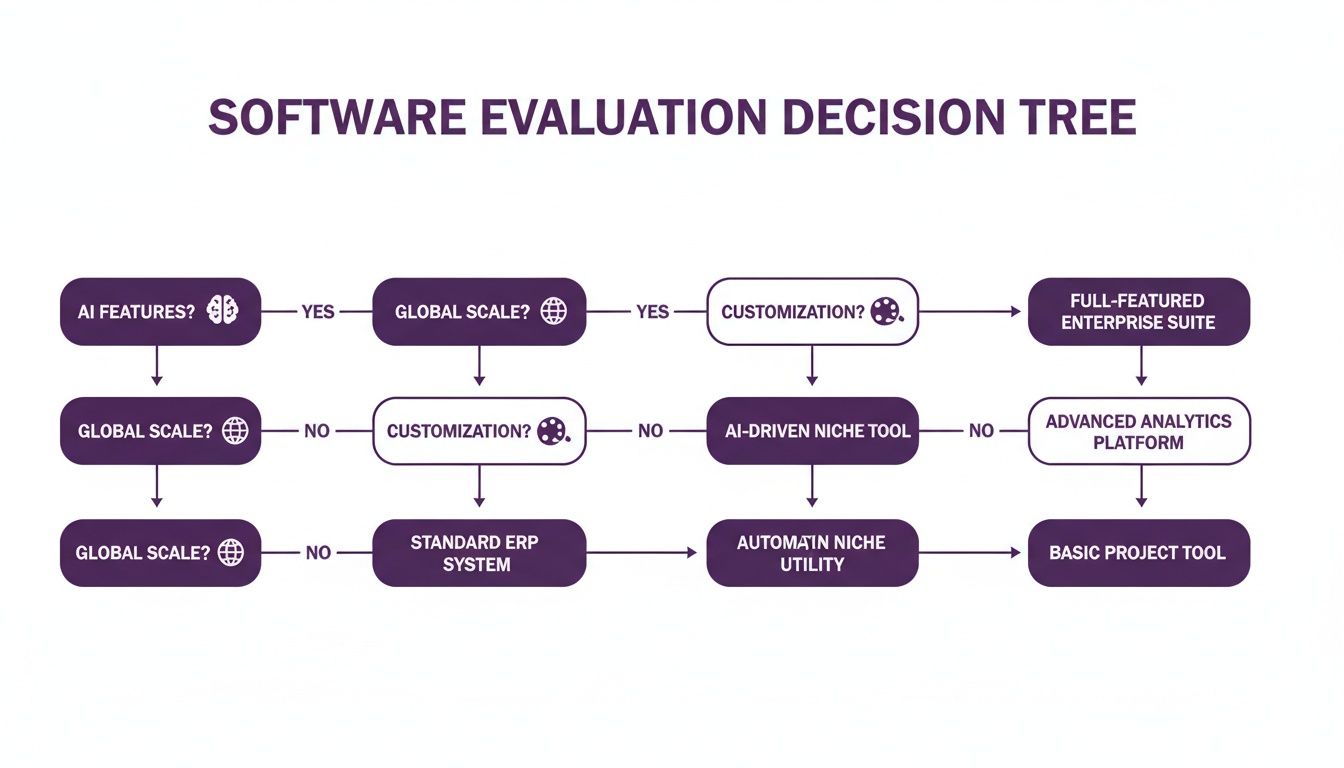
As you can see, your primary challenge dictates which features should be your top priority.
Key Differentiator: The true measure of modern training software is its ability to eliminate bottlenecks. The best tools empower your subject matter experts to create content themselves, cutting out the video production middleman and reducing the time from idea to finished video from weeks to hours.
When you're facing a time crunch, workflow efficiency is everything.
LunaBloom AI: With tools like realistic AI avatars and voice cloning, a product manager can simply paste their script, select a presenter, and generate a polished video. This sidesteps the hassle of scheduling a live presenter, setting up a camera, and dealing with edits. If the feature is updated, just tweak the text and regenerate. Simple.
Competitor C (Screen-Recording Specialist): These tools are great for quickly capturing your screen. But that raw recording is just the beginning. Turning it into a professional training asset requires adding a voice-over, intro, and branding—often necessitating another piece of software.
To get a better understanding of the available options, it's helpful to look at broader market comparisons. Resources that review the top video training software can provide valuable context for your decision.
Comparative Analysis of Key Training Software Features
A side-by-side breakdown of essential capabilities across top platforms, designed to help you quickly identify the best solution for your training objectives.
| Feature | LunaBloom AI | Competitor A | Competitor B | Competitor C |
|---|---|---|---|---|
| AI Avatars | Yes, 100+ realistic avatars | No | Limited basic avatars | No |
| Voice Cloning | Yes, high-fidelity | No | No | No |
| Multi-Language Support | 50+ languages (voice & subtitles) | Manual only | Limited to 5 languages | Manual only |
| Auto-Subtitles | Yes, AI-powered | Requires third-party tool | Yes, basic | Requires third-party tool |
| Branding Customization | Full (logos, fonts, colors) | Advanced video effects | Template-based | Basic overlays |
| Ease of Use | No experience needed | Steep learning curve | Easy for basic tasks | Easy for screen capture |
This table clarifies that platforms built around AI from the ground up, like LunaBloom AI, offer a fundamentally different workflow—one focused on speed and scale without sacrificing quality.
Feature Deep Dive: AI Avatars vs. Voice Cloning
Let's zoom in on two of the most talked-about AI features: avatars and voice cloning. They might sound similar, but they solve very different problems.
AI Avatars: Think of these as digital presenters who add a human touch without needing to film a real person. They're perfect for creating a consistent "face" for your training programs, especially for large-scale courses. You get a presenter who is always perfectly lit, on-brand, and delivers the script flawlessly every time.
Voice Cloning: This technology creates a digital replica of a specific person's voice. It’s ideal for organizations that want to use a familiar voice—like the CEO or a lead trainer—across all materials. It adds a layer of authenticity and trust that generic AI voices can't quite match.
This market is expanding for a reason. The AI video generation and editing software market is projected to soar from USD 3.67 billion in 2026 to an impressive USD 24.89 billion by 2036. This growth is driven by the urgent need for faster, more efficient ways to create professional training content.
Ultimately, the best software isn't just a tool; it's a solution that aligns with your company's workflow and goals. By evaluating platforms through the lens of real-world challenges, you can cut through the marketing noise and find a tool that delivers genuine value. Ready to see how simple it can be? You can start making your first AI video now in the LunaBloom AI app.
Matching Software Features to Business Use Cases
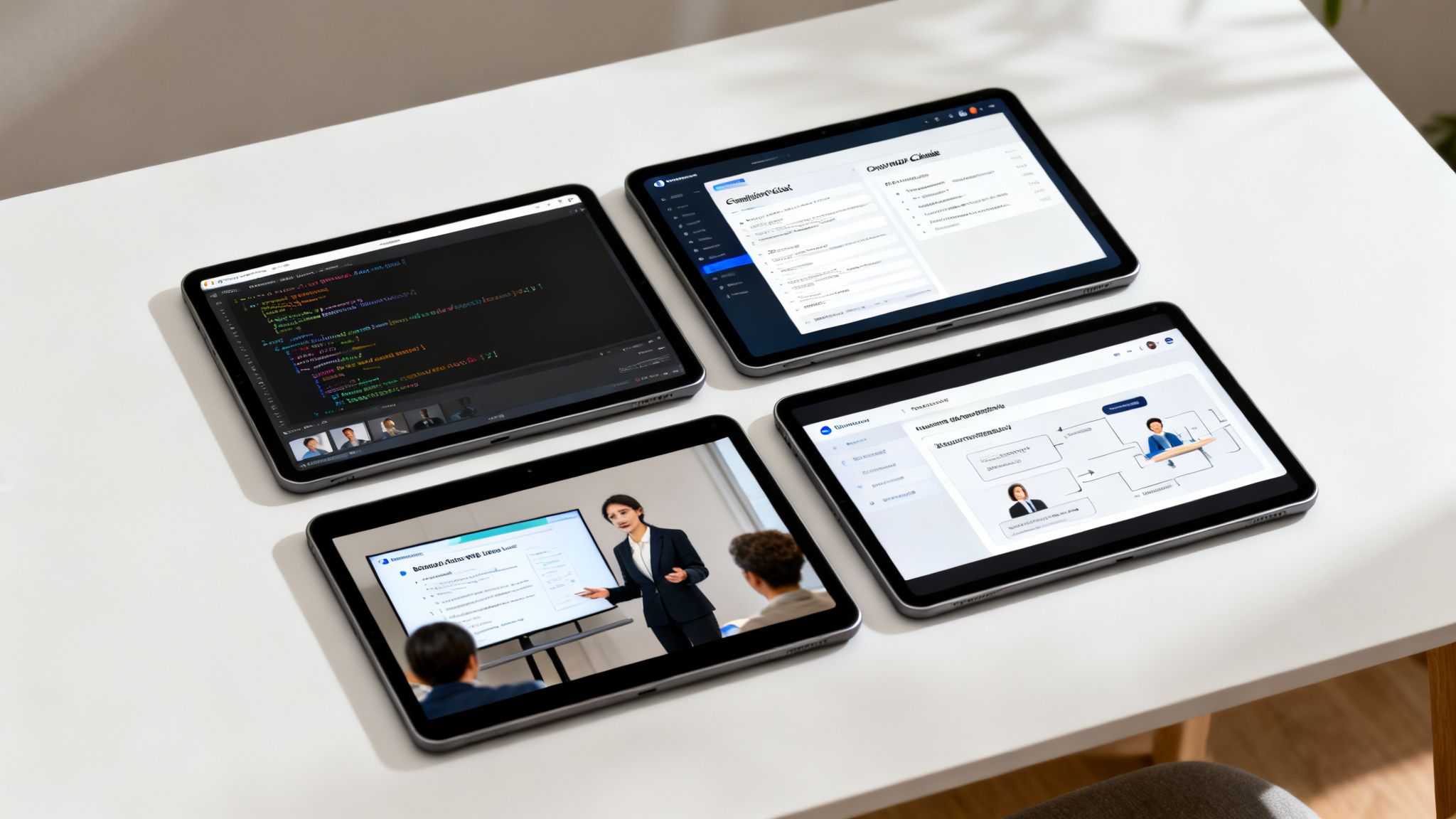
Choosing the right training video software isn't about selecting the tool with the most features. It's about finding the one that effectively solves your specific problems. A flashy platform great for marketing clips might lack the security and tracking you need for mandatory compliance training.
The key is to connect a feature to its real-world application within your company. This practical approach helps you visualize how a platform will fit into your daily operations. By identifying what's critical for your training needs, you can avoid paying for unnecessary bells and whistles and focus on what drives results.
For Technical Skills and Software Tutorials
When demonstrating how to navigate complex software or follow a technical workflow, clarity is paramount. The goal is to create a step-by-step guide that is simple to follow, pause, and re-watch.
For this type of training, these features are essential:
- High-Fidelity Screen Recording: You need a tool that captures your screen in sharp detail, showing every click, menu, and line of code without blurriness.
- Clear Voice-overs and Narration: The ability to add a crisp, clear voice-over is crucial. AI voice cloning or high-quality text-to-speech ensures every step is explained perfectly.
- Annotation and Callout Tools: Features that let you highlight the cursor, zoom in on key areas, or add on-screen text boxes are vital for directing the viewer’s attention.
These tools work together to create a robust learning experience. A crystal-clear screen recording paired with a precise voice-over can significantly reduce support tickets and accelerate employee adoption of new tools.
For Mandatory Compliance and HR Training
Compliance training can often feel like a chore, but it’s absolutely critical for managing risk. The biggest challenge is ensuring every employee receives, understands, and acknowledges the exact same information. The software you choose must support this with airtight tracking and consistency.
Key features for compliance and HR include:
- AI Avatars for Consistency: Using the same AI presenter for all compliance videos ensures the message is delivered uniformly every time, eliminating variations from different live presenters.
- Multi-Language Support: For any global company, creating videos in multiple languages with accurate subtitles is essential. It ensures everyone understands critical policies, regardless of their location.
- Completion Tracking and Analytics: You need proof of completion for audits. Look for software that tracks who watched what and for how long, typically through integration with your Learning Management System (LMS).
By using an AI avatar to deliver sensitive or complex compliance information, you create a standardized, professional, and easily updatable training module that stands up to scrutiny. It removes variability and ensures every employee receives the exact same critical message.
For Sales Enablement and Product Updates
Your sales team needs the latest product knowledge and selling points, and they usually need it immediately. Training videos for sales must be engaging, on-brand, and easily accessible from anywhere.
For this, you’ll want a training video software with:
- Brand Kit Customization: Your sales content must reflect your company's identity. The ability to easily apply your logos, brand colors, and fonts is essential for maintaining a professional image.
- AI Voice Cloning: Imagine your top sales leader or CEO delivering the training. Using their cloned voice adds authority and authenticity, making the content more memorable and impactful.
- Mobile-Friendly Outputs: Sales reps are constantly on the move. Their training videos must look great and function perfectly on any device, from a laptop to a smartphone.
The rapid growth in this space reflects the high demand for powerful, flexible tools. The Video Platform-as-a-Service (PaaS) market is projected to reach USD 59.3 billion by 2033, signaling the need for platforms that can handle training and communication. You can find more on this market expansion and its drivers here.
When you match the right tool to your goals, you find a solution that grows with your business. You can discover how LunaBloom AI combines these features to solve real-world business needs.
Creating Your First AI Training Video in 5 Steps
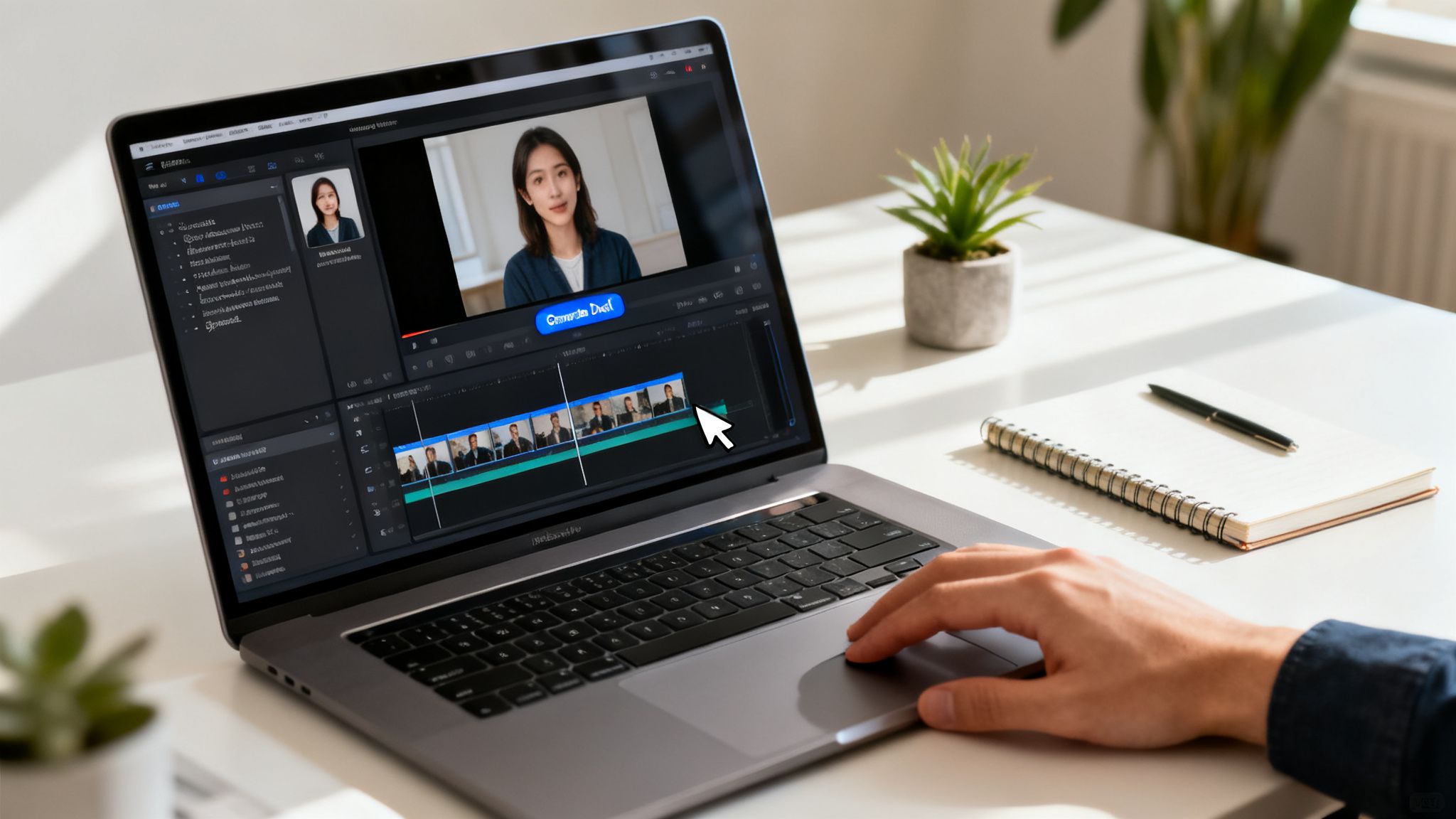
Does the thought of producing a video seem daunting? It used to be a significant technical challenge, but modern training video software has completely changed the game. What once required a dedicated team and specialized skills can now be done by almost anyone.
Let’s walk through how you can go from a simple script to a polished training video using a tool like LunaBloom AI as an example. You won’t need any editing experience, a fancy camera, or even a microphone. If you can write or copy and paste text, you have all the skills you need.
Step 1: Turn Your Script into a Video Project
Everything starts with your content. Whether you have a polished script, a few bullet points, or just an idea, that's your starting point.
Simply paste your text directly into the platform. The AI immediately gets to work, intelligently breaking down your script into individual scenes. This instantly creates a visual storyboard, allowing you to see the entire flow of your video before selecting a single image.
Step 2: Choose Your AI Presenter and Voice
This is where the magic happens, adding a human element to your training without needing to film anyone. You can browse a library of realistic AI avatars and choose the perfect presenter for your topic and audience.
Once you’ve selected your avatar, you need to give them a voice. You have several great options:
- Text-to-Speech: Choose from dozens of incredibly natural-sounding AI voices in over 50 different languages.
- Voice Cloning: Want to maintain brand consistency? Upload a short audio sample of your CEO or a lead trainer to create a digital voice clone.
- Upload Your Own Audio: If you have a pre-recorded voice-over, you can simply upload the file and sync it with your video.
Step 3: Add Your Branding and Visuals
Now it’s time to make the video uniquely yours. This step ensures your training content is professional and aligns perfectly with your brand's style guide.
With a few clicks, apply your Brand Kit to instantly incorporate your company logos, custom fonts, and specific color palettes. From there, you can enhance each scene by adding relevant background images, stock video clips, or screen recordings to better illustrate key points. The storyboard view keeps everything organized, making it easy to drag and drop media exactly where you want it.
Step 4: Generate and Polish Your Draft
With your script, avatar, and branding in place, just hit "Generate." The platform's AI will assemble everything into a complete video draft in a matter of minutes.
Next, review your video. If you spot a typo in the on-screen text or decide a different background image would be more effective, no problem. Editing is as simple as changing the text or swapping the visual and regenerating. It’s that easy.
Step 5: Export and Share
Once you’re satisfied with the final cut, your video is ready to be shared. You can export it in high definition and upload it directly to your company’s Learning Management System (LMS), intranet, or wherever you host your training materials.
What used to be a week-long project involving multiple people can now be completed in under an hour. This truly opens up content creation to everyone, especially your subject matter experts.
Ready to try it yourself? You can start building your first video for free and see these features in action by checking out the LunaBloom AI starter app.
How to Make the Right Choice for Your Organization
Choosing the right training video software isn't about finding the tool with the most features. It's about matching a platform's capabilities to your company's unique needs. After reviewing all the features, the final step is to make a decision that aligns with your team's workflow, budget, and future goals.
The best choice is rarely the one with the most bells and whistles, but the one with the right ones. Are you focused on speed, global reach, or perfect brand consistency? Your answer will guide you to the right solution.
For Startups and Small Teams
If you're a startup or small business, you thrive on speed, efficiency, and simplicity. You need a tool that allows a small team to produce high-quality content without a steep learning curve or a hefty price tag.
A solid text-to-video engine with ready-to-use AI avatars is a game-changer. It enables you to create professional videos for employee onboarding or product demos in hours, not weeks. This frees up your team to focus on what matters most: growth. The goal is maximum impact with minimum effort.
For Mid-Sized and Growing Companies
As your company expands, so do your training challenges. You're likely managing multiple departments, a growing product suite, and the need for consistent messaging. Your focus shifts to maintaining brand consistency and streamlining content creation for everyone involved.
At this stage, look for software with strong brand kit customization and collaboration tools. The ability to build and share branded templates is crucial—it ensures every video, whether from marketing or HR, has the same look and feel. Features like AI voice cloning can add a touch of authenticity by using the familiar voice of a company leader.
For Global Enterprises
Large, multinational companies face a different set of challenges. They deal with strict security protocols, complex compliance regulations, and training a diverse workforce speaking dozens of languages. For these organizations, security, scalability, and localization are non-negotiable.
The clear choice here is an enterprise-level platform that offers advanced security, seamless LMS integrations, and powerful multilingual features. The ability to automatically generate videos and subtitles in 50+ languages isn't a luxury—it’s essential for effective global training and compliance.
Ultimately, the right training video software is more than a tool; it's a strategic partner. It breaks down production bottlenecks, empowers your experts to share their knowledge, and ensures your training programs can keep pace with your business.
By carefully considering your company's size, goals, and unique challenges, you can find a tool that delivers real value from day one. To understand the philosophy behind these features, you can learn more about the mission driving LunaBloom AI. Making the right choice empowers you to build a smarter, more agile, and more engaged team.
Frequently Asked Questions
Diving into the world of training video software can bring up a few last-minute questions. To ensure you have all the information you need before selecting a tool, we’ve addressed the most common queries we hear from teams like yours. This should give you the confidence to make the right decision.
We're focusing on the practical details that matter most when you're about to invest in new software, from pricing to content security.
What Is the Typical Pricing Model for These Tools
Most of these platforms operate on a subscription model, typically billed monthly or annually. You'll often find different tiers based on factors like the number of users, the volume of video minutes you can create each month, and access to premium features like voice cloning or advanced analytics.
It's also important to watch for usage-based costs. Some plans have a base subscription fee, but you might incur extra charges if you exceed your video minute allowance or use more translations. Always review the pricing details carefully to avoid any surprises.
How Does This Software Integrate with an Existing LMS
Ensuring your new video tool integrates smoothly with your existing Learning Management System (LMS) is essential for tracking learner progress. The best platforms typically support this in two main ways. The first is through API connections, which allow the two systems to communicate and sync data automatically, such as video completion status.
The second common method is support for SCORM (Sharable Content Object Reference Model). This standard allows you to export your video as a self-contained package that can be uploaded directly into most modern LMS platforms. It's a straightforward way to ensure your training content fits seamlessly into your existing ecosystem.
How Secure Is My Content on an AI Video Platform
Security is a top priority, especially when dealing with internal corporate training materials. Any reputable AI video platform will have robust security measures in place. This includes standard practices like end-to-end data encryption, which protects your files both when they're stored on servers and during upload or download.
Reputable platforms don't stop there. They also adhere to strict privacy policies and provide you with granular control over who can view, edit, or share your videos. This is crucial for ensuring sensitive information remains secure.
For any other questions you may have, feel free to visit our FAQ page.
Ready to transform your training from dull text into dynamic video? With LunaBloom AI, you can create professional, engaging training modules in minutes, not weeks, empowering your team to learn and grow faster than ever before. Start creating for free today!





