
Looking to create an avatar free from a photo without spending any money? You've come to the right place. The process is surprisingly simple and boils down to three key steps: choose a great photo, upload it to a free AI tool, and customize the output until you love it.
Why Create an Avatar from a Photo?
Not long ago, turning a photo into a cool digital avatar was a job for graphic designers with expensive software. That's all changed. Now, anyone can generate a personalized avatar for their social media profile, gaming account, or even for professional use.
This guide will walk you through the entire process, step-by-step. We'll focus on free, user-friendly tools that require zero technical expertise. Whether you want a realistic digital twin, a fun cartoon version of yourself, or a unique anime character, you'll find everything you need right here. For those specifically interested in the anime style, this guide to the best anime profile picture creator is an excellent resource.
The Growing Demand for AI Avatars
Personalized digital identities are more than just a passing trend. According to market analysis, the global AI avatar market, valued at USD 7.41 billion, quickly grew to USD 9.78 billion. Projections show it rocketing to USD 118.55 billion by 2034, driven by a compound annual growth rate of 31.95%. This explosive growth shows just how integral avatars are becoming to our online lives.
At its core, an avatar is your digital handshake. It’s the first impression you make in virtual spaces. Creating one from your own photo ensures that impression is authentic and personal.
Understanding the Creation Process
The journey from a simple photo to a polished avatar is straightforward. It generally follows a simple, three-stage flow.
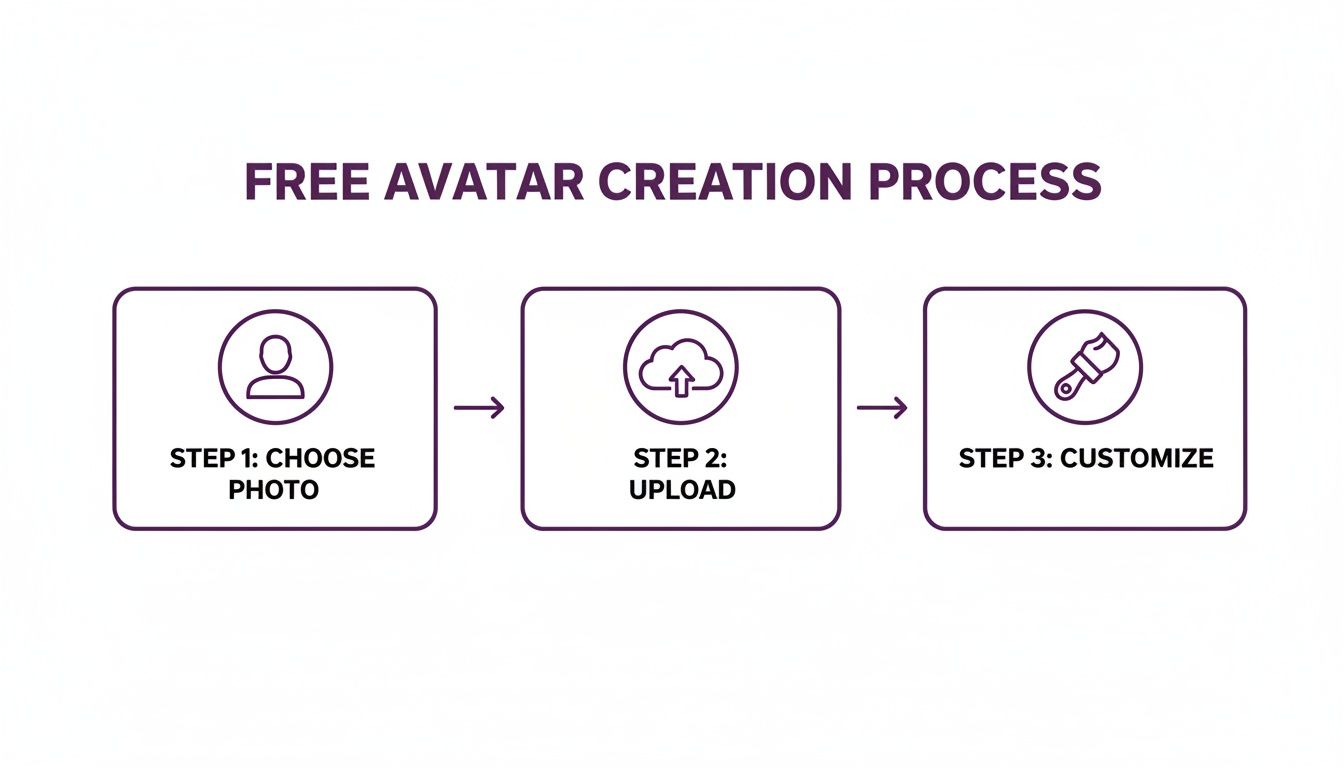
It all begins with selecting a quality photo. After you upload it, the AI technology handles the complex work, leaving you with the fun part: customizing the final result.
Step 1: Choosing the Right Photo for Your Avatar
Here’s the most important secret to creating a fantastic avatar: the quality of the final result depends almost entirely on the quality of the photo you start with. Many people grab the first selfie they find, upload it, and then wonder why their avatar looks distorted or blurry.
To create an avatar free from a photo that genuinely looks like you, your source image is critical. Think of it as giving an artist a reference. A clear, well-lit picture allows the AI to capture your features accurately. A blurry, poorly lit one sets it up for failure.
Focus on Lighting and Background
Good lighting is non-negotiable. Avoid harsh overhead lights or direct sunlight, as they create strong shadows that can confuse the AI algorithm.
The best light is soft and even. A simple trick is to stand facing a window on an overcast day. This natural light acts like a professional softbox, eliminating harsh lines and giving the AI a clear view of your facial structure.
Next, consider your background. A cluttered or busy background is distracting. The AI might mistakenly blend elements from the background into your hair or clothing. The solution is simple: stand in front of a plain, solid-colored wall. This ensures the AI focuses only on you.
Nailing the Pose and Expression
You don't need a dramatic pose. A simple, straightforward headshot works best. Look directly into the camera or slightly off to the side. The key is to ensure your entire face is visible and not obscured by hair or shadows.
For your expression, keep it natural. A neutral expression or a gentle smile is ideal. Overly dramatic expressions can be exaggerated by the AI, sometimes leading to strange results. A calm expression provides a more versatile and reliable starting point.
Pro Tip: Use your smartphone's portrait mode. It automatically blurs the background, creating a clean separation between you and your surroundings. This is exactly what avatar generators love to see.
Quick Edits Before You Upload
You don't need complex software like Photoshop. A few minor adjustments in your phone's built-in photo editor can make a huge difference.
- Crop: Crop the image to a head-and-shoulders shot. Your face should fill most of the frame.
- Brightness & Contrast: If the photo is a bit dark, increase the brightness slightly. A small boost in contrast can also help your features stand out.
- Sharpen: Use the "sharpen" or "clarity" tool sparingly. A subtle touch can enhance details, but overdoing it will make the image look unnatural.
Free tools like Canva are also excellent for these simple edits. Spending just two minutes preparing your photo is the single most effective way to get a high-quality avatar.
Step 2: Exploring Free Avatar Creation Tools
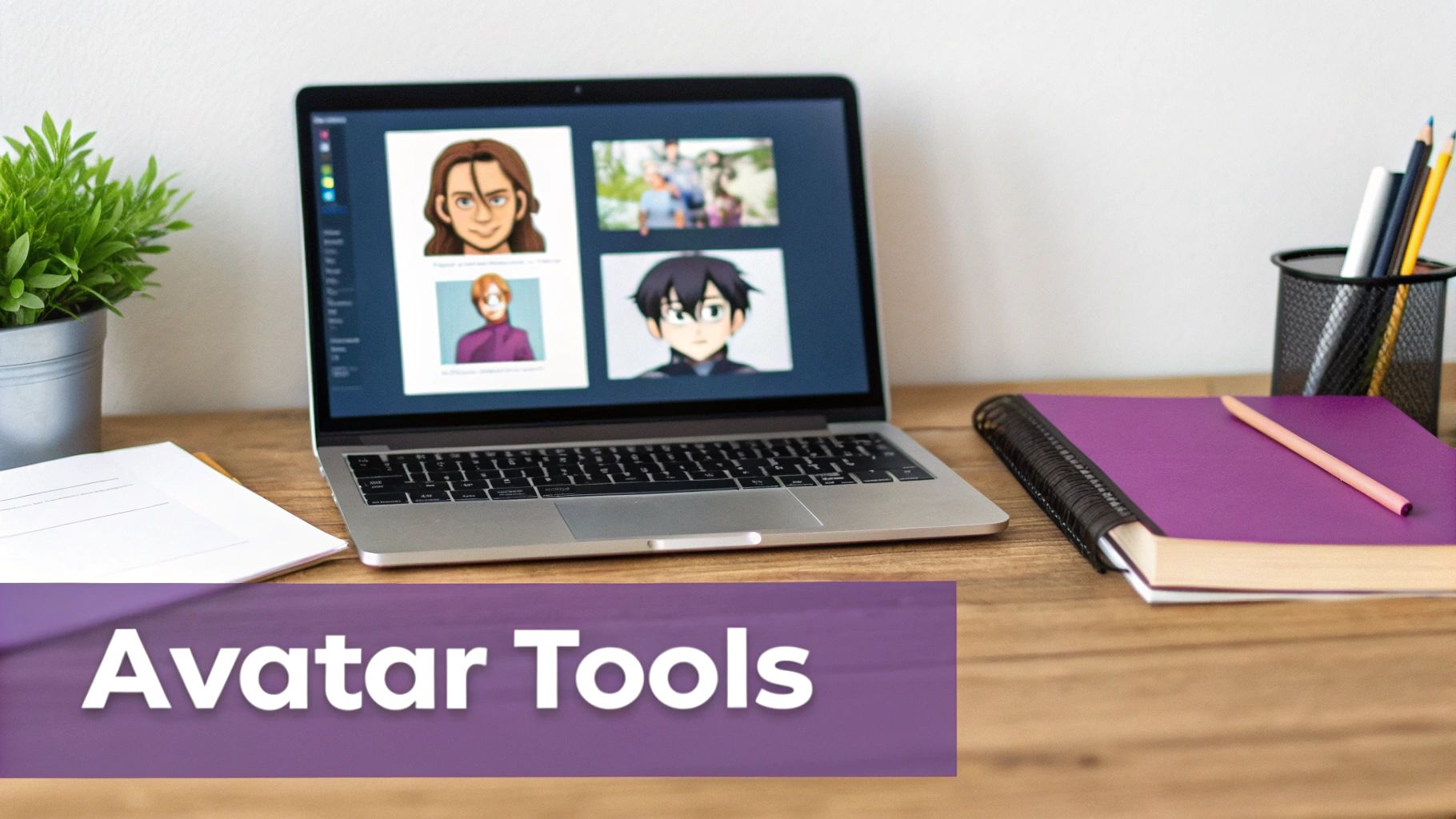
With your photo ready, it's time to choose a tool to create an avatar free from a photo. There are countless free options available, which generally fall into two categories: web-based generators and mobile apps.
The best choice depends on your goal. Are you aiming for a polished, professional headshot for LinkedIn, or do you want a stylized cartoon for your gaming profile? Let's explore the different types of tools and what they offer.
Many people use avatar generators to create professional-looking headshots from simple photos. If that's your goal, a free professional headshot generator is a fantastic starting point.
To help you choose, here’s a quick comparison of some popular free avatar creators.
Top Free Avatar Creator Features
| Tool Name | Platform | Key Features | Output Styles | Sign-up Required? |
|---|---|---|---|---|
| PhotoAIStudio | Web-Based | Generates professional headshots | Realistic, Corporate, Polished | No (for free tier) |
| Fotor | Web & Mobile | AI filters, background removal, photo editing | Cartoon, Anime, Painting, Sketch | Yes |
| Canva | Web & Mobile | Integrated design tools, templates | Stylized, Illustrated, Graphic | Yes |
| Bitmoji | Mobile | Full-body customizable avatars, social integration | Expressive, Cartoonish | Yes |
| LightX | Web & Mobile | AI filters, collages, photo effects | Caricature, Pop Art, Digital Art | Yes |
Ultimately, the choice comes down to speed versus creative control. Web-based tools are great for quick results, while mobile apps typically offer more in-depth customization.
Web-Based AI Generators: Fast and Simple
For quick, hassle-free results, web-based tools are hard to beat. Their main advantage is convenience: you visit a website, upload your photo, and get your avatar in seconds. Many don't require you to sign up, which is great for privacy and efficiency.
These websites usually specialize in specific styles, such as:
- Realistic Avatars: These tools enhance your photo to give it a professional, studio-quality look.
- Cartoon & Caricature Styles: Perfect for a more casual and fun appearance on social media.
- Anime & Fantasy Art: These transform your photo into a stylized character, popular in gaming communities.
The trade-off for this speed is often a lack of deep customization. You'll get a selection of great styles, but you might not be able to fine-tune details like hairstyle or eye color after the AI has processed the image.
Mobile Apps: Creative Control on the Go
Mobile avatar apps provide a more hands-on experience. They are often packed with filters, effects, and editing tools that give you full creative control. While many offer a "one-tap" generation feature, their true strength lies in the post-generation editing suite.
With these apps, you can typically adjust everything from facial features and accessories to backgrounds and lighting effects. Keep in mind that many operate on a freemium model. The basic features are free, but premium styles, filters, or high-resolution downloads may require a subscription or one-time payment.
The next evolution in avatars is already here with interactive, talking AI avatars. Platforms like LunaBloom AI are changing how creators produce video content. The market for AI avatars is projected to reach USD 5.93 billion with a staggering 33.1% CAGR.
So, which should you choose? If you need a high-quality avatar quickly, a web-based generator is your best bet. If you enjoy the creative process and want to customize every detail, a mobile app will provide the flexibility you need.
Step 3: Refining Your Avatar for a Professional Look
Once an AI generator has created your base avatar, you can take it from good to great. Instead of just accepting the first result, a few simple refinement steps can make your avatar look polished and professional. Now you can truly create an avatar free from a photo that stands out.
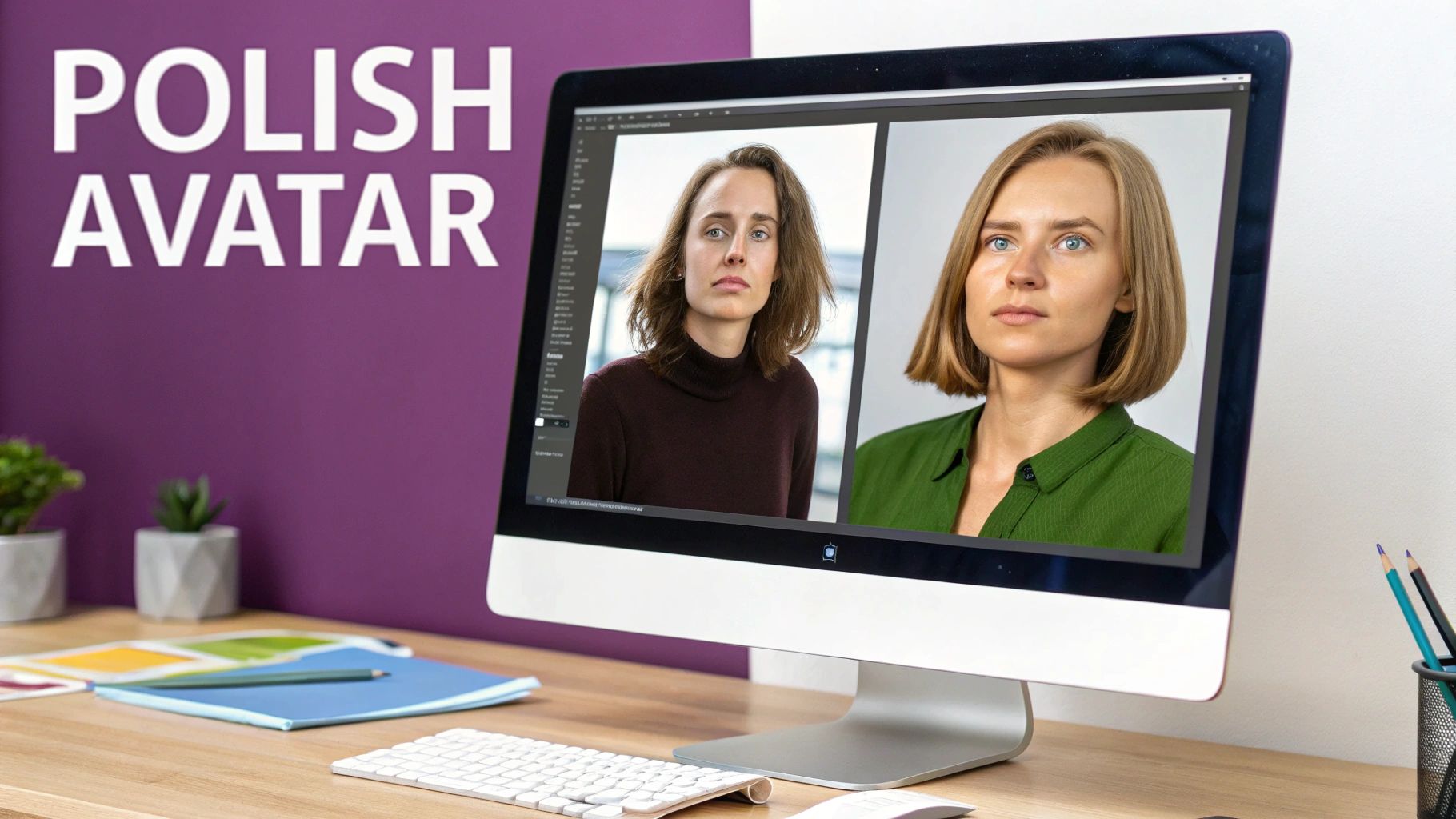
One effective technique is to blend the results from multiple tools. Try processing your photo through two different generators. One might excel at capturing your face shape, while another nails the hair texture. You can then combine the best elements from each to create a unique final version.
This blending process requires some light editing, but you don't need expensive software. Free tools like GIMP or the browser-based Photopea are powerful enough for these manual adjustments.
Manual Touch-Ups with Free Software
Even the best AI can produce small imperfections—a slightly uneven ear, an odd shadow, or a strangely blended piece of hair. Manually correcting these in a free image editor makes a significant difference.
Here are a few common fixes:
- Color Correction: Adjust the colors to match your brand's palette or to simply look more natural. Fine-tuning the saturation, hue, and brightness ensures your avatar looks polished.
- Fixing Artifacts: Use the clone stamp or healing brush tool to smooth out strange textures or remove small imperfections created by the AI.
- Sharpening Details: Gently sharpen key features like the eyes to make them stand out. Be careful not to overdo it, as excessive sharpening can look harsh.
The goal is to add a human touch to the AI's creation. This final polish is what makes your avatar look intentional and professional, no matter where you use it.
This photo-to-avatar technology is transforming industries from education to enterprise, with platforms like LunaBloom AI leading the way. The AI avatar market is projected to grow by an astounding 47% to USD 584.62 billion. North America is at the forefront of this trend, using avatars for everything from retail to education. You can explore the full analysis on the AI avatar market potential on dimensionmarketresearch.com.
Aligning Style with Your Identity
Your avatar's style should be a deliberate choice that reflects your personal or professional brand. A tech consultant might opt for a clean, realistic style, while a creative influencer might choose something more stylized or cartoonish.
Whatever style you land on, use it consistently. You want your audience to instantly recognize your avatar across all platforms, from your LinkedIn profile to your YouTube channel. Visual consistency builds brand recognition and trust.
Choosing the Right File Format
Finally, how you save your avatar is more important than you might think. For the best results, always save your final avatar as a high-resolution PNG file.
There are two key reasons for this:
- Lossless Compression: Unlike JPEGs, PNG files do not lose quality each time they are saved. This keeps your avatar looking sharp and clear.
- Transparency Support: This is a crucial feature. PNGs can have a transparent background, allowing you to place your avatar on any website, video, or colored background without an unsightly white box around it.
By following these refinement steps, your free avatar will have a professional quality that elevates your entire digital presence.
Next Steps: Animating Your Avatar with LunaBloom AI
You've created and polished your static avatar. Now, what if you could bring it to life? Imagine turning that image into a dynamic character that can speak, present, and engage with your audience.
The transition from a static image to an animated video is easier than you might think. Tools like LunaBloom AI are designed specifically for this purpose, allowing you to take the avatar you just created and turn it into a video presenter—no camera or microphone required.
From Image to Animated Presenter
Getting started is as simple as uploading your custom avatar. Since you saved it as a high-resolution PNG with a transparent background, it will integrate seamlessly into any video project.
Once your avatar is uploaded, it's time to give it a voice. You have several powerful options:
- Text-to-Speech Narration: Simply paste your script, and the AI will generate a natural-sounding voiceover in one of many available languages and accents.
- Voice Cloning: For a truly personal touch, you can create a digital clone of your own voice that can read any script you provide.
- Audio Upload: If you already have a voiceover recorded, just upload the audio file. The platform will automatically sync the avatar's lip movements to the sound.
This process can save you a tremendous amount of time. You can produce a week's worth of social media videos or an entire training course in just one afternoon, without the usual hassle of recording and editing.
Real-World Uses for a Talking Avatar
So, how can you use an animated avatar in practice? The applications are virtually limitless, but here are a few common scenarios where they are particularly effective.
For marketers and business owners, an animated avatar provides a consistent and scalable way to create video content. It removes the friction of filming, allowing you to focus entirely on your message.
Here are a few ideas to get you started:
- Marketing Videos: Create polished promotional content, product explainers, or customer testimonials with a consistent brand representative.
- Online Courses: Deliver lessons with an engaging instructor without needing a full video production setup.
- Social Media Updates: Keep your audience engaged with daily or weekly video updates on platforms like TikTok, Instagram, and LinkedIn.
Using your custom avatar maintains a personal connection with your audience while streamlining your content creation process.
Frequently Asked Questions About Creating Avatars
Even after you create an avatar free from a photo that you're happy with, a few questions might pop up. Here are answers to some of the most common issues.
Why doesn't my avatar look like me?
This is the most common problem, and it's almost always fixable. The issue typically stems from the source photo. Poor lighting, a busy background, or an unusual camera angle can confuse the AI and lead to inaccurate results.
If your avatar doesn't look right, try these steps:
- Use a New Photo: Take a new picture in a spot with soft, even lighting (like facing a window). Stand in front of a plain, uncluttered background.
- Adopt a Neutral Expression: A big, toothy grin can sometimes be distorted. A relaxed, closed-mouth smile or a neutral look often produces better results.
- Face the Camera Directly: Look straight ahead, center your face in the frame, and ensure no hair or shadows are obscuring your features.
A high-quality source photo is the single most important factor in getting an avatar that accurately represents you.
Can I use any photo to create an avatar?
No, you must have the legal right to use the photo. This means you cannot use a professional photographer's headshot without permission, a picture of a celebrity, or an image you found online.
Using a photo without permission is copyright infringement. To avoid legal issues, only use photos that you have taken yourself or have explicit permission to use.
How do I maintain a consistent avatar style across different platforms?
Consistency is key for building a recognizable personal or professional brand. The best approach is to create one high-quality "master" avatar.
Save this master version and use it as your primary profile picture on all platforms—social media, email signatures, and in any animated videos. If you need different variations (e.g., a full-body shot vs. a headshot), start with the master file and crop or adjust it as needed. This simple strategy ensures your visual identity remains consistent everywhere.
Creating a free avatar from a photo is an easy and powerful way to build your digital identity. By choosing the right photo, using a free AI tool, and making a few refinements, you can create a professional-looking avatar in minutes. When you're ready to take the next step, you can bring that avatar to life and create engaging video content with ease.
Ready to put your new avatar into action? LunaBloom AI makes it easy to turn your static image into a talking presenter for marketing, training, or social media. Create your first animated video today at lunabloomai.com.





