
In our globally connected world, your content's reach shouldn't stop at language barriers. Whether you're a marketer aiming for international markets, an educator training a diverse team, or a creator building a worldwide community, making your videos accessible is crucial for growth. Manual translation is slow and expensive, often creating a huge bottleneck in your workflow.
This is where an AI-powered app that translates videos changes the game. These powerful tools let you automatically dub, subtitle, and localize your content into multiple languages in minutes, not days. They solve the core problem of scaling content production for a global audience efficiently and affordably.
This guide gets straight to the point. We’ve evaluated the top platforms to help you find the best fit for your needs. You’ll find a detailed breakdown of 12 leading video translation apps, including HeyGen, VEED.IO, and Descript. Each review covers key features like voice cloning, supported languages, pricing, and who it’s best for. We also provide direct links to get you started immediately, so you can choose the right tool and start breaking down language barriers today.
1. HeyGen
HeyGen is a powerful web-based app that translates videos using AI to preserve the original speaker's voice and perfectly sync their lip movements. This platform is ideal for creators and marketers who want authentic, multi-language content without sacrificing the speaker's unique vocal identity. Its standout feature is its sophisticated voice cloning, which makes the translated audio sound natural and just like the original speaker.
The platform supports an impressive 175+ languages and dialects, making it a top choice for global content distribution. You can upload a video directly or just paste a link from YouTube or Google Drive to start the translation. For larger teams, HeyGen also provides collaborative workspaces and an API for seamless integration into existing workflows.
Key Details & Features:
- Best For: Marketing professionals, educators, and social media influencers who need to maintain personal brand consistency across different languages.
- Voice Translation: Yes, with high-fidelity AI voice cloning.
- Subtitle Generation: Yes, automatically generated and synced.
- Pricing: Starts with a free trial. Paid plans begin at $24/month (Creator plan), offering a set number of translation credits. Enterprise plans are also available.
- Pros: Exceptional voice cloning, extensive language support, and a user-friendly interface.
- Cons: Translation credits are limited per plan, and perfect lip-sync requires a well-framed, forward-facing speaker.
2. VEED.IO
VEED.IO is a comprehensive, browser-based video editing suite that includes a powerful app that translates videos with impressive speed. This platform stands out by integrating AI translation and dubbing directly into a full-featured editor, allowing you to translate, subtitle, and edit your content all in one place. It's a great choice for creators who need an efficient, all-in-one workflow without downloading any software.
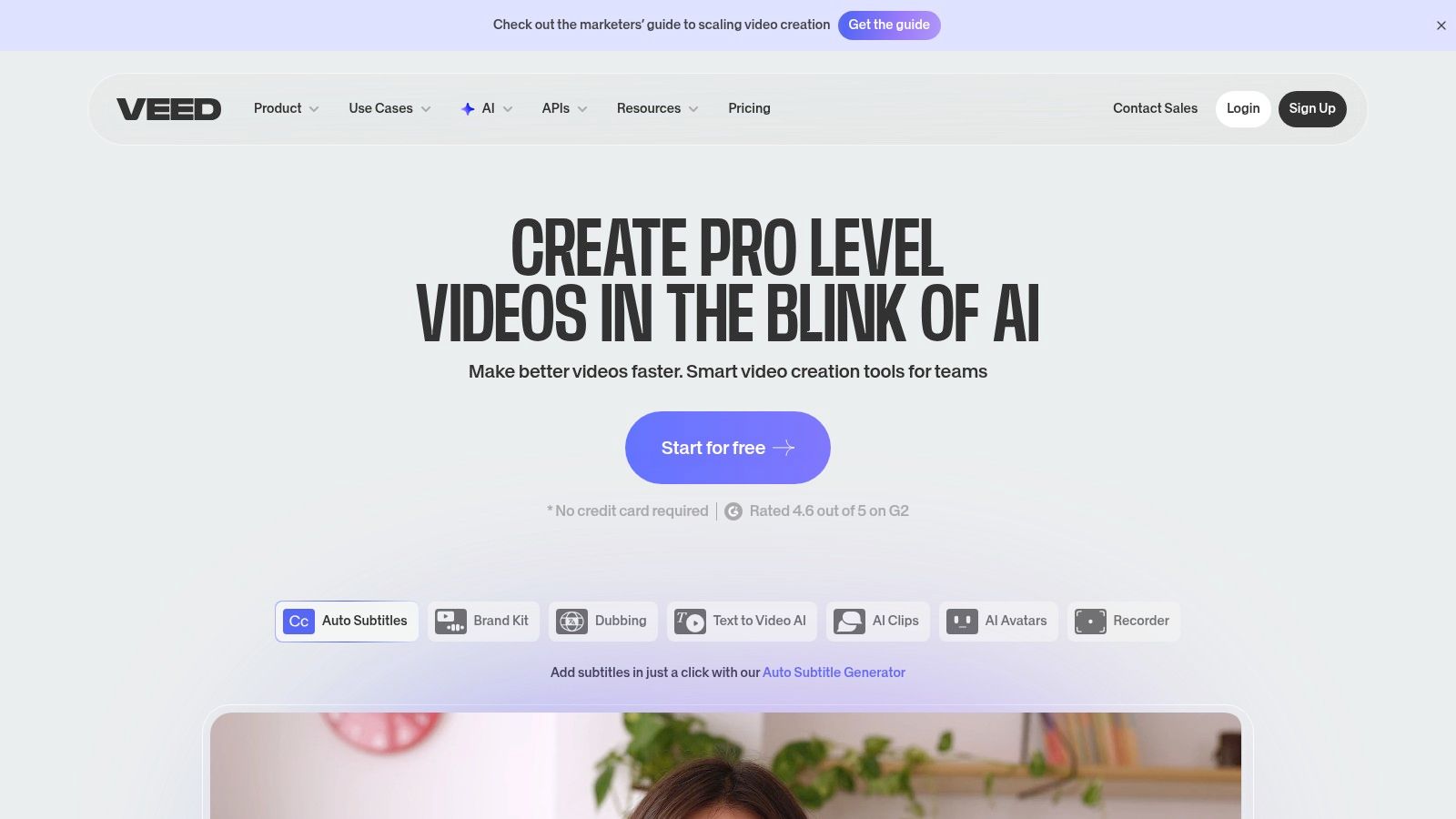
The platform supports translation and subtitle generation in over 125 languages. Its AI dubbing feature can preserve the original speaker's voice, and you can easily import or export subtitle files like SRT or VTT for maximum flexibility. The intuitive interface makes it easy for both beginners and pros to quickly generate multilingual video content, complete with accurate subtitles and optional lip-sync matching for a polished final product.
Key Details & Features:
- Best For: Content creators and businesses looking for an all-in-one online video editor with integrated translation and subtitling capabilities.
- Voice Translation: Yes, with AI dubbing that preserves the original vocal characteristics.
- Subtitle Generation: Yes, with auto-subtitles and translation in 125+ languages.
- Pricing: Offers a free plan with limited features. Paid plans start at $12/editor/month (billed annually) for the Basic plan, with Pro and Business tiers offering more minutes and features.
- Pros: Fast, web-based workflow that combines editing and translation, and simple subtitle exporting options.
- Cons: Key features and translation minutes are restricted to paid plans, and some users find the credit system complex.
3. Kapwing
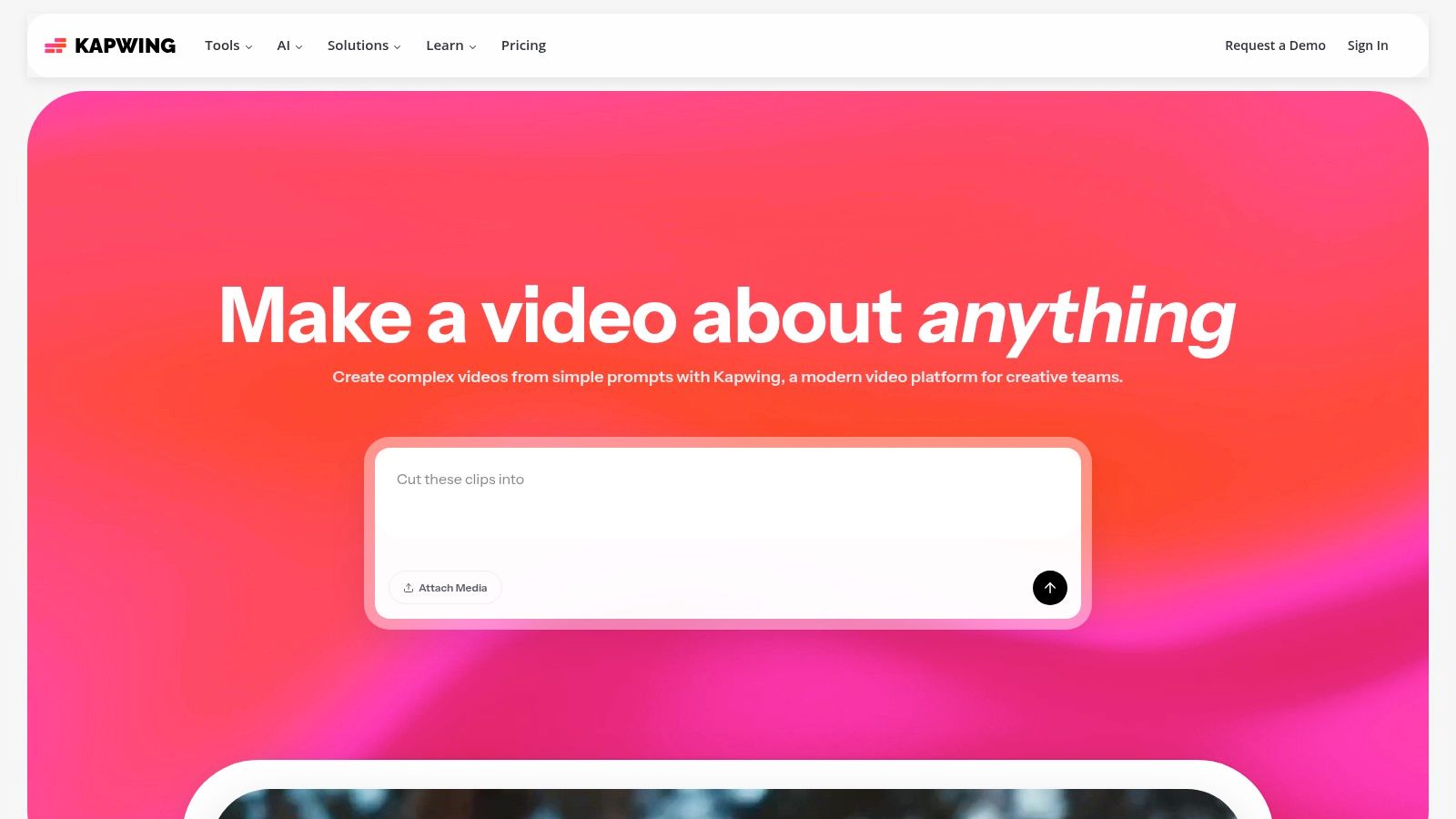
Kapwing is a comprehensive online video editor that serves as an excellent app that translates videos directly within your browser. It's especially suited for creators who need a versatile toolkit that combines translation with a full suite of editing features. The platform stands out by offering AI-powered subtitle generation and translation alongside powerful dubbing tools, making it a one-stop-shop for localizing content without installing software.
The platform supports over 60 languages for its translation and subtitling features. You can easily upload a video, let the AI generate subtitles, and then translate them with a single click. For creators needing more advanced features, Kapwing's paid tiers include dubbing minutes, voice cloning, and lip-sync capabilities, all managed through a clean, credit-based system. The inclusion of stock assets and 4K export options makes it a solid choice for producing high-quality, multilingual videos.
Key Details & Features:
- Best For: Content creators and marketing teams looking for an all-in-one editor with straightforward translation and subtitling tools.
- Voice Translation: Yes, AI dubbing is available on paid plans, with advanced voice cloning and lip-sync on higher tiers.
- Subtitle Generation: Yes, with AI-powered auto-subtitling and translation.
- Pricing: Offers a free plan with a watermark. Paid plans start at $16/month (Pro plan), providing credits for premium features.
- Pros: Simple browser-based workflow, transparent credit system, and a full suite of video editing tools.
- Cons: The free tier includes a watermark and has limited export quotas; advanced dubbing requires a higher-tier subscription.
4. Descript
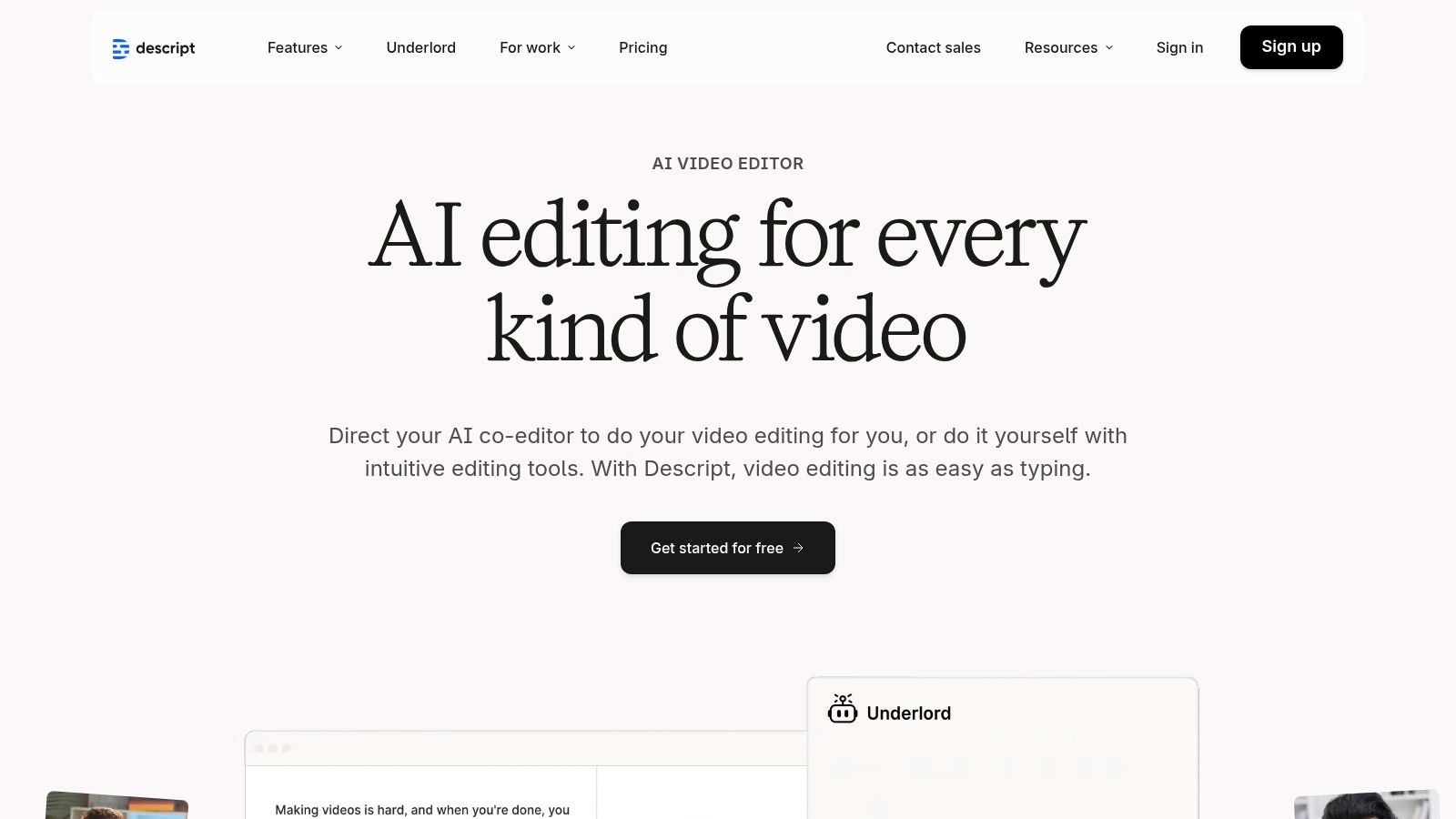
Descript is a unique app that translates videos through an intuitive text-based editing interface. It excels at creating an integrated workflow where transcription, translation, and dubbing are all managed from a single script. This platform is perfect for creators who need to produce multiple language versions of their content—complete with perfectly synced captions—without juggling different programs.
Its standout capability is its text-based video editor. If you edit the transcribed text, like deleting a word, the change is automatically reflected in the video timeline. Descript uses high-quality stock AI voices to dub content into over 30 languages, and its enterprise-level controls allow teams to maintain brand consistency with custom glossaries and do-not-translate lists.
Key Details & Features:
- Best For: Podcasters, corporate trainers, and video editors looking for an all-in-one transcription, editing, and translation solution.
- Voice Translation: Yes, using a library of stock AI voices for dubbing into 30+ languages.
- Subtitle Generation: Yes, with a strong, integrated caption and subtitle editor.
- Pricing: Offers a free plan with limited features. Paid plans start at $12/month (Creator plan) and scale up to custom Enterprise solutions.
- Pros: Powerful text-based video editing, excellent subtitle/caption pipeline, and strong enterprise controls for brand consistency.
- Cons: Language availability for dubbing can vary, and some advanced features have a steeper learning curve compared to simpler tools.
5. Adobe Premiere Pro
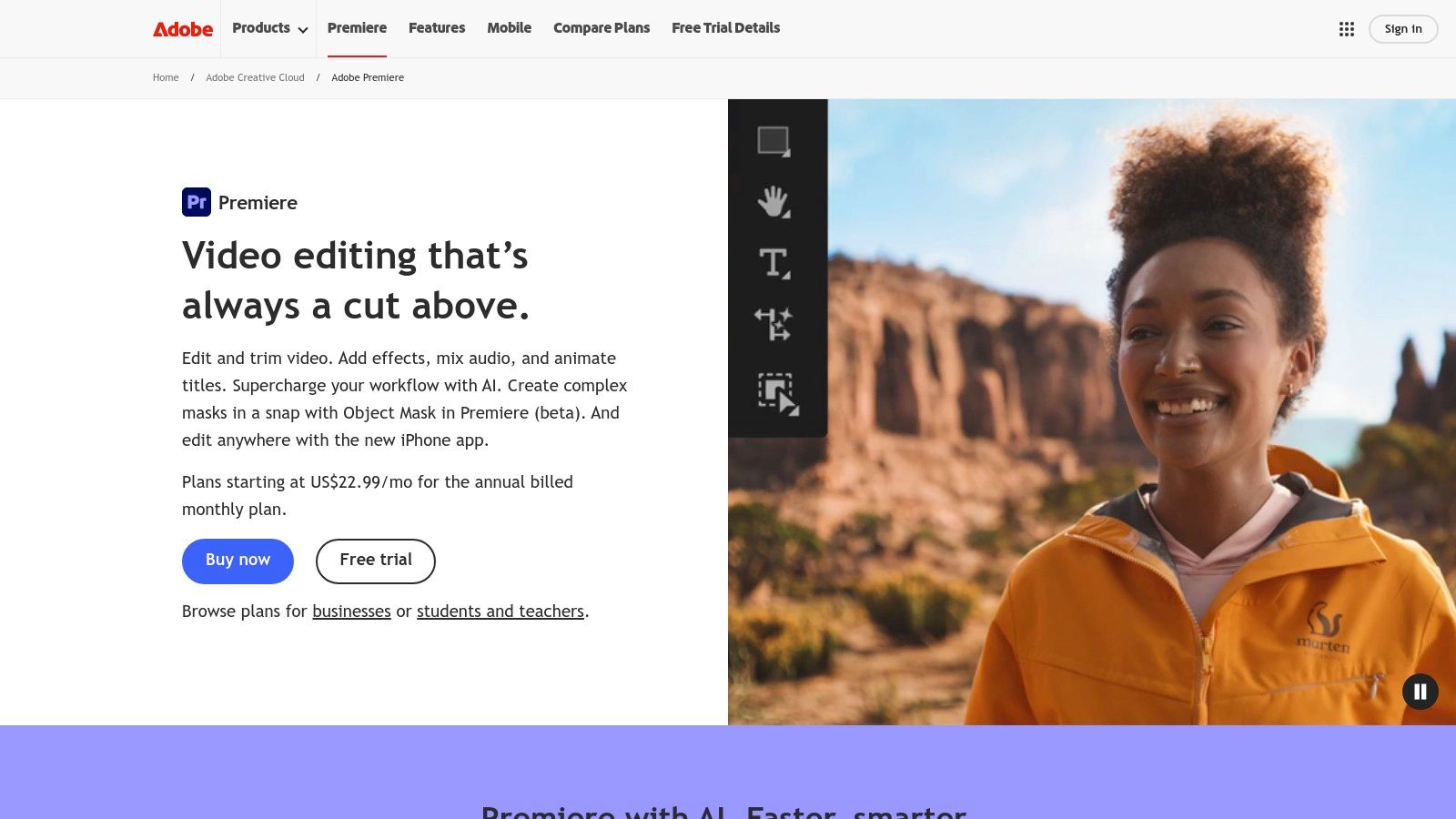
Adobe Premiere Pro is a professional video editing suite that offers a powerful native solution for video translation, positioning it as an essential app that translates videos for content creators already in the Adobe ecosystem. Instead of full voice dubbing, its strength lies in its integrated caption and subtitle workflow. Editors can automatically transcribe dialogue, then translate the caption track into over 25 languages directly within the timeline, eliminating the need for external tools.
This approach is perfect for professionals who need precise control over the final output. It allows for creating multiple styled language tracks, which can be burned into the video or exported as separate files. The cloud-based processing is efficient and offers regional data processing options for enhanced security and speed.
Key Details & Features:
- Best For: Professional video editors and production teams who need to integrate subtitle translation seamlessly into their existing post-production workflow.
- Voice Translation: No, translation is focused on text-based captions and subtitles.
- Subtitle Generation: Yes, with cloud-based transcription and direct in-app translation into 25+ languages.
- Pricing: Included with an Adobe Creative Cloud subscription, which starts at $22.99/month for Premiere Pro alone.
- Pros: Keeps the entire translation process within a professional editing environment, offers extensive styling and export options, and requires no extra plugins.
- Cons: Does not offer AI voice dubbing or cloning, and the translation feature requires an active internet connection for cloud processing.
6. CapCut
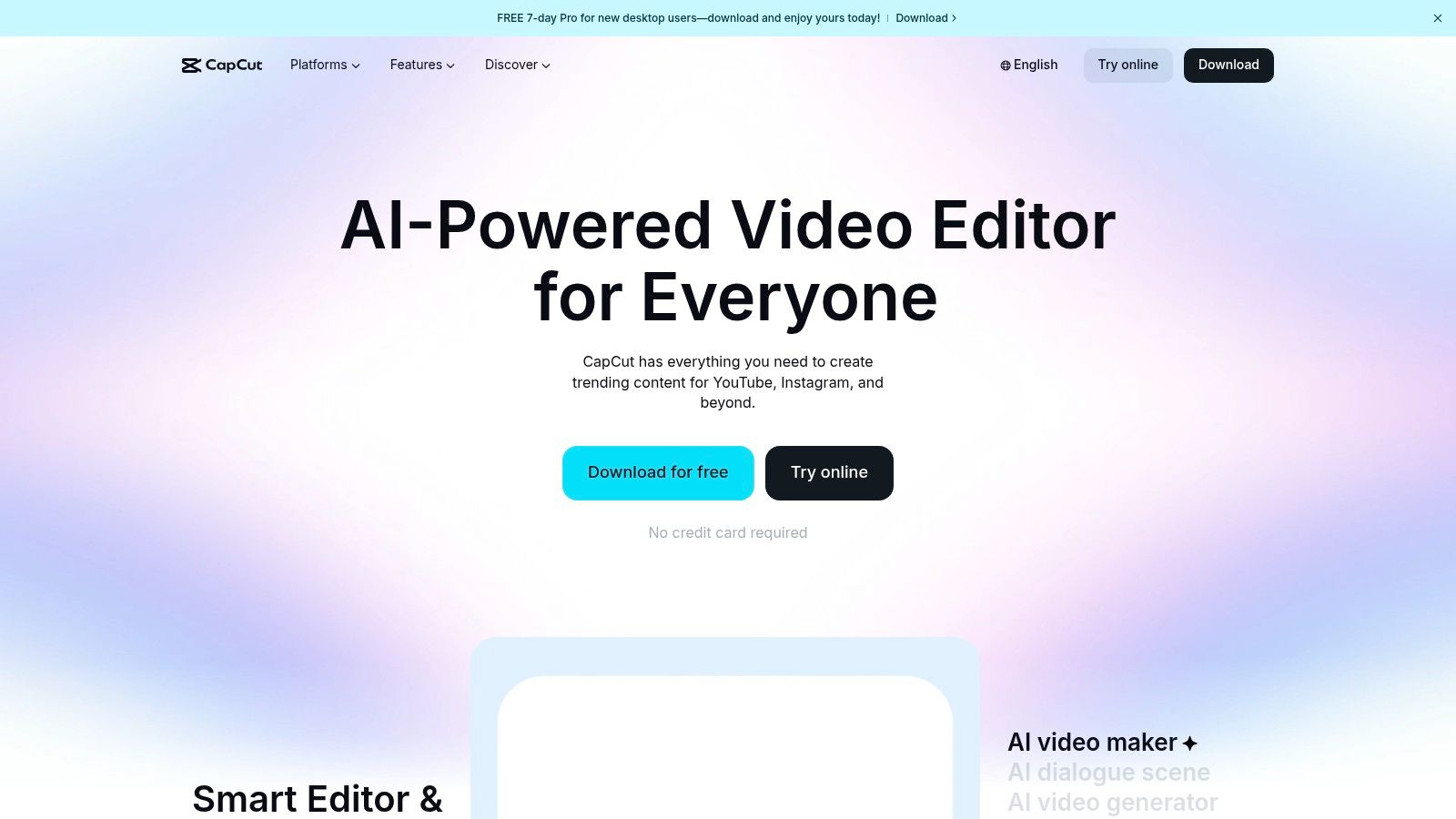
CapCut is a versatile and widely used video editor from ByteDance that has become an essential app that translates videos for social media creators. It offers a powerful AI Video Translator and AI Dubbing feature that translates audio, clones the vocal style, and adds perfectly synced auto-captions with lip-sync. Its integration across mobile, desktop, and web platforms makes it exceptionally convenient for creators who edit and publish short-form content for platforms like TikTok and Instagram.
The platform stands out by offering these advanced translation and captioning tools for free, a major advantage for creators on a budget. The workflow is streamlined, allowing you to apply AI-powered translations and generate subtitles in the same editing interface, which means you don't need multiple apps. This makes CapCut a go-to solution for quick, high-quality video localization.
Key Details & Features:
- Best For: TikTok and Instagram creators, social media managers, and anyone needing a free, all-in-one editor and video translator.
- Voice Translation: Yes, with AI-powered dubbing and vocal style cloning.
- Subtitle Generation: Yes, with one-click auto-captions and an integrated translator.
- Pricing: Free to use. Some advanced features may require the Pro version ($7.99/month) or be region-specific.
- Pros: Completely free for most core features, excellent for short-form social content, and offers a fast, integrated workflow for captions and translation.
- Cons: Some advanced features may be region-restricted, and it lacks the enterprise-level controls found in dedicated paid platforms.
7. Wondershare Filmora
Wondershare Filmora is a popular desktop video editor that integrates a straightforward AI translation tool, making it a great app that translates videos for users who want an all-in-one solution. Rather than a standalone service, Filmora embeds translation directly into the editing timeline. This lets creators translate, edit, and export their project from a single interface, which is ideal for beginners who prefer a guided, one-click workflow without switching platforms.
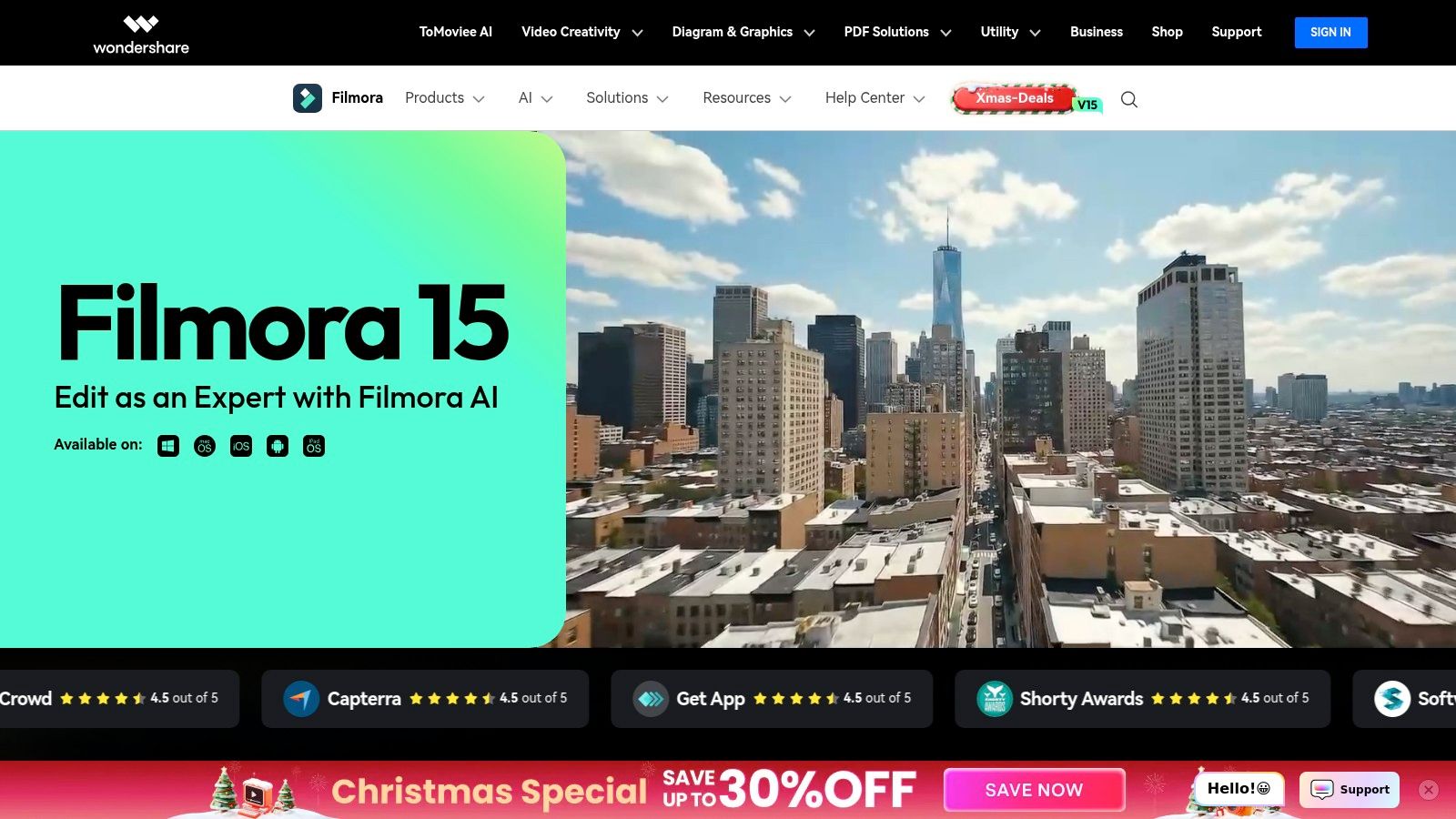
The platform’s AI Translation feature handles both voice and on-screen text, generating a new audio track and an editable subtitle layer. It supports 23 source languages and 14 target languages for its combined voice and text translation. For shorter clips (under five minutes), it also offers an optional lip-sync feature to further enhance the output. The ability to export an SRT file adds flexibility for users who need to upload subtitles separately to platforms like YouTube.
Key Details & Features:
- Best For: Content creators and casual users who need a full-featured video editor with built-in, easy-to-use translation functions.
- Voice Translation: Yes, with a generated AI voice track.
- Subtitle Generation: Yes, with an editable subtitle track and SRT export option.
- Pricing: Filmora is available via a subscription starting at $29.99/quarter or a perpetual license for $79.99. Translation features may require additional credits.
- Pros: Functions as a complete video editor, offering a simple and guided translation process for non-experts.
- Cons: The list of target languages for voice translation is smaller than specialized competitors, and lip-sync is limited to short videos.
8. Rask AI
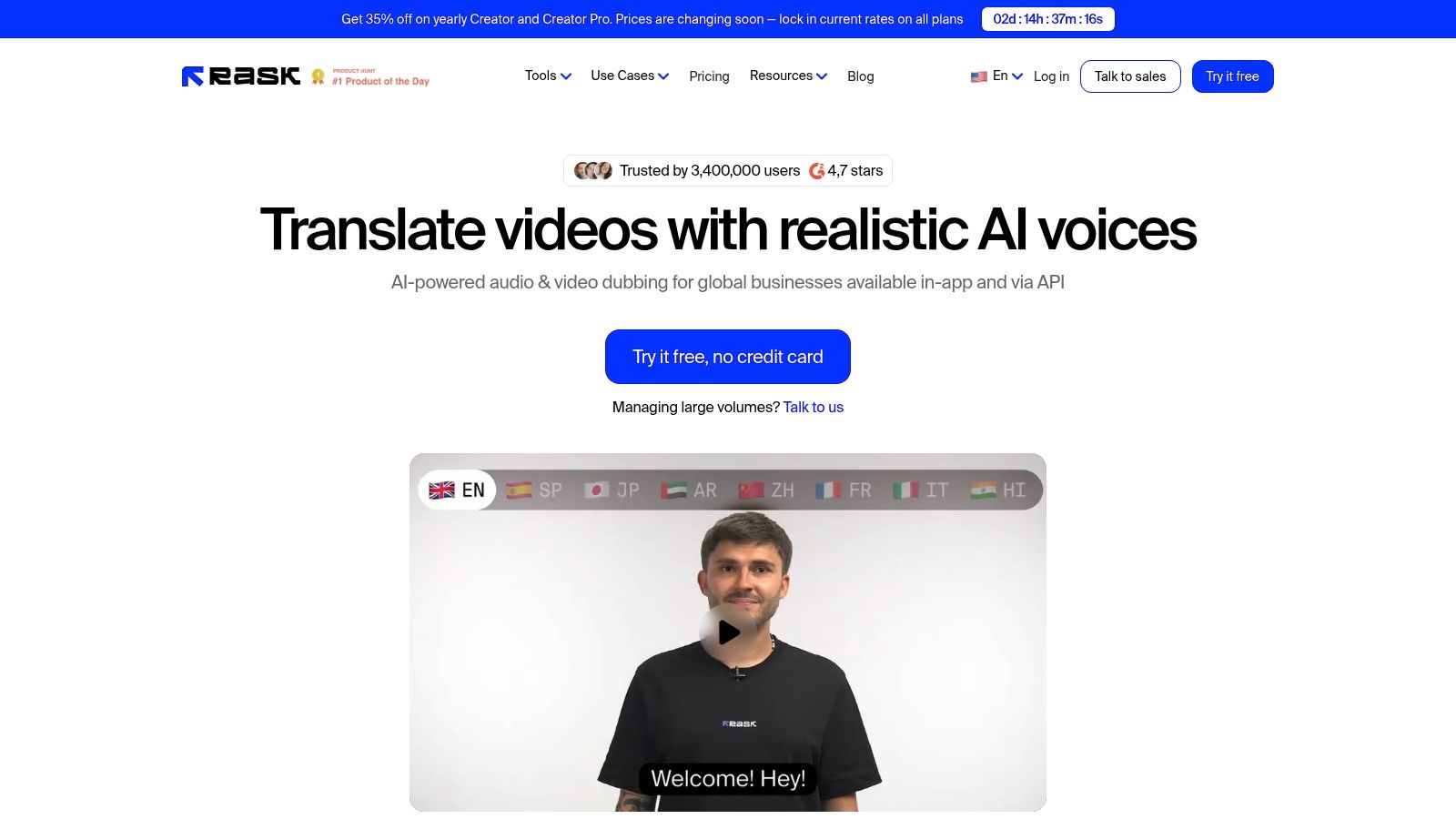
Rask AI is a dedicated web platform and app that translates videos using a comprehensive suite of AI tools. It excels in both AI dubbing and subtitle generation, making it a versatile choice for creators and enterprises needing an all-in-one solution for localization. Its standout feature is a clear, minutes-based pricing model, allowing you to scale your translation efforts predictably based on content volume.
The platform supports over 135 languages, offering voice cloning to maintain speaker consistency and lip-syncing to enhance visual authenticity. For larger organizations, Rask AI provides essential team collaboration tools and terminology controls, ensuring brand messaging remains consistent across all translated media. This makes it particularly effective for training modules, corporate communications, and marketing campaigns targeting diverse global audiences.
Key Details & Features:
- Best For: Content creators, marketing teams, and enterprises needing a scalable, minute-based model for dubbing and subtitles.
- Voice Translation: Yes, with AI voice cloning and lip-sync capabilities.
- Subtitle Generation: Yes, automatically generated and synced with the video.
- Pricing: Offers a free trial. Paid plans start at $49/month (Creator plan), providing a set number of translation minutes. Business and Enterprise plans are available.
- Pros: Clear minutes-based pricing model suitable for scaling, and a balanced toolset combining subtitles and dubbing in one platform.
- Cons: Lip-sync minutes may be counted separately from translation minutes, and costs can add up quickly for high-volume users.
9. Dubverse
Dubverse is a comprehensive app that translates videos with a focus on giving you granular control over the final output. It combines AI-powered dubbing with a powerful "OmniStudio" editor, allowing for detailed adjustments to transcripts, pacing, and voice selection. This makes it an excellent choice for creators who need to ensure high accuracy and perfect timing in their dubbed content.
The platform supports over 60 languages with a library of more than 500 AI voices, giving you plenty of variety for different projects. You can import videos via local upload or by pasting a URL, and the platform can export both the final video and essential assets like SRT subtitle files. Dubverse also offers an API for developers and a flexible pricing model that caters to different usage levels.

Key Details & Features:
- Best For: Content creators and businesses that require precise control over the dubbing and subtitle editing process for professional-grade results.
- Voice Translation: Yes, with a large library of over 500 AI voices across 60+ languages.
- Subtitle Generation: Yes, with the ability to edit, transliterate, and export SRT files.
- Pricing: Offers a free trial. Paid plans include subscriptions and flexible pay-as-you-go credits based on character usage.
- Pros: Excellent editing control over scripts and segments, and a flexible pricing model that suits both occasional and heavy users.
- Cons: The pricing structure can be complex, and some billing details may require digging into documentation to fully understand.
10. ElevenLabs
ElevenLabs is a premium AI audio company that offers a sophisticated app that translates videos with exceptional voice quality. Its powerful Dubbing Studio gives users granular control over the translated audio, allowing for precise edits to timing, intonation, and delivery. The platform stands out for its high-fidelity speech synthesis, making it a go-to choice for creators who prioritize natural-sounding audio in their dubbed content.

The platform supports translation for over 29 languages and offers both a self-serve tool and a fully managed "Productions Dubbing" service. This flexibility caters to everyone from individual creators managing their own projects to large enterprises needing human-verified quality assurance. You can start with a free plan and scale up with credit-based subscriptions or per-minute pricing for managed services.
Key Details & Features:
- Best For: Podcasters, audiobook producers, and filmmakers who require top-tier voice synthesis and detailed editing control.
- Voice Translation: Yes, with industry-leading AI-generated voices and dubbing tools.
- Subtitle Generation: Yes, transcripts are generated as part of the dubbing process.
- Pricing: Offers a free plan with limited characters. Paid plans start at $1/month (first month) and scale based on character credits and features. Managed services have custom per-minute pricing.
- Pros: Unmatched voice synthesis quality, offers both self-serve and managed production options, and provides a detailed Dubbing Studio for fine-tuning.
- Cons: The credit-based system for auto-dubbing can be complex to calculate, and costs are applied per output language.
11. YouTube Studio (Auto-dubbing / Multi-language audio)
For creators already on YouTube, the platform's native tools offer an integrated app that translates videos directly within your workflow. YouTube Studio is rolling out multi-language audio and AI-powered auto-dubbing, which lets viewers switch between different language tracks on a single video. This feature is a game-changer for reaching a global audience without needing third-party software.
The biggest advantage is its seamless integration. Eligible creators can upload different audio tracks for their videos or use the auto-dubbing feature to generate them for select languages. This keeps viewers on your channel and provides a native, user-friendly experience for your international audience. While still rolling out, it represents a powerful, built-in solution for creators focused on the YouTube ecosystem.
Key Details & Features:
- Best For: YouTube creators who want to expand their global reach using built-in, platform-native translation tools.
- Voice Translation: Yes, via multi-language audio uploads and an AI auto-dubbing feature (for eligible channels).
- Subtitle Generation: Yes, YouTube has robust auto-captioning and translation features.
- Pricing: Free for eligible YouTube creators as part of the YouTube Studio platform.
- Pros: Completely free and integrated into the YouTube workflow, simplifies reaching international audiences, and improves viewer experience.
- Cons: Auto-dubbing is not yet available to all creators, and language support and audio quality are still evolving.
12. Rev
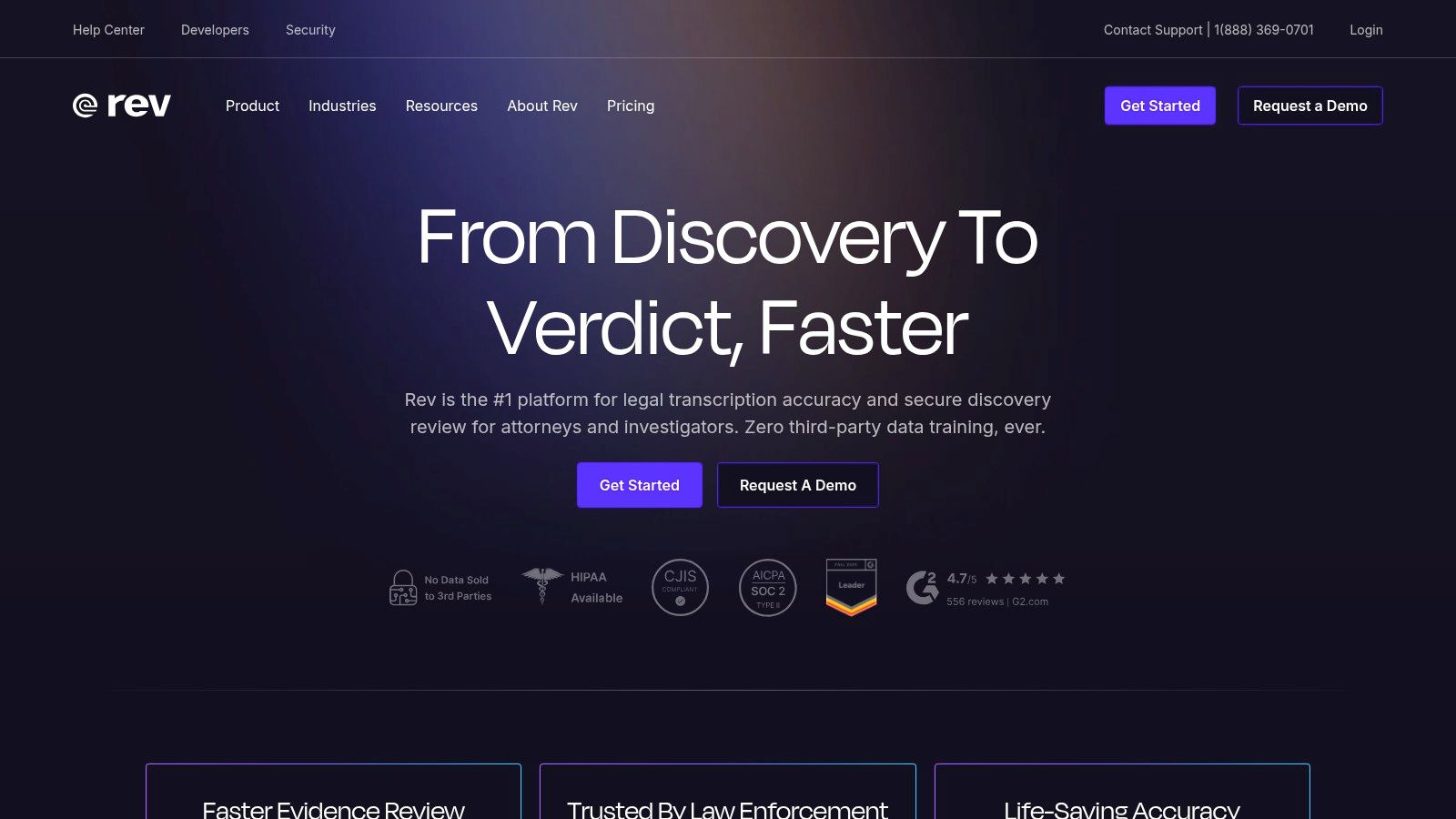
Rev stands out as a human-powered service that acts as an app that translates videos through its "Global Subtitles" feature, prioritizing accuracy and nuance over pure speed. It's the ideal choice for professionals who need broadcast-quality, context-aware translations for legal, corporate, or high-stakes media content. Instead of relying only on AI, Rev uses a network of professional linguists to ensure every translation is precise and culturally appropriate.
This service is less of an instant AI tool and more of a professional translation platform. You submit your video, and human experts transcribe, translate, and quality-check the subtitles. This process guarantees a level of quality that automated systems often can't match, making it perfect for content where errors are not an option.
Key Details & Features:
- Best For: Legal professionals, enterprise corporations, and filmmakers needing guaranteed high-accuracy subtitles for compliance and global distribution.
- Voice Translation: No, focuses exclusively on human-translated subtitles.
- Subtitle Generation: Yes, premium human-powered and AI options available.
- Pricing: Global Subtitles are priced per minute, varying by language (e.g., $5 to $12 per minute). AI captions are much cheaper, starting at $0.25/minute.
- Pros: Delivers exceptionally high accuracy (99%+) suitable for professional and legal use, and scales well for large teams with volume discounts.
- Cons: Significantly more expensive and has a longer turnaround time compared to fully automated AI solutions.
Top 12 Video Translation Tools Comparison
| Product | Core features ✨ | Quality ★ | Price/value 💰 | Target audience 👥 | USP 🏆 |
|---|---|---|---|---|---|
| HeyGen | Voice cloning, translate + lip‑sync, subtitles (175+ langs) | ★★★★☆ | 💰 Tiered minutes + credits; API available | 👥 Creators, teams, devs | 🏆 Voice preservation & broad language reach |
| VEED.IO | AI translator/dubbing, auto-subtitles (125+), browser editor | ★★★★☆ | 💰 Freemium; some features gated | 👥 Social creators & quick editors | 🏆 Fast in‑browser workflow & subtitle export |
| Kapwing | Translate, dubbing, auto-subtitles (60+), transparent credits | ★★★★☆ | 💰 Freemium; clear minute caps | 👥 Casual creators & teams | 🏆 Transparent limits + simple editor |
| Descript | Transcribe → translate → dub (30+); text‑based video editing | ★★★★☆ | 💰 Paid tiers; enterprise options | 👥 Podcasters, teams, enterprises | 🏆 Text‑first editing + enterprise controls |
| Adobe Premiere Pro | NLE with speech‑to‑text & captions translate (25+) | ★★★★☆ | 💰 CC subscription; pro‑priced | 👥 Professional editors | 🏆 In‑timeline caption styling & export |
| CapCut | AI translator + dubbing, auto-captions, lip‑sync; multi‑platform | ★★★☆☆ | 💰 Free (region limits) | 👥 Short‑form creators (TikTok) | 🏆 No‑cost, fast social workflow |
| Wondershare Filmora | AI voice/text translation, editable subtitle track, SRT export | ★★★☆☆ | 💰 Affordable one‑time/sub plans | 👥 Non‑experts & hobbyists | 🏆 Guided one‑click translation inside editor |
| Rask AI | Dubbing, voice cloning, lip‑sync, subtitles (135+); minute bundles | ★★★★☆ | 💰 Minutes‑based bundles; scalable | 👥 Creators & enterprises scaling | 🏆 Clear minutes pricing + team controls |
| Dubverse | Dubbing (60+), 500+ voices, OmniStudio transcript editor, API | ★★★★☆ | 💰 Flexible credit/subscription models | 👥 Producers needing fine control | 🏆 Transcript/pacing control & flexible pricing |
| ElevenLabs | Auto‑dubbing + Dubbing Studio; managed productions w/ QA | ★★★★★ | 💰 Credit/per‑minute & managed rates | 👥 Audio pros & production teams | 🏆 Best‑in‑class speech synthesis & QA |
| YouTube Studio | Native auto‑dubbing & multi‑audio tracks (eligible channels) | ★★★☆☆ | 💰 Included for eligible creators | 👥 YouTube creators | 🏆 Integrated publishing & audience reach |
| Rev | Human + AI captions/translations; editorial transcript tool | ★★★★★ | 💰 Per‑minute human rates (higher) | 👥 Legal/compliance teams & accuracy needs | 🏆 Human‑quality subtitles & reliability |
Final Thoughts
Looking at all these video translation tools, one thing is clear: language is no longer a barrier but a bridge to global audiences. We've explored a dozen powerful platforms, from the sophisticated AI voice cloning of HeyGen and Rask AI to the all-in-one editing suites of VEED.IO and Descript. Each tool offers a unique way to make your content universally accessible.
The journey from a single-language video to a multilingual masterpiece has become surprisingly simple. What once required expensive studio time and complex post-production can now be done from your desk. Whether you're a social media influencer using CapCut for viral reach or a marketing professional localizing campaigns with Adobe Premiere Pro, the right app that translates videos is out there for you.
Key Takeaways for Your Translation Strategy
Choosing the best tool isn't about finding a single "best" option—it's about finding the right one for your specific needs. Here’s a quick summary to help you decide:
- Automation vs. Control: Tools like HeyGen and Rask AI offer incredible speed with AI features like voice cloning and lip-syncing. On the other hand, platforms like Adobe Premiere Pro and Descript give you detailed control over every subtitle, which is ideal for high-stakes projects.
- Accuracy is Key: For professional use, relying solely on automated translations can be risky. Always plan for a quick human review. Services like Rev provide human-powered accuracy from the start, while most AI tools let you edit the generated subtitles yourself.
- Budget and Scale: Your choice will heavily depend on your budget and how many videos you plan to translate. Free options like CapCut and YouTube Studio are excellent starting points. Subscription platforms like VEED.IO or Kapwing offer a good balance of features and affordability for ongoing content creation.
- Ease of Use: Think about your team's technical skill level. A simple, intuitive interface can save hours of frustration. Try a few free trials to see which workflow feels most natural before committing to a paid plan.
Ultimately, using an app that translates videos is a strategic investment in your growth. It’s about more than just swapping languages; it's about showing a global audience that you value their engagement. By considering your goals, budget, and desired quality, you can select a tool that not only translates your words but also amplifies your message across cultures, unlocking a new era of connection for your brand.
Ready to see how seamless and powerful AI video translation can be? LunaBloom AI offers a specialized, intuitive platform designed to help you effortlessly translate, dub, and localize your video content with cutting-edge AI. Explore LunaBloom AI and start connecting with your global audience today.





