
Creating a training video used to be a massive production. Now, AI turns the entire process into a simple, text-based task. You can get a professional-quality video just by typing a script and picking an AI avatar. That’s it—no cameras, microphones, or actors required. This guide will walk you through exactly how it’s done, step by step.
Why Use AI to Create Training Videos?
Forget the endless production cycles and eye-watering budgets of traditional video. The old way of making training content meant weeks of planning, filming, and editing. With AI tools, you can now produce polished, engaging videos in a tiny fraction of that time and cost. It's a completely new way for companies to handle learning and development.
The biggest win here is speed. A project that used to take a month can now be wrapped up in a single afternoon. This allows you to create content for a new software launch, push out updated compliance training, or get new hires up to speed without missing a beat.
The Real Reasons Companies Are Switching to AI
A few key advantages are convincing businesses to create training videos with AI:
- Massive Cost Savings: When you don't have to hire camera crews, rent studios, or book actors, the savings add up fast. Companies are cutting their video production costs by up to 80%, making high-quality video training accessible for teams of any size.
- Instant Scalability: Need the same training video in five different languages? AI platforms can do it in minutes, not months. You get localized versions with accurate subtitles and culturally appropriate avatars instantly.
- Rock-Solid Brand Consistency: You can ensure every training module—from HR policies to sales pitches—has the same branding, tone, and professional finish. AI presenters deliver the message flawlessly and consistently, every single time.
Market trends confirm this shift. The AI video generator market is expected to jump from $614.8 million in 2024 to over $2.5 billion by 2032. This explosive growth is driven by huge demand in sectors like education and corporate training. You can read more about the rise of AI video generators to see the full picture.
The real power of AI video is turning every subject matter expert into a capable video creator. You no longer need a production team to share valuable knowledge; you just need a script.
Step 1: Build Your Pre-Production Blueprint
Before you generate a single frame of video, your success is already being decided. The most effective AI training videos are always built on a solid pre-production plan. This is where you map out your destination before starting the engine, making sure your content is purposeful, targeted, and actually makes an impact.
Think of it this way: without clear objectives, you're just creating content that fills time. Start by defining exactly what your audience must be able to do after watching. These aren't vague goals; they need to be sharp, measurable learning objectives.
For instance, "understand the new software" is a poor objective. A much better one is "be able to create a new client profile in the CRM, assign a task, and log a call within five minutes." This level of clarity guides every decision you make, from the script to the visuals.
Know Your Audience
Once your goals are set, get inside the heads of your viewers. The tone and language for a team of new hires are completely different from what you'd use for seasoned engineers learning an advanced feature. It seems obvious, but people often rush this step.
Consider their existing knowledge, their comfort with technology, and their day-to-day workflow. This analysis directly shapes your content's complexity and the real-world examples you'll use.
- For New Hires: Stick to foundational concepts, define all jargon, and keep the tone encouraging and step-by-step.
- For Technical Experts: You can skip the basics, use industry-standard terminology, and focus on high-level strategy and efficiency.
- For a Mixed Audience: Start with a brief refresher of core concepts to bring everyone to the same starting line before diving into new material.
Structure Your Content for Maximum Retention
With your objectives and audience sorted, it's time to build the narrative. A logical flow is critical for retention. Whether you're demoing software or explaining a dry compliance policy, your video needs a clear beginning, middle, and end to keep people engaged.
A simple scene-by-scene outline works perfectly. A bulleted list mapping out the key points for each segment ensures your final video is coherent and keeps viewers locked in from start to finish.
This visual shows how the production process changes when you shift from traditional methods to AI.
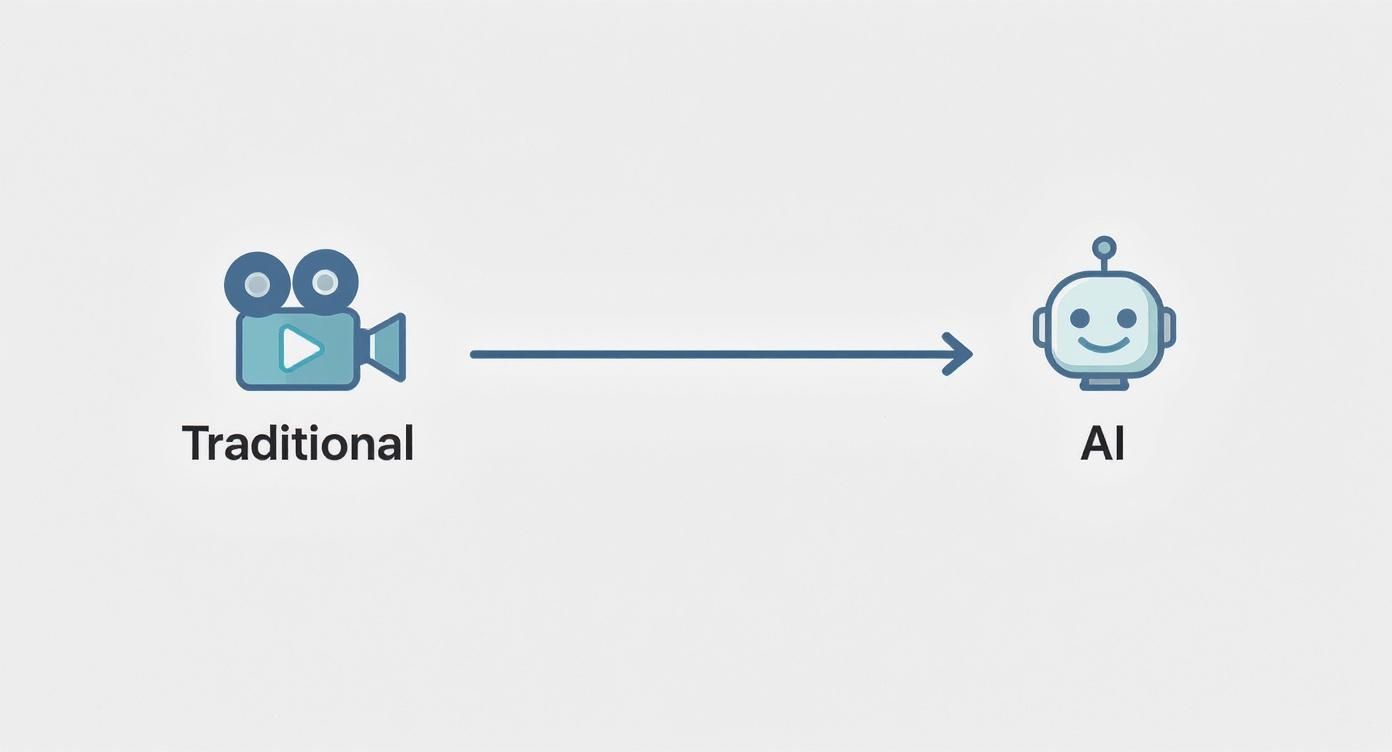
AI dramatically shortens the path from concept to completion by automating many of the technical, time-consuming steps involved in traditional filming and editing.
Your blueprint is the architectural plan for your training video. Skipping this phase is like building a house without one—the end result will be unstable and confusing. Invest time here to save hours in revisions later.
Step 2: Write Scripts That Sound Human
Your script is the soul of your training video. But here's the key: you can't write for an AI narrator like you would for a human actor. A person can interpret nuance and subtext. A text-to-speech engine takes every word literally. This distinction completely changes how you should approach scriptwriting.
The goal is to write a script that sounds natural and conversational, not robotic. Use short, direct sentences. Forget complex clauses and long-winded explanations—those trip up AI narrators, leading to weird pacing and awkward inflections. Think clarity first. Always.

This focus on efficiency is a huge reason companies are making the switch. In corporate learning, AI video tools are a massive productivity booster. AI-driven production can cut the time it takes to create training content by as much as 62%, saving about eight full workdays for every video project. You can discover additional AI statistics from Synthesia to see the full picture.
Ditch the Jargon and Keep It Simple
Want to make an AI voice sound clunky? Feed it a script packed with dense industry jargon and acronyms. A human presenter might breeze through these, but text-to-speech engines often stumble, leading to mispronunciations that derail your message.
If you must use a technical term, spell it out phonetically in parentheses after its first use. For instance, write "GUI (Gooey)" to give the AI some help. An even better approach? Just simplify your language.
- Instead of: "We will now leverage the integrated CRM functionality…"
- Try: "Next, we'll use the customer relationship tool…"
This small tweak makes your content more accessible to your audience and much easier for the AI to perform correctly.
A great script for an AI video reads like a conversation. If it feels awkward to say out loud, it will sound even more awkward from an AI narrator. Always read your script aloud to catch these issues early.
Guide the AI with Visual Cues in Your Script
Your script isn’t just for narration; it's also your instruction manual for the AI's visual generation. An effective script includes descriptive prompts that tell the AI what to show on screen, ensuring the visuals and audio are perfectly synced.
Embed clear visual cues right into the text. This could mean specifying on-screen text, calling for a particular stock photo, or describing a b-roll clip.
Example of an AI-Ready Script:
"First, navigate to the main dashboard. [Show a screen recording of the software dashboard with the 'Reports' button highlighted in yellow.] From here, you’ll click on the 'Reports' tab in the top navigation bar. [Zoom in on the 'Reports' tab as it's being clicked.] This will open up your analytics view."
This level of detail removes the guesswork. The AI can then generate a video that is visually interesting and perfectly timed with the narration, turning a plain script into a complete production blueprint.
Step 3: Produce Your Video with AI Avatars and Voices
This is where the magic happens. Your script goes from static text to a dynamic training video. Getting the AI presenter and voice right is critical—it’s the difference between a video that connects with your team and one that feels cold and robotic.
Don't just pick a random face. This part of the process is about shaping a digital persona that mirrors your company’s brand and speaks to your audience. The AI video market is exploding for a reason. It was valued at USD 11.2 billion in 2024 and is projected to hit a staggering USD 246 billion by 2034. These tools are quickly becoming a cornerstone of modern content creation. You can explore detailed AI video market reports for more details.
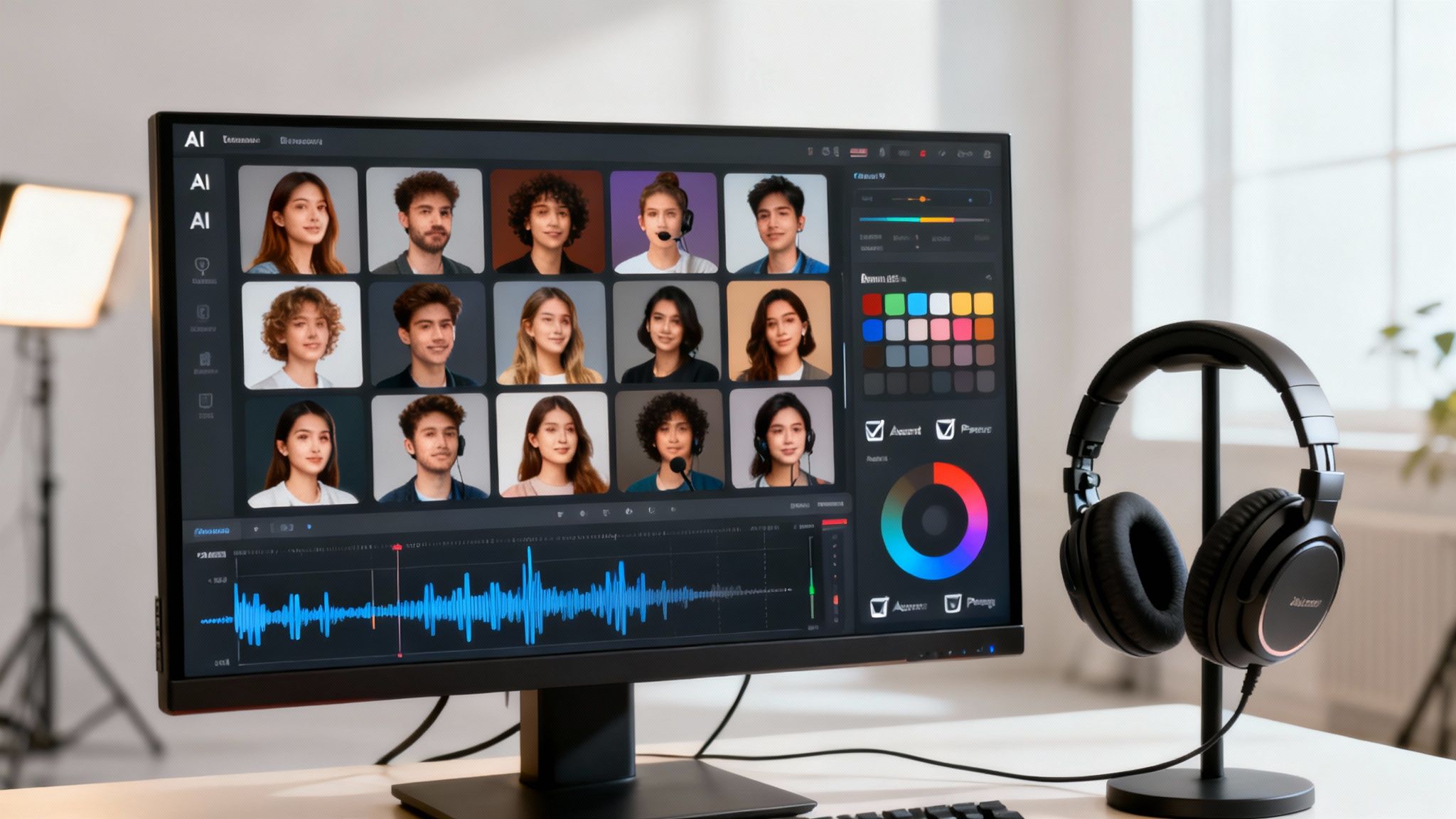
Select the Perfect AI Avatar
First, choose your presenter. Will you use a ready-made stock avatar or create a custom one? Both have their perks.
- Stock Avatars: These are your go-to for speed. Most platforms offer huge libraries of diverse presenters, so finding one that fits your topic is usually simple. For a quick software walkthrough, a professional stock avatar gets the job done perfectly.
- Custom Avatars: This is where you can boost authenticity. Creating a digital twin of a real team member—like a department head or subject matter expert—makes the training feel incredibly personal. Seeing a familiar face can make a huge difference in engagement.
No matter which you choose, the avatar needs to be a natural fit for the content. A friendly, casual presenter might be perfect for an onboarding video, while a more formal one is better for annual compliance training.
Fine-Tune AI Voices for a Human Touch
The voice is just as important as the face. Modern AI tools offer a massive library of voices with different genders, accents, and tones. This is a game-changer for global companies—imagine rolling out the same training video across regions, each with a localized accent that feels familiar.
But just picking a voice isn't the final step. The real art is in the fine-tuning.
The quickest way to spot an AI-generated video is a flat, monotone voice. Sidestep this by manually adjusting the pitch, speed, and pauses to mimic how people actually talk.
Think about how you speak. You pause for effect, you speed up when you're excited, and you emphasize certain words. Most AI video platforms let you do exactly that. You can insert pauses between sentences or tweak the delivery of specific phrases. Spending just five extra minutes on these details can elevate your video from good to great.
If you’re looking for a platform to create training videos with AI, pay close attention to the voice customization features. Granular control makes all the difference.
Add Your Brand’s Finishing Touches
Finally, it’s time to make the video undeniably yours. This last step wraps everything in your company’s identity, so it looks like a polished, official piece of communication.
Essential Branding Elements:
- Logo Placement: Add your company logo to a corner of the screen to keep your brand front and center.
- Color Palette: Use your brand’s official colors for backgrounds, text overlays, and graphics.
- On-Screen Text: Reinforce key points with text on the screen using your company's standard fonts.
These touches bring it all together, creating a professional training video that not only educates but also strengthens your brand identity. Platforms like LunaBloom AI make this incredibly straightforward; you can learn more about LunaBloom AI's features for branded video creation to see how easy it can be.
Step 4: Finalize and Distribute Your AI Training Video
Getting that first AI-generated cut of your video is a fantastic feeling, but don't hit publish just yet. The final steps—reviewing, localizing, and getting it in front of your team—are what separate a decent video from a truly effective training tool.
First things first: put on your learner hat and do a thorough quality control check. Watch the entire video from start to finish, paying close attention to the small details that can build or break credibility. This final review is your last chance to smooth out any AI quirks before your audience sees them.
Perform the Essential Quality Check
During your review, hunt for anything that feels even slightly off. Small errors can distract learners and make the whole video feel unprofessional. If you want to create polished training with AI, you have to be meticulous here.
Here’s a simple quality control checklist:
- Pacing and Flow: Does the narration feel natural, or is it too rushed or slow? Trim any awkward pauses between sentences.
- Audio-Visual Sync: Ensure the AI avatar's lip movements line up perfectly with the voiceover. Even a slight delay is very distracting.
- Visual Glitches: Look for any weird visual artifacts, graphics that don't match the narration, or on-screen text with typos.
- Pronunciation: Listen closely for any words the text-to-speech engine fumbled. Often, just rephrasing a sentence is enough to fix it.
Think of this review as the final polish. It’s the critical human touch that ensures the AI’s output meets your standards and gives your employees a seamless, professional experience.
Scale Your Content with Subtitles and Localization
One of the most powerful features of using AI for training is how quickly you can scale content for a global team. Most AI video platforms automatically generate accurate subtitles, which is a huge win for accessibility. In fact, one survey found that 92% of people watch videos with the sound off, making captions a must-have.
But you can go beyond subtitles and fully localize the entire video:
- Translate the Script: AI can translate your script into dozens of languages in minutes.
- Generate a Localized Voiceover: Create a new AI voiceover using a native-sounding accent for the target language.
- Update On-Screen Text: Don’t forget to translate any text that appears on your slides or graphics.
This workflow is a game-changer, allowing you to deploy consistent, high-quality training across all global offices simultaneously.
Publish for Maximum Impact
How you share your video is just as important as how you made it. To ensure your video serves as a lasting resource, optimize it so people can find it, whether on your company intranet or a formal Learning Management System (LMS).
Start with a clear, descriptive title and a short summary. Think like an employee: what keywords would they search for to find this information? Weave those into your title and description. A title like "Q3 Software Update: New Reporting Features" is infinitely more helpful than "New Video." This simple step makes it easy for team members to find the exact training they need, right when they need it.
Frequently Asked Questions
Jumping into AI for training videos can bring up a few questions. Here are clear, straightforward answers to the things people usually ask.
How Do AI Training Videos Compare to Human-Led Videos?
AI videos win on speed, scale, and cost. You can create and update training content in minutes—not days—and translate it into dozens of languages almost instantly, all while maintaining perfect brand consistency.
While a human presenter might bring a unique emotional connection, that comes with a much higher price tag and a production timeline that can drag on for weeks. For most corporate training—like software demos, compliance updates, or HR policies—AI is an incredibly efficient and effective solution.
What Are the Biggest Mistakes to Avoid When Using AI for Video?
Most common mistakes are easy to avoid. It all boils down to starting with a solid script and finishing with a careful review.
Here are the top things to watch out for:
- Using a robotic script. If it sounds stiff on paper, it will sound worse from an AI voice. Always write in a conversational tone.
- Skipping the final review. Watch the video all the way through to catch weird phrasing, awkward pauses, or visual glitches before you publish.
- Mismatching the avatar and the message. A cartoonish avatar for a serious compliance topic won't land well. Ensure the presenter fits the professional tone.
- Forgetting to brand it. Without your company's logo and colors, the video will feel generic and disconnected from your brand.
Can I Create a Custom AI Avatar of Myself or an Employee?
Yes, absolutely. Most top AI video platforms now offer custom avatar creation. The process is simple: you typically record a few minutes of yourself talking from a script in a quiet, well-lit room.
The platform then uses that footage to build a digital version of you. From there, your "digital twin" can narrate any script you type up. It's a fantastic way to add a familiar face and make training feel more personal.
Is AI Video Generation Difficult for Beginners?
Not at all. If you can create a PowerPoint presentation, you have all the skills you need to make a professional AI video. These tools are designed to be intuitive.
The workflow is usually just typing your script, picking an avatar, and maybe dragging a few scenes around on a simple timeline. The AI handles the heavy lifting, so you can focus on making your content clear and helpful.
This is a huge advantage because it empowers your subject matter experts—the people who really know the material—to become video creators without any production background.
Ready to see how easy it is to create training videos with AI? With LunaBloom AI, you can create polished, engaging videos in minutes. Turn your scripts into compelling visual experiences today. Get started with LunaBloom AI.





