
AI video generators are reshaping the way we create video content. With their ability to transform written text into videos, AI tools are becoming indispensable for marketers, content creators, and businesses looking to scale their video production.
But while AI text to video tool offer impressive capabilities, there’s a common misconception that AI-generated videos are perfect from the get-go. Unfortunately, it’s not always the case. Mistakes can easily slip through the cracks, especially if you are not familiar with how to properly set up and use these tools.
In this blog, we will explore some of the most common mistakes people make when using AI video generators, and we will show you how to fix them to ensure you are getting the best results from your videos.
Why AI Text to Video Tools Are a Game-Changer?
According to the data, over 62% of marketers who use AI tools for video production say that text-to-video platforms help them to reduce content creation time by more than half. The AI text-to-video tools are a breakthrough in content creation. They allow users to automatically transform scripts and written content into high-quality, engaging videos, saving both time and resources. These tools analyze text input and generate visuals, audio, and transitions that match the script, with minimal user input.
- The real advantage of using AI video generators is the speed and efficiency they offer.
- Instead of spending hours or even days editing and producing videos, AI can create polished videos in a fraction of the time.
- This allows creators to focus on other essential aspects of their work, like strategy and marketing.
In terms of cost, AI video tools are much more affordable than traditional video production, which often requires expensive equipment, editing software, and skilled personnel. AI video generators provide professional-quality videos without the hefty price tag.
Moreover, these tools are designed with ease of use in mind. Even those without technical skills can produce high-quality videos in just a few clicks. Customization options are also available, allowing creators to tweak visuals and audio to match their specific needs and preferences.
Most Common Mistakes When Using AI Video Generators
AI video generators are powerful tools, but they’re not foolproof. Here are five of the most common mistakes people make when using them and how to avoid them for smoother, higher-quality results:
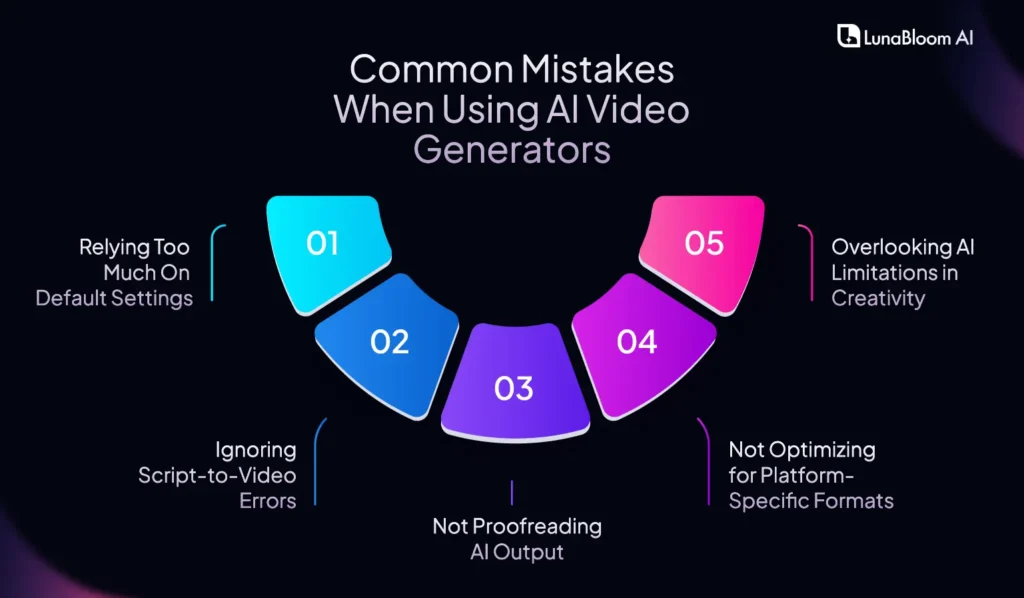
Mistake 1: Relying Too Much on Default Settings
It’s tempting to hit “Generate” and let the AI do its thing with the default settings, but doing so can result in videos that lack personality and don’t resonate with your audience.
- Generic Results: Default settings often produce videos that feel too cookie-cutter and lack the unique touch that sets your content apart.
- Missed Customization Opportunities: AI video generators tool offers several customizable features that can make your video more dynamic. Failing to tweak these means missing out on improved quality.
- Tone Mismatch: Default voiceovers and background music may not match the tone or message you’re trying to convey, leaving your video feeling off-brand.
Mistake 2: Ignoring Script-to-Video Errors
The quality of your AI-generated video depends heavily on the quality of your script. If there are errors in the text whether grammatical mistakes or unclear phrasing the AI is likely to misinterpret your message, resulting in awkward video content.
- Unclear Phrasing: Complex or vague sentences can confuse the AI, resulting in a video that doesn’t fully capture your intent.
- Grammar Issues: Simple mistakes, such as missing punctuation or incorrect sentence structure, can disrupt the flow of the video and make it harder to follow.
- Missed Context: If your script lacks sufficient context or clarity, the AI might struggle to generate relevant visuals or transitions.
Mistake 3: Not Proofreading AI Output
AI video generators can produce great results, but they’re not perfect. It’s crucial to review the video after it’s generated to catch subtle errors that might slip through the cracks. Because AI video creation seems easy by it may leads to minor errors.
- Unnatural Transitions: AI might create awkward visual transitions that don’t flow well with the content.
- Audio Issues: The background music or voiceover may not sync properly with the visuals, or the volume levels may be off.
- Minor Visual Errors: The AI might choose visuals that are slightly off-topic or don’t match the tone, creating a disjointed viewing experience.
Mistake 4: Not Optimizing for Platform-Specific Formats
Different social media platforms have different requirements for video size, resolution, and aspect ratio. Ignoring these requirements can waste time and effort on videos that don’t look their best or, worse, get rejected.
- Wrong Aspect Ratios: A video made for YouTube might look great in a 16:9 ratio but be poorly cropped on Instagram or TikTok, where vertical videos are preferred.
- Resolution Issues: A low-resolution video might load fine on some platforms but look grainy or pixelated on others.
- Platform-Specific Features: Platforms like Instagram Stories or YouTube Shorts have unique formatting needs (e.g., vertical video or short duration). Missing these nuances can limit the effectiveness of your video.
Mistake 5: Overlooking AI Limitations in Creativity
AI is fantastic for automation, but it still has limits when it comes to creativity. While it can produce excellent videos quickly, it lacks the intuition, emotional understanding, and creative flair that a human creator brings.
- Lack of Emotional Depth: AI-generated videos can sometimes feel flat or lack the emotional depth needed to engage viewers truly.
- Predictable Visuals: AI might repeat the same set of visuals or animations, resulting in videos that feel formulaic and unoriginal.
- Missed Storytelling Opportunities: While AI can help structure a video, it can’t craft a compelling story or connect with your audience on a personal level.
How To Fix Mistakes In AI-Generated Videos?
Now that we’ve identified the mistakes, here’s how to fix them:
- Mistake 1 Fix: Customizing AI Settings: The key to getting better results is customization. Don’t settle for default settings. Tweak the tone of voice, image selection, and background music to suit your message better. A few simple adjustments can make a huge difference in how the video resonates with your audience.
- Mistake 2 Fix: Better Script-to-Video Preparation: Take the time to write a clear, concise, and engaging script. This ensures the AI can correctly interpret your content and produce a video that accurately reflects your intentions. Avoid overly complex or ambiguous phrasing, and keep your language simple and to the point.
- Mistake 3 Fix: Post-Production Tweaks: Even after the AI has generated your video, don’t stop there. Use post-production editing tools to fine-tune the visuals, transitions, and audio. Minor tweaks, like adjusting the timing of an animation or replacing background music, can elevate the final product.
- Mistake 4 Fix: Platform-Specific Adjustments: Make sure your video is optimized for each platform where it will be published. Adjust the format, aspect ratio, and resolution based on the platform’s requirements. Using best video creation AI tool that support multiple formats can save you time and ensure your video looks great everywhere.
- Mistake 5 Fix: Infusing Creativity into AI Content: While AI can automate many aspects of video creation, human creativity is irreplaceable. Add your creative touch by tweaking the visuals, adding personal narration, or incorporating unique storylines. This will help your videos stand out and feel more authentic.
One-Stop Solution For AI Video Generator Text To Video: LunaBloomAI
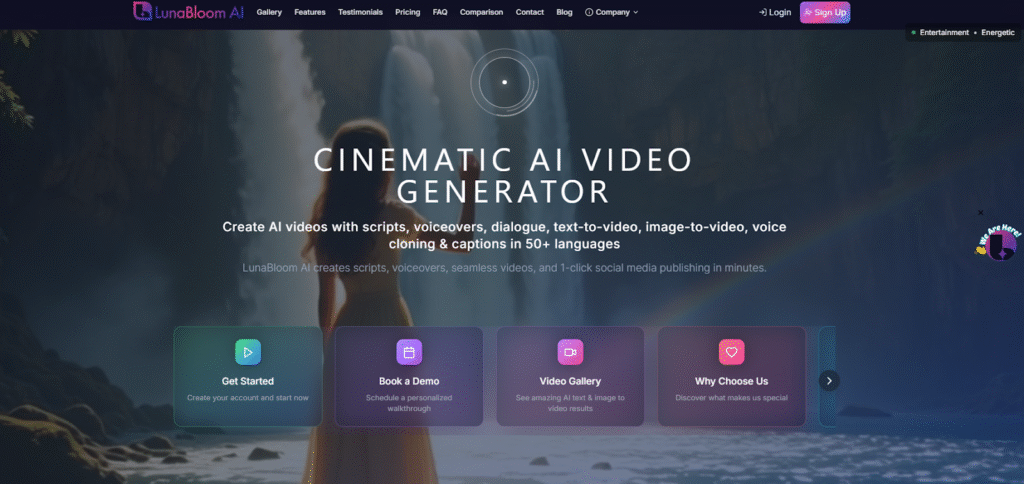
If you are looking for a comprehensive solution to your AI video creation needs, LunaBloomAI is the tool for you. This tool addresses many of the common mistakes mentioned earlier and takes AI video generation to the next level.
With LunaBloomAI, businesses can effortlessly turn written scripts into professional-quality videos that captivate their target audience. The best part? You can cut production costs by eliminating the need for costly videographers, editors, and equipment.
The time that would have been spent on tedious editing is now freed up, allowing you to focus more on strategy and creativity.
Features Of LunaBloomAI
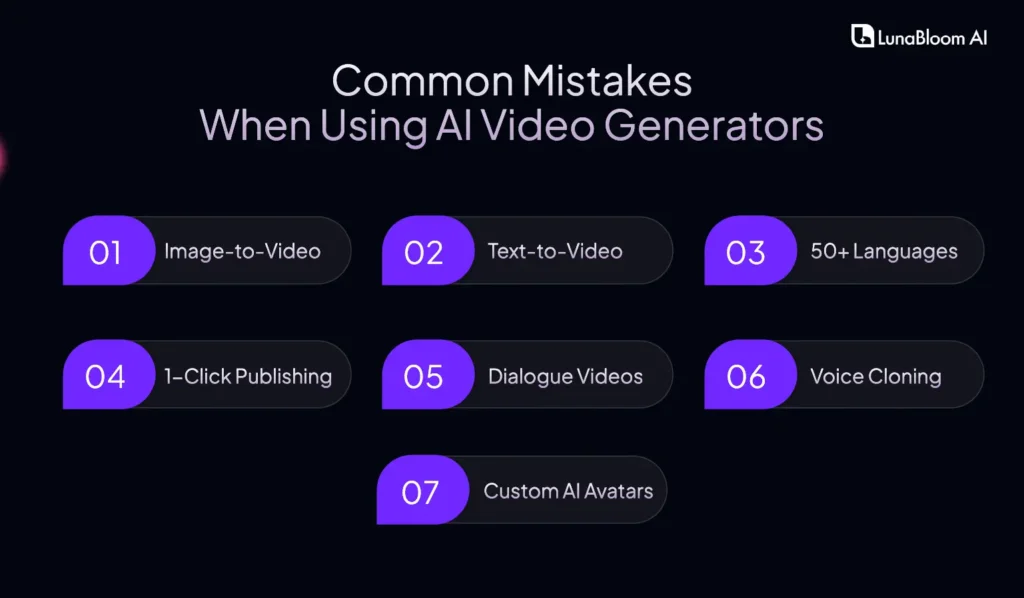
- Image-to-Video: Turn your static images into dynamic and engaging video content without the need for expensive animation teams or lengthy manual edits.
- Text-to-Video: Effortlessly transform any written script into a high-quality video. Simply input your text, and LunaBloomAI takes care of the rest, saving you valuable time.
- 50+ Languages: Reach a broader audience by creating videos in over 50 languages. Whether you’re targeting local or international markets, this feature helps you communicate without language barriers.
- 1-Click Publishing: Once your video is ready, you can publish it directly to your YouTube channel with a single click. No more cumbersome exporting or reformatting; everything you need for publishing is automatically generated.
- Dialogue Videos: Create natural, engaging dialogue-based videos for tutorials, advertisements, or brand storytelling. This feature makes your content more relatable and conversational.
- Voice Cloning: With LunaBloomAI’s voice cloning technology, you can instantly replicate your brand’s unique voice for consistent narrations and voiceovers across all your videos.
- Custom AI Avatars: Generate avatars that look and act like real people. Transform your photos into custom-branded avatars. Choose from photo-realistic, animated, or 3D avatar styles.
Choose The Plan That’s Right for You
- Starter: Pay-as-you-go pricing
- Basic Starter: Ideal for individuals, hobbyists & casual creators or small teams who need to create video content quickly and efficiently.
- Fundamental Growth: Designed for content creators & freelancers, and businesses that need to produce more content with advanced features and customization options.
- Professional Advanced: Perfect for larger businesses and for agencies & enterprises looking to scale their content production with premium features and priority support.

AI Video Creation Best Practices
To ensure the best results when using an AI video generator, follow these best practices:
- Clear & Effective Script Writing: A well-written script is crucial for AI video generators to produce high-quality content. Keep your language simple, clear, and engaging so the AI can understand your message.
- Testing and Iterating: Don’t settle for the first draft. Run multiple iterations of your video, testing different voiceovers, images, and backgrounds to find what works best.
- Using AI for Inspiration, Not Just Automation: While AI is a fantastic tool for automation, don’t forget to add your personal creativity. Use AI video generator text to video to handle repetitive tasks, freeing up time for brainstorming and developing unique content ideas.
- Balancing AI Automation and Human Editing: AI can handle the bulk of video creation, but human editing is still necessary. Use editing tools to fine-tune AI-generated videos and add your creative flair.
- Regular Updates & Monitoring: Stay up to date with the latest AI advancements and software updates. Regularly monitor the performance of your AI videos to ensure they’re reaching your audience effectively.
Final Words!
AI video generators offer significant promise, but, like any tool, they need to be appropriately used to achieve the best results. By avoiding common mistakes and following best practices, you can harness the full potential of AI-generated video.
Whether you’re a seasoned creator or a beginner, the right approach will help you create videos that resonate with your audience.
If you’re ready to take your video creation to the next level, LunaBloomAI is here to help. Start your free trial today and experience the future of video generation. Contact us now!
FAQ Section
Q1: What are the most common mistakes when using AI video generators?
The most common mistakes include relying too heavily on default settings, ignoring script errors, failing to proofread AI output, and overlooking platform-specific optimizations.
Q2: How can I fix mistakes in AI-generated videos?
You can fix mistakes by customizing AI settings, improving your script, performing post-production tweaks, and ensuring platform-specific adjustments.
Q3: How does LunaBloomAI help improve AI video creation?
LunaBloomAI offers advanced features such as customizable settings, voice cloning, and hyper-realistic AI avatars, helping you create better videos with ease.
Q4: Why should I choose LunaBloomAI over other video generators?
LunaBloomAI stands out for its ease of use, powerful customization options, and unique features such as image-to-video and voice cloning, making it the ideal solution for efficient video creation.
Q5: Can LunaBloomAI handle different video formats for various platforms?
Yes! LunaBloomAI allows you to customize your video formats, aspect ratios, and resolutions to suit the specific requirements of different platforms, from YouTube to Instagram.





