
Trying to choose the right video production software can feel overwhelming. With so many options, how do you know which one is right for you?
The secret is simple: it’s not about finding the tool with the most features. It’s about finding the one with the right features for your specific goals.
This guide will cut through the noise and help you make a smart, informed video production software comparison.
How to Choose Your Ideal Video Production Software
Let’s get one thing straight: there’s no single “best” video software for everyone. A professional filmmaker has completely different needs than a marketing manager creating a social media ad. The goal is to match you with the right platform from the start.
To find your perfect match, just ask yourself four simple questions:
- What am I creating? Are you making corporate training videos, cinematic short films, or viral TikToks?
- What’s my skill level? Are you a seasoned pro who is comfortable with timelines and keyframes, or a beginner who needs a simple, intuitive interface?
- What’s my budget? Are you looking for a one-time purchase, a monthly subscription, or a powerful free tool?
- Do I need AI features? Could things like AI avatars, voice cloning, or instant text-to-video generation make your job easier?
Answering these questions first will help you zero in on the category of software that actually makes sense for you.
Your High-Level Comparison Guide
The demand for easy-to-use video tools has exploded. The global video editing software market was valued at around $3.09 billion in 2023 and is projected to reach $5.13 billion by 2032. This growth is driven by social media, remote work, and huge leaps in technology.
While big names like Adobe Premiere Pro still hold significant market share, newer AI-native platforms are rapidly changing the landscape. You can explore more video editing software market stats to see the trend.
Before we dive deep, here’s a quick overview. This table is your cheat sheet to quickly see which tool might be the best fit for your main objective.
Quick Glance Video Software Selector
| Software | Best For | Key AI Feature | Starting Price Point |
|---|---|---|---|
| LunaBloom AI | Marketing, Training & Business Users | AI Avatars & Text-to-Video Generation | Freemium, Paid Plans Start at $10/mo |
| Adobe Premiere Pro | Professional Editors & Creative Agencies | AI-Powered Scene Edit Detection & Speech-to-Text | $22.99/mo (Individual App) |
| DaVinci Resolve | Filmmakers & Color Grading Specialists | AI Magic Mask & Voice Isolation | Free Version, Studio Version is $295 (One-Time) |
| Synthesia | Corporate L&D and Enterprise Comms | Realistic AI Avatars & Multi-Language Support | $22/mo (Creator Plan, Billed Annually) |
This table provides a starting point. Now, let’s get into the details of how these platforms truly stack up.
Comparing AI and Automation Capabilities
When we talk about AI in video production software, it’s easy to get lost in buzzwords. The truth is, AI is the engine making modern video creation faster and more accessible. The real difference isn’t if a tool has AI, but how effectively it works in a real-world workflow.
Let’s skip the marketing hype and look at how these features perform when you’re on a deadline.
Your final decision should always come back to your goals. Think of it this way: your budget, your team’s skill level, and your use case all need to align.
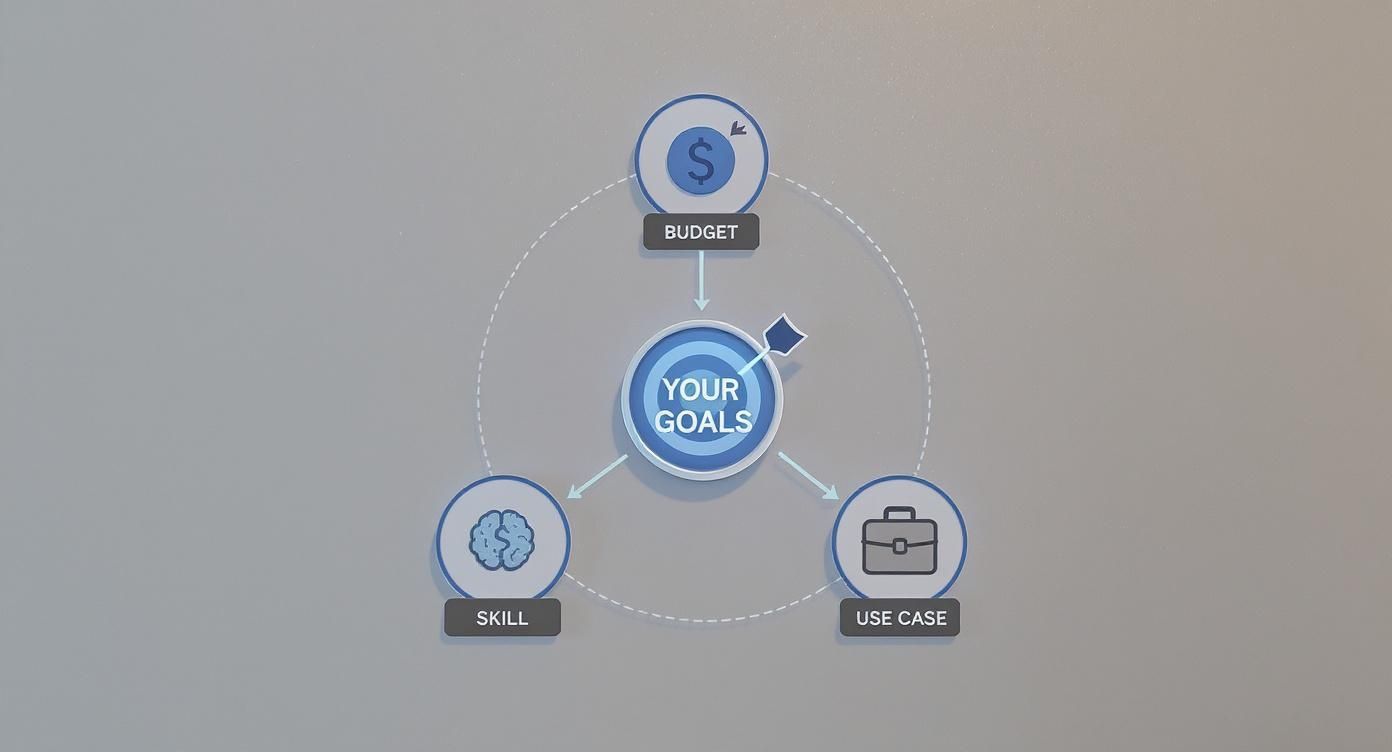
This shows that the “best” software is situational. Your unique needs—not just a flashy feature list—should be the deciding factor. With that in mind, let’s break down the AI capabilities that truly set these platforms apart.
To make it easier, here’s a quick overview of how the leading platforms compare on core AI and automation features.
AI Feature & Automation Capability Matrix
| Feature | LunaBloom AI | Synthesia | Adobe Premiere Pro (Sensei AI) | DaVinci Resolve |
|---|---|---|---|---|
| AI Text-to-Video | Excellent: Strong contextual understanding for cohesive scene generation from scripts. | Good: Primarily focused on avatar presentations, not dynamic scene creation. | Not Available: Relies on manual editing and asset placement. | Not Available: Traditional editor requiring manual media import. |
| AI Avatars | Excellent: Over 100 realistic avatars with custom creation options. | Industry Leader: High-fidelity, expressive avatars are their core offering. | Not Available: No native AI avatar features. | Not Available: No native AI avatar features. |
| Voice Cloning | Excellent: Fast and accurate cloning from short audio samples. | Very Good: High-quality voice cloning, especially for custom avatars. | Not Available: Requires third-party plugins. | Not Available: Lacks integrated voice cloning. |
| Automated Subtitles | Excellent: High accuracy (low WER) with automatic translation into 50+ languages. | Very Good: Accurate transcription for avatar-spoken content. | Excellent: Sensei AI provides highly accurate, workflow-integrated transcription. | Good: AI-based transcription is available, but accuracy can vary with accents. |
| Branding Automation | Excellent: Centralized brand kits for logos, fonts, and color palettes applied automatically. | Good: Allows for custom backgrounds and basic branding elements. | Good: Templates and Motion Graphics templates (MOGRTs) help, but it’s not fully automated. | Limited: Requires manual setup of templates and presets for brand consistency. |
This matrix gives you a bird’s-eye view, but the real story is in how these features feel and function in your day-to-day work.
AI Text-to-Video Generation
The dream of turning a script into a finished video is now a reality, but not all tools are created equal. The quality of text-to-video generation varies wildly and comes down to two different approaches.
One approach, used by platforms like LunaBloom AI, involves AI that understands the context of your script, not just keywords. It assembles relevant stock media into a cohesive story, making the scenes feel connected and logical from the start.
The other approach uses a more basic keyword-matching system. This often results in a jumble of generic clips that don’t quite fit, forcing you to spend valuable time finding and replacing assets yourself.
AI Avatars and Voice Cloning
For anyone creating corporate training, marketing explainers, or company updates, AI avatars are a massive time-saver. Forget booking a studio or an actor for a simple announcement—just type a script and generate a video. The key comparison points here are realism and customization.
- Realism and Emotional Range: Synthesia is known for its lifelike avatars, but platforms like LunaBloom AI are catching up by focusing on subtle expressions and natural speaking rhythms that make videos feel less robotic.
- Customization Options: The ability to create a custom avatar of yourself or a key team member adds a personal touch to your brand. The ease, speed, and quality of this process can be a major differentiator.
- Voice Cloning Accuracy: A good voice clone captures a person’s unique tone and inflection. The best systems can create a convincing digital replica from just a few minutes of sample audio.
This technology allows companies to produce professional, on-brand video content for a fraction of the usual cost and time. If this is a priority, it’s worth exploring what a specialized platform can offer. You can learn more about how LunaBloom AI is making this accessible for businesses of all sizes.
Automated Subtitles and Transcription
Accurate subtitles are no longer a “nice-to-have.” They are essential for accessibility and for capturing attention on social media, where most videos are watched without sound. While most modern editors offer auto-transcription, their performance varies.
The key metric to consider is the word error rate (WER). An AI with a low WER produces captions that require minimal editing. This is a lifesaver when dealing with technical jargon, multiple speakers, or diverse accents.
For example, Adobe Premiere Pro‘s Sensei AI is known for its accuracy and seamless integration. Similarly, AI-first platforms like LunaBloom AI are built for speed and precision, often delivering a fully captioned video in minutes.
Customization and Branding Automation
Maintaining brand consistency across all your videos is crucial but can be tedious. Smart AI can automate this entire process.
This is about more than just adding your logo in the corner. The best platforms allow you to set up brand kits that automatically apply your visual identity, including:
- Custom color palettes for text and graphics.
- Brand fonts for all titles and subtitles.
- Logo placements and animated intros/outros added with one click.
This level of automation enables anyone on your team to create perfectly on-brand videos, turning video production into a scalable and streamlined process.
Analyzing Performance and System Requirements
Let’s be real: video editing software with amazing features is useless if it lags, crashes, or takes forever to render a clip. When making a video production software comparison, performance is a critical factor that determines your workflow, budget, and sanity.
The choice really comes down to two camps: cloud-based platforms and traditional desktop applications.
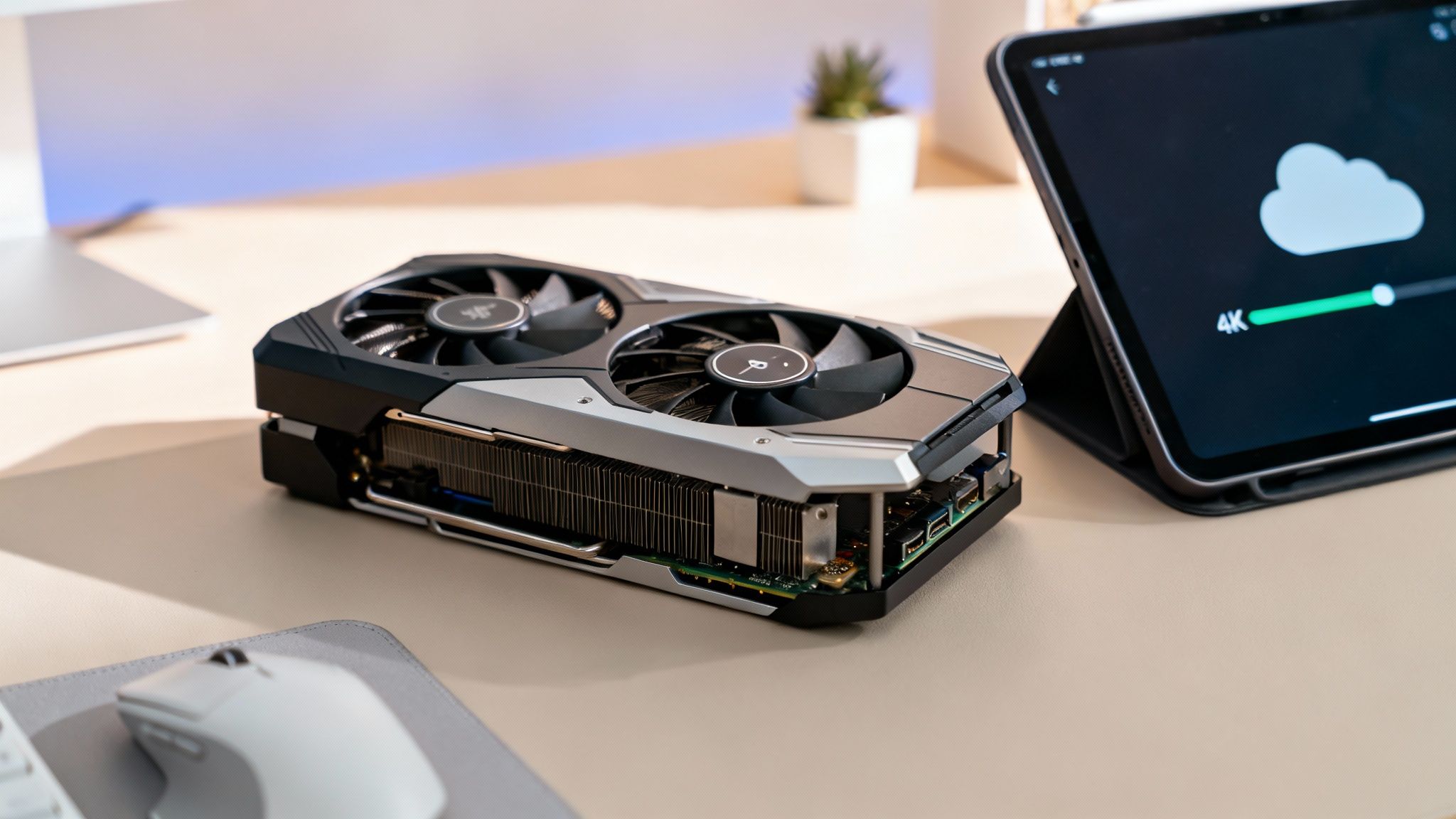
This is a significant decision. The audio and video editing software market is projected to grow from $3.89 billion in 2023 to $6.3 billion by 2030, with North America leading the charge. This highlights the demand for tools that are both powerful and accessible. You can dig into more numbers on the video editing software market growth on Statista.com.
The Power-Hungry Desktop Editors
Traditional workhorses like Adobe Premiere Pro and DaVinci Resolve place all the processing demands on your local computer. To get a smooth experience, especially when working with 4K footage, you need a powerful machine.
These applications rely heavily on your computer’s core components:
- GPU (Graphics Card): A powerful GPU is essential for rendering, smooth playback, and applying effects. A weak card will result in a choppy timeline and painfully slow exports.
- RAM (Memory): For 4K editing, 32GB of RAM is the recommended minimum. For complex projects with multiple layers, 64GB or more is ideal.
- CPU (Processor): A modern, multi-core processor is key for handling encoding and decoding without slowing down your workflow.
Key Takeaway: Choosing a traditional editor means investing in serious hardware. While you get complete control and offline access, the true cost increases significantly when you factor in a high-spec computer.
The Cloud-Native Advantage
Cloud-based tools like LunaBloom AI and Synthesia change the game entirely. They perform all the heavy processing on their powerful servers, meaning you don’t need an expensive editing rig to create high-quality videos.
This approach offers several major benefits:
- Hardware Independence: Create, edit, and render stunning 4K videos from a basic laptop or even a tablet. The intensive work happens in the cloud, so your device doesn’t have to break a sweat.
- Effortless Collaboration: Since projects are stored online, team members can collaborate from anywhere without passing around large hard drives or dealing with version control issues.
- Cost-Effective: Avoid the expense of constant hardware upgrades. This makes professional video production accessible to small businesses, solo creators, and marketing teams on a budget.
For teams that need to work quickly and scale efficiently, the cloud model is a clear winner. It eliminates technical barriers, streamlines teamwork, and allows you to focus on creativity instead of computer specs.
Matching Software to Your Professional Use Case
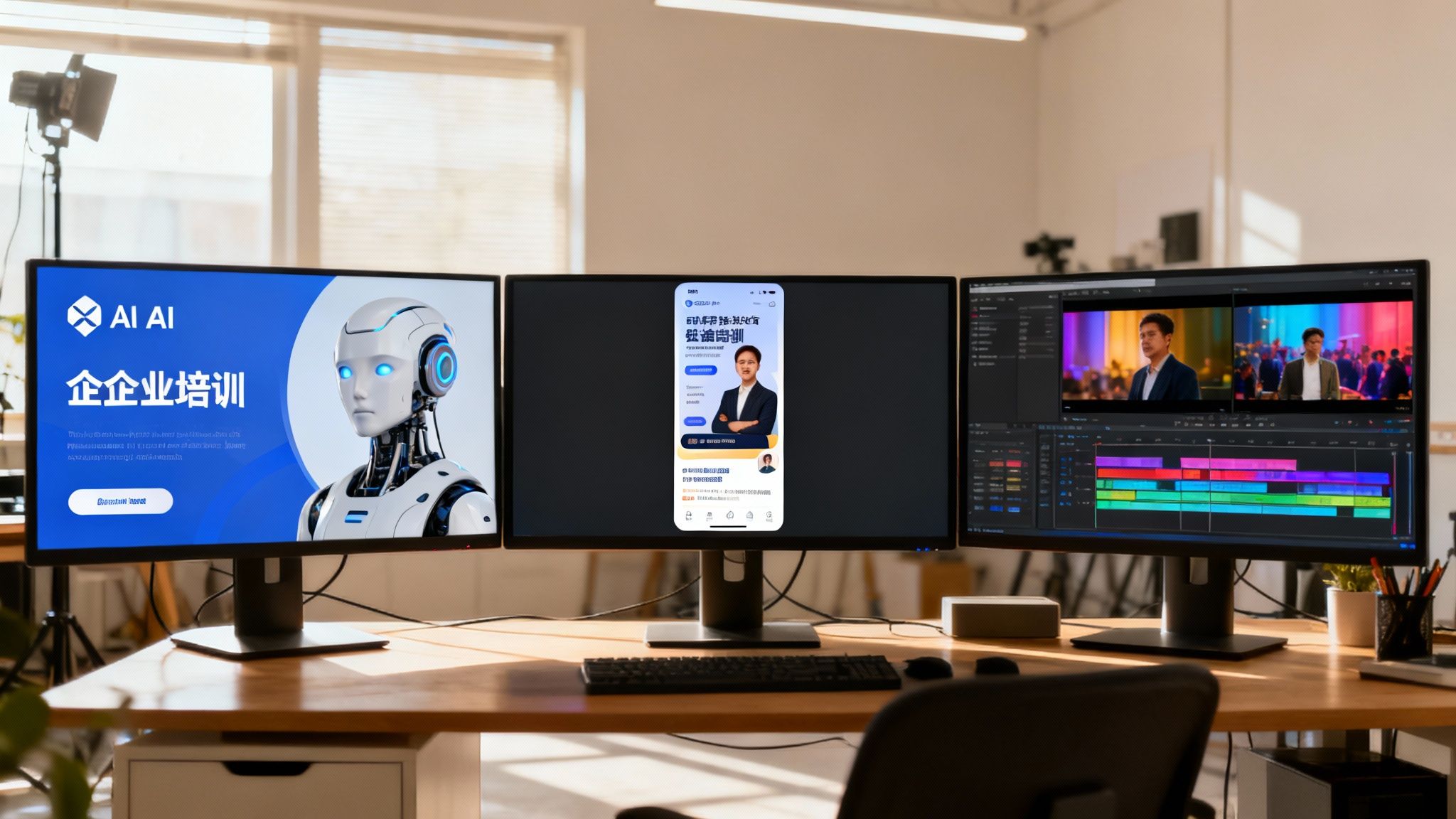
The best video production software isn’t the one with the most features—it’s the one that solves your daily challenges. A tool’s true value is revealed when it perfectly aligns with your professional goals.
Let’s move beyond generic feature lists and look at how these tools perform in real-world scenarios.
The market for digital media production software—covering video, audio, and effects—was valued at $15.01 billion in 2024 and is projected to reach $23.35 billion by 2029. You can explore the data at Research and Markets. With such rapid growth, choosing the right tool for the job is more important than ever.
Corporate Training and Onboarding
If you work in learning and development (L&D), your biggest challenges are likely scale and consistency. You need to create engaging, easily updatable training materials that can be distributed company-wide, ensuring everyone receives the same message.
AI platforms are a game-changer here. Traditional video production for training is a logistical nightmare of scheduling experts, booking studios, and reshooting entire videos for minor policy changes.
Scenario: A global company needs to roll out new compliance training to 5,000 employees across different countries.
- AI Platform Approach (LunaBloom AI): The L&D team finalizes a script and inputs it into LunaBloom AI. They select a professional AI avatar, apply a branded template, and a polished HD video is ready within an hour. When a policy is updated, they simply edit the text and regenerate the video in minutes.
- Traditional Editor Approach (Premiere Pro): This would involve booking a live instructor, filming the session, and spending days or weeks editing, adding graphics, and rendering. Any update requires repeating the entire costly process.
Social Media and Marketing Campaigns
Marketers thrive on speed and volume. The goal is to produce a high volume of content for testing across various channels, all while maintaining brand consistency and capitalizing on trends. This creates a conflict between the need for speed and the desire for creative control.
AI generators are perfectly suited for this fast-paced environment. They allow marketing teams to create dozens of ad variations from a single script, localize content for new markets, or A/B test different hooks without a significant time investment.
Scenario: A DTC brand needs multiple video ads for TikTok, Instagram Reels, and YouTube Shorts for a new product launch.
- AI Platform Approach (LunaBloom AI): A marketer uses the text-to-video feature to create several base videos. They can easily swap AI voiceovers, change the music, and test different calls-to-action with just a few clicks. An entire batch of variations can be completed in an afternoon.
- Traditional Editor Approach (DaVinci Resolve): A skilled editor would have to manually find clips, sync them to music, create custom animations, and color grade each shot. While the final video might have more artistic flair, producing 15 distinct versions is a slow and expensive process.
Recommendation: For agile marketing and high-volume social content, an AI platform like LunaBloom AI provides a significant advantage in speed and iteration.
Professional Film and Broadcast
In professional filmmaking and high-end broadcast, technical precision and creative freedom are paramount. The focus shifts from “how fast?” to “how deep?” Professionals need tools that offer absolute control over color, sound, and visual effects, supported by an ecosystem of plugins and hardware.
This is where traditional non-linear editors (NLEs) still reign supreme. Their feature sets are designed for complex, layered projects that demand pristine image and audio quality.
Scenario: A post-production house is working on an indie film that requires meticulous color grading, complex sound design, and VFX integration.
- Traditional Editor Approach (DaVinci Resolve/Premiere Pro): An editor assembles the footage. A colorist uses the advanced color tools in DaVinci Resolve to craft the film’s look. A sound designer mixes the audio, and the project seamlessly integrates with After Effects for titles.
- AI Platform Approach (Any): AI platforms are not built for this level of complexity. They lack the advanced timelines, color science, audio mixing capabilities, and third-party support required for cinematic storytelling.
Recommendation: For professional film, broadcast, and high-end commercial work, DaVinci Resolve (for its unparalleled color grading) and Adobe Premiere Pro (for its integration with Creative Cloud) remain the industry standards.
Pricing and the True Cost of Making Videos
When you compare video software, it’s easy to focus on the monthly fee. But the sticker price is just the beginning. To understand the real cost, you need to consider the Total Cost of Ownership (TCO)—the subscription fee plus all the other hidden expenses.
The market offers a few different payment models:
- Monthly/Annual Subscriptions: This is the most common model, used by platforms like Adobe Premiere Pro and LunaBloom AI. It offers a lower upfront cost and ensures you always have the latest version.
- One-Time Purchases: Some software, like Apple’s Final Cut Pro, still uses the “buy it once, own it forever” model. This involves a larger upfront investment, and you may have to pay for major upgrades.
- Freemium Tiers: Tools like DaVinci Resolve offer a powerful free version, with a one-time fee to unlock advanced professional features.
Don’t Forget the Hidden Costs
The real budget-busters are the hidden costs, especially with traditional desktop editors. These expenses often catch teams by surprise.
To edit 4K footage smoothly in Premiere Pro or DaVinci Resolve, you need a powerful computer. This means budgeting for a machine with a high-end GPU and at least 32GB of RAM. Suddenly, you’re spending thousands on hardware before you even open the software.
The real cost of a traditional editing setup isn’t just the license. It’s the high-performance computer, separate stock footage subscriptions, and extra plugins for special effects.
How to Calculate the Real Value
This is where cloud-based, all-in-one AI platforms like LunaBloom AI completely change the financial equation. While they are subscription-based, they are designed to eliminate most of these hidden costs.
Let’s see how this plays out for a typical marketing team:
- Hardware Costs: Eliminated. All processing happens in the cloud, so your team can create high-quality videos on standard office laptops.
- Stock Asset Licenses: Platforms like LunaBloom AI include vast built-in libraries of stock videos, images, and music, eliminating the need for separate subscriptions.
- Plugin and Template Fees: Core features like AI avatars, automated branding, and motion graphics are included, so you don’t need to buy third-party plugins.
When you add it all up, the TCO for an AI platform is often significantly lower for most business needs. It transforms video production from a hefty capital investment into a predictable operating expense.
So, Which Tool Should You Choose?
After this in-depth video production software comparison, it’s clear that the “best” choice depends on your specific role and needs. There’s no single winner—only the right tool for the job.
To make your decision easier, we’ve broken down our findings into straightforward, persona-based recommendations.
Our Top Picks for Your Role
The right decision comes from aligning a platform’s core strengths with your primary needs. Here’s who we think should use what.
-
For the Agile Marketer: You need to produce high volumes of on-brand social ads, product demos, and campaign videos quickly.
- Top Pick: LunaBloom AI. Its text-to-video engine is perfect for rapid content creation, and automated branding ensures consistency, allowing you to scale output without sacrificing quality.
- Runner-Up: DaVinci Resolve (Free Version). Ideal for one-off, high-impact brand videos where you need granular creative control and have more time to invest.
-
For the Corporate Trainer: Your priorities are consistency, clarity, and the ability to update materials easily at scale.
- Top Pick: LunaBloom AI. The combination of realistic AI avatars and simple script-based editing is a huge win. Updating a compliance video becomes a five-minute task, not a two-week project.
- Runner-Up: Synthesia. A strong competitor with excellent avatars, but LunaBloom AI offers a more comprehensive all-in-one feature set for broader business needs.
-
For the Professional Filmmaker: You require total creative control, technical precision, and industry-standard workflows.
- Top Pick: DaVinci Resolve Studio. A powerhouse with unmatched color grading, incredible audio tools, and excellent performance on heavy-duty projects.
- Runner-Up: Adobe Premiere Pro. Its tight integration with Adobe Creative Cloud is a major workflow advantage for multidisciplinary creative teams.
The Future is a Hybrid Model
Looking ahead, the lines between traditional editing and AI generation will continue to blur. The smartest workflows will combine the creative finesse of classic NLEs with the speed and efficiency of AI.
Tools like LunaBloom AI are leading this shift for business use, proving that you don’t have to choose between efficiency and quality. By embracing a platform that adopts this hybrid approach, you ensure your skills and software remain relevant for years to come.
Common Questions Answered
Choosing the right video production software is a big decision. Here are answers to some of the most frequently asked questions.
What’s the Best Video Production Software for a Total Beginner?
For beginners, an AI-powered tool like LunaBloom AI is the best choice. These platforms use templates and guided workflows, eliminating the steep learning curve of traditional editing software. You can focus on your message, not the technicalities.
If your long-term goal is to become a professional editor, the free version of DaVinci Resolve is an incredible starting point. It provides access to a full suite of professional tools without any cost.
Can AI Video Tools Really Create Professional-Looking Videos?
Absolutely. For most business and marketing purposes, the quality is not just “good enough”—it’s excellent. Modern AI platforms can export in high resolution, offer deep brand customization, and feature realistic AI avatars ideal for corporate training, social media ads, and marketing content.
While you wouldn’t use them for a blockbuster film, tools like LunaBloom AI meet and often exceed the quality standards for a wide range of professional business videos.
“Professional quality” is all about context. For business communications, AI tools deliver polished, on-brand videos faster and at a fraction of the cost of traditional methods.
Do I Need a Super Powerful Computer for Video Editing Now?
It depends on the software you choose. Cloud-based AI platforms like LunaBloom AI handle all the heavy processing on their servers, so you can create and render high-quality videos on a standard office laptop.
On the other hand, traditional desktop software like Adobe Premiere Pro or DaVinci Resolve still requires significant local computing power. To avoid lag with 4K footage, you’ll need a powerful GPU, a fast processor, and at least 32GB of RAM.
Ready to see how an AI-powered platform can simplify your workflow without needing a high-end computer? Explore LunaBloom AI and discover how quickly you can create professional videos. Learn more at LunaBloom AI .





