The demand for engaging video content is exploding. But let's be honest: production costs and complex software are major hurdles. Thankfully, AI is changing the game. With the right tool, you can now create compelling videos from just a few lines of text.
If you're searching for a text to video generator free of charge, you've probably noticed two things: the options are overwhelming, and the limitations are often hidden. This guide cuts through the noise.
We’ve tested and ranked the definitive list of the best free and freemium platforms available today. Forget the marketing fluff. Here’s a direct, honest look at what each tool offers.
For every generator, you will find:
- Core features and what makes it unique.
- Realistic limitations of the free plan (watermarks, video length, quality).
- Ideal use cases to match the right tool to your project.
- Pricing details for when you're ready to upgrade.
Many of these platforms use advanced AI for voiceovers. A quick look into understanding how AI voices are made can give you a deeper appreciation for the tech. Our goal is to give you the practical info you need to pick the best tool for your needs, complete with screenshots and direct links to get started right away.
1. LunaBloom AI
LunaBloom AI is a powerful, all-in-one AI video studio, making it a top contender for anyone looking for a text to video generator free from the usual headaches. It's built to turn text, scripts, or even images into professional videos quickly. This makes it perfect for creators, marketers, and educators who need quality content without a steep learning curve.
Its standout feature is its comprehensive localization toolkit, making it an exceptional choice for anyone targeting a global audience.
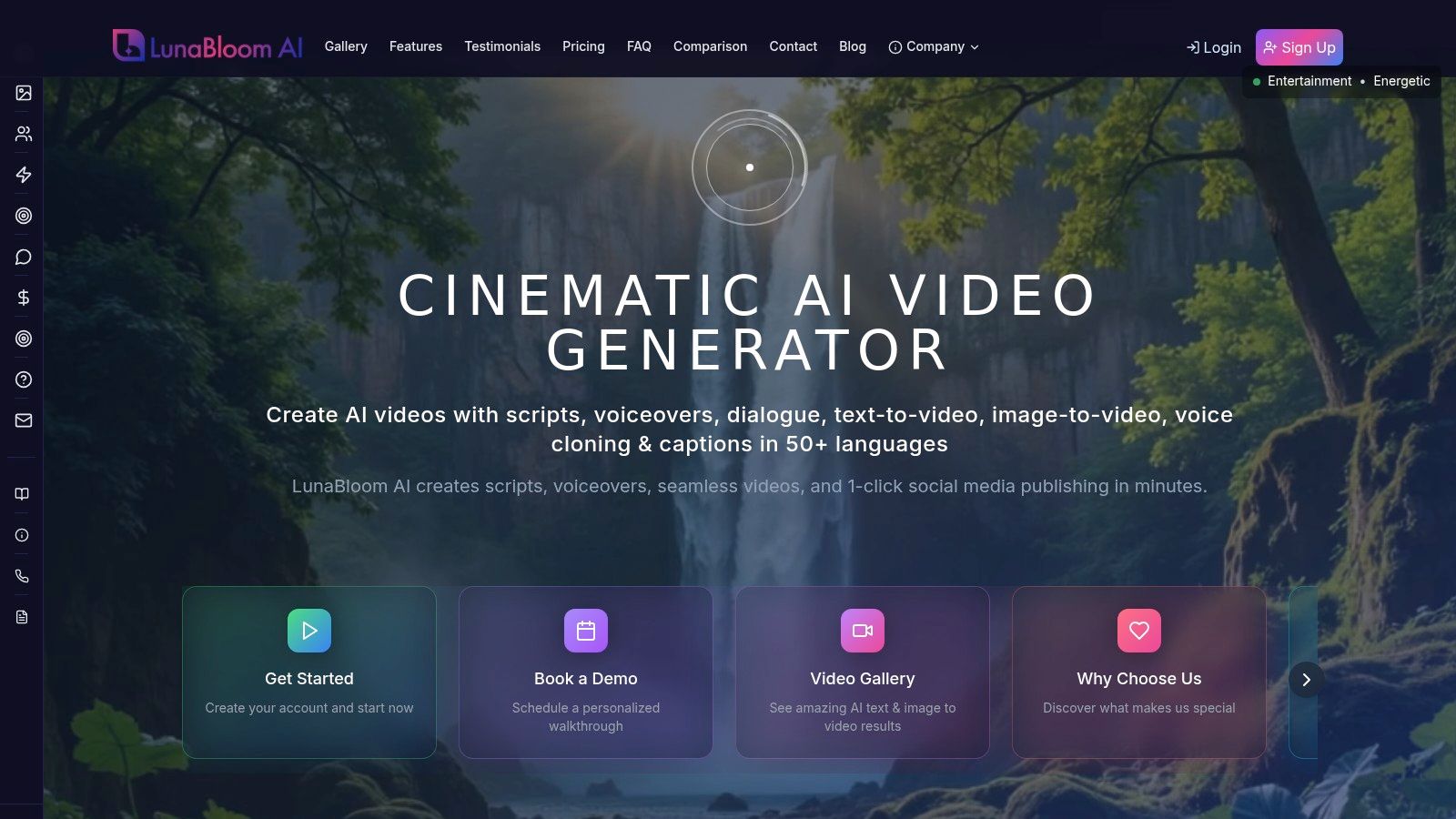
What really sets LunaBloom AI apart is its focus on scalable, customizable video production. It supports over 50 languages and has a library of 150+ natural-sounding voices. You can pair these with custom AI avatars or even clone your own voice for a truly unique brand presence.
For businesses, features like automated subtitles, SEO-optimized metadata, and one-click social publishing streamline the entire content workflow. While the free trial is a great start, advanced capabilities like longer videos and voice cloning are part of the paid plans.
Key Features and Use Cases:
- Global Content Creation: Perfect for creating localized marketing or training videos with automatic translations and a huge multilingual voice library.
- Custom Avatars & Voice Cloning: Maintain brand consistency with photo-realistic avatars and cloned voices for a personal touch.
- Streamlined Workflow: Ideal for marketing teams who want to integrate AI video into their systems via API and manage projects with team controls.
The pricing structure is flexible, with a free trial and pay-as-you-go options. Subscription plans start at $29.99/month, making it accessible for solo creators while offering robust features for growing businesses. Find out how LunaBloom AI can elevate your video strategy.
2. Runway
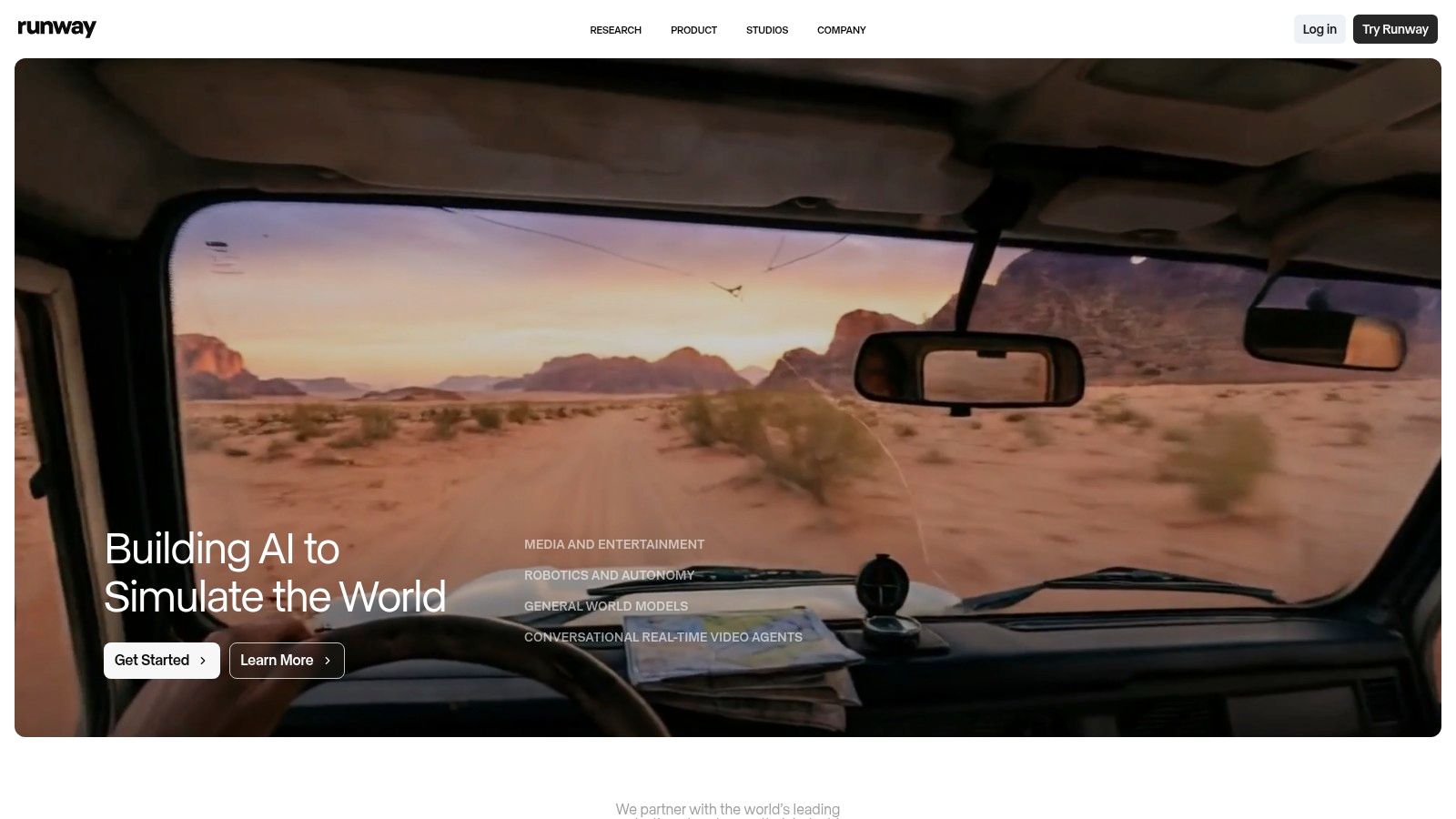
Runway is a powerhouse in the AI creative world. It's more of a complete video creation suite than just a simple text to video generator free tool. It's best for users who want to generate short, cinematic clips and then immediately polish them in an integrated web editor.
Its Gen-3 Alpha model is known for impressive motion quality and coherence, making it a top choice for producing visually striking b-roll, abstract sequences, or short-form social media content.
The platform uses a credit system. The free plan's initial credits are limited, but the pricing is transparent, so you know exactly what each second of video costs. The all-in-one workflow is a huge plus, but its focus on short clips means it's not ideal for creating long narrative videos from a single prompt.
Key Features and Limitations
- Free Plan: Gives you a starting batch of credits to test generation (they don't currently replenish).
- Video Duration: Free generations are typically limited to just a few seconds per clip.
- Watermark: Videos created with the free plan have a Runway watermark.
- Export Quality: 1080p exports are available, but higher resolutions require a paid plan.
Visit Website: https://runwayml.com
3. Pika
Pika has quickly become a popular and user-friendly text to video generator free tool. It excels at creating short, dynamic clips perfect for social media. Its simple text-to-video and image-to-video features make it a great starting point for anyone new to AI video.
It's best for those who need quick, visually engaging content without the complexity of a full editing suite.
Pika's free plan is one of the more generous starting packages available. A key differentiator is that Pika allows watermark-free downloads even on its free tier—a huge plus for creators. While the credit costs for higher resolutions can add up, the initial amount is more than enough to experiment and produce several quality videos.
Key Features and Limitations
- Free Plan: Includes a generous number of starting credits that refresh each month.
- Video Duration: Free clips are typically limited to a few seconds each.
- Watermark: No watermark is applied to video downloads, even on the free plan.
- Export Quality: Exports are available up to 1080p, with costs varying by resolution.
Visit Website: https://pika.art
4. Luma AI (Dream Machine)
Luma AI's Dream Machine has quickly become a major player, focusing on creating highly realistic and physics-aware short video clips. It excels at interpreting complex prompts to generate scenes with natural motion and cinematic quality.
This makes it a strong contender for creators seeking lifelike results for conceptual art, product visualizations, or surreal social media clips that grab attention.
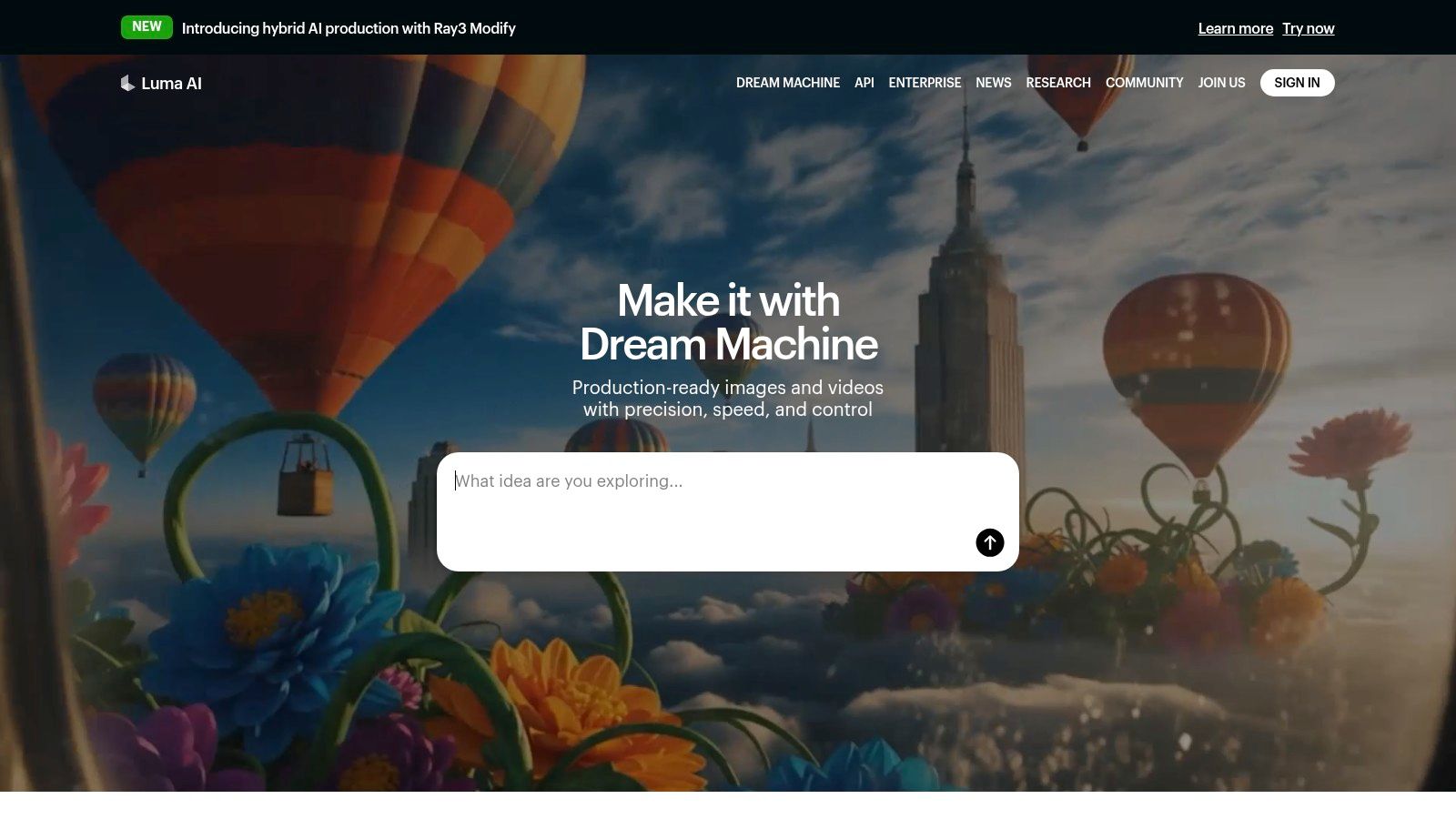
The platform's free tier provides monthly credits for draft-quality generations, making it an accessible text to video generator free option for experimentation. While the free outputs are watermarked and lower quality, the system clearly shows the credit costs for higher-fidelity models and features like upscaling. The short clip length (typically 5 seconds) means it's best for individual shots, not long-form stories.
Key Features and Limitations
- Free Plan: Includes 30 generations per month (at draft quality), which is great for testing.
- Video Duration: Clips are generally limited to 5 seconds.
- Watermark: All videos generated on the free plan include a Luma AI watermark.
- Export Quality: Free generations are lower-resolution drafts; paid plans unlock higher quality.
Visit Website: https://lumalabs.ai
5. Kapwing
Kapwing is an all-in-one collaborative video editor first and an AI generator second. Its strength is integrating a text to video generator free tool directly within a familiar timeline-based editing interface.
This is ideal for creators who need to generate a specific clip and then immediately cut, caption, or combine it with other footage. It's designed for fast-paced content creation, especially for platforms like TikTok and Instagram.
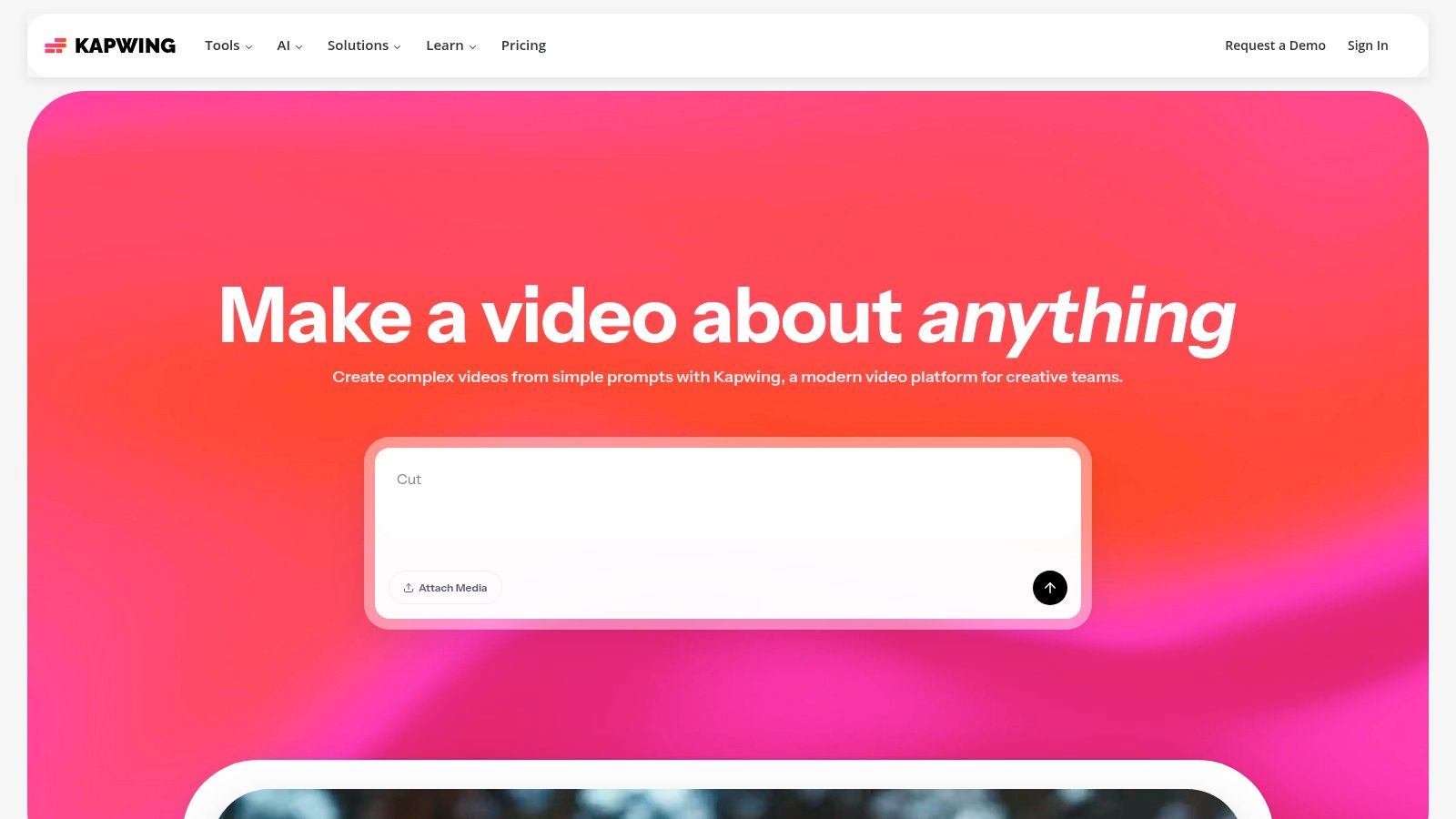
Kapwing uses a flexible credit system where credits can be used across its suite of AI tools. While the free plan is great for testing, heavy use of AI features will quickly drain your credits. The seamless transition from generation to editing is its primary advantage. However, the quality of its AI clips may not match more specialized platforms.
Key Features and Limitations
- Free Plan: Includes initial credits to use across all AI tools, with limited monthly replenishment.
- Video Duration: AI-generated clips are short, typically lasting just a few seconds.
- Watermark: Free exports come with a prominent Kapwing watermark.
- Export Quality: Free users are limited to 720p resolution for exports.
Visit Website: https://www.kapwing.com
6. InVideo AI
InVideo AI shines as a workflow-oriented tool that turns detailed prompts or entire scripts into complete videos. This makes it an excellent text to video generator free option for marketers and content creators.
Instead of just generating short clips, InVideo builds entire video sequences with stock footage, voiceovers, music, and subtitles. It's best for producing explainer videos, social media ads, or listicles where the goal is to convey information efficiently.
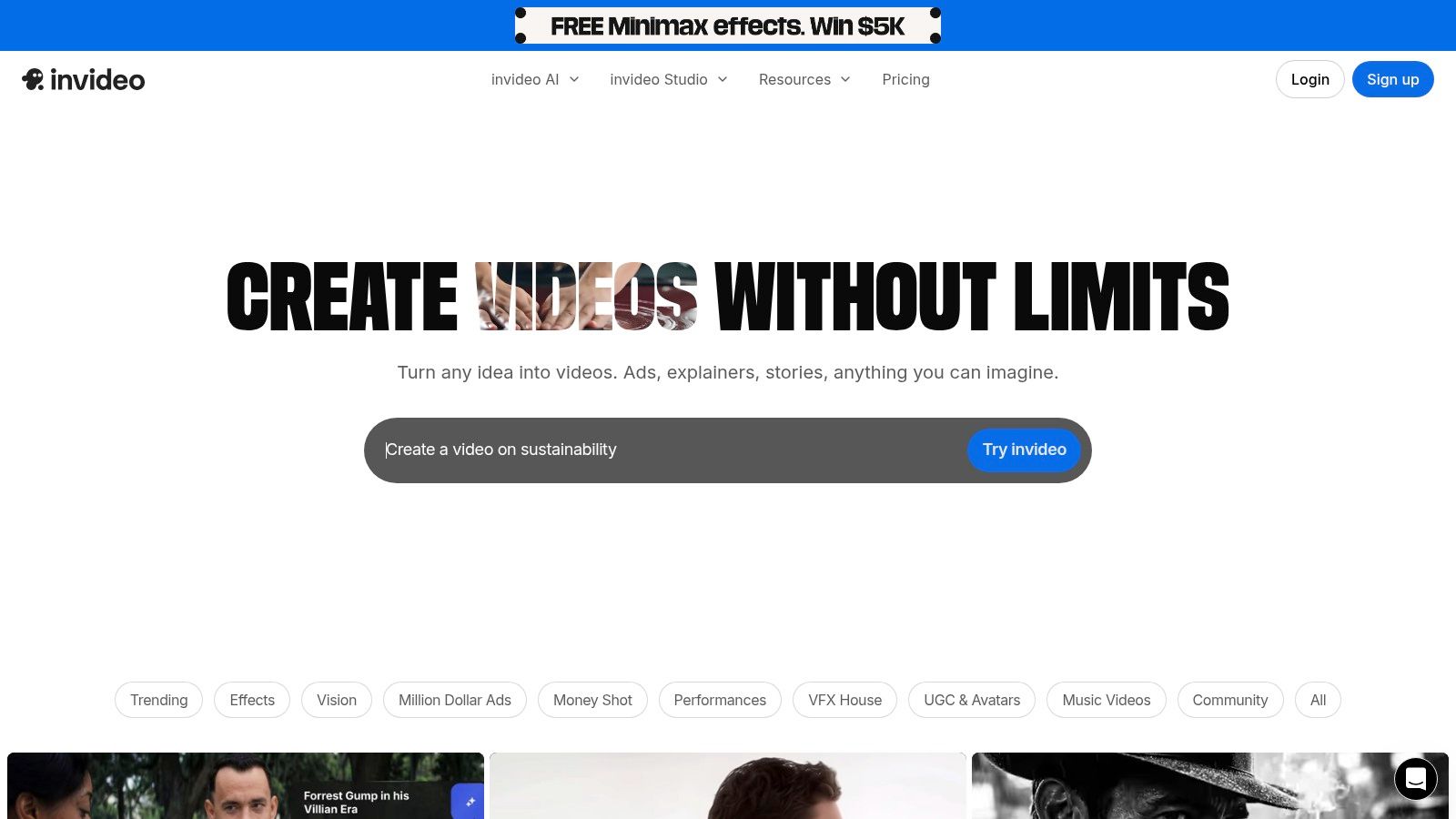
The free plan gives users a weekly allowance of AI generation minutes and video exports. This model is great for users who need to produce content consistently without an immediate budget. The seamless integration of a massive stock media library is a huge advantage, as the AI pulls relevant clips to match your script. However, free videos are watermarked.
Key Features and Limitations
- Free Plan: Includes weekly AI generation minutes and a set number of video exports.
- Video Duration: Free exports are limited in length (typically a few minutes).
- Watermark: Free videos are exported with an InVideo watermark.
- Export Quality: The free plan supports up to 1080p resolution.
Visit Website: https://invideo.io
7. HeyGen
HeyGen focuses on AI avatar-led video creation, making it an exceptional tool for generating talking-head and presenter-style content. Instead of creating cinematic scenes, this text to video generator free platform converts your script into a polished video featuring one of over 500 stock avatars.
It is perfectly suited for creating scalable training modules, corporate communications, or marketing explainers, especially for businesses needing content in multiple languages.
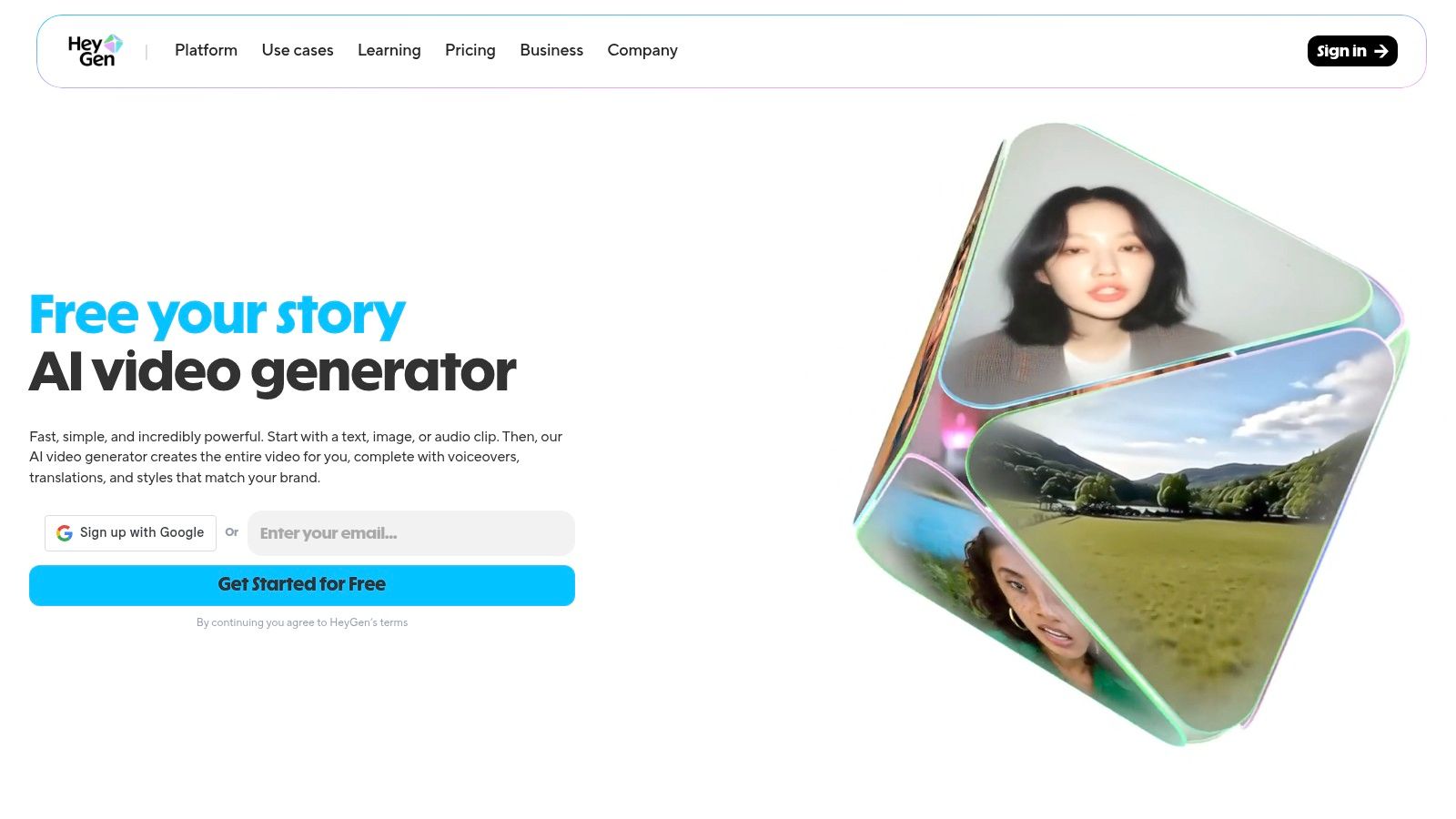
The platform's free plan is generous enough to get you started. The ability to produce professional-looking spokesperson videos without cameras or actors is its primary strength. However, this avatar-centric approach means HeyGen isn't the right choice for generating dynamic scenes or abstract visual stories. Its value lies in its efficiency for script-based presentations.
Key Features and Limitations
- Free Plan: Includes 1 free credit, allowing for up to 1 minute of video generation.
- Video Duration: Free videos are capped at 1 minute.
- Watermark: All videos created on the free plan will contain a HeyGen watermark.
- Export Quality: Free exports are limited to 720p; 1080p requires a paid subscription.
Visit Website: https://www.heygen.com
8. Synthesia
Synthesia is a leader in the enterprise AI video space, specializing in creating professional, avatar-led presentations from text scripts. It’s designed less as a cinematic text to video generator free tool and more as a powerful platform for corporate training, marketing, and internal communications.
Synthesia's core strength is its ability to quickly produce polished, consistent video content featuring one of its 150+ stock AI avatars.
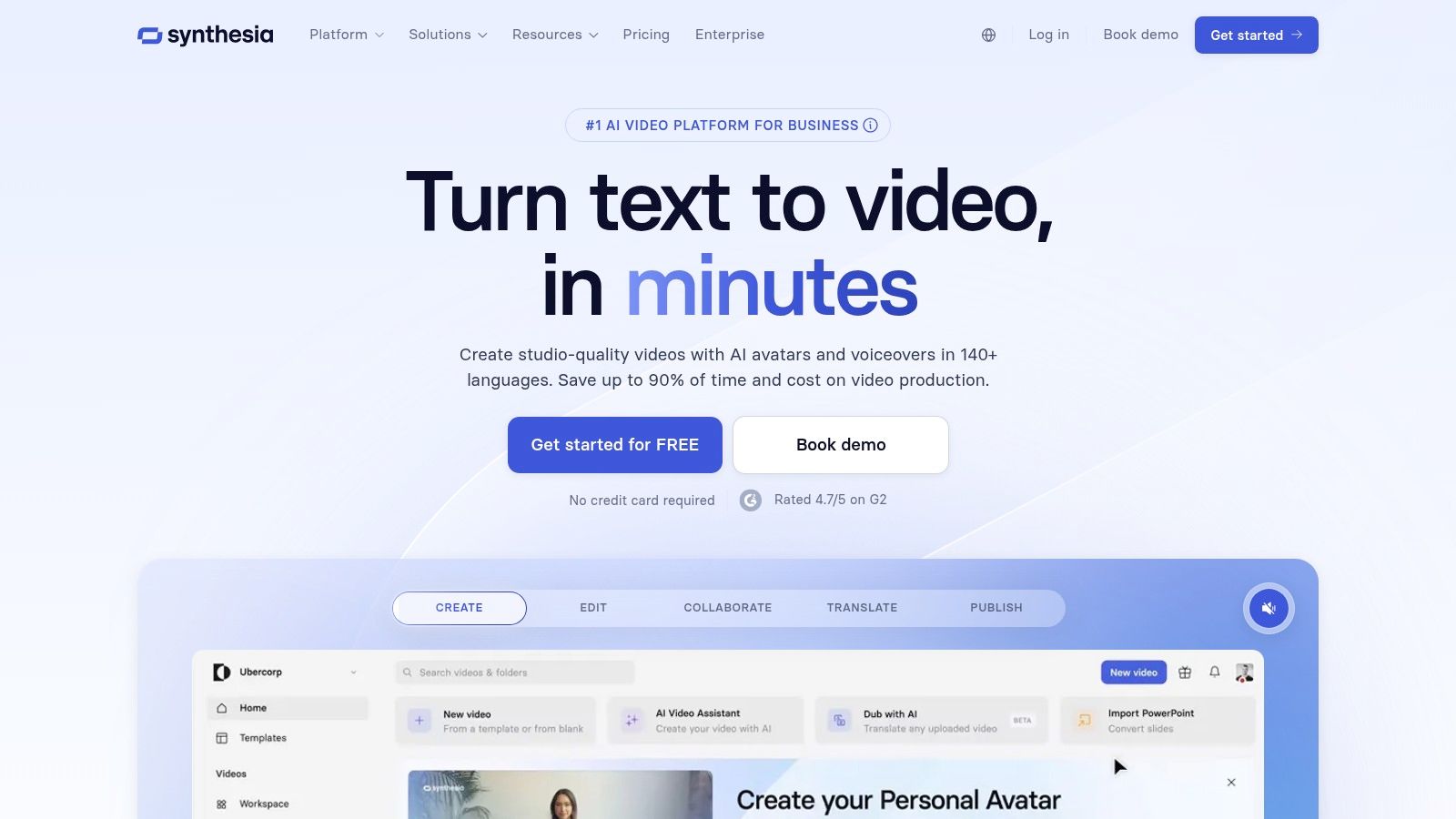
The platform offers a limited free demo to test the technology, but its true value is in its paid plans. It's perfect for turning PowerPoint presentations or training documents into engaging videos. However, it is not built for generating dynamic, non-avatar scenes from a simple text prompt. It's the go-to choice for standardized, professional instructional content.
Key Features and Limitations
- Free Plan: No traditional free plan; offers a free AI video demo to test the platform.
- Video Duration: Paid plans are based on video minutes per year, starting from 120 minutes.
- Watermark: The free demo video includes a Synthesia watermark.
- Export Quality: Full HD 1080p exports are standard on paid plans.
Visit Website: https://www.synthesia.io
9. Adobe Firefly
Adobe Firefly extends the creative giant’s ecosystem into the generative AI space. It's best for existing Adobe Creative Cloud users who want to generate short, commercially safe video clips and seamlessly integrate them into larger projects in Adobe Express or Premiere Pro.
The model is trained on Adobe Stock's library, ensuring generated content is safe for commercial use—a significant advantage for professionals concerned about copyright.
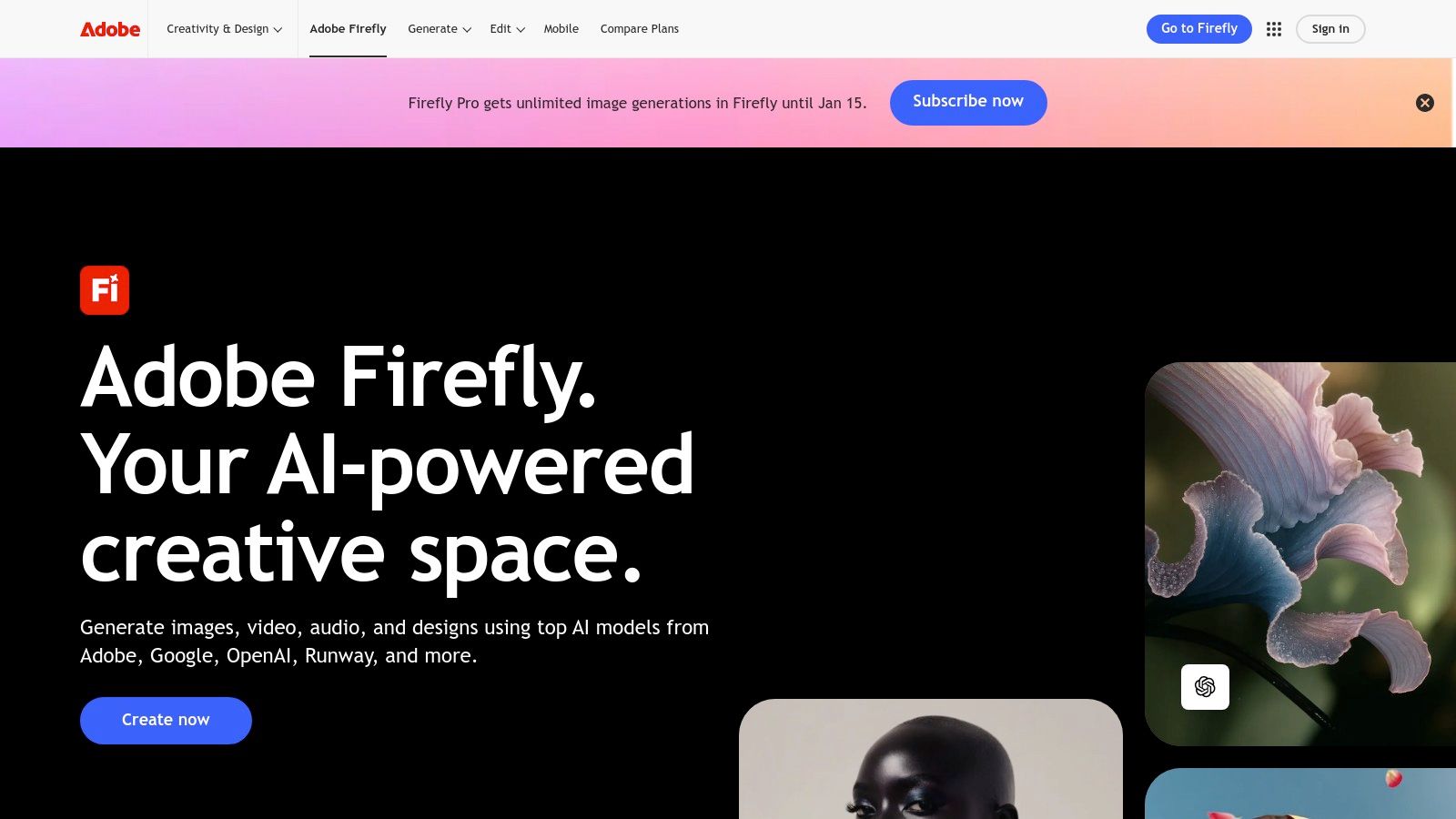
The platform uses a generative credit system, with free users receiving a monthly allotment of credits. While the current public beta limits clips to a few seconds, the deep integration with professional editing software is its primary draw. This makes Firefly less of a standalone text to video generator free tool and more of a powerful feature for those already in Adobe's ecosystem.
Key Features and Limitations
- Free Plan: Provides a monthly allotment of 25 generative credits.
- Video Duration: Video clips are currently limited to just a few seconds.
- Watermark: Content generated on the free plan includes a discreet watermark.
- Export Quality: Free users can export videos in up to 1080p resolution.
Visit Website: https://www.adobe.com/products/firefly
10. Canva (HeyGen integration)
Canva leverages its all-in-one design platform by integrating with HeyGen, offering a streamlined text to video generator free experience focused on avatar-led content. This is perfect for users who are already comfortable with Canva and want to produce professional-looking videos without needing specialized skills.
The workflow lets you generate a presenter video from a script and then immediately place it within a Canva template to add branding, text, and other design elements.
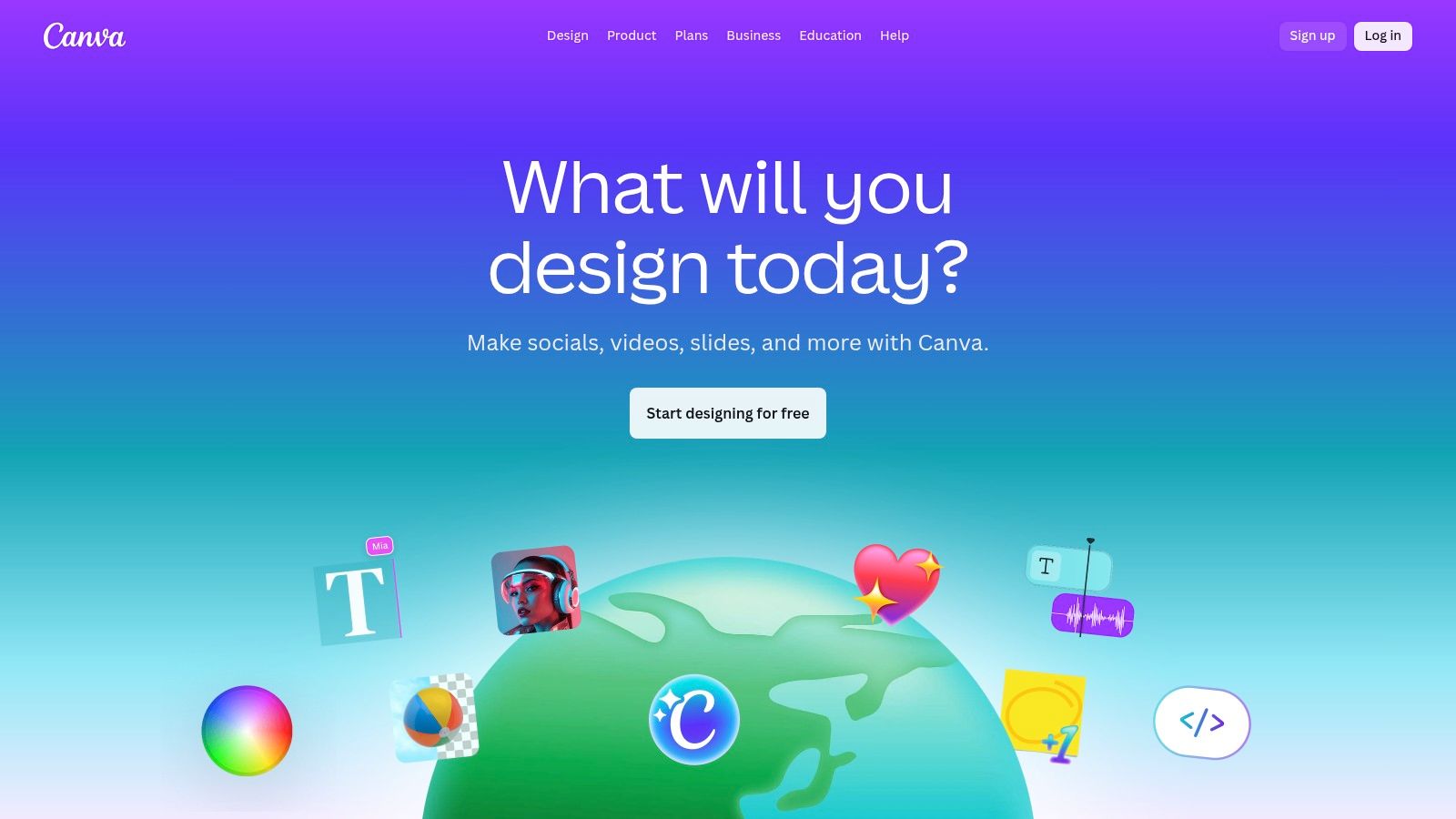
The primary advantage is convenience. You can create, edit, and finalize an entire video project in one place. However, the generative capabilities depend entirely on HeyGen’s technology and credit system. While access is simple, the core AI features and limitations are determined by the third-party app, not Canva itself.
Key Features and Limitations
- Free Plan: Includes free monthly credits provided by HeyGen for use within Canva.
- Video Duration: Generation length is tied to available HeyGen credits, best for short-form content.
- Watermark: A small watermark from HeyGen may appear on videos created with free credits.
- Export Quality: Exports are handled through Canva, allowing for standard HD (1080p) downloads.
Visit Website: https://www.canva.com
11. FlexClip
FlexClip is an accessible, browser-based video editor that integrates a practical text to video generator free tool into its workflow. It is best suited for users like small business owners and social media managers who need to create professional-looking videos quickly.
Rather than focusing on complex, cinematic AI, FlexClip excels at turning a script into a structured video using stock footage and AI voices within a simple, template-driven interface.
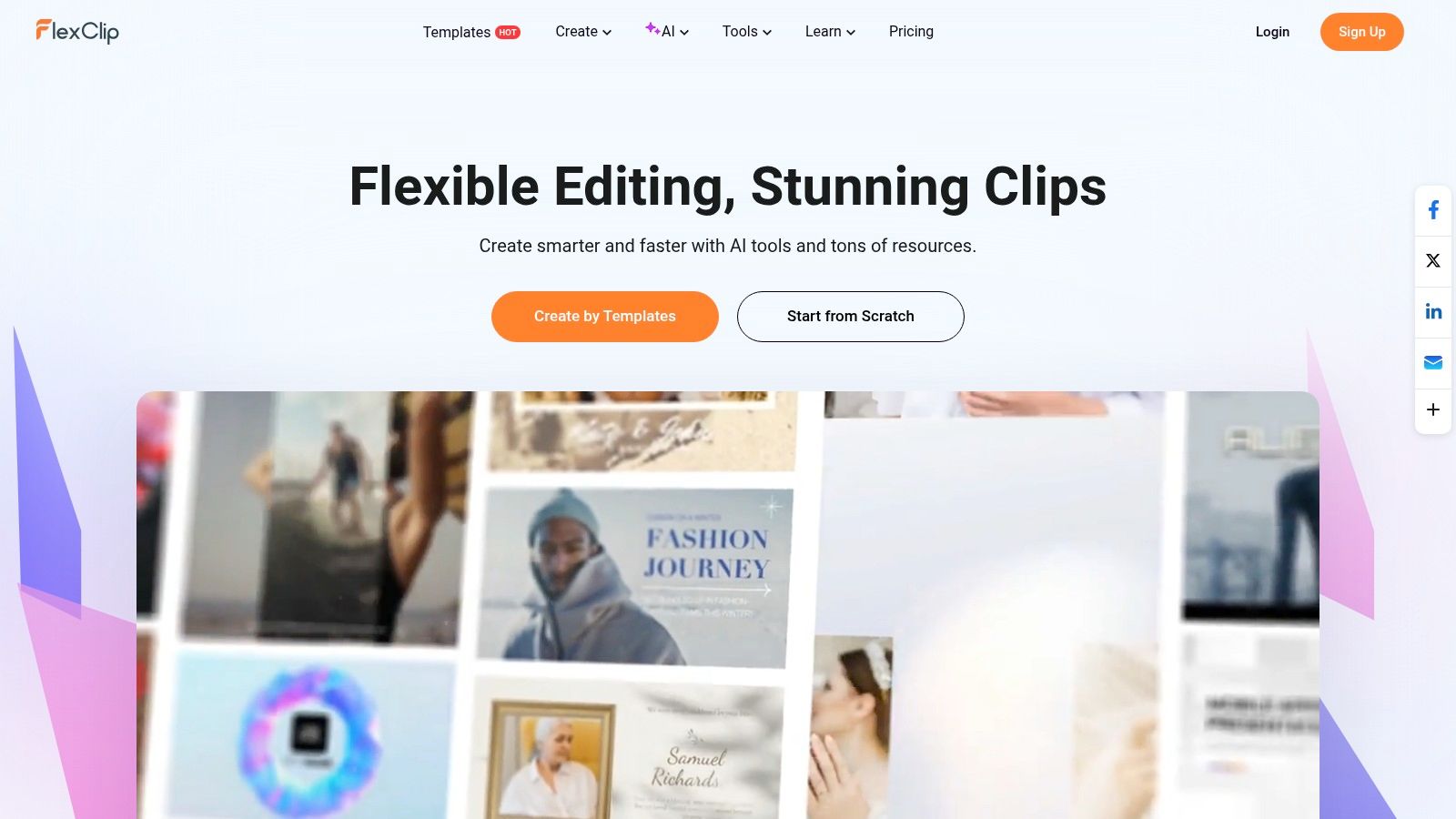
The platform’s strength is its all-in-one nature for simple projects. You can generate a script, convert it to a video sequence, and then immediately refine it. The free plan is generous enough for experimentation. However, the AI-generated video quality is more functional than artistic, and free exports are limited in resolution and contain a watermark.
Key Features and Limitations
- Free Plan: Includes up to 5 AI text-to-video runs to test the feature.
- Video Duration: AI generation is tied to script length, but the editor supports longer videos.
- Watermark: Videos exported on the free plan include a FlexClip watermark.
- Export Quality: Limited to 720p on the free tier; HD requires a paid subscription.
Visit Website: https://www.flexclip.com
12. DeepBrain AI (AI Studios)
DeepBrain AI carves out a specific niche in the text to video generator free market by focusing on hyper-realistic AI avatars. It’s designed for businesses and educators who need to create professional training videos or corporate communications without the cost of live actors.
Users can simply input a script, choose an avatar, and generate a polished, presenter-led video in minutes. This makes it ideal for multilingual explainer content and internal onboarding.
The platform’s strength lies in its simplicity. Unlike tools that generate cinematic scenes, DeepBrain AI excels at creating clear, direct-to-camera presentations. Its free plan offers a recurring monthly allowance that lets users consistently test its capabilities. However, its avatar-centric approach means it is not suitable for generating creative b-roll footage.
Key Features and Limitations
- Free Plan: Includes up to 3 videos per month (each up to 3 minutes long).
- Video Duration: Limited to 3 minutes per video on the free tier.
- Watermark: Free plan videos come with a watermark.
- Export Quality: Standard definition is typical for the free plan; HD exports are reserved for paid tiers.
Visit Website: https://deepbrain.io
How the Top 12 Free Text to Video Generators Compare
| Platform | Key Features | Best For | Free Plan Limitations | Why It's Great |
|---|---|---|---|---|
| 🏆 LunaBloom AI | Custom Avatars, Voice Cloning, 50+ Languages, API | Global Marketing & Training | Trial period with feature limits | All-in-one suite for scalable, localized video content. |
| Runway | Gen-3 Cinematic AI, Integrated Editor, Upscaling | Creative & Artistic Clips | Limited starting credits (no refresh), watermark | High-quality motion and a powerful built-in editor. |
| Pika | Text/Image to Video, High-Energy Style | Social Media Content | Short clips (3 secs), credit-based | Generous monthly credits and watermark-free exports. |
| Luma AI | Realistic & Physics-Aware AI, Upscaling | Cinematic Shorts & Concepts | 30 monthly drafts, watermark, lower quality | Creates impressively lifelike motion and scenes. |
| Kapwing | AI Generator + Full Editor, Captions, Stock Media | Quick Social Edits | Credit limits, watermark, 720p export | Seamlessly blends AI generation with video editing. |
| InVideo AI | Script-to-Video, Stock Library, Voiceovers | Explainers & Listicle Videos | Watermark, limited weekly exports | Automates the entire video creation process with stock media. |
| HeyGen | 500+ AI Avatars, Voice Cloning | Corporate & Training Videos | 1-min video limit, watermark, 720p export | The go-to for creating professional spokesperson videos fast. |
| Synthesia | Enterprise Avatars, Templates, High Security | Corporate Communications | Demo video only, no free plan | Top-tier platform for scaling standardized corporate videos. |
| Adobe Firefly | Commercially Safe AI, Creative Cloud Integration | Adobe Users & Professionals | 25 monthly credits, short clips, watermark | Perfect integration into the professional Adobe workflow. |
| Canva | HeyGen Integration, Design Templates | Marketers & Non-Designers | Credit limits from HeyGen, watermark | Adds AI video generation to a familiar design tool. |
| FlexClip | Simple Editor, Script-to-Stock-Video AI | Small Businesses & Quick Drafts | 5 AI runs, watermark, 720p export | Very easy to use for creating simple, template-based videos. |
| DeepBrain AI | Hyper-Realistic Avatars, Recurring Free Videos | HR & Educational Content | 3 videos/month, watermark, SD quality | Offers a recurring free plan for consistent small projects. |
How to Choose the Right Free Text to Video Generator
The world of AI video has exploded, offering incredible tools for creators and businesses. As we've seen, the search for the perfect text to video generator free of charge doesn't lead to a single answer. Your ideal choice depends entirely on what you want to create.
The key takeaway is that "free" usually comes with limitations like watermarks, shorter video lengths, or lower export quality. These free tiers are fantastic entry points. They let you experiment with a platform's core features and create usable content for drafts or social media posts without spending a dime.
Ask Yourself These 3 Questions:
- What is my main goal? For cinematic clips, try Runway or Luma AI. For training videos with a presenter, look at HeyGen or Synthesia. For quick social media ads, InVideo AI or Kapwing are great choices.
- What features are non-negotiable? Do you need multiple languages, voice cloning, or an integrated editor? Match the tool's strengths to your needs.
- How will I grow? Think about your future needs. Does the platform offer a reasonable upgrade path once your projects become more demanding?
Final Thoughts and Your Next Step
While specialized tools are powerful, an all-in-one solution often provides the most long-term value. This is where a platform like LunaBloom AI stands out. It bridges the gap between different needs by combining multi-language video creation, realistic avatars, precise voice cloning, and automated subtitles into a single, affordable package.
The best way forward is to take action. Don't just read about these tools—try them.
Pick two or three generators from this list that seem like a good fit. Sign up for their free plans and create a short test video on each. This hands-on test is the most effective way to see which interface you prefer and which text to video generator free plan best serves your creative workflow.
Ready to create stunning, multilingual videos with custom avatars and perfectly synced voiceovers? Explore how LunaBloom AI consolidates these powerful features into one intuitive platform. Start for free and discover the most efficient way to scale your video content production at LunaBloom AI.