
Your Ultimate Guide to an AI Video Generation Platform
An AI video generation platform is a powerful software tool that automates video creation. You provide a simple input—like text, an image, or an audio file—and the AI generates a complete, professional-looking video in minutes.
Top 12 AI Video Creation Tools to Watch in 2025
Trying to find the right AI video creation tools in today’s crowded market can feel like searching for a needle in a haystack. These platforms promise to slash production time, cut costs, and make video creation accessible to everyone. But how do you choose the right one for you?
Best AI Video Creator: An In-Depth Comparison of 12 Platforms

Ready to turn your text, ideas, or even simple images into compelling videos? Finding the best AI video creator can transform your workflow, automating hours of tedious work. But with so many platforms on the market, choosing the right one can feel overwhelming.
How to Create AI Videos: Tools and Tips You Need to Know

Thinking about how to create AI videos can feel a bit overwhelming, but it’s actually more straightforward than you might imagine. The process boils down to four key steps: writing a great script, choosing a digital presenter, generating a voice, and polishing the final product.
How to Create Videos with AI: A Step-by-Step Guide

Ever wondered how to create videos with AI? It’s simpler than you think. You just write a text prompt describing your vision, and a tool like LunaBloom AI generates a complete video in minutes. This technology eliminates the need for complex editing software, expensive equipment, and years of technical experience, making professional-quality video creation accessible to everyone.
12 Best Video Editing Software for Beginners in 2026

Jumping into video editing can feel like learning a new language. You have amazing footage and a vision, but which tool will help you turn raw clips into a polished video without a massive learning curve?
How to Make Videos with AI: A Beginner’s Guide

Ever thought about turning a simple text script into a professional-looking video? It used to sound like something out of a sci-fi movie. Today, with tools like LunaBloom AI, you can create polished videos in minutes, complete with realistic presenters and voiceovers. This completely skips the need for expensive cameras, mics, or confusing editing software.
How to Create Stunning Videos with an AI Video Generator from Text

An AI video generator from text is exactly what it sounds like: powerful software that transforms a written script or a simple text prompt into a complete video. Think of it as your personal, automated production studio.
Your Complete Guide to a Professional Video Translation Service
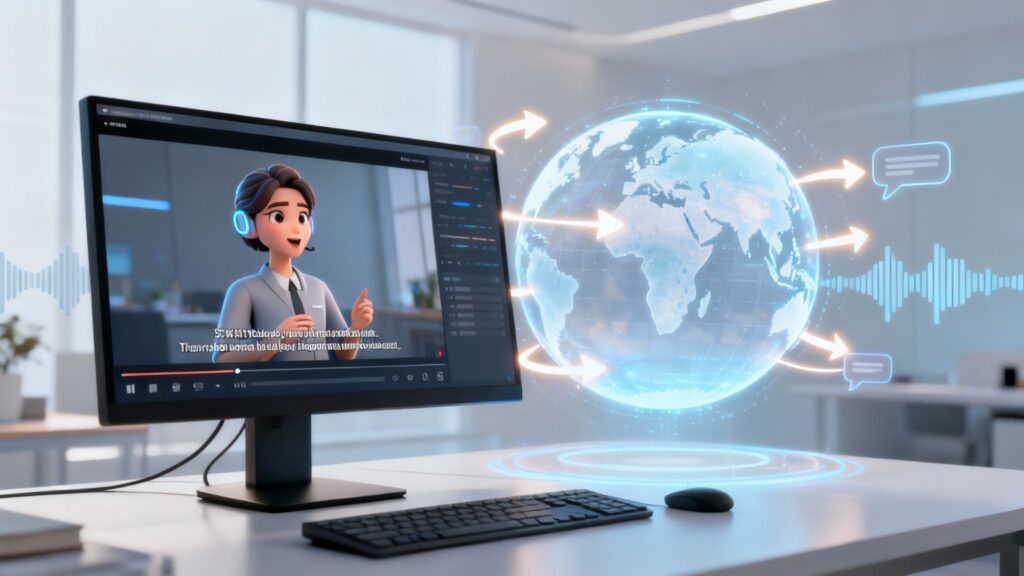
A video translation service adapts your video content for audiences who speak different languages. It’s much more than just swapping out words.
Mastering Your Voice Over PPT: A Step-by-Step Guide

Adding a voice over to a PPT is a powerful way to transform a simple slideshow into an engaging, self-guided experience. It’s the perfect solution for creating dynamic training modules, sales pitches, or educational content that your audience can access anytime, anywhere.