Searching for the best speech synthesis software? You've come to the right place. Whether you're creating tutorials, producing marketing videos, or developing an interactive app, the right AI voice can make all the difference. A lifelike, natural voice elevates your content and creates a better experience for your audience.
This guide cuts through the noise to focus on what truly matters: platforms that deliver natural tones, broad language support, and a smooth workflow.
We'll evaluate each tool based on key factors like voice quality, language options, customization features, and pricing. This isn't just a list; it's a practical review designed to help content creators, educators, and businesses find the perfect match for their projects.
In this article, you'll find:
- Clear breakdowns of how each platform performs on voice quality, languages, and features.
- Detailed profiles of the top 12 services with insights into their real-world applications.
- Easy-to-understand pricing information and integration capabilities.
- A handy comparison table and straightforward recommendations for different use cases.
Each profile includes screenshots and direct links so you can see the tools in action. We'll give you the concise pros and cons, highlight who each tool is best for, and offer practical advice to help you get started.
From user-friendly studios to powerful developer APIs, we've covered it all. Let's find the perfect voice for your project.
To explore more tools that enhance your product videos with synthetic speech, consider checking out this list of Top AI Voice Over Software for SaaS Product Videos. This resource pairs well with our deep dive into the best speech synthesis software across varied needs.
1. LunaBloom AI: All-in-One AI Video & Voice Generation Studio
LunaBloom AI stands out because it's more than just a text-to-speech tool—it’s a complete AI video and voice studio. This platform is perfect for creators, marketers, and educators who need to produce professional-grade videos with narration without juggling multiple complex tools. It combines text-to-video, voice cloning, AI avatars, and multi-language subtitling into one intuitive workflow.
Its biggest strength is the all-in-one design. You can paste a script, upload an image, and generate a finished video with a natural-sounding voiceover in just minutes. While its speech synthesis is top-notch, the real value comes from the integrated voice cloning. This feature allows businesses to maintain a consistent brand voice across all video content, from social media clips to corporate training.
The platform supports over 50 languages and automatically generates captions, making it a fantastic choice for reaching a global audience. For a deeper look into how this technology works, check out this guide on how AI Avatar Videos Explained are created. LunaBloom AI makes producing accessible, multilingual content simple and scalable, securing its spot as one of the best speech synthesis software solutions for video production.
Key Features & Assessment
- Integrated Workflow: Combines text-to-speech, voice cloning, AI avatars, and video generation in one place, drastically reducing production time and complexity.
- Global Reach: Native support for 50+ languages with automatic, accurate captioning and subtitling ensures content is ready for international distribution.
- Voice Consistency: The voice cloning feature is straightforward and effective, enabling brands to create a unique and scalable audio identity.
- Usability: Designed for non-technical users, the interface is clean and user-friendly, removing the steep learning curve associated with traditional video editing software.
Pros and Cons
Pros:
- Efficiency: The unified studio environment eliminates the need to switch between different applications for voice generation, video editing, and subtitling.
- Scalability: Ideal for producing large volumes of narrated video content without hiring voice actors or a large production team.
- Cost-Effective: Offers a free tier for initial exploration and flexible paid plans that provide significant value compared to purchasing individual software licenses.
Cons:
- Plan Limitations: The free tier includes limitations on exports and features, with full capabilities requiring a subscription.
- Nuance Control: While the AI voices are highly realistic, achieving perfect emotional nuance for highly sensitive or specialized scripts may require minor manual adjustments.
Best For
LunaBloom AI is the ideal choice for marketing teams, content creators, and corporate trainers who need a fast, reliable, and scalable solution for producing high-quality narrated videos for social media, e-learning, and promotional campaigns.
Website: lunabloomai.com
2. ElevenLabs
ElevenLabs has quickly become a powerhouse in the AI voice generation world, celebrated for its incredibly realistic and emotionally rich text-to-speech (TTS) technology. The platform is designed to be both simple and powerful, making it a top choice for creators, marketers, and developers who want premium voice quality without a hassle. Its main draw is producing voices that are nearly indistinguishable from human speech, complete with natural intonation.
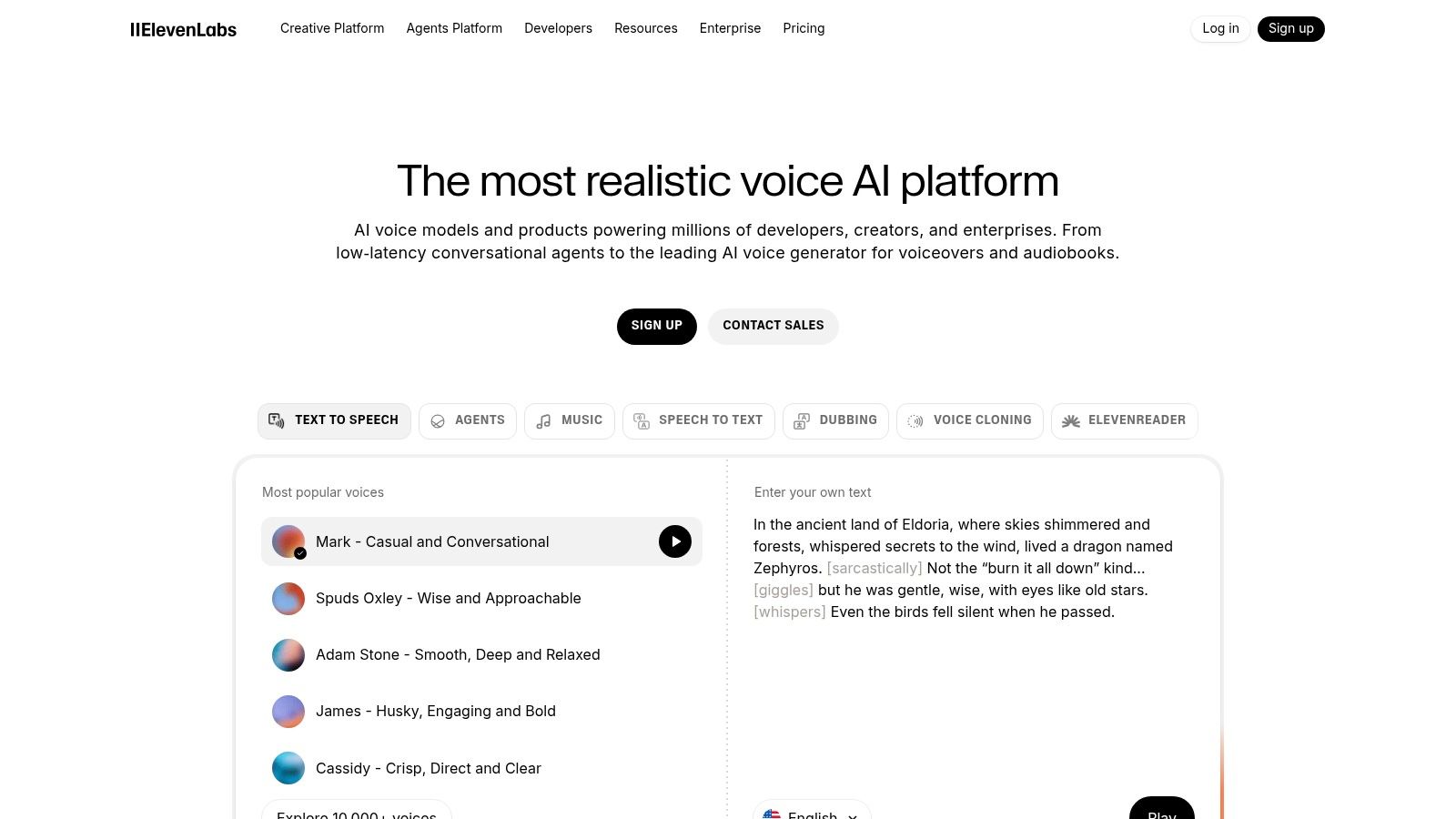
The platform offers a clean web-based studio for quick audio generation and a robust API for developers to integrate into their applications. This dual approach makes it one of the most versatile speech synthesis software options available, suitable for everything from one-off projects to complex, automated systems.
Key Features & Use Cases
ElevenLabs shines in several areas that set it apart.
- Voice Cloning: It offers "Instant Voice Cloning" from just a short audio sample and "Professional Voice Cloning" for a perfect digital replica using more data. This is great for creators who want to scale content using their own voice.
- Automatic Dubbing: The AI Dubbing tool can automatically translate and dub videos into multiple languages while preserving the original speaker's vocal style—a game-changer for global content creators.
- Speech to Speech: You can transform a recording of your own voice into any character's voice from the library, keeping the original emotion and pacing.
Pros and Cons
- Pros:
- Exceptionally high-quality, natural-sounding voices.
- Generous free plan with starter credits, making it highly accessible.
- Powerful and user-friendly voice cloning technology.
- Clear pricing tiers with commercial licenses included.
- Cons:
- The credits-based system can be confusing for those accustomed to per-minute or per-character pricing.
- Access to the highest-quality audio formats (e.g., PCM) is limited to more expensive plans.
Website: https://elevenlabs.io
3. Amazon Polly (AWS)
Amazon Polly is a cloud-based text-to-speech (TTS) service from Amazon Web Services (AWS) built for developers and businesses that need scalable and reliable voice synthesis. As part of the massive AWS ecosystem, Polly excels at integrating into applications, making it a solid choice for everything from interactive voice response (IVR) systems to turning articles into audio. It offers a range of voice technologies, including Standard, Neural, and advanced Long-Form options.
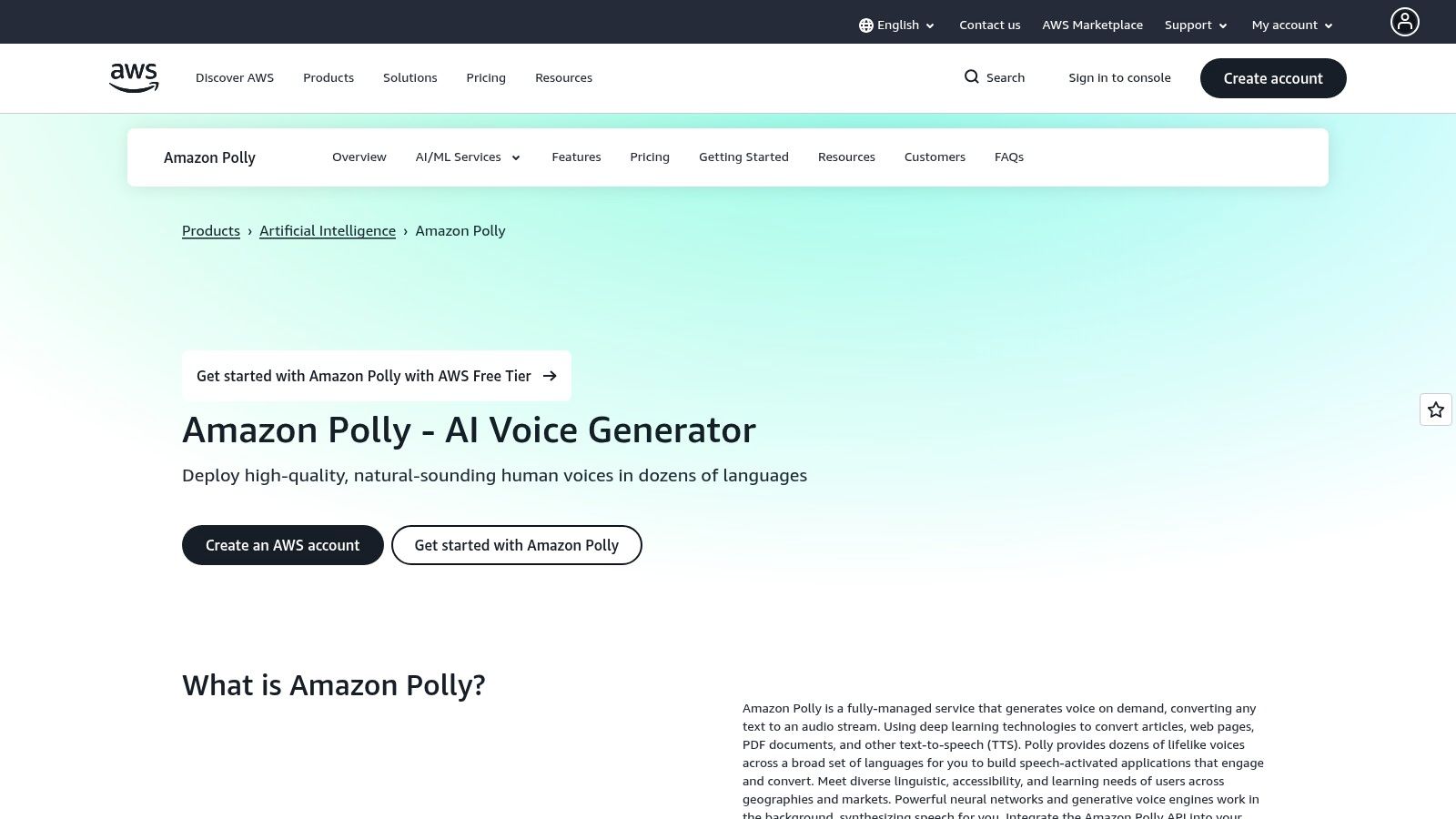
The platform is designed for high-volume use and has a simple pay-as-you-go pricing model, making it cost-effective for developers. Its maturity and deep integration within AWS make it one of the most dependable options for anyone building applications that require high-quality speech synthesis software.
Key Features & Use Cases
Amazon Polly is highly versatile, with features that cater to technical users and large-scale deployments.
- Multiple Voice Tiers: Polly offers a variety of voices, from budget-friendly Standard TTS to highly natural Neural voices. It also has a "Long-Form" engine optimized for narration, delivering expressive and conversational speech.
- Pay-as-you-go Billing: You're billed per character of text processed, and you can cache and replay generated audio at no extra cost. This allows for precise cost management.
- AWS Integration: As a native AWS service, it connects seamlessly with other services like S3 for storage, Lambda for serverless functions, and Lex for building conversational bots.
Pros and Cons
- Pros:
- Extremely reliable and scalable, backed by AWS infrastructure.
- Granular, pay-per-use pricing is cost-effective for various project sizes.
- Generous free tier for new AWS customers to get started.
- Excellent documentation and support resources.
- Cons:
- Requires an AWS account and some familiarity with cloud services (like IAM for permissions).
- The interface is more functional than creative, aimed at developers over content creators.
- Higher-quality Long-Form voices come at a premium price point.
Website: https://aws.amazon.com/polly
4. Google Cloud Text-to-Speech
Google Cloud Text-to-Speech is an enterprise-grade API that gives developers access to a huge library of high-fidelity synthetic voices. It stands out for its sheer scale, reliability, and the power of Google's advanced AI research, including its Neural2 and Studio models. This platform is designed for developers who need robust, scalable, and highly customizable speech synthesis capabilities built directly into their applications.
As a developer-focused service, it offers extensive documentation and fine-grained control over the audio output. Unlike web-based studios, Google's TTS is primarily an API, making it one of the most powerful options for programmatic use in everything from call centers to content accessibility tools.
Key Features & Use Cases
Google's platform is engineered for versatility and is particularly powerful for specific, large-scale applications.
- Extensive Voice and Language Library: With over 380 voices across more than 75 languages and variants, it offers one of the most comprehensive selections available, ideal for global applications.
- Multiple Voice Tiers: It provides different voice families, including standard WaveNet voices, higher-fidelity Neural2 voices, and premium Studio voices designed for narration and long-form content.
- SSML and Audio Customization: Users can leverage Speech Synthesis Markup Language (SSML) for precise control over pronunciation, pacing, pitch, and volume, allowing for highly tailored audio output.
Pros and Cons
- Pros:
- Massive selection of high-quality voices and languages.
- Highly reliable and scalable infrastructure backed by Google.
- Clear, pay-as-you-go pricing per character.
- Excellent documentation and SDKs for easy integration.
- Cons:
- Lacks a simple, user-friendly web interface for non-developers.
- The various voice tiers (Neural2, Studio) and their different pricing can be complex to navigate.
Website: https://cloud.google.com/text-to-speech
5. Microsoft Azure AI Speech (Text-to-Speech)
Part of its massive cloud platform, Microsoft Azure offers a powerful suite of AI Speech services, including a highly sophisticated Text-to-Speech (TTS) engine. This solution is built for scalability, security, and deep integration within the Azure ecosystem. It's a great choice for businesses already using Microsoft's cloud or those needing robust, compliant voice solutions for large-scale applications.
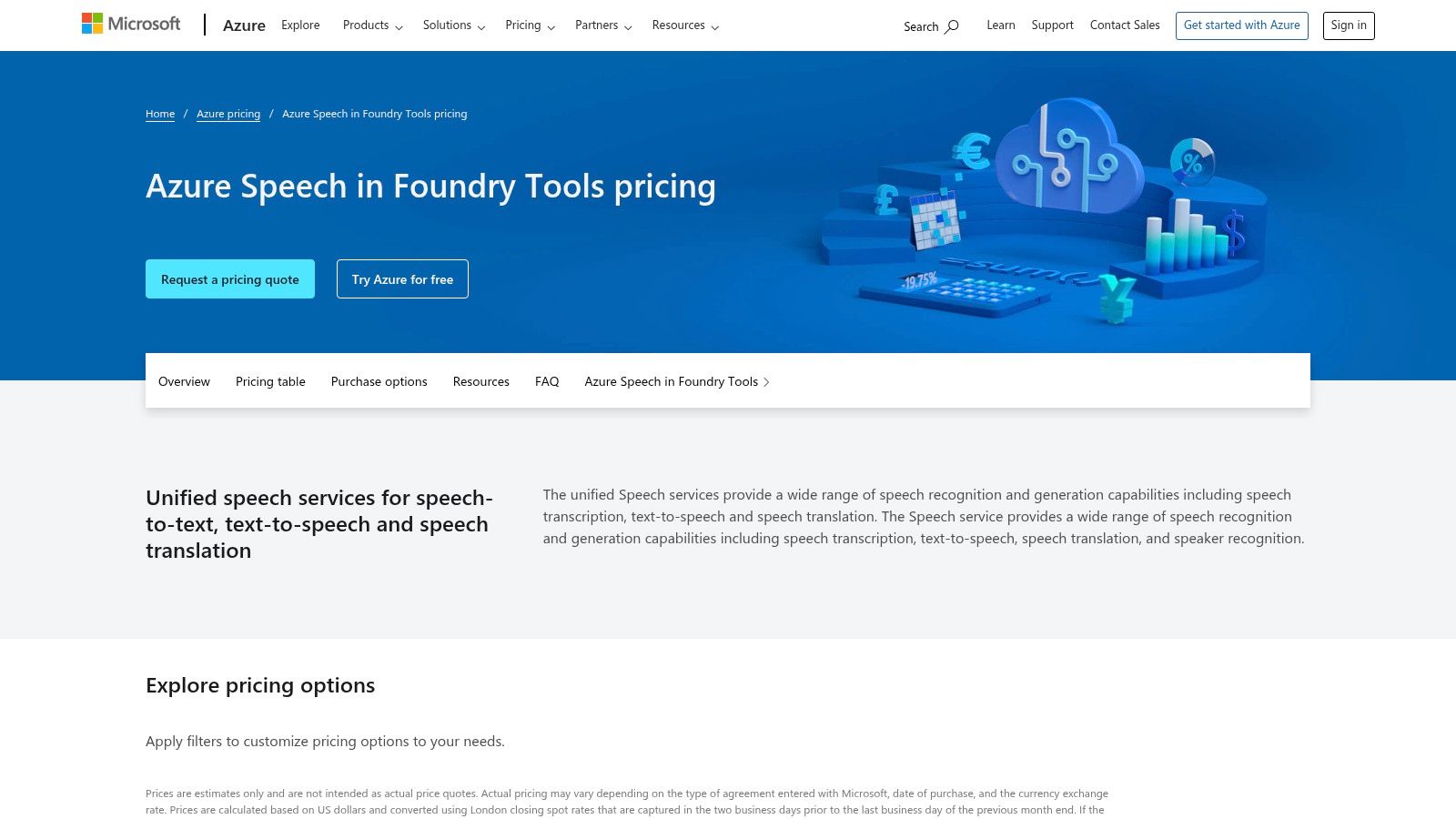
Azure’s platform provides access to high-quality Neural voices through its API, which is designed for both real-time and batch processing. Its focus on enterprise controls and security makes it one of the best speech synthesis software options for corporate and mission-critical projects.
Key Features & Use Cases
Azure AI Speech is built with enterprise functionality at its core.
- Custom Neural Voice: Lets organizations create a unique, high-quality brand voice from their own audio recordings. This is perfect for building a consistent identity in voice assistants, customer service lines, and corporate training.
- Container Deployments: For organizations with strict data security or latency needs, Azure allows TTS models to be deployed in containers on-premises or in a private cloud, ensuring data stays in their control.
- Personal Voice: An exclusive feature that enables the creation of a user's own voice replica from just a few seconds of speech, designed for accessibility and personalized communication.
Pros and Cons
- Pros:
- Excellent for existing Azure users due to seamless ecosystem integration.
- Strong emphasis on security, compliance, and enterprise-grade controls.
- Flexible deployment options, including on-premises containers.
- Pay-as-you-go pricing with a generous free monthly allowance.
- Cons:
- The pricing structure can be complex and difficult to navigate for new users.
- The setup process is more developer-focused compared to simpler web-based tools.
- Access to advanced features like Personal Voice is restricted and requires an application.
Website: https://azure.microsoft.com/en-us/pricing/details/speech/
6. IBM Watson Text to Speech
IBM Watson Text to Speech is an enterprise-grade API that delivers high-quality neural voices as part of IBM's broader AI ecosystem. Geared towards developers and businesses, it emphasizes reliability, security, and granular control over voice output. It's a powerful piece of speech synthesis software for organizations that need to integrate voice into existing applications or require flexible deployment options.
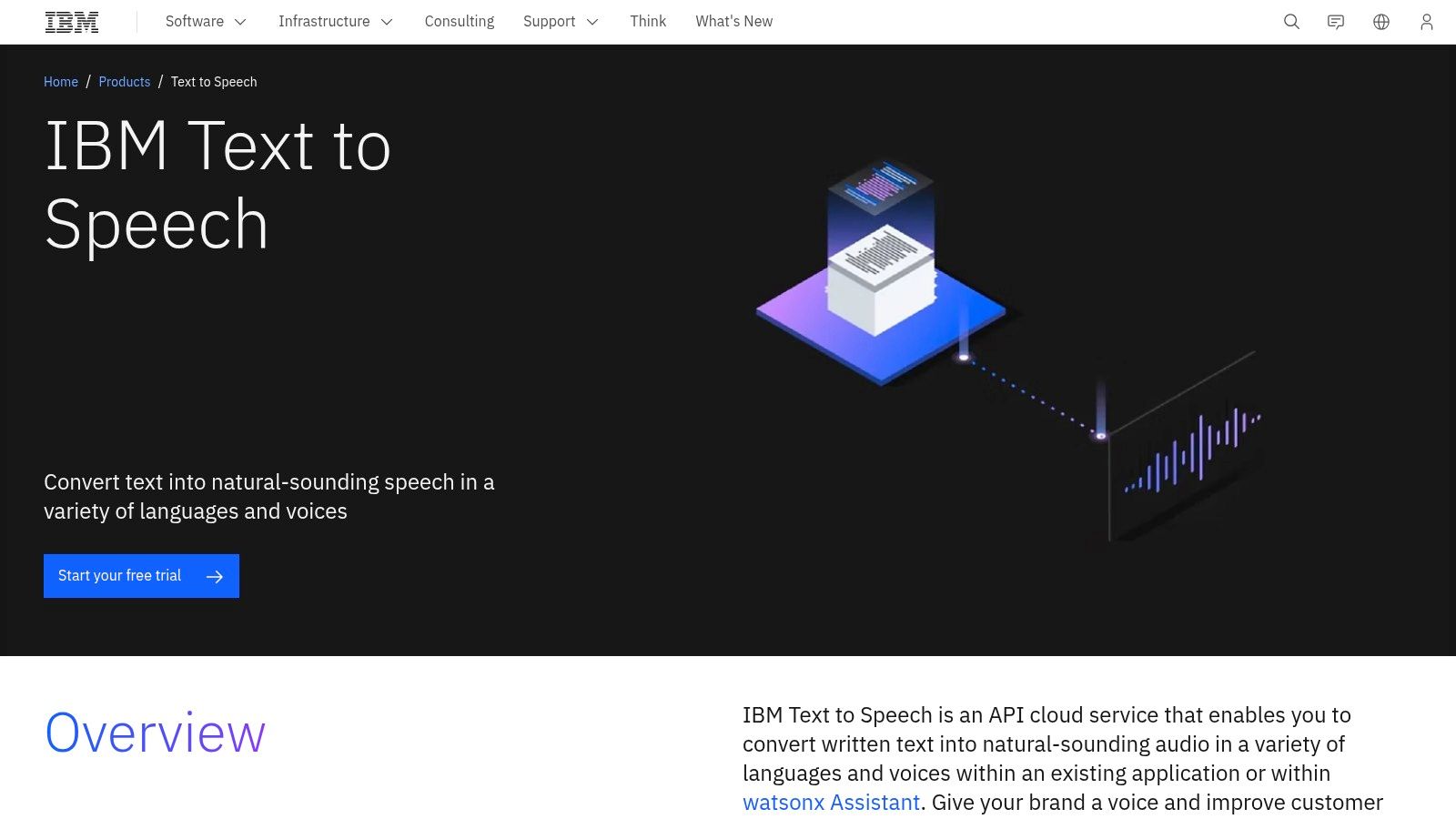
The service is built for programmatic use, enabling seamless integration into customer service bots, accessibility tools, and other professional applications. Its strength lies not in a flashy web studio but in its robust backend, which supports detailed customization and is designed for mission-critical performance.
Key Features & Use Cases
IBM Watson's TTS service is particularly suited for corporate and development-heavy environments.
- Neural Voices & SSML: Provides a library of natural-sounding neural voices that can be precisely controlled using Speech Synthesis Markup Language (SSML) for details like pitch, speed, and emphasis.
- Custom Pronunciations: Users can create custom models to define specific pronunciations for brand names, technical jargon, or acronyms, ensuring brand consistency and clarity.
- Flexible Deployment: The service can be deployed on any public or private cloud, or even on-premises. This is critical for industries with strict data residency or security requirements.
- Watson Assistant Integration: Natively integrates with IBM's chatbot platform, watsonx Assistant, to easily voice-enable virtual agents.
Pros and Cons
- Pros:
- Strong enterprise posture with robust security and support.
- Deploy-anywhere options (on-prem, private cloud) cater to regulated industries.
- Generous Lite plan with 10,000 free characters per month.
- Powerful customization for specialized vocabularies.
- Cons:
- The developer-focused interface can be less intuitive for non-technical users.
- Pricing for advanced deployment or high-volume usage often requires direct sales engagement.
- Documentation can feel fragmented across different IBM Cloud pages.
Website: https://www.ibm.com/products/text-to-speech
7. WellSaid Labs
WellSaid Labs positions itself as a premium AI voice platform for professional content, focusing on producing consistently clear, broadcast-ready "voice avatars." The service is tailored for users in eLearning, corporate training, and advertising who require high-quality, reliable audio. Its core value is delivering polished, predictable voiceovers that maintain a consistent brand identity.
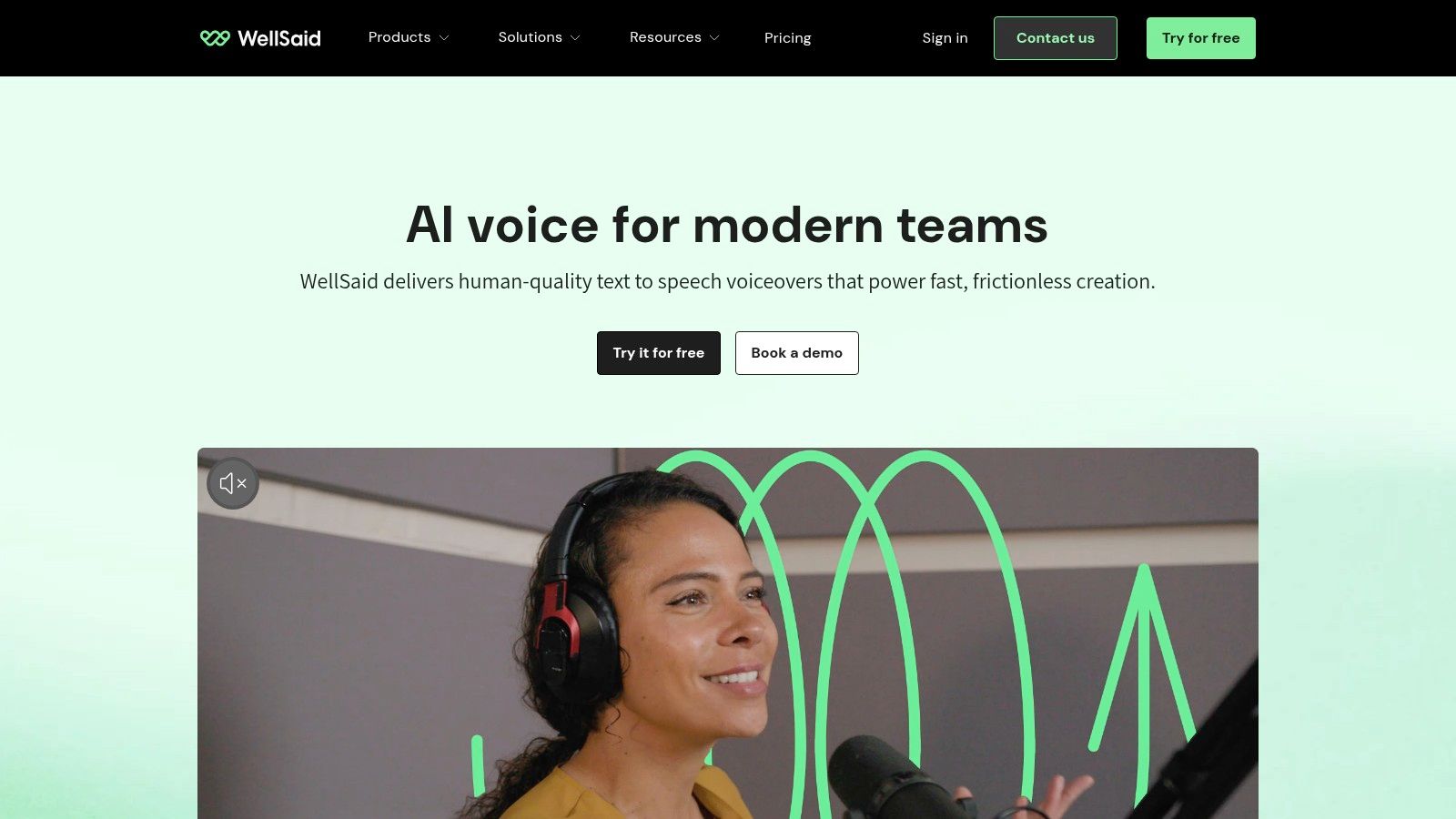
The platform's web-based Studio is designed for efficient project management, allowing teams to collaborate on scripts and produce audio files seamlessly. By prioritizing a curated library of professional voices, WellSaid Labs ensures every output meets a high standard, making it a dependable choice for business-critical applications.
Key Features & Use Cases
WellSaid Labs excels in environments where vocal consistency and professional delivery are key.
- Curated Voice Avatars: It offers a select roster of high-quality, pre-vetted voices, ensuring consistent and professional-sounding output for corporate narration and marketing.
- Team Collaboration: The platform is built for team-based workflows, with features for sharing projects, managing pronunciation libraries, and maintaining brand voice consistency.
- API and Custom Voices: For enterprise clients, WellSaid Labs provides a robust API for integration and offers custom voice avatar creation to perfectly match a brand's unique identity.
Pros and Cons
- Pros:
- Extremely consistent, broadcast-quality audio suitable for corporate and eLearning content.
- Clear project and download limits simplify budgeting for production teams.
- Strong focus on team collaboration and enterprise-grade features.
- Straightforward commercial licensing included in plans.
- Cons:
- Higher entry price point makes it less accessible for individual creators or hobbyists.
- Access to the API and custom voice services often requires contacting the sales team.
Website: https://wellsaidlabs.com
8. Murf.ai
Murf.ai has become a versatile and user-friendly AI voice generator, especially popular with content creators, marketers, and small businesses. The platform balances high-quality voice output with an intuitive studio experience, making it one of the more accessible options for producing professional-grade voiceovers and e-learning modules. Its strength is its extensive library of voices and tools that simplify the entire audio production workflow.
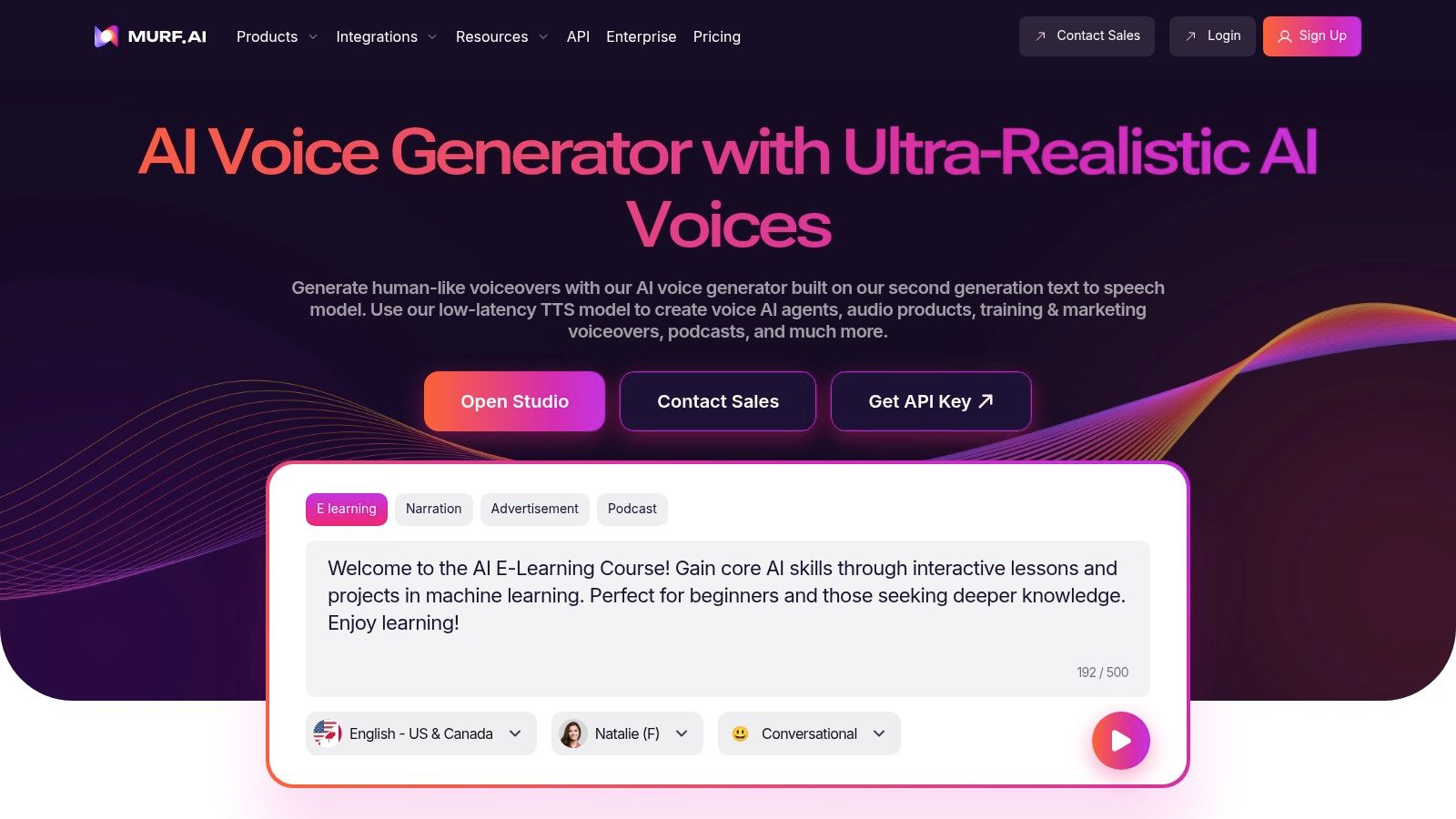
The web-based platform combines text-to-speech with a simple video editor, letting users sync voiceovers to visuals with ease. This integrated approach makes Murf.ai a strong contender for those who need a comprehensive solution for audio and video projects without juggling multiple tools.
Key Features & Use Cases
Murf.ai’s feature set is tailored for practical content creation.
- Extensive Voice Library: Provides access to over 200 realistic voices across numerous languages and accents, suitable for everything from corporate narration to character voices.
- Translation & Dubbing: The platform includes tools to translate scripts and generate voiceovers in different languages, making it a valuable asset for localizing content for a global audience.
- Team Collaboration: Business and Enterprise plans are designed for teams, offering a centralized workspace, access control, and dedicated support for collaborative projects.
Pros and Cons
- Pros:
- Straightforward and intuitive user interface ideal for beginners.
- Generous free plan allows for extensive testing of voices and features.
- Business-focused plans are well-suited for team collaboration and corporate use.
- Integrated video and audio editing capabilities streamline content production.
- Cons:
- The credit and feature allocation can sometimes be confusing, as different tools (like Dubbing) may use a separate credit system.
- Voice cloning is available but is restricted to higher-tier enterprise plans.
Website: https://murf.ai
9. NaturalReader
NaturalReader is a trusted name in text-to-speech, offering a suite of applications for personal reading, education, and commercial use. It smartly separates its offerings into a personal reading tool (available on web, desktop, and mobile) and a dedicated Commercial AI Voice Generator. This dual approach makes it a versatile choice for everyone from students with learning disabilities to professional content creators.
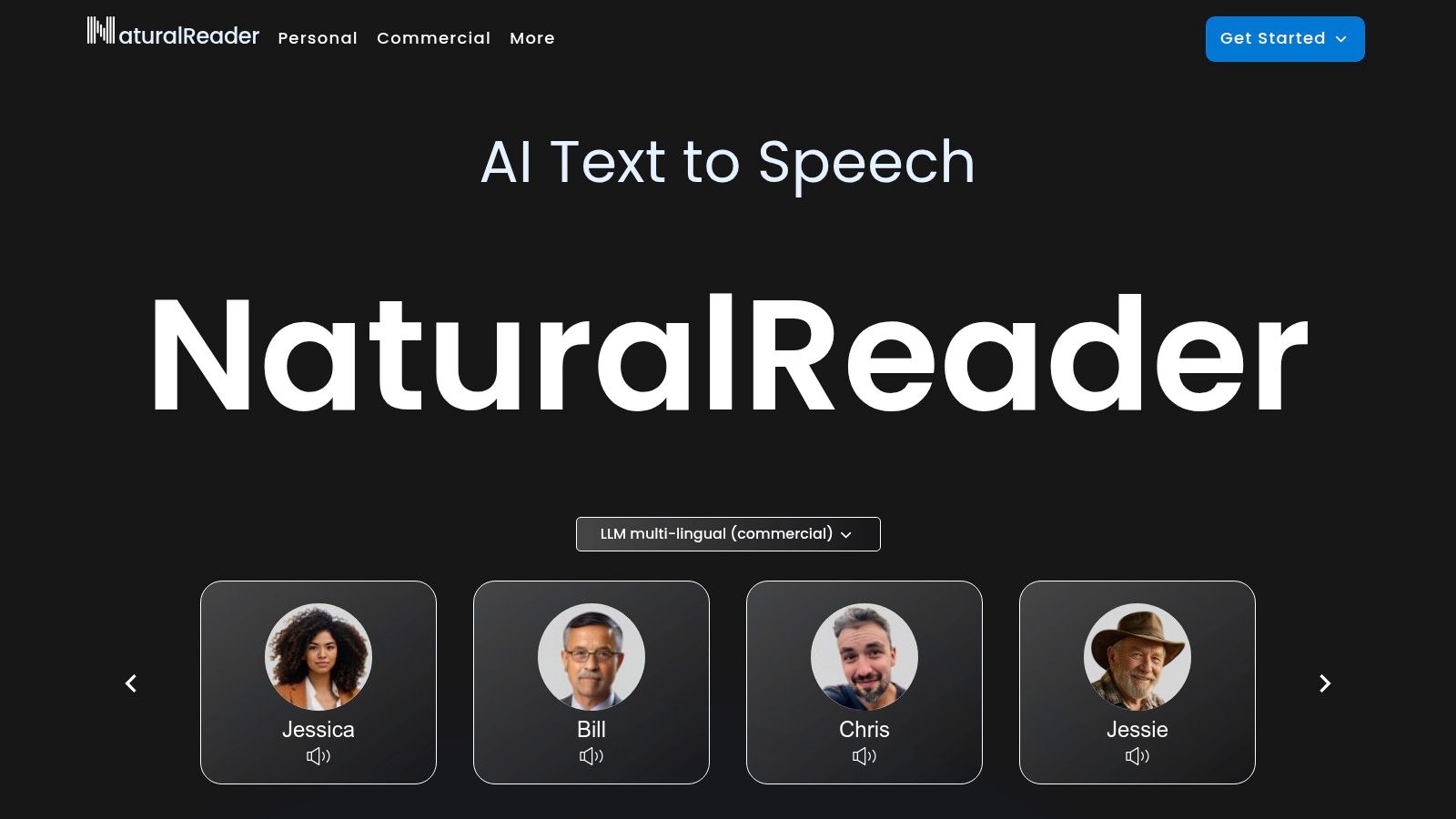
The platform's strength is its accessibility and focus on practical applications. The personal apps are designed for easy listening and productivity, while the commercial studio provides high-fidelity AI voices, voice cloning, and clear licensing for business use. This makes it a standout piece of speech synthesis software for both educational and business settings.
Key Features & Use Cases
NaturalReader excels by providing distinct solutions for different users.
- Personal & Educational Reading: The free and personal plans offer unlimited listening with standard voices and generous caps for premium AI voices. This is ideal for proofreading, studying, and helping with reading challenges.
- Commercial AI Voice Generator: A separate product provides access to over 300 AI voices in 50+ languages, voice cloning, and a studio editor. It is built for creating voice-overs for YouTube, eLearning, and ads.
- Broad Platform Support: With a Chrome extension, mobile apps (iOS/Android), and a desktop app, users can listen to documents, emails, and web pages anywhere.
Pros and Cons
- Pros:
- Excellent for educational and accessibility use cases.
- Clear separation between personal and commercial products and licensing.
- Generous free plan for personal reading and document listening.
- Commercial plans offer high-quality voices and WAV exports.
- Cons:
- The split between personal and commercial products can be confusing for new users.
- Different credit systems and voice caps for various plans require careful selection.
Website: https://www.naturalreaders.com
10. Descript (Overdub)
Descript carves out a unique space in the speech synthesis market by integrating its AI voice generator, Overdub, into a full audio and video editor. Instead of just being a TTS tool, Descript is an all-in-one production suite where you can record, edit, and correct audio just by editing text. This is incredibly useful for podcasters and YouTubers who need to fix mistakes or add new lines without re-recording entire segments.

The platform’s core strength is its doc-style editor. You edit audio and video by simply editing the transcribed text. Overdub lets you type new words that are then generated in your own cloned voice or a stock AI voice, making post-production a breeze.
Key Features & Use Cases
Descript's Overdub feature is built for seamless content correction.
- Integrated Voice Cloning: Train a high-quality clone of your own voice to maintain consistency. This is perfect for correcting misspoken words or adding forgotten sentences directly into an existing recording.
- Text-Based Audio Generation: Simply type the words you want to add into the script, and Overdub generates the audio in the selected voice, matching the surrounding tone.
- Full Production Suite: Beyond TTS, Descript offers filler word removal ("um," "uh"), automatic transcription, screen recording, and "Studio Sound" to enhance audio quality.
Pros and Cons
- Pros:
- Unparalleled workflow for editing and correcting audio/video content.
- Excellent for maintaining a consistent brand voice with your own cloned voice.
- The all-in-one editor removes the need for multiple software tools.
- Generous free plan allows users to test the core features, including Overdub.
- Cons:
- Not designed as a bulk TTS generator; it's focused on in-project corrections.
- The voice library is smaller than dedicated TTS platforms.
- Overdub vocabulary limits are present on lower-tiered plans.
Website: https://www.descript.com/overdub-2
11. ReadSpeaker
ReadSpeaker is a veteran in the text-to-speech industry, offering enterprise-grade software for websites, apps, and educational institutions. Unlike many creator-focused tools, ReadSpeaker specializes in robust, scalable, and accessible solutions for public sector, corporate, and publishing clients. The platform is known for its clear voices and versatile deployment options, from cloud services to on-premise SDKs.
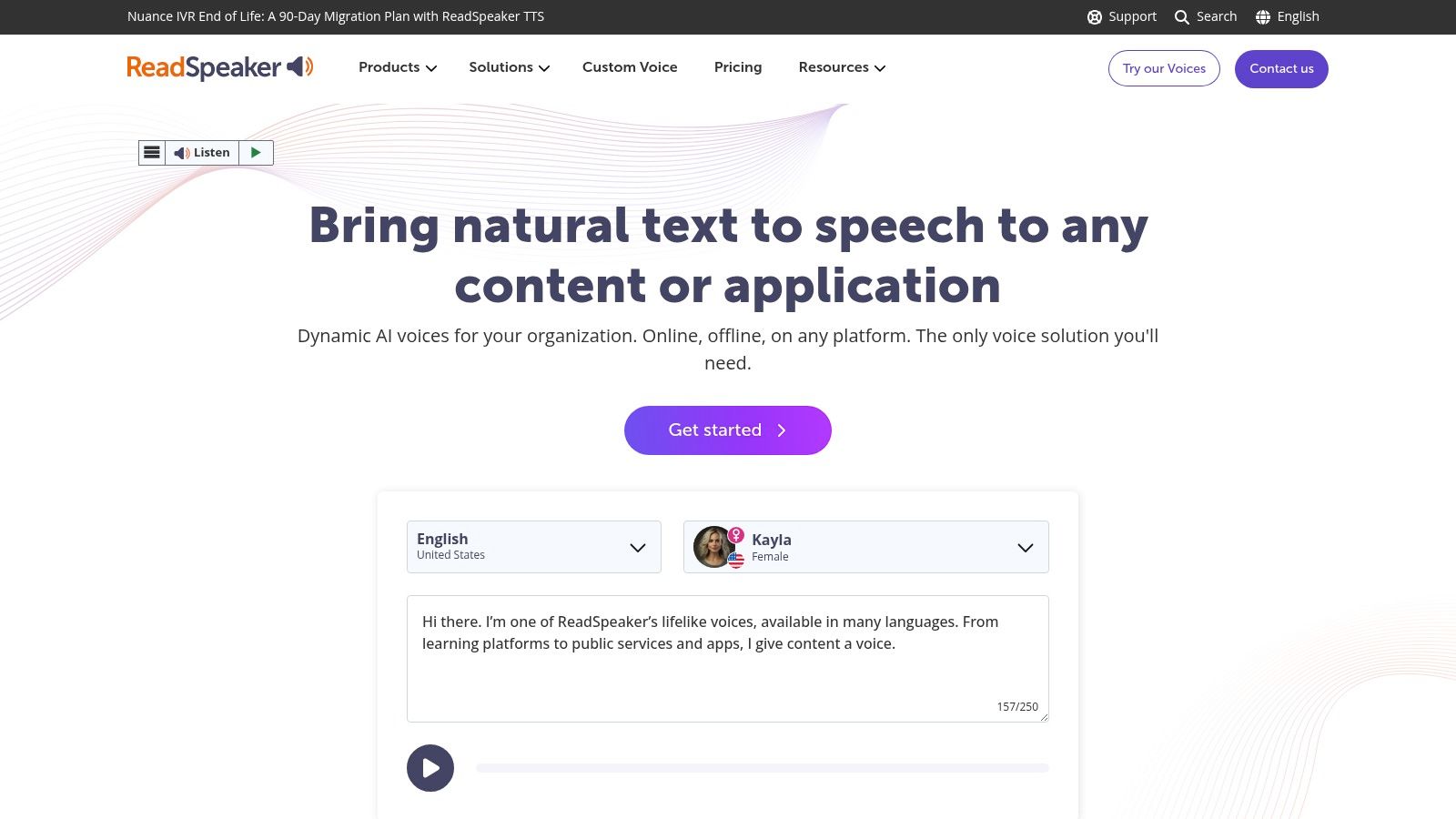
The company’s focus on accessibility makes it a standout choice for organizations needing to meet WCAG (Web Content Accessibility Guidelines). Its tools are designed to seamlessly embed audio into websites and learning platforms, enhancing user experience for diverse audiences.
Key Features & Use Cases
ReadSpeaker's offerings are built for professional and institutional environments.
- Web Accessibility: Its core
webReaderproduct allows websites to provide an audio version of their content with a single click, improving accessibility for users with visual impairments or learning disabilities. - Educational Tools: The
TextAidtool integrates with Learning Management Systems (LMS) to help students with reading comprehension and literacy. - Custom Voice Creation: For brands wanting a unique audio identity, ReadSpeaker offers professional services to create exclusive, high-quality custom voices.
- Production API: Developers can use its powerful API to create audio for applications, public announcements, and media, with extensive language and voice support.
Pros and Cons
- Pros:
- A trusted provider for education, government, and enterprise clients.
- Strong focus on web accessibility and compliance standards.
- Flexible business models, including subscriptions and perpetual licenses.
- Offers a low-cost individual plan (
TextAid) for accessibility purposes.
- Cons:
- Enterprise solutions require engaging with a sales team, as pricing is not transparent.
- The interface and features are less geared towards individual content creators compared to other tools.
Website: https://www.readspeaker.com
12. Resemble AI
Resemble AI is an advanced generative voice platform that excels in real-time speech synthesis and highly controllable voice cloning. It's built for professional applications where nuance, speed, and security are critical. The platform serves a wide range of uses, from dynamic character voices in gaming to scalable voice solutions for enterprise contact centers.
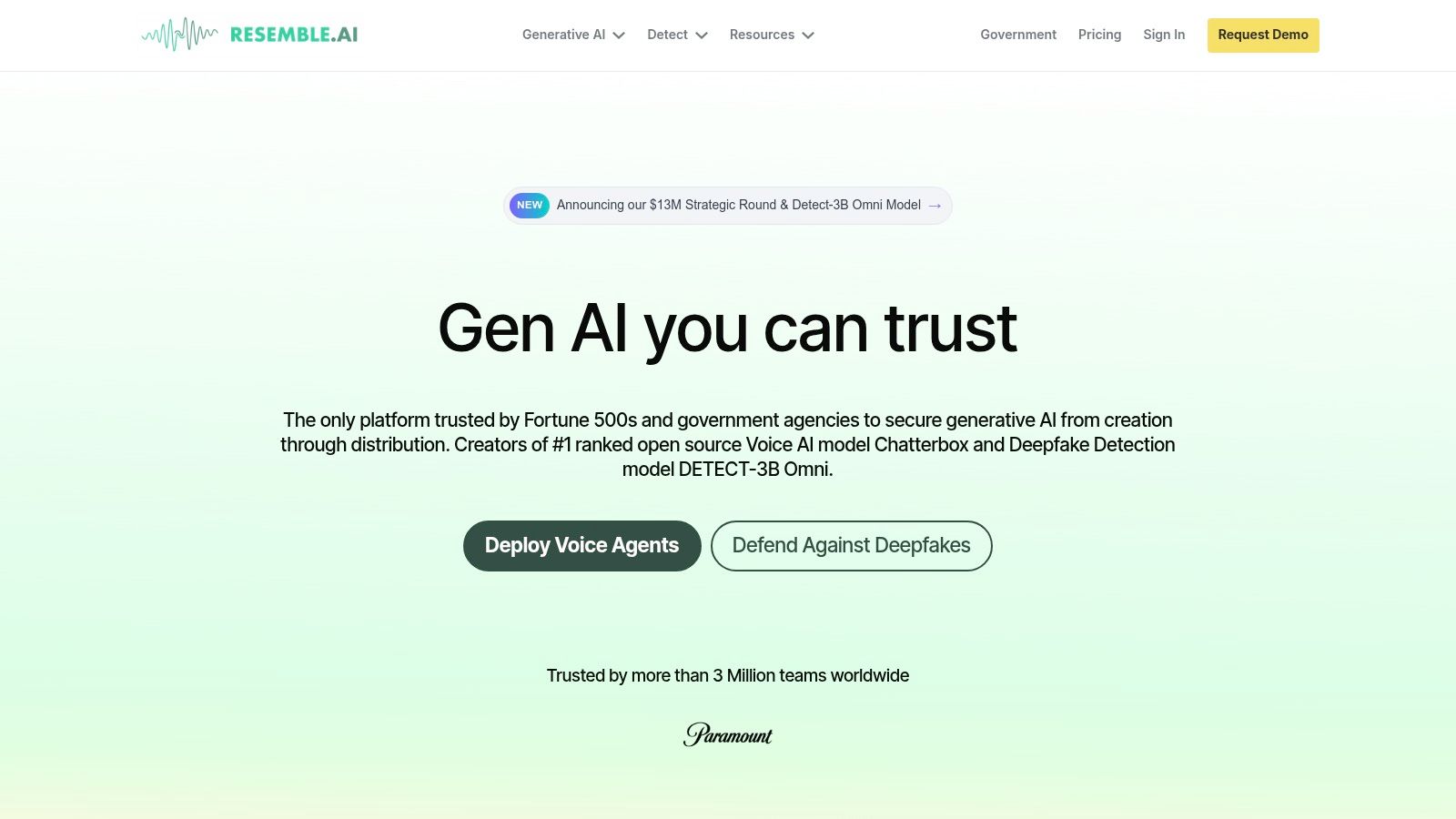
The platform offers a comprehensive suite of tools, including a powerful API for developers and a user-friendly web studio. Its unique selling point is its flexibility, offering everything from rapid cloning with minimal data to real-time, low-latency speech-to-speech conversion, making it a standout piece of speech synthesis software for interactive apps.
Key Features & Use Cases
Resemble AI’s feature set is built for precision and performance.
- Real-Time Speech-to-Speech: A powerful tool that converts one person’s voice into a target AI voice in real time, preserving the original speaker's emotion and intonation. This is perfect for virtual assistants and live dubbing.
- Flexible Voice Cloning: Users can create a voice clone with just seconds of audio for quick projects or upload extensive data for a high-fidelity clone.
- Localization & Dubbing: The platform supports cross-language voice generation, allowing a cloned voice to speak in multiple languages fluently.
- Enterprise-Ready Deployment: Offers self-hosting and on-premise deployment options, providing enhanced security for sensitive corporate environments.
Pros and Cons
- Pros:
- Exceptional real-time, low-latency performance for interactive use cases.
- Flexible deployment options (cloud or on-premise) appeal to security-conscious enterprises.
- Strong capabilities for character work and content localization.
- Pay-as-you-go and tiered plans offer scalable pricing.
- Cons:
- The extensive feature set can have a steeper learning curve for new users.
- Pricing and included seconds can vary, requiring users to monitor their plan details.
Website: https://www.resemble.ai
Top 12 Speech Synthesis Tools — Feature & Performance Comparison
| Platform | Core features ✨ | Quality ★ | Price 💰 | Target 👥 |
|---|---|---|---|---|
| LunaBloom AI 🏆 | ✨ Text→video, Image→video, voice cloning, customizable avatars, auto subtitles (50+ langs) | ★★★★☆ High-fidelity TTS + video output | 💰 Free tier; affordable paid plans | 👥 Creators, marketers, educators, SMBs |
| ElevenLabs | ✨ Neural TTS, voice cloning, dubbing, web studio + API | ★★★★★ Natural, studio-grade voices | 💰 Free starter credits; credits-based | 👥 Creators, devs, enterprises |
| Amazon Polly (AWS) | ✨ Multiple voice families (Standard/Neural/Generative), PAYG, caching | ★★★★☆ Scalable, reliable for large workloads | 💰 Pay-as-you-go per-character; free tier | 👥 Dev teams, enterprises |
| Google Cloud TTS | ✨ 380+ voices, Neural2/Studio/Gemini‑TTS, SSML & long‑audio | ★★★★★ Vast voice & language coverage | 💰 Per-character pricing; enterprise support | 👥 Enterprises, global apps, devs |
| Microsoft Azure AI Speech | ✨ Neural/Neural HD, Custom Neural Voice, containers & realtime | ★★★★☆ Enterprise-grade, secure | 💰 Per-character + tiered enterprise options | 👥 Large orgs, secure deployments |
| IBM Watson TTS | ✨ Neural voices, SSML, deploy-anywhere (on‑prem/cloud) | ★★★★☆ Compliance-friendly, enterprise support | 💰 Lite free tier; enterprise pricing | 👥 Regulated orgs, enterprises |
| WellSaid Labs | ✨ Voice avatars, studio, API, commercial licensing | ★★★★★ Broadcast-ready voice quality | 💰 Higher entry price; enterprise plans | 👥 eLearning, corporate training |
| Murf.ai | ✨ 200+ voices, dubbing/localization, basic cloning | ★★★★☆ Easy to use, good SMB quality | 💰 Free tier; Creator/Business plans | 👥 SMBs, content creators |
| NaturalReader | ✨ Personal & commercial products, education licenses | ★★★★☆ Reader-friendly for learners | 💰 Free/personal; commercial paid plans | 👥 Educators, learners, small teams |
| Descript (Overdub) | ✨ Voice cloning + integrated editor, captions, filler removal | ★★★★☆ Editor-first workflow | 💰 Free tier w/ limits; paid tiers for Overdub | 👥 Podcasters, editors, video creators |
| ReadSpeaker | ✨ Hosted TTS, SDKs, LMS integrations, custom voices | ★★★★☆ Trusted in education & gov | 💰 Subscription/license/pay-per-use (quote) | 👥 Education, government, publishers |
| Resemble AI | ✨ Rapid cloning, real-time speech→speech, self-host options | ★★★★☆ Strong for real-time & character work | 💰 Pay-as-you-go seconds; enterprise SLAs | 👥 Localization, interactive apps, studios |
The Future of Voice Is Here: What's Next for You?
The journey through the world of speech synthesis software reveals one undeniable truth: the era of robotic, stilted computer voices is firmly behind us. We’ve explored a diverse landscape of tools, from the hyper-realistic, emotionally rich voices of ElevenLabs to the robust, scalable infrastructures provided by giants like Amazon Polly and Google Cloud Text-to-Speech. Each platform offers a unique set of capabilities tailored to specific needs, proving that the best speech synthesis software is not a one-size-fits-all answer but a solution perfectly aligned with your project’s goals.
We've seen how tools like Murf.ai and Descript are revolutionizing content creation for podcasters and marketers, simplifying editing and voiceover workflows. For enterprise-level applications demanding reliability and security, services from Microsoft Azure and IBM Watson stand ready. Meanwhile, pioneers like WellSaid Labs and Resemble AI are pushing the boundaries of custom voice cloning, offering brands a truly unique sonic identity. The common thread among all these leaders is the rapid advancement of AI, which now delivers voices that are not just understandable but genuinely engaging and human-like.
Key Takeaways and Actionable Next Steps
As you move forward from this guide, your primary task is to transition from understanding the options to making a strategic choice. The technology is powerful, but its true potential is only unlocked when applied correctly.
Here’s a simplified framework to guide your decision-making process:
- Define Your Core Use Case: Are you creating video voiceovers, developing an IVR system, producing audiobooks, or building an accessible application? Your primary application will immediately narrow down the most suitable candidates. A content creator’s needs are vastly different from a developer’s.
- Evaluate Your Technical Expertise: Platforms like AWS, Google, and Azure offer incredible power and customization but require some technical know-how for API integration. In contrast, web-based studios like LunaBloom AI, Murf.ai, and WellSaid Labs are designed for ease of use, requiring no coding skills.
- Audit Your Budget and Scalability Needs: Start by experimenting with free tiers or trials to test voice quality and workflow. As you move forward, consider the pricing models. Pay-as-you-go is ideal for variable usage, while subscriptions offer predictability for consistent content production. Ensure the platform you choose can grow with your needs.
- Prioritize Your "Must-Have" Features: Do you absolutely need precise SSML control for nuanced delivery? Is a high-quality voice clone non-negotiable for your brand? Or is the ability to generate voice, subtitles, and video from a single platform your top priority? List your essentials and use our comparison table to find the perfect match.
Making Your Final Selection
Choosing the right tool is an investment in your brand’s voice and your audience’s experience. The right synthetic voice can elevate your content, make your services more accessible, and create a stronger connection with your users. The wrong one can feel disjointed and unprofessional, undermining your message. Don’t rush the process. Use the free trials, generate samples with your own scripts, and listen critically.
The landscape of voice AI is evolving at a breathtaking pace. What seems cutting-edge today will be the standard tomorrow. By selecting a forward-thinking partner, you not only solve your immediate needs but also position yourself to take advantage of future innovations in audio, video, and interactive media. The perfect voice is out there; your journey is to find the one that speaks for you.
Ready to move beyond just voice and create comprehensive, multilingual video content in minutes? LunaBloom AI integrates cutting-edge speech synthesis with AI avatars, voice cloning, and automated subtitles, providing a complete solution for creators and marketers. Experience the future of content creation with LunaBloom AI today!