
A great video voice over isn't just an afterthought—it's the core element that builds trust, defines your brand's personality, and keeps viewers engaged. A confident, clear voice forges a human connection that visuals alone often can't achieve. It elevates a simple video into a memorable and persuasive story.
Why a High-Quality Video Voice Over is Crucial for Success
Think about the last video that truly captured your attention. Was it just the slick editing, or was it the compelling voice guiding you through the content? A professional voice over acts as a trusted narrator for your audience, adding a layer of authority and polish that makes your message resonate.
Without a strong voice, even the most visually stunning video can feel incomplete. A product demo might show what a gadget does, but an effective voice over explains why it matters to the viewer. It can turn a dry training module into an engaging lesson and transform a simple ad into a powerful call to action.
Building Authority and Trust
There’s a reason certain voices feel more credible. A calm, clear, and confident tone instantly makes your brand seem more professional and trustworthy. When your audience hears a polished voice explaining a concept, they are naturally more inclined to believe the message being delivered.
This isn't just a feeling; it's rooted in psychology. Viewers subconsciously link the quality of your audio to the quality of your brand. Poor audio can signal a lack of professionalism, while crisp, clear narration builds instant credibility.
A great voice over doesn't just speak to your audience; it connects with them. It’s the invisible handshake that establishes credibility before you even ask for their attention.
This simple flow shows how critical the voice is in converting visuals into genuine audience trust.
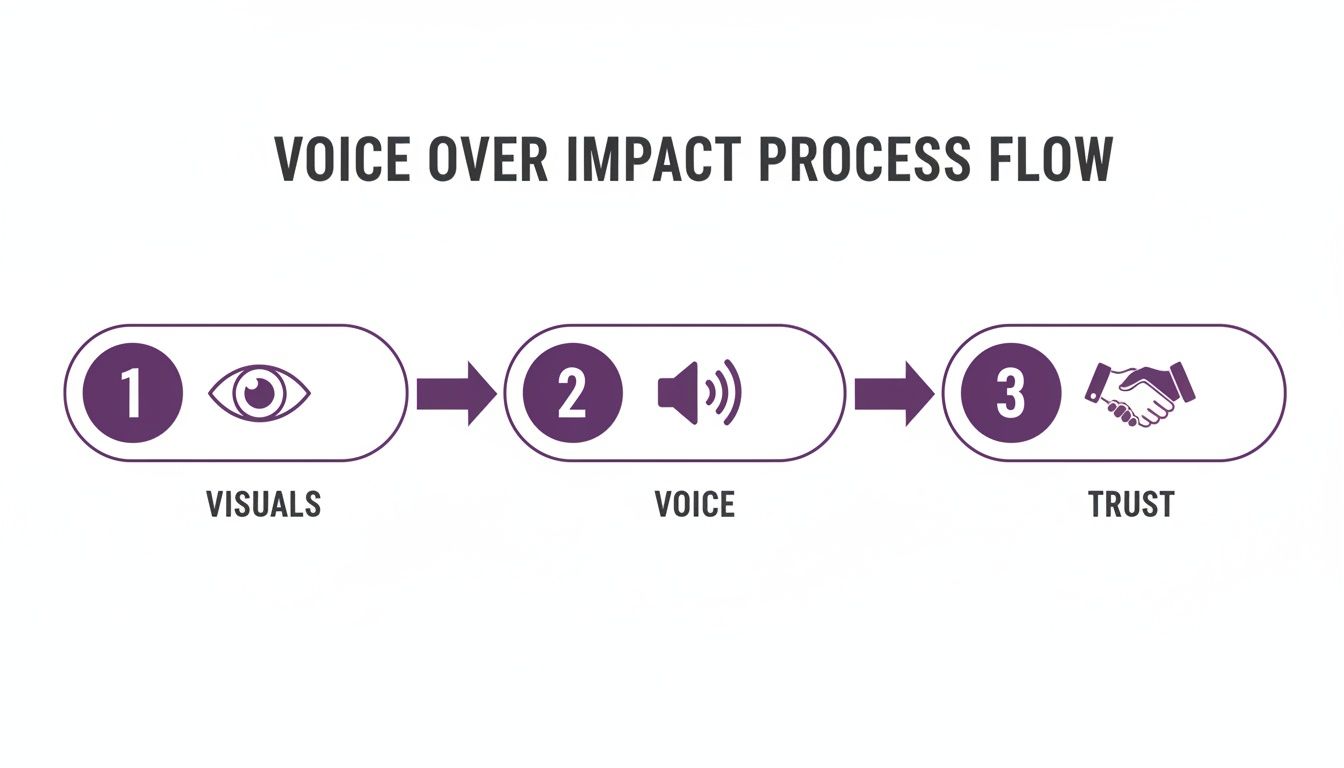
As you can see, the voice acts as the essential bridge between what your audience sees and what they believe.
Driving Engagement and Clarity
A voice over does more than simply read a script. It directs the viewer's focus, emphasizes key points, and establishes the emotional tone of the entire video. This guidance is essential for keeping viewers engaged and ensuring your core message is understood and remembered.
Consider its impact in these common video types:
- Tutorial Videos: A patient, clear voice makes complex steps easy to follow, preventing user frustration.
- Marketing Ads: An energetic and persuasive voice generates excitement and motivates viewers to take action.
- Corporate Training: A steady, authoritative tone helps ensure that important information is absorbed and retained.
The right narrator can fundamentally change the effectiveness of your content. Here’s a quick comparison.
Voice Over Impact Across Video Types
| Video Type | Without Voice Over | With Professional Voice Over |
|---|---|---|
| Explainer Video | Confusing visuals; low retention | Clear, engaging, easy to follow |
| Product Demo | Shows features, but lacks context | Highlights benefits; builds desire |
| Training Module | Dry, boring; low completion rates | Authoritative, engaging; improves learning |
| Social Media Ad | Easily ignored; low click-throughs | Grabs attention; drives conversions |
Adding a professional voice over isn't just a minor improvement—it’s a strategic move that makes your video work.
The market reflects this reality. The global dubbing and voice-over industry was valued at USD 4.2 billion in 2024 and is projected to reach USD 8.6 billion by 2034. Even with advancements in AI, human-based services retain a 58.2% market share, proving that audiences still value an authentic, human connection.
This growth confirms that businesses are investing heavily in high-quality audio because it delivers results. At LunaBloom AI, we understand this. Our tools are designed to give you that professional, trustworthy sound without the traditional cost and complexity. You can learn about our mission at https://www.lunabloomai.com/about. In a crowded content landscape, a superior voice over is your competitive edge.
How to Write a Voice Over Script That Connects
Every great video voice over starts with an exceptional script. But here’s the key: you must write for the ear, not the eye. The formal, complex language that works in a written report often sounds unnatural and awkward when spoken aloud.
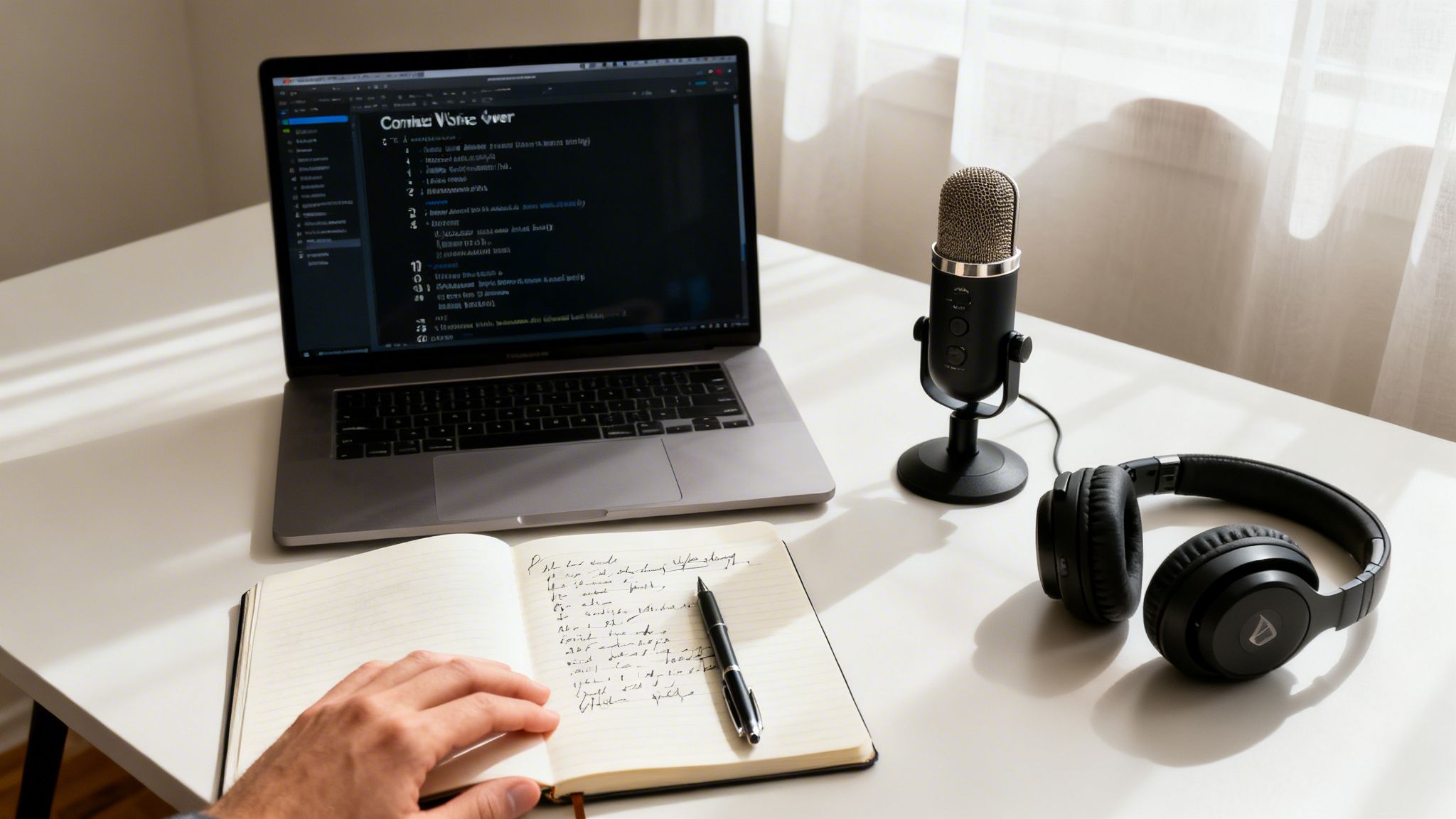
Your objective is to sound like a real person having a conversation. This means using simple, clear language that flows naturally. Before you finalize any text, read it out loud. Does it sound like something you would actually say to someone? If not, it's time to simplify.
Embrace Conversational Language
The most common mistake in scriptwriting is being too formal. This academic or corporate style can make your narration sound robotic and distant. To avoid this, weave everyday language into your script.
Use contractions like "it's," "you'll," and "don't." This small change immediately makes your script feel more relatable and less like a textbook. Short sentences are also crucial; they are easier for the narrator to deliver and for your audience to process. A good guideline is to focus on one main idea per sentence.
"Write like you talk. If it sounds weird when you say it, it'll sound even weirder in the final video. The best scripts feel like a natural conversation, not a formal presentation."
This conversational approach helps build a direct connection with your viewer, making them more likely to listen and trust your message.
Formatting for Flawless Delivery
A well-formatted script is a roadmap for the narrator, whether it's a human actor or an AI voice. Proper structure ensures correct pacing and helps key messages land with impact. It’s not just about the words you choose, but also how they are presented on the page.
Here are a few practical formatting tips:
- Double-Space Everything: This improves readability and reduces the chance of the narrator stumbling over lines.
- Use Bold for Emphasis: Want a specific word or phrase to stand out? Bold it. This gives your voice talent a clear visual cue to add emphasis exactly where it's needed.
- Indicate Pauses Clearly: Don't hesitate to write in breaks. Use ellipses (…) for a short beat or
(pause)for a more deliberate moment of silence. These pauses give the audience time to absorb information. - Add Delivery Notes: Include simple instructions in parentheses, such as
(friendly and upbeat)or(more serious tone). These notes are invaluable for guiding the emotional tone of the delivery.
Aligning Script and Visuals from the Start
One of the biggest frustrations in video production is writing a script, only to discover the timing is completely off when matched with the visuals. This is where modern tools can revolutionize your workflow.
Platforms like LunaBloom AI allow you to build the video as you write. The script-to-video function, for example, lets you input text and instantly generate a rough cut with corresponding visuals and timing. This enables you to adjust your words and pacing in real-time, ensuring the final video voice over is perfectly synchronized. You can find more tips on effective content creation on the LunaBloom AI blog.
This integrated approach eliminates guesswork and helps you craft a script that not only sounds great but also works in perfect harmony with your video from the start.
Choosing Your Voice: Human vs. AI Generation
Selecting the right voice for your video is a critical decision. Today, you face a choice: the classic, emotional touch of a human voice actor or the speed and flexibility of AI voice generation. There is no one-size-fits-all answer; the best option depends on your project's budget, timeline, and goals for the video voice over.
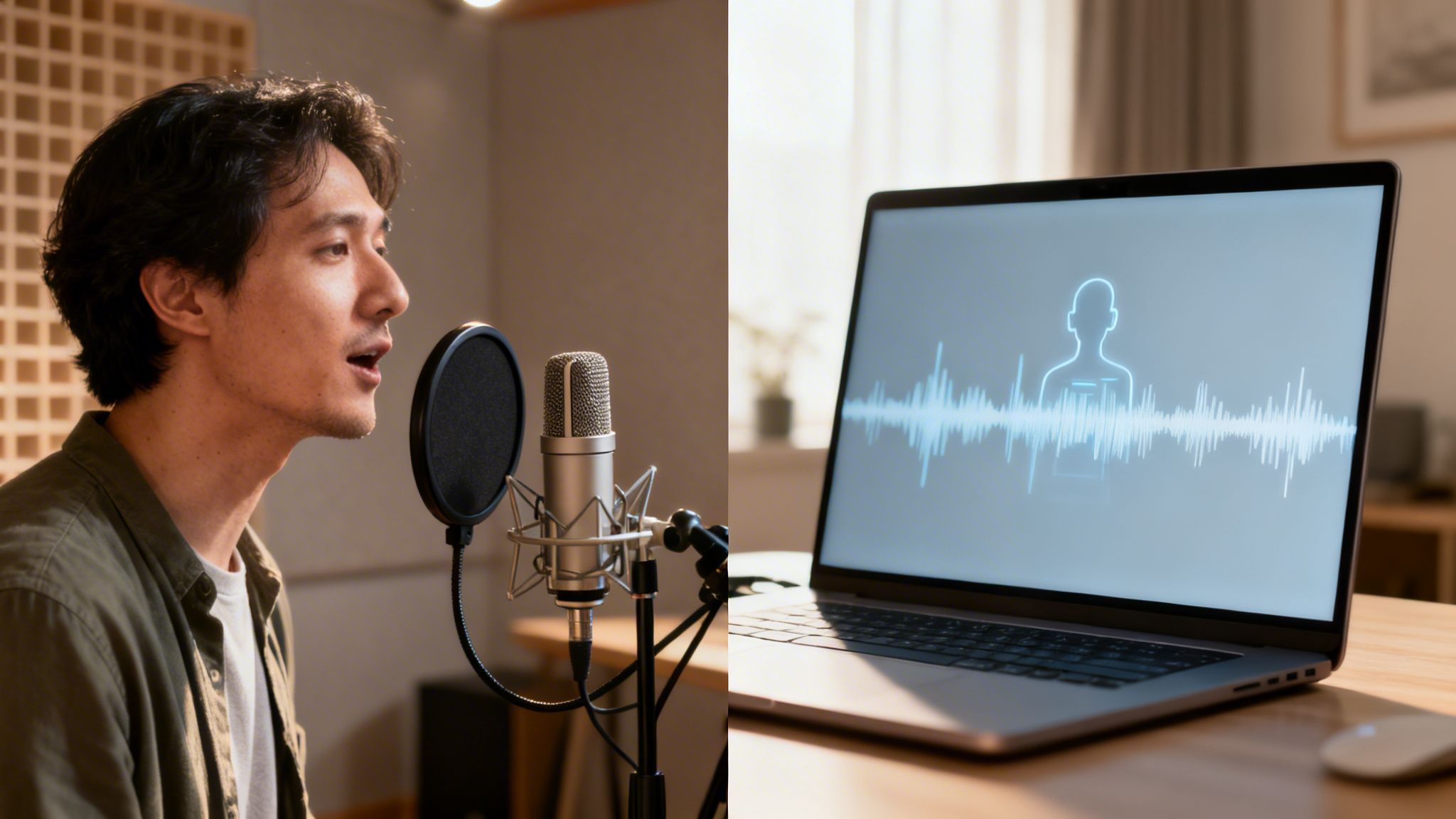
The traditional route with a human actor offers an emotional depth that has long been the industry standard. A professional can interpret your script, adding personality and nuance that connects with viewers on a human level. However, this path typically involves higher costs and longer timelines, including auditions, recording sessions, and potential retakes.
The Case For Human Voice Actors
Hiring a human voice actor is the ideal choice when your video relies heavily on emotional storytelling or a unique character. Think of a powerful brand story, a narrative-driven commercial, or an animated character where subtle vocal inflections are key to the performance.
If you choose this route, you can find talent on freelance platforms or through specialized agencies. For those on a tighter budget, setting up a home studio is more accessible than ever. A quality USB microphone and a quiet, acoustically treated room are often all you need. While the human touch is powerful, it represents an investment of both time and money.
The Rise of Hyper-Realistic AI Voices
On the other hand, AI voice generation has made incredible strides. The robotic, monotone voices of the past have been replaced by AI that can produce narration that is remarkably human-like, complete with natural pacing and emotion.
The advantages in speed and cost are significant. You can generate a flawless video voice over in minutes at a fraction of the cost of hiring a professional. This makes AI an excellent choice for projects with tight deadlines, content requiring frequent updates (like training materials), or large-scale content production.
The big shift isn't just that AI voices sound better; it's the insane level of control and consistency they offer. Need to tweak one line in the script? That’s a five-second fix, not a call to book another studio session.
As you weigh your options, exploring the broader AI content writing vs human writers debate can provide valuable insights into where each approach excels.
Human Recording vs. AI Voice Generation: A Head-to-Head Comparison
To help you decide, here’s a breakdown comparing the two voice over methods based on key project factors.
| Factor | Human Voice Actor | AI Voice Generation (LunaBloom AI) |
|---|---|---|
| Emotional Range | Unmatched depth, nuance, and subtlety. Ideal for highly emotional or character-driven content. | Increasingly realistic with natural inflection, but may not capture the deepest human emotions. |
| Cost | Significantly higher. Involves fees for talent, studio time, and potential retakes. | Far more affordable. Typically a low-cost subscription or pay-per-use model. |
| Speed & Turnaround | Slow. Can take days or weeks for auditions, recording, editing, and revisions. | Nearly instant. Generate a final voiceover in just a few minutes. |
| Revisions | Time-consuming and costly. Requires booking new sessions for even small script changes. | Effortless and instant. Edit text and regenerate the audio in seconds at no extra cost. |
| Consistency | Can vary between sessions. Maintaining the exact same tone across multiple projects is challenging. | Perfect consistency. The voice will sound identical across all projects, forever. |
| Scalability | Limited. Recording hundreds of scripts is a massive undertaking in time and budget. | Highly scalable. Generate thousands of voiceovers for different products, languages, or campaigns easily. |
| Language Options | Limited to the actor's linguistic abilities. Hiring multiple actors for different languages is expensive. | Extensive. Access hundreds of voices across 50+ languages instantly. |
While a human actor still excels in pure emotional performance, AI's advantages in speed, cost, and scalability make it the go-to choice for a wide range of modern video projects.
Blurring The Lines With Voice Cloning
Today, the choice isn't just between a random human and a stock AI voice. Platforms like LunaBloom AI are changing the game with voice cloning technology. This lets you create a unique, proprietary AI voice based on a real person—or even your own.
Here’s how it works:
- Record a Sample: You upload a short, clean audio recording of the voice you want to clone.
- AI Analysis: The platform analyzes the unique vocal qualities—pitch, tone, and rhythm.
- Create the Clone: It then builds a digital replica that can speak any text you provide, perfectly mimicking the original speaker.
This hybrid approach offers the best of both worlds: the authentic quality of a specific human voice combined with the scalability and efficiency of AI. It's ideal for creating a consistent brand persona or personalizing marketing videos at scale. You can start exploring these features on LunaBloom AI to see it in action.
Ultimately, authenticity is key. As technology improves, so do audience expectations. Voice is central to how we interact with technology, with 55% of consumers now using it to talk to AI systems. However, 79% of business leaders agree that AI voices must be derived from real actors to protect brand integrity, and the same number believe inauthentic voices erode customer trust. This highlights the need for AI solutions that build, rather than break, that vital connection with your audience.
Syncing Your Audio and Video Like a Pro
A perfectly timed video voice over is something you feel, not just hear. It guides the viewer so smoothly that the underlying mechanics are invisible. When the timing is off, however, it's immediately noticeable. A voice that lags behind or jumps ahead of the visuals can disrupt the viewing experience and undermine your video's professionalism.
The goal is to create a seamless experience where the audio and visuals feel like a single, cohesive story.
This process, known as syncing, is where you align specific words in your narration with corresponding events in your video. This could mean matching a line about a new feature to the exact moment it appears on screen. Think of your voice over as a tour guide for the viewer's eyes—it tells them where to look and what to notice.
Mastering Manual Syncing Techniques
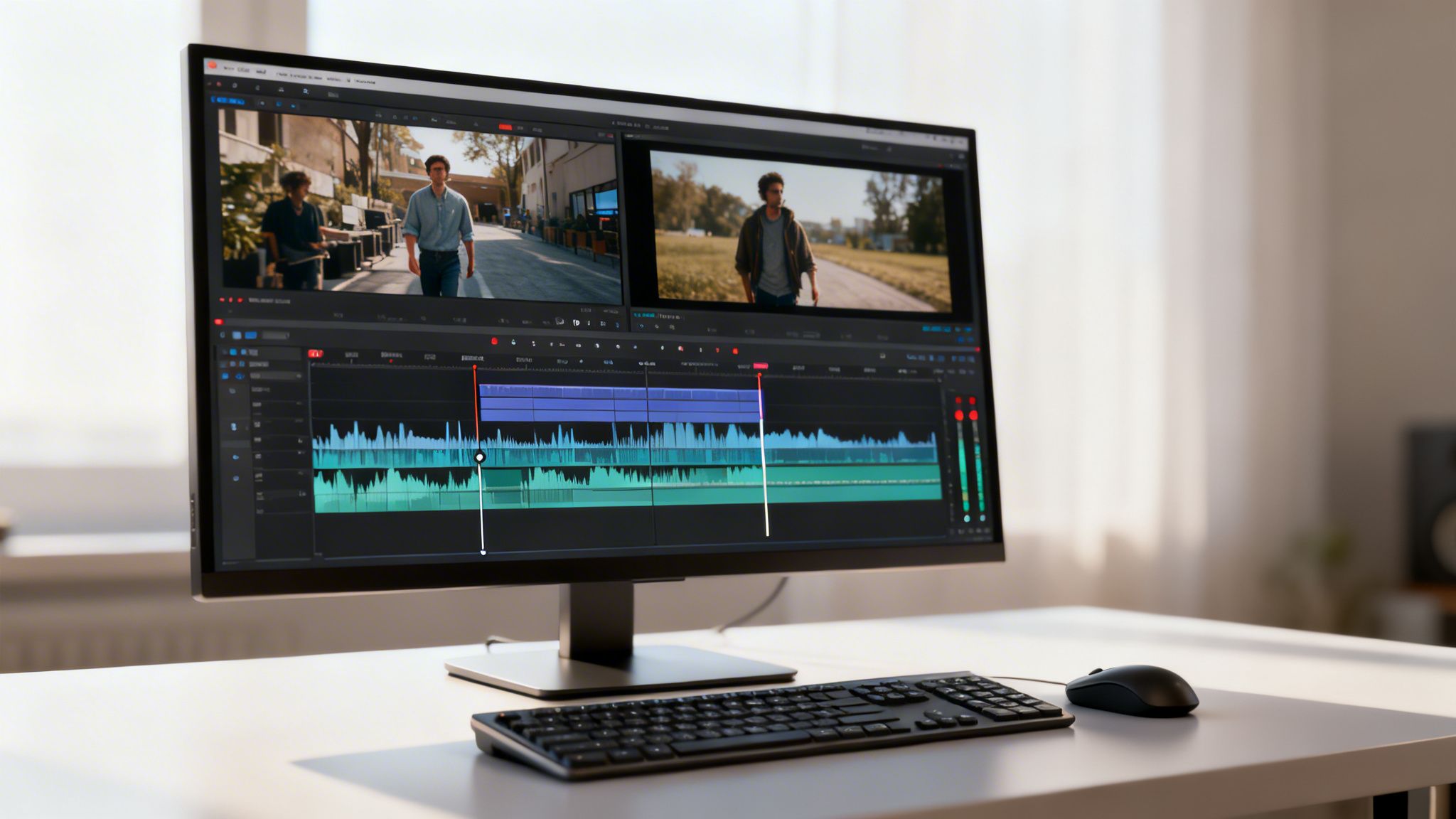
In traditional video editing software, manual syncing is a meticulous but essential skill. It involves placing your audio and video clips on separate timelines and carefully aligning them. You listen for a keyword, then adjust the video so the corresponding action begins at the same moment.
A common technique is to use markers. You can place a marker on your audio timeline at the start of a key phrase and another on your video timeline where the action should begin, then snap the two points together. It's like assembling a puzzle; each word must fit perfectly with its visual counterpart.
The real challenge with manual syncing isn't just one or two clips. It's keeping that perfect timing across an entire video with multiple scene changes, text animations, and B-roll footage. It’s a huge time-sink, but it’s a non-negotiable part of the editing process.
The Automation Game-Changer
While manual syncing offers precise control, it can be incredibly tedious. This is where automation has transformed the process of creating a professional video voice over. Modern AI-powered tools can handle the heavy lifting of syncing for you, saving you hours of work.
These platforms analyze your script and visuals to time everything automatically. This is particularly useful for:
- Explainer Videos: The AI can time narration to match animated text and graphics perfectly.
- Product Demos: It can sync a description of a button with the exact moment a cursor clicks on it.
- Educational Content: The voice over can introduce a concept just as a relevant chart appears.
This automation not only speeds up the workflow but also delivers a level of precision that can be difficult to achieve manually, especially for beginners.
Flawless Lip-Syncing with AI Avatars
The most advanced form of automated syncing is lip-syncing, a process once reserved for high-end animation studios. Today, AI makes it accessible to everyone. Platforms like LunaBloom AI take this a step further by allowing you to generate a voice over and have it flawlessly lip-synced to a custom digital avatar.
The process is simple: you provide the script, and the AI generates the audio while animating the avatar’s mouth and facial expressions to match every syllable. This creates a polished and engaging video that looks and sounds completely professional.
For creators of tutorials, corporate training videos, or marketing content featuring a presenter, this technology is a true game-changer. You can get started with a free trial on LunaBloom AI to see how quickly you can create a perfectly synced avatar video.
Taking Your Voice Over Global with Localization
In today’s connected world, your video can reach a global audience. But to make a real impact, your message must do more than just appear in another language—it needs to feel like it was created specifically for that audience. This is the essence of localization.Before taking your content international, it's important to understand what localization means. It’s the difference between simply translating words and adapting your brand's personality to resonate with a new culture. This distinction is what separates content that gets ignored from content that builds a loyal international following.
Beyond Direct Translation
A one-size-fits-all approach to your video voice over will fail in global markets. Simply translating your script word-for-word misses crucial cultural context. True localization adapts your content to fit the nuances, idioms, and even the humor of a specific region.
For example, a joke that is popular in the United States might be confusing or offensive in Japan. A reference to a local holiday in Brazil won't resonate with viewers in Germany. Effective localization identifies these cultural-specific elements and adapts them to be relevant and respectful, ensuring your message lands authentically everywhere.
Localization isn't about changing the language; it's about changing the experience. The goal is for your international audience to feel like you're speaking directly to them, in their world, with a full understanding of their culture.
The Power of Regional Accents and Dialects
Even within a single language, there is incredible diversity. The Spanish spoken in Madrid is very different from the Spanish in Mexico City. The same is true for English, with significant variations between American, British, Australian, and Indian accents.
Choosing the right accent is a powerful way to build a connection. Using a local accent signals to your audience, "We created this for you," making your brand feel more familiar and trustworthy.
AI tools have made this easier than ever. Platforms like LunaBloom AI offer extensive libraries of voices in different languages and specific regional accents. With a single script, you can generate a unique video voice over for each target market:
- Spanish (Spain) for a European campaign.
- Spanish (Mexico) for a launch in North America.
- French (France) for viewers in Paris.
- French (Canada) for your audience in Quebec.
This level of customization, once expensive and complex, is now achievable in just a few clicks.
Embracing Diversity and Inclusivity
Modern audiences expect to see and hear themselves represented in the content they consume. This means offering a range of voices that reflect different ages, genders, and backgrounds. An inclusive voice strategy is no longer optional; it's essential for brand relevance.
Industry trends confirm this shift. By 2026, the demand for authenticity and diversity in voice-overs is expected to grow significantly, with a particular boom in languages like Spanish, French, German, Chinese, and Hindi.
Manually sourcing a diverse roster of voice talent can be challenging. AI provides an immediate solution. An AI voice library gives you instant access to a broad spectrum of voice profiles, allowing you to choose the one that best fits your target demographic. LunaBloom AI, for example, enables creators to produce content in over 50 languages, making global, inclusive video creation more accessible than ever. This helps your message not only reach more people but connect with them on a deeper, more personal level.
Your Video Voice Over Questions Answered
Even with the best tools, questions can arise during the creative process. Here are answers to some of the most common questions creators have when producing a high-quality video voice over.
This section serves as a quick reference to help you overcome common hurdles and make informed decisions for your projects.
How Do I Make My AI Voice Over Sound Less Robotic?
The key to a natural-sounding AI voice is a combination of a high-quality tool and a well-written script. Modern platforms like LunaBloom AI produce lifelike voices out of the box, but you can enhance them further with a few techniques.
First, write your script in a conversational tone. Use contractions (e.g., "it's" instead of "it is") and vary sentence length to mimic natural speech patterns.
Next, fine-tune the delivery within the platform:
- Adjust Pacing: Speed up or slow down the narration to match the video's energy.
- Add Strategic Pauses: Insert short pauses after key points to give the audience a moment to process information.
- Control Inflection: Use emphasis tools to stress certain words, adding emotion and clarity to your message.
Voice cloning is another powerful option. By creating an AI voice from a real person, you capture their unique vocal characteristics, resulting in a video voice over that sounds incredibly authentic.
What Is the Best Video Format for Web and Social Media?
For nearly every online platform—including YouTube, Instagram, TikTok, and your website—MP4 is the universal standard. It offers an excellent balance of high visual quality and manageable file size, which is crucial for fast loading times and a smooth user experience.
Specifically, an MP4 file using the H.264 video codec and AAC audio codec is compatible with all modern browsers and devices. The good news is that most video tools, including LunaBloom, export in this format by default and often provide presets optimized for specific social media platforms.
Think of MP4 (H.264/AAC) as the universal language of online video. Choosing it ensures your content will play flawlessly for everyone, everywhere, without any extra effort on your part.
This standardization removes the technical guesswork, allowing you to focus on creating great content.
What Are the Legal Rules for Using AI Voices?
Understanding the legal aspects of AI voices is essential. When you use a stock AI voice from a reputable platform, the license typically includes full commercial usage rights. This allows you to use it in advertisements, product demos, and other promotional materials.
Voice cloning, however, requires explicit consent. You must have documented permission from the individual whose voice you are cloning. Using someone’s voice without their consent is a serious ethical and legal issue.
Platforms like LunaBloom AI enforce strict ethical guidelines, requiring you to verify that you have the rights to any voice you upload for cloning. Always review the terms of service of any tool you use to ensure compliance.
How Do I Balance My Voice Over with Background Music?
Proper audio mixing is a hallmark of a professional video. Your video voice over should always be the primary audio element, with all other sounds playing a supporting role. The music should set the mood without competing with the narration.
A good rule of thumb is to set your narration levels to peak between -6dB and -12dB. Background music should be mixed much lower, typically in the -18dB to -24dB range. This creates a clear audio space where the voice is easily understood.
Many modern platforms simplify this with a feature called "auto-ducking," which automatically lowers the music volume when the narrator is speaking and raises it during pauses. This feature, available in LunaBloom, automates the mixing process to ensure a perfect balance every time. If you have specific questions, feel free to get in touch with our team for guidance.
Ready to create stunning videos with flawless voice overs in minutes? With LunaBloom AI, you can transform your scripts into studio-quality content, complete with hyper-realistic AI voices, custom avatars, and one-click localization. Stop wrestling with complicated software and start creating.





