

Creating effective training videos isn't just an expense—it's a direct investment in your company's growth. Think of it less as a cost and more as a powerful strategy to onboard employees faster, fill critical skill gaps, and build a knowledge base that pays dividends for years to come.
You’re creating valuable assets that keep working for you long after you hit "publish."
Why Training Videos Are a Business Growth Engine
In today's fast-paced world, robust training is the backbone of a resilient and successful business. But let's be honest: old-school methods like dense manuals and day-long seminars are no longer effective. They're often tedious, and most information is forgotten by the time employees return to their desks.
This is where training video creation changes the game. Videos aren't just a "nice-to-have" feature; they are a fundamental tool for driving real-world performance.
Video is the undisputed champion of corporate learning for one simple reason: it works. It combines visuals, audio, and storytelling to make complex topics easy to understand and, more importantly, hard to forget. This isn't just about pushing information; it's about fostering a genuine learning culture from the ground up.
The Tangible Impact on Your Bottom Line
When you build a strong video training library, you're doing more than checking a box for HR. You are directly improving your company's financial health. Well-trained employees are more confident, make fewer errors, and achieve higher productivity. That translates directly into tangible business gains.
Consider the onboarding process. A well-structured library of clear, concise training videos can get a new hire fully productive up to 50% faster than traditional methods. This means they start contributing value sooner, significantly reducing their time-to-value.
The connection between effective training and financial success is undeniable. When your teams have the knowledge they need to excel, the entire organization becomes more efficient and profitable.
The data strongly supports this. A landmark study by the American Society for Training and Development involving 2,500 companies revealed that firms with comprehensive training programs experienced 218% higher revenue per employee and 24% higher profit margins. You can explore more research on video's business impact to see just how powerful it is.
Ultimately, strategic training video creation is a system for generating real returns. By closing knowledge gaps and promoting continuous learning, you build a smarter, more capable, and more profitable company.
Building Your Training Video Blueprint
Before you even think about hitting record or exploring video tools, you need a solid strategy. I’ve seen it happen too often: teams dive into production without a plan, leading to wasted time, blown budgets, and content that nobody uses.
A clear plan is your best defense against creating videos that just collect digital dust.
The first step is to define your learning objectives. Don't just think about what you want to teach. Instead, focus on what you want your audience to be able to do after watching. A vague goal like "learn about the new software" is unhelpful.
A much better, more specific objective is, "After watching this video, the user will be able to process a customer return using the new software in under two minutes." This gives you a clear target, ensuring every second of your video serves a distinct purpose.
Know Your Audience and Structure Your Content
Once your objectives are set, turn your attention to your viewers. Are they complete beginners who need every term explained, or are they experienced professionals looking for advanced tips? Understanding their existing knowledge and learning preferences will shape your tone, pacing, and the level of detail you provide.
Next, break down the topic into logical, digestible segments.
- Outline Core Concepts: Identify the absolute must-know information.
- Sequence for Clarity: Arrange the concepts in an order that builds naturally, from foundational knowledge to more complex skills.
- Dedicate One Goal Per Video: This is crucial. Keep your videos short and hyper-focused. A 3-minute video on "how to log in" is far more effective than a single, hour-long tutorial covering everything.
This structured approach directly links empowered teams to tangible business growth.
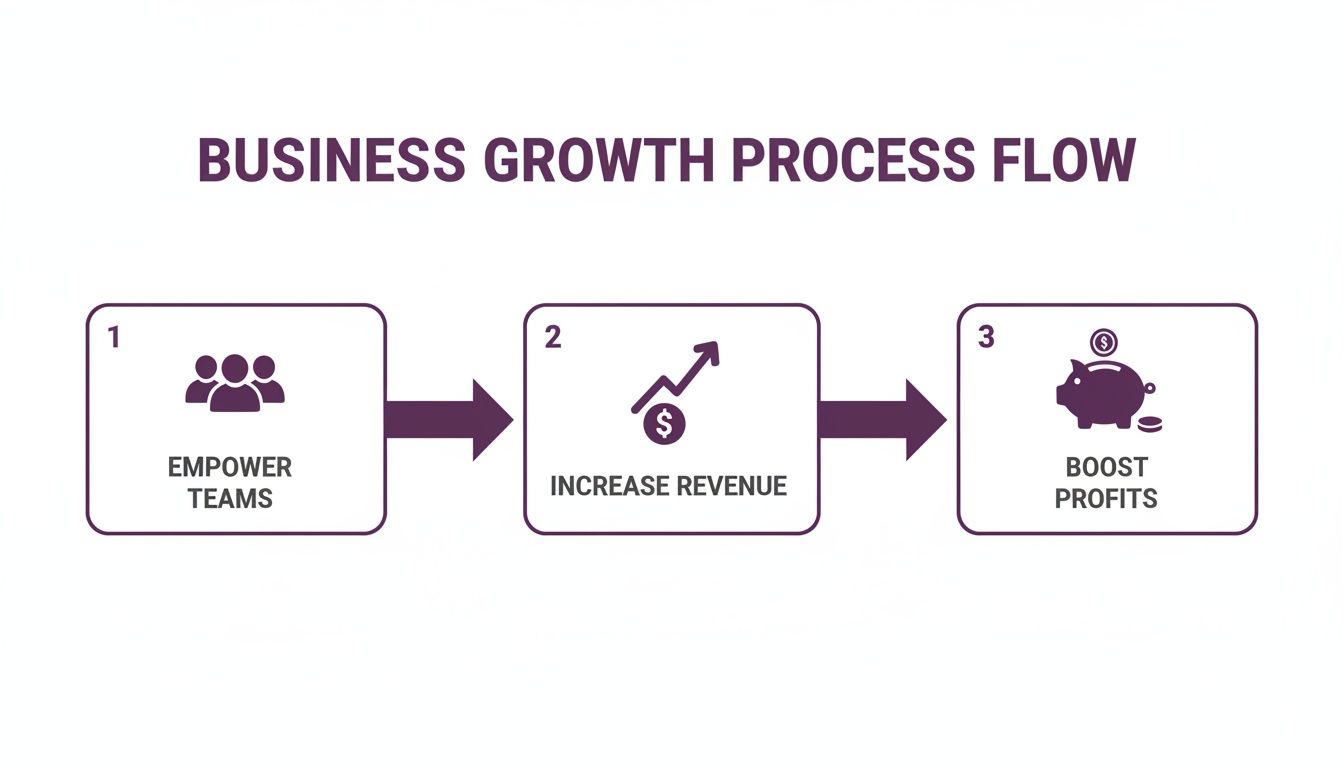
This visual illustrates a simple truth: focused, effective training empowers your teams, which in turn drives revenue and boosts profits. To ensure you cover all your bases, consider using an ultimate planning checklist as you map out your video strategy.
A well-planned training video respects your team's time. It delivers exactly what they need to know, when they need it, without any fluff. This efficiency is the hallmark of a world-class learning strategy.
Crafting Scripts That Actually Teach and Engage
Every great training video begins with a solid script. This isn't just about writing down what to say; it's about structuring your message to be clear, memorable, and engaging from start to finish. I've seen beautifully produced videos fail simply because the script was an afterthought.
The key is to write for the ear, not the eye. Ditch the corporate jargon and stiff, academic language. Instead, write like you speak. Imagine explaining the concept to a colleague over coffee. Use simple sentences, ask questions, and speak directly to "you." This small shift makes the content instantly more relatable and easier to absorb.

Structuring Your Script for Maximum Impact
A proven structure is your best friend in training video creation. It acts as a roadmap for the learner, guiding them from point A to B without any confusing detours. The best scripts follow a simple, logical flow.
- The Hook (First 10 Seconds): Grab their attention immediately. State the problem you're solving or the skill they'll gain. For example: "In the next three minutes, you'll learn how to reset a user password without creating a support ticket."
- The Core Content (The Body): This is where you deliver the information. Break down the process into clear, step-by-step instructions. Use transitions like, "Next, you’ll need to…" or "Once that's done, the final step is…" to maintain a smooth flow.
- The Summary (The Takeaway): Always end with a quick recap of the key points. This is crucial for retention. A simple phrase like, "So, to recap, the three steps are…" works perfectly.
A great script anticipates the viewer's questions and answers them proactively. This builds trust and keeps the learner focused and engaged.
Visualizing Your Video with a Storyboard
With your script ready, it's time to think visually. This is where storyboarding comes in—and you don't need to be an artist. A storyboard is a simple visual plan that pairs your script with on-screen actions, graphics, or text overlays.
You can create a basic two-column document:
- Column 1 (Audio): Paste the corresponding lines from your script here.
- Column 2 (Visuals): Describe what the viewer will see. For example, "Close-up shot of the 'Reset Password' button" or "Text overlay listing the three security tips."
This process forces you to align what's being said with what's being shown, which is essential for creating a video that caters to different learning styles. To take this further, explore strategies on how to create engaging online course videos that truly captivate an audience. Syncing your script and visuals is what elevates a good video to a great one.
How AI Is Revolutionizing Video Production
Let's be honest: traditional video production is often a major hurdle. The biggest roadblocks have always been the cost, time, and specialized skills required. Hiring a crew, renting gear, and coordinating on-camera talent can easily cost thousands of dollars for a single short video. For most businesses, this simply isn't a scalable solution.
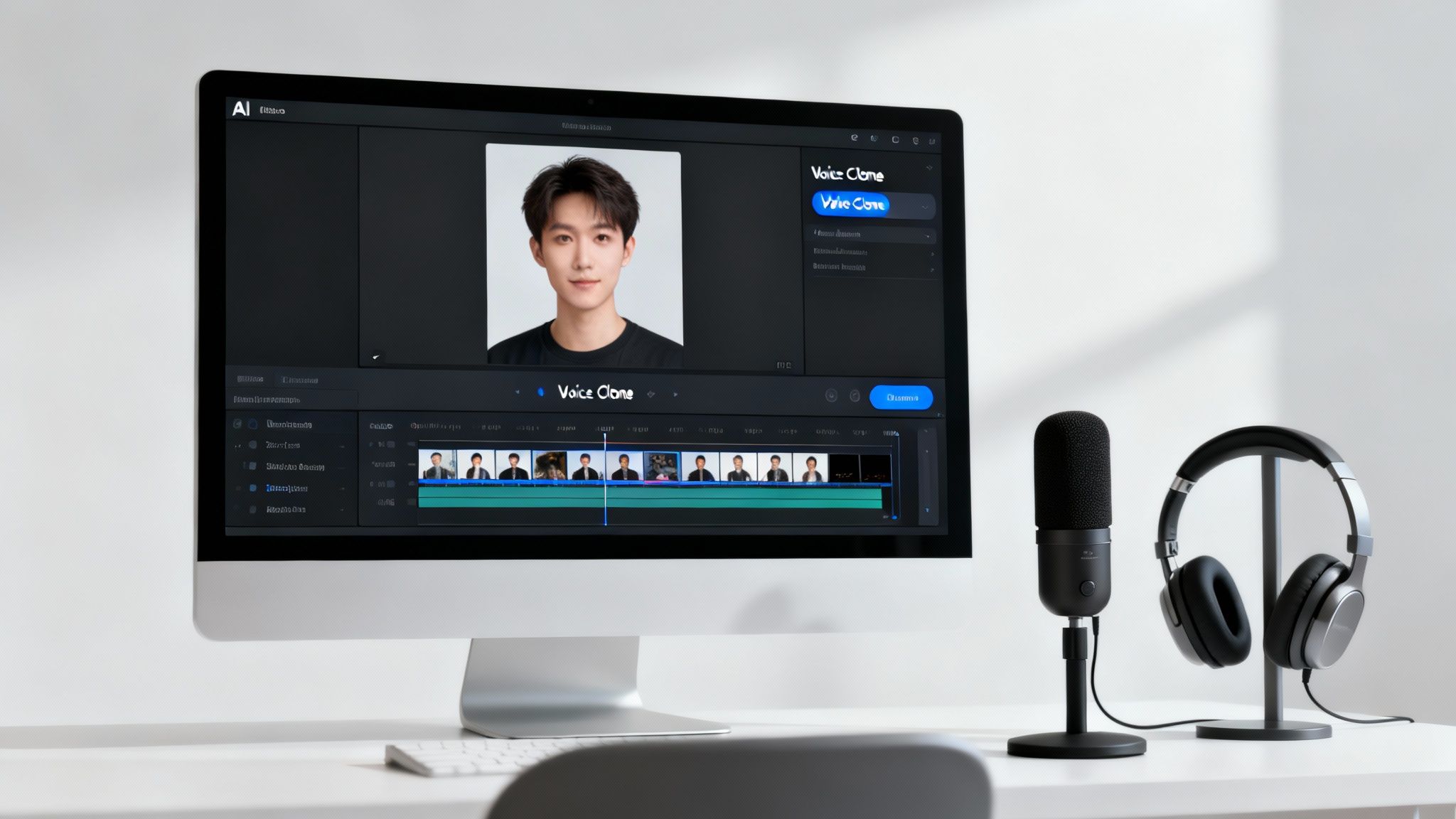
This is where AI steps in and completely rewrites the rules for training video creation. AI-powered platforms are making professional-quality video accessible to everyone, regardless of their budget or technical expertise.
The true magic of AI in video production is its ability to separate your message from the complex logistics. You can stop worrying about cameras and schedules and focus on what truly matters: creating impactful content.
This isn't a niche trend. The shift is massive, with 63% of video marketers expected to use AI tools by 2026. Platforms like LunaBloom AI are leveling the playing field, which is why 50% of small businesses now use AI-generated videos to avoid the high costs of production agencies. Dive deeper into the numbers with these insightful video marketing statistics.
Let's compare the old way with the new to see how much has changed.
Comparing Traditional vs. AI-Powered Video Creation
| Factor | Traditional Production | AI-Powered Production |
|---|---|---|
| Time | Weeks or months | Minutes or hours |
| Cost | High (crew, equipment, talent) | Low subscription fees |
| Skills | Requires specialized expertise | No technical skills needed |
| Scalability | Difficult and expensive to scale | Effortless; create unlimited videos |
| Updates | Requires complete reshoots | Simple text edits |
| Localization | Time-consuming and costly | Instant multi-language generation |
The table makes it clear: AI isn't just an incremental improvement—it's a fundamental shift in how we create and distribute training content.
From Script to Screen in Minutes
Imagine turning your final script into a polished, ready-to-share video in the time it takes to grab a coffee. That is the reality with modern AI video generators. Forget coordinating shoots or hiring actors. Instead, you can use customizable AI avatars to present your material with a professional, human touch.
These aren't stiff, robotic animations. They are lifelike presenters who deliver your script with natural expressions and movements, providing all the benefits of an on-screen instructor without the logistical headaches.
Then there’s voice cloning. This feature allows you to create a perfectly consistent narration for all your training videos. You can clone the voice of a trusted company leader or a preferred narrator and apply it across your entire content library. It’s an incredible way to maintain a uniform brand voice while eliminating hours in recording studios.
Scale Your Content and Reach Everyone
One of the biggest advantages of AI is the ability to scale and adapt your content seamlessly. Need to update a compliance module or change a statistic in a sales video? Instead of a costly reshoot, you simply edit the text and regenerate the video. It's that easy.
AI also opens the door to unparalleled accessibility and global training:
- Automatic Subtitles: Generate accurate subtitles with a single click, making your content accessible to team members who are deaf or hard of hearing, or for anyone watching in a noisy environment.
- Multi-Language Output: This is a game-changer. Translate your script and generate the video in dozens of languages, allowing you to train global teams with localized content almost instantly.
By removing these long-standing barriers, AI empowers you to create more effective training content, faster and more affordably than ever before. Jump into a platform like LunaBloom AI to see just how practical and powerful these tools have become. You can finally build the comprehensive training library you’ve always wanted, without the prohibitive budget or timeline.
Getting Your Training Videos in Front of Your Team
You’ve planned, scripted, and produced a fantastic training video. The hard part is over, right? Not quite. A brilliant video is useless if no one sees it. This final step is all about distributing your video to the right people and measuring whether it actually worked.
Getting this right is what turns your hard work into real skills and improved performance. Your goal isn't just views; it's genuine impact. A smart rollout is the final, crucial step in the training video creation process.
Choosing the Right Distribution Platform
Where your videos live matters. You need a central, easy-to-access location where your team can find the training they need, exactly when they need it. Simply emailing a link is a recipe for lost content and zero tracking.
Here are the most common places to host your training content:
- Learning Management System (LMS): This is the gold standard for most organizations. An LMS allows you to assign courses, track completion rates, and even include quizzes to test comprehension. It provides a structured home for your training.
- Private Video Channel: For smaller teams, a private YouTube channel or a dedicated page on your company intranet can be effective. It’s a simple way to build a library, but you won't get the detailed analytics of an LMS.
The best choice depends on your company's size and how rigorously you need to track training completion.
The most successful training programs remove all friction. Make it incredibly easy for your team to find and watch content, and they will be far more likely to engage with it.
Driving Engagement and Measuring What Matters
Uploading a video and hoping for the best is not a strategy. You must proactively promote your new content. Announce new videos in team meetings, send targeted emails explaining what they cover, and enlist managers to encourage their teams to watch.
But once people start watching, you need to look beyond simple view counts.
The true goal is to measure how your video impacts business outcomes. This is where you prove the value of your training with hard data.
- Knowledge Retention: Did the information stick? Follow up with short quizzes or practical assessments.
- Skill Application: Are people using what they learned? If you created a sales training video, check call reports for the new techniques.
- Business Metrics: This is the ultimate test. After releasing a software tutorial, are there fewer support tickets on that topic? Did a new safety video lead to a drop in workplace incidents?
When you connect your training directly to these key performance indicators, you transform from a video creator into the architect of a results-driven learning program that makes the entire company stronger.
Common Questions About Training Video Creation
Starting a new project like training video creation naturally brings up questions. Let's tackle some of the most common ones to help you build a solid plan and move forward with confidence.
What Is the Ideal Length for a Training Video?
There's no single magic number, but the best rule of thumb is: as short as possible, but as long as necessary.
Think in terms of tasks, not topics. If you're demonstrating a single, focused skill—like approving an expense report—keep it tight. Aim for 2-5 minutes. This is the sweet spot for maintaining attention and ensuring the information sticks.
For larger, more complex subjects, such as new hire onboarding, avoid cramming everything into one long video. Instead, break it down into a microlearning series of shorter, 8-15 minute videos. This approach respects your team's time and is proven to improve knowledge retention.
How Can I Make My Training Videos More Engaging?
Engagement starts with your script. Write in a natural, conversational tone as if you're explaining something to a coworker. Beyond that, visual variety is key.
Here are a few tactics to keep viewers hooked:
- Mix Your Visuals: Don't rely solely on a talking head. Incorporate screen recordings, simple graphics, and on-screen text to highlight key points.
- Ask Questions: Use rhetorical questions to prompt your audience to think and apply the concepts to their own work.
- Use Relatable Examples: Ground your training in real-world scenarios your team encounters daily. The more they can see themselves in the training, the better.
With modern AI tools, adding professional touches like automatic subtitles and consistent branding is simple and makes a huge difference in how polished your videos feel.
Do I Need Expensive Equipment to Get Started?
Absolutely not. This is one of the biggest myths that holds companies back. A few years ago, you might have needed a good camera and microphone, but technology has completely changed the landscape.
Modern AI platforms have made cameras, high-end microphones, and complex lighting kits optional. You can now generate a complete, professional-quality video directly from a text script, complete with a lifelike AI presenter and crystal-clear narration.
This is a massive shift. It allows you to invest your time and budget where it truly counts: crafting clear, helpful, and high-quality training content, not wrestling with complicated hardware.
How Do I Measure the ROI of My Training Videos?
Measuring the return on investment (ROI) of your videos means looking beyond vanity metrics like view counts. Completion rates are useful, but they don't tell you if the training actually worked.
To see the real ROI, you must connect the training to tangible business outcomes. For example:
- For sales training: Did conversion rates or average deal size increase in the quarter after the rollout?
- For a safety video: Is there a measurable drop in workplace incidents or near-misses?
- For a software tutorial: Has your IT support team seen a decrease in help tickets related to that feature?
When you can tie the skills taught in your videos directly to these key performance indicators (KPIs), you’re not just showing views—you’re proving the real financial impact and value of your training program.
Ready to create professional training videos in minutes, not months? With LunaBloom AI, you can transform your scripts into engaging videos with AI avatars, voice cloning, and multi-language support—no camera or crew required. Start creating for free today at LunaBloom AI.





